Peachy: Face App & Body Editor
InShot Video EditorContains ads · In-app purchases
- Everyone 10+Age rating
- PhotographyCategory
- Nov 23, 2026Updated
- FreePrice
Links to the official Google Play listing of peachy.bodyeditor.faceapp. Last checked on Nov 23, 2026.

Screenshots


About this app
Body & Photo Editor - AI Touch, Makeup, Refine Silhouette & Enhance Portraits.
Aiming for flawless perfection? Meet Peachy – your powerful yet user-friendly AI photo editor by InShot, designed specifically for professional-grade face & body enhancement. From smoothing skin and whitening teeth to muscle generation and boosting hair density, Peachy makes it effortless to reveal your most radiant self.
Discover your best version: achieve a flawless complexion, sculpt your ideal figure, fix blemishes, erase wrinkles, perfect your profile, and define your curves. Enhance your natural beauty effortlessly! Free & No Watermark.
Peachy offers a wealth of portrait and selfie editing tools:
🏋️ Contouring
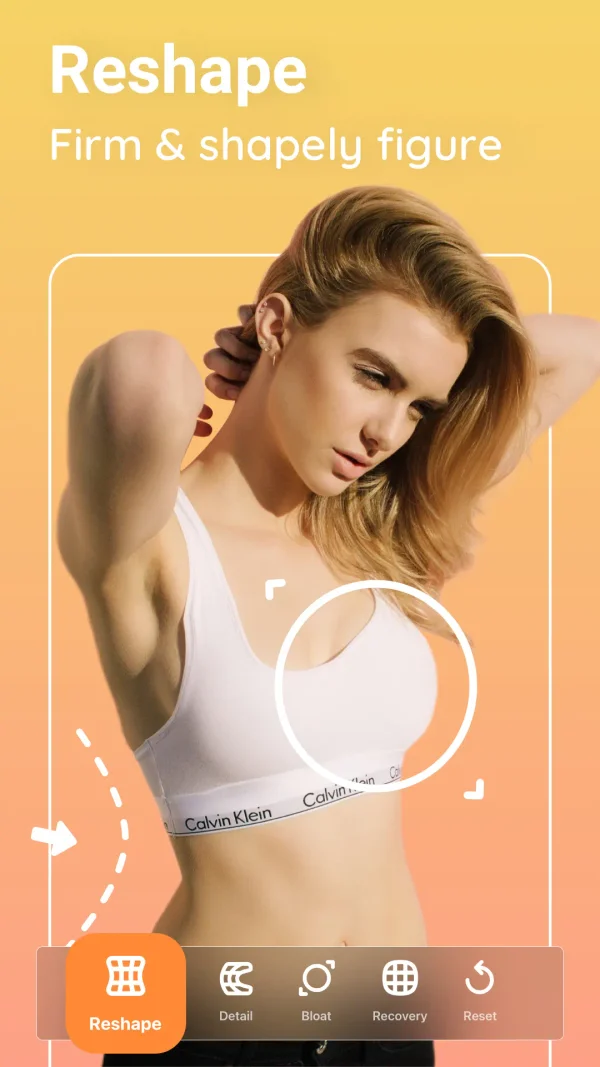
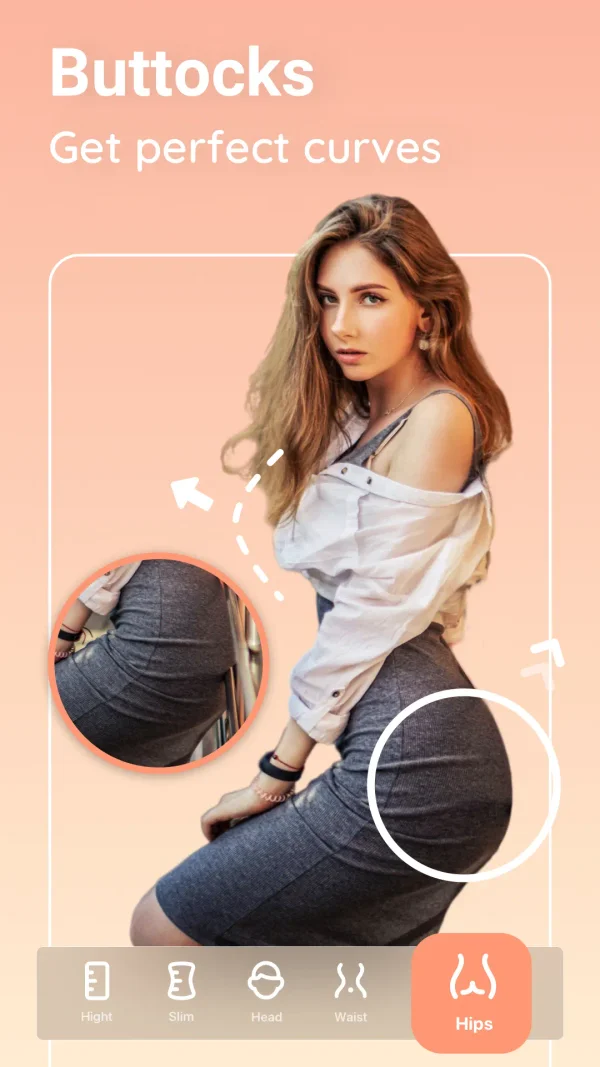
· Body Reshaping – Sculpt body proportions for your ideal figure
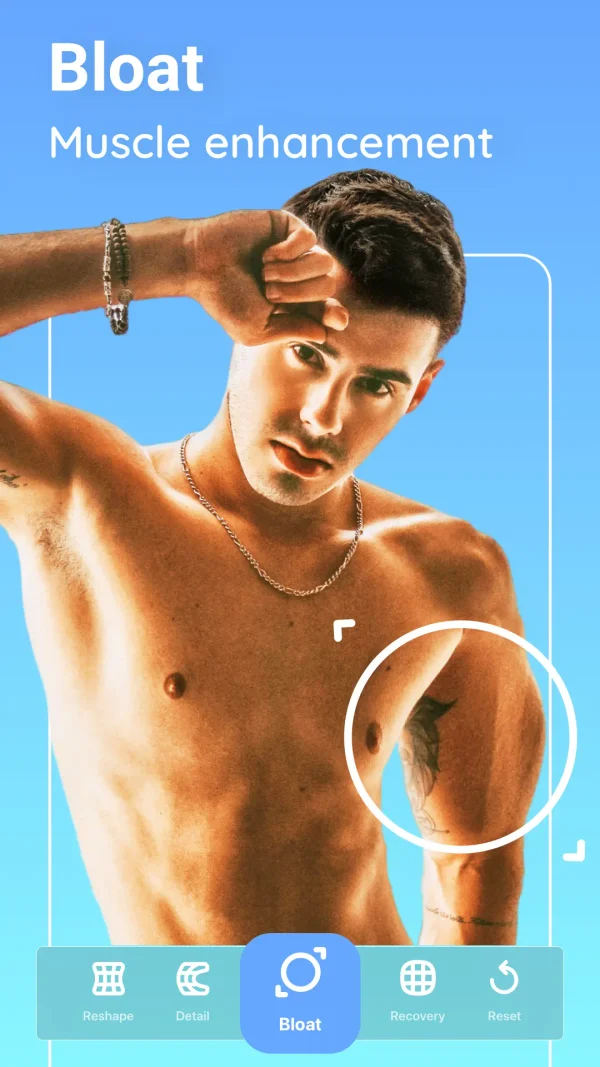
· Muscle Sculpting – Enhance abs, arms, chest, and leg definition
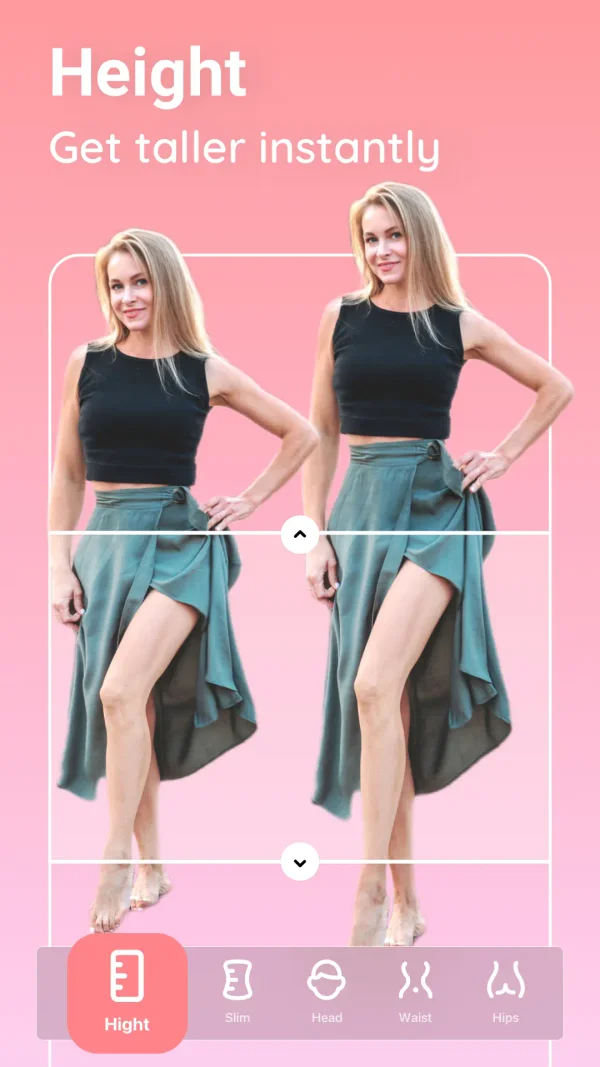
· Get Taller & Slim – Elongate legs and slim down the silhouette
· Curve Enhancing – Accentuate hips, waist, and bust for perfect curves
· Define Your Curves – Shape and contour your body naturally
· Body Optimization – Full-body balance and proportions
✨ Face Sculpting
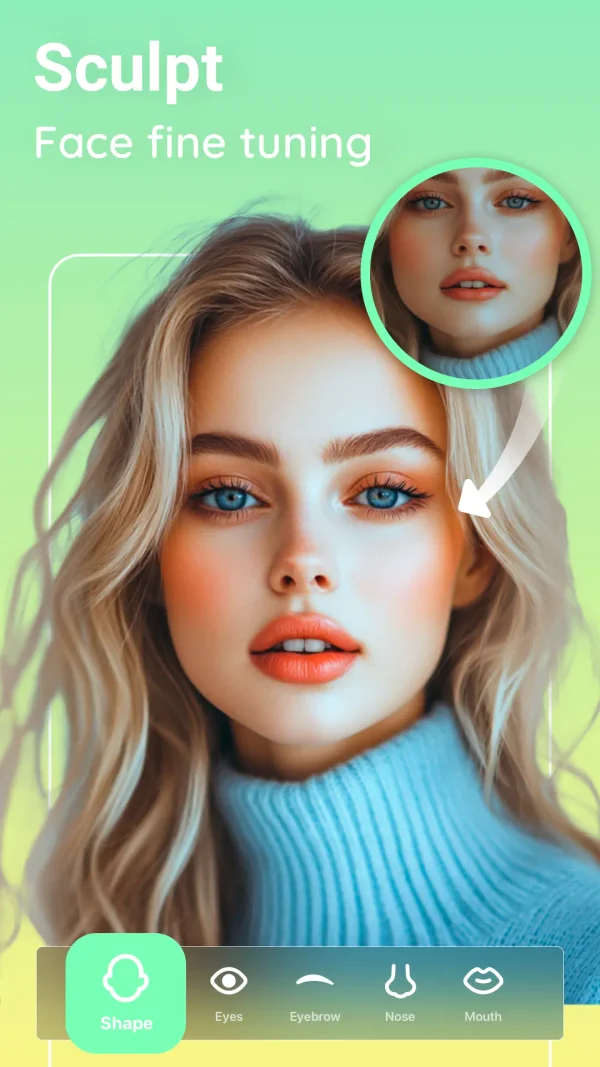
· Plump – Add a dewy glow and natural fullness for a fresher look
· Lift – Tighten and define facial contours for a more sculpted look
· Touch Up – Refine facial details for a polished finish
🌟 Skin Retouching
· Smooth Skin – Blur pores, texture and uneven tones
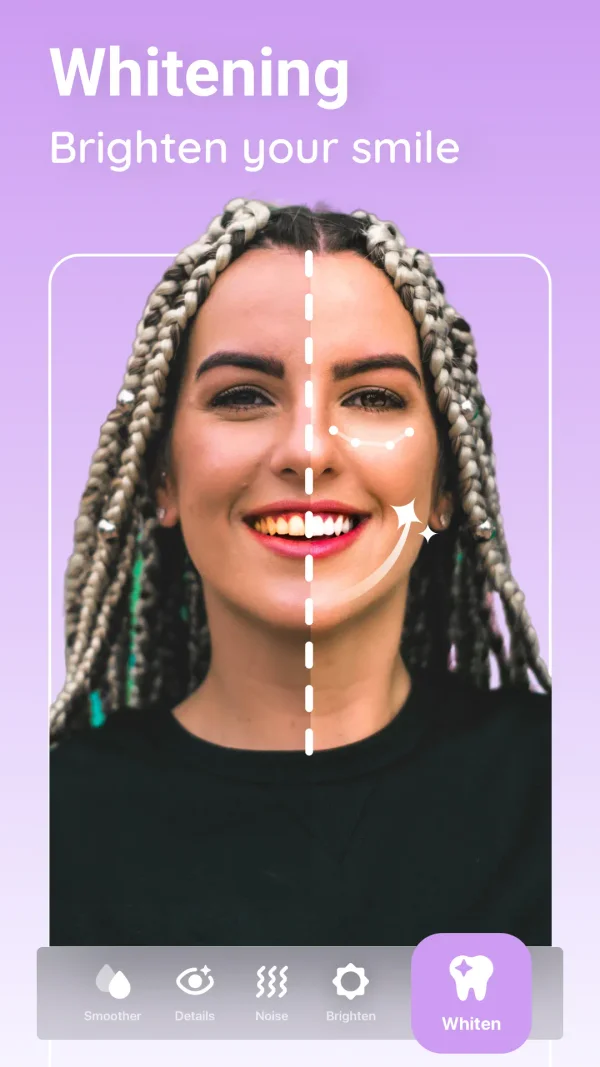
· Whiten Teeth – Brighten your smile with precision
· Remove Blemishes – Tap to erase acne, marks, and redness
· Fix Wrinkles – Reduce fine lines and signs of aging
· Matte Finish Tool – Remove oily shine for a polished look
· AI Retouch for Group Photos – Retouch multiple faces
💡 Relight
· Custom Light – Move the light source freely to shape your look with natural light and shadow
· AI Light – Use Auto Light for quick enhancement
· Backlight – Brighten portraits from behind for more depth
· Hair Light – Add a soft glow and bring out more detail around the hair
🪞 Virtual Makeup
· AI Makeup – Apply realistic lipstick, blush, eyeshadow & brow styles
· Lip Shaping – Refine lip position, proportions, and size for a polished look
· Makeup Templates – One-tap facial enhancement with presets
🎨 Hairstyling
· Hair Volume Boost – Add fullness and natural bounce
· Hair Density Optimization – Thicken sparse areas evenly
· Hairline Refinement – Adjust hairline for a natural result
· Hair Color Changer – Explore vibrant shades and multi-tone blends
👀 Eye Enhancer
· Brighten Eyes – Naturally lighten and enhance eye clarity
· Remove Dark Circles – Erase under-eye shadows for a fresher look
· Adjust Eye Distance – Fine-tune symmetry between eyes
· Eyelid & Arch Control – Refine eyelid shape and brow arch height
🔧 Essential Photo Editing Tools
Beyond beauty and body edits, Peachy comes fully equipped with a suite of essential tools to elevate any image:
· Crop & Rotate – Frame your photo perfectly for any social platform
· Adjust – Fine-tune brightness, contrast, warmth, sharpness, shadows & more
· AI Object Remover – Instantly erase distractions without a trace
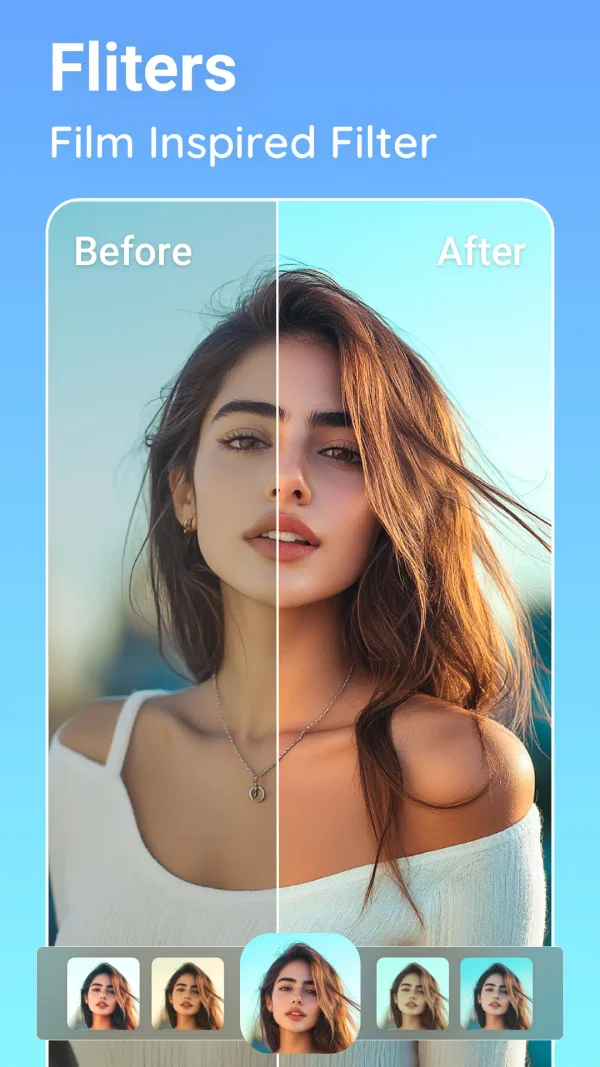
· Filters & Presets – Apply stunning filters or use AI-optimized presets for flawless selfies
Perfect every detail, from composition to color.
Your privacy is our priority — we never leak or store your personal data. Peachy adheres strictly to platform policies and industry standards for data protection. Any suggestion? Contact us at: peachy.android@inshot.com 📲 We’d love to hear from you!
Data safety
What InShot Video Editor declares on Google Play about the data this app collects and shares.
- No data shared with third partiesLearn more about how developers declare sharing
- This app may collect these data typesPersonal info, Photos and videos and 3 others
- Data is encrypted in transit
- Data can’t be deleted
What’s new
Version 1.291.76 · Nov 23, 2026
[Remove] Auto-detects passersby and objects. In Advanced, use Marquee or Lasso for more precise removal.
[Area Adjustment] Detects subject, background, skin, and clothing so each area can be adjusted separately.
[Teeth] Tidy adds Natural for subtle straightening and Polished for a more refined result.
[Brush] Adjust brush size across tools for finer edits.
Bug fixes and other improvements
📩 Enjoy using Peachy and let us know your thoughts♥️ Our email: peachy.android@inshot.com.
Developer contact
- Websiteinshot.com
- Emailpeachy.android@inshot.com
- Privacy policyinshot.cc
- Address8 TEMASEK BOULEVARD #20-01/04 SUNTEC TOWER THREE Singapore 038988
Information
- Offered by
- InShot Video Editor
- Category
- Photography
- Version
- 1.291.76
- Updated
- Nov 23, 2026
- Released
- Oct 17, 2023
- Requires
- Android 9 or later
- Age rating
- Everyone 10+
- Price
- Free
- In-app purchases
- $0.99 - $39.99 per item
- Package name
- peachy.bodyeditor.faceapp
Similar apps
-
 Hotune Body Editor & Face Slim
Entertainment
-
 Face Editor, Retouch - FixPlus
Health & Fitness
-
 BeautyPlus-Selfie Photo Editor
Photography
-
 Beauty Camera - Selfie Camera
Beauty
-
 FaceLab: AI Aging, Hair Filter
Photography
-
 Pic Retouch - Remove Objects
Photography
-
 Meitu AI Photo & Video Editor
Photography
-
 Facetune: Face & Photo Editor
Photography
-
 Photo Studio: AI Photo Editor
Photography
-
 Photo Editor:Pic Collage Maker
Photography
-
 PhotoBoost: AI Photo Enhancer
Photography
-
 AI Video Enhancer - Utool
Video Players & Editors