Pic Retouch - Remove Objects
InShot Inc.Contains ads · In-app purchases
- EveryoneAge rating
- PhotographyCategory
- Nov 18, 2026Updated
- FreePrice
Links to the official Google Play listing of photoeditor.photoretouch.removeobjects.retouch. Last checked on Nov 19, 2026.
Screenshots
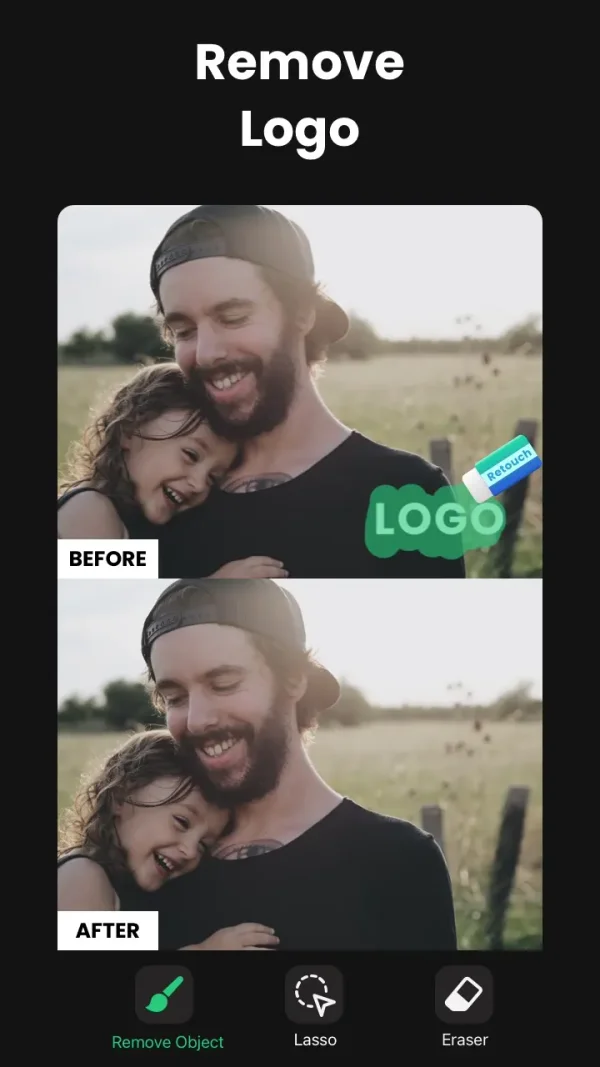
About this app
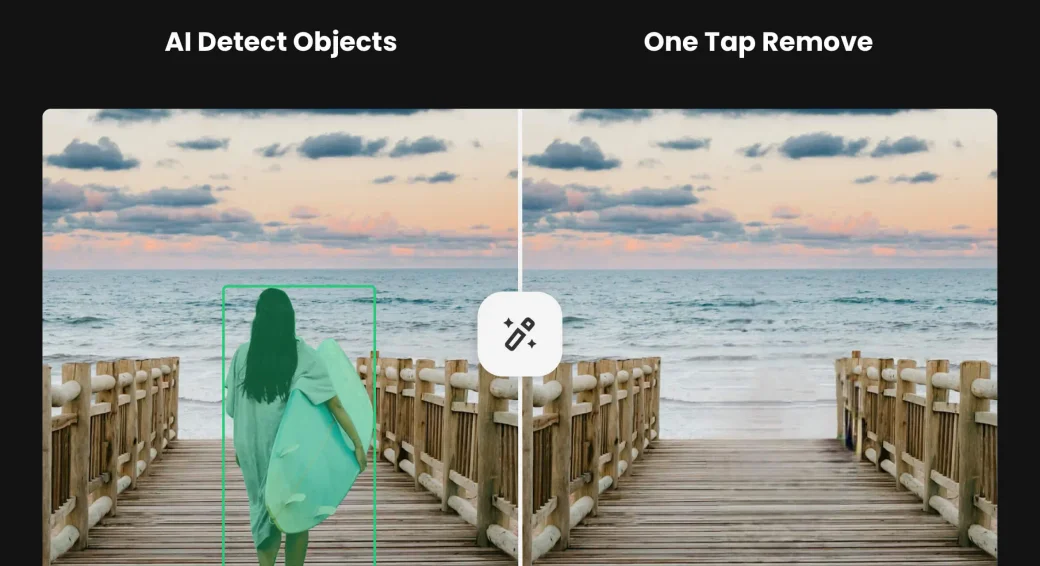
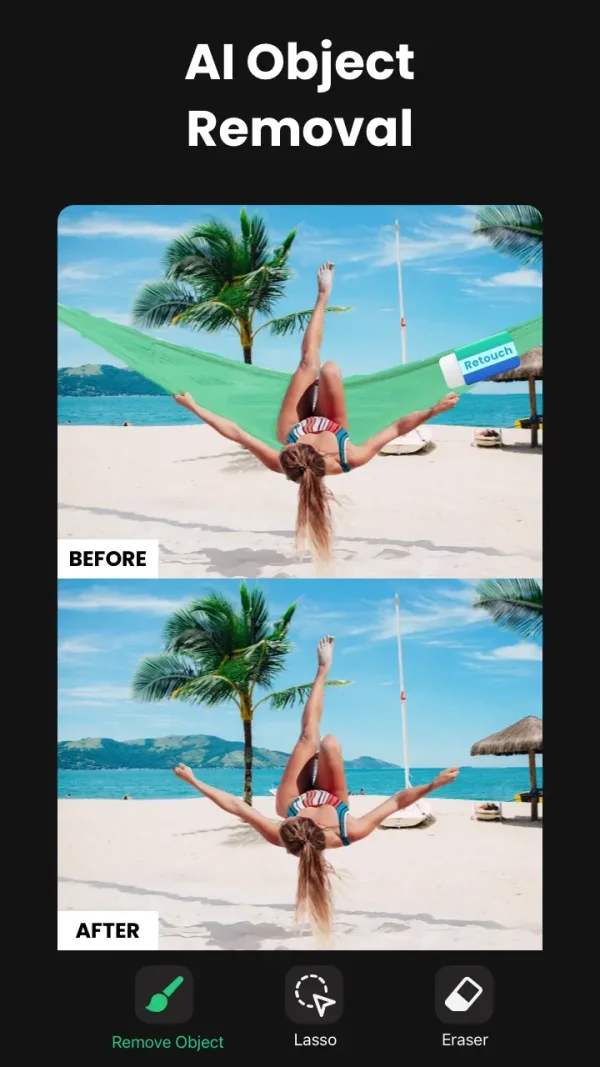
Remove objects, logo, text & blemish in one tap with AI Pic Retouch photo editor
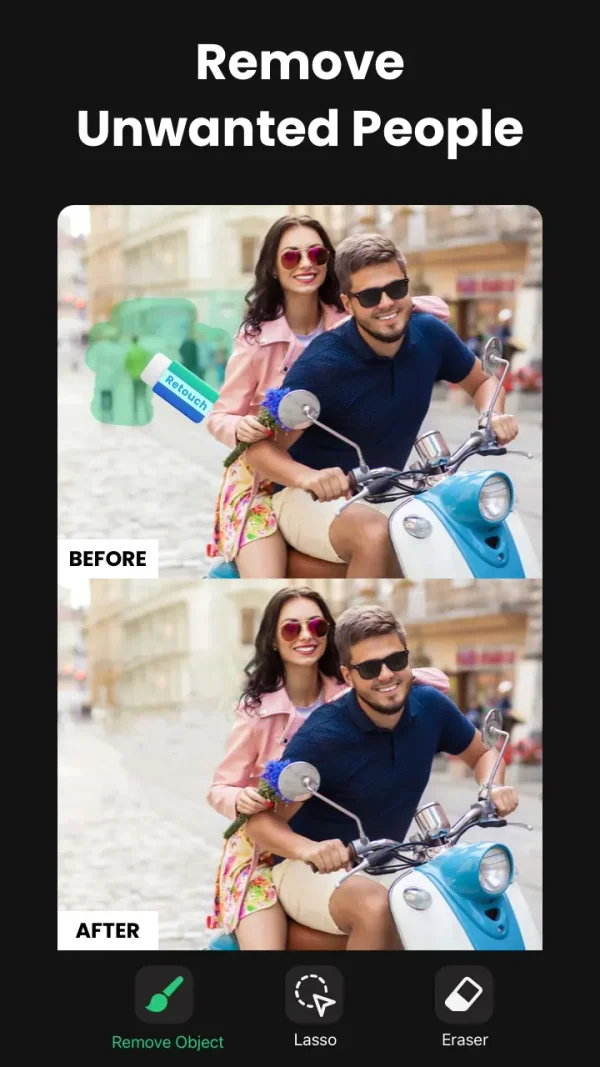
Say bye-bye to passersby or unwanted objects in photos, with the AI pocket app, Remove Objects - Pic Retouch!
One tap to remove unwanted object naturally, logo, people, text, blemish, sticker, watermark… Remove Objects - Pic Retouch is your ultimate choice definitely. Try the magic AI mode to select & remove unwanted object in seconds with AI detection.
An unwanted object, no matter how tiny, may completely spoil your photo. But with this super easy & time-saving photo eraser, all photos will be as clean as you expect effortlessly.
✨ Key Features:
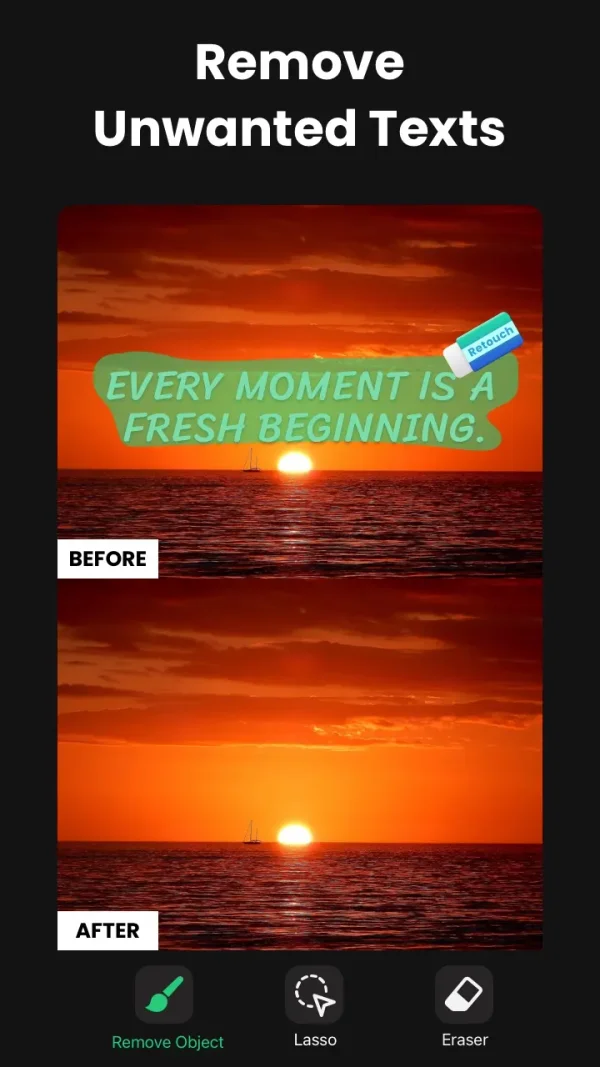
✅ Erase unwanted watermark, text, caption, logo, stickers…
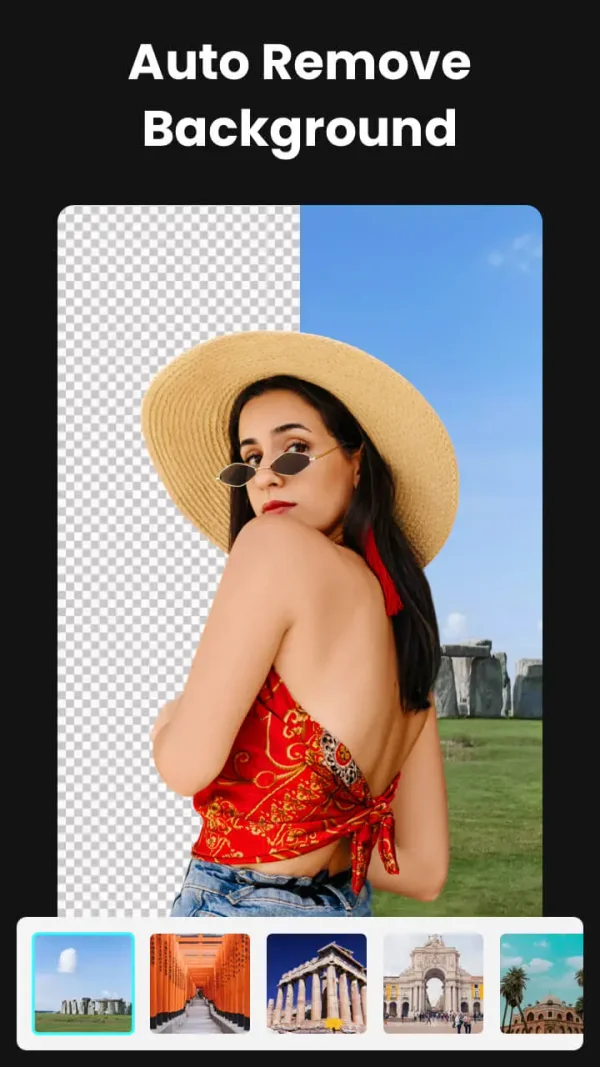
✅ Auto change background to any color or scene in seconds
✅ Clone Object: Clone yourself or other objects to experience funny effect and fix distortions in the background creatively
✅ Remove background people or even the ex you once took photo with
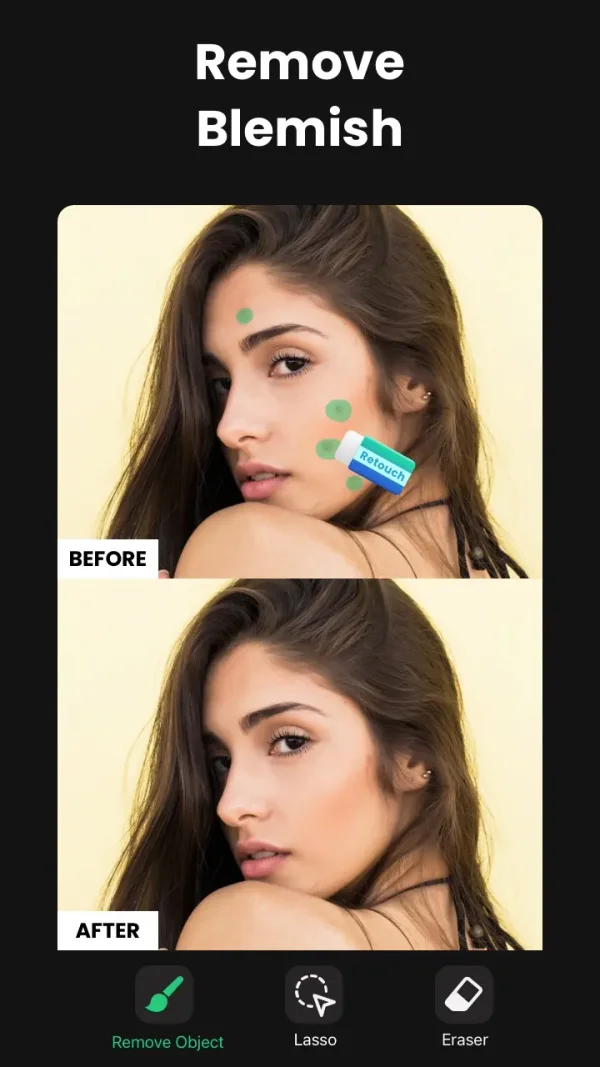
✅ Remove skin blemish, acne, pimple to shine the real you
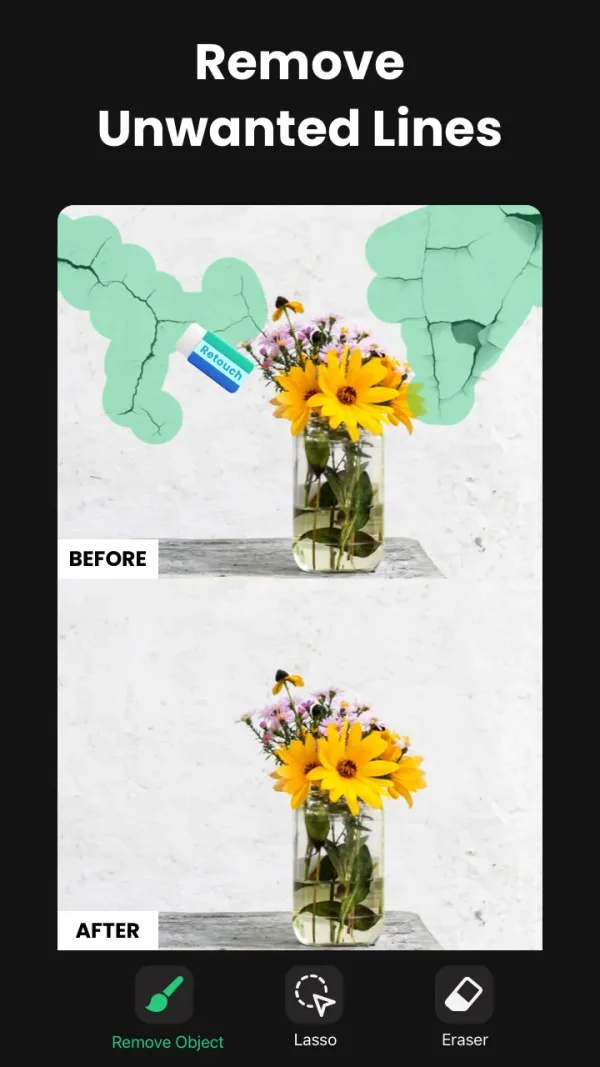
✅ Delete powerlines, wires or other wirelike objects
✅ Remove objects like traffic light, trash can, street sign
✅ Remove whatever you feel is ruining your photos with one touch
✅ Clean up photos like a pro with simple in-app tutorial
🔍 Handy Tools Only in Pic Retouch:
• Use Brush to draw over unwanted objects
• Outline object or area you want to delete with Lasso tool
• Try Eraser to optimize brushed area and make perfect object removal
• Adjust brush size to fit your editing needs
• Pinch-to-zoom interface helps you remove objects precisely
• AI processing tool to remove objects from photo fast & smoothly
• Redo/Undo gives you a pill of regret
• Before/After allows you to check changes more clearly
How To Use? 💡
① Select photo from gallery or camera
② Brush over or outline unwanted objects
③ Use eraser to optimize brushed area
④ Click "Remove" to let Retouch show its magic
⑤ Save & share stunning photo retouch artwork to Instagram, WhatsApp…
🎉 Coming Soon:
- Paste Photo: Copy & paste any area precisely with one tap
No need to find another app, Pic Retouch is your one-stop photo editor & object remover. Brush over unwanted objects and remove objects from photo effectively with one tap. Besides, eraser, before/after, redo/undo will be your ace assistant to help remove objects in the most natural way. Finally, it’s your time to show it off to the world!
Now, let Remove Objects - Pic Retouch take your photo retouch & object removal experience to the next level. No matter what is spoiling your photo, Pic Retouch photo editor is always here to help you fix imperfections. And we’ve been committed to making it a better photo eraser. So if you have any problems or suggestions, please don’t hesitate to contact us at photostudio.feedback@gmail.com
Data safety
What InShot Inc. declares on Google Play about the data this app collects and shares.
- No data shared with third partiesLearn more about how developers declare sharing
- This app may collect these data typesPersonal info, Photos and videos and 4 others
- Data is encrypted in transit
- You can request that data be deleted
What’s new
Version 1.39.100 · Nov 18, 2026
🌈 Your Memories, Now in Color! Turn black-and-white photos into colorful keepsakes with the new Colorize feature.
✨ AI Edit, Better Than Ever! Enjoy a smoother editing experience, from your first idea to the final touch.
🧹 Glitch-Free: We've swept away the bugs and boosted stability.
Developer contact
- Websiteinshot.app
- Emailcameras.ideas@gmail.com
- Privacy policyinshotapp.com
- Address8 The Grn Ste R Dover, DE 19901-3618 United States
Information
- Offered by
- InShot Inc.
- Category
- Photography
- Version
- 1.39.100
- Updated
- Nov 18, 2026
- Released
- Aug 23, 2022
- Requires
- Android 9 or later
- Age rating
- Everyone
- Price
- Free
- In-app purchases
- $0.49 - $39.99 per item
- Package name
- photoeditor.photoretouch.removeobjects.retouch
Similar apps
-
 Hotune Body Editor & Face Slim
Entertainment
-
 Magic Eraser - Remove Objects
Photography
-
 FaceLab: AI Aging, Hair Filter
Photography
-
 Photo Editor:Pic Collage Maker
Photography
-
 LINE Camera - Photo editor
Photography
-
 Cut Cut: Photo Editor & CutOut
Photography
-
 Photo Retouch-Object Removal
Photography
-
 Pic Collage Maker Photo Editor
Photography
-
 Photoroom: AI Photo & Video
Photography
-
 Background Eraser Photo Editor
Photography
-
 BeautyPlus-Selfie Photo Editor
Photography
-
 Peachy: Face App & Body Editor
Photography