PictoBlox Studio
STEMpedia- EveryoneAge rating
- EducationCategory
- Oct 20, 2026Updated
- FreePrice
Links to the official Google Play listing of io.stempedia.pictobloxai. Last checked on Nov 14, 2026.

Screenshots
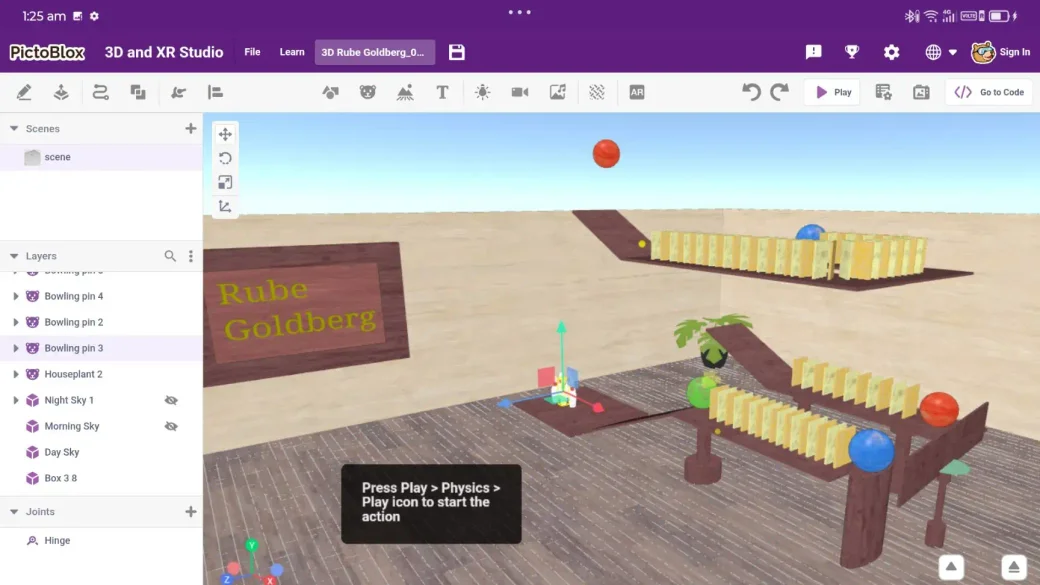
About this app
Code with blocks and Python, build AI models, 3D/XR projects and digital art.
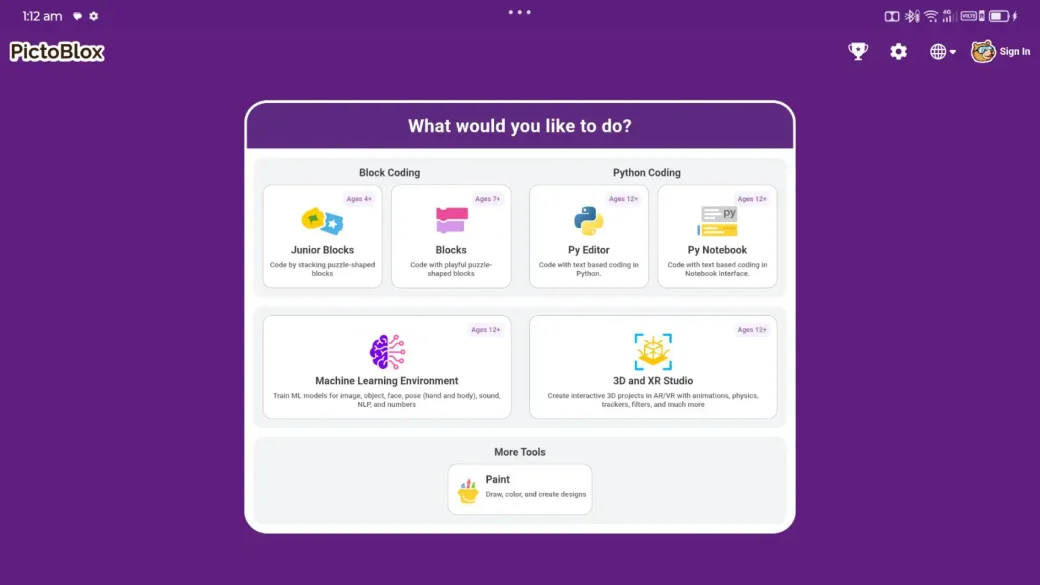
PictoBlox Studio is a creative coding, artificial intelligence and interactive learning environment from STEMpedia. It brings block coding, Python programming, machine learning, 3D and XR creation, and digital art together in one application.
Choose an environment based on your interests and experience:
Junior Blocks — Ages 4+
Start coding by stacking simple puzzle-shaped blocks designed for young learners.
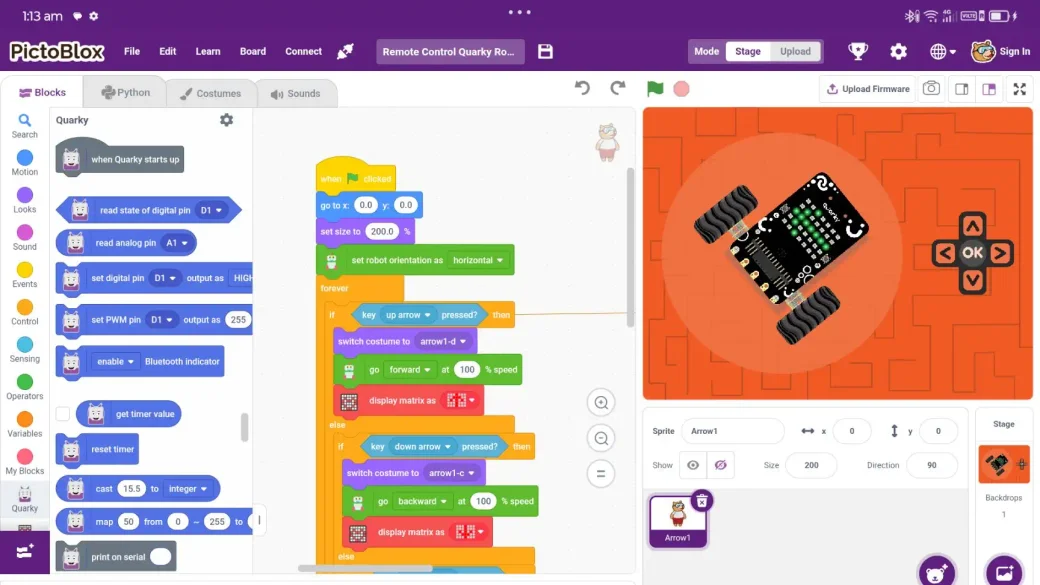
Blocks — Ages 7+
Create animations, games and interactive projects using playful block-based programming.
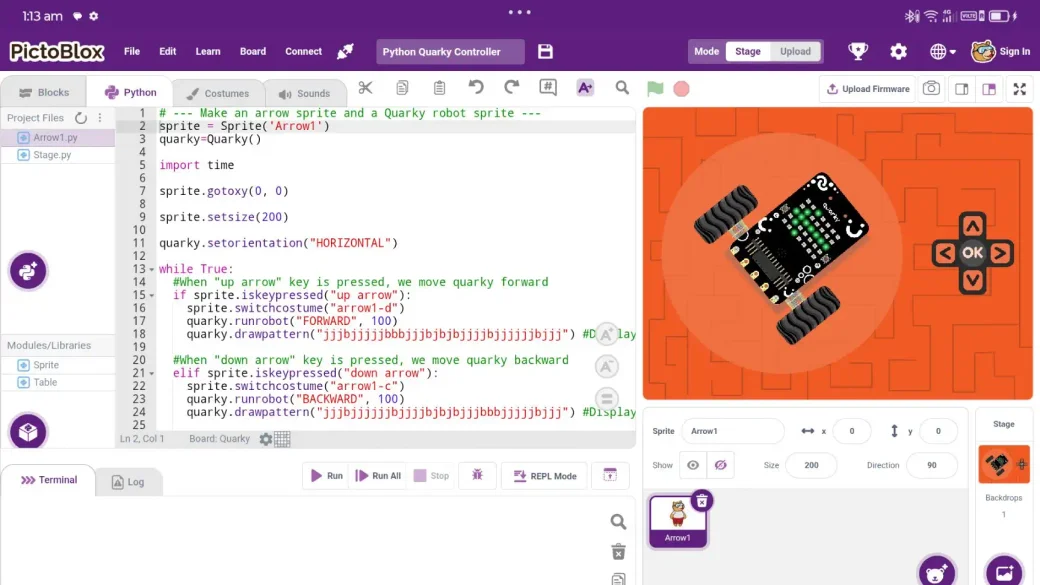
Py Editor — Ages 12+
Write and run text-based Python programs in a dedicated coding environment.
Py Notebook — Ages 12+
Learn, experiment and create with Python using an interactive notebook interface.
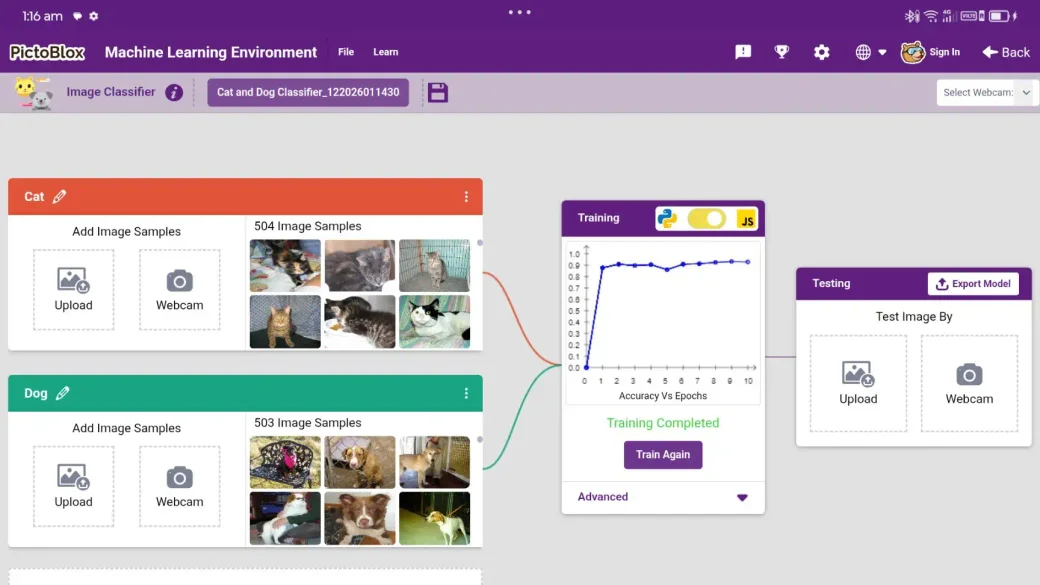
Machine Learning Environment — Ages 12+
Create and train machine learning models for images, objects, faces, hand and body poses, sounds, natural language and numbers.
3D and XR Studio — Ages 12+
Build interactive 3D, augmented reality and virtual reality projects using animations, physics, trackers, filters and other creative tools.
Paint
Draw, colour and create original digital designs.
PictoBlox Studio supports progressive learning—from introductory visual coding to Python, artificial intelligence, machine learning and immersive project creation. It is designed for students, educators, makers and anyone interested in learning through hands-on creation.
Some features may require an internet connection, a STEMpedia account, compatible hardware, or permission to use Bluetooth, nearby devices, camera, microphone and files. Feature availability may vary by device.
Data safety
What STEMpedia declares on Google Play about the data this app collects and shares.
- No data shared with third partiesLearn more about how developers declare sharing
- This app may collect these data typesLocation, Personal info and 6 others
- Data is encrypted in transit
- You can request that data be deleted
- Committed to follow the Play Families Policy
What’s new
Version 1.0.46 · Oct 20, 2026
What's New:
- Added Intellio Camera support for Machine Learning.
- Improved touch responsiveness for a smoother experience.
- Introduced a new folder structure for easier project saving and loading.
- Added support for importing external .sb3 and .xr3 project files.
- Added on-stage directional arrow controls (Up, Down, Left, and Right) for easier navigation and interaction.
Developer contact
- Websitepictoblox.ai
- Emailsupport@thestempedia.com
- Privacy policythestempedia.com
- Address905 To 908, Abhijeet 1, Mithakhali Six Roads, Ellisbridge Ahmedabad, Gujarat 380006 India
Information
- Offered by
- STEMpedia
- Category
- Education
- Version
- 1.0.46
- Updated
- Oct 20, 2026
- Released
- Sep 16, 2026
- Requires
- Android 7.0 or later
- Age rating
- Everyone
- Price
- Free
- Package name
- io.stempedia.pictobloxai