PictoBlox Studio
STEMpedia- 3 歳以上対象年齢
- 教育カテゴリ
- 2026/10/20更新日
- 無料価格
io.stempedia.pictobloxaiのGoogle Play公式ページにリンクしています。最終確認:2026/11/14。
スクリーンショット
このアプリについて
Googleによる英語 (アメリカ合衆国)からの自動翻訳です。
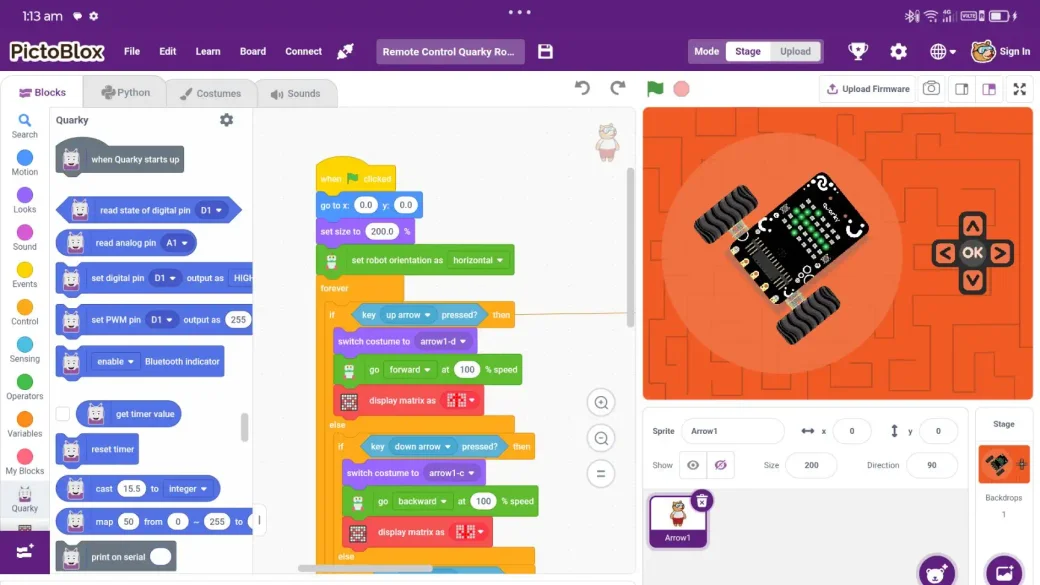
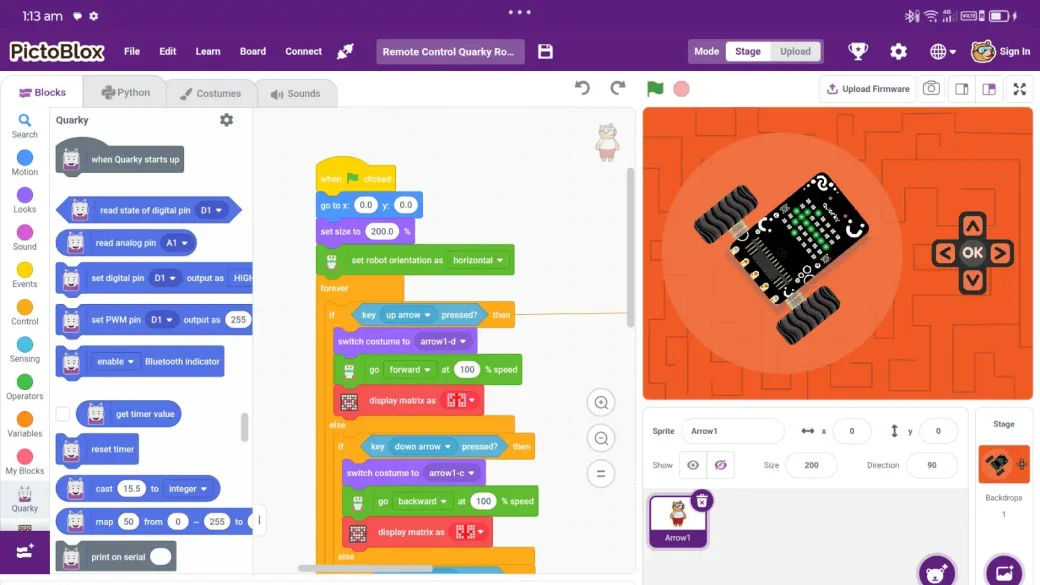
ブロックとPythonを使ってコーディングし、AIモデル、3D/XRプロジェクト、デジタルアートを構築しましょう。
PictoBlox Studioは、STEMpediaが提供する、クリエイティブなコーディング、人工知能、インタラクティブな学習環境です。ブロックコーディング、Pythonプログラミング、機械学習、3DおよびXR制作、デジタルアートを一つのアプリケーションに統合しています。
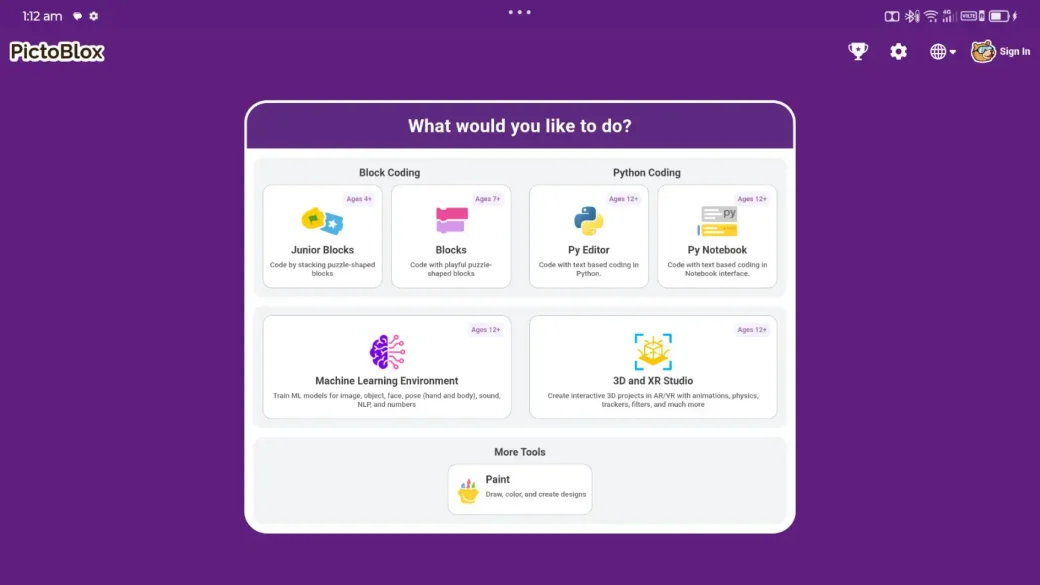
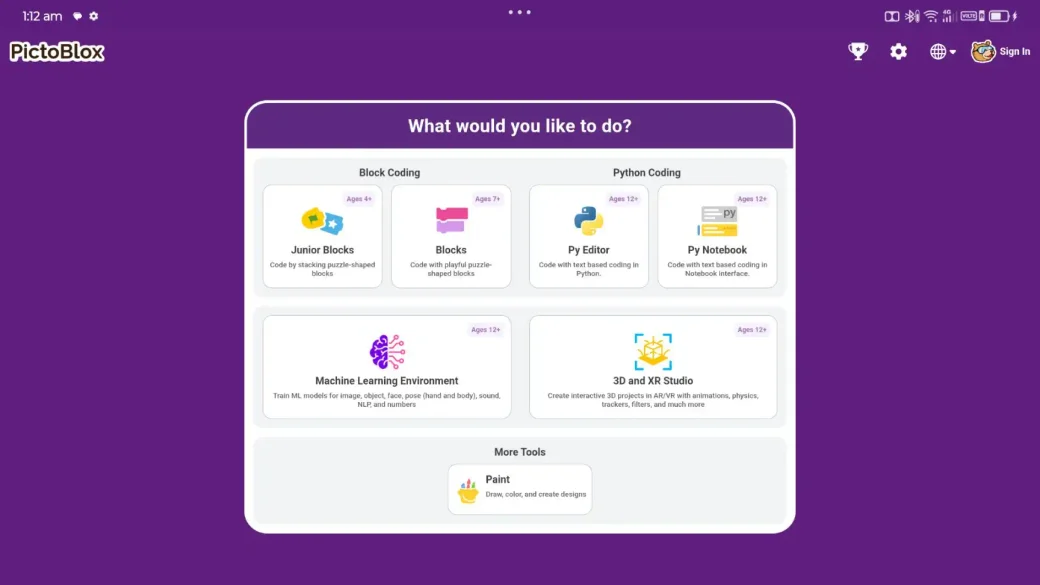
興味や経験に合わせて環境を選びましょう:
ジュニアブロック — 4歳以上
小さなお子様向けにデザインされたシンプルなパズル型のブロックを積み重ねて、コーディングを始めましょう。
ブロック — 7歳以上
遊び心あふれるブロックベースのプログラミングで、アニメーション、ゲーム、インタラクティブなプロジェクトを作成できます。
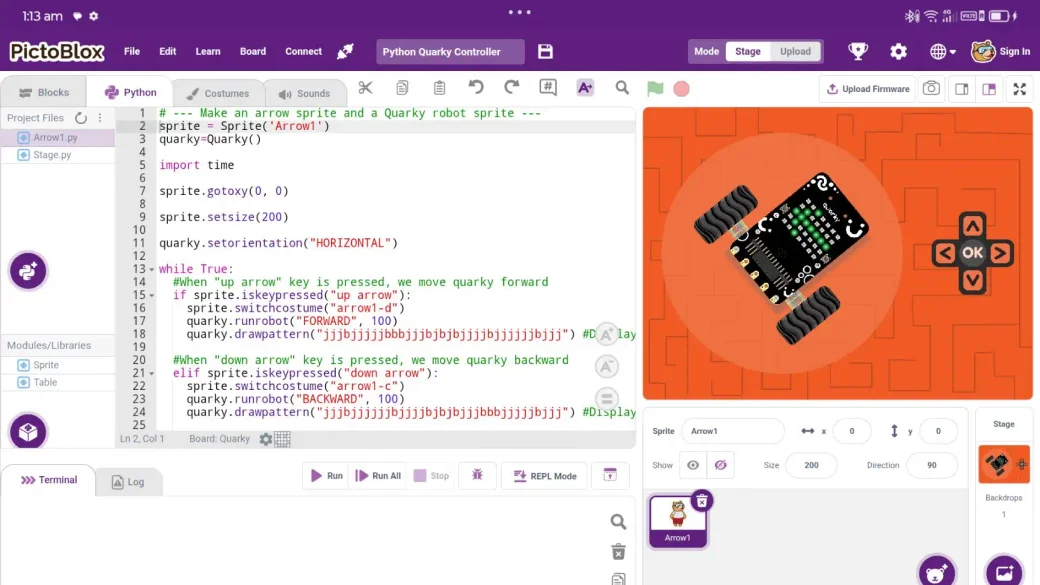
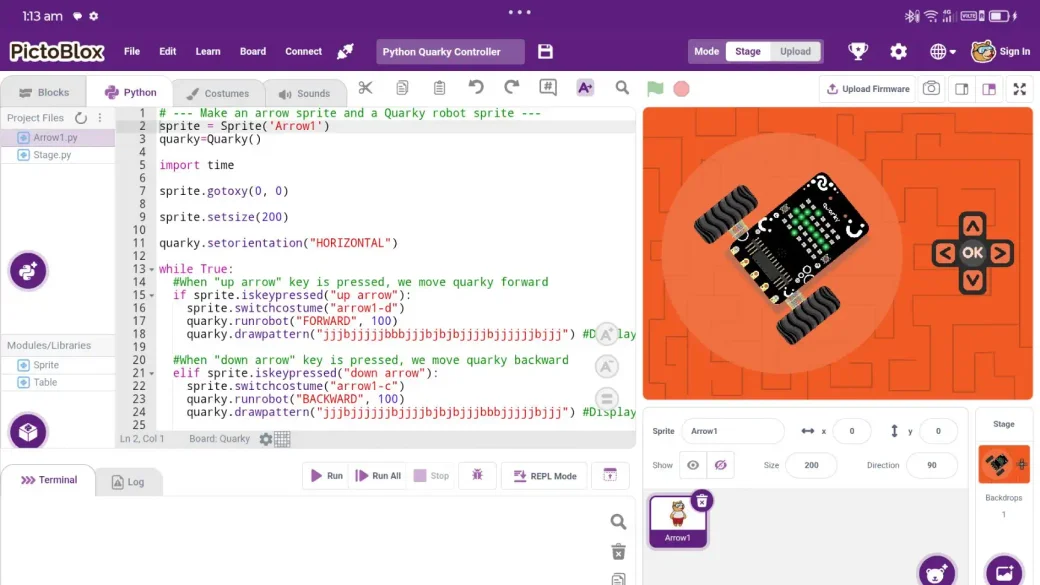
Pyエディタ — 12歳以上
専用のコーディング環境で、テキストベースのPythonプログラムを記述・実行できます。
Pyノートブック — 12歳以上
インタラクティブなノートブックインターフェースを使って、Pythonを学び、実験し、創造しましょう。
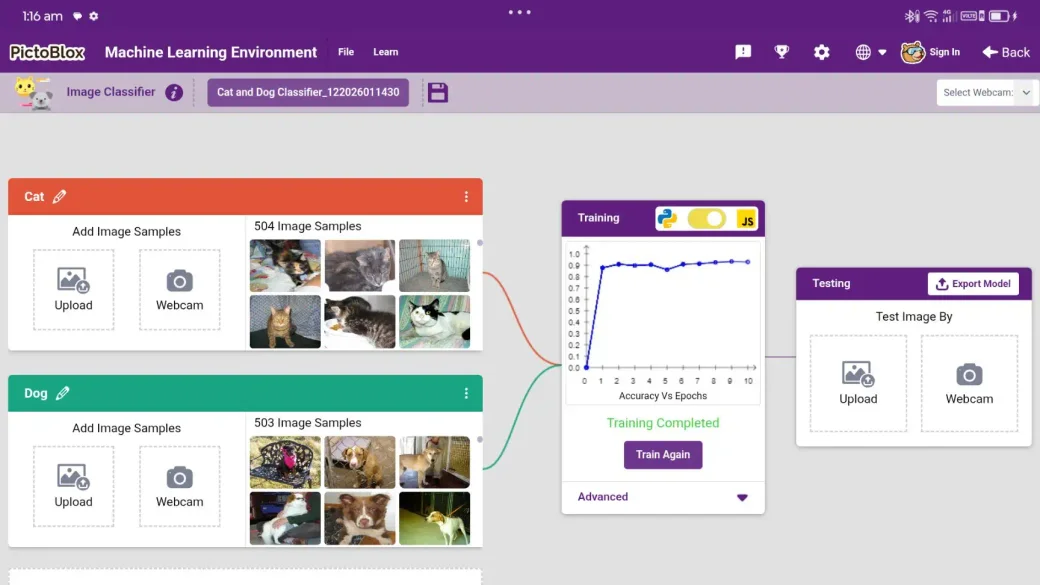
機械学習環境 — 12歳以上
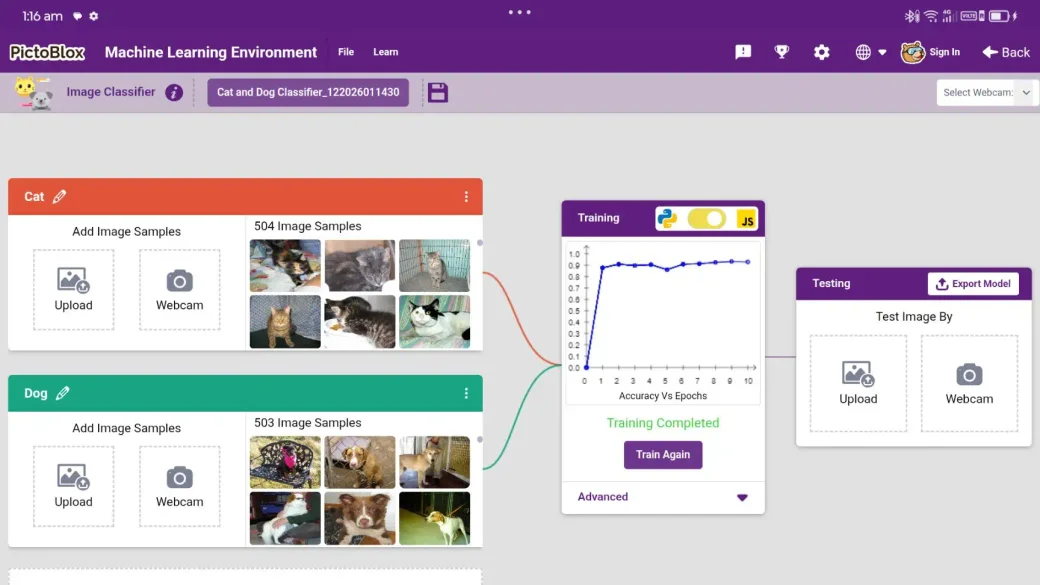
画像、物体、顔、手や体のポーズ、音、自然言語、数字などの機械学習モデルを作成・学習できます。
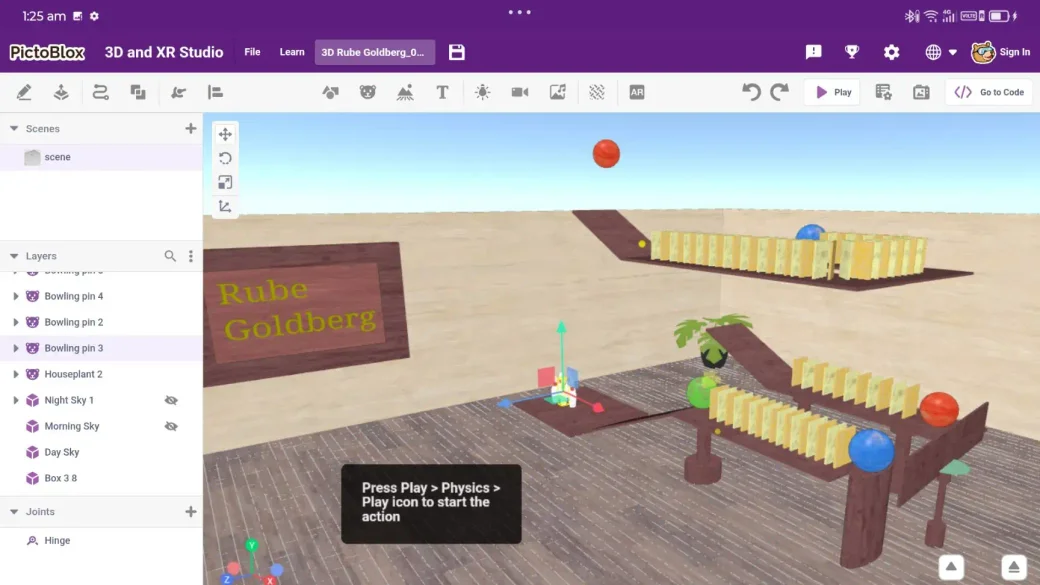
3D&XRスタジオ ― 対象年齢12歳以上
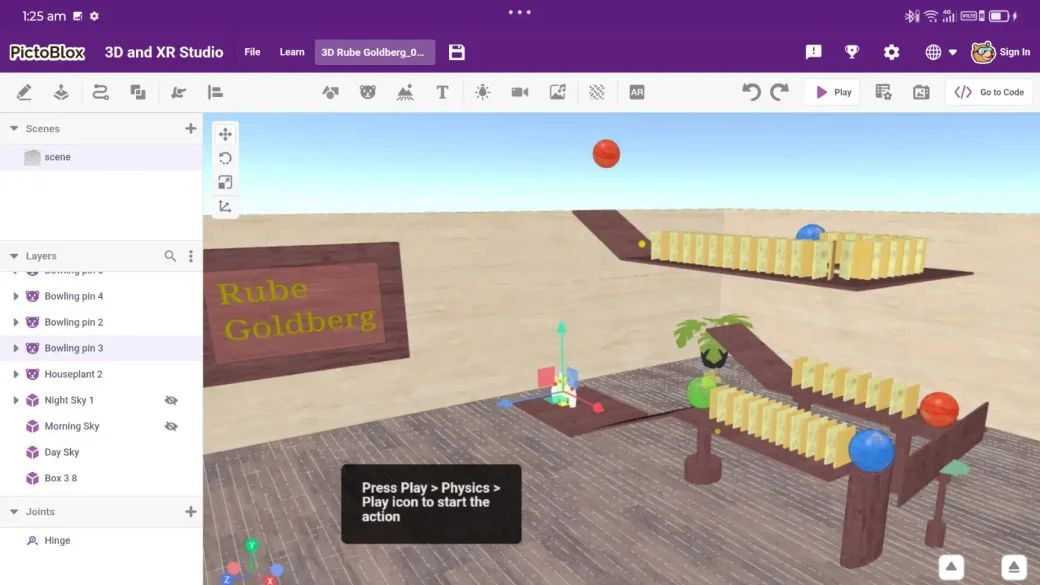
アニメーション、物理演算、トラッカー、フィルターなどのクリエイティブツールを使って、インタラクティブな3D、拡張現実(AR)、仮想現実(VR)プロジェクトを作成できます。
ペイント
オリジナルのデジタルデザインを描画、着色、作成できます。
PictoBlox Studioは、ビジュアルプログラミング入門からPython、人工知能(AI)、機械学習、没入型プロジェクト作成まで、段階的な学習をサポートします。学生、教育者、メイカー、そして実践的な制作を通して学びたいすべての人を対象としています。
一部の機能を利用するには、インターネット接続、STEMpediaアカウント、対応ハードウェア、Bluetooth、近隣デバイス、カメラ、マイク、ファイルの使用許可が必要となる場合があります。機能の利用可否はデバイスによって異なる場合があります。
原文を表示
PictoBlox Studio is a creative coding, artificial intelligence and interactive learning environment from STEMpedia. It brings block coding, Python programming, machine learning, 3D and XR creation, and digital art together in one application.
Choose an environment based on your interests and experience:
Junior Blocks — Ages 4+
Start coding by stacking simple puzzle-shaped blocks designed for young learners.
Blocks — Ages 7+
Create animations, games and interactive projects using playful block-based programming.
Py Editor — Ages 12+
Write and run text-based Python programs in a dedicated coding environment.
Py Notebook — Ages 12+
Learn, experiment and create with Python using an interactive notebook interface.
Machine Learning Environment — Ages 12+
Create and train machine learning models for images, objects, faces, hand and body poses, sounds, natural language and numbers.
3D and XR Studio — Ages 12+
Build interactive 3D, augmented reality and virtual reality projects using animations, physics, trackers, filters and other creative tools.
Paint
Draw, colour and create original digital designs.
PictoBlox Studio supports progressive learning—from introductory visual coding to Python, artificial intelligence, machine learning and immersive project creation. It is designed for students, educators, makers and anyone interested in learning through hands-on creation.
Some features may require an internet connection, a STEMpedia account, compatible hardware, or permission to use Bluetooth, nearby devices, camera, microphone and files. Feature availability may vary by device.
データ セーフティ
このアプリが収集・共有するデータについて、STEMpediaがGoogle Playで申告している内容です。
- 第三者と共有されるデータはありません詳しくは、デベロッパーが共有を申告する方法についての説明をご覧ください
- このアプリは以下の種類のデータを収集することがあります位置情報、個人情報、他 6 件
- データは送信中に暗号化されます
- データを削除するようリクエストできます
- Play ファミリー ポリシーの遵守に努めています
新機能
バージョン 1.0.46 · 2026/10/20
What's New:
- Added Intellio Camera support for Machine Learning.
- Improved touch responsiveness for a smoother experience.
- Introduced a new folder structure for easier project saving and loading.
- Added support for importing external .sb3 and .xr3 project files.
- Added on-stage directional arrow controls (Up, Down, Left, and Right) for easier navigation and interaction.
開発元の連絡先
- ウェブサイトpictoblox.ai
- メールsupport@thestempedia.com
- プライバシーポリシーthestempedia.com
- 住所905 To 908, Abhijeet 1, Mithakhali Six Roads, Ellisbridge Ahmedabad, Gujarat 380006 India
情報
- 提供元
- STEMpedia
- カテゴリ
- 教育
- バージョン
- 1.0.46
- 更新日
- 2026/10/20
- リリース
- 2026/9/16
- 必要条件
- Android 7.0以降
- 対象年齢
- 3 歳以上
- 価格
- 無料
- パッケージ名
- io.stempedia.pictobloxai