Polycam: 3D Model Maker
PolycamIn-app purchases
- EveryoneAge rating
- PhotographyCategory
- Nov 16, 2026Updated
- FreePrice
Links to the official Google Play listing of ai.polycam. Last checked on Nov 19, 2026.

Screenshots

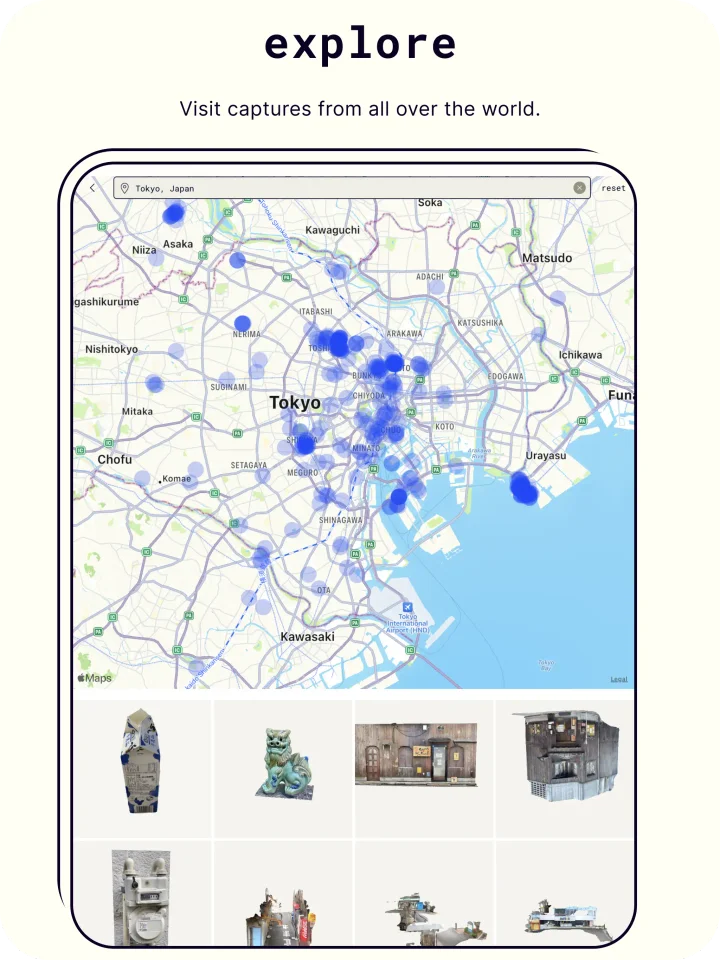
About this app
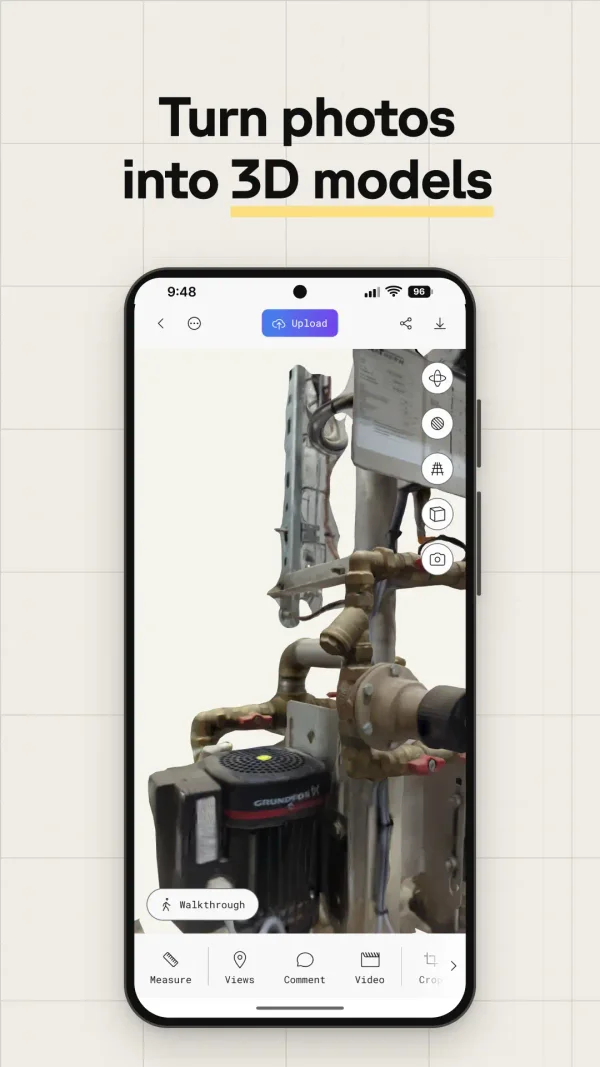
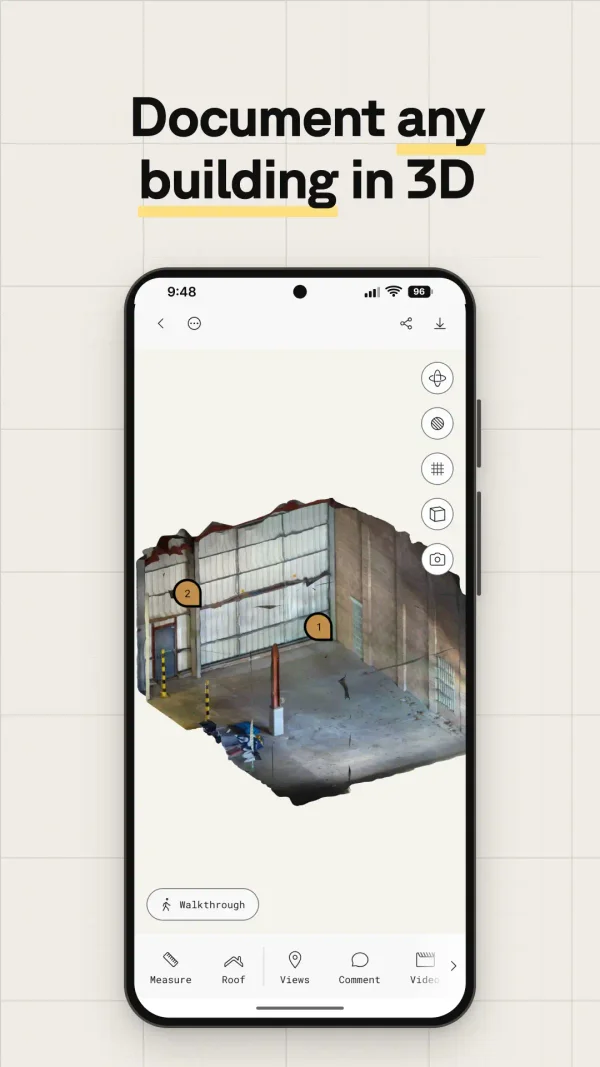
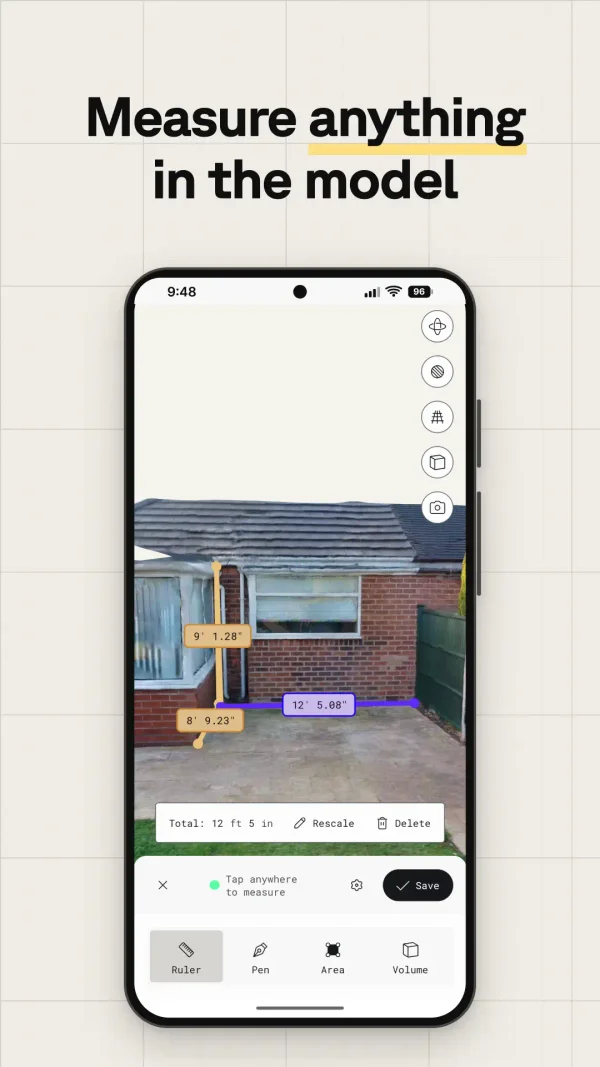
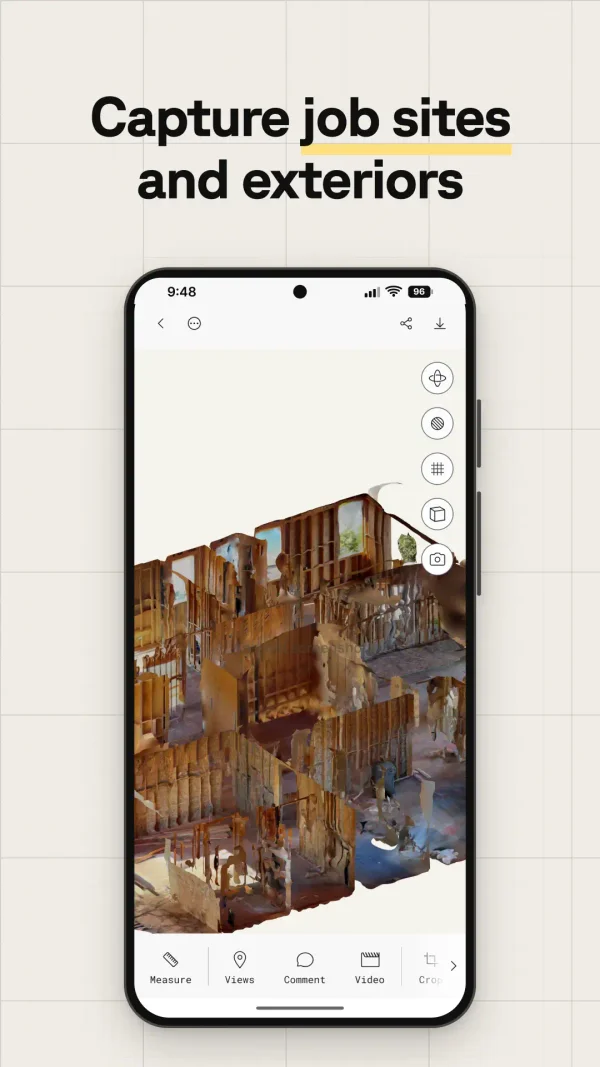
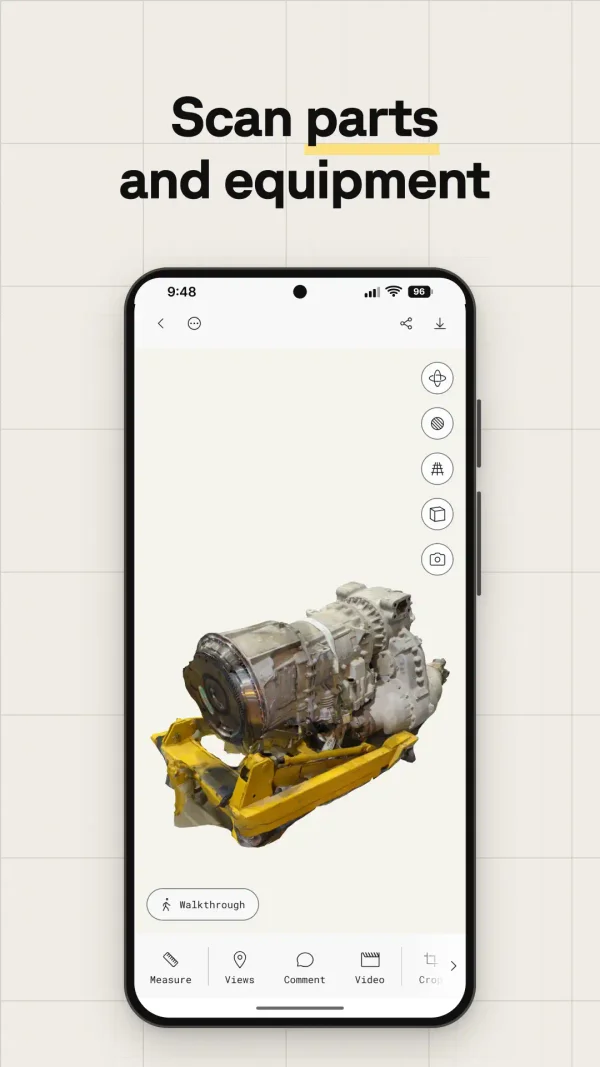
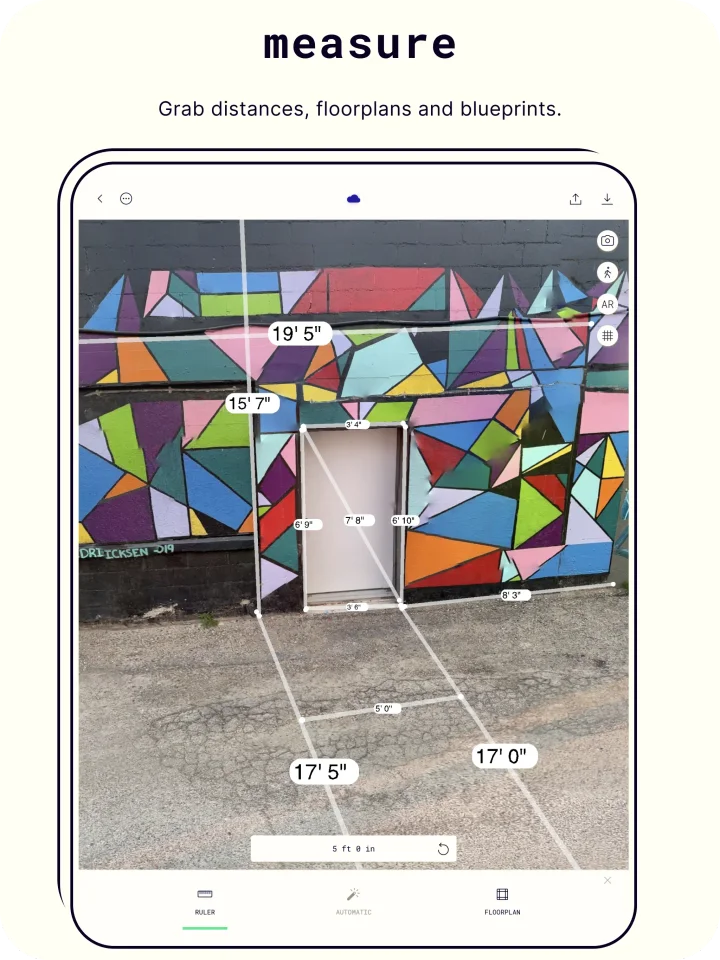
3D scanner, measuring app and room planner for sites, buildings and parts.
Discover a new dimension in photography with Polycam, the top-rated 3D capture app for Android. Ideal for architects, artists, designers, contractors, photographers, and anyone who wants to capture the world in a new way, Polycam offers innovative technology and advanced editing tools to bring your creativity to life.
Key Features:
Revolutionary 3D capture:
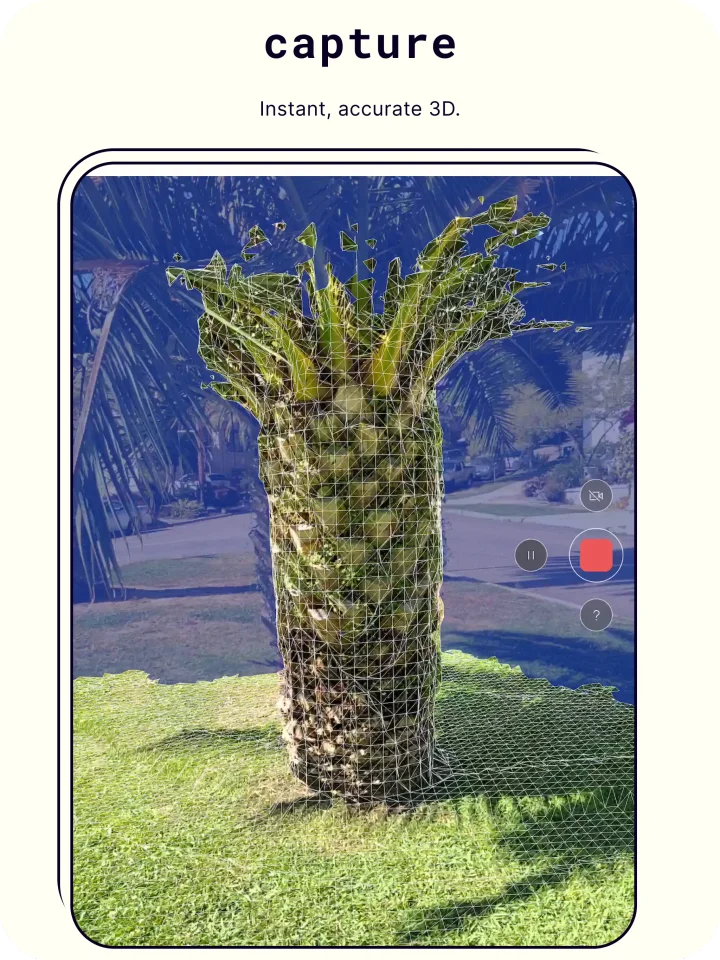
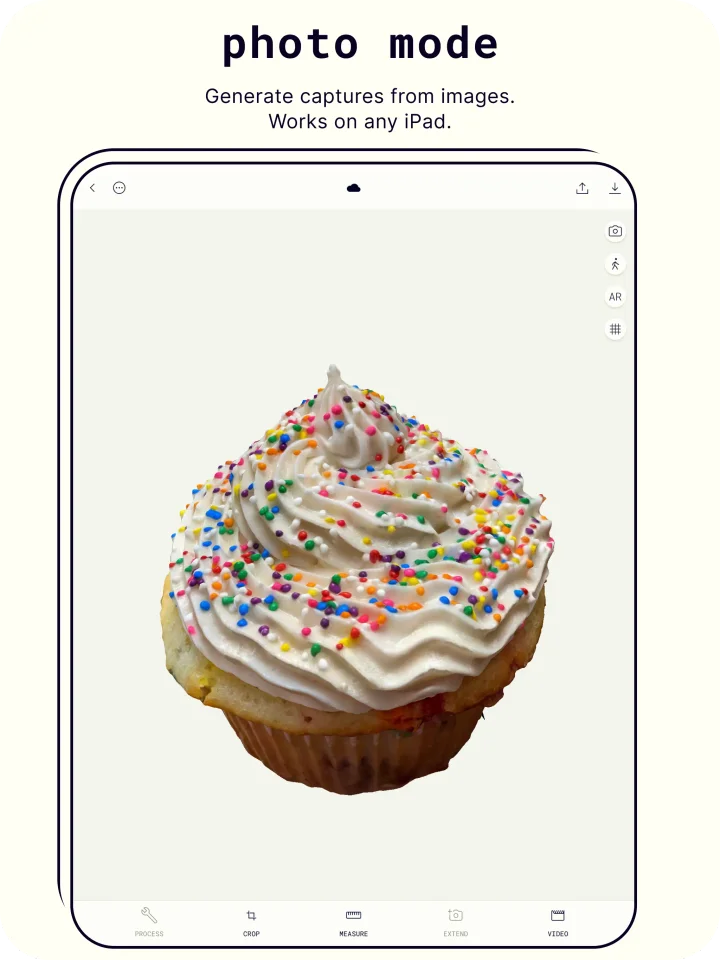
● Transform photos into 3D models with advanced photogrammetry
● Scan complex objects & scenes with intricate details
● Generate ready-to-use 3D assets for any computer graphics application
● Runs smoothly on any Android device with 2GB+ RAM
Advanced editing tools:
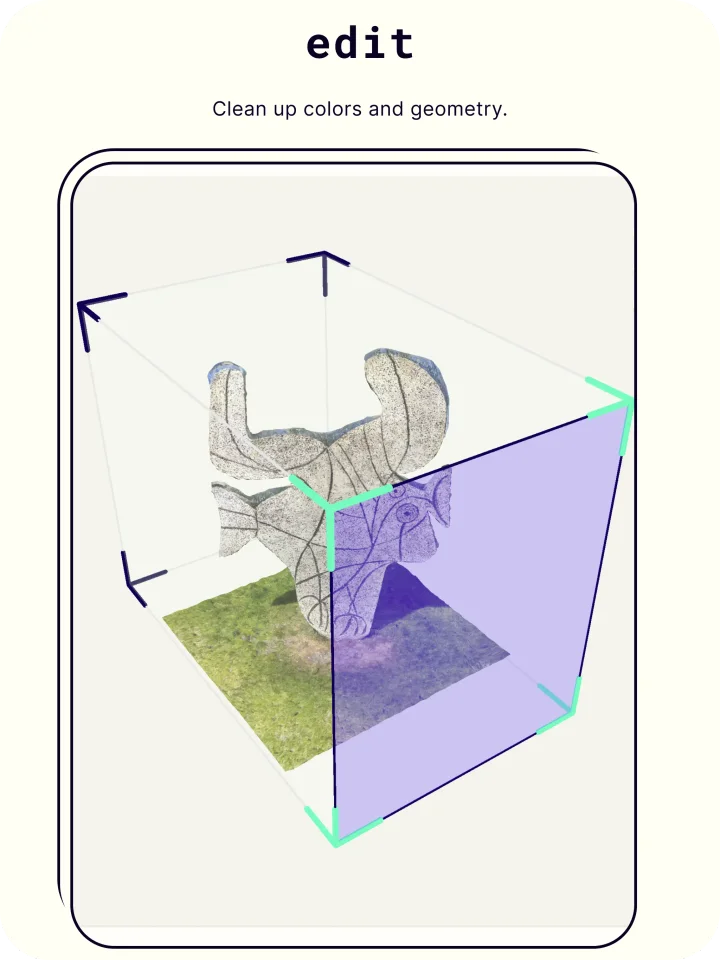
● Crop your 3D captures for the perfect composition
● Rotate to view from any angle
● Rescale to adjust the size of your 3D models
Export 3D models with Polycam Pro:
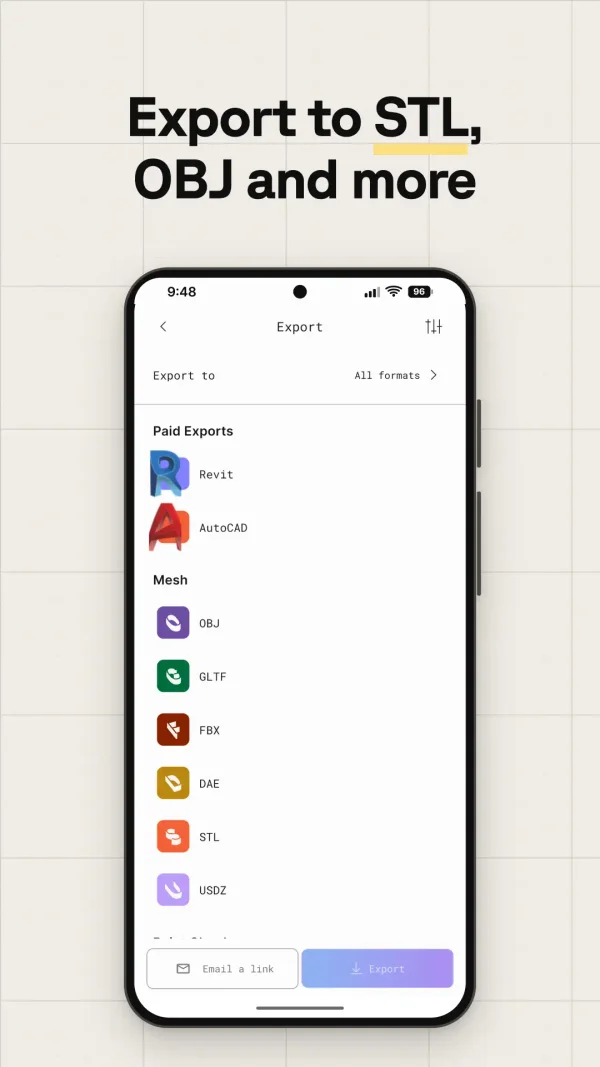
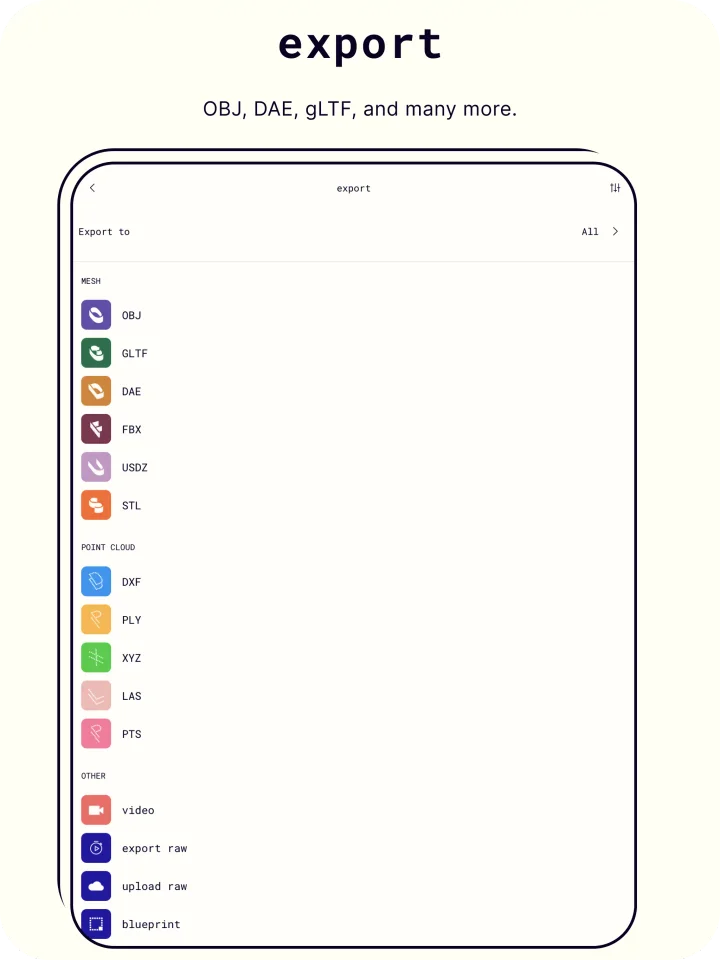
● Export mesh data in .obj, .dae, .fbx, .stl, & .gltf
● Export color point cloud data in .dxf, .ply, .las, .xyz, & .pts
● Export blueprints as .png images or .dae files
Connect & Share:
● Share 3D models with friends & colleagues with ease
● Join the Polycam community & discover captures from around the world
● Showcase your 3D scanning skills & creativity by sharing with the community
Unleash your creativity and take your photography to the next level with Polycam, the best 3D capture app on the market. Download now!
Privacy Policy: https://polycam.ai/privacy_policy.pdf
Terms of Use: https://polycam.ai/terms_and_conditions.pdf
Data safety
What Polycam declares on Google Play about the data this app collects and shares.
- No data shared with third partiesLearn more about how developers declare sharing
- This app may collect these data typesLocation, Personal info, and Device or other IDs
- Data is encrypted in transit
- You can request that data be deleted
Developer contact
- Websitepoly.cam
- Emailcontact@polycam.ai
- Privacy policypoly.cam
- Address548 Market St Pmb 76949 San Francisco, CA 94104-5401 United States
Information
- Offered by
- Polycam
- Category
- Photography
- Version
- 4.0.10
- Updated
- Nov 16, 2026
- Released
- Apr 4, 2022
- Requires
- Android 10 or later
- Age rating
- Everyone
- Price
- Free
- In-app purchases
- $17.99 - $199.99 per item
- Package name
- ai.polycam
Similar apps
-
 AR Measure Tape: SmartRuler
Tools
-
 Cardboard
Libraries & Demo
-
 KIRI Engine: 3D Scanner App
Photography
-
 AR Plan 3D Tape Measure, Ruler
Tools
-
 Floor Plan Creator
Art & Design
-
 Knots 3D
Books & Reference
-
 AI Home Design: Ideal House
Art & Design
-
 Pixilart - Make Pixel Art
Art & Design
-
 Figma: view. comment. mirror.
Art & Design
-
 Prisma3D - Animation, Modeling
Tools
-
 RingFit: Ring Sizer & Measure
Tools
-
 Ruler
Tools