Quikshort: Shortcut Creator
AtolphaDevIn-app purchases
- EveryoneAge rating
- ToolsCategory
- Sep 5, 2026Updated
- FreePrice
Links to the official Google Play listing of com.atolphadev.quikshort. Last checked on Nov 14, 2026.

Screenshots


About this app
Create custom home screen shortcuts and quick setting tiles for anything.
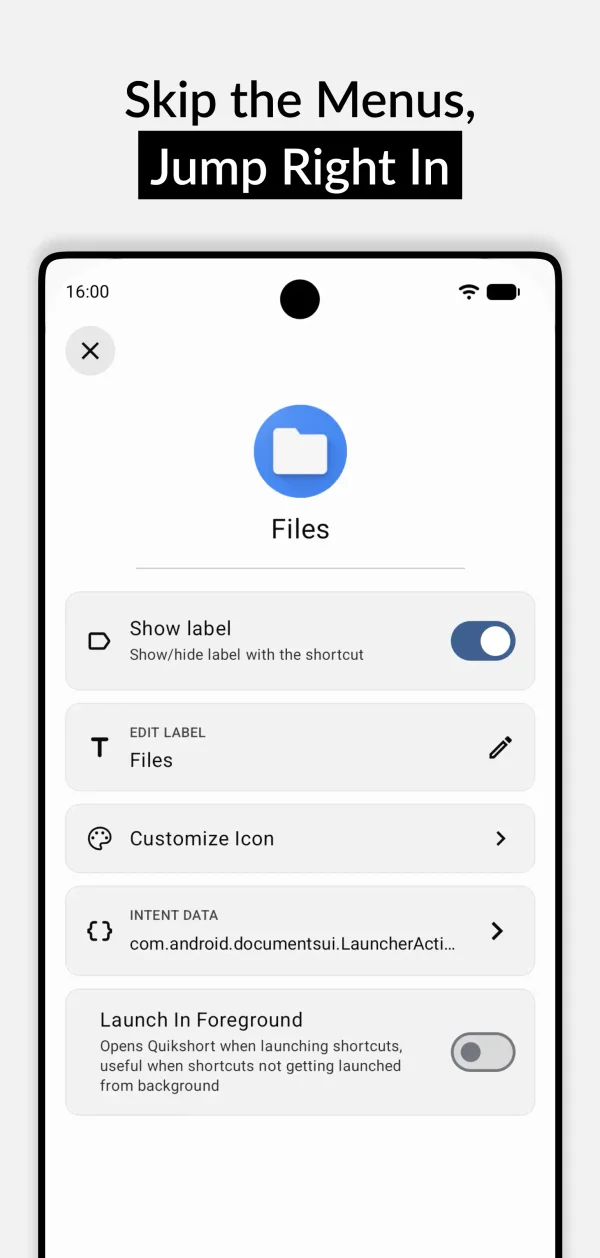
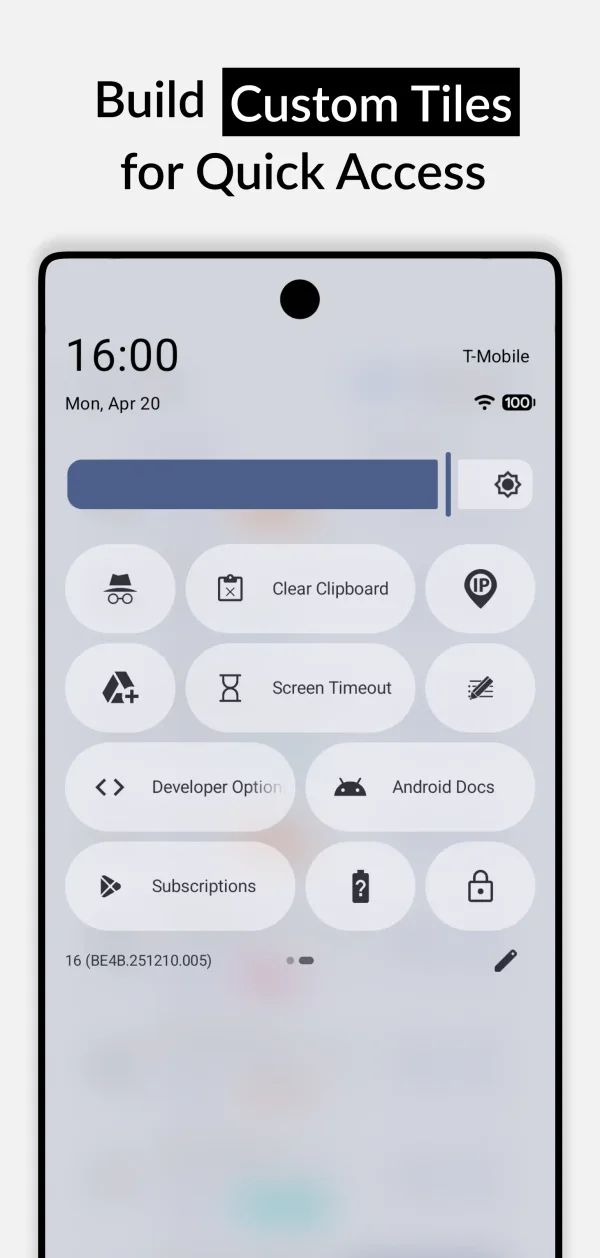
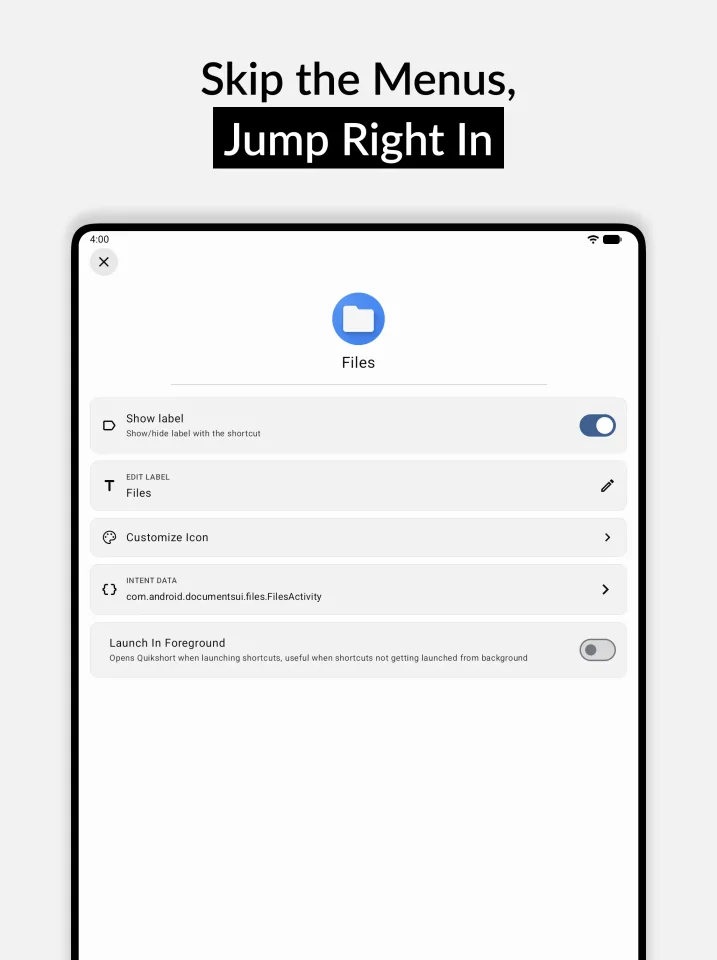
Quikshort is a shortcut maker that lets you create custom shortcuts on your home screen, add tiles to your quick settings, and group them together to fit how you use your phone.
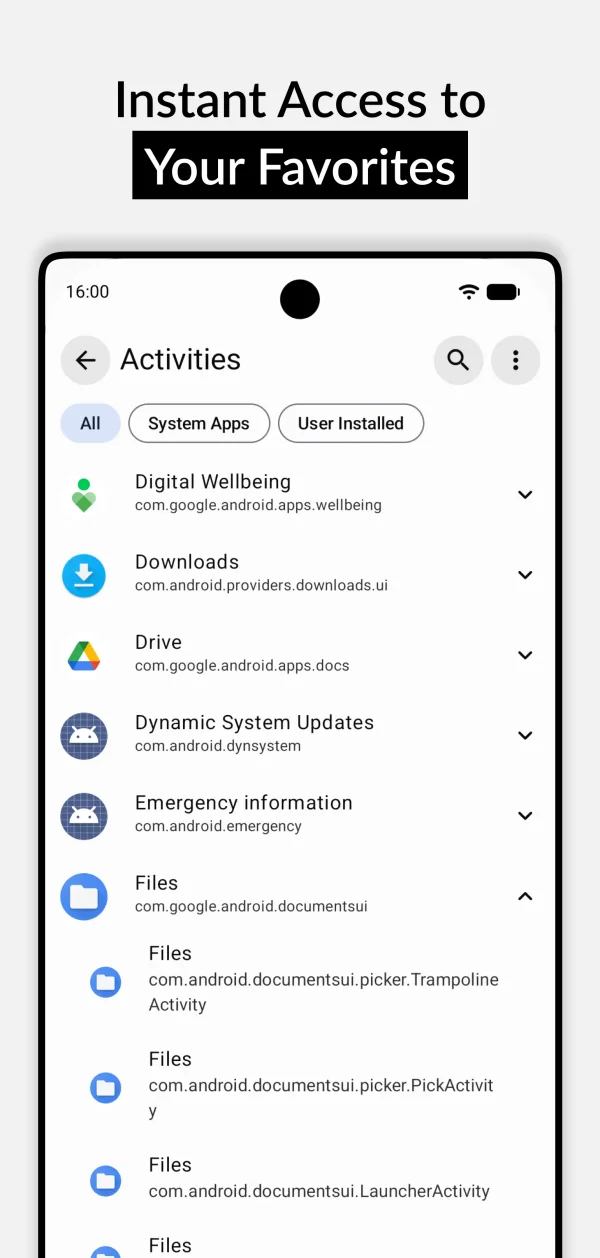
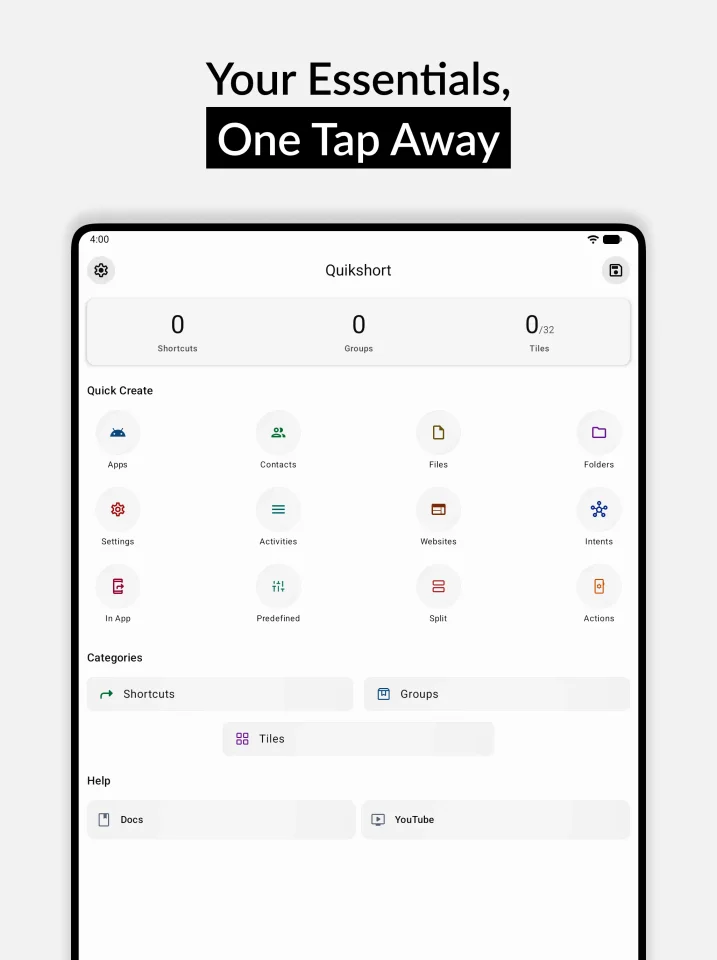
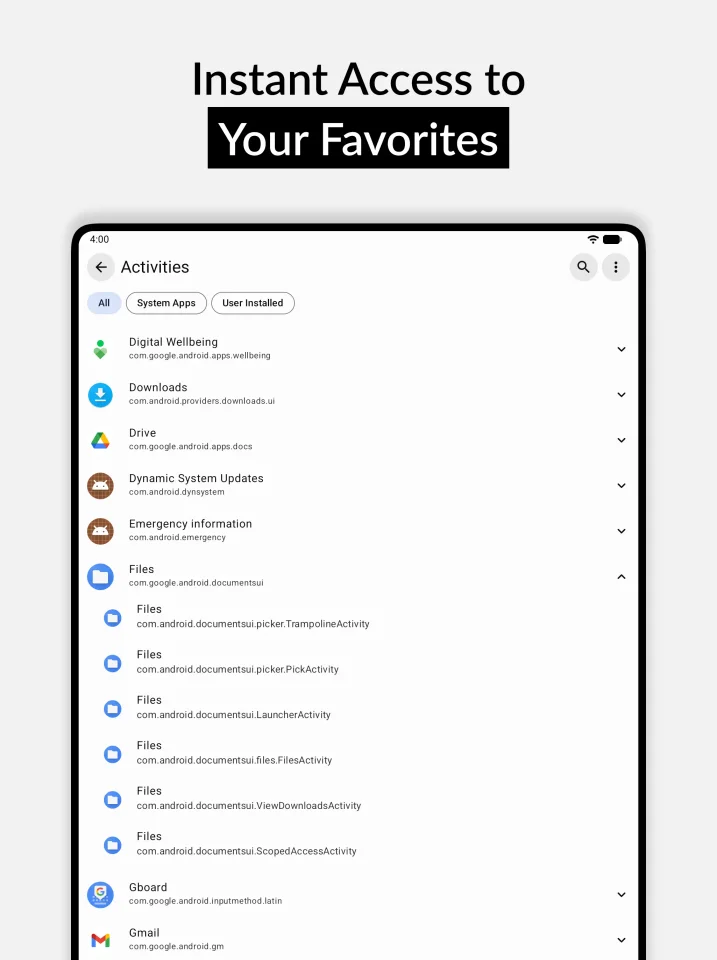
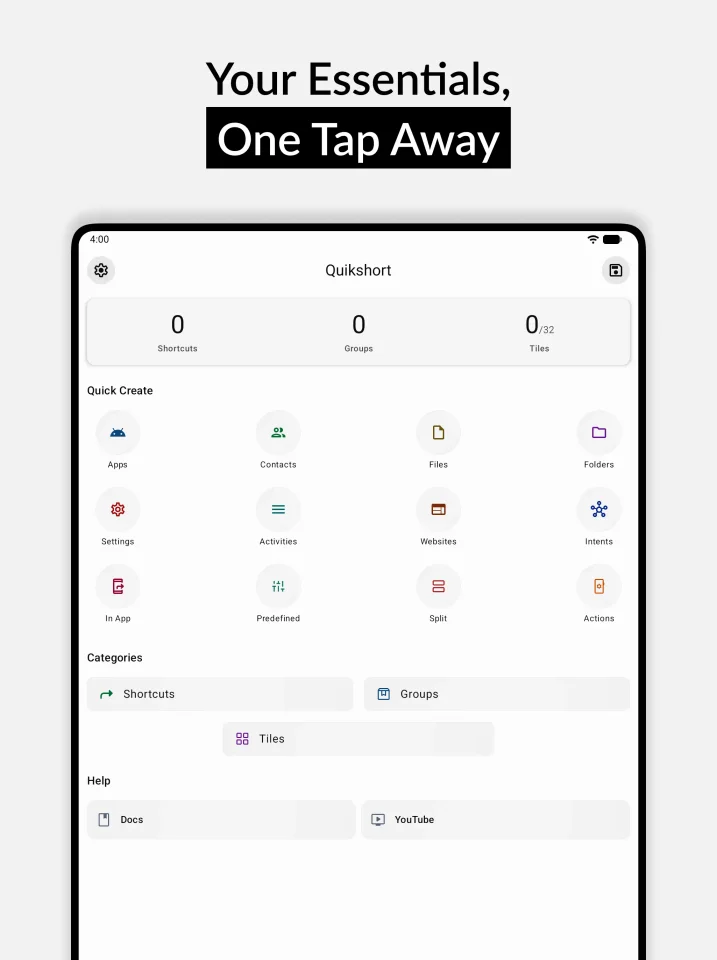
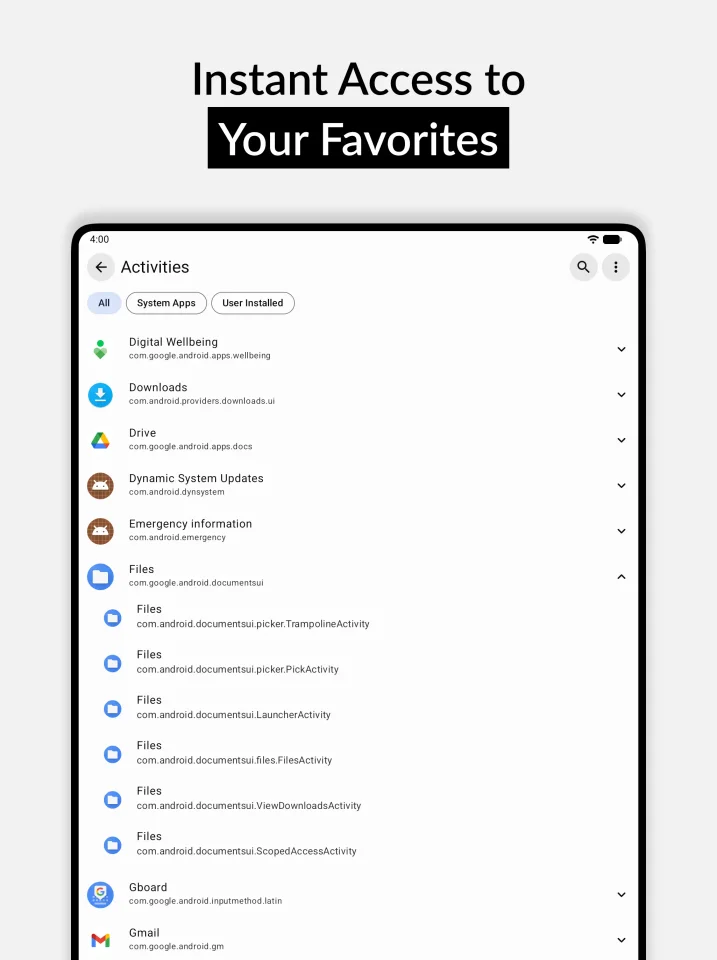
Whether you want to launch specific apps, navigate directly to in-app activities, or open frequently used files and folders, Quikshort makes it simple. You can also generate shortcuts for your favorite websites, direct contact dials, system settings, and both system or custom intents.
Home Screen & Quick Settings:
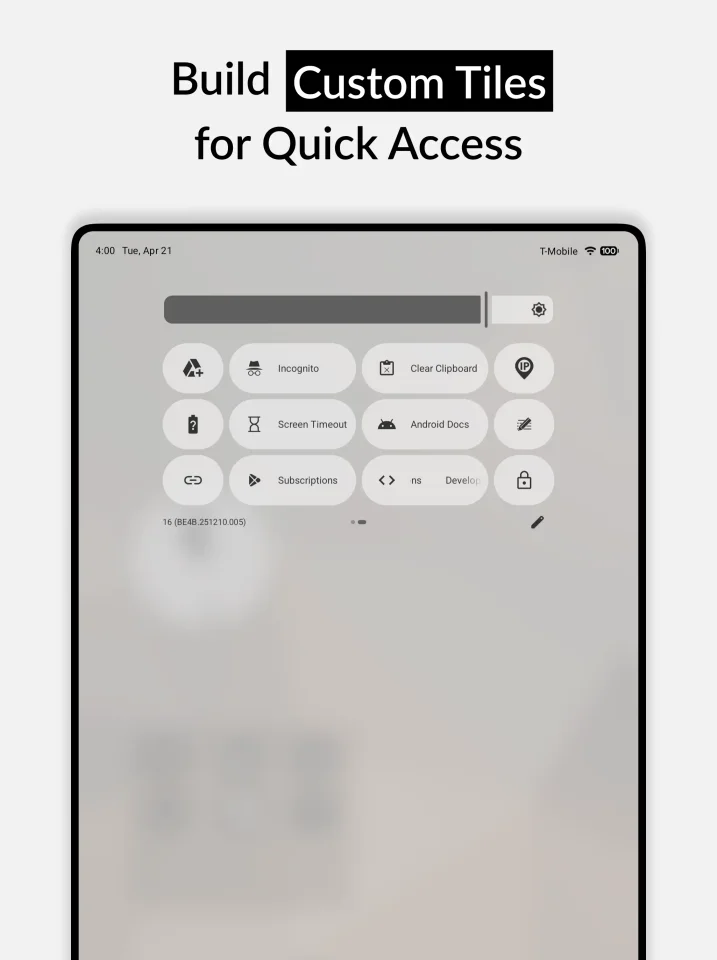
You can create an unlimited number of home screen shortcuts and groups. Additionally, you can configure up to 15 custom tiles in your quick settings panel, expanding up to 32 tiles with the Pro version.
Customization Features:
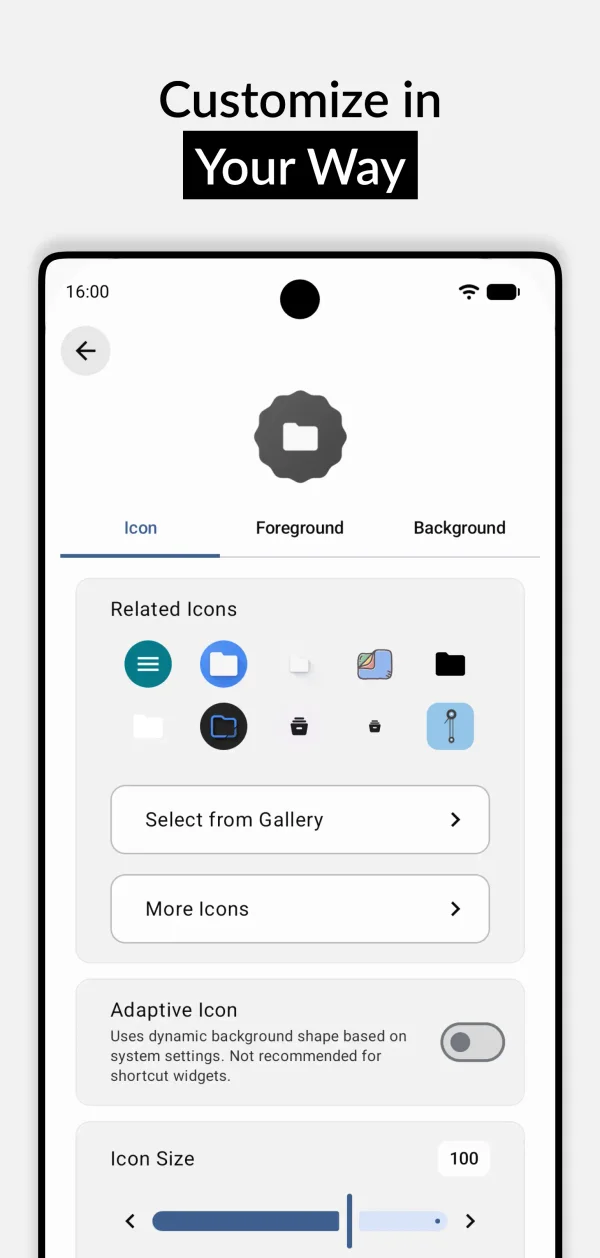
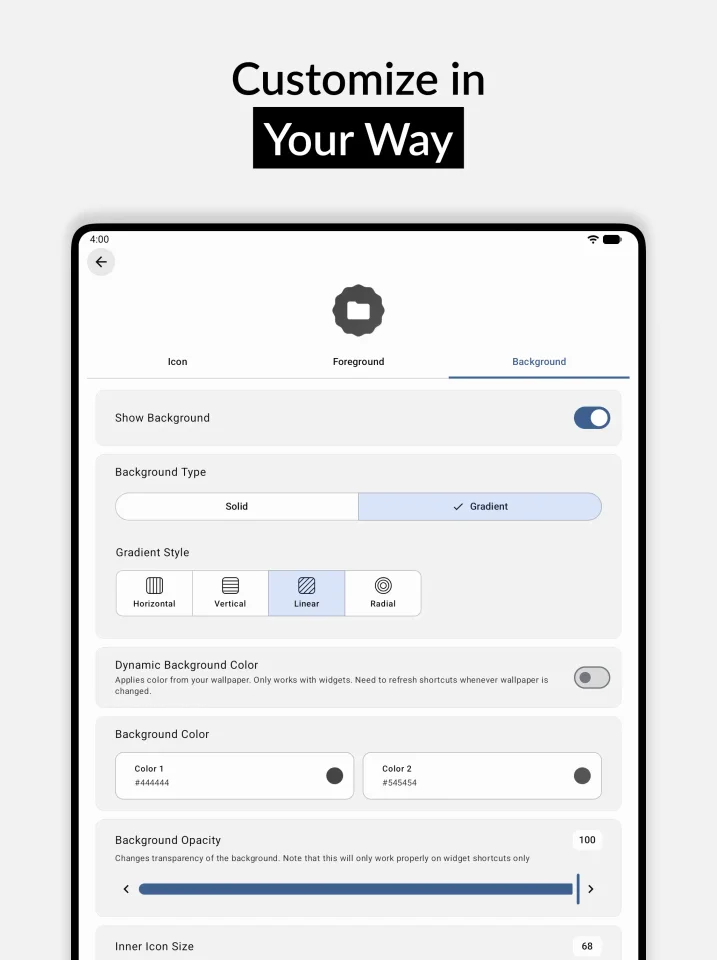
Design your shortcuts by applying icons from third-party icon packs, adding solid or gradient background colors, and adjusting the icon shapes and sizes. You can even use your own images to create custom shapes.
Groups Feature:
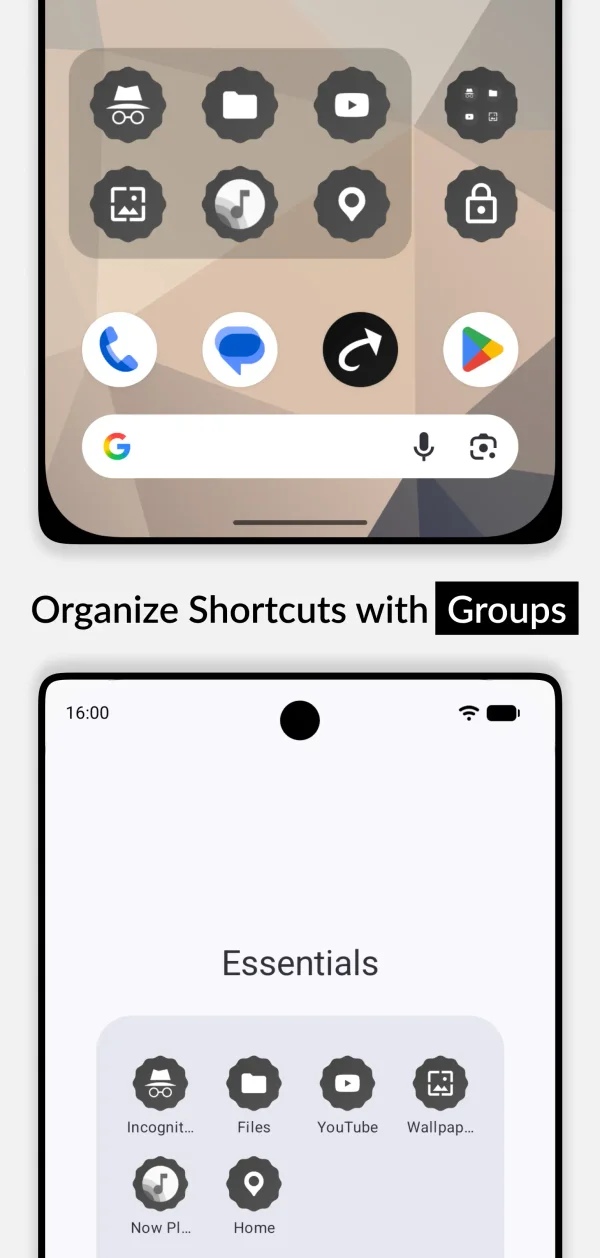
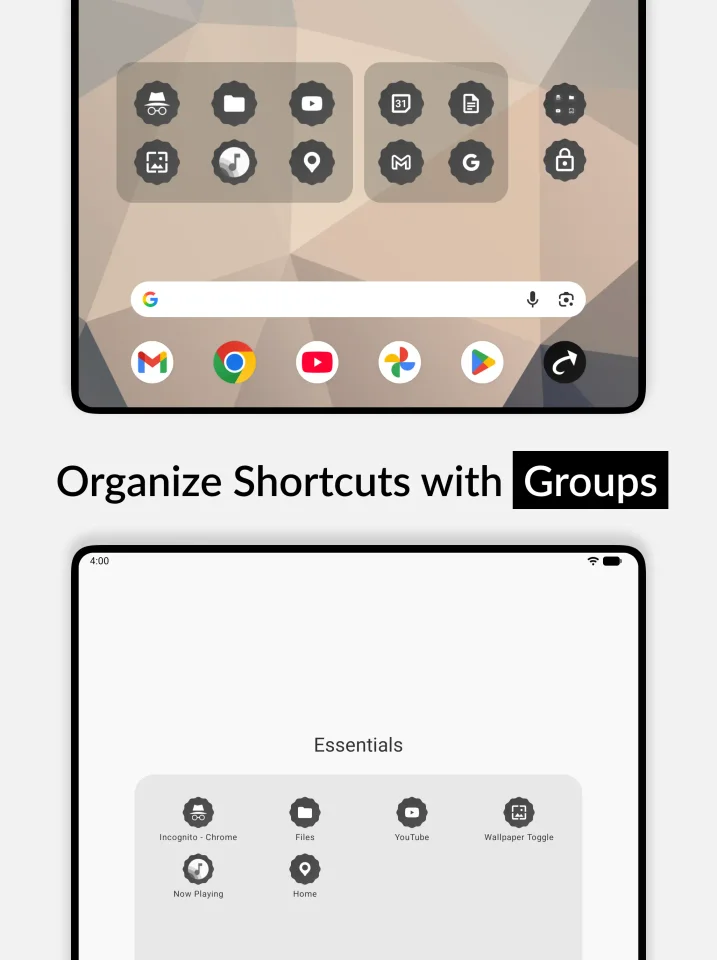
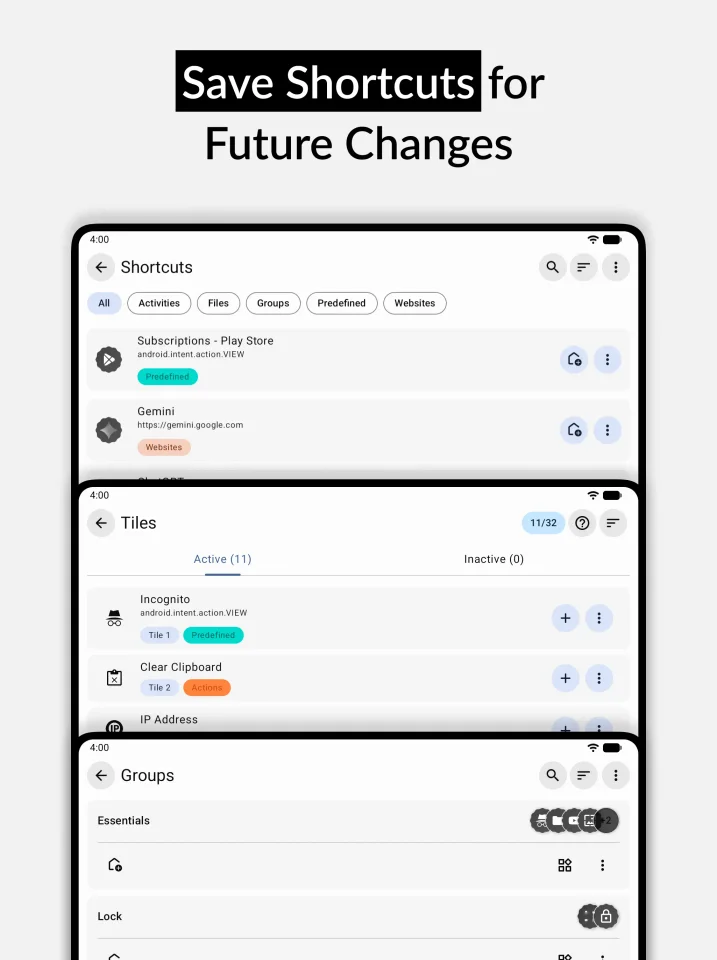
Combine multiple related shortcuts into a single group to access them with one tap. You can place groups as open folders directly on your home screen, or set them to open as a dialog box or bottom sheet.
Backup and Restore:
Quikshort saves your generated shortcuts in your device storage, so you can modify and update them later without starting from scratch. You can also export your shortcuts as files to back them up or import them onto another device.
Action Shortcuts:
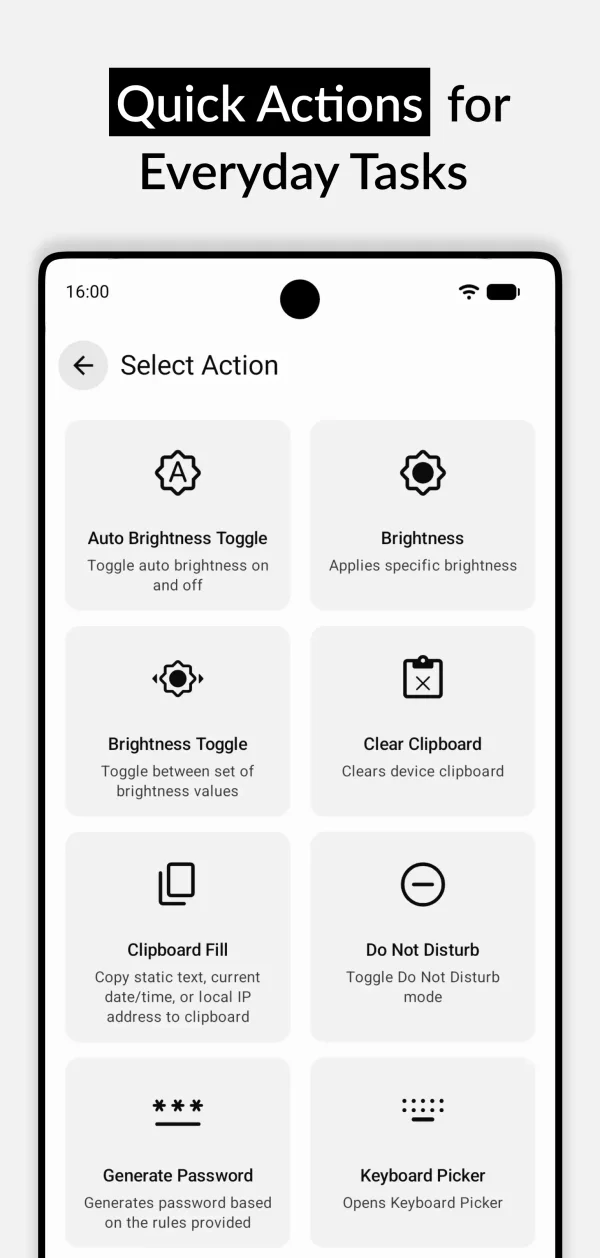
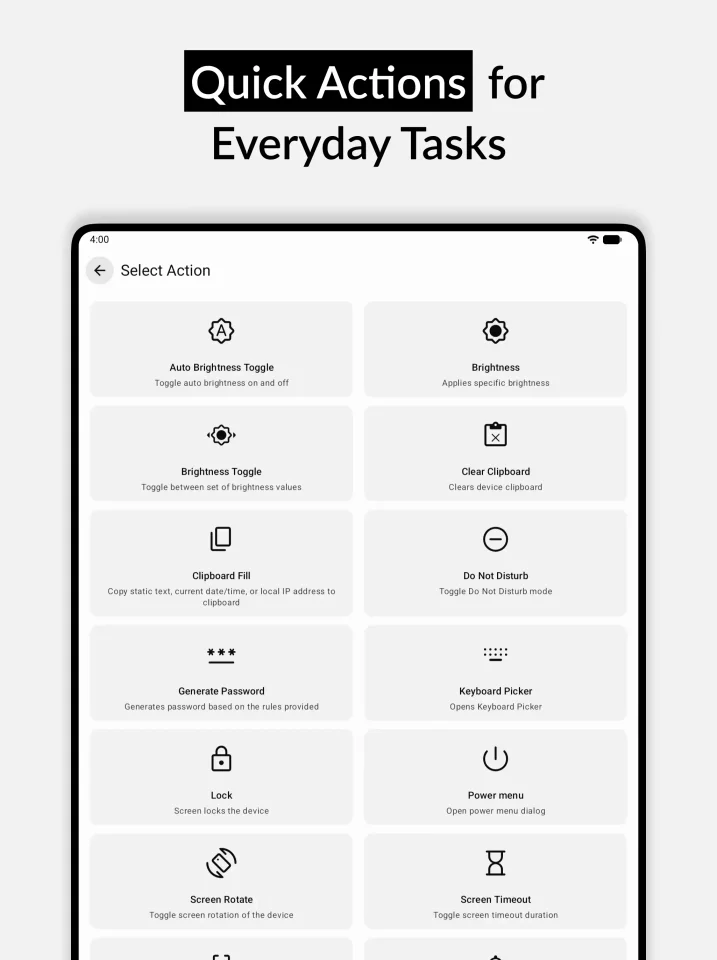
Create action shortcuts for everyday tasks. You can toggle device settings like Do Not Disturb and brightness, manage your clipboard, or trigger physical commands like taking a screenshot, locking your device, or opening the power menu.
==== Accessibility Service Usage ====
Quikshort uses the Accessibility Service API strictly to enable specific action shortcuts such as Power Menu, Lock Device, and Screenshot. This permission is not required for general use of the app and is only requested when a user creates any of the specific mentioned action shortcuts. Quikshort does not collect, store, or share any personal or sensitive data through the Accessibility Service. The service is used solely for the purpose of executing the mentioned action shortcuts and for no other function.
Support & Feedback:
If you run into any issues or have feature requests, please reach out to me at support@atolphadev.com.
You can also find the Quikshort documentation at: https://quikshort.atolphadev.com/docs/
Data safety
What AtolphaDev declares on Google Play about the data this app collects and shares.
- No data shared with third partiesLearn more about how developers declare sharing
- No data collectedLearn more about how developers declare collection
What’s new
Version 1.10.0 · Sep 5, 2026
- You can now configure APIs for fetching Favicons for website shortcuts
- Added media and volume actions
- Added the ability to customize borders of shortcuts
- Minor additions to group shortcut configuration
- Fixed crashes and bugs
Developer contact
- Websitequikshort.atolphadev.com
- Emailsupport@atolphadev.com
- Privacy policyquikshort.atolphadev.com
- AddressGantasalavari Street Penugonda, Andhra Pradesh 534320 India
Information
- Offered by
- AtolphaDev
- Category
- Tools
- Version
- 1.10.0
- Updated
- Sep 5, 2026
- Released
- Sep 13, 2023
- Requires
- Android 8.1 or later
- Age rating
- Everyone
- Price
- Free
- In-app purchases
- $0.49 - $94.99 per item
- Package name
- com.atolphadev.quikshort