Remote Gamepad: Console Play
Fa9ssaContains ads
- EveryoneAge rating
- Libraries & DemoCategory
- Oct 29, 2026Updated
- FreePrice
Links to the official Google Play listing of com.remotePlay.PS. Last checked on Nov 27, 2026.
Screenshots

About this app
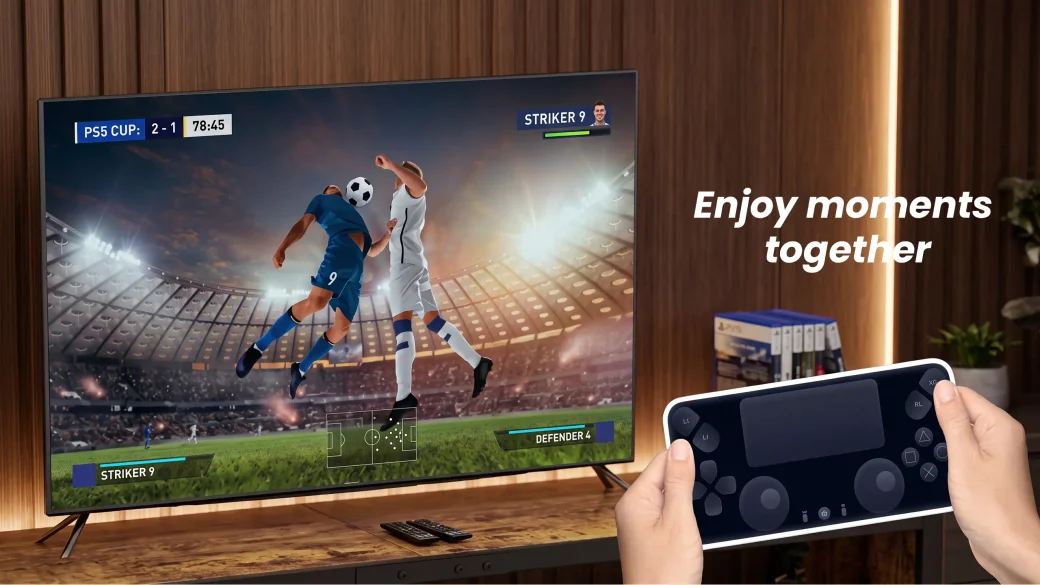
Turn your phone into a wireless virtual gamepad & second screen for consoles.
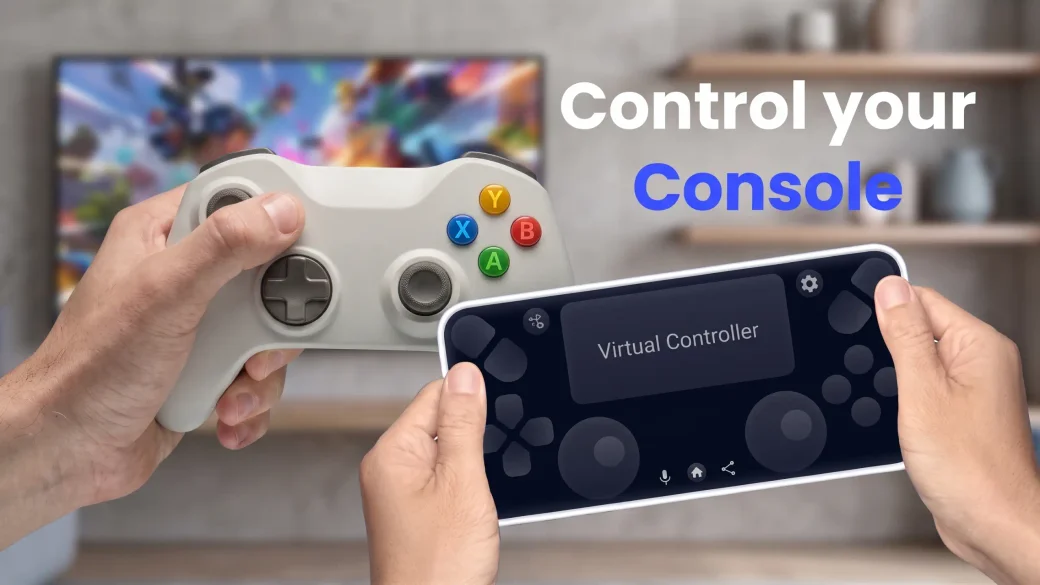
Turn your Android smartphone, tablet, or Android TV into a responsive wireless virtual gamepad and second screen for your home gaming console.
Whether you need an extra controller for local multiplayer games, lost your physical gamepad, or want to stream console gameplay directly to your mobile screen from another room, our remote controller app delivers a smooth, low-latency gaming experience over your home Wi-Fi network.
KEY FEATURES:
• Virtual On-Screen Gamepad: Use your mobile touchscreen as a full-featured digital controller with dual analog joysticks, D-pad, triggers, and action buttons.
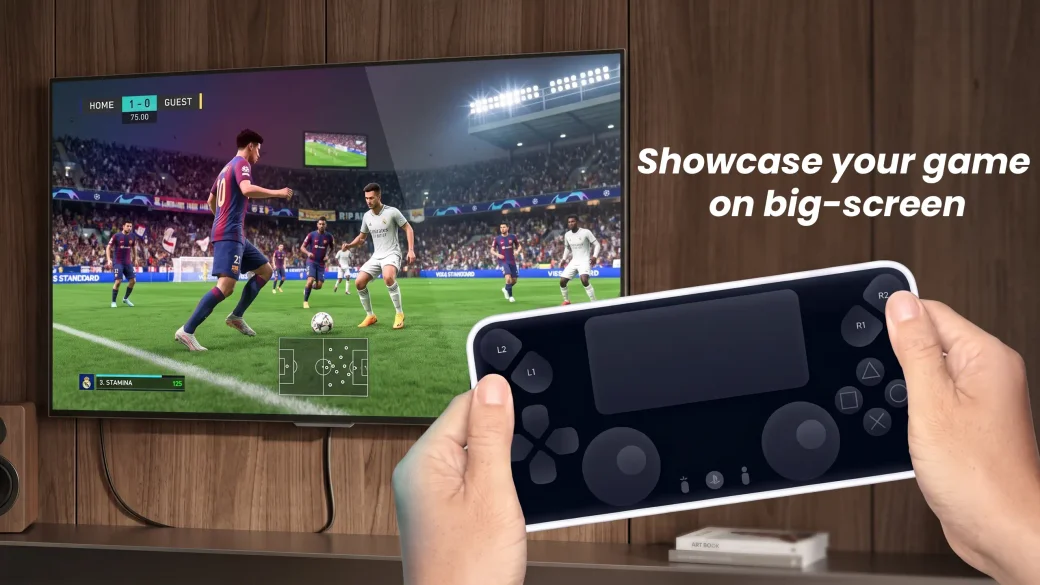
• Low-Latency Game Streaming: Stream your favorite console games directly to your Android device in real time with ultra-low lag and crisp video quality.
• Second Screen Gaming Mode: Use your phone or tablet as a dedicated secondary display and interactive wireless controller while playing on your main TV.
• Physical Controller Support: Connect third-party Bluetooth gamepads and physical USB controllers to your Android device for tactile gaming control.
• Multi-Profile Management: Save and switch between multiple console profiles and user accounts effortlessly.
• Customizable Button Layout: Adjust on-screen touch controls, button opacity, joystick sensitivity, and haptic vibration feedback to match your playstyle.
SYSTEM REQUIREMENTS & SETUP GUIDE:
To connect your mobile device to your home gaming console, please ensure you meet the following requirements:
1. A compatible 4th-generation or 5th-generation home gaming console updated to the latest system software version (also supports legacy console firmware from version 5.05 and newer).
2. A high-speed home Wi-Fi network (5GHz Wi-Fi connection is strongly recommended for fast, lag-free remote streaming).
3. Your home router configured to allow local network remote play connections with your console.
4. An active console network user account logged in and linked on your primary gaming system.
5. An Android mobile device or Android TV running Android 7.0 or higher (fully supports both standard and rooted Android devices).
COMPATIBLE DEVICES:
• Android smartphones and tablets (Android 7.0+)
• Android TV boxes and Smart TVs
• Compatible with 4th-gen and 5th-gen home gaming consoles
Enjoy seamless remote play gaming from your couch, bed, or anywhere in your house without worrying about a dead controller battery again. Connect over Wi-Fi and take full control of your console entertainment!
---
DISCLAIMER & LEGAL NOTICE:
This application is an independent, third-party remote controller utility developed to enhance console accessibility. It is NOT an official application and is NOT affiliated with, endorsed by, authorized by, or sponsored by any gaming console manufacturer. All trademarks, service marks, and company names belong to their respective owners.
Data safety
What Fa9ssa declares on Google Play about the data this app collects and shares.
- This app may share these data types with third partiesLocation, App info and performance, and Device or other IDs
- No data collectedLearn more about how developers declare collection
- Data is encrypted in transit
Developer contact
- Websitefa9ssa.space
- Emailsupport@fa9ssa.space
- Privacy policyfa9ssa.space
- Address932 Rue Poirier McMasterville, QC J3G 1K4 Canada
Information
- Offered by
- Fa9ssa
- Category
- Libraries & Demo
- Version
- 16.0
- Updated
- Oct 29, 2026
- Released
- Mar 16, 2025
- Requires
- Android 7.0 or later
- Age rating
- Everyone
- Price
- Free
- Package name
- com.remotePlay.PS
Similar apps
-
 DJI
Shopping
-
 HappyLighting
Personalization
-
 DJ Mixer - DJ Music Remix Pro
Music & Audio
-
 One Emulator for Game Consoles
Tools
-
 TF STUDIO
Health & Fitness
-
 Elgato Stream Deck Mobile
Productivity
-
 OBD Fusion (Car Diagnostics)
Communication
-
 Supercars App
Sports
-
 Final Surge
Health & Fitness
-
 SmartRace for Carrera Digital
Entertainment
-
 LUDEX Sports Card Scanner +TCG
Sports