Remote Gamepad: Console Play
Fa9ssa広告を含む
- 3 歳以上対象年齢
- ライブラリ&デモカテゴリ
- 2026/10/29更新日
- 無料価格
com.remotePlay.PSのGoogle Play公式ページにリンクしています。最終確認:2026/11/27。
スクリーンショット

このアプリについて
Googleによる英語 (アメリカ合衆国)からの自動翻訳です。
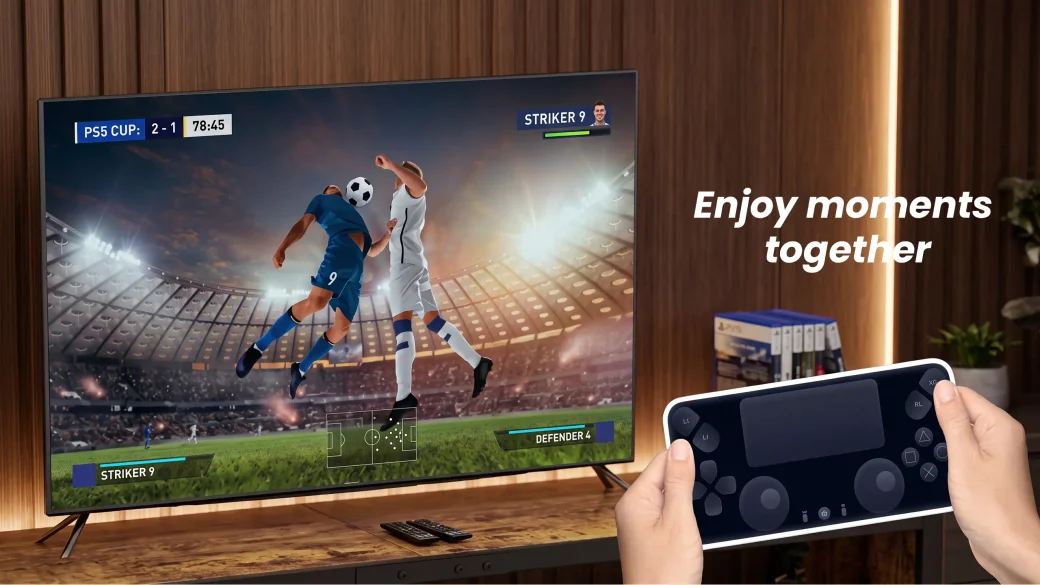
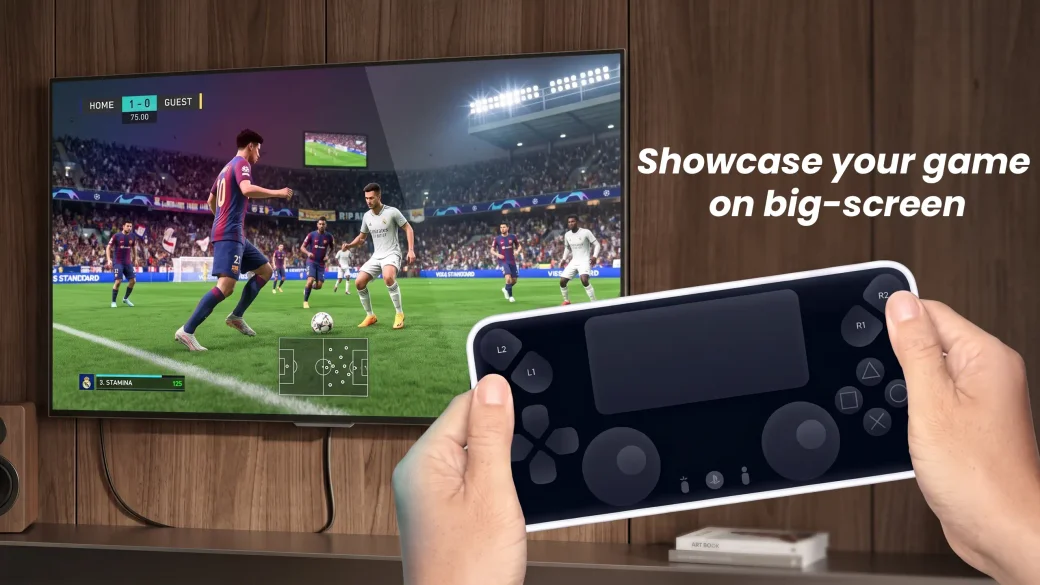
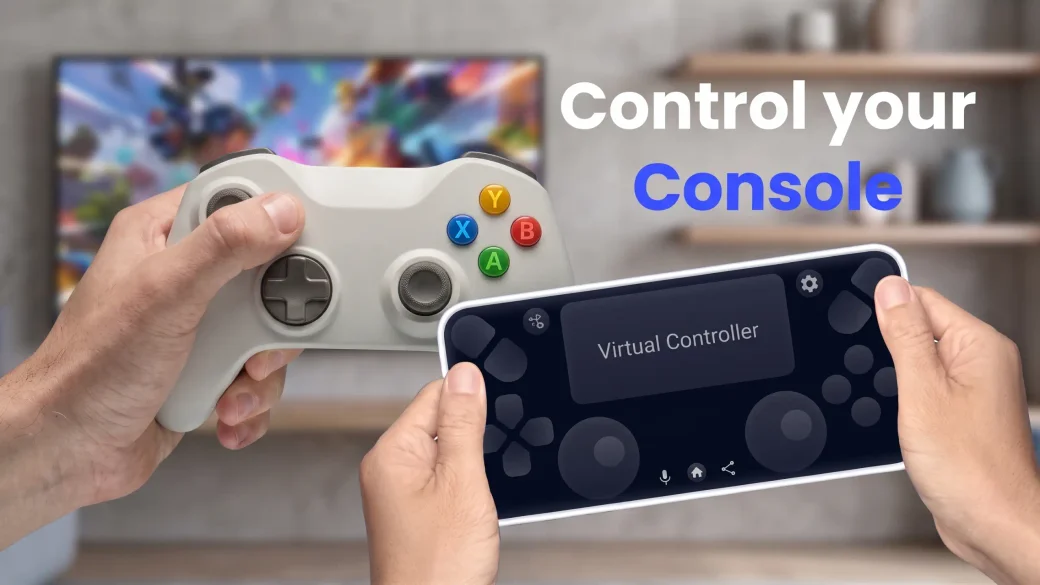
スマートフォンをワイヤレス仮想ゲームパッドおよびゲーム機用セカンドスクリーンに変えましょう。
Androidスマートフォン、タブレット、またはAndroid TVを、家庭用ゲーム機用のレスポンシブなワイヤレス仮想ゲームパッド兼セカンドスクリーンとして活用しましょう。
ローカルマルチプレイゲーム用のコントローラーが必要な場合、物理ゲームパッドを紛失した場合、または別の部屋からモバイル画面にコンソールゲームをストリーミングしたい場合など、当社のリモートコントローラーアプリは、ご家庭のWi-Fiネットワーク経由でスムーズで低遅延のゲーム体験を提供します。
主な機能:
• 仮想オンスクリーンゲームパッド:モバイルのタッチスクリーンを、デュアルアナログジョイスティック、方向キー、トリガー、アクションボタンを備えたフル機能のデジタルコントローラーとして使用できます。
• 低遅延ゲームストリーミング:お気に入りのコンソールゲームを、超低遅延かつ鮮明なビデオ品質でAndroidデバイスにリアルタイムでストリーミングできます。
• セカンドスクリーンゲームモード:メインのテレビでゲームをプレイしながら、スマートフォンやタブレットを専用のセカンドディスプレイおよびインタラクティブなワイヤレスコントローラーとして使用できます。
• 物理コントローラー対応:サードパーティ製のBluetoothゲームパッドやUSB物理コントローラーをAndroidデバイスに接続して、触覚的なゲーム操作が可能です。
• マルチプロファイル管理:複数のコンソールプロファイルとユーザーアカウントを簡単に保存・切り替えできます。
• ボタンレイアウトのカスタマイズ:画面上のタッチ操作、ボタンの透明度、ジョイスティックの感度、触覚フィードバックをプレイスタイルに合わせて調整できます。
システム要件とセットアップガイド:
モバイルデバイスを家庭用ゲーム機に接続するには、以下の要件を満たしていることを確認してください。
1. 最新のシステムソフトウェアバージョンにアップデートされた、互換性のある第4世代または第5世代の家庭用ゲーム機(バージョン5.05以降の旧型コンソールファームウェアもサポート)。
2. 高速な家庭用Wi-Fiネットワーク(高速で遅延のないリモートストリーミングには、5GHz Wi-Fi接続を強く推奨)。
3. 家庭用ルーターが、コンソールとのローカルネットワークリモートプレイ接続を許可するように設定されていること。
4. メインのゲーム機にログインし、リンクされたアクティブなコンソールネットワークユーザーアカウント。
5. Android 7.0以降を搭載したAndroidモバイルデバイスまたはAndroid TV(標準およびルート化されたAndroidデバイスの両方を完全にサポート)。
対応デバイス:
• Androidスマートフォンおよびタブレット(Android 7.0以降)
• Android TVボックスおよびスマートテレビ
• 第4世代および第5世代家庭用ゲーム機に対応
ソファやベッド、あるいは家中のどこからでも、コントローラーの電池切れを気にすることなく、シームレスなリモートプレイゲームをお楽しみください。Wi-Fi接続で、ゲーム機のエンターテイメントを完全にコントロールできます!
--- 免責事項および法的通知:
このアプリケーションは、ゲーム機のアクセシビリティを向上させるために開発された、独立したサードパーティ製のリモコンユーティリティです。公式アプリケーションではなく、いかなるゲーム機メーカーとも提携、承認、認可、またはスポンサー関係にありません。すべての商標、サービスマーク、および会社名は、それぞれの所有者に帰属します。
原文を表示
Turn your Android smartphone, tablet, or Android TV into a responsive wireless virtual gamepad and second screen for your home gaming console.
Whether you need an extra controller for local multiplayer games, lost your physical gamepad, or want to stream console gameplay directly to your mobile screen from another room, our remote controller app delivers a smooth, low-latency gaming experience over your home Wi-Fi network.
KEY FEATURES:
• Virtual On-Screen Gamepad: Use your mobile touchscreen as a full-featured digital controller with dual analog joysticks, D-pad, triggers, and action buttons.
• Low-Latency Game Streaming: Stream your favorite console games directly to your Android device in real time with ultra-low lag and crisp video quality.
• Second Screen Gaming Mode: Use your phone or tablet as a dedicated secondary display and interactive wireless controller while playing on your main TV.
• Physical Controller Support: Connect third-party Bluetooth gamepads and physical USB controllers to your Android device for tactile gaming control.
• Multi-Profile Management: Save and switch between multiple console profiles and user accounts effortlessly.
• Customizable Button Layout: Adjust on-screen touch controls, button opacity, joystick sensitivity, and haptic vibration feedback to match your playstyle.
SYSTEM REQUIREMENTS & SETUP GUIDE:
To connect your mobile device to your home gaming console, please ensure you meet the following requirements:
1. A compatible 4th-generation or 5th-generation home gaming console updated to the latest system software version (also supports legacy console firmware from version 5.05 and newer).
2. A high-speed home Wi-Fi network (5GHz Wi-Fi connection is strongly recommended for fast, lag-free remote streaming).
3. Your home router configured to allow local network remote play connections with your console.
4. An active console network user account logged in and linked on your primary gaming system.
5. An Android mobile device or Android TV running Android 7.0 or higher (fully supports both standard and rooted Android devices).
COMPATIBLE DEVICES:
• Android smartphones and tablets (Android 7.0+)
• Android TV boxes and Smart TVs
• Compatible with 4th-gen and 5th-gen home gaming consoles
Enjoy seamless remote play gaming from your couch, bed, or anywhere in your house without worrying about a dead controller battery again. Connect over Wi-Fi and take full control of your console entertainment!
---
DISCLAIMER & LEGAL NOTICE:
This application is an independent, third-party remote controller utility developed to enhance console accessibility. It is NOT an official application and is NOT affiliated with, endorsed by, authorized by, or sponsored by any gaming console manufacturer. All trademarks, service marks, and company names belong to their respective owners.
データ セーフティ
このアプリが収集・共有するデータについて、Fa9ssaがGoogle Playで申告している内容です。
- このアプリはサードパーティと以下の種類のデータを共有することがあります位置情報、アプリの情報、パフォーマンス、デバイスまたはその他の ID
- データは収集されません詳しくは、デベロッパーが収集を申告する方法についての説明をご覧ください
- データは送信中に暗号化されます
開発元の連絡先
- ウェブサイトfa9ssa.space
- メールsupport@fa9ssa.space
- プライバシーポリシーfa9ssa.space
- 住所932 Rue Poirier McMasterville, QC J3G 1K4 Canada
情報
- 提供元
- Fa9ssa
- カテゴリ
- ライブラリ&デモ
- バージョン
- 16.0
- 更新日
- 2026/10/29
- リリース
- 2025/3/16
- 必要条件
- Android 7.0以降
- 対象年齢
- 3 歳以上
- 価格
- 無料
- パッケージ名
- com.remotePlay.PS