Remove Unwanted Object
Thirra LabsContains ads · In-app purchases
- EveryoneAge rating
- PhotographyCategory
- Sep 16, 2026Updated
- FreePrice
Links to the official Google Play listing of vn.remove.photo.content. Last checked on Nov 20, 2026.
Screenshots



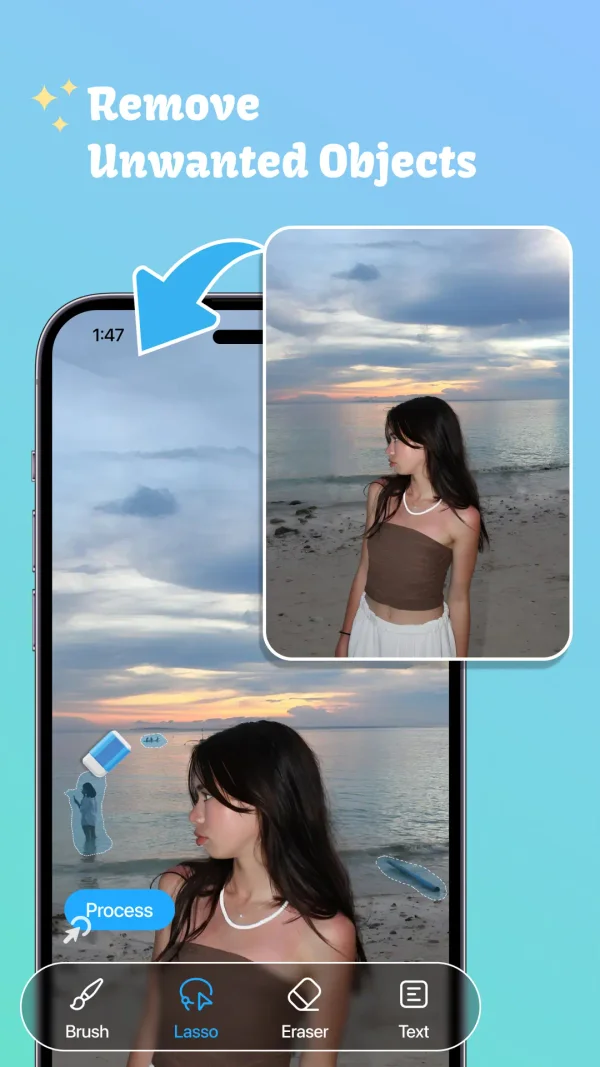

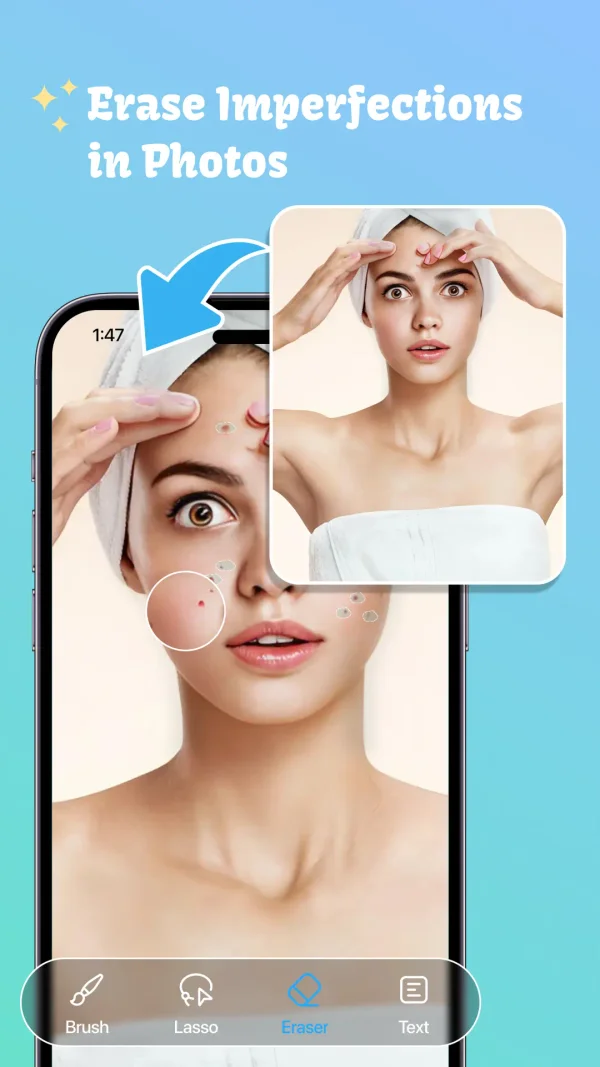

About this app
Remove Unwanted Objects From Your Photos With the Unwanted Object Remover!
Remove Unwanted Objects - Clean Up Photos With Simple Retouching Tools!
Remove Unwanted Objects helps you clean distracting elements from pictures with an easy touch-based editor. Select an area you want to erase, process the image, and let the surrounding background blend into the edited space.Unwanted Object Remover is useful for clearing people in the background, wires, signs, bins, small distractions, scratches, or other elements that take attention away from your main subject. AI Remove Objects: Photo Eraser keeps the workflow simple so you can retouch pictures without complicated editing controls.
Photo Editing Features:
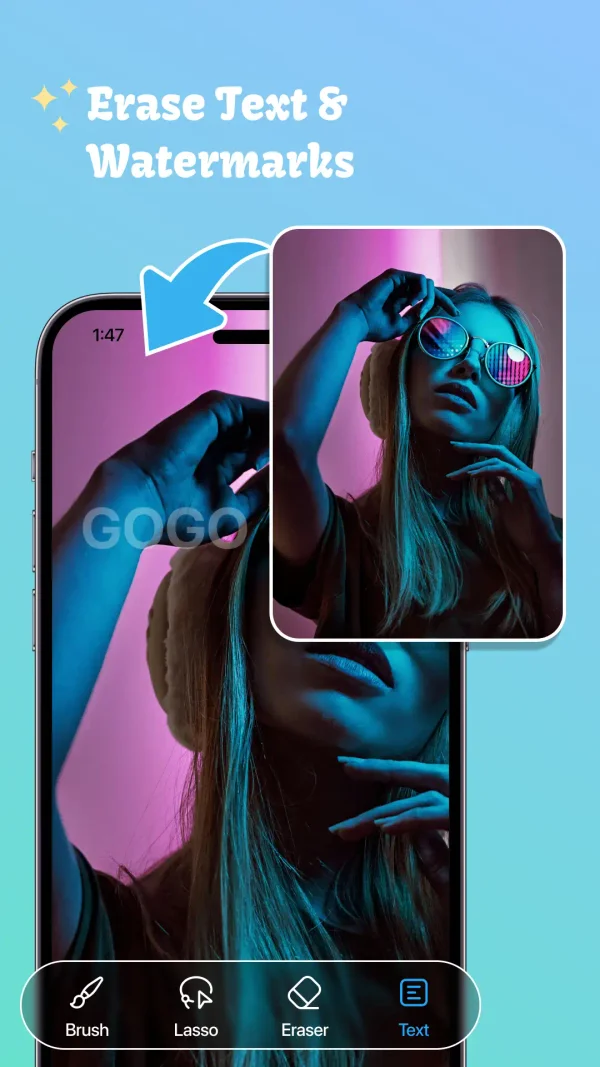
✨Remove People From Photos: Object Eraser - Clear distracting people;
🖌️Photo Retouch Object Removal - Mark unwanted areas with a simple brush;
👥Erase Objects & People Remover - Clean up selected distractions;
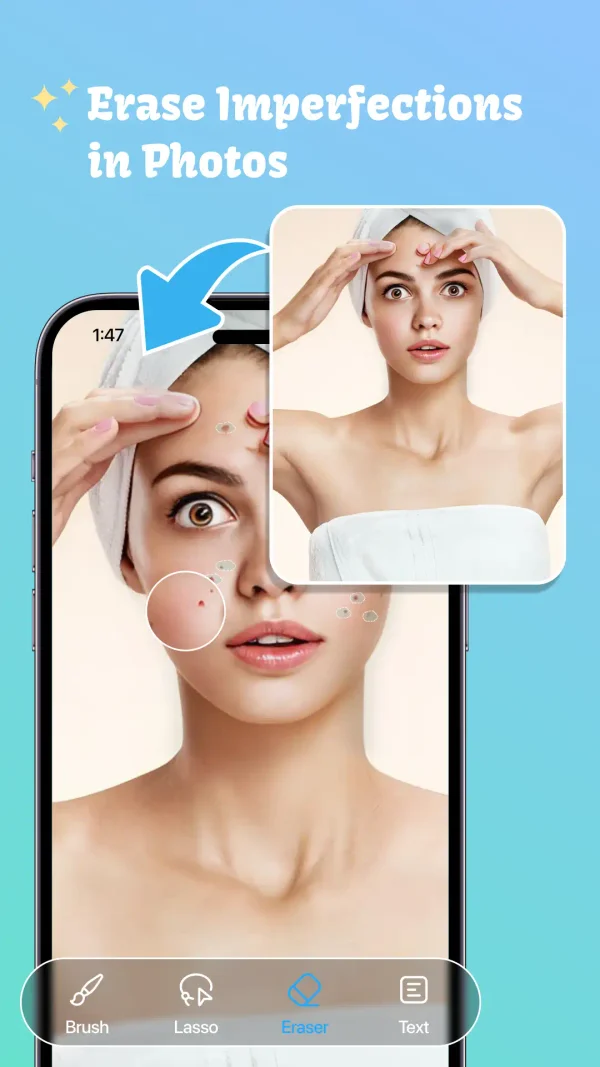
🌟Blemish Remover: Eraser Tool For Photos - Retouch small spots;
📷Photo Remove Object Tool - Edit selected areas directly from gallery photos;
🧹Remove Objects From Photos - Clear signs, wires, bins, scratches;
🤖AI Object Remover: Magic Eraser - Blend edited areas with nearby visual details;
🔍Zoom Controls - Work more carefully around edges and smaller elements;
Select the distraction, erase it, and give your photo a cleaner look!
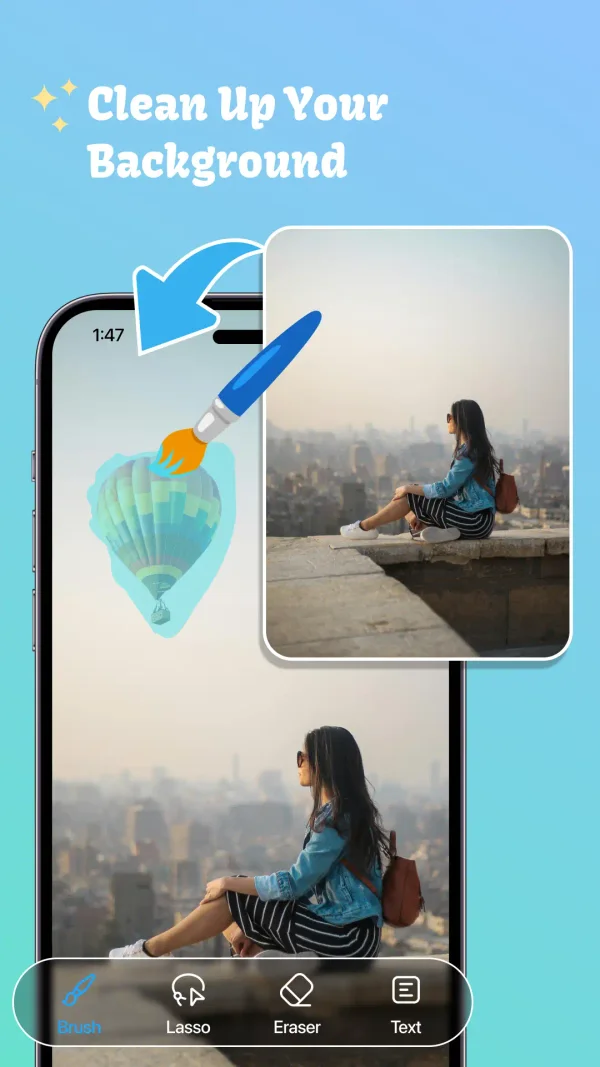
Photo Retouch Object Removal can help simplify busy backgrounds or improve pictures where an unwanted element appears behind the main subject.Erase Objects & People Remover is especially useful when a passerby or small background detail changes the look of an otherwise good picture. Results can vary depending on the size, position, and complexity of the selected area.
How To Use:
📲Choose an image from your gallery or capture a supported photo;
🖌️Use Unwanted Object Remover to mark the area you want edited;
🔍Zoom in when working around detailed edges;
🤖Open AI Object Remover: Magic Eraser to process the selection;
👀Review the edited result and make another pass if needed;
✨Use Blemish Remover: Eraser Tool For Photos for smaller touch-ups;
💾Save the finished image to your device;
👥Clear Distracting People:
Remove People From Photos: Object Eraser lets you select a person who appears in an unwanted part of the frame. The editor attempts to rebuild the selected space using nearby visual information for a cleaner-looking result.
🧹Clean Up Everyday Distractions:
Remove Objects From Photos can help with telephone wires, poles, street signs, trash cans, surface marks, and similar elements. Photo Remove Object Tool gives you control over exactly which area is selected before processing begins.
🌟Retouch Small Details:
Blemish Remover: Eraser Tool For Photos is useful for minor spots, pimples, scratches, or other small imperfections. Keep selections focused so the surrounding texture has a better chance of blending naturally.
🤖Smart Background Reconstruction:
AI Remove Objects: Photo Eraser analyzes nearby pixels when rebuilding an edited area. Simple backgrounds may produce cleaner results, while detailed patterns, faces, shadows, or large selections may require additional touch-ups.
🖌️Easy Editing Controls:
Photo Retouch Object Removal keeps the process focused on selecting, processing, reviewing, and saving. You can repeat an edit when the first result needs refinement rather than starting the entire picture again.
Make Distracting Details Less Noticeable!
Remove Unwanted Objects combines selection tools, smart filling, people cleanup, blemish retouching, and simple saving in one convenient photo editor. AI Object Remover: Magic Eraser gives you a practical way to improve everyday pictures with only a few steps.Data safety
What Thirra Labs declares on Google Play about the data this app collects and shares.
- This app may share these data types with third partiesDevice or other IDs
- No data collectedLearn more about how developers declare collection
- Data is encrypted in transit
- Data can’t be deleted
Developer contact
- Websitethirralabs.com
- Emailsupport.removeobject@thirralabs.com
- Privacy policythirralabs.com
- Address24/1 Mapu TEL AVIV-JAFFA, 6343423 Israel
Information
- Offered by
- Thirra Labs
- Category
- Photography
- Version
- 103
- Updated
- Sep 16, 2026
- Released
- Jul 27, 2018
- Requires
- Android 6.0 or later
- Age rating
- Everyone
- Price
- Free
- In-app purchases
- $0.99 - $99.99 per item
- Package name
- vn.remove.photo.content
Similar apps
-
 Magic Eraser - Remove Objects
Photography
-
 Pic Retouch - Remove Objects
Photography
-
 Glitch Photo Editor -VHS, glit
Photography
-
 Background Eraser Photo Editor
Photography
-
 Pic Collage Maker Photo Editor
Photography
-
 AI Photo Generator - Fotorama
Photography
-
 Retouch Remove Objects Editor
Photography
-
 Deleted Photo & Video Recovery
Tools
-
 FitRoom: Virtual Try On Clothe
Photography
-
 HairApp: AI Hairstyle Try On
Photography
-
 PicWish: AI Photo Editor
Photography
-
 Collage Maker Photo Editor PIP
Photography