Restore deleted contacts
TarrySoftContains ads · In-app purchases
- EveryoneAge rating
- ToolsCategory
- Oct 30, 2026Updated
- FreePrice
Links to the official Google Play listing of com.recovery.deleted.contacts. Last checked on Nov 20, 2026.

Screenshots


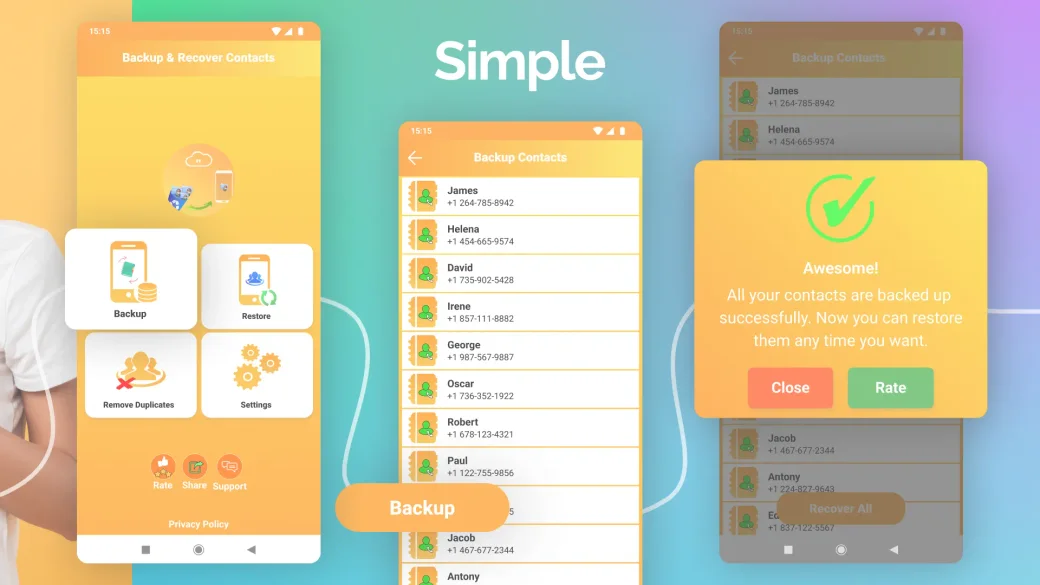

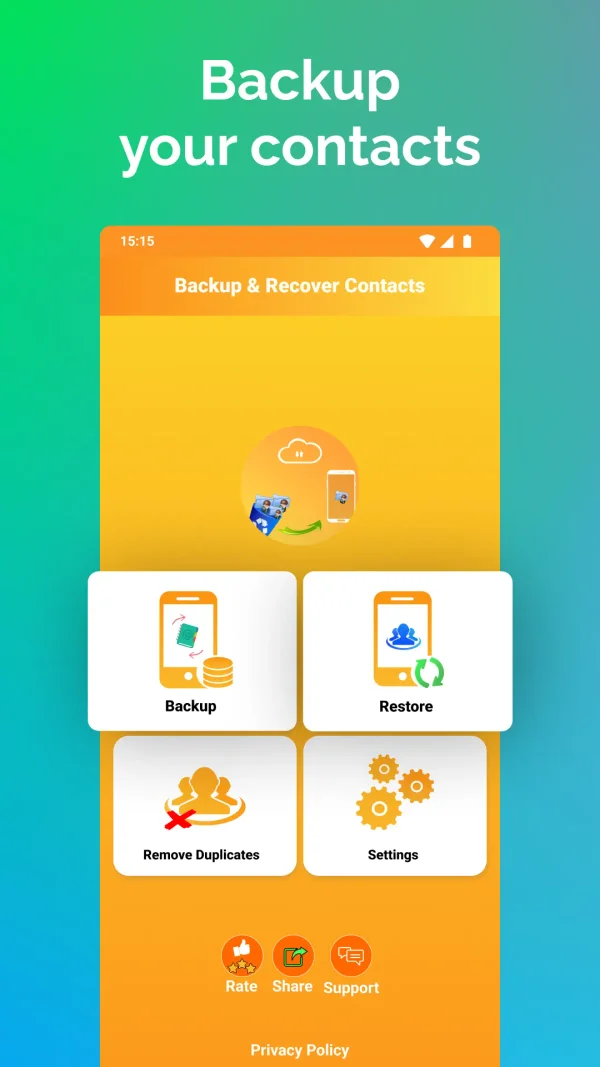
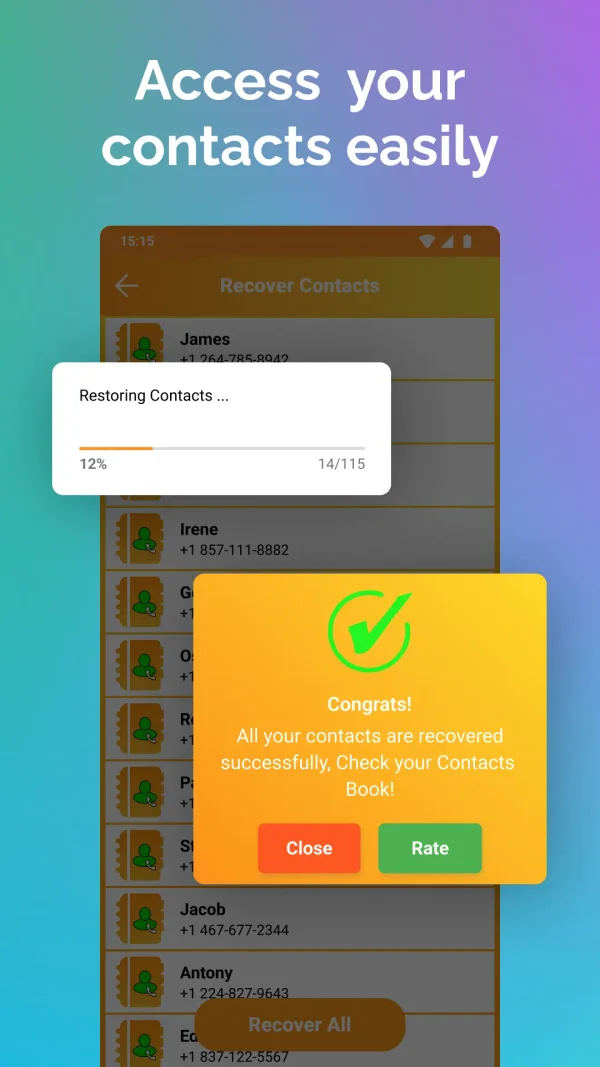
About this app
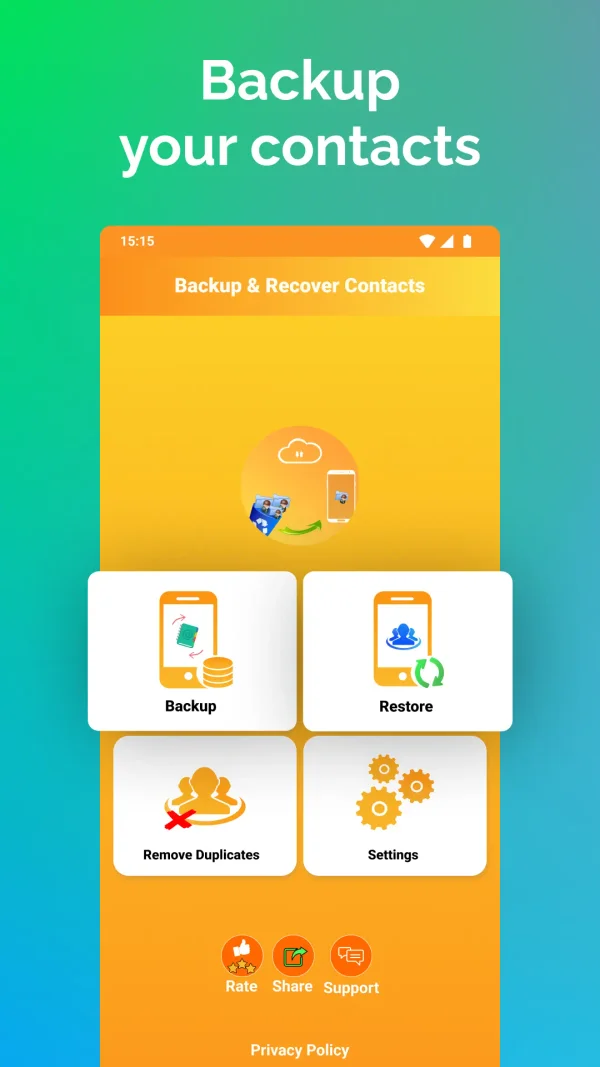
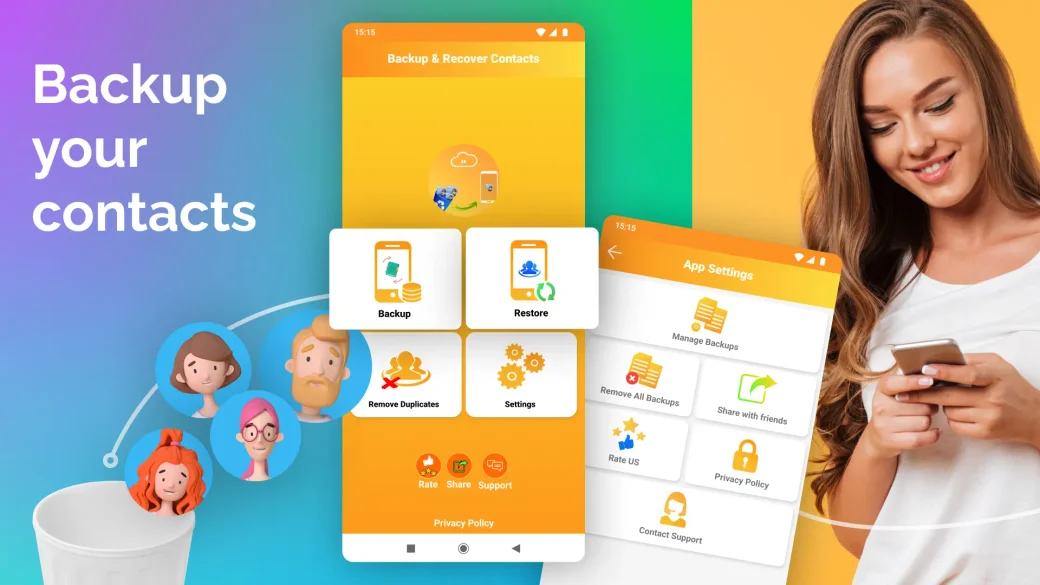
Back up contacts, restore from saved backups and remove duplicates.
What is Restore deleted contacts?
Keep a saved copy of your Android address book and bring saved entries back from an existing backup file. This contact backup app also helps you remove duplicate contacts so your list is easier to use.
Restoring contacts requires a backup that already contains them. Installing the app after a number has been deleted does not recover that number by itself.
Who is Restore deleted contacts for?
It is for people who want to save their current contacts before changing their address book, retrieve entries they previously backed up or tidy repeated names and numbers. If you accidentally delete a saved entry later, its backup gives you a copy to use.
What does Restore deleted contacts do?
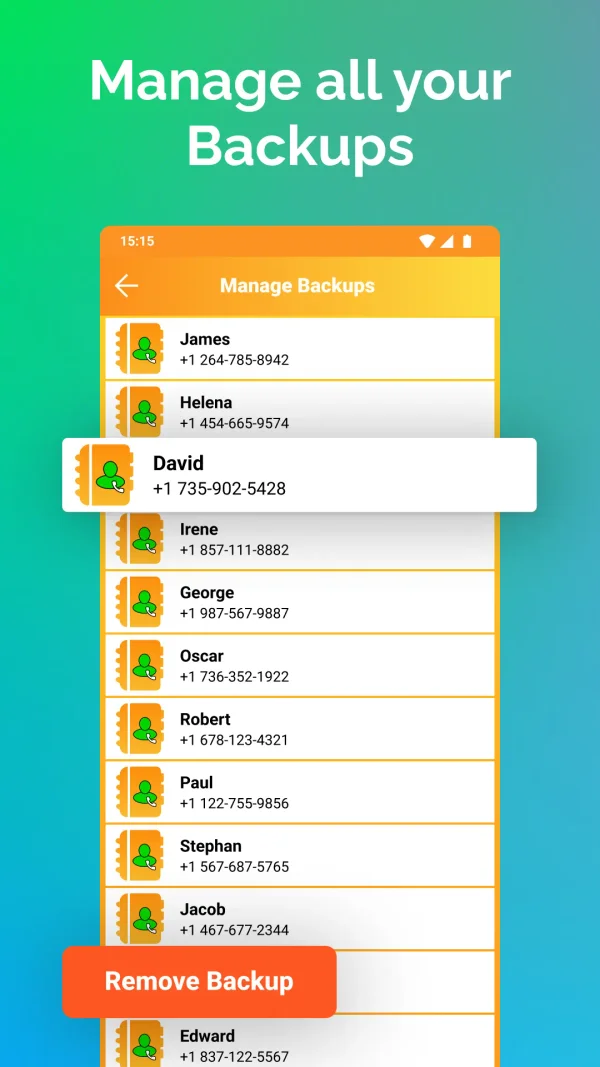
• 📁 Create a contact backup file on your phone while the entries are still available.
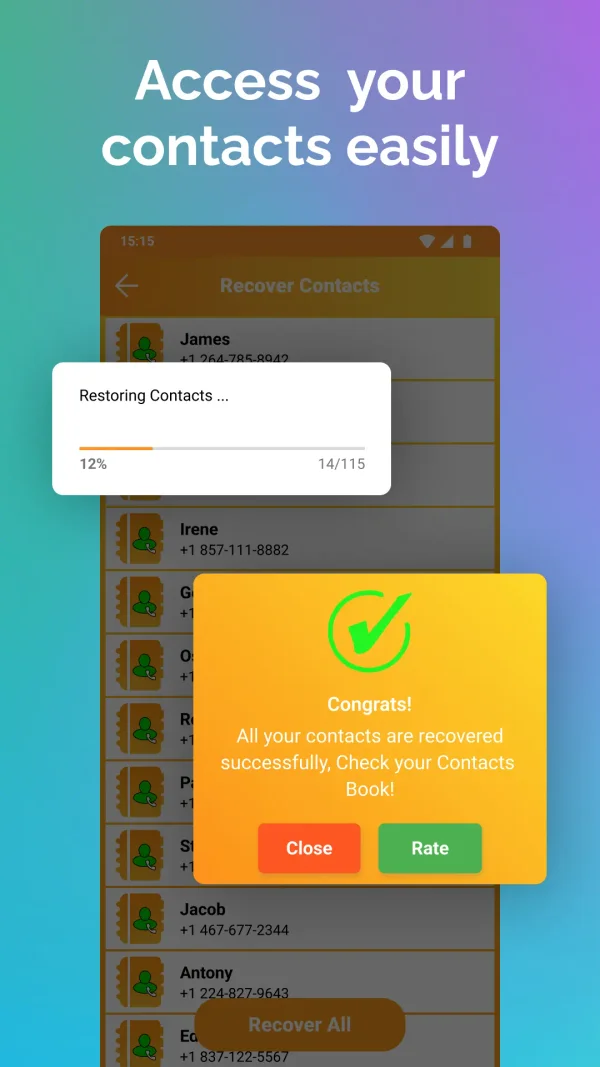
• 📇 Copy saved contacts from an accessible backup into your address book.
• Keep phone numbers and related contact information in the backup.
• 🧹 Scan for duplicate contacts and remove repeated entries.
How does Restore deleted contacts work?
Open the app and choose Backup to save your contacts. Allow contacts access so it can read your address book for the backup; file storage access supports creating the backup file on your phone.
When you need saved entries again, choose Restore and use an existing backup. The app reads the file and adds its saved entries to your address book, using access to update contacts.
For clean-up, choose the duplicate removal tool. Make a backup before changing your contact list so you have a saved copy available.
Compatibility and requirements
You need an accessible backup file containing the entries you want to restore. A number that was never saved in that file cannot be recovered from it. Creating a backup after a deletion does not put the missing number into the backup.
Installing the app alone does not back up your contacts. Use Backup while the entries are available, and keep the resulting file accessible for later use. Contacts access supports reading and adding entries; file storage access supports saving the backup.
The app contains ads and offers in-app purchases.
Privacy
The app may collect and share app information and performance data, along with device or other identifiers.
Restore deleted contacts brings contact backups and duplicate removal together to help you maintain a saved copy and a more organised address book.
Data safety
What TarrySoft declares on Google Play about the data this app collects and shares.
- This app may share these data types with third partiesApp info and performance and Device or other IDs
- This app may collect these data typesApp info and performance and Device or other IDs
- Data is encrypted in transit
- Data can’t be deleted
Developer contact
- Websitekigelapps.com
- Emailsupport.recovercontacts@kigelapps.com
- Privacy policykigelapps.com
- Address8 The Grn Ste 4184 Dover, DE 19901-3618 United States
Information
- Offered by
- TarrySoft
- Category
- Tools
- Version
- 23.0.1
- Updated
- Oct 30, 2026
- Released
- Nov 16, 2017
- Requires
- Android 8.0 or later
- Age rating
- Everyone
- Price
- Free
- In-app purchases
- $0.99 - $99.99 per item
- Package name
- com.recovery.deleted.contacts
Similar apps
-
 Contacts
Communication
-
 Digital Wellbeing
Tools
-
 Right Dialer
Communication
-
 File Manager
Tools
-
 Call Recorder - Auto Recording
Tools
-
 Messenger SMS - Text messages
Communication
-
 Messages - SMS Texting App
Communication
-
 UltData: Photo & File Recovery
Tools
-
 Smart Messages
Communication
-
 Phone by Google
Tools
-
 Restore My Old Deleted Photos
Tools
-
 Deleted Photo & Video Recovery
Tools