Digital Wellbeing
Google LLC- EveryoneAge rating
- ToolsCategory
- Nov 9, 2026Updated
- FreePrice
Links to the official Google Play listing of com.google.android.apps.wellbeing. Last checked on Nov 20, 2026.
Screenshots
About this app
Improve your wellbeing and disconnect more easily
See a complete picture of your digital habits and disconnect when you want to.
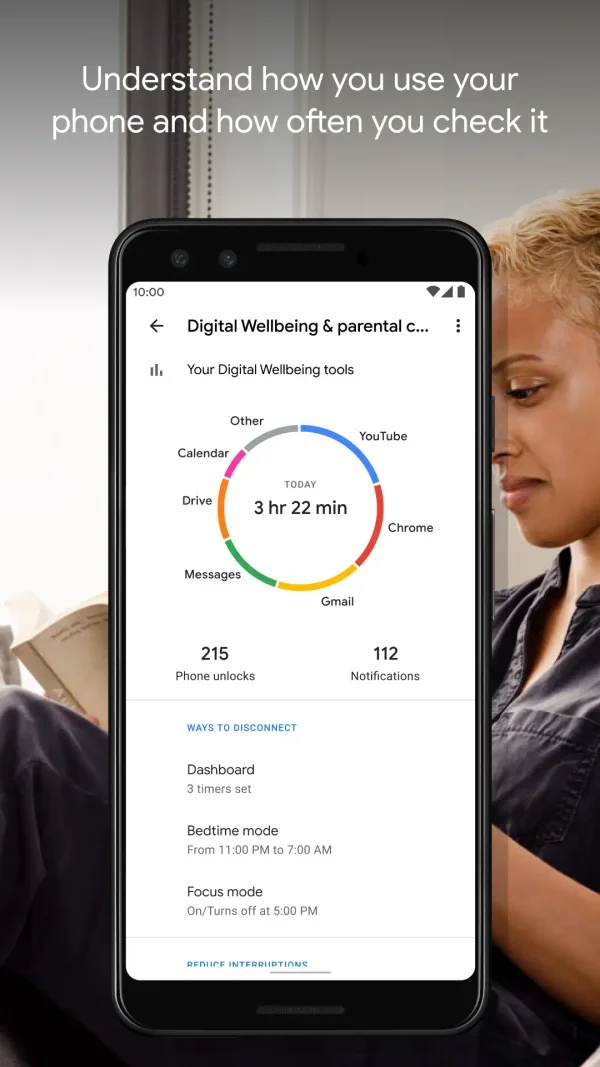
Get a daily view of your digital habits:
• How frequently do you use different apps
• How many notifications do you receive
• How often do you check your phone or unlock your device
Disconnect when you want to:
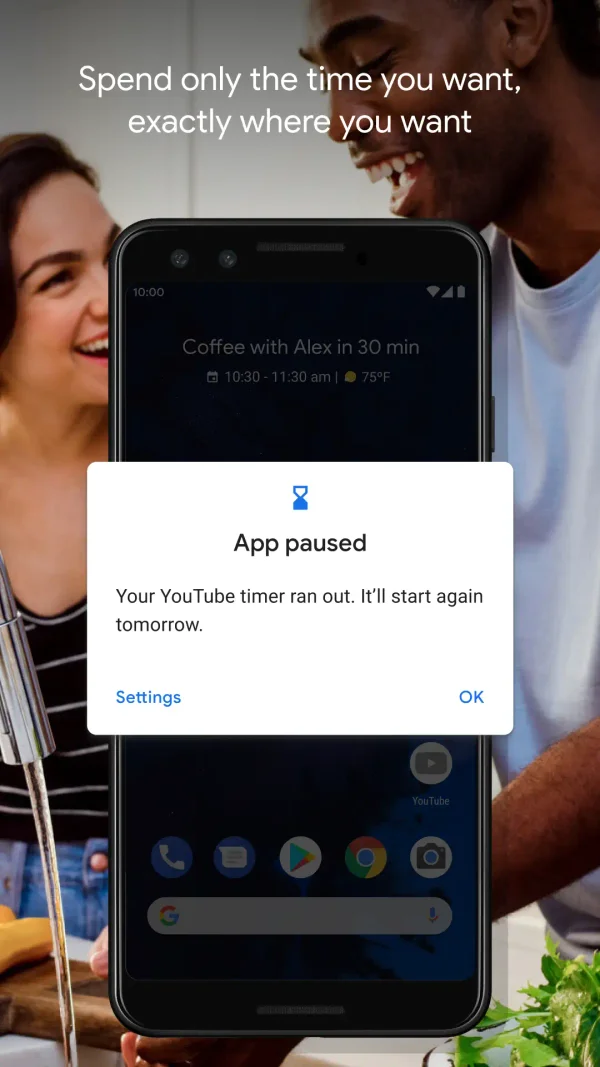
• Daily app timers let you set limits for how much you use apps.
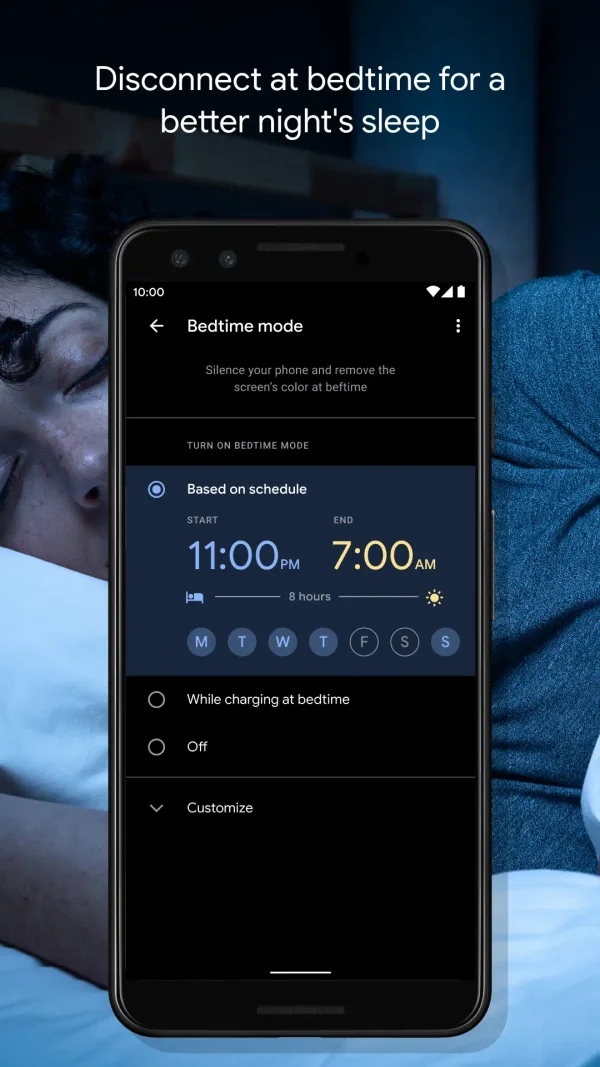
• Bedtime mode reminds you to switch off at night, setting a schedule to fade your screen to greyscale, while Do Not Disturb silences notifications for a good night’s sleep.
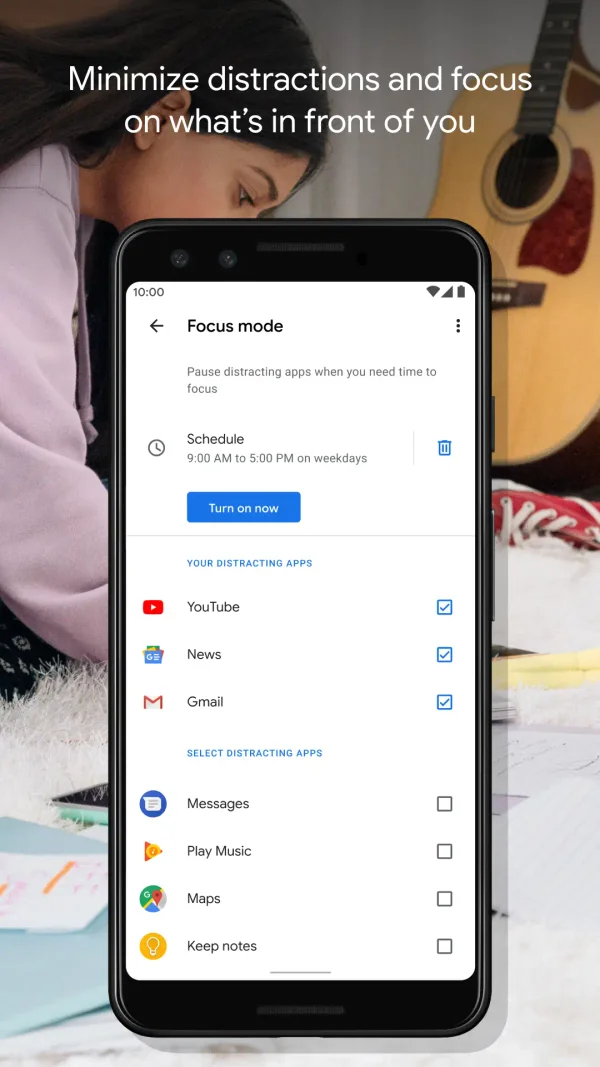
• Focus mode lets you pause distracting apps with a single tap so that you can better focus your time. You can also set a schedule to turn on Focus mode automatically and reduce distractions while you’re at work, school or home.
Get started:
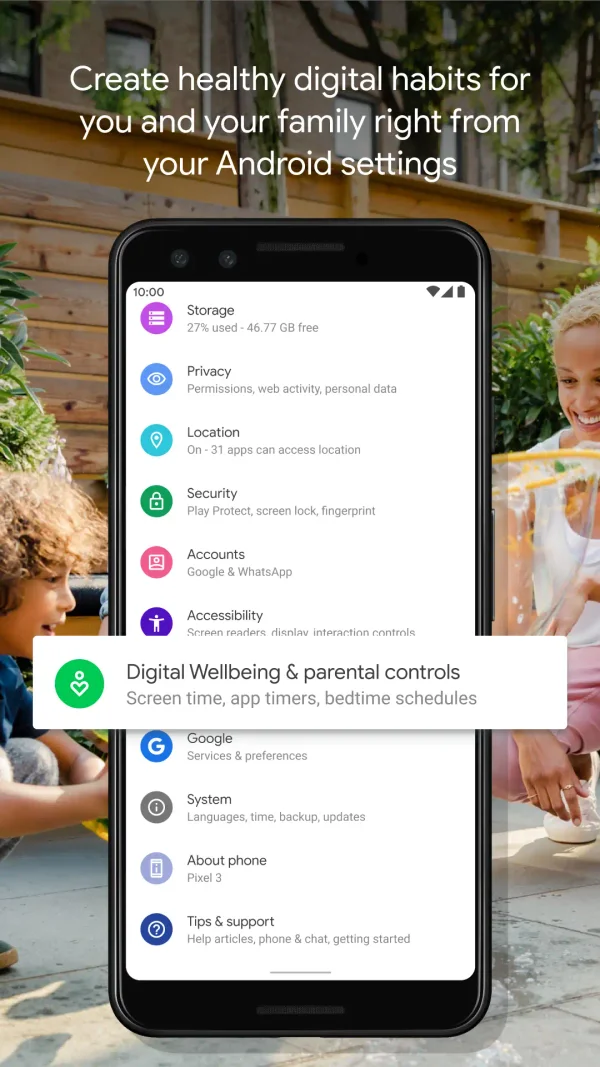
• Look for Digital Wellbeing in your phone’s settings menu Have a question? Take a look at the Help Centre: https://support.google.com/android/answer/9346420
Data safety
What Google LLC declares on Google Play about the data this app collects and shares.
- No data shared with third partiesLearn more about how developers declare sharing
- This app may collect these data typesPersonal info, App activity and 3 others
- Data is encrypted in transit
- Data can’t be deleted
- Independent security review
What’s new
Version 1.50.1015162751 (893257) · Nov 9, 2026
Several bug fixes and stability improvements.
Developer contact
- Websitewellbeing.google
- Emaildigital-wellbeing-help@google.com
- Privacy policygoogle.com
- Address1600 Amphitheatre Pkwy Mountain View, CA 94043 United States
Information
- Offered by
- Google LLC
- Category
- Tools
- Version
- 1.50.1015162751 (893257)
- Updated
- Nov 9, 2026
- Released
- Aug 8, 2018
- Requires
- Android 9 or later
- Age rating
- Everyone
- Price
- Free
- Package name
- com.google.android.apps.wellbeing
Similar apps
-
 Google Go
Tools
-
 WhatsApp
Communication
-
 Google Translate
Tools
-
 1Tap Cleaner (clear cache)
Tools
-
 Google Messages
Communication
-
 Google Assistant Go
Tools
-
 Phone by Google
Tools
-
 Google Maps Go
Travel & Local
-
 Samsung My Files
Tools
-
 Android Auto
Auto & Vehicles
-
 Internet Browser
Tools
-
 Google Fi Wireless
Tools