Resume Builder - CV Maker App
Trusted PDF ToolsContains ads · In-app purchases
- EveryoneAge rating
- BusinessCategory
- Nov 27, 2026Updated
- FreePrice
Links to the official Google Play listing of com.resume.builder.cv.maker.create.resume. Last checked on Nov 27, 2026.
Screenshots
About this app
Job Resume Builder & PDF CV Maker App to Craft a Professional Curriculum Vitae
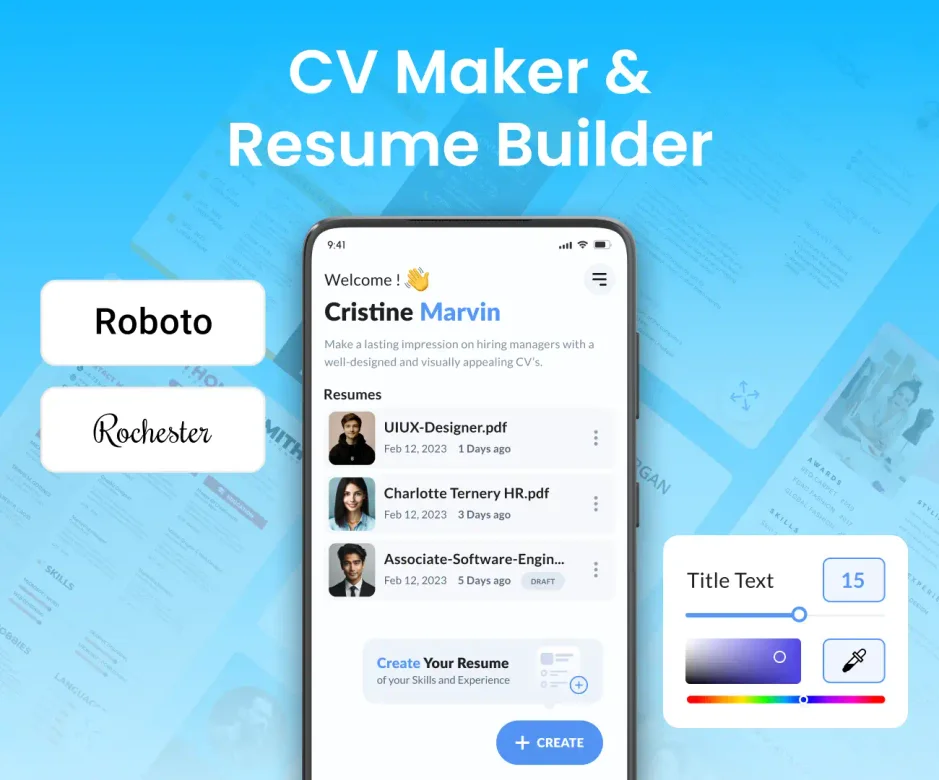
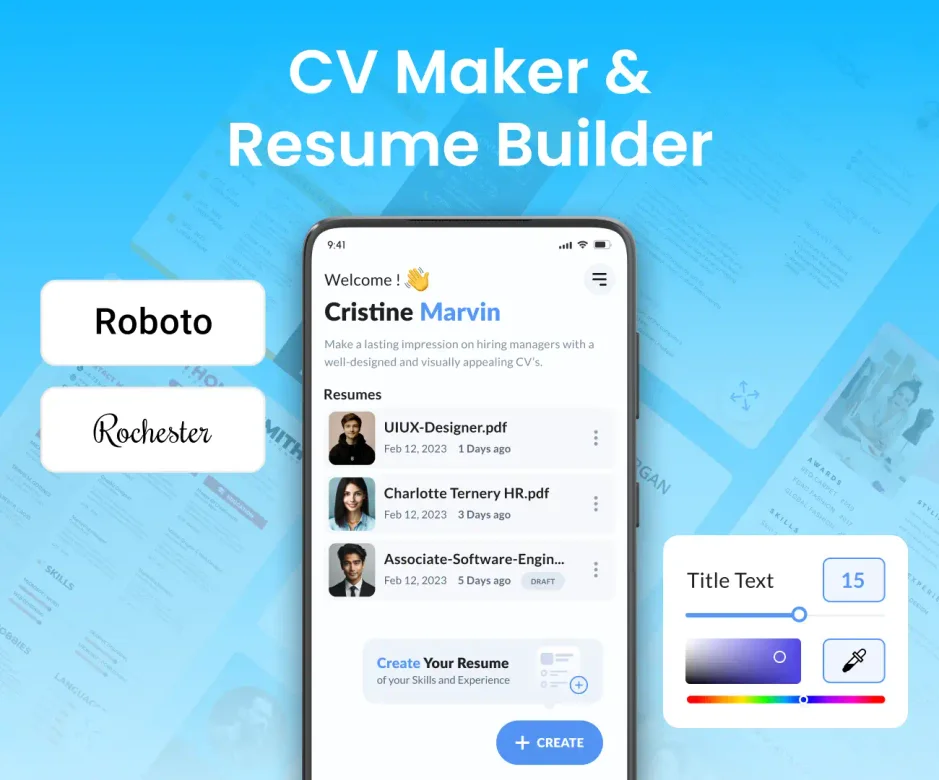
Resume Builder & Resume Maker App helps you create a professional CV and cover letter quickly and easily. Whether you're a student, fresher, or experienced professional, this Resume Builder app helps you build ATS-friendly resumes with professionally designed PDF templates. If you're looking for a free resume builder or an easy-to-use CV Maker, this app provides everything you need to craft a well-structured PDF resume for your next job application.
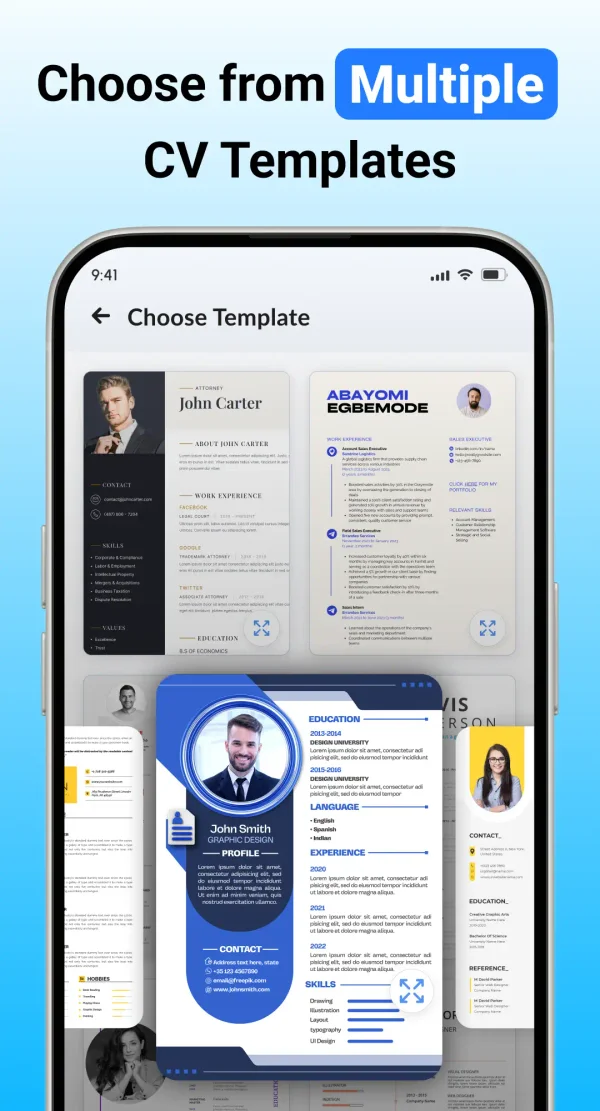
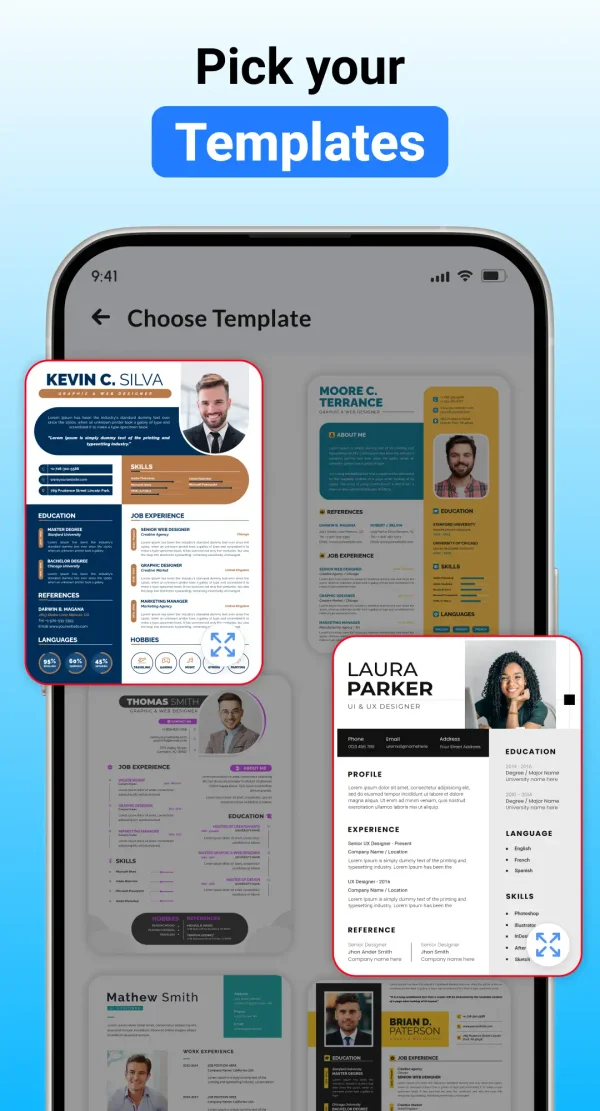
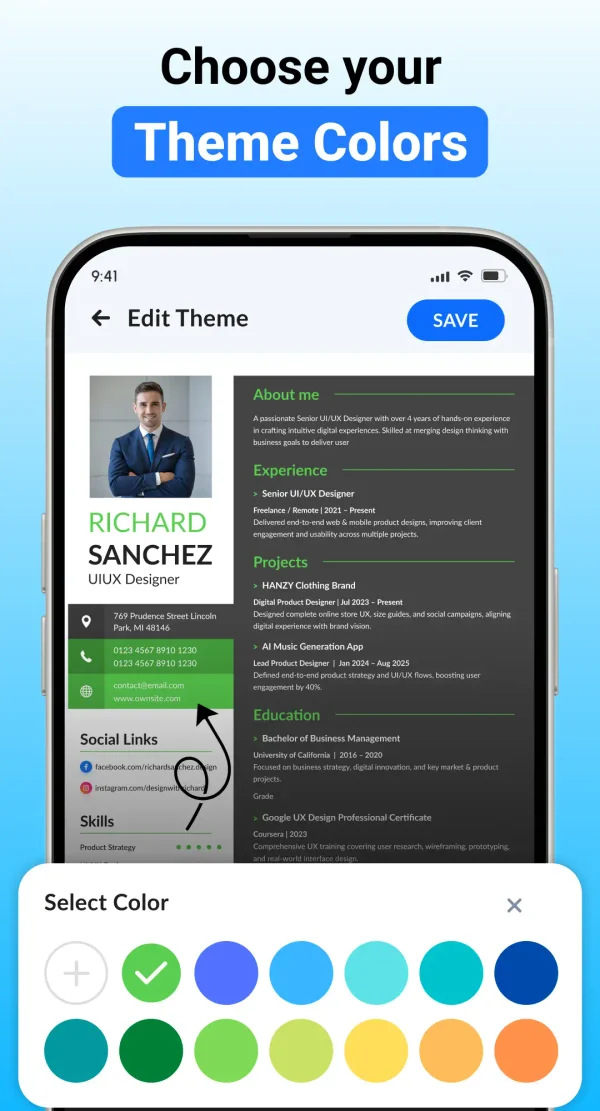
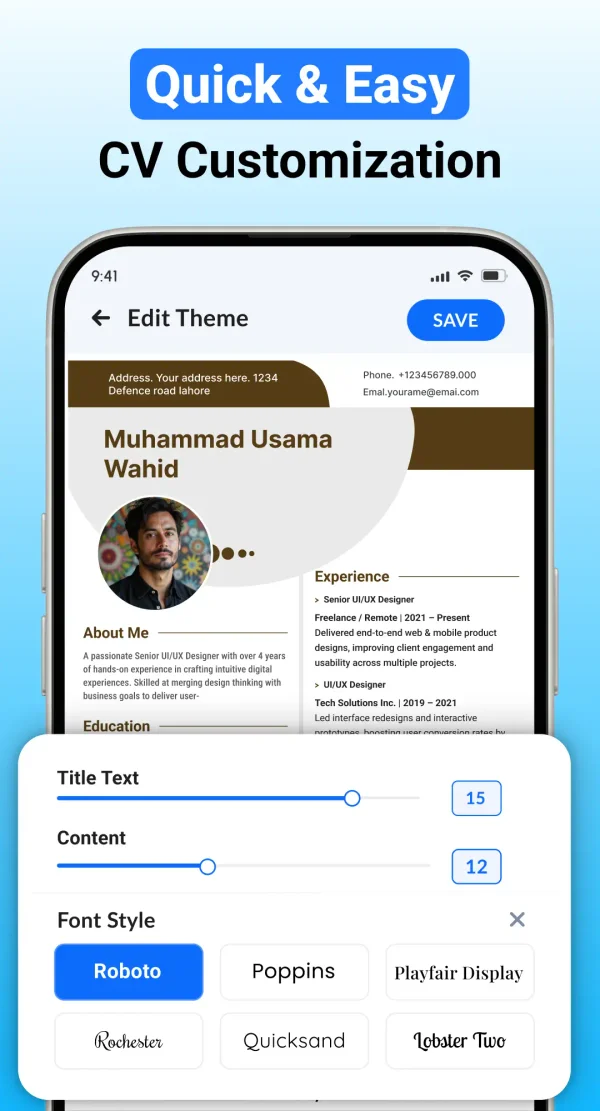
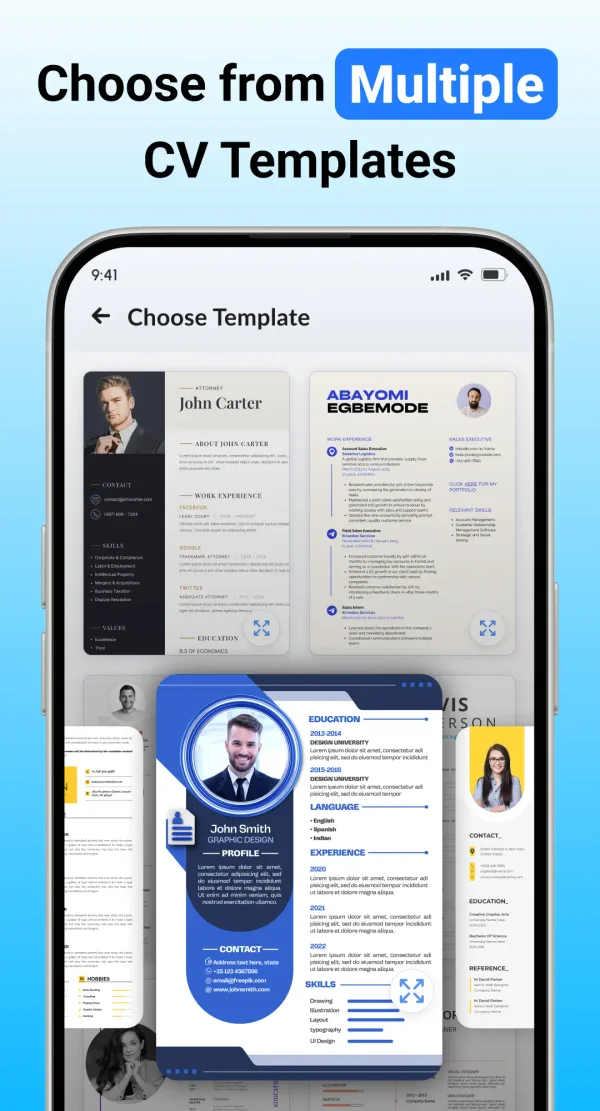
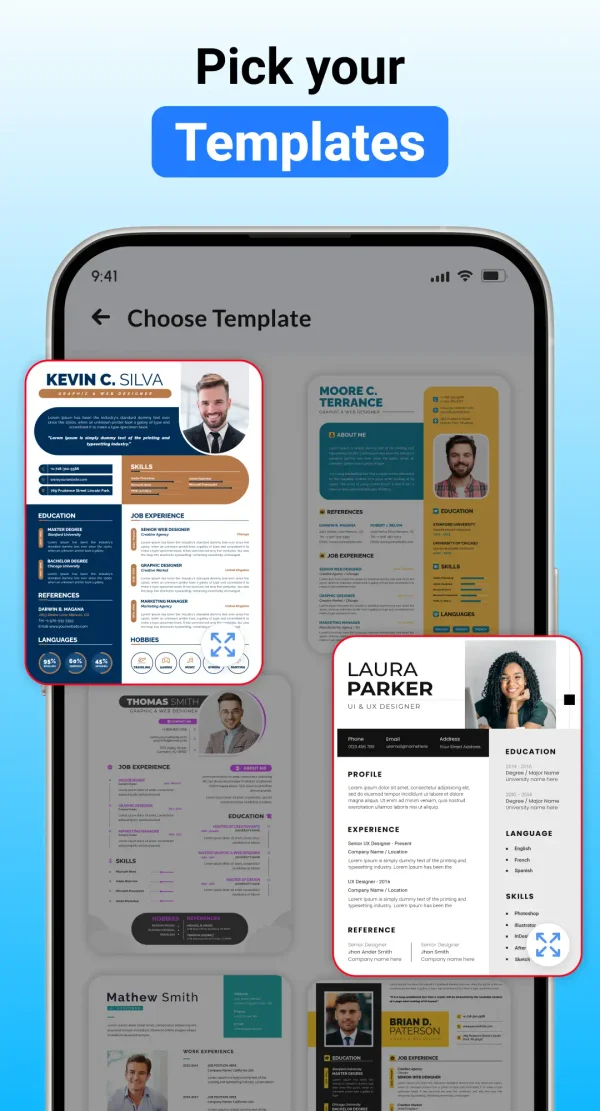
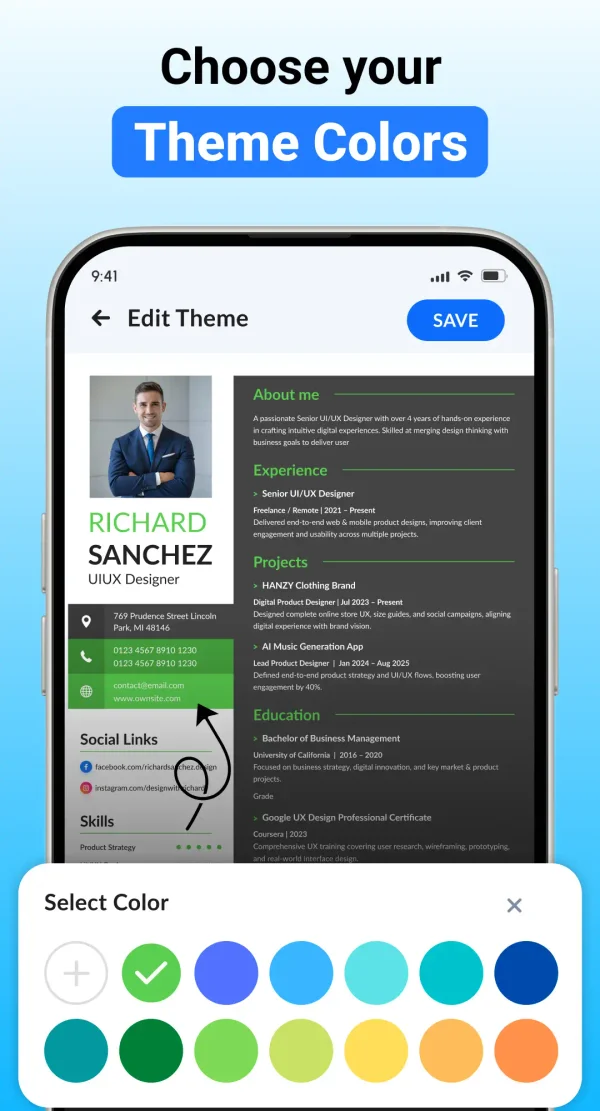
This Resume Builder includes professionally designed templates, customizable sections, and step-by-step guidance to help you create a resume that stands out. With user-friendly editing tools and customizable templates, the resume template app helps job seekers build resumes quickly and confidently. Choose from multiple resume formats, preview your design, and export your resume in PDF or image format without requiring an internet connection.
Key Features of the Resume Builder App:
• Resume Builder with professional resume layout options
• Resume Builder with modern and ATS-friendly templates
• Cover letter builder included
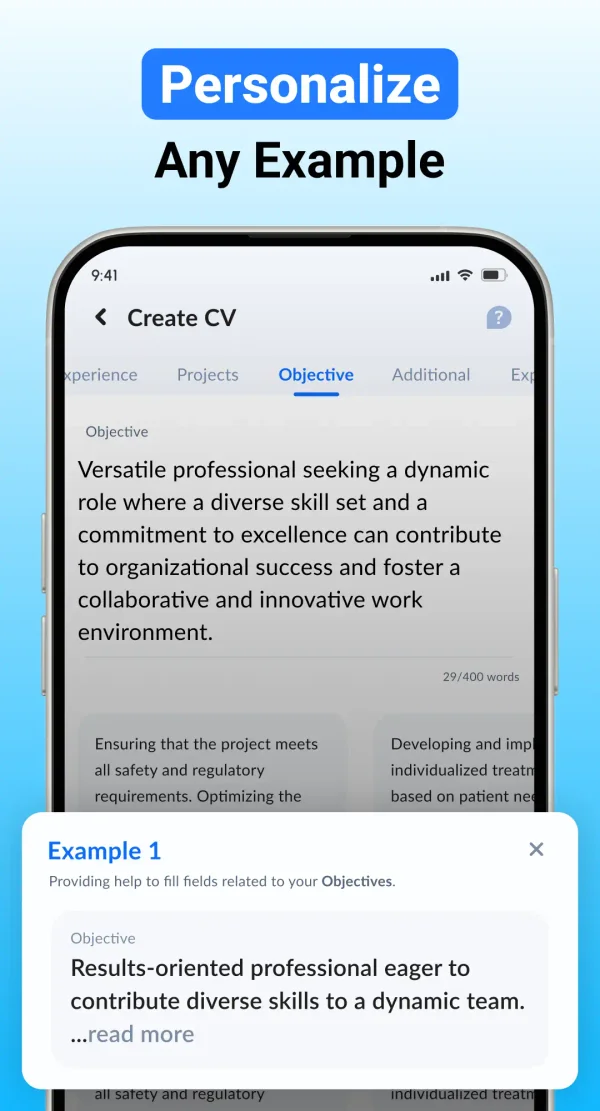
• Step-by-step Resume Builder with sample content
• Resume examples for freshers and experienced professionals
• Free Resume PDF templates for different industries
• Edit objective, education, experience, projects, skills, certifications, hobbies, achievements, and languages
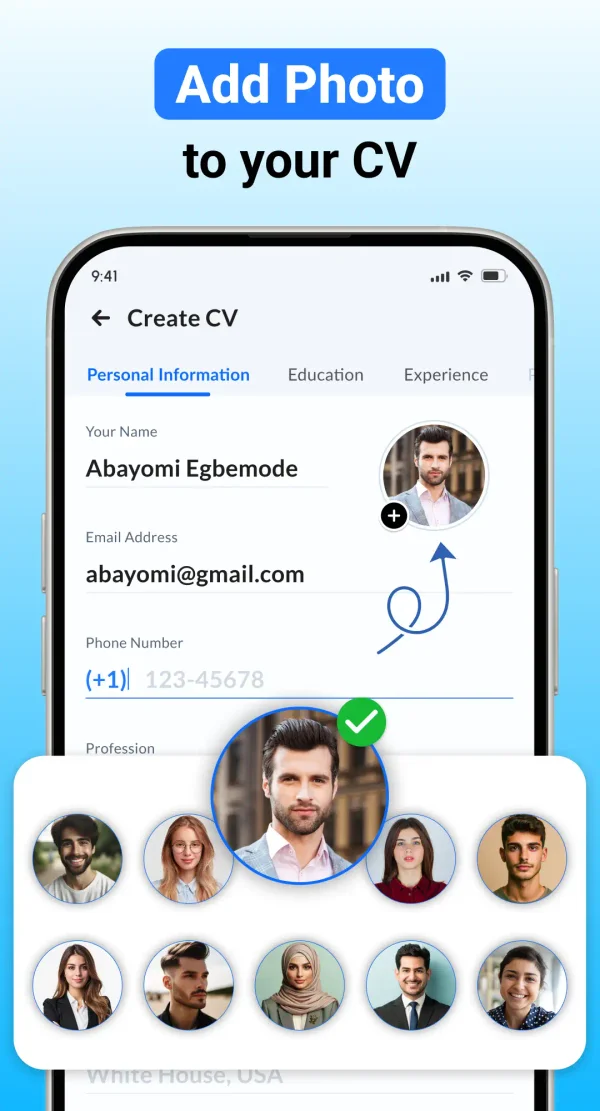
• Add your photo and e-signature
• Real-time resume preview before download
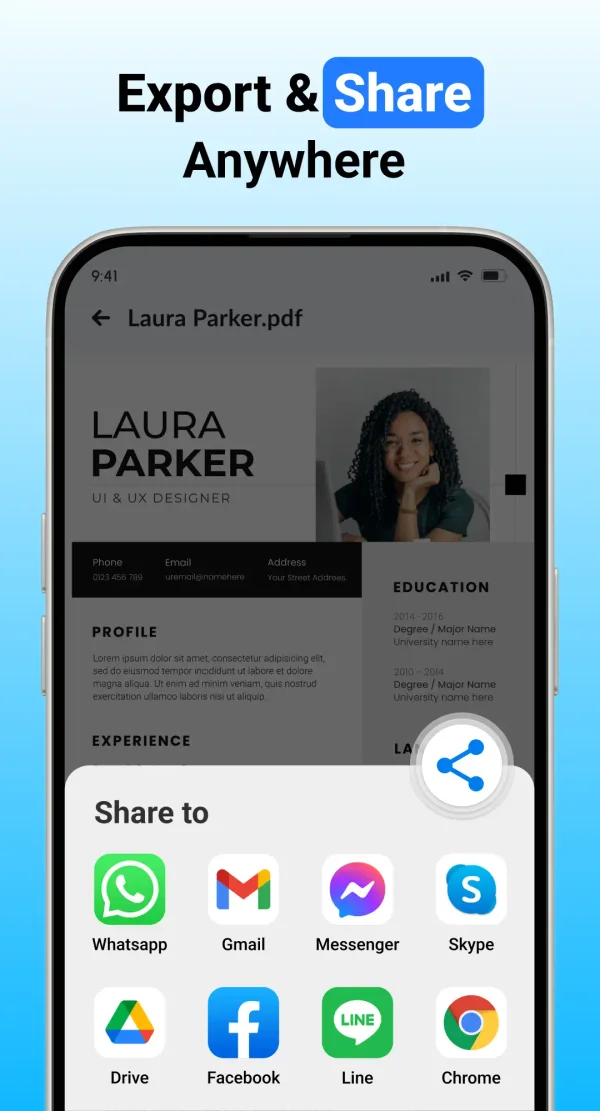
• Export resume in PDF or JPEG format
• Print or share your resume directly from the Resume Builder
• Works offline - no login required
• ATS-compliant resume formatting
Create Resumes for Various Jobs and Industries:
The Resume Builder helps you create resumes for careers in:
• Information Technology and Software
• Business, Finance, and Management
• Engineering and Technical Fields
• Sales, Customer Service, and Marketing
• Teaching and Education
• Nursing, Medical, and Healthcare
• Banking and Administration
• Freelance and Remote Jobs
Resume Formats Supported:
The Resume Builder supports multiple professional resume formats:
• Reverse-chronological format
• Functional (skills-based) format
• Combination format
• One-page and multi-page resume layouts
• Academic CV and biodata formats
How to Use the Resume Builder App:
• Enter your personal, educational, and professional information
• Add work experience, skills, projects, and certifications
• Select a professional resume template
• Preview your resume before downloading
• Download your resume as PDF or JPEG
• Print or share your resume directly from the app
Why Choose Resume Builder - CV Maker App:
• Resume Builder designed for students, graduates, and professionals
• Resume Builder with ATS-friendly resume templates
• Resume Builder works completely offline
• Resume Builder includes a built-in cover letter builder
• Simple interface with easy navigation
• No registration or login required
• Ready-to-use resume examples
• Build, edit, and update your resume anytime
Who Can Use This Resume Builder:
• Students applying for internships
• Fresh graduates applying for their first job
• Experienced professionals updating resumes
• Freelancers and remote job seekers
• International applicants creating job-specific resumes
Whether you're searching for a Resume Builder, Resume Builder app free, resume template app free, or an easy-to-use CV Maker, this app provides all the tools you need. Create, edit, preview, and export professional PDF resumes in just a few minutes. Download Resume Builder - CV Maker App today and build a resume that helps you stand out in every job application.
Data safety
What Trusted PDF Tools declares on Google Play about the data this app collects and shares.
- No data shared with third partiesLearn more about how developers declare sharing
- No data collectedLearn more about how developers declare collection
- Data is encrypted in transit
- Data can’t be deleted
What’s new
Version 1.3.5 · Nov 27, 2026
- Redesigned UI with a new CV editor, preview, and updated Files & Settings screens.
- Added 150 new CV templates for more design options.
- Improved CV creation speed and added a dedicated Letters module.
- Added PDF tools, a PDF viewer, and a separate database.
Developer contact
- Websitedigitalzone.today
- Emaildigizonetechnology@gmail.com
- Privacy policycvmaker.digitalzone.today
- AddressAl Khatem Tower,WeWork Hub71, Abu Dhabi Global Market Square أبو ظبي United Arab Emirates
Information
- Offered by
- Google Commerce Ltd
- Category
- Business
- Version
- 1.3.5
- Updated
- Nov 27, 2026
- Released
- May 14, 2025
- Requires
- Android 7.0 or later
- Age rating
- Everyone
- Price
- Free
- In-app purchases
- $8.99 - $29.99 per item
- Package name
- com.resume.builder.cv.maker.create.resume
Similar apps
-
 AiPPT- AI Presentation Maker
Productivity
-
 Microsoft Word: Edit Documents
Productivity
-
 WPS Office-PDF, Word, Sheet
Productivity
-
 PDF Reader - PDF Editor
Productivity
-
 Google Docs
Productivity
-
 Fill, Sign and Edit Documents
Business
-
 AI Writer: Any Content Writing
Tools
-
 Invitation Card Maker & RSVP
Events
-
 Polaris Office: Edit&View, PDF
Productivity
-
 Document Reader - PDF Editor
Productivity
-
 PDF Reader(KDAN PDF): Edit PDF
Business
-
 Jotform - Form, Sign & Survey
Business