Roku Remote TV Control
Quanticapps FZ LLEContains ads · In-app purchases
- ToolsCategory
- Apr 3, 2026Updated
Links to the official Google Play listing of com.quanticapps.android.rokutv. Last checked on Nov 19, 2026.
Roku Remote TV Control may not be available on Google Play right now
The store listing could not be reached the last time we checked. The link still leads to the official Google Play page.
Screenshots

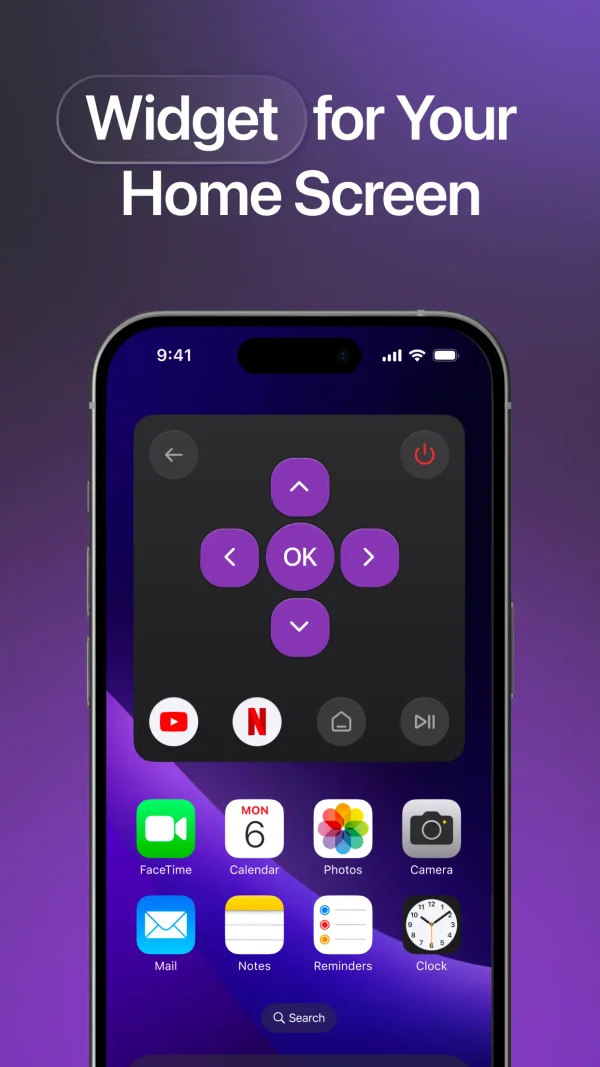
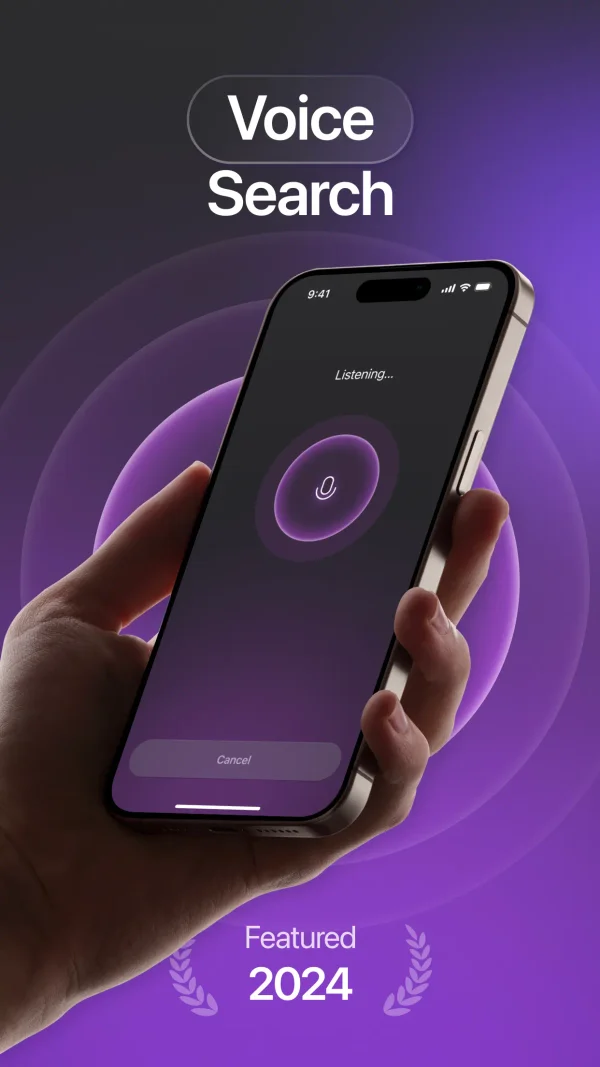
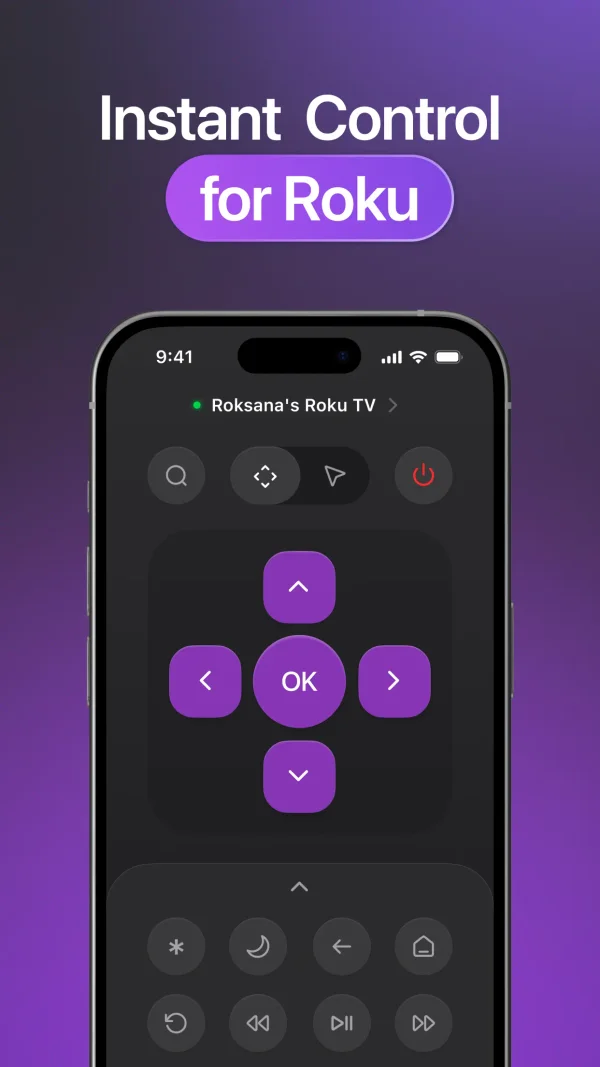
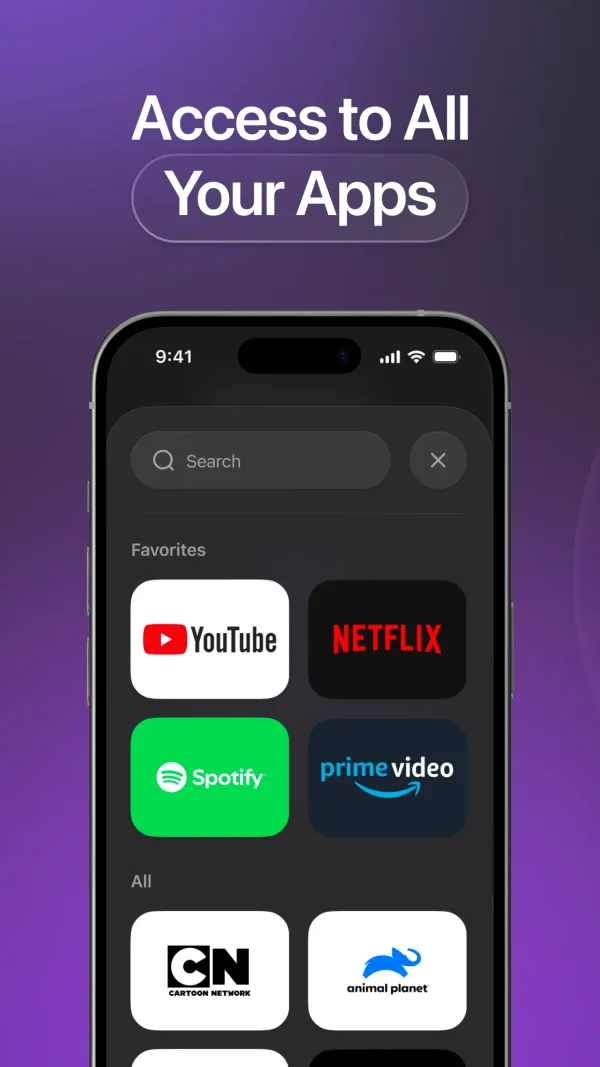
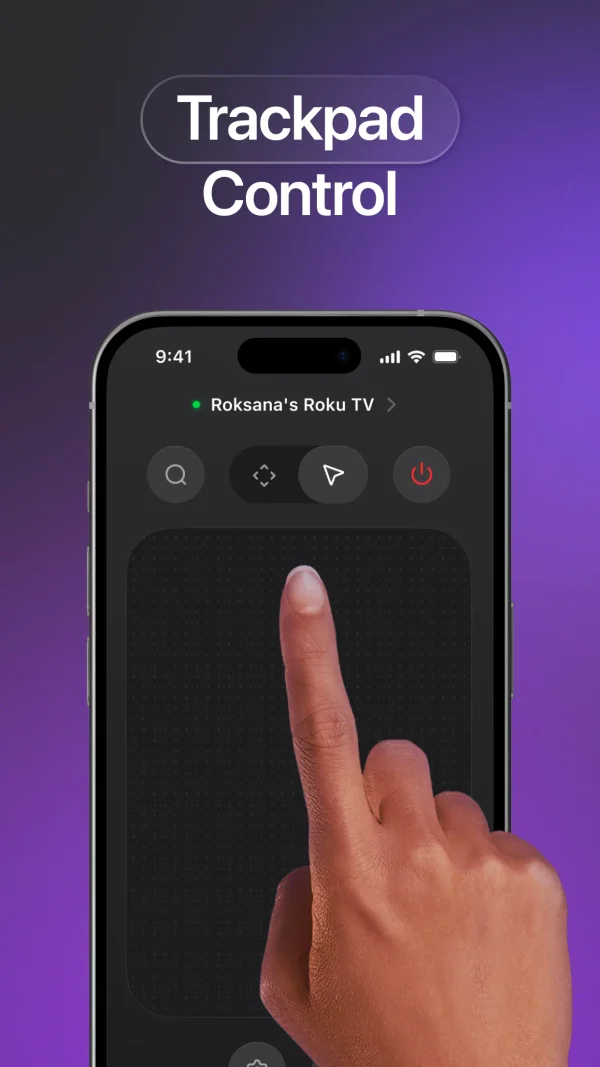
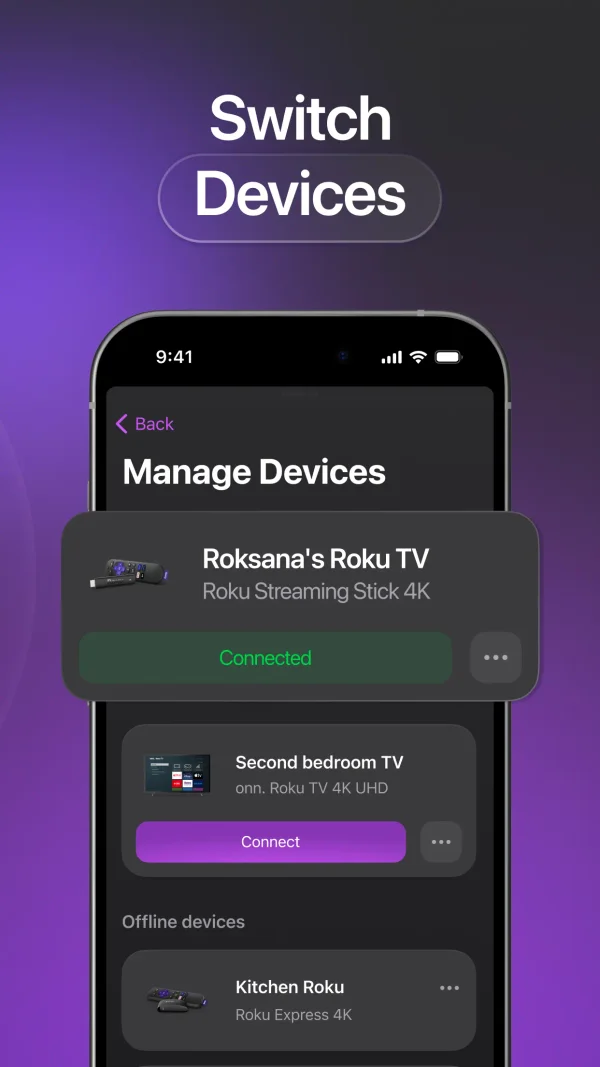
About this app
Control your Roku devices with ease using Roku Remote, your TV remote control
🚀 Transform Your Viewing Experience with Roku Remote TV – The Ultimate Roku TV remote control and cast to TV! 🚀 Unlock the full potential of your Roku TV, streaming players, and Soundbars with the app – designed to optimize your TV & video equipment experience and enhance your control over electronic accessories. With this versatile remote control for TV, managing your entertainment setup has never been easier.
📺 Superior Control Over Your Roku TV & Video Equipment with Roku TV Remote Control 📺
Roku TV Remote turns your smartphone or tablet into a powerful remote control for TV, simplifying your control over all your Roku devices and boosting your viewing experience.
Key Features:
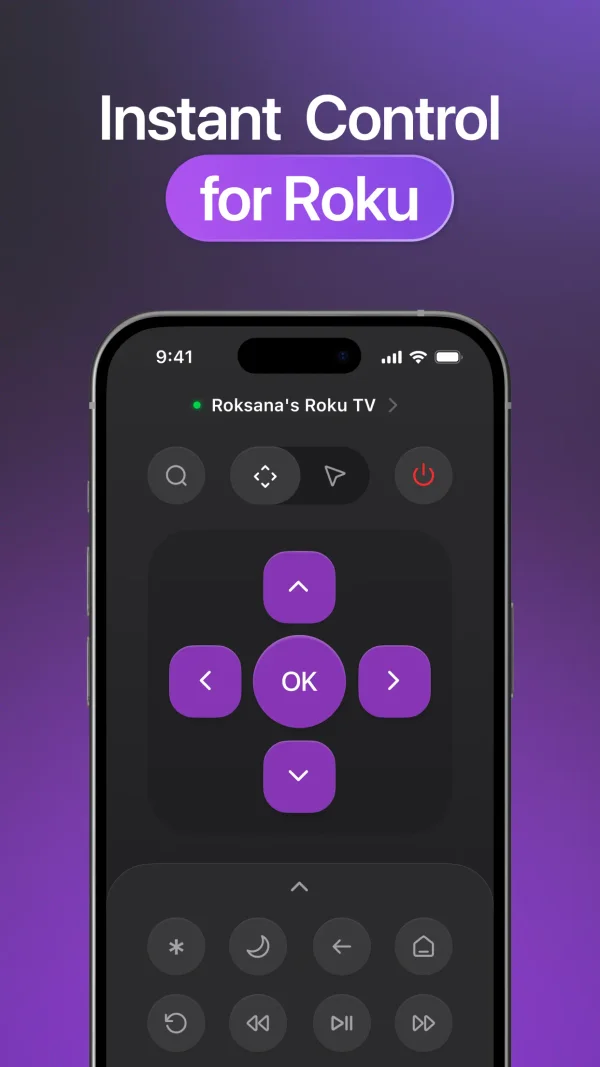
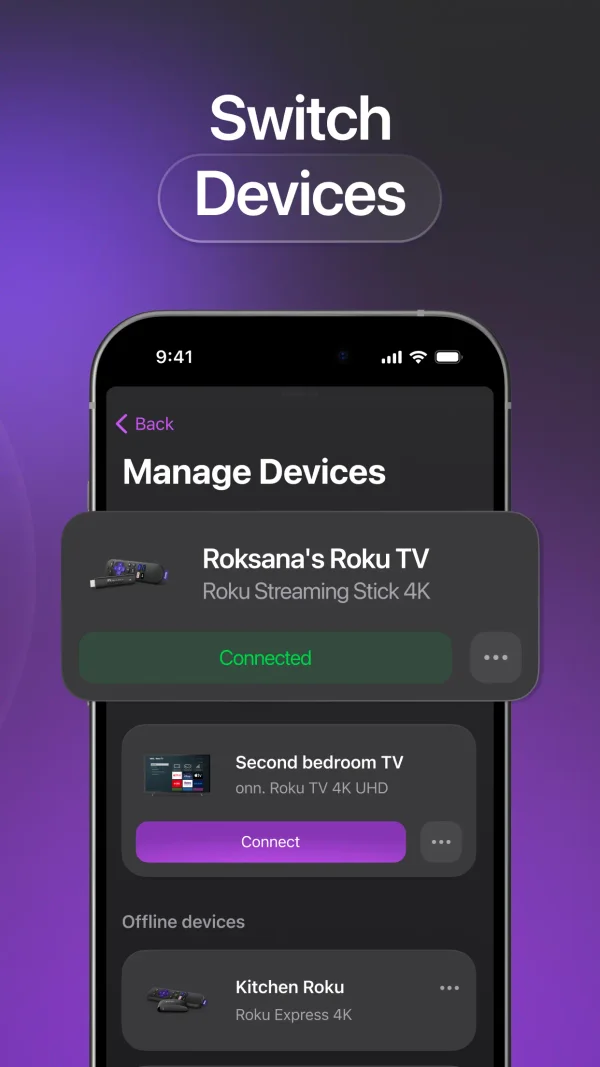
• Effortless Setup: Connect seamlessly to your Roku TV and devices via Wi-Fi with automatic detection.
• Power On/Off Control: Easily turn your TV and streaming devices on or off with a single touch.
• Precise Volume Control: Adjust the audio levels of your TV and Soundbar for the perfect sound experience.
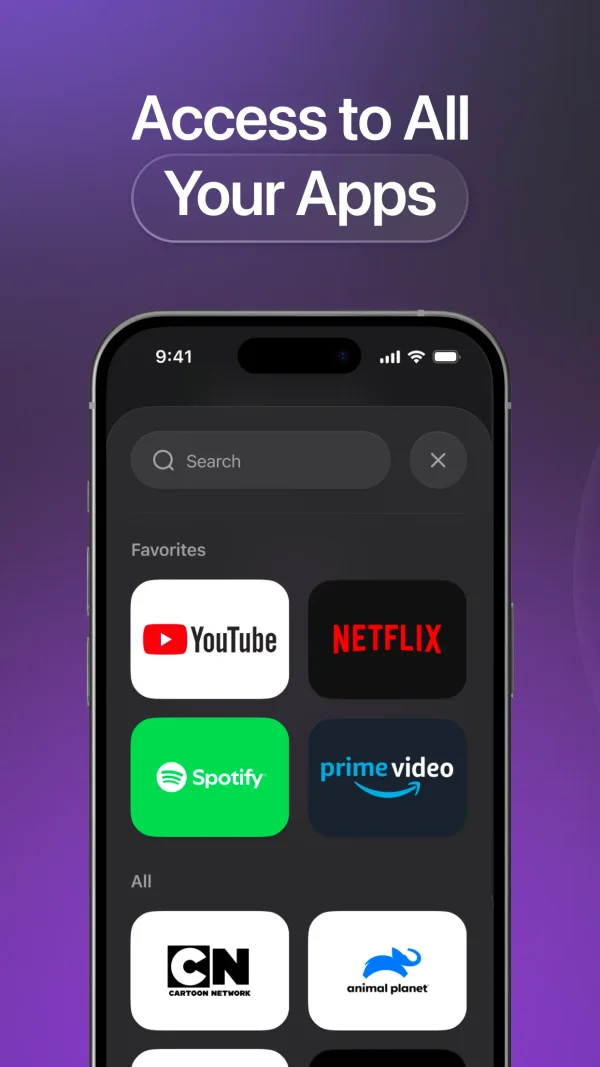
• Intuitive Navigation: Navigate channels, menus, and apps with user-friendly controls.
• Voice Search: Quickly find your favorite shows and movies by speaking into your phone.
• Cast to TV: Cast photos, videos, and music from your device to your TV effortlessly with the remote control for TV.
• Customizable Remote Layout: Tailor your remote control layout for optimal convenience and functionality.
• Ad-Free Experience (Premium): Upgrade for uninterrupted control without any ads.
🔧 Enhanced Compatibility and Performance 🔧
• Universal TV Compatibility: Works flawlessly with all Roku TVs and major TV brands, ensuring seamless universal remote integration with your Roku TV remote.
• Wide Device Support: Compatible with various Roku devices including TVs, streaming players, and Soundbars.
• Optimized for TV Equipment: Designed to provide smooth and responsive control for an unparalleled viewing experience with the roku TV remote control.
• Mobile Convenience: Control your Roku devices from anywhere in your home using this Roku mobile app, and control your TV from your wrist thanks to the Wear OS app.
• Accessory Management: Easily manage and control electronic accessories connected to your Roku devices.
• Device Integration: Ensure all your electronic accessories work seamlessly with your roku TV remote control setup.
Quanticapps is not affiliated with Roku. This is a third-party app.
Download Roku TV remote control now to enjoy all in one Roku Remote and cast to TV over all your TCL TV & video equipment and electronic accessories, including 4,5 and 6 Series.
Data safety
What Quanticapps FZ LLE declares on Google Play about the data this app collects and shares.
- This app may share these data types with third partiesLocation, App activity and 2 others
- No data collectedLearn more about how developers declare collection
- Data is encrypted in transit
- Data can’t be deleted
Developer contact
- Websitequanticapps.com
- Emailquanticapps@gmail.com
- Privacy policyquanticapps.com
- AddressCreative Tower, 18th Floor 4422 الفجيرة United Arab Emirates
Information
- Offered by
- Quanticapps FZ LLE
- Category
- Tools
- Updated
- Apr 3, 2026
- Released
- Jul 15, 2021
- In-app purchases
- Yes
- Package name
- com.quanticapps.android.rokutv