Roku Remote TV Control
Quanticapps FZ LLE広告を含む · アプリ内課金
- 3 歳以上対象年齢
- ツールカテゴリ
- 2026/4/3更新日
- 無料価格
com.quanticapps.android.rokutvのGoogle Play公式ページにリンクしています。最終確認:2026/11/19。
スクリーンショット

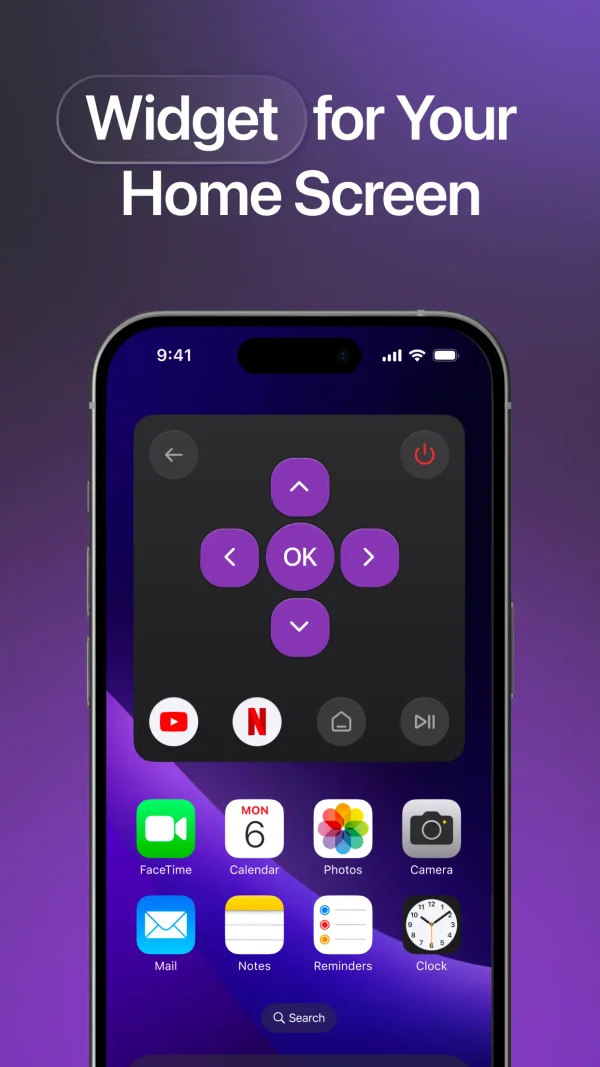
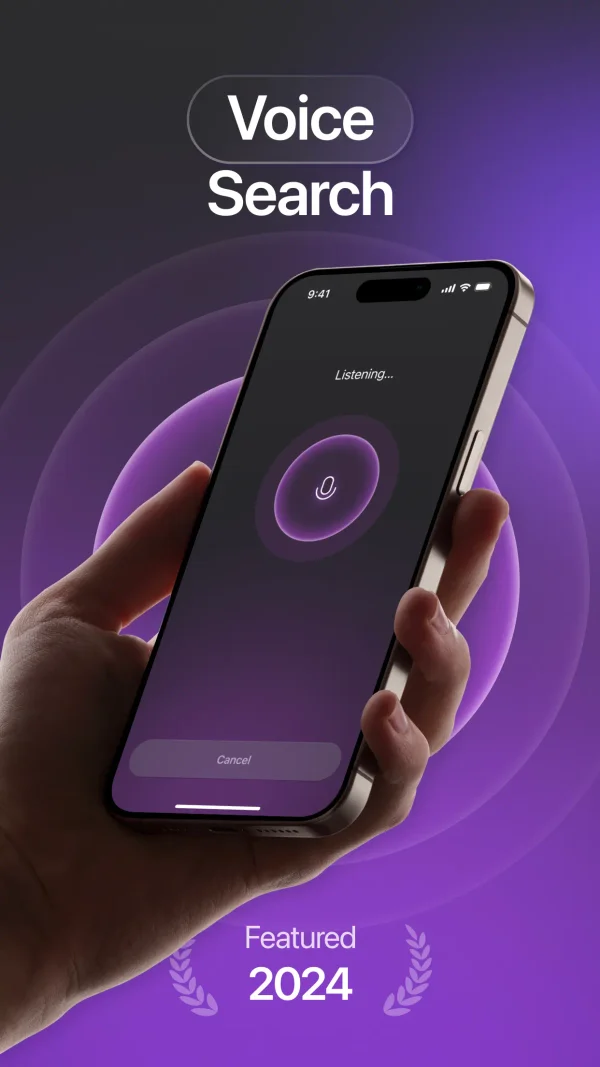
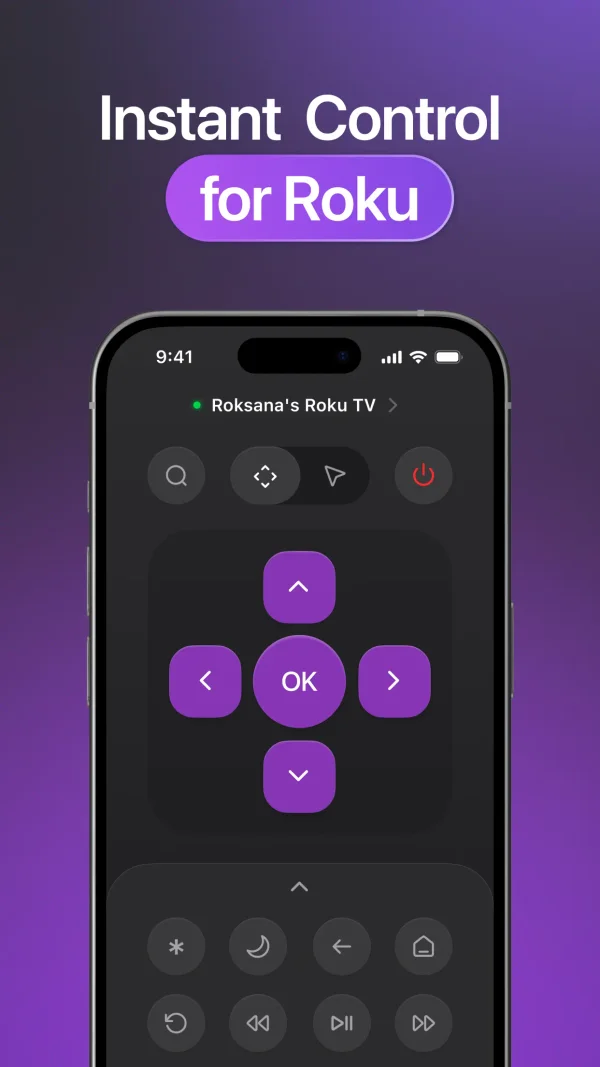
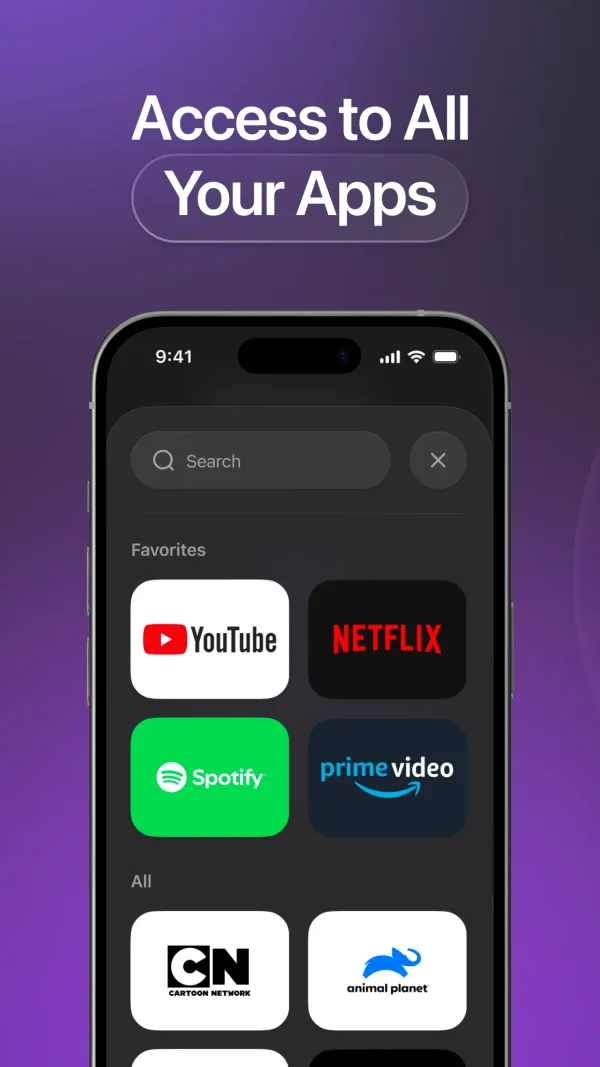
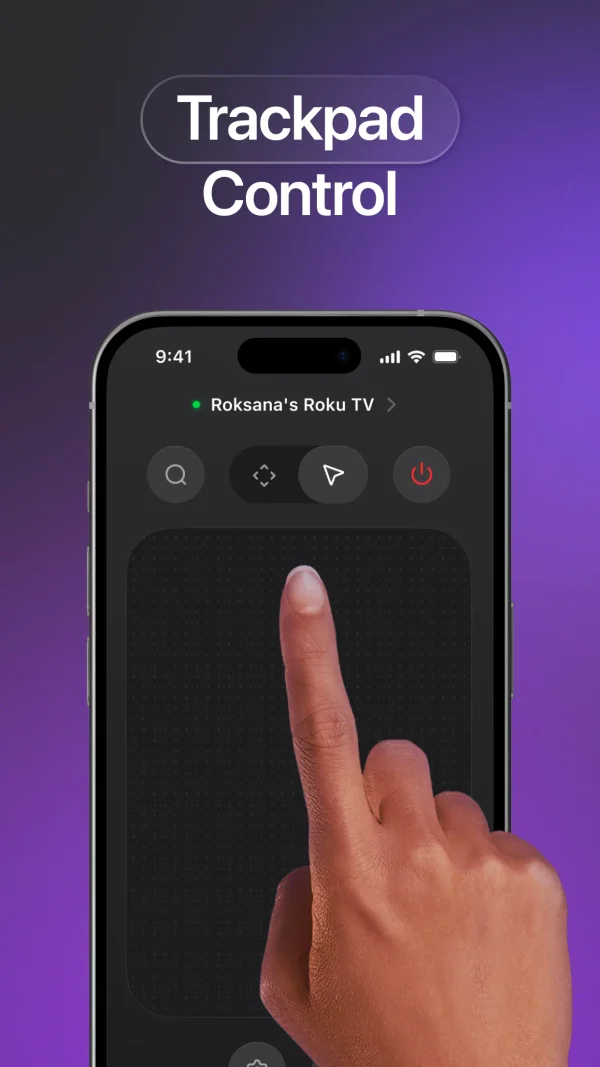
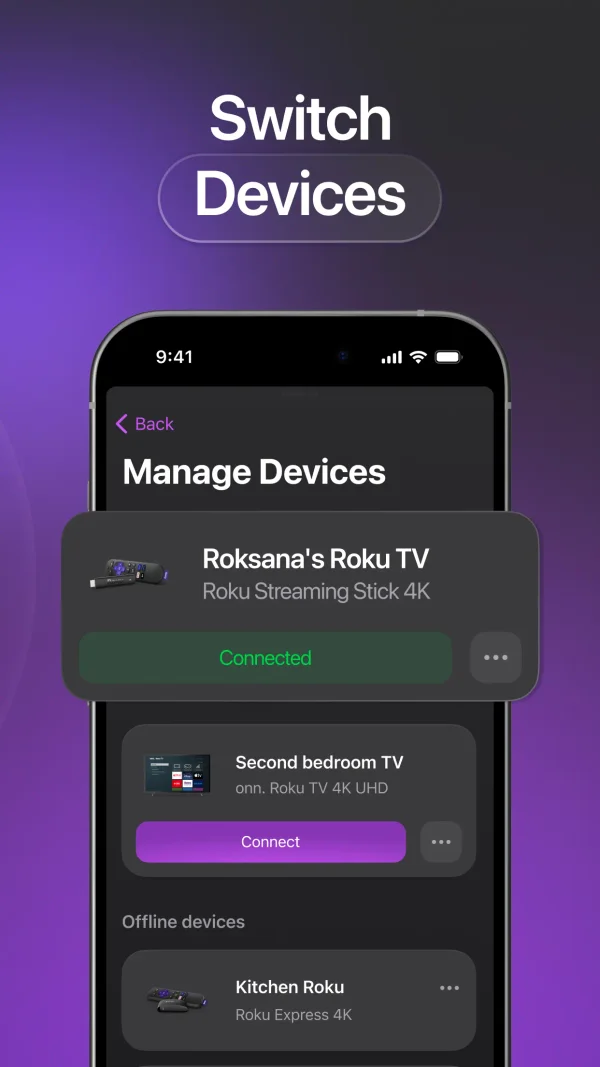
このアプリについて
Googleによる英語 (アメリカ合衆国)からの自動翻訳です。
Rokuリモコンを使ってRoku TVデバイスを簡単に操作できます。
Rokuデバイス用の便利で使いやすいリモコンアプリをお探しですか?Roku TV、Rokuストリーミングプレーヤー、Rokuサウンドバーを操作できる完全ソリューション、Roku Remote Control以外に選択肢はありません!
このテレビ用リモコンを使えば、スマートフォンやタブレットからRokuデバイスを簡単に操作できます。複数のリモコンを探したり、どのボタンが何をするのかを覚えたりする必要はもうありません。このRokuアプリは、誰でも簡単に使えるシンプルで直感的なインターフェースを提供します。
Rokuデバイスを操作するのに最適なRokuコントローラーの特長をいくつかご紹介します。
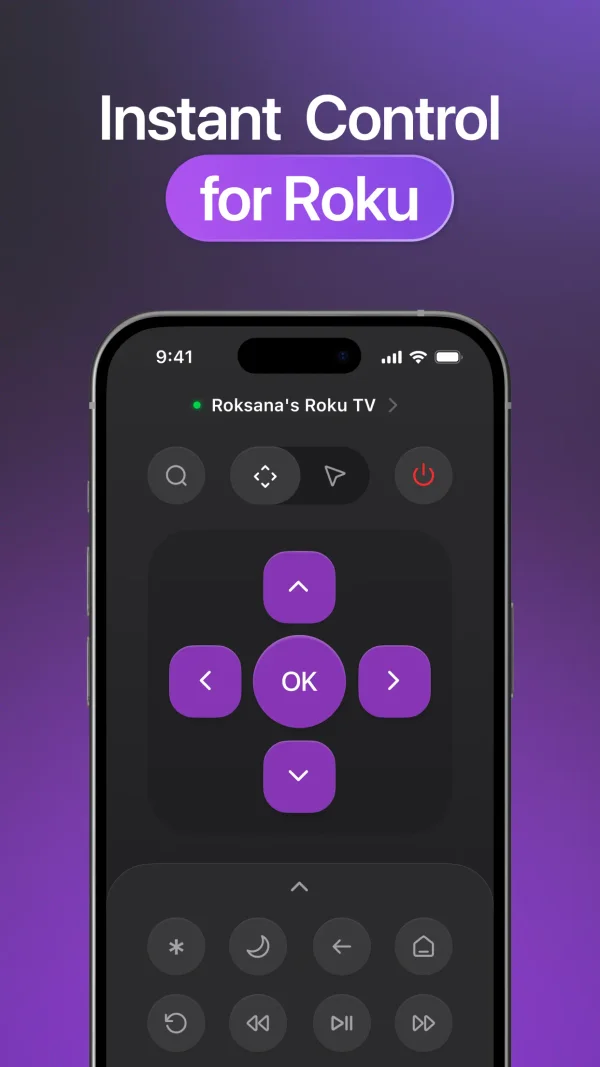
• 簡単セットアップ:このRoku TVアプリは簡単にセットアップでき、Rokuデバイスを自動的に検出します。デバイスをスマートフォンまたはタブレットと同じWi-Fiネットワークに接続するだけで、あとはアプリがすべて処理します。
• 電源オン/オフ:アプリから直接テレビの電源をオン/オフできます。 • 音量調整:このテレビリモコンは、従来のリモコンの完全代替品として便利にご利用いただけます。チャンネル変更やテレビの音量調整など、従来のリモコンでできることはすべてこのアプリで行えます。
• 音声検索:映画やテレビ番組などを音声で検索できます。スマートフォンに向かって話しかけるだけで、あとはアプリが自動的に処理します。
• テレビへのキャスト:アプリを使って写真や動画をテレビにキャストできます。Rokuにキャストしたいメディアを選択するだけで、あとはアプリが自動的に処理します。
• レイアウトのカスタマイズ:このリモコンアプリを好みに合わせてカスタマイズできます。ボタンの配置変更、ボタンの追加・削除、背景色の変更など、自分だけのオリジナルリモコンを作成できます。
• 広告なし(プレミアムアップグレード):プレミアムにアップグレードすると、広告なしでRokuデバイスを中断なく操作できます。
• Wear OS:Wear OSアプリを使えば、手首からテレビを操作できます。
アプリ内のTCL Roku TVリモコンを使えば、シリーズ4、5、6を含む対応TCLモデルを操作できます。
テレビ操作を簡素化したい方、メディアの検索やテレビへのキャストを手軽に行いたい方にとって、このアプリは最適なソリューションです。今すぐダウンロードして、Rokuデバイスを簡単に操作しましょう!
QuanticappsはRokuとは一切関係ありません。Rokuリモコンアプリはサードパーティ製アプリです。
原文を表示
🚀 Transform Your Viewing Experience with Roku Remote TV – The Ultimate Roku TV remote control and cast to TV! 🚀 Unlock the full potential of your Roku TV, streaming players, and Soundbars with the app – designed to optimize your TV & video equipment experience and enhance your control over electronic accessories. With this versatile remote control for TV, managing your entertainment setup has never been easier.
📺 Superior Control Over Your Roku TV & Video Equipment with Roku TV Remote Control 📺
Roku TV Remote turns your smartphone or tablet into a powerful remote control for TV, simplifying your control over all your Roku devices and boosting your viewing experience.
Key Features:
• Effortless Setup: Connect seamlessly to your Roku TV and devices via Wi-Fi with automatic detection.
• Power On/Off Control: Easily turn your TV and streaming devices on or off with a single touch.
• Precise Volume Control: Adjust the audio levels of your TV and Soundbar for the perfect sound experience.
• Intuitive Navigation: Navigate channels, menus, and apps with user-friendly controls.
• Voice Search: Quickly find your favorite shows and movies by speaking into your phone.
• Cast to TV: Cast photos, videos, and music from your device to your TV effortlessly with the remote control for TV.
• Customizable Remote Layout: Tailor your remote control layout for optimal convenience and functionality.
• Ad-Free Experience (Premium): Upgrade for uninterrupted control without any ads.
🔧 Enhanced Compatibility and Performance 🔧
• Universal TV Compatibility: Works flawlessly with all Roku TVs and major TV brands, ensuring seamless universal remote integration with your Roku TV remote.
• Wide Device Support: Compatible with various Roku devices including TVs, streaming players, and Soundbars.
• Optimized for TV Equipment: Designed to provide smooth and responsive control for an unparalleled viewing experience with the roku TV remote control.
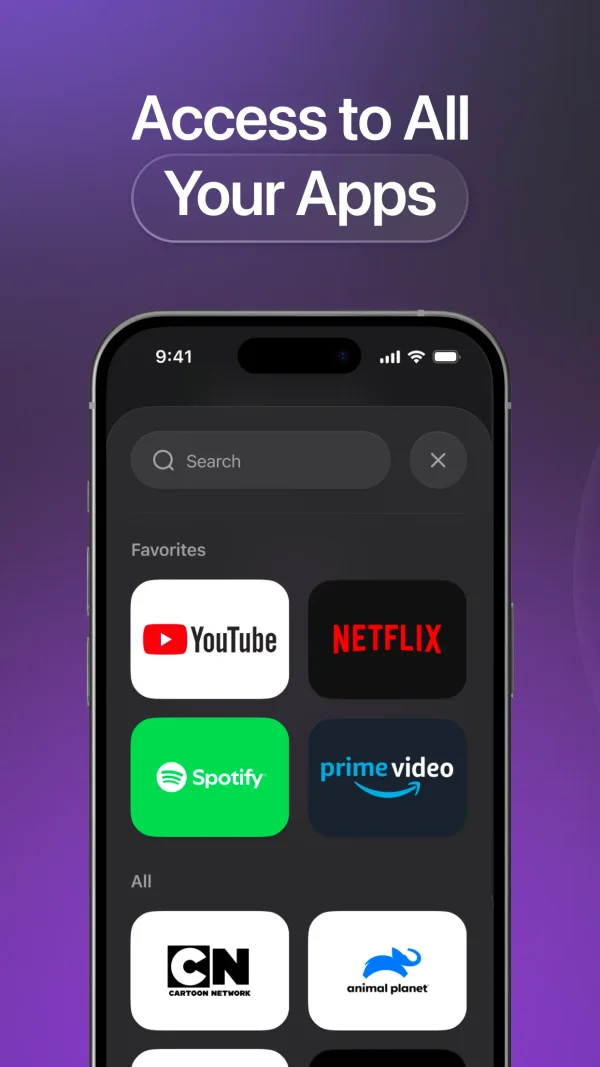
• Mobile Convenience: Control your Roku devices from anywhere in your home using this Roku mobile app, and control your TV from your wrist thanks to the Wear OS app.
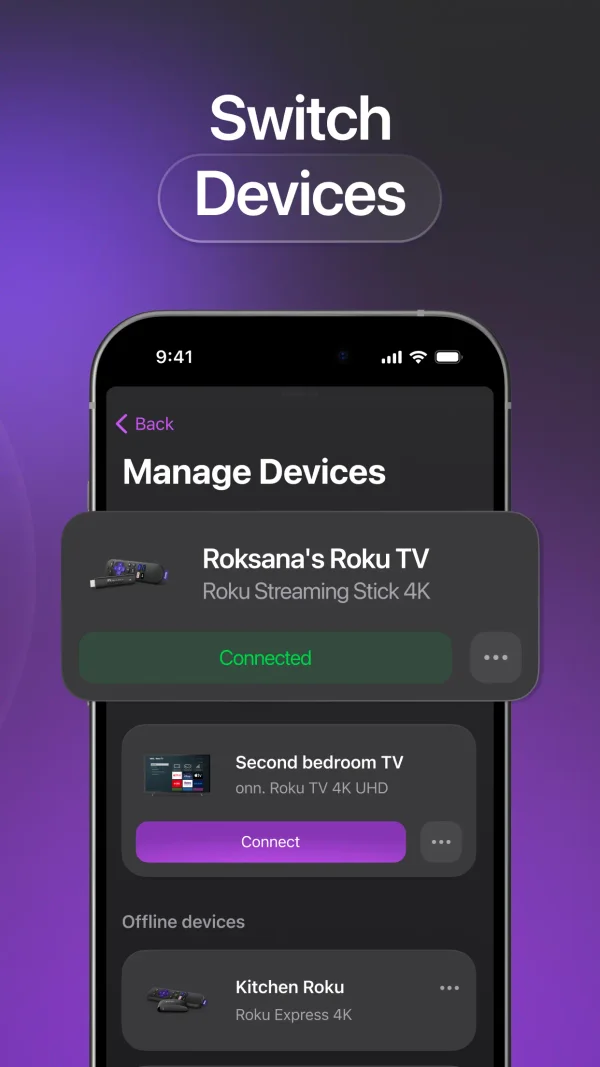
• Accessory Management: Easily manage and control electronic accessories connected to your Roku devices.
• Device Integration: Ensure all your electronic accessories work seamlessly with your roku TV remote control setup.
Quanticapps is not affiliated with Roku. This is a third-party app.
Download Roku TV remote control now to enjoy all in one Roku Remote and cast to TV over all your TCL TV & video equipment and electronic accessories, including 4,5 and 6 Series.
データ セーフティ
このアプリが収集・共有するデータについて、Quanticapps FZ LLEがGoogle Playで申告している内容です。
- このアプリはサードパーティと以下の種類のデータを共有することがあります位置情報、アプリのアクティビティ、他 2 件
- データは収集されません詳しくは、デベロッパーが収集を申告する方法についての説明をご覧ください
- データは送信中に暗号化されます
- データを削除できません
開発元の連絡先
- ウェブサイトquanticapps.com
- メールquanticapps@gmail.com
- プライバシーポリシーquanticapps.com
- 住所Creative Tower, 18th Floor 4422 الفجيرة United Arab Emirates
情報
- 提供元
- Quanticapps FZ LLE
- カテゴリ
- ツール
- 更新日
- 2026/4/3
- リリース
- 2021/7/15
- 対象年齢
- 3 歳以上
- 価格
- 無料
- アプリ内課金
- ¥820~¥8,900/アイテム
- パッケージ名
- com.quanticapps.android.rokutv