Router Admin Page
Battery Stats SaverContains ads · In-app purchases
- EveryoneAge rating
- ProductivityCategory
- Jan 20, 2026Updated
- FreePrice
Links to the official Google Play listing of gplx.router.admin.page. Last checked on Nov 20, 2026.
Screenshots



About this app
Open Modem/Router's admin page, change settings/configurations and passwords.
Easily Manage Your Router with Our All-In-One Router Control App! 🌐
Never worry about finding your router's IP address again!
Hello everybody! Many of us don't know the IP address of our connected Router/Modem. No need to write it down or memorize it because this app will do it for you.
What is the benefit of this Application?
You can easily go to the router setup page and configure your router settings. This router control app is designed to provide quick access to the router setup page, ensuring you can manage your router admin tasks without any hassle.
Features included:
☞ Instant access to the router setup page
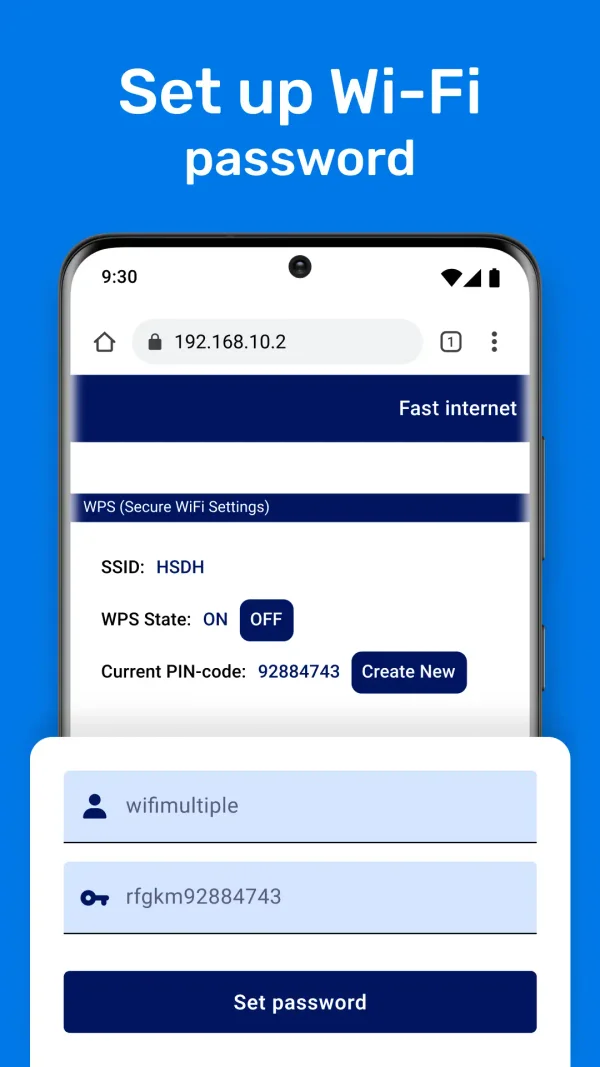
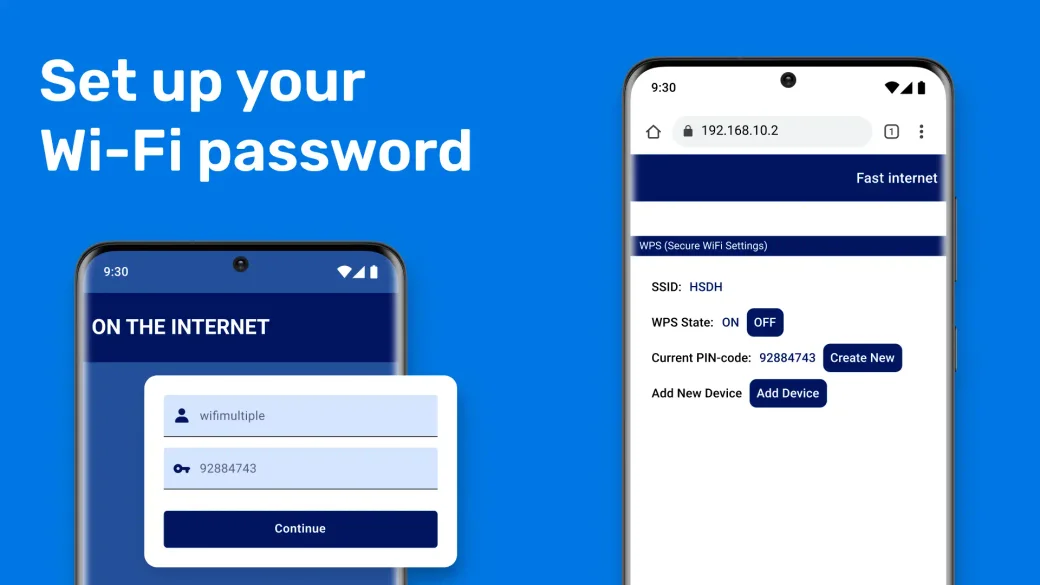
☞ Set up WiFi password
☞ No need to memorize the IP address
☞ Change WiFi configuration easily
☞ User management
☞ Change WiFi/router password
☞ Easy to use & lightweight
☞ Default gateway check-up
☞ Router admin control app
☞ Router default passwords
☞ Change WiFi password e.g., PTCL
☞ Change internet password
☞ Update/Change/Fix router/DSL settings
☞ Open router ports
☞ Restart/Reboot your router using your phone instantly
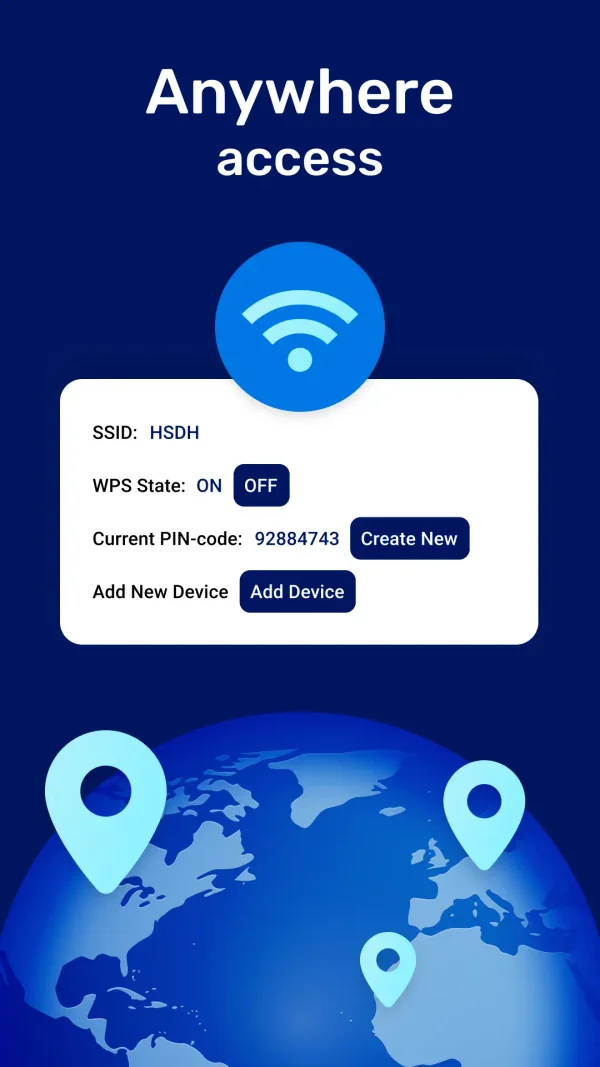
☞ Manage WiFi bandwidth
☞ Parental control over the internet
☞ Manage wireless access controls and internet bandwidth
☞ Manage who is using your WiFi
☞ Lightweight app
With our app, you have everything you need to manage and control your router right from your phone. Whether you need to change your WiFi password, update your router's settings, or manage who has access to your network, our app makes it simple and easy.
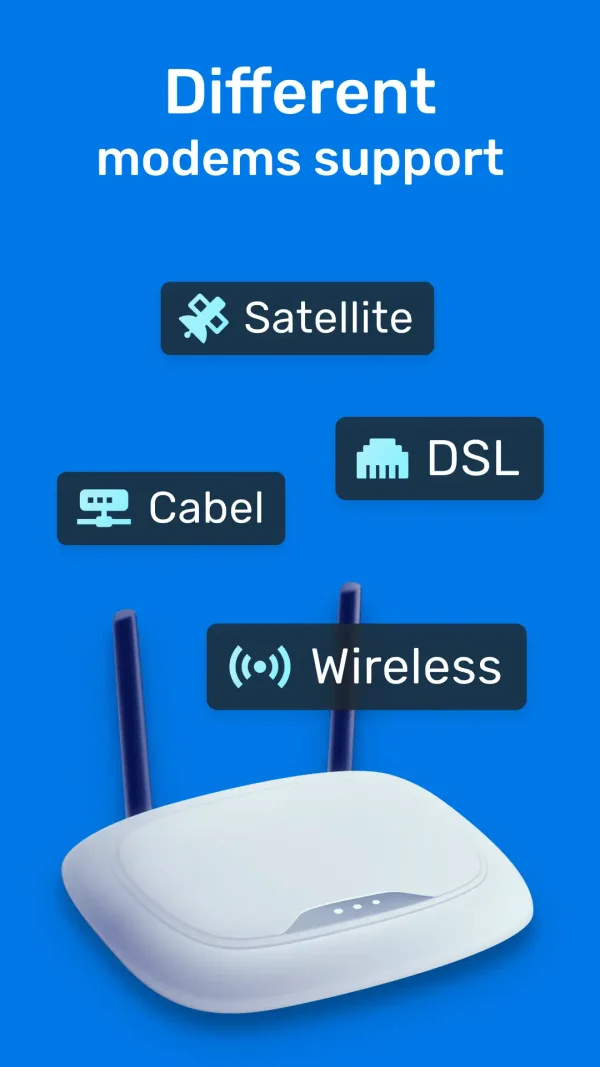
All types of modems and routers are supported by this app:
☞ TP-Link
☞ I-ball
☞ Netgear
☞ ASUS
☞ D-Link
☞ Digisol
☞ 3Com
☞ Belkin
☞ BenQ
☞ Digicom
☞ Linksys
☞ US Robotics
☞ Ttnet
☞ Superonline
☞ Zyxel
☞ Mi Home
☞ Xiaomi Mi Router 3C
☞ Cisco 2600 router
☞ TL-WR940N
☞ NETGEAR N750 (WNDR4300)
☞ Securifi Almond
☞ TriBand Router
☞ Medialink AC1200 Wireless
☞ Gigabit Router
☞ Mikrotik router
☞ Comcast
☞ Spectrum router
☞ Trendnet
☞ Jetstream
☞ Virgin Media Router
☞ Talk Talk router
☞ 4G wireless router
☞ Plusnet router
☞ Intelbras
☞ Multilaser
☞ Huawei routers
☞ Tenda router and many more
HOW ROUTER ADMIN PAGE APP WORKS:
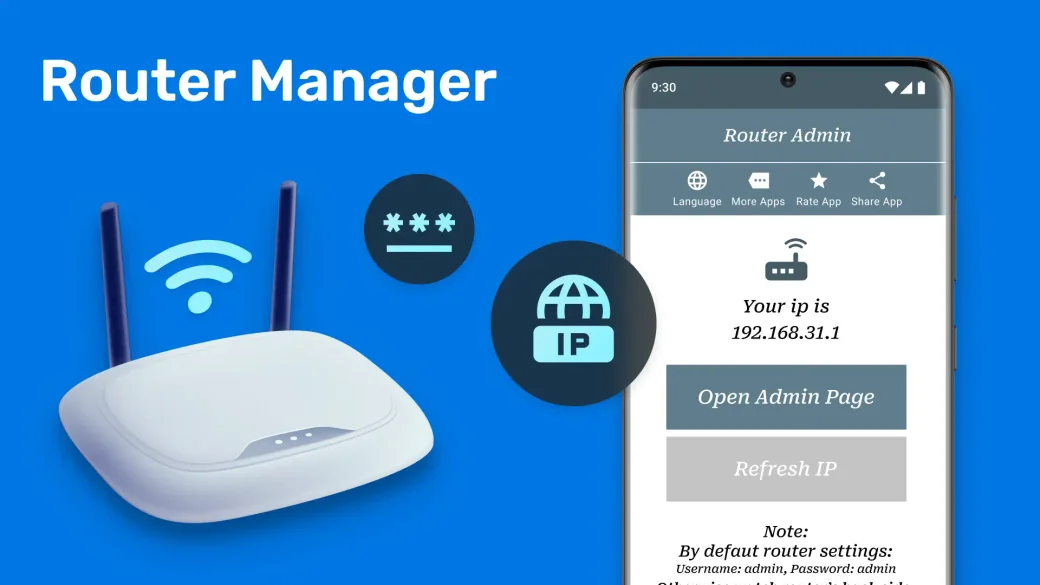
☞ Step 1: Open this router control app, connect your phone with the router/WiFi, and you will see your IP address inside the app.
☞ Step 2: If you don't see your IP, press the "Update IP" button to refresh your IP.
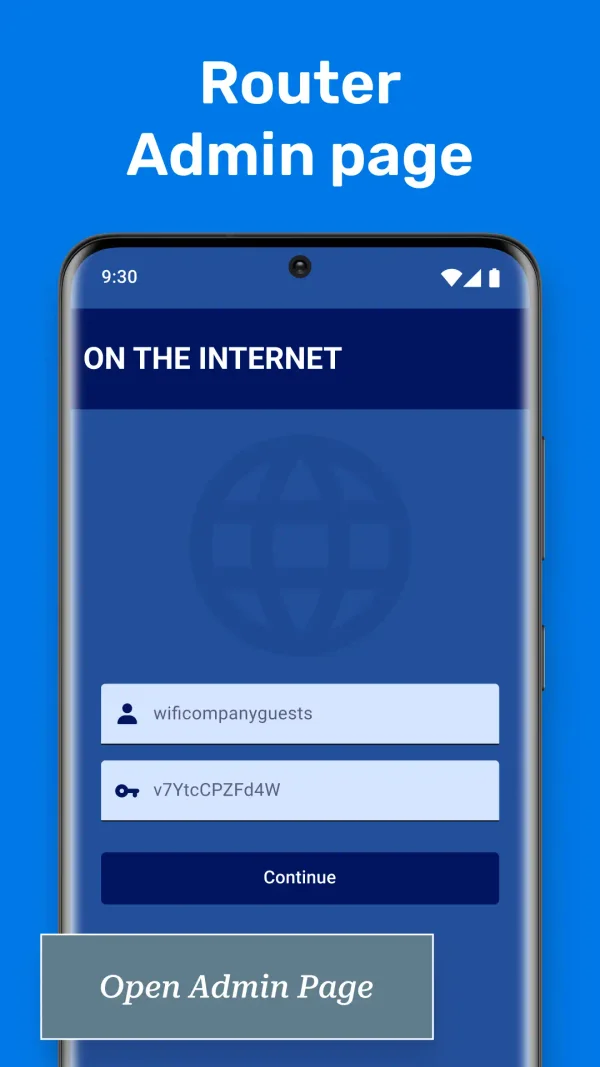
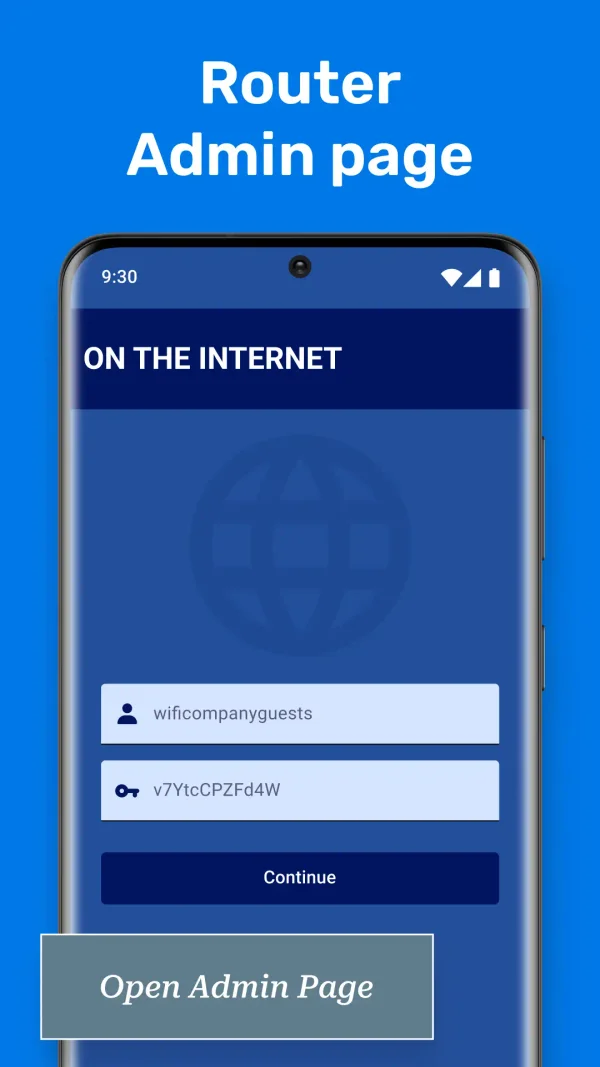
☞ Step 3: Click the "Open Admin Page" button. You will be redirected to a screen where you can add your username and password. Check the back of your router for the default username and password. Just type them in, and you will see all the options for router setup and configurations.
☞ Step 4: Note: By default, the username is "admin" and the password is "admin". If you don't see any username and password behind your router, try using this default.
☞ NOTE: You cannot change/update router settings/configurations while connected to 3G/4G/LTE or Mobile Data. You must connect to the WiFi of the router to update its settings.
☞ Install, Rate, and Share with friends!
Data safety
What Battery Stats Saver declares on Google Play about the data this app collects and shares.
- This app may share these data types with third partiesDevice or other IDs
- No data collectedLearn more about how developers declare collection
- Data is encrypted in transit
- Data can’t be deleted
What’s new
Version 3.1.0 · Jan 20, 2026
1) Removed full screen ads.
2) Fixed issues and did design enhancements.
Developer contact
- Websiterepairbatterylife.com
- Emailsupport.routeradminpage@repairbatterylife.com
- Privacy policyrepairbatterylife.com
- Address16 Spinoza TEL AVIV-JAFFA, 6438422 Israel
Information
- Offered by
- Battery Stats Saver
- Category
- Productivity
- Version
- 3.1.0
- Updated
- Jan 20, 2026
- Released
- Aug 12, 2017
- Requires
- Android 6.0 or later
- Age rating
- Everyone
- Price
- Free
- In-app purchases
- $0.99 - $99.99 per item
- Package name
- gplx.router.admin.page
Similar apps
-
 Wifi password all in one
Tools
-
 NetShare+ Wifi Tether
Communication
-
 ASUS Router
Tools
-
 NetShare - no-root-tethering
Communication
-
 Hacker: Secret Codes & Ciphers
Libraries & Demo
-
 QR Scanner: Barcode Scanner
Productivity
-
 Satellite Director
Tools
-
 Xiaomi Home
Lifestyle
-
 WiFi Analyzer (open-source)
Tools
-
 QR Code & Barcode Scanner Plus
Tools
-
 SuperBattery & Charge Monitor
Tools
-
 QR Code Scanner
Productivity