WiFi Analyzer (open-source)
VREM Software Development- EveryoneAge rating
- ToolsCategory
- Jul 1, 2026Updated
- FreePrice
Links to the official Google Play listing of com.vrem.wifianalyzer. Last checked on Nov 20, 2026.

Screenshots

About this app
Optimize your WiFi network using WiFi Analyzer (open-source)
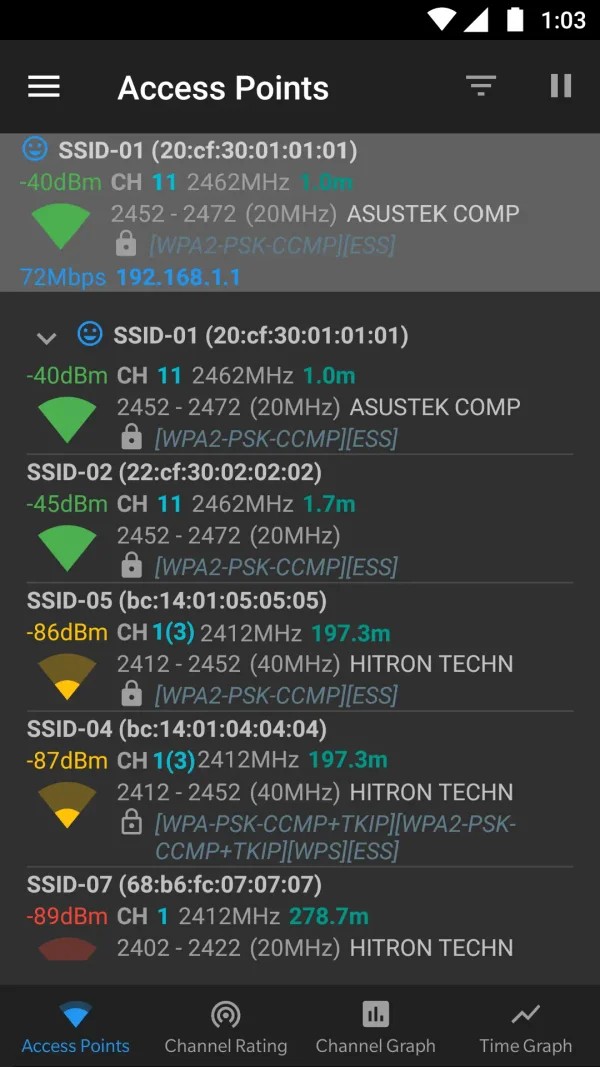
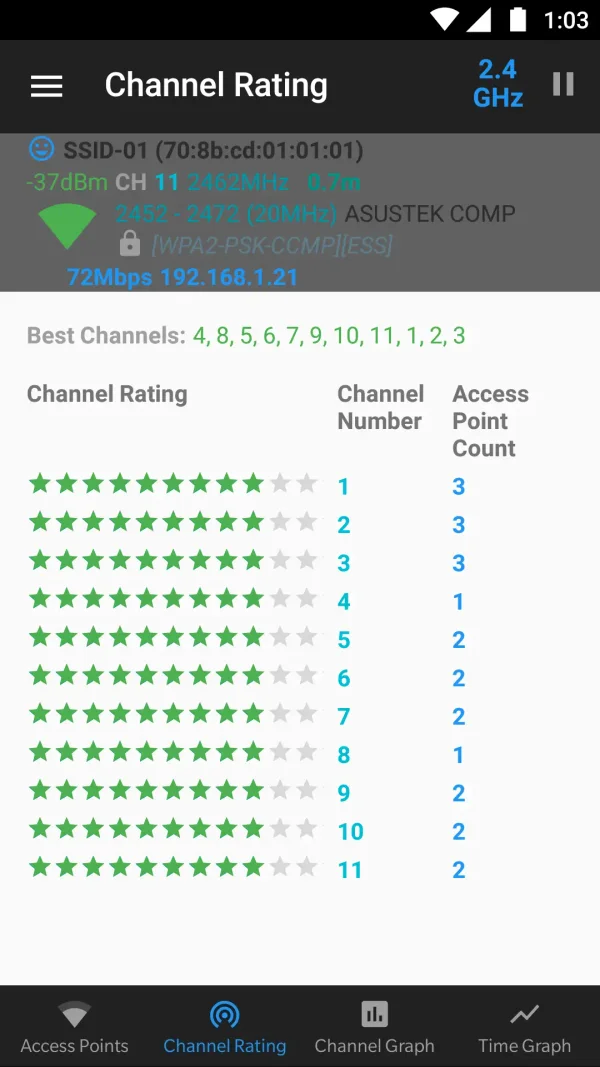
Optimize your WiFi network using WiFi Analyzer (open-source) by examining surrounding WiFi networks, measuring their signal strength as well as identifying crowded channels.
Users' privacy and security is a huge concern these days and WiFi Analyzer (open-source) is designed to use as few permissions as possible. It asks for just enough to perform the analysis. Plus, it is all open source so nothing is hidden! Most notably, this application does not require access to internet, so you can be sure it does not send any personal/device information to any other source and it does not receive any information from other sources.
WiFi Analyzer is under active development by volunteers.
WiFi Analyzer is free, has no-ads and does not collect any personal information.
WiFi Analyzer is not a Wi-Fi password cracking or phishing tool.
Features:
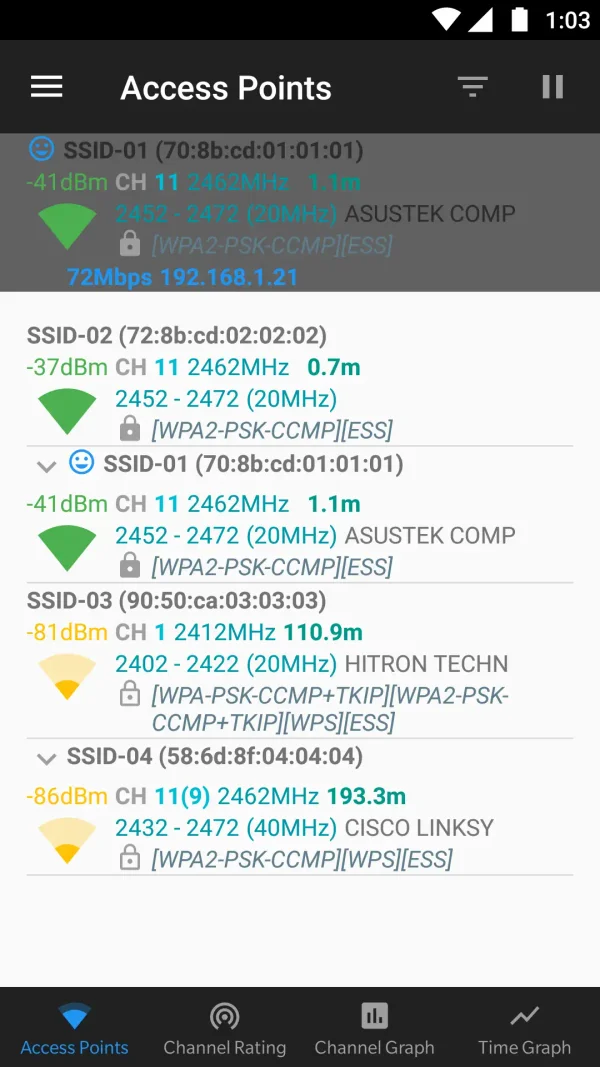
- Identify nearby Access Points
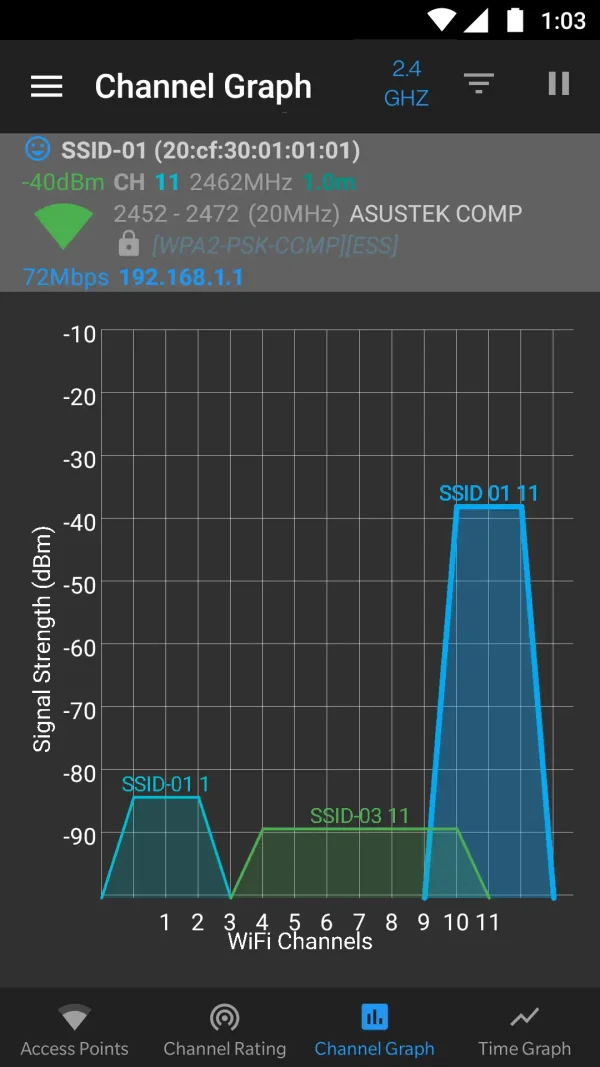
- Graph channels signal strength
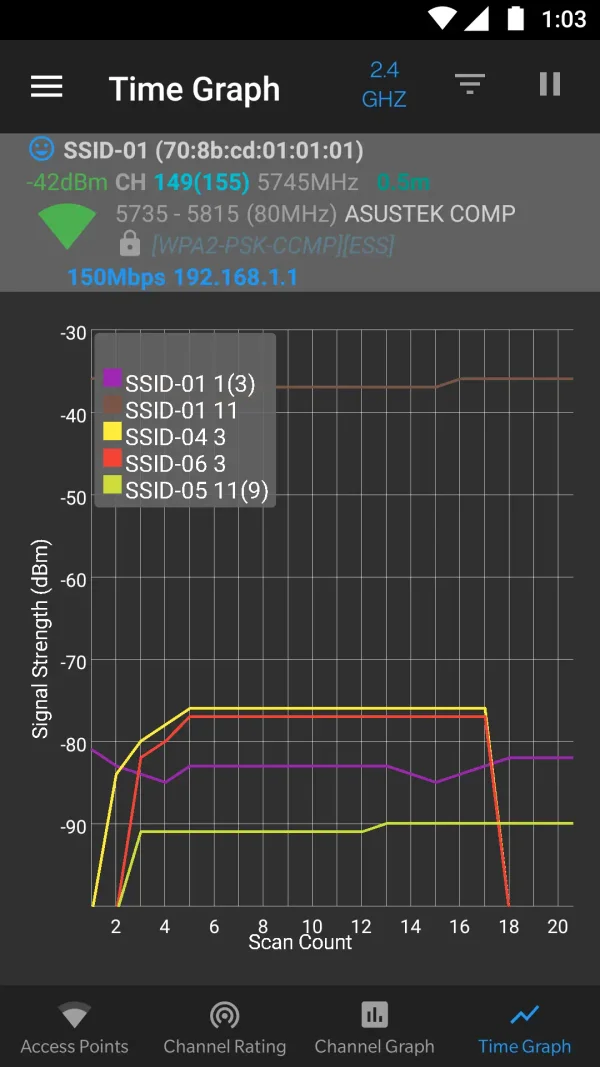
- Graph Access Point signal strength over time
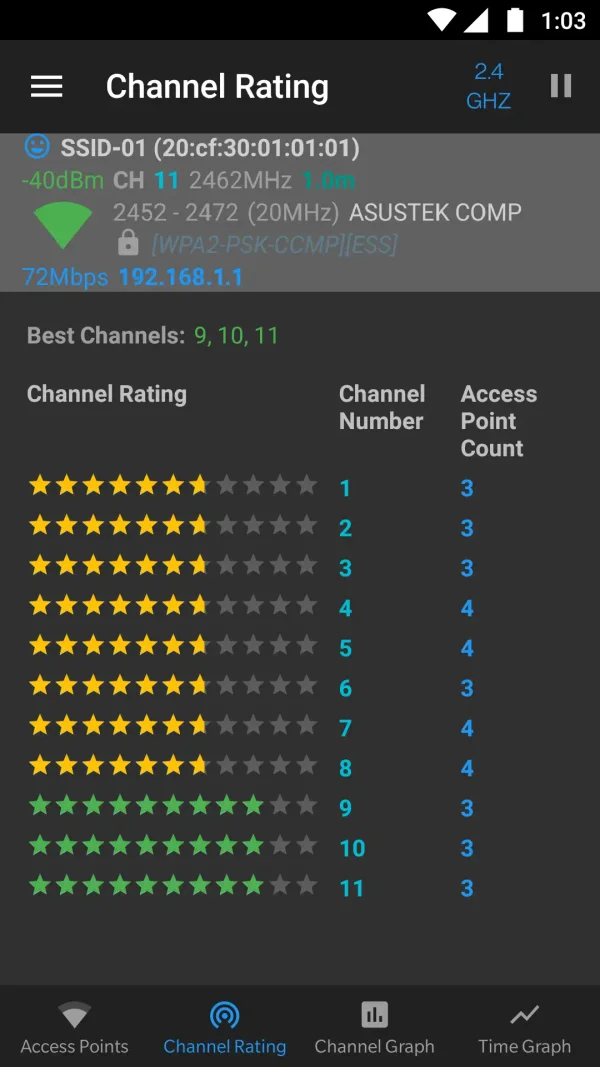
- Analyze Wi-Fi networks to rate channels
- HT/VHT Detection - 40/80/160/320 MHz (Requires hardware/software support)
- 2.4 GHz, 5 GHz and 6 GHz Wi-Fi bands (Requires hardware/software support)
- Access Point view: complete or compact
- Estimated Distance to the Access Points
- Export access points details
- Dark, Light and System theme available
- Pause/Resume scanning
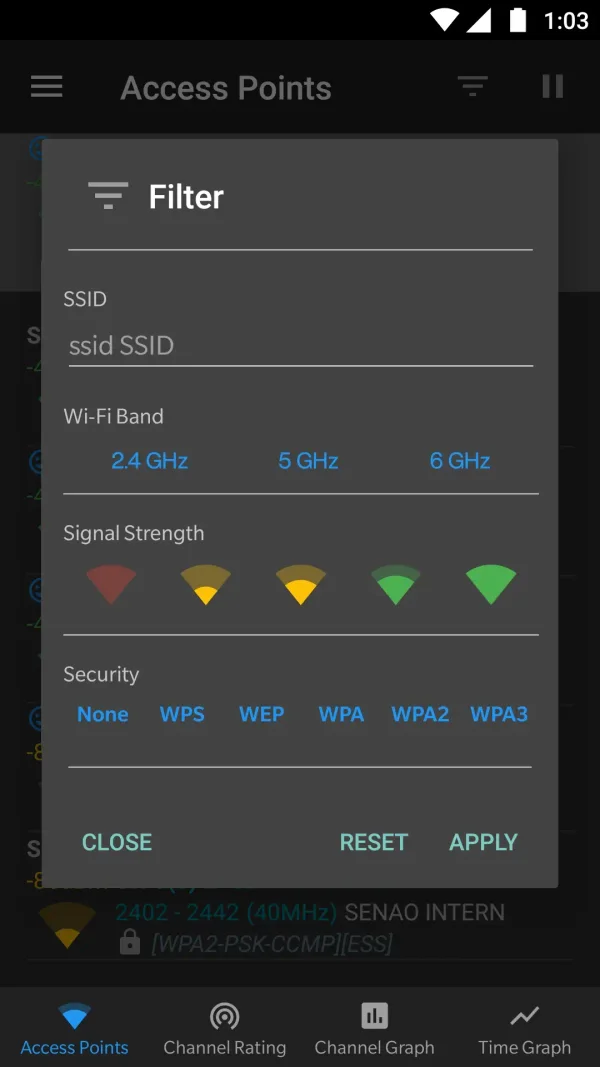
- Available filters: Wi-Fi band, Signal strength, Security and SSID
- Vendor/OUI Database Lookup
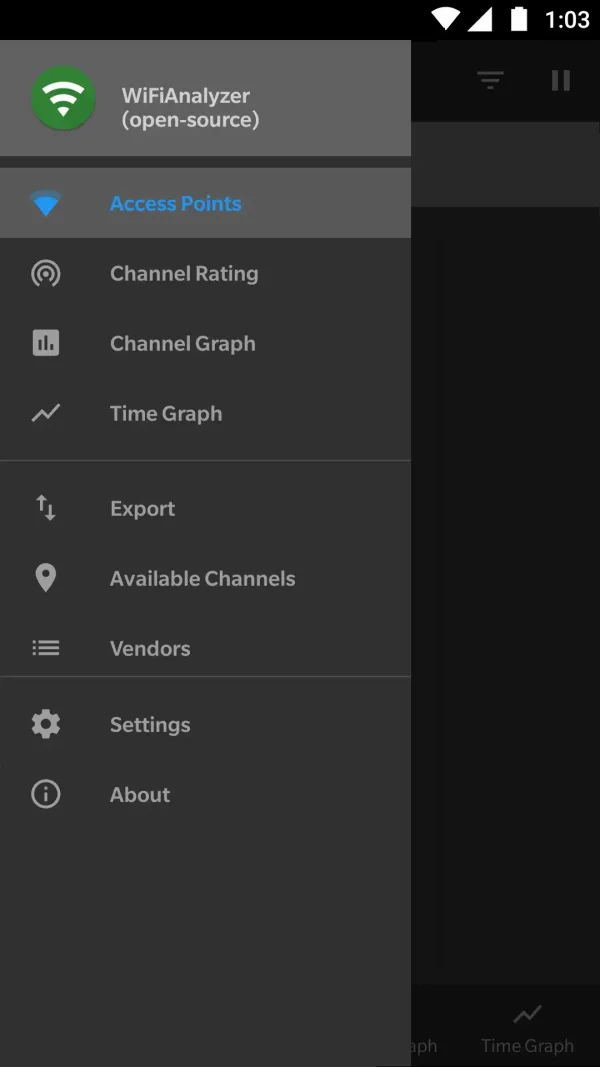
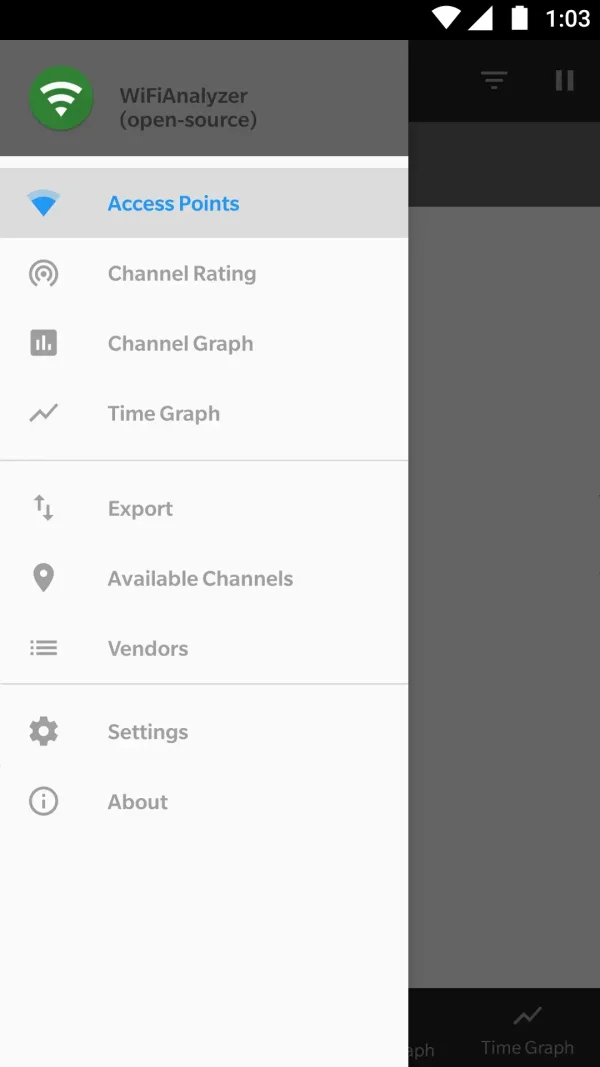
- The application has too many features to mention them all
Please visit our website for more helpful information:
https://vremsoftwaredevelopment.github.io/WiFiAnalyzer
Notes:
- Android 9 introduced Wi-Fi scan throttling. Android 10 has a new developer option to toggle the throttling off under (Settings > Developer Options > Networking > Wi-Fi scan throttling).
- Android 9.0+ requires location permission and location services to perform a Wi-Fi scan.
Features:
https://vremsoftwaredevelopment.github.io/WiFiAnalyzer/#features
Usage Tips:
https://vremsoftwaredevelopment.github.io/WiFiAnalyzer/#usage-tips
How-to:
https://vremsoftwaredevelopment.github.io/WiFiAnalyzer/#how-to
FAQ:
https://vremsoftwaredevelopment.github.io/WiFiAnalyzer/#faq
GitHub is the place to go for bug reports and code contributions:
https://vremsoftwaredevelopment.github.io/WiFiAnalyzer/#feedback
Data safety
What VREM Software Development declares on Google Play about the data this app collects and shares.
- No data shared with third partiesLearn more about how developers declare sharing
- No data collectedLearn more about how developers declare collection
What’s new
Version 3.3.1 · Jul 1, 2026
- Update translations
- OUI DB update
- Dependencies update
- Bug fixes, performance and UI improvements
Developer contact
- Websitevremsoftwaredevelopment.github.io
- EmailVREMSoftwareDevelopment@gmail.com
- Privacy policyvremsoftwaredevelopment.github.io
- AddressCanada
Information
- Offered by
- VREM Software Development
- Category
- Tools
- Version
- 3.3.1
- Updated
- Jul 1, 2026
- Released
- Mar 11, 2016
- Requires
- Android 9 or later
- Age rating
- Everyone
- Price
- Free
- Package name
- com.vrem.wifianalyzer
Similar apps
-
 Ajax PRO: Tool For Engineers
Tools
-
 ASUS Router
Tools
-
 CPU Monitor - temperature
Tools
-
 Linksys
Tools
-
 NetShare - no-root-tethering
Communication
-
 Intra
Tools
-
 Ruijie Reyee
Tools
-
 G-CPU:Monitor CPU, RAM, Widget
Tools
-
 Starlink
Tools
-
 TP-Link Tether
Tools
-
 Kiren by F-Secure
Tools
-
 NetShare+ Wifi Tether
Communication