Russian Dictionary - Offline
Livio- Everyone 10+Age rating
- Books & ReferenceCategory
- Nov 26, 2026Updated
- FreePrice
Links to the official Google Play listing of livio.pack.lang.ru_RU. Last checked on Nov 27, 2026.

Screenshots
About this app
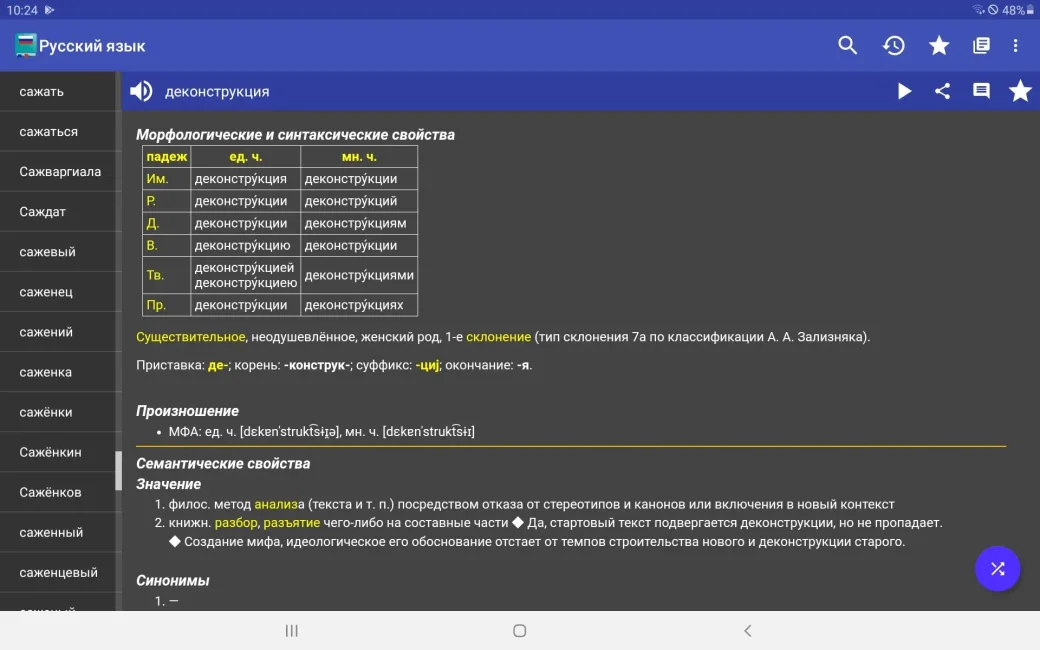
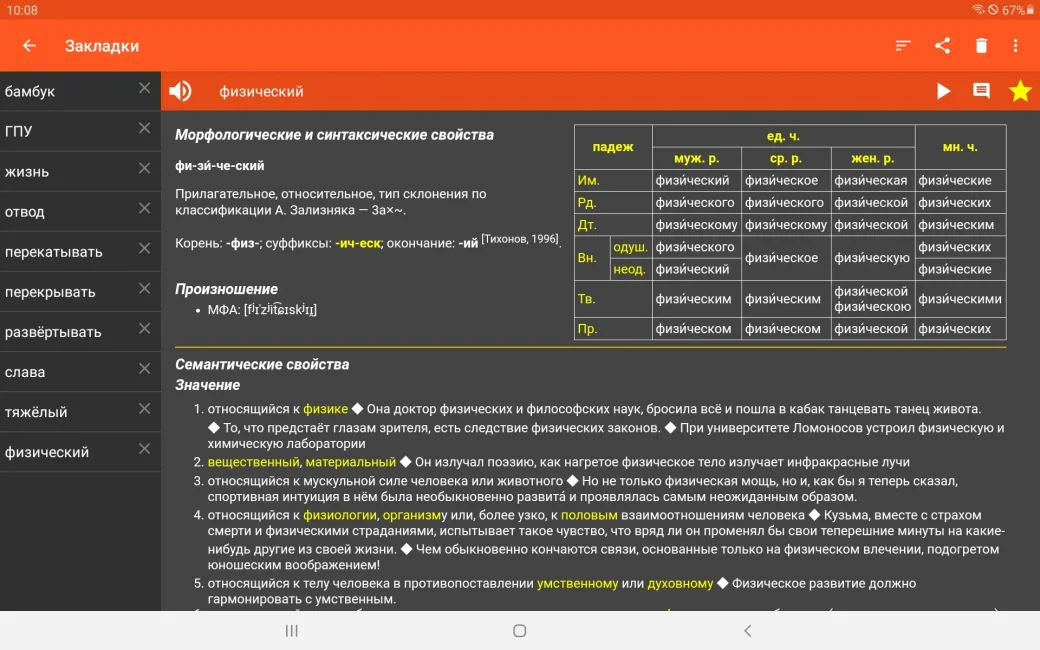
Offline russian dictionary easy to use with bookmarks and useful features
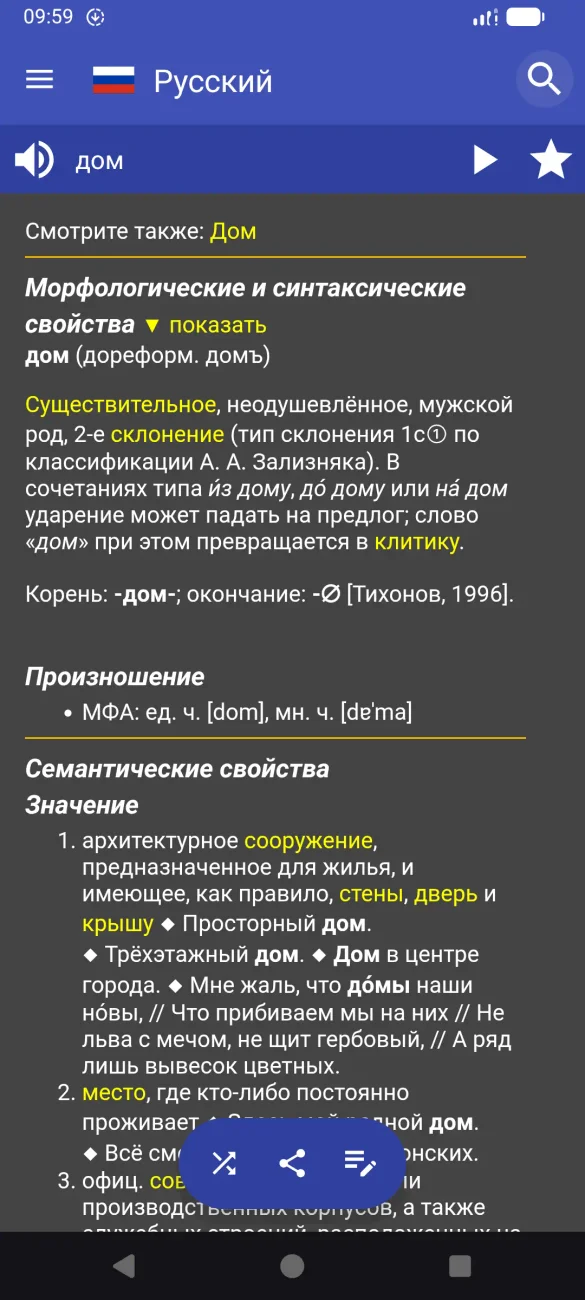
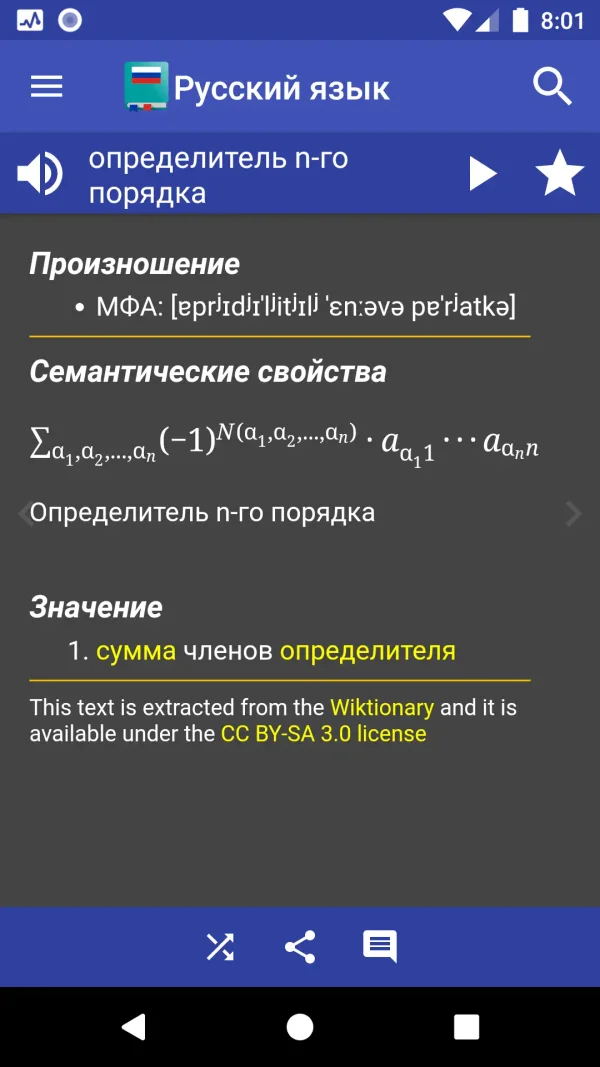
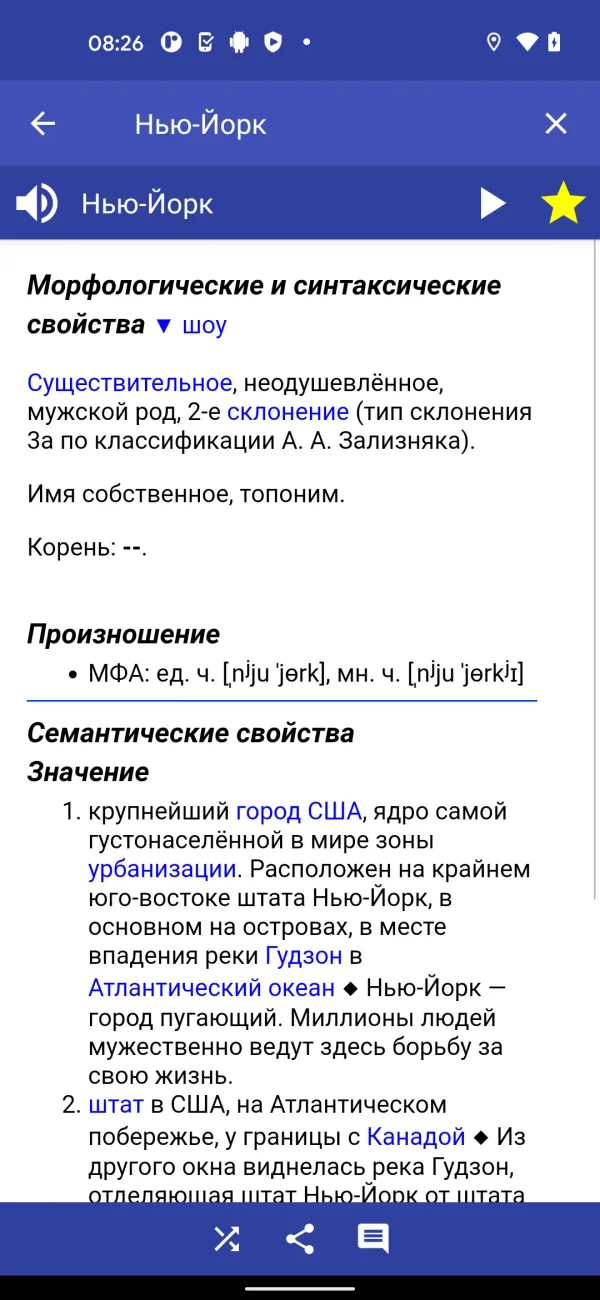
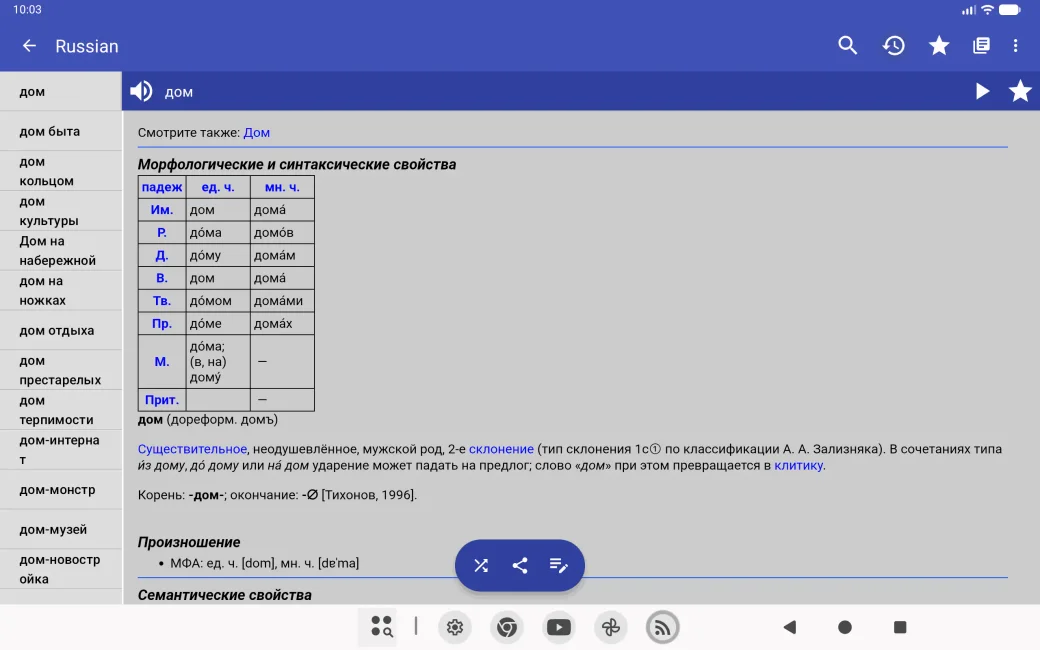
The free offline Russian dictionary application explains the meaning of Russian words! Definitions are based on Russian Wiktionary. This is a monolingual Russian dictionary: words must be entered in Russian.
Ready to go: it works offline without any further file to download!
Features
♦ More than 298000 Russian definitions and large number of inflected forms
♦ You can leaf through words using your finger (swipe right and left)
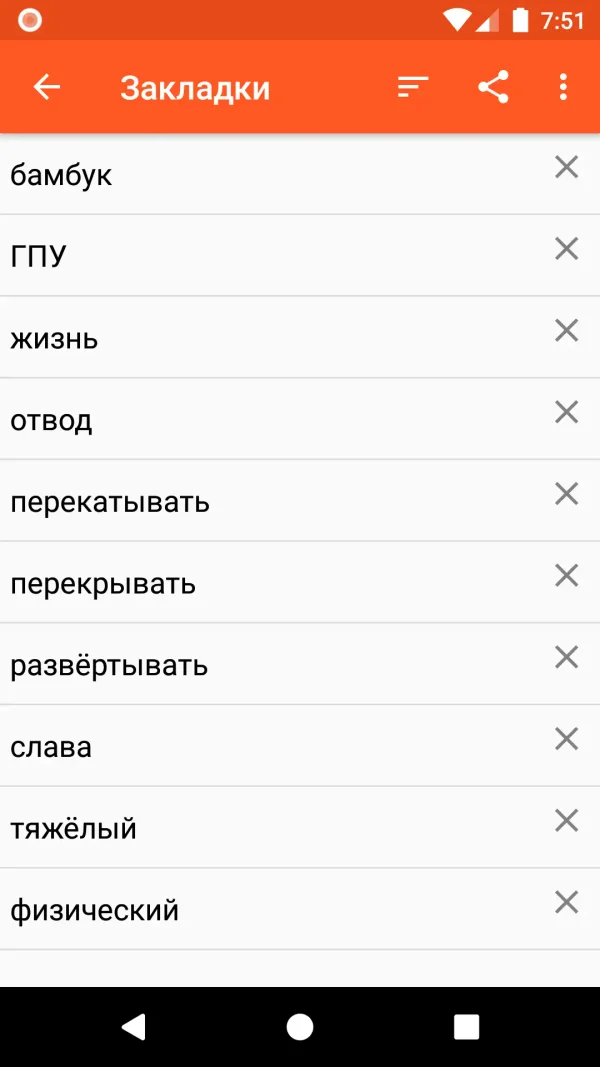
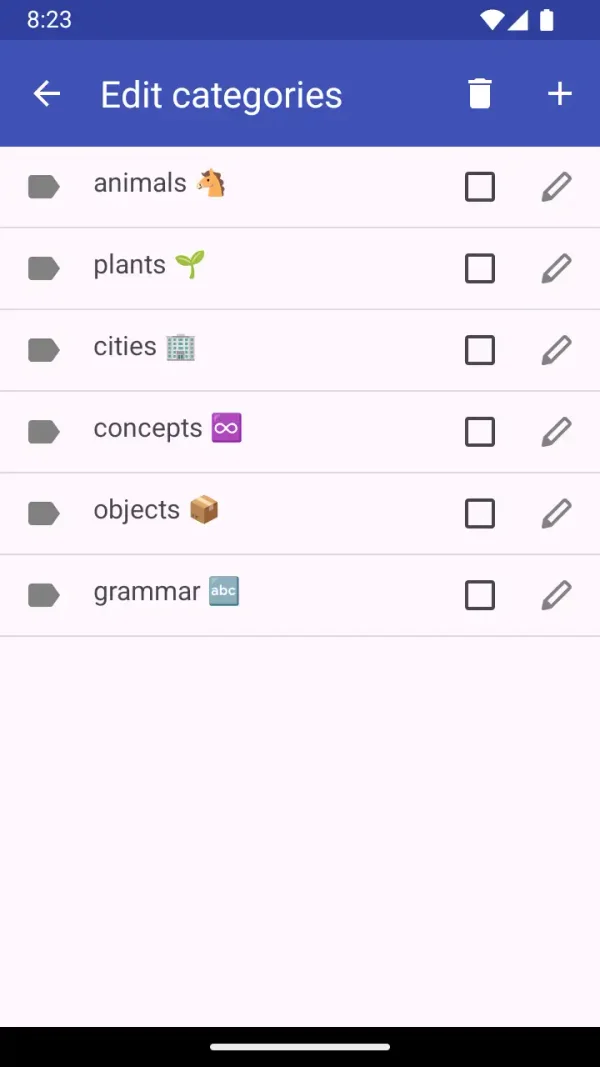
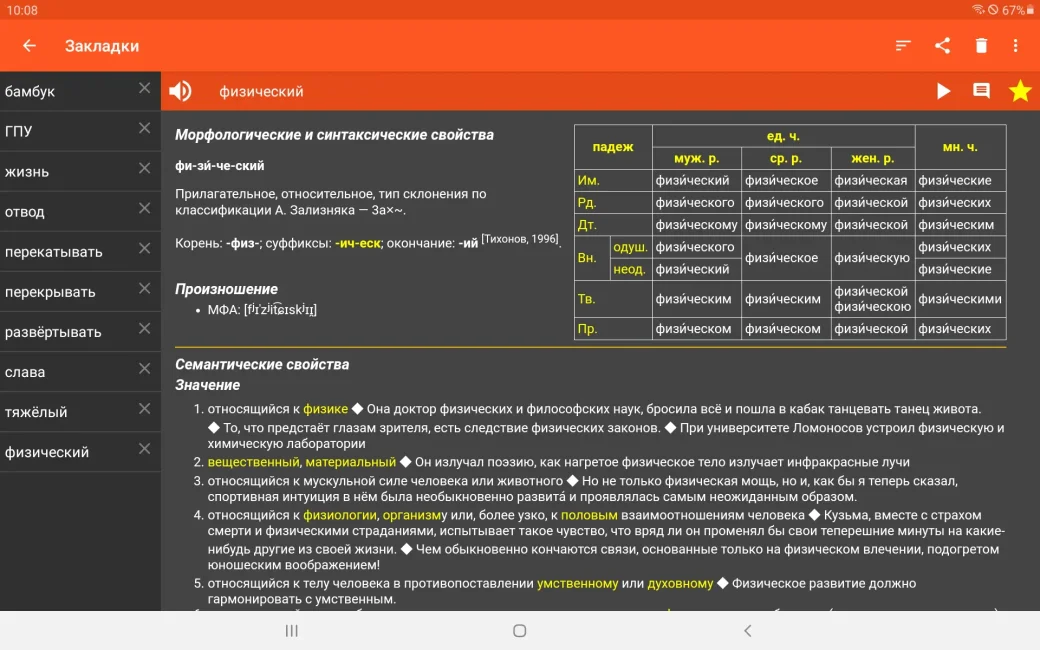
♦ Manage your bookmarks, personal notes and search history. Organize your bookmarks and notes using categories defined by you. Create and edit your categories as needed.
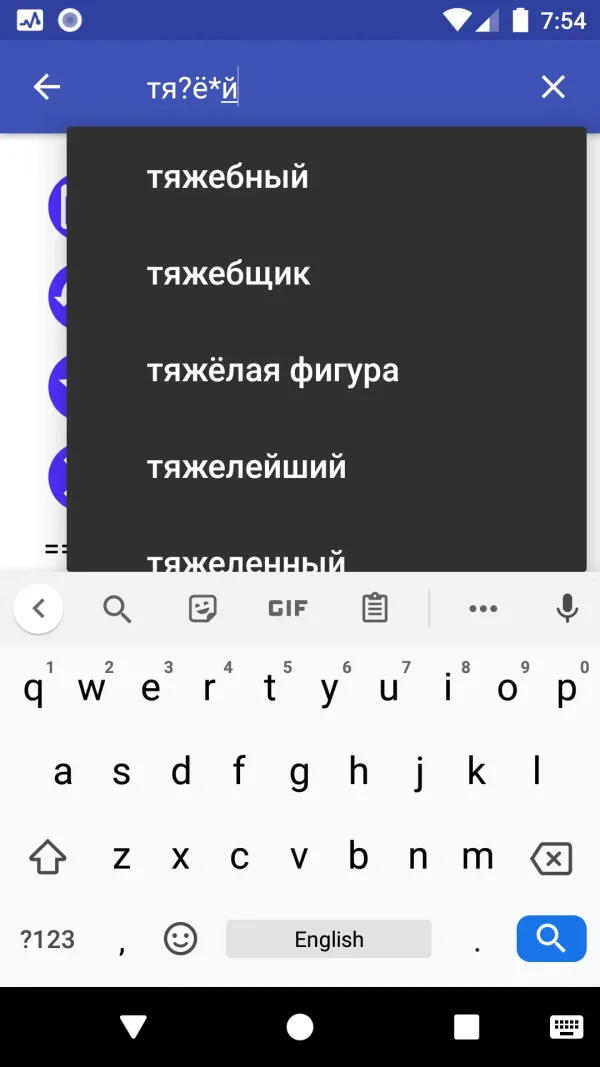
♦ Crossword help: the symbol ? can be used in place of single unknown letter. The symbol * can be used in place of any group of letters. The fullstop symbol . can be used to mark the end of a word.
♦ Automatic transliteration of Latin alphabet into Cyrillic alphabet, e.g. if you type 'mehanizm', the app will find 'механизм'
♦ Random search button (shuffle), useful to learn new words
♦ Share word definition using other apps, like gmail or whatsapp
♦ Compatible with Moon+ Reader, FBReader and other applications via share button
♦ Backup&restore configuration, personal notes and bookmarks on local memory, Google Drive, Dropbox and Box clouds (available only if you have installed these applications on your device and configured with your own account)
Fuzzy search
♦ To search words with prefix, e.g. starting with 'Куз', please write Куз* and the dropdown list will show the words starting with 'Куз'
♦ To search words with suffix, e.g. ending with 'чов', please write *чов. and the dropdown list will show the words ending with 'чов'
♦ To search words containing a given sequence of characters, e.g. 'уэт', just write *уэт* and the dropdown list will show the words containing 'уэт'
Your settings
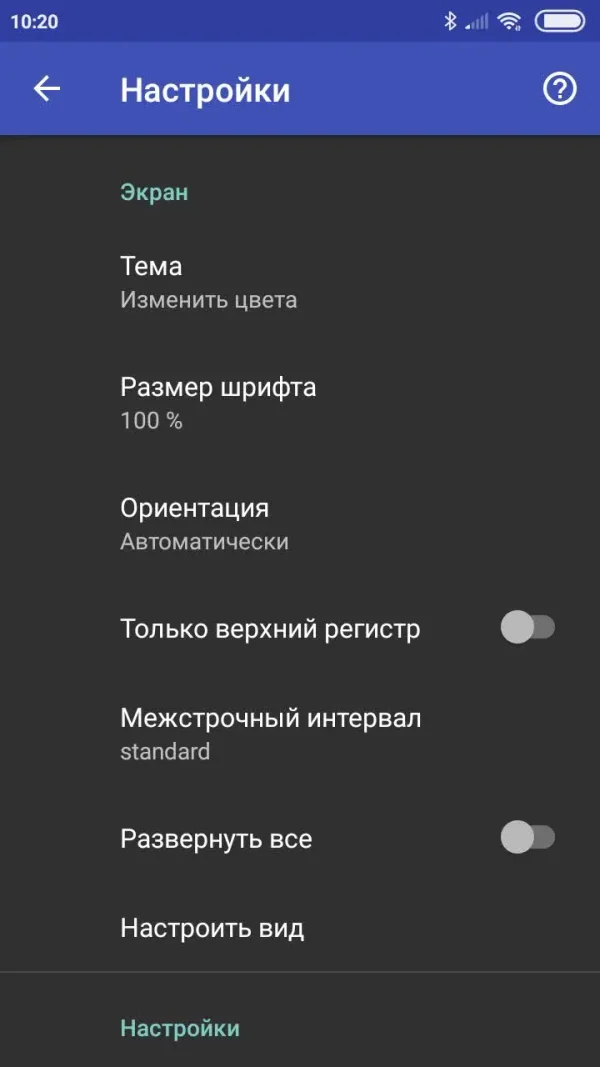
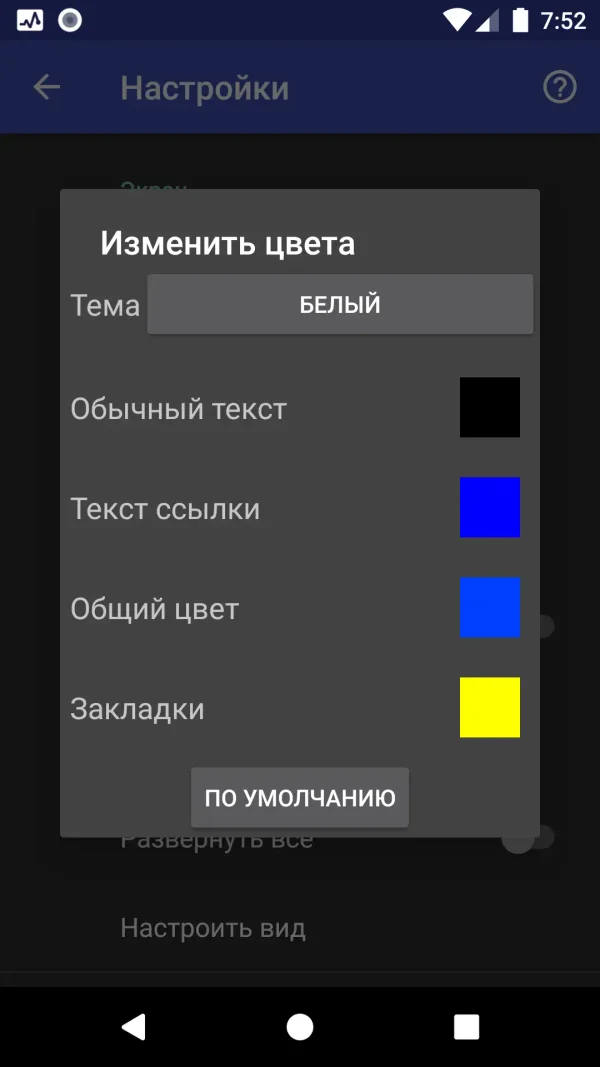
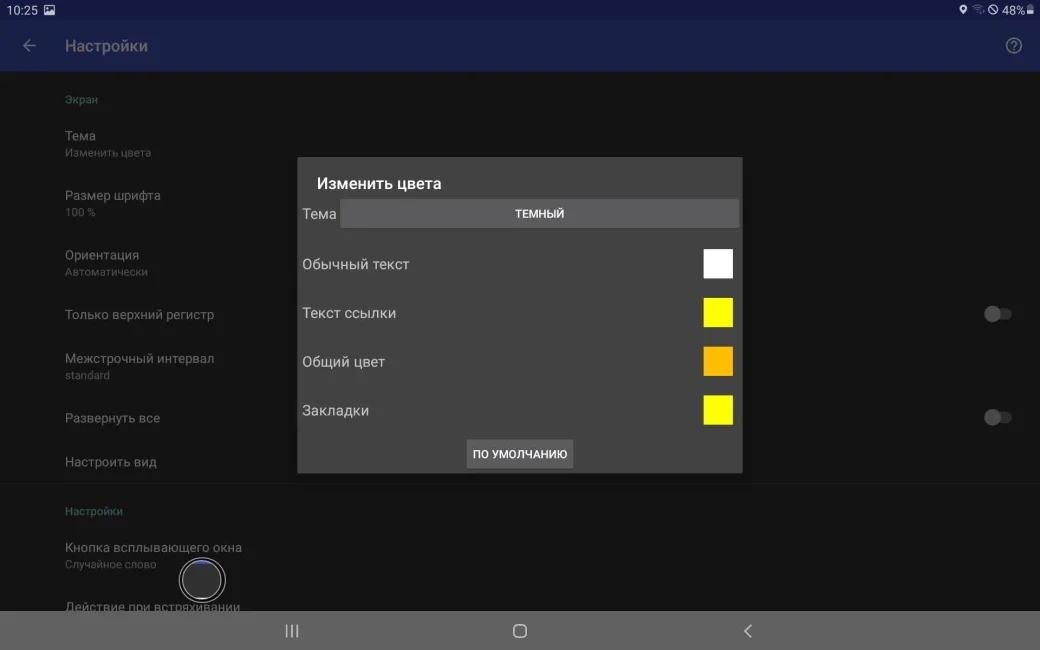
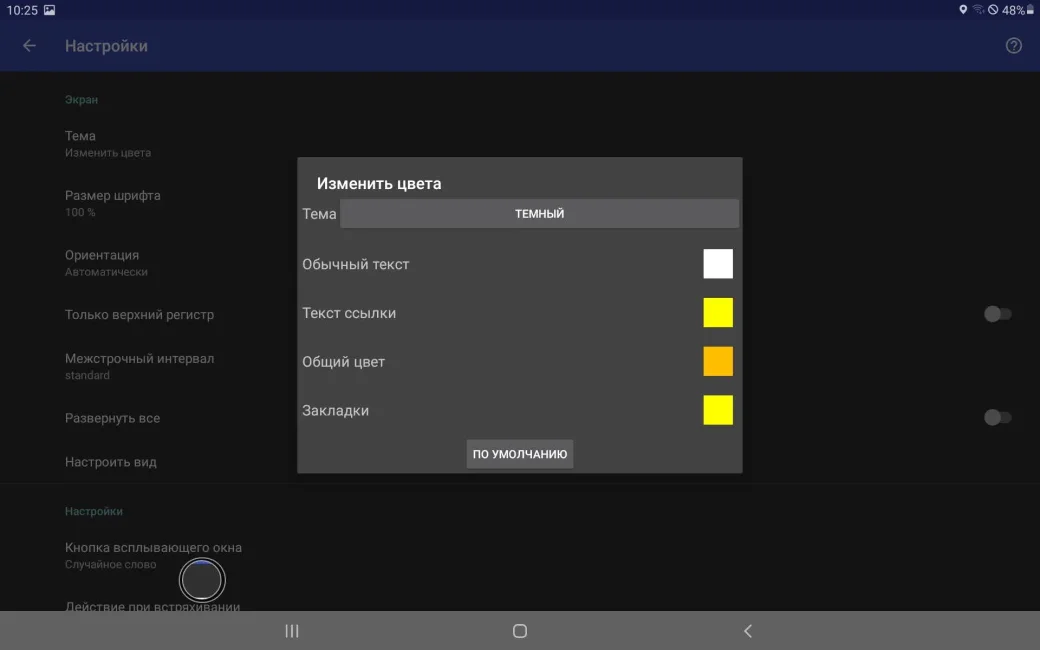
♦ Black and white themes with user defined text colors (press menu-->select Settings-->click on Theme)
♦ Persistent Search option to get automatic keyboard at startup
♦ Text to speech options, including selection of British or American accent (press menu-->select Settings-->click on Text to Speech-->select Language)
♦ Number of items in history
♦ Customisable font size and line spacing, default screen orientation
♦ Start up option: home page, most recent word, random word or word of the day
Questions
♦ No voice output? Please follow instructions here: http://goo.gl/axXwR
Note: word pronunciation works only if voice data have been installed in your phone (Text-to-speech engine).
♦ Question & Answers: http://goo.gl/UnU7V
♦ Keep safe your bookmarks and notes, please read: https://goo.gl/d1LCVc
♦ Information about permissions used by the application can be found here: http://goo.gl/AsqT4C
♦ Download also the other livio offline dictionaries available in Google Play for a broader and unique experience
In case Moon+ Reader does not list my dictionary: open pop-up "Customize dictionary" and select "Open dictionary directly when Long-Tap on a word"
Permissions
This application requires the following permissions:
♢ INTERNET - to retrieve the definition of unknown words
♢ WRITE_EXTERNAL_STORAGE (aka Photos/Media/Files) - to backup configuration and bookmarks
Data safety
What Livio declares on Google Play about the data this app collects and shares.
- No data shared with third partiesLearn more about how developers declare sharing
- No data collectedLearn more about how developers declare collection
What’s new
Version 10.0.1-1q6d7 · Nov 26, 2026
Version 10.0
♦ Dictionary updated with new definitions
Developer contact
- Websitethesaurus.altervista.org
- Emailjavalc6@gmail.com
- Privacy policythesaurus.altervista.org
- AddressItaly
Information
- Offered by
- Google Commerce Ltd
- Category
- Books & Reference
- Version
- 10.0.1-1q6d7
- Updated
- Nov 26, 2026
- Released
- May 21, 2021
- Requires
- Android 6.0 or later
- Age rating
- Everyone 10+
- Price
- Free
- Package name
- livio.pack.lang.ru_RU