Russian Dictionary - Offline
Livio- 3 歳以上対象年齢
- 書籍&参考書カテゴリ
- 2026/11/26更新日
- 無料価格
livio.pack.lang.ru_RUのGoogle Play公式ページにリンクしています。最終確認:2026/11/27。

スクリーンショット
このアプリについて
Googleによる英語 (アメリカ合衆国)からの自動翻訳です。
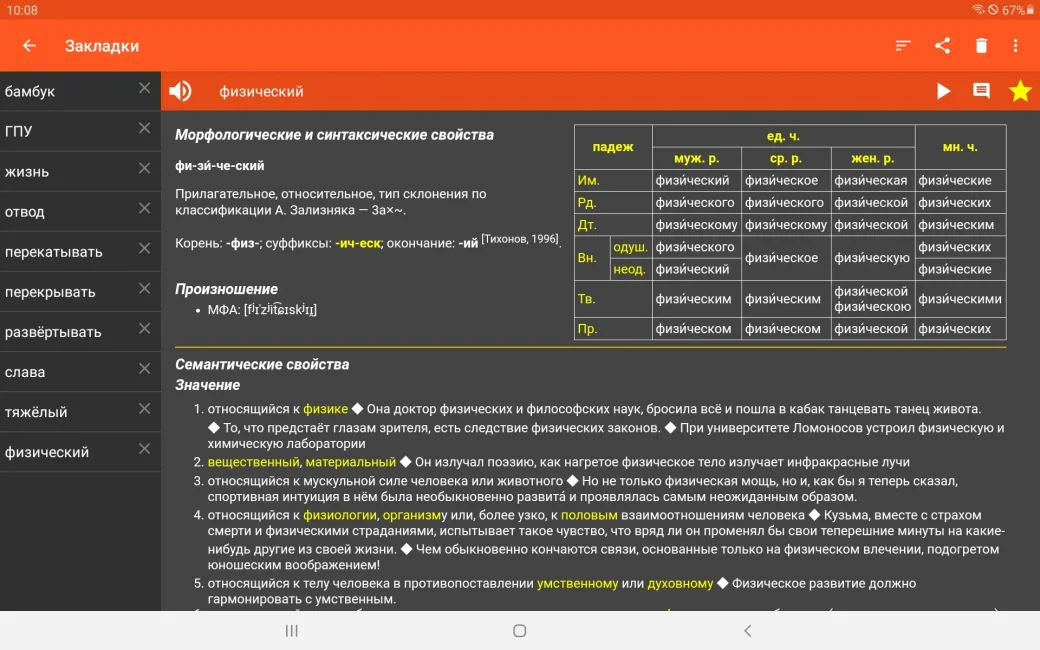
ブックマークと便利な機能で使いやすいオフラインロシア語辞書
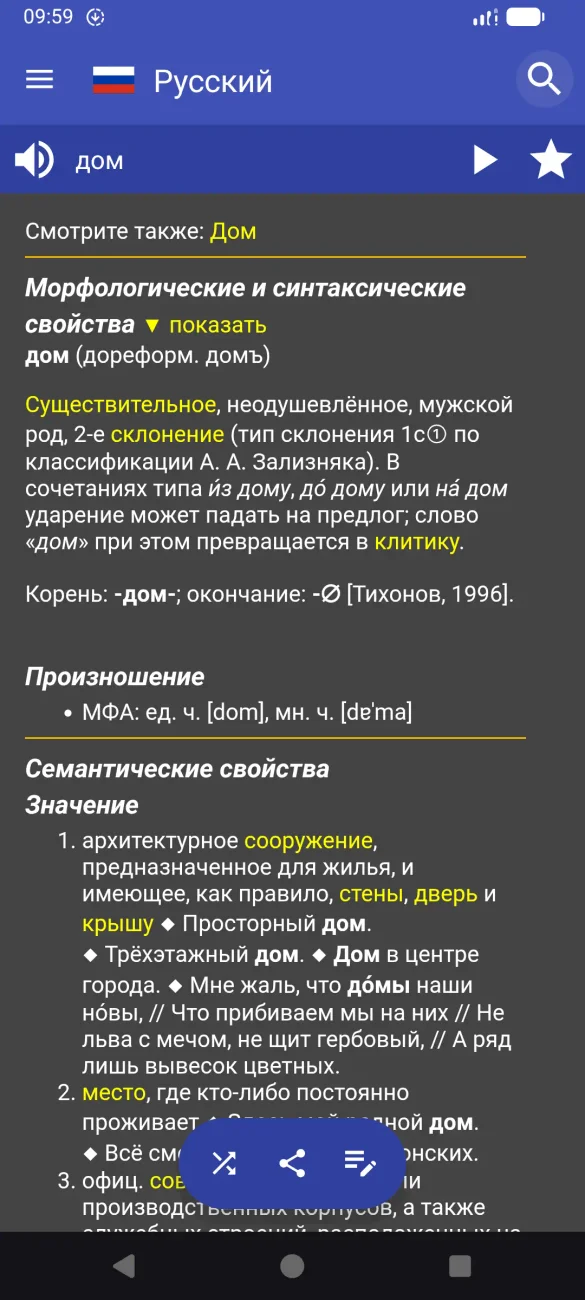
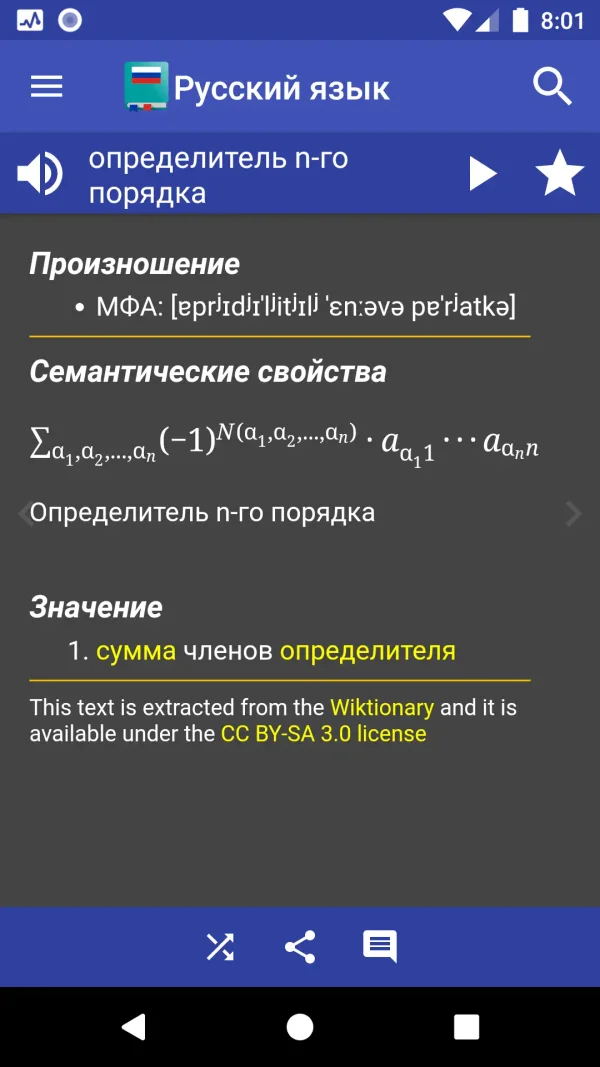
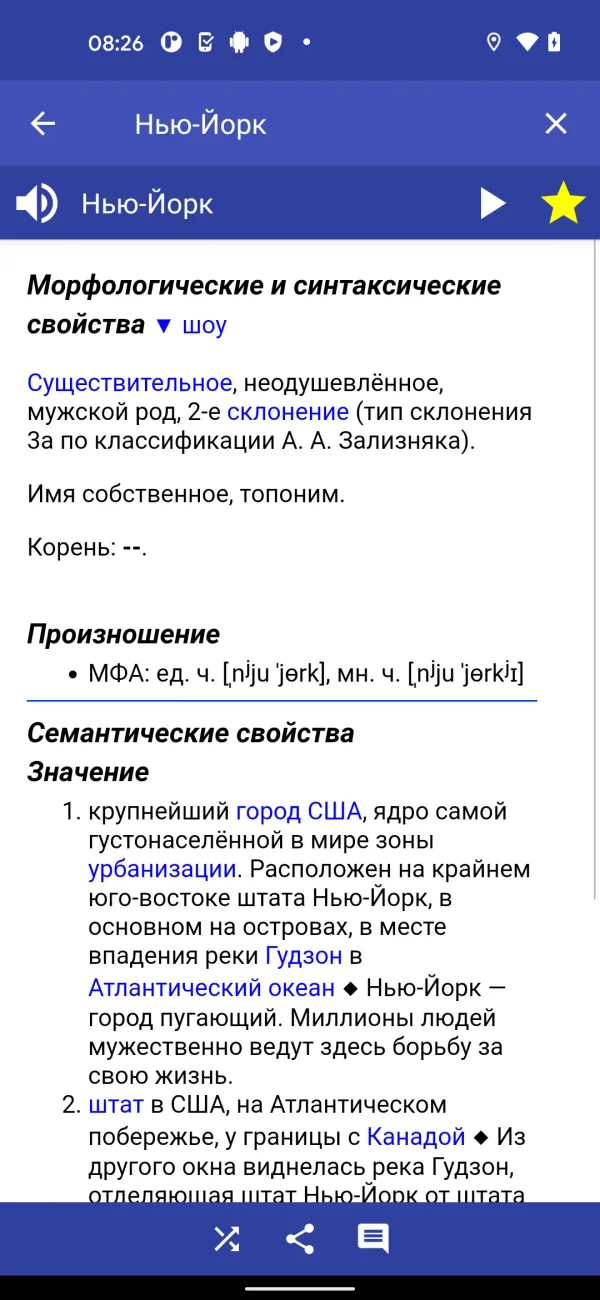
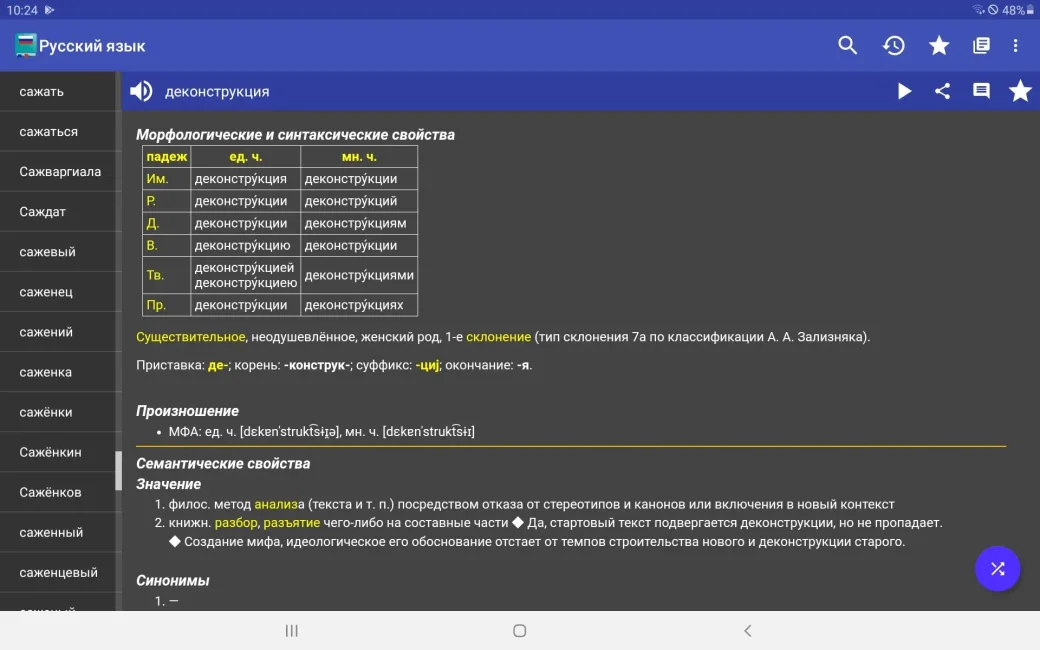
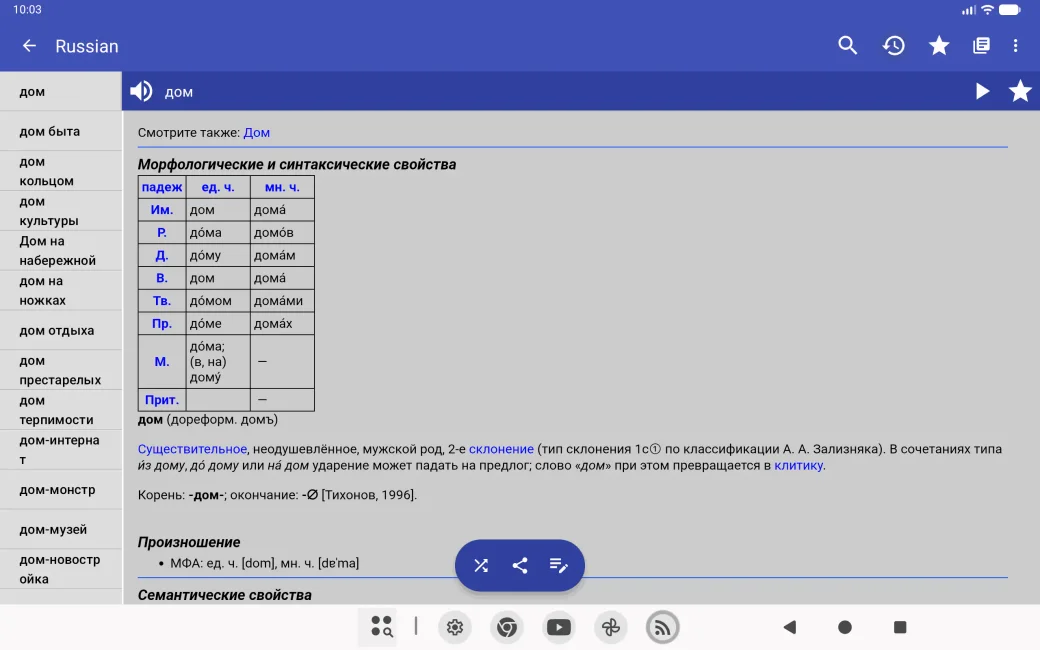
無料のオフラインロシア語辞書アプリは、ロシア語の単語の意味を解説します!定義はロシア語版Wiktionaryに基づいています。これはロシア語のみの辞書です。単語はロシア語で入力する必要があります。
すぐに使えます:追加ファイルをダウンロードする必要はなく、オフラインで動作します!
機能
♦ 298,000語以上のロシア語の定義と多数の活用形
♦ 指で単語をめくることができます(左右にスワイプ)。
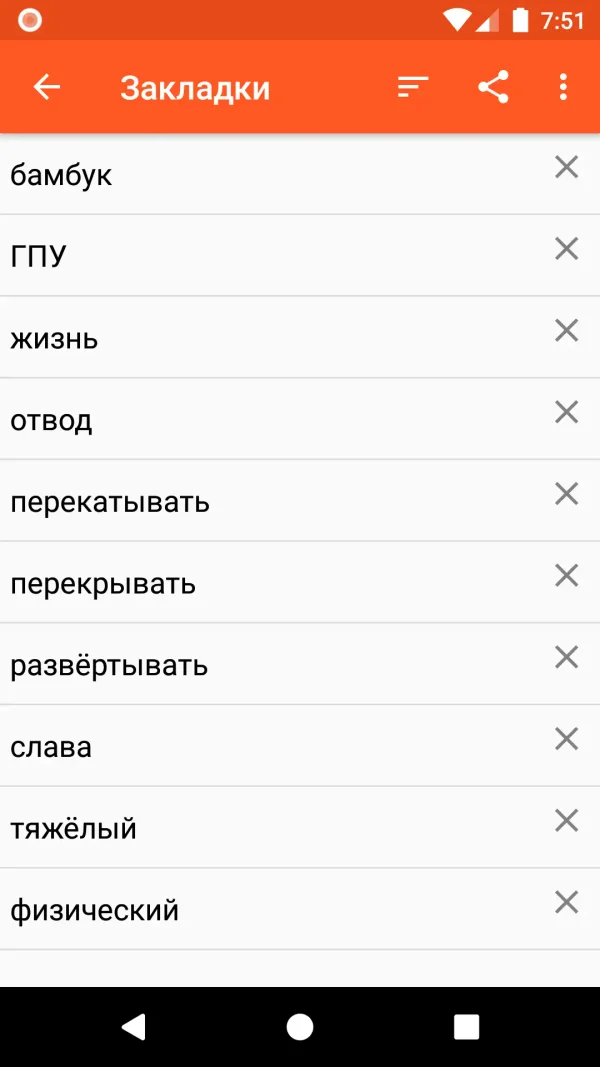
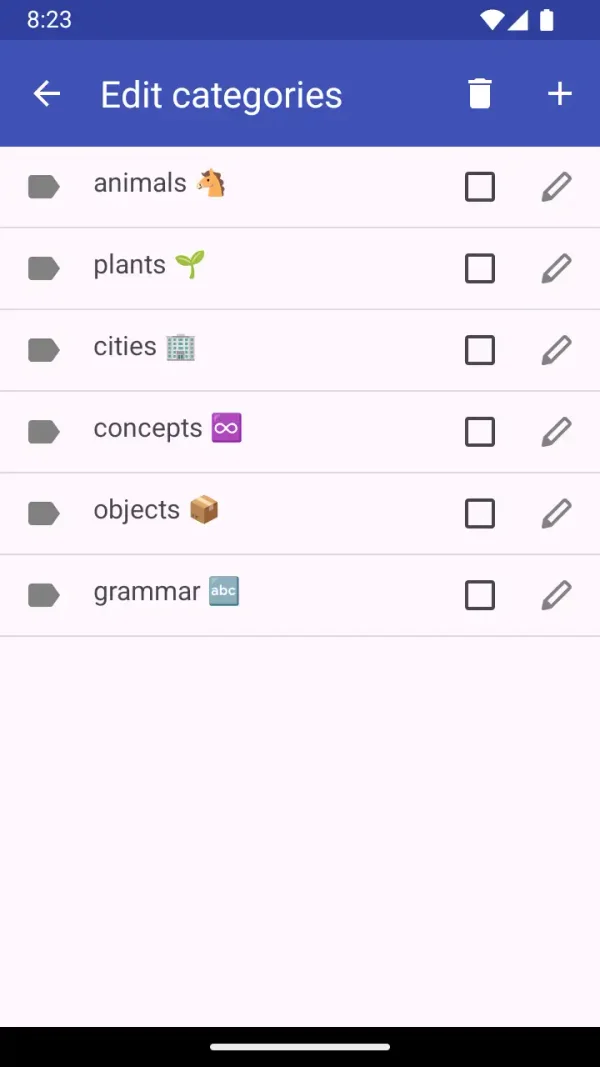
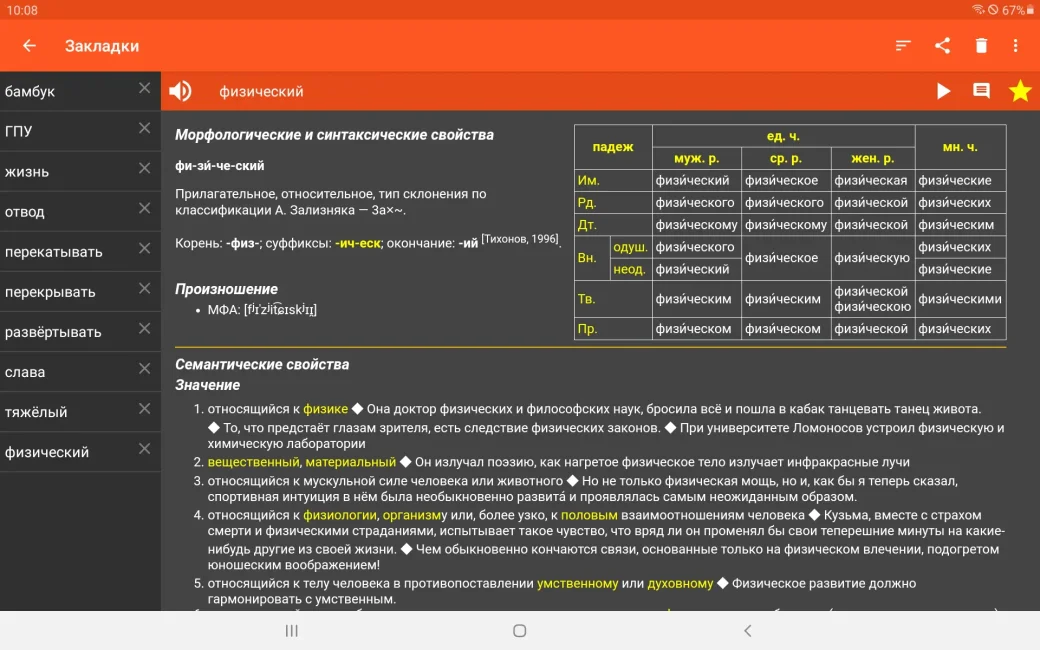
♦ ブックマーク、メモ、検索履歴を管理できます。ブックマークとメモは、自分で定義したカテゴリで整理できます。必要に応じてカテゴリを作成・編集できます。
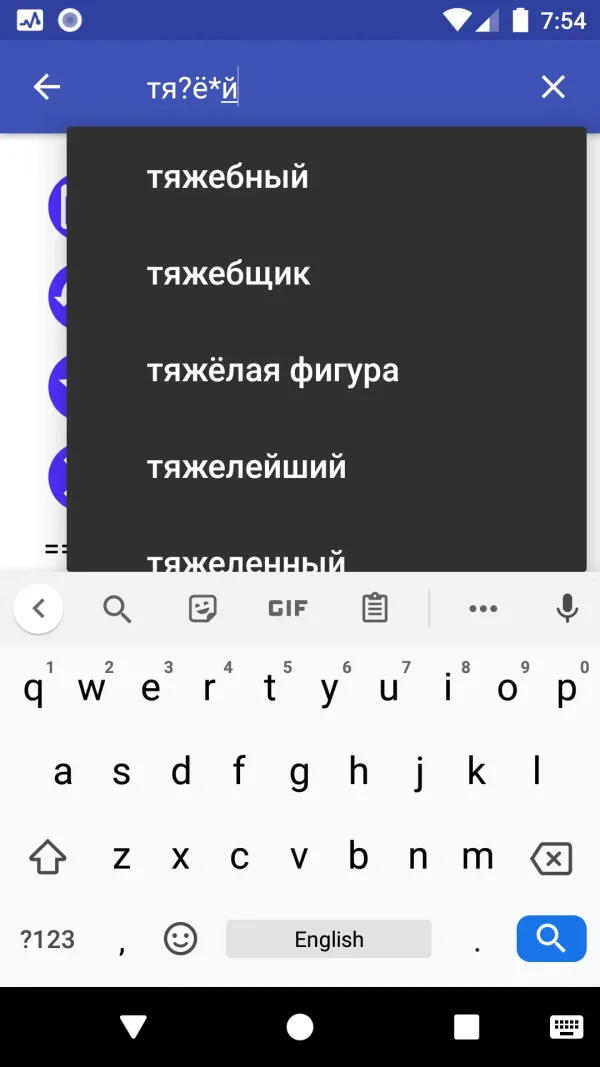
♦ クロスワードパズルのヒント:不明な文字1文字の代わりに?記号を使用できます。任意の文字グループの代わりに*記号を使用できます。ピリオド記号は.です。単語の末尾を示すために使用できます。
♦ ラテン文字をキリル文字に自動変換します。例:「mehanizm」と入力すると、「механизм」と表示されます。
♦ ランダム検索ボタン(シャッフル)。新しい単語を学ぶのに便利です。
♦ GmailやWhatsAppなどの他のアプリで単語の定義を共有できます。
♦ 共有ボタンを介して、Moon+ Reader、FBReaderなどの他のアプリケーションと互換性があります。
♦ ローカルメモリ、Google Drive、Dropbox、Boxクラウドへの設定、個人メモ、ブックマークのバックアップと復元が可能です(これらのアプリケーションをデバイスにインストールし、アカウントを設定している場合のみ利用可能です)。
あいまい検索
♦ 接頭辞で単語を検索するには、例:「Куз」で始まる単語を検索する場合、Куз*と入力すると、ドロップダウンリストに「Куз」で始まる単語が表示されます。
♦ 接尾辞で単語を検索するには、例:語尾が「чов」で終わる単語を検索するには、*човと入力してください。ドロップダウンリストに「чов」で終わる単語が表示されます。
♦ 特定の文字シーケンスを含む単語を検索するには、例: 「уэт」を入力するには、*уэт*と入力するだけで、ドロップダウンリストに「уэт」を含む単語が表示されます。
設定
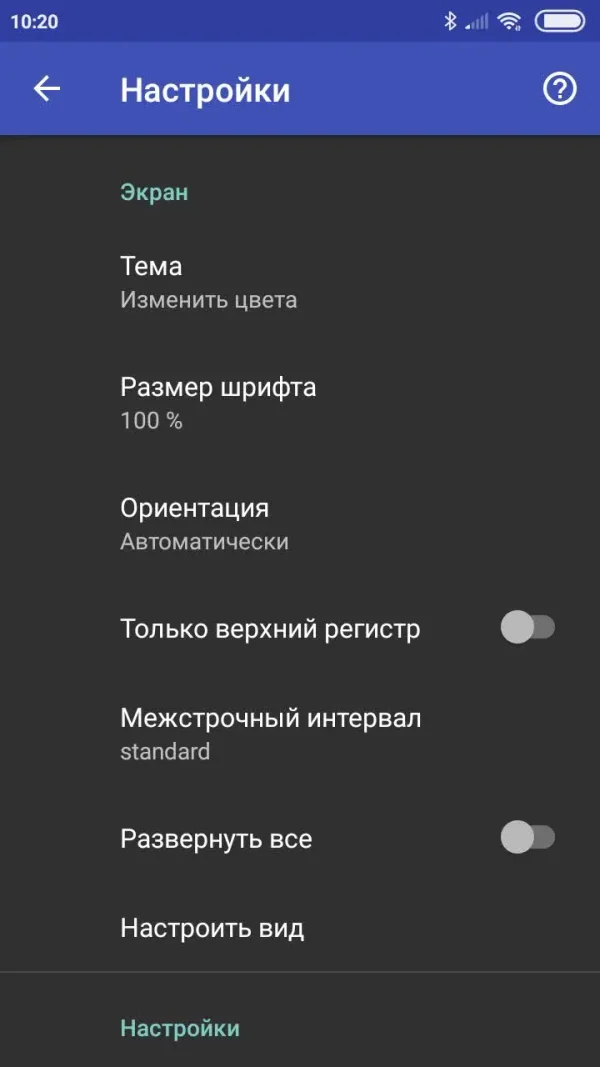
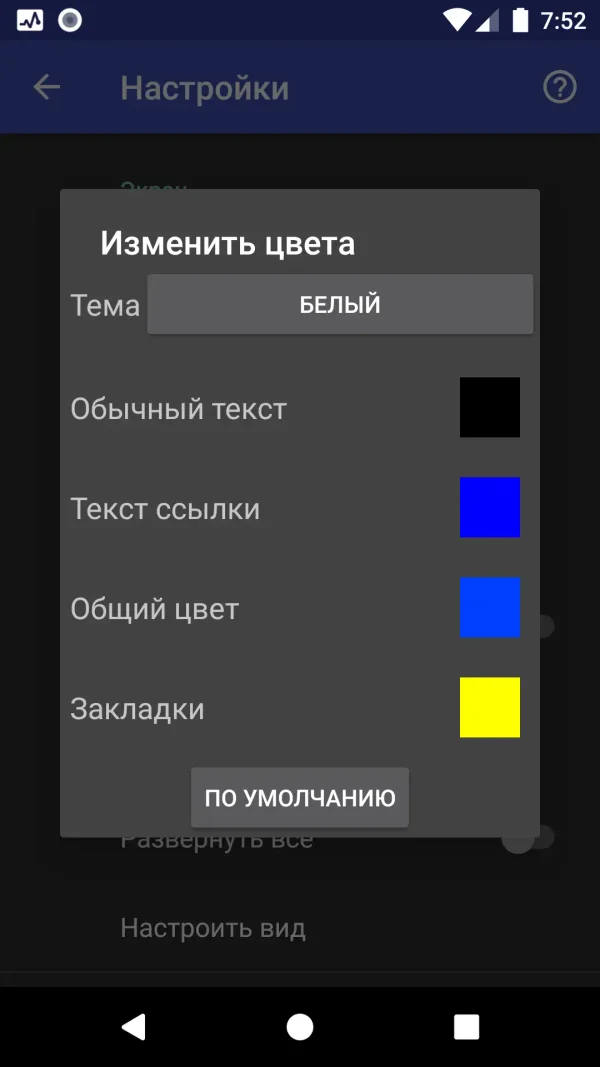
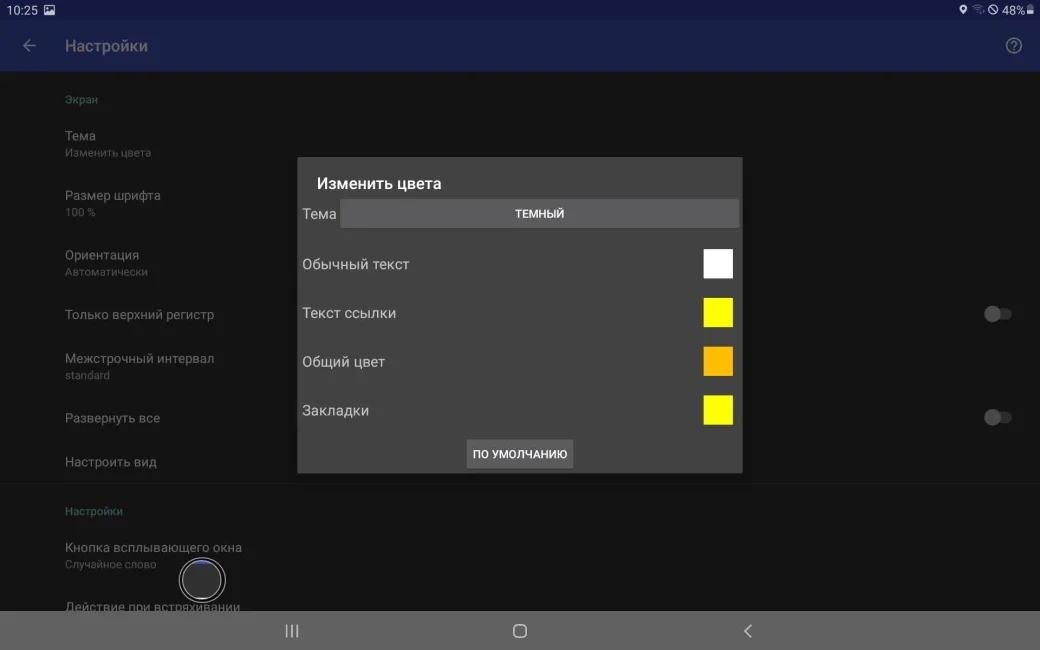
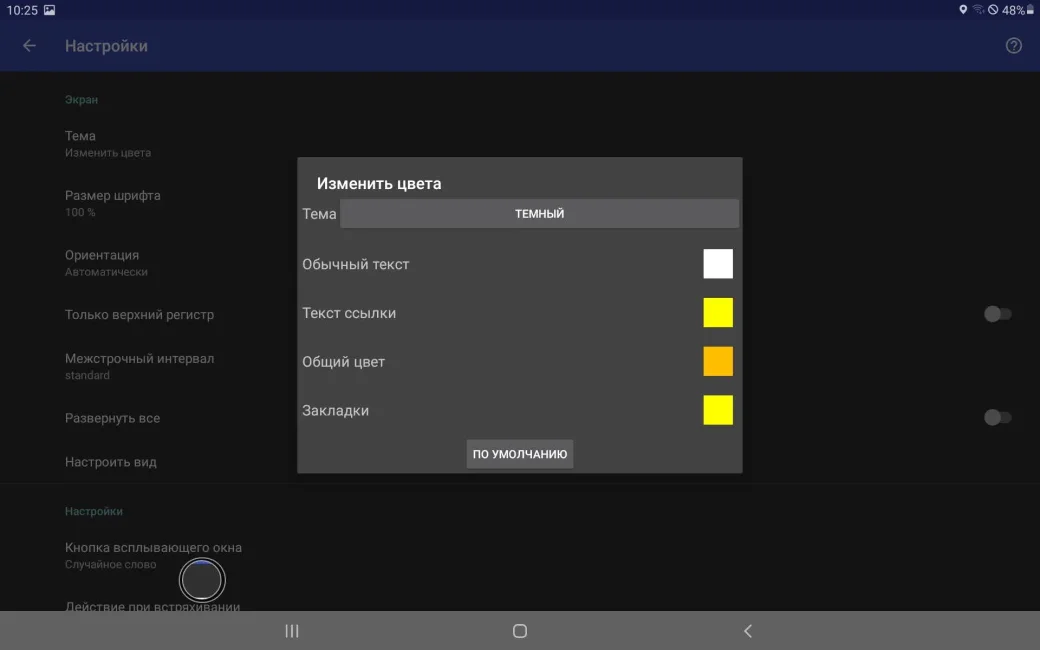
♦ ユーザーがテキストの色を定義できる白黒テーマ(メニュー→設定→テーマを選択)
♦ 起動時に自動キーボードを表示する常時検索オプション
♦ テキスト読み上げオプション(イギリス英語またはアメリカ英語のアクセントを選択可能)(メニュー→設定→テキスト読み上げ→言語を選択)
♦ 履歴の項目数
♦ フォントサイズと行間隔のカスタマイズ、デフォルトの画面向き
♦ 起動オプション:ホーム画面、最近使用した単語、ランダムな単語、または今日の単語
ご質問
♦ 音声出力がない場合は、こちらの説明をご覧ください:http://goo.gl/axXwR
注:単語の発音は、お使いの携帯電話に音声データ(テキスト読み上げエンジン)がインストールされている場合にのみ機能します。
♦ よくある質問と回答:http://goo.gl/UnU7V
♦ ブックマークとメモは安全に保管してください。こちらをご覧ください:https://goo.gl/d1LCVc
♦ アプリケーションが使用する権限に関する情報はこちらをご覧ください:http://goo.gl/AsqT4C
♦ より充実したユニークな体験のために、Google Playで入手可能な他のLivioオフライン辞書もダウンロードしてください。
Moon+ Readerに辞書が表示されない場合は、「辞書をカスタマイズ」ポップアップを開き、「単語を長押ししたときに辞書を直接開く」を選択してください。
権限
このアプリケーションは以下の権限を必要とします:
♢ インターネット - 未知の単語の定義を取得するため
♢ 外部ストレージへの書き込み(写真/メディア/ファイル) - 設定とブックマークをバックアップするため
原文を表示
The free offline Russian dictionary application explains the meaning of Russian words! Definitions are based on Russian Wiktionary. This is a monolingual Russian dictionary: words must be entered in Russian.
Ready to go: it works offline without any further file to download!
Features
♦ More than 298000 Russian definitions and large number of inflected forms
♦ You can leaf through words using your finger (swipe right and left)
♦ Manage your bookmarks, personal notes and search history. Organize your bookmarks and notes using categories defined by you. Create and edit your categories as needed.
♦ Crossword help: the symbol ? can be used in place of single unknown letter. The symbol * can be used in place of any group of letters. The fullstop symbol . can be used to mark the end of a word.
♦ Automatic transliteration of Latin alphabet into Cyrillic alphabet, e.g. if you type 'mehanizm', the app will find 'механизм'
♦ Random search button (shuffle), useful to learn new words
♦ Share word definition using other apps, like gmail or whatsapp
♦ Compatible with Moon+ Reader, FBReader and other applications via share button
♦ Backup&restore configuration, personal notes and bookmarks on local memory, Google Drive, Dropbox and Box clouds (available only if you have installed these applications on your device and configured with your own account)
Fuzzy search
♦ To search words with prefix, e.g. starting with 'Куз', please write Куз* and the dropdown list will show the words starting with 'Куз'
♦ To search words with suffix, e.g. ending with 'чов', please write *чов. and the dropdown list will show the words ending with 'чов'
♦ To search words containing a given sequence of characters, e.g. 'уэт', just write *уэт* and the dropdown list will show the words containing 'уэт'
Your settings
♦ Black and white themes with user defined text colors (press menu-->select Settings-->click on Theme)
♦ Persistent Search option to get automatic keyboard at startup
♦ Text to speech options, including selection of British or American accent (press menu-->select Settings-->click on Text to Speech-->select Language)
♦ Number of items in history
♦ Customisable font size and line spacing, default screen orientation
♦ Start up option: home page, most recent word, random word or word of the day
Questions
♦ No voice output? Please follow instructions here: http://goo.gl/axXwR
Note: word pronunciation works only if voice data have been installed in your phone (Text-to-speech engine).
♦ Question & Answers: http://goo.gl/UnU7V
♦ Keep safe your bookmarks and notes, please read: https://goo.gl/d1LCVc
♦ Information about permissions used by the application can be found here: http://goo.gl/AsqT4C
♦ Download also the other livio offline dictionaries available in Google Play for a broader and unique experience
In case Moon+ Reader does not list my dictionary: open pop-up "Customize dictionary" and select "Open dictionary directly when Long-Tap on a word"
Permissions
This application requires the following permissions:
♢ INTERNET - to retrieve the definition of unknown words
♢ WRITE_EXTERNAL_STORAGE (aka Photos/Media/Files) - to backup configuration and bookmarks
データ セーフティ
このアプリが収集・共有するデータについて、LivioがGoogle Playで申告している内容です。
- 第三者と共有されるデータはありません詳しくは、デベロッパーが共有を申告する方法についての説明をご覧ください
- データは収集されません詳しくは、デベロッパーが収集を申告する方法についての説明をご覧ください
新機能
バージョン 10.0.1-1q6d7 · 2026/11/26
Version 10.0
♦ Dictionary updated with new definitions
開発元の連絡先
- ウェブサイトthesaurus.altervista.org
- メールjavalc6@gmail.com
- プライバシーポリシーthesaurus.altervista.org
- 住所Italy
情報
- 提供元
- Google Commerce Ltd
- カテゴリ
- 書籍&参考書
- バージョン
- 10.0.1-1q6d7
- 更新日
- 2026/11/26
- リリース
- 2021/5/21
- 必要条件
- Android 6.0以降
- 対象年齢
- 3 歳以上
- 価格
- 無料
- パッケージ名
- livio.pack.lang.ru_RU