Satellite Finder(Dish Pointer)
TarrySoftContains ads · In-app purchases
- EveryoneAge rating
- ToolsCategory
- Jul 31, 2026Updated
- FreePrice
Links to the official Google Play listing of com.satfinder.dishtv.satelittefinder.ar.dishalign.setdishtv. Last checked on Nov 20, 2026.
Screenshots

About this app
Satellite finder is the right app to find tv satellites for set your dish tv.
What is Satellite Finder(Dish Pointer)?
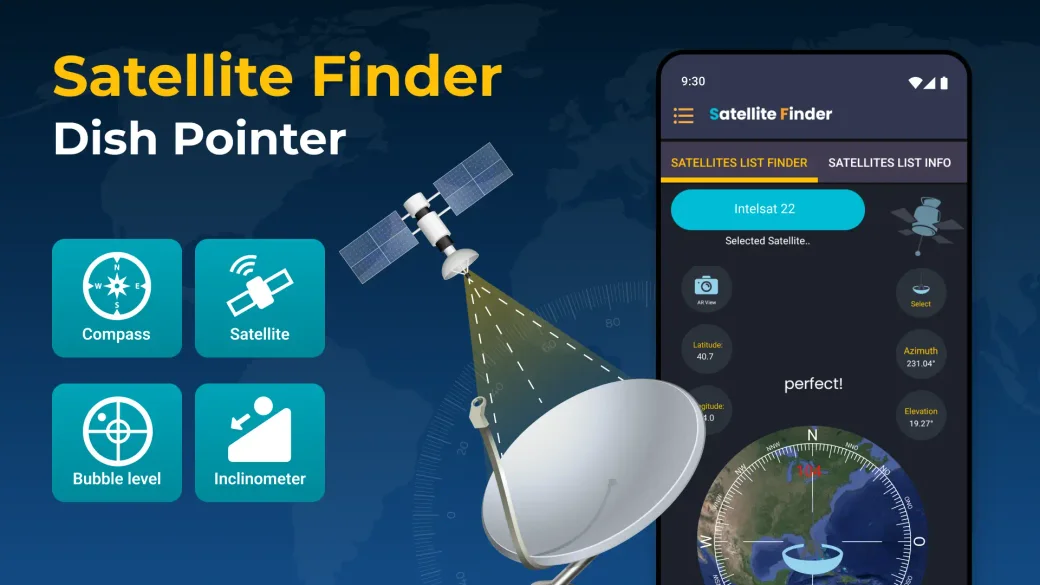
An Android satellite finder for planning satellite dish alignment. Use augmented reality, compass guidance, and satellite angle information to understand where to point your dish. Built-in leveling tools help you check orientation and slope during setup.Who is Satellite Finder(Dish Pointer) for?
For people setting up a TV satellite dish for the first time, adjusting an existing antenna, or looking for a phone-based reference while working on an installation. It also provides supporting tools for installers who want satellite direction and angle information together.Use it when you need to identify a target in the available satellite list and compare its direction with your planned dish position.
What does Satellite Finder(Dish Pointer) do?
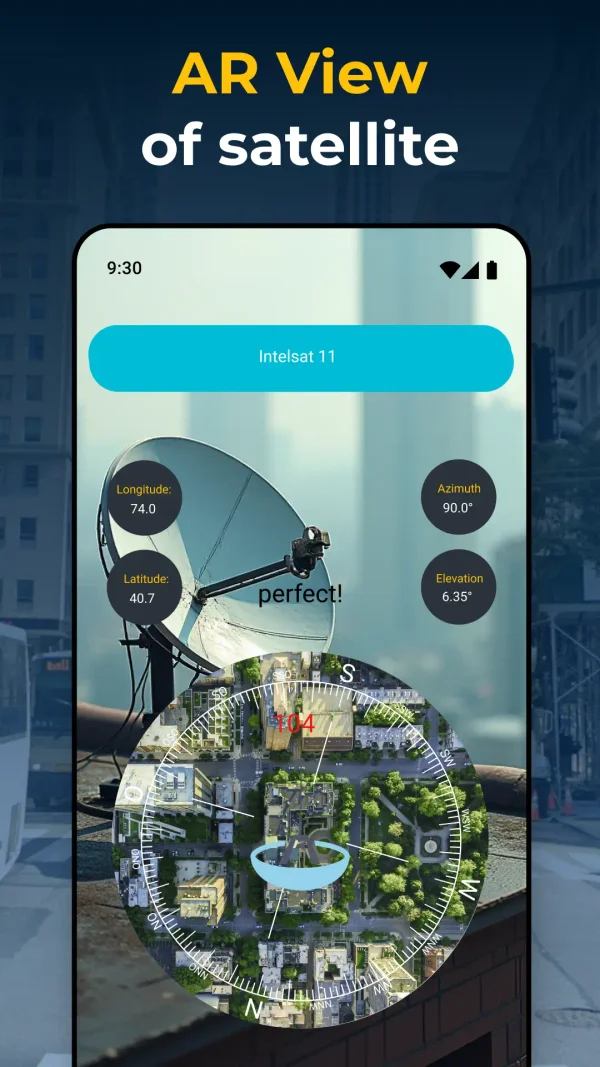
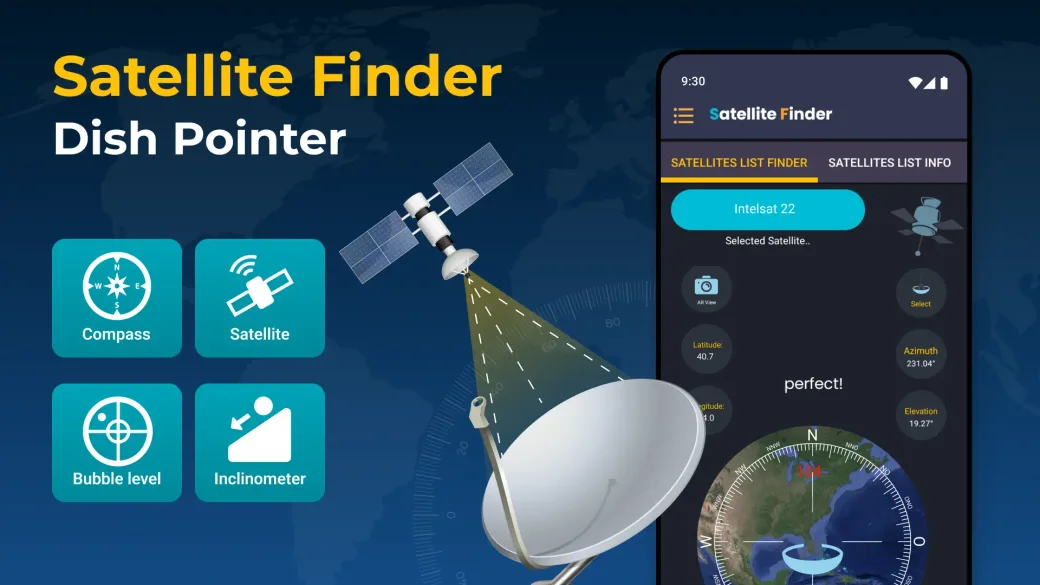
• AR satellite view: Use augmented reality to visualize satellite positions while pointing your phone toward the sky.
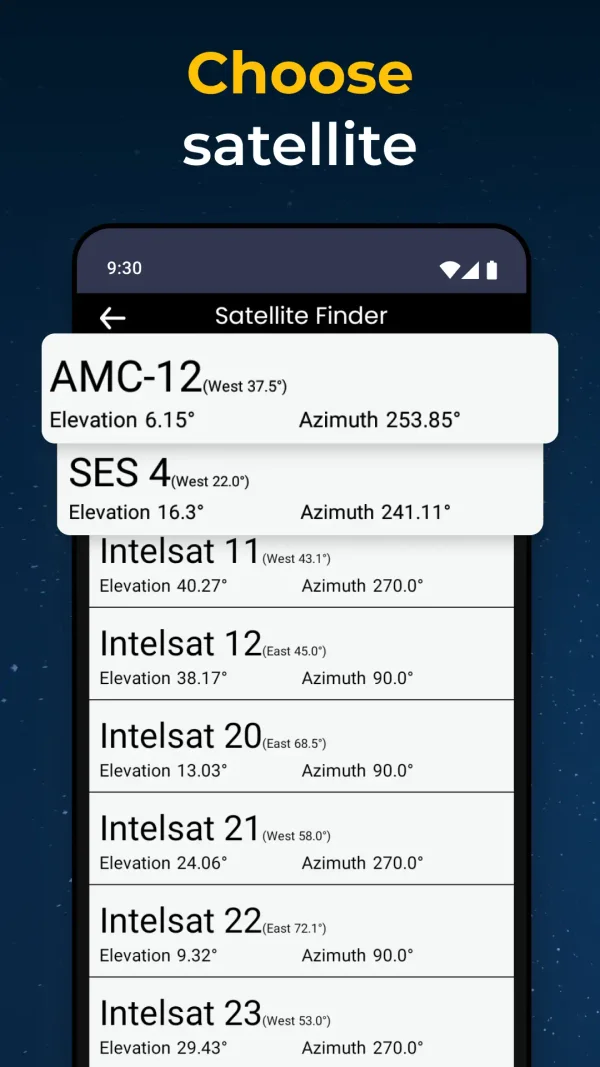
• Satellite selection: Browse the available TV satellites and choose the target for your setup.
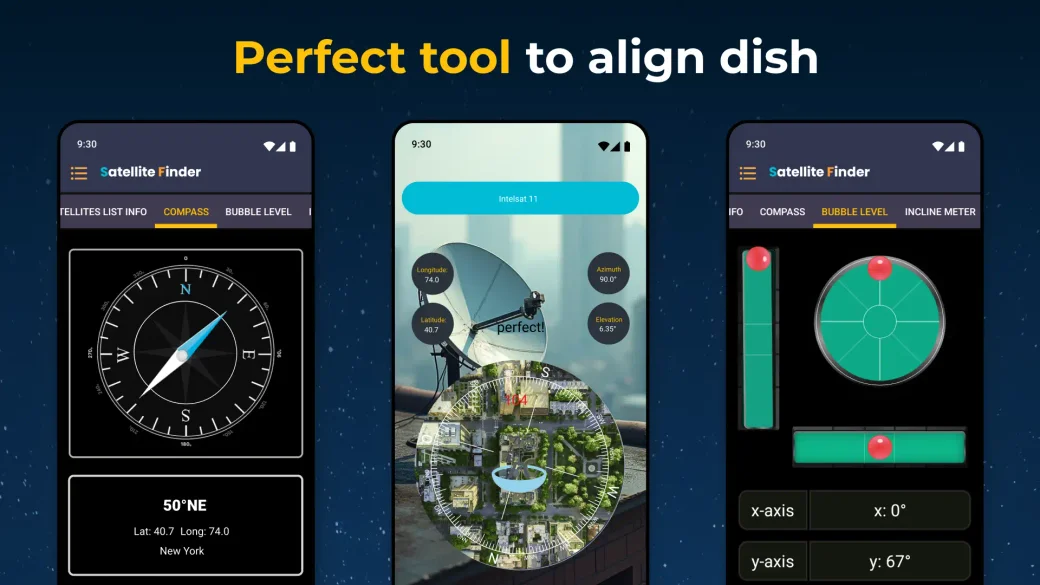
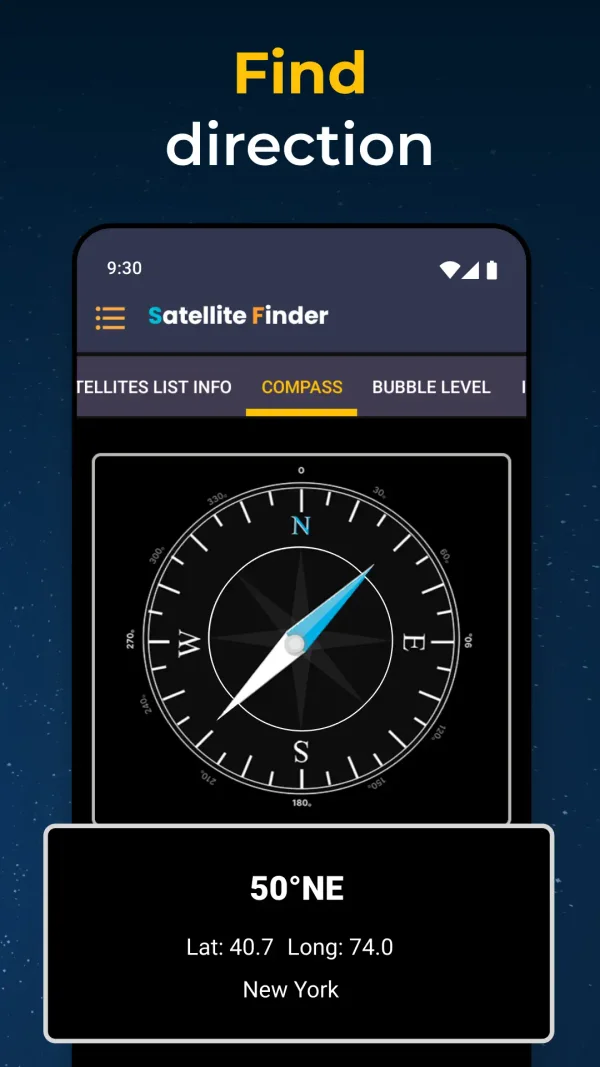
• Direction guidance: Use the compass to help orient your dish toward the selected satellite.
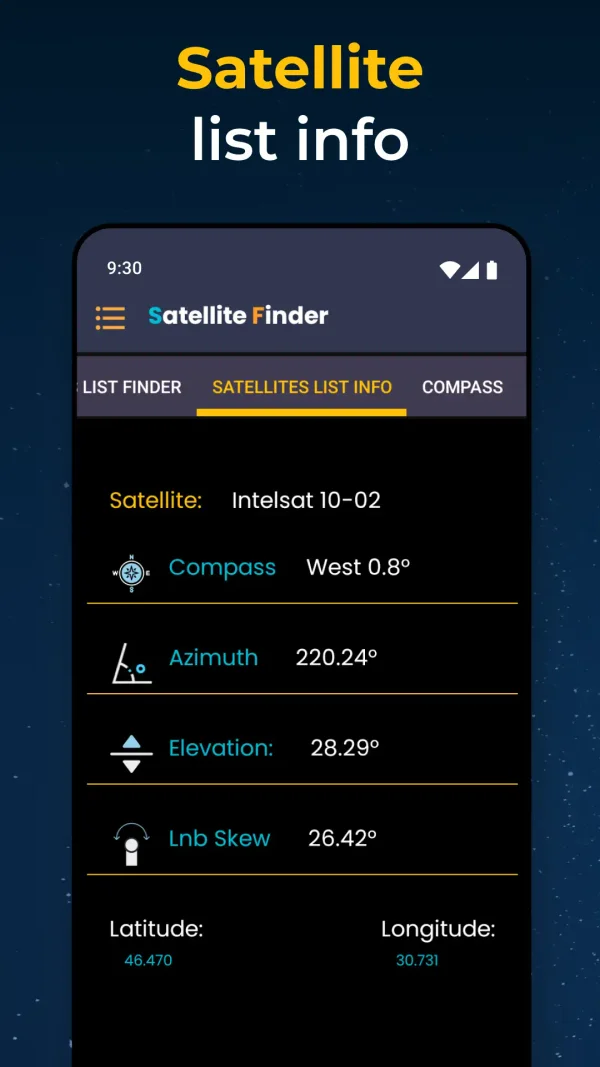
• Alignment details: View azimuth, elevation, and LNB skew information for a more informed setup.
• Map reference: Explore the map and satellite information while planning the installation.
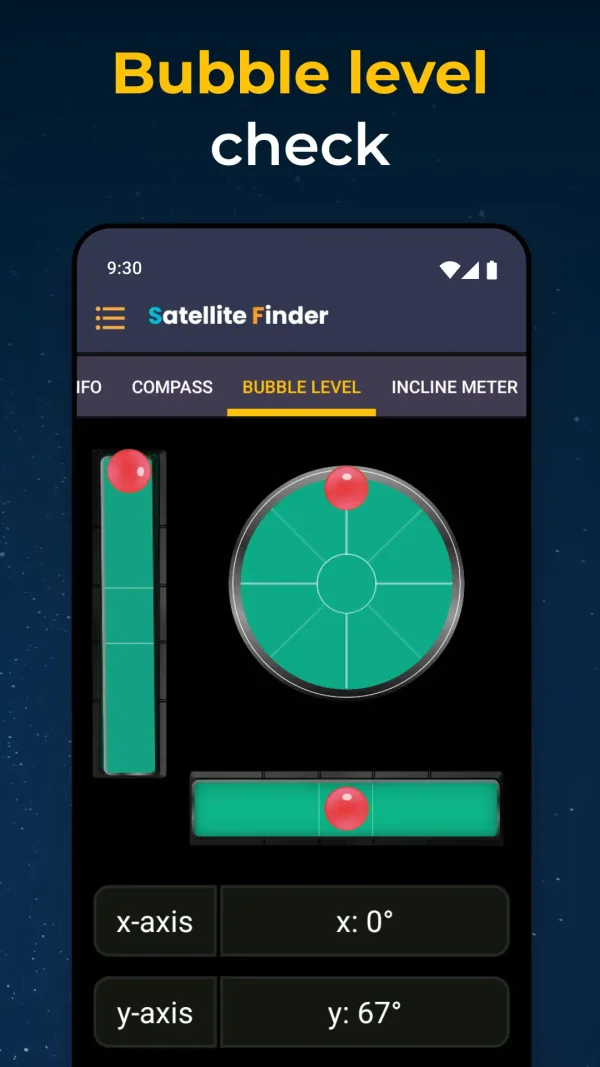
• Bubble level: Check level using circular and linear indicators.
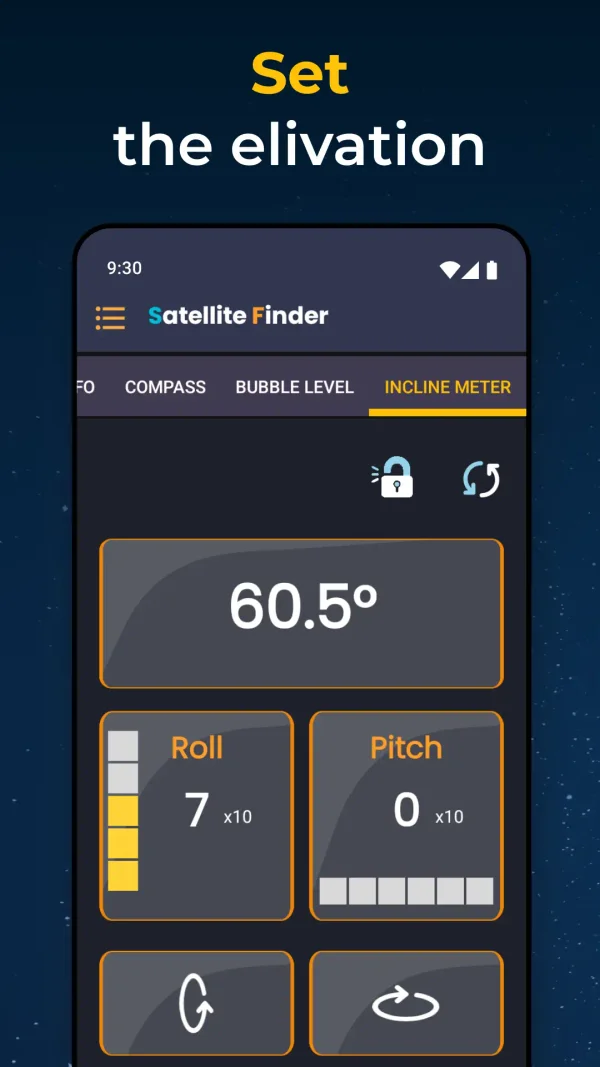
• Inclinometer: View slope angles while checking orientation.
• Level meter: Use digital display modes as an additional reference during adjustment.
Azimuth describes the horizontal direction, elevation describes the upward angle, and LNB skew describes the rotation setting of the dish's receiving component. These references help you understand the different adjustments involved in satellite dish alignment.
How does Satellite Finder(Dish Pointer) work?
Choose your target from the satellite list. Review its direction and angle details, then use the AR view or compass as a pointing reference. Consult the bubble level and inclinometer when checking level and slope during setup.Work through the direction and angle information as you adjust the antenna. The app brings visual guidance and measurement tools together so you can refer to them during the alignment process.
Compatibility and requirements
This app is available for Android. Compass and orientation readings depend on your device's sensors. Choose from the satellites included in its available list. The app contains ads and offers in-app purchases.
Privacy
The app may share device or other identifiers with third parties.Satellite Finder(Dish Pointer) brings satellite direction, angle references, and leveling tools together to support dish alignment.
About Permissions:
- Location: Allows an application to access your location.
Data safety
What TarrySoft declares on Google Play about the data this app collects and shares.
- This app may share these data types with third partiesDevice or other IDs
- No data collectedLearn more about how developers declare collection
- Data is encrypted in transit
- You can request that data be deleted
What’s new
Version 3.1.0 · Jul 31, 2026
- Satellite finder crashes fixed.
- Inclinometer Update.
- Set Compass update.
- Gps Compass new Dialer Added.
- Bublé Level Error Fixed.
- Google SDK Updated.
- Minor Bugs Fixed.
- Satfinder Crashes Removed.
Developer contact
- Websitekigelapps.com
- Emailsupport.dishpointer@kigelapps.com
- Privacy policykigelapps.com
- Address8 The Grn Ste 4184 Dover, DE 19901-3618 United States
Information
- Offered by
- TarrySoft
- Category
- Tools
- Version
- 3.1.0
- Updated
- Jul 31, 2026
- Released
- Sep 14, 2022
- Requires
- Android 7.0 or later
- Age rating
- Everyone
- Price
- Free
- In-app purchases
- $0.99 - $99.99 per item
- Package name
- com.satfinder.dishtv.satelittefinder.ar.dishalign.setdishtv
Similar apps
-
 Satellite Director
Tools
-
 Chipolo
Lifestyle
-
 Astroscope: Love Compatibility
Lifestyle
-
 WiFiman
Tools
-
 UserLAnd - Linux on Android
Tools
-
 Seed4.Me VPN Proxy
Tools
-
 Blynk IoT
Tools
-
 Wi-Fi Toolkit
Tools
-
 Ajax PRO: Tool For Engineers
Tools
-
 Е100 mobile
Maps & Navigation
-
 Knots 3D
Books & Reference
-
 mySolarEdge
Tools