UserLAnd - Linux on Android
UserLAnd TechnologiesIn-app purchases
- EveryoneAge rating
- ToolsCategory
- Nov 19, 2026Updated
- FreePrice
Links to the official Google Play listing of tech.ula. Last checked on Nov 20, 2026.
Screenshots
About this app
Run Linux on Android. No root required.
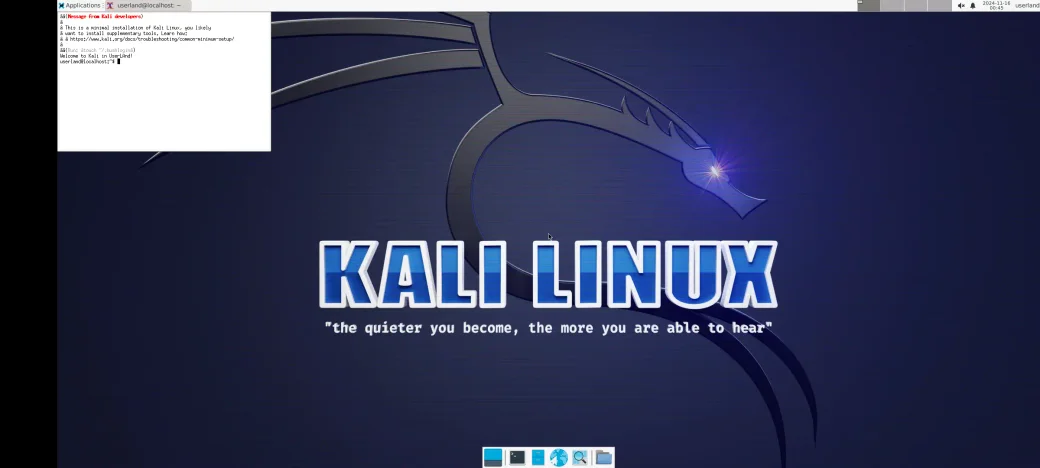
UserLAnd allows you to run several Linux distributions like Ubuntu,
Debian, and Kali.
- No need to root your device.
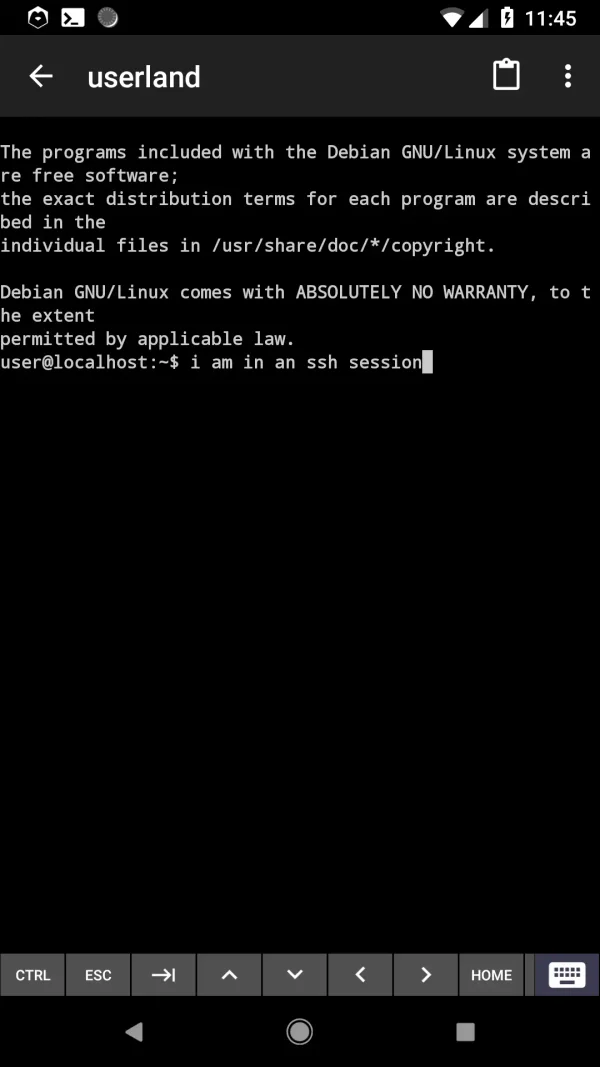
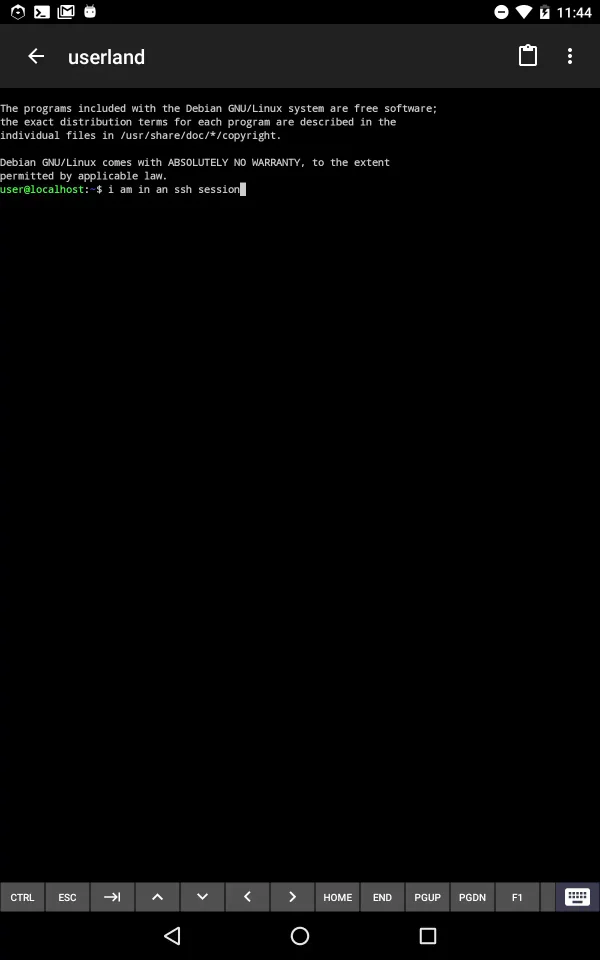
- Use a built-in terminal to access your favorite shells.
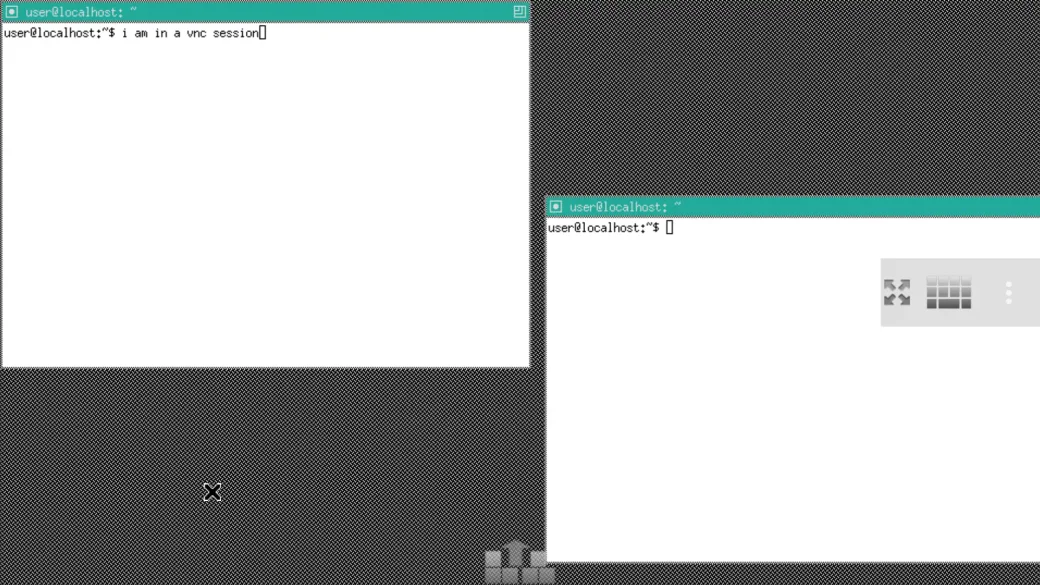
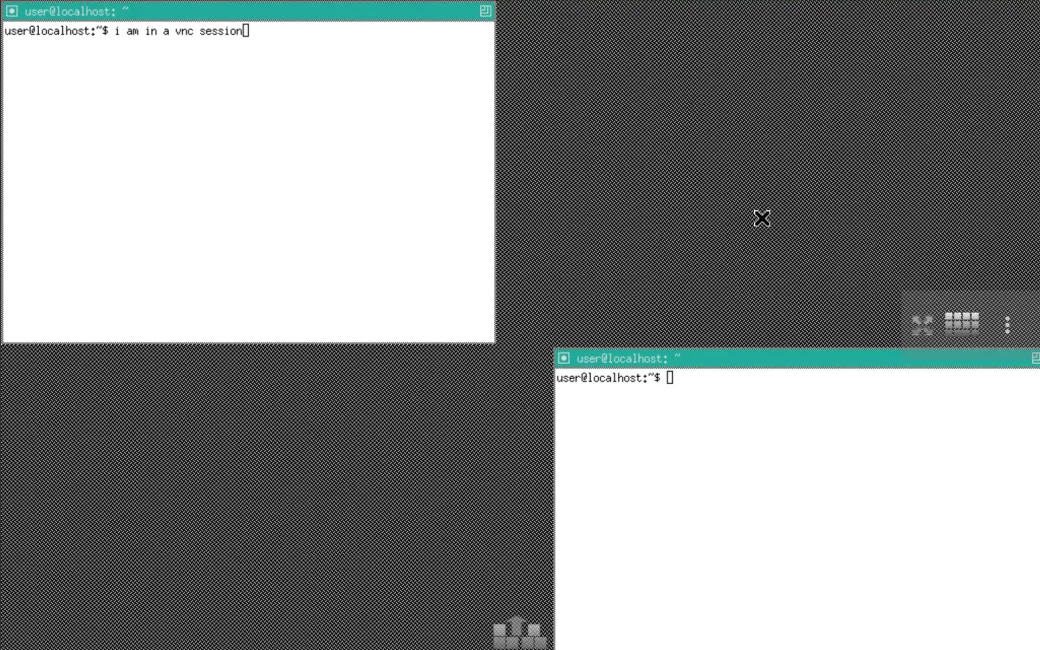
- Easily connect to VNC sessions for a graphical experience.
- Easy setup for several common Linux distributions, like Ubuntu and Debian.
- Easy setup for several common Linux applications, like Octave and Firefox.
- A way to experiment and learn Linux and other common software tools from the palm of your hand.
UserLAnd was created and is being actively maintained by the folks behind the popular Android
application, GNURoot Debian. It is meant as a replacement for the original GNURoot Debian app.
When UserLAnd first launches, it presents a list of common distributions and Linux applications.
Clicking one of these then leads to a series of set-up prompts. Once these have been completed,
UserLAnd will download and set up files required to start the task that has been selected. Based on
the set-up, you will then be connected to your Linux distribution or application in a terminal or
VNC viewing Android application.
Want to know more about getting started? View our wiki on Github:
https://github.com/CypherpunkArmory/UserLAnd/wiki/Getting-Started-in-UserLAnd
Want to ask questions, give feedback, or report any bugs you've encountered? Reach us on Github:
https://github.com/CypherpunkArmory/UserLAnd/issues
Data safety
What UserLAnd Technologies declares on Google Play about the data this app collects and shares.
- No data shared with third partiesLearn more about how developers declare sharing
- No data collectedLearn more about how developers declare collection
What’s new
Version 26.11.19 · Nov 19, 2026
New: Acquire wake lock in the notification keeps sessions running with the screen off
Fixed: sessions failing to start on Android 17's November update
Fixed: Ubuntu 26.04's core commands under Standard (proot)
Fixed: Fedora's user had no password, so sudo didn't work
Fixed: first access to Android storage could fail (pro)
Fixed: a second Android storage folder prompt could hang (pro)
Steadier desktops (VNC, shared memory)
New setups start on Standard (proot), not the last backend picked
Developer contact
- Websiteuserland.tech
- Emailsupport@userland.tech
- Privacy policyuserland.tech
- Address10258 SW 67th Ave Portland, OR 97223 United States
Information
- Offered by
- UserLAnd Technologies
- Category
- Tools
- Version
- 26.11.19
- Updated
- Nov 19, 2026
- Released
- Oct 17, 2018
- Requires
- Android 7.0 or later
- Age rating
- Everyone
- Price
- Free
- In-app purchases
- $0.99 - $19.99 per item
- Package name
- tech.ula
Similar apps
-
 G-CPU:Monitor CPU, RAM, Widget
Tools
-
 Spck Editor / Git Client
Tools
-
 MYCPE ONE
Education
-
 Cyberpunk Red Companion
Entertainment
-
 RealVNC Viewer: Remote Desktop
Productivity
-
 Coding Python
Tools
-
 TeamViewer Remote Control
Business
-
 MacroDroid - Device Automation
Tools
-
 Razer Cortex Games: Rewards
Entertainment
-
 phyphox
Education
-
 Confluence Cloud
Productivity
-
 TrebEdit - Mobile HTML Editor
Tools