Scanvra - Doc Scanner
AppAspect Technologies Pvt. Ltd.Contains ads · In-app purchases
- EveryoneAge rating
- ProductivityCategory
- Aug 18, 2026Updated
- FreePrice
Links to the official Google Play listing of com.pdf.cam.docscanner. Last checked on Nov 23, 2026.
Screenshots

About this app
Your all-in-one pocket scanner. Capture, convert, and share documents instantly
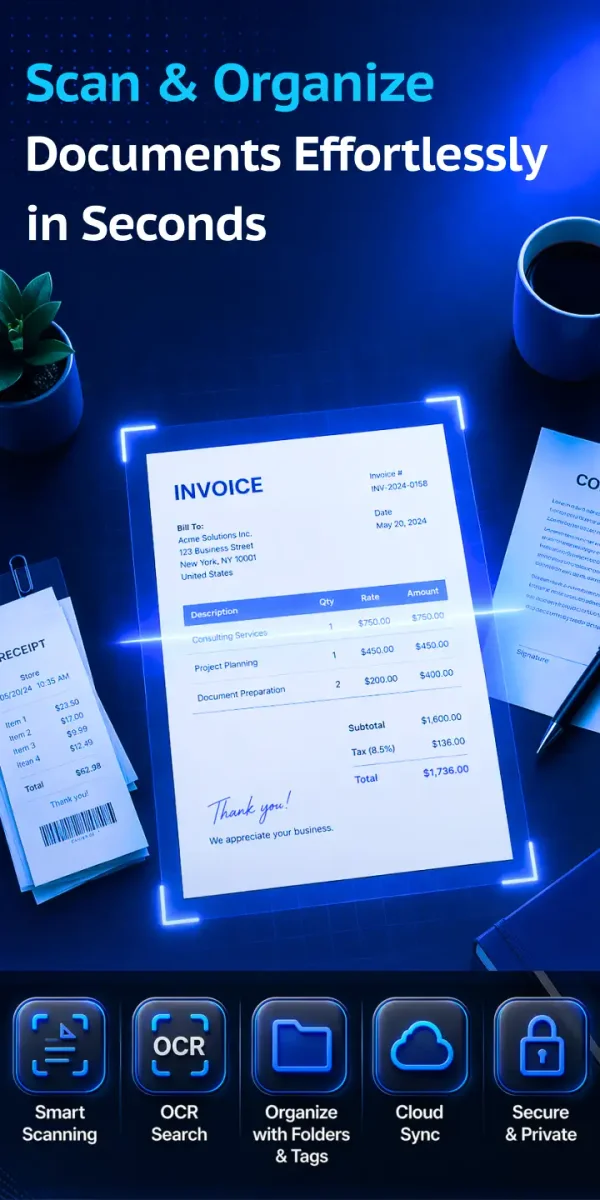
The ultimate all-in-one document scanner and PDF creator. Scan, organize, and share in seconds!
Transform your smartphone into a powerful portable scanner. Whether it’s an invoice, a business contract, or an ID card, FastScanner ensures your digital copies are crisp, professional, and ready to share. Using advanced AI-driven auto-cropping and image enhancement, your documents will look better than the originals.
--- KEY FEATURES ---
🚀 Advanced Document Scanning
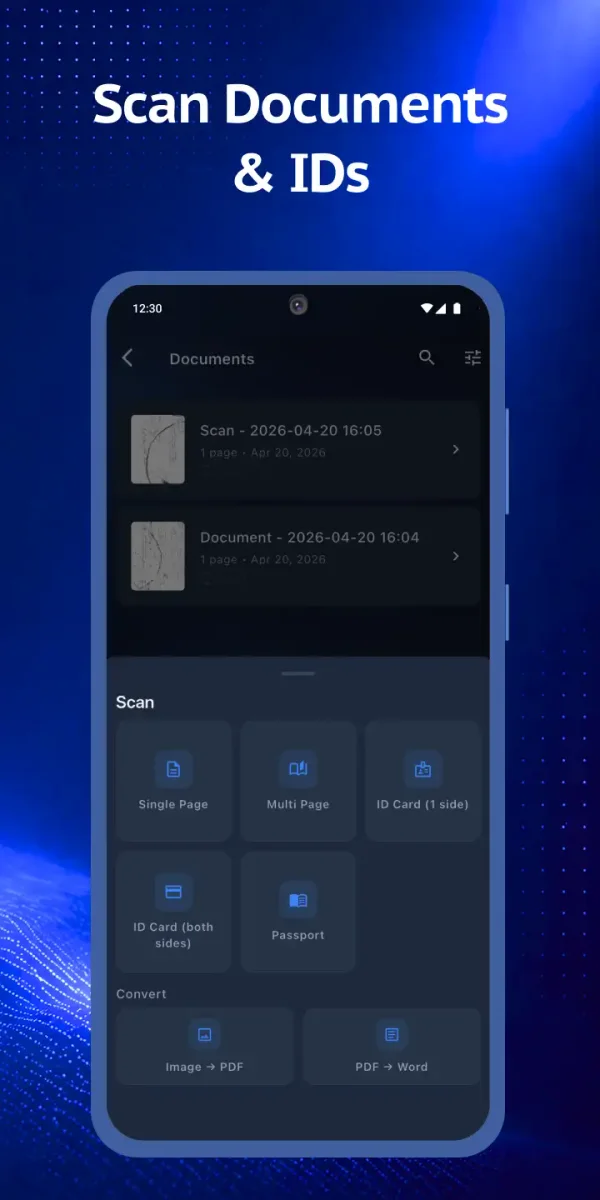
Multiple Modes: Choose between Single Scan or Batch Mode for multi-page documents.
Smart Enhancement: Auto-cropping and auto-enhancement ensure text and images are sharp and clear.
Import Anywhere: Scan using your camera or import existing photos directly from your gallery.
Versatile Use: Perfect for bills, receipts, contracts, certificates, and handwritten notes.
🪪 Precision ID Card Scanner
Dedicated ID Mode: Specialized scanning for identity documents.
Dual-Side Scanning: Easily capture the front and back of cards (Passports, Licenses, PAN cards, etc.) on a single page.
Perfect Alignment: Automatic scaling to ensure ID documents are saved in their correct proportions.
📁 Smart File Management
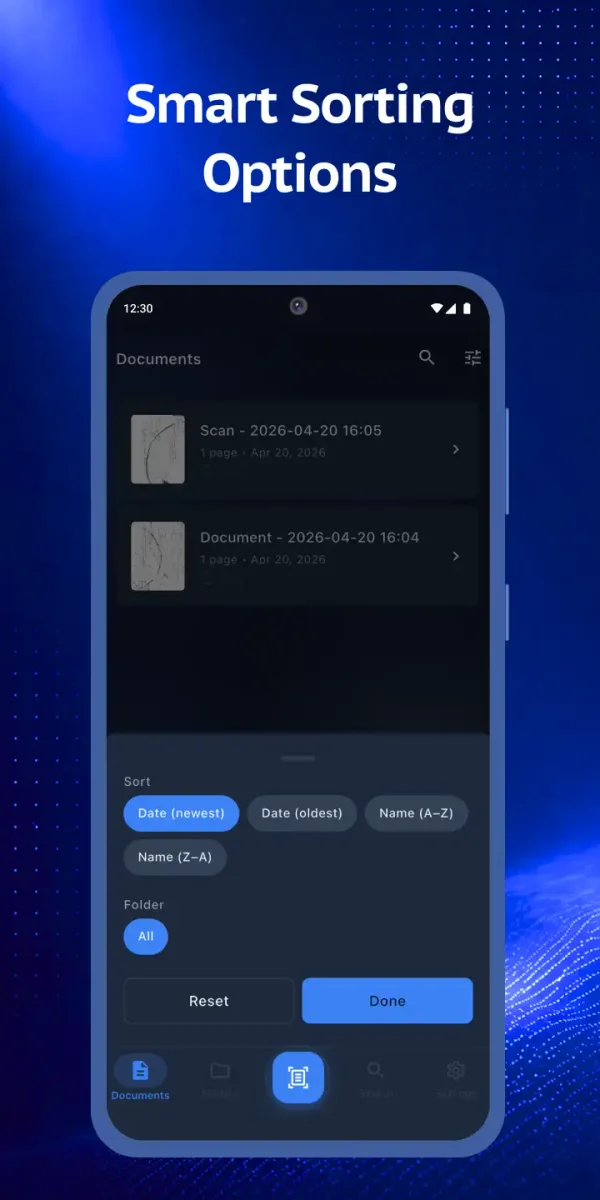
Smart Folders: Categorize and organize your files for instant retrieval.
Quick Sorting: Find what you need by sorting documents by name, date, or file size.
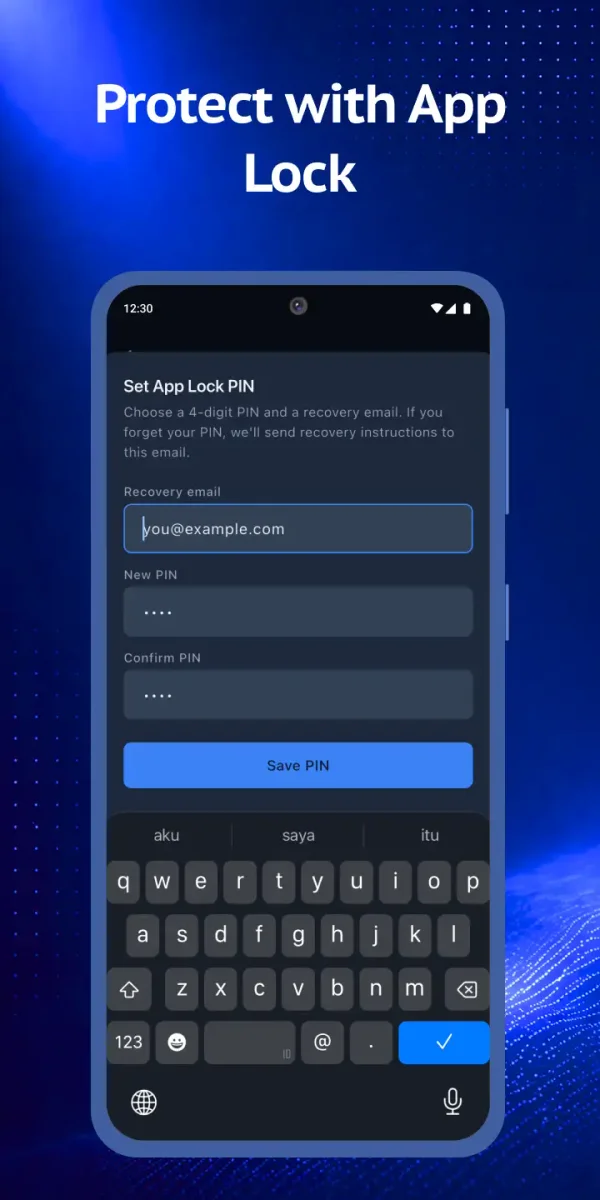
Secure Storage: Protect your private documents with a secure PIN Lock.
🔄 Powerful PDF Tools & Converter
PDF to Word: Seamlessly convert your PDF scans into editable Word documents.
Web to PDF: Use the built-in browser to save any webpage as a PDF for offline reading.
Multi-Format Viewer: Open and view PDF, JPG, PNG, TXT, HTML, and MS Office files (Word, Excel, PowerPoint).
☁️ Cloud Sync & Sharing
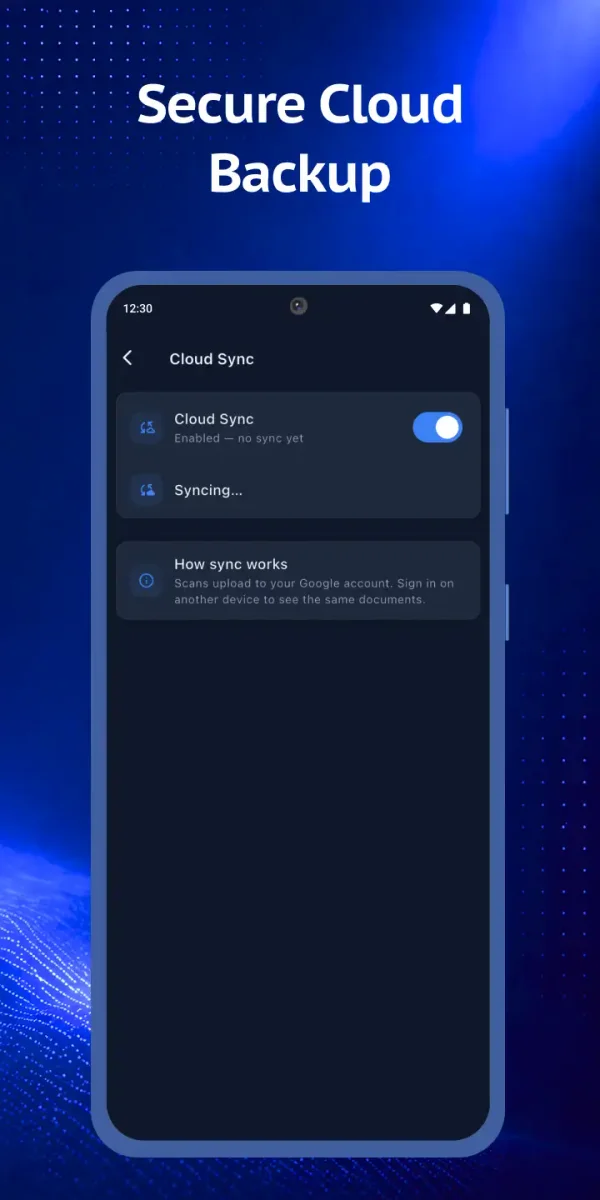
Cloud Backup: Sync your documents securely to the cloud and access them from any device.
Instant Export: Share files via Email, WhatsApp, or Slack in one tap.
Wireless Transfer: Use Wi-Fi or USB sharing to move files between your phone and computer effortlessly.
--- WHY CHOOSE US? ---
✅ 100% Privacy: Your documents are stored locally on your device or in your private cloud.
✅ No Watermarks: Clean, professional PDFs ready for business use.
✅ Lightning Fast: Designed for speed and efficiency.
Download FastScanner today and carry your office in your pocket!
Terms of Use: https://www.appaspect.com/apps/apple/docscanner/terms.html
Privacy Policy: https://www.appaspect.com/apps/apple/docscanner/privacy.html
Data safety
What AppAspect Technologies Pvt. Ltd. declares on Google Play about the data this app collects and shares.
- This app may share these data types with third partiesPersonal info
- This app may collect these data typesPersonal info, Financial info and 3 others
- Data is encrypted in transit
- You can request that data be deleted
What’s new
Version 1.2.0 · Aug 18, 2026
Improvements in app functionality and solved minor issues
Developer contact
- Websiteappaspect.com
- Emailinfo@appaspecttechnologies.com
- Privacy policyappaspect.com
- AddressA/8, Shakti Vijay Society, Nr Vijay Park Brts Stand N.H.8 Krishnanagar Ahmedabad, Gujarat 382345 India
Information
- Offered by
- AppAspect Technologies Pvt. Ltd.
- Category
- Productivity
- Version
- 1.2.0
- Updated
- Aug 18, 2026
- Released
- Apr 30, 2026
- Requires
- Android 7.0 or later
- Age rating
- Everyone
- Price
- Free
- In-app purchases
- $4.99 - $12.99 per item
- Package name
- com.pdf.cam.docscanner
Similar apps
-
 PDF Editor – Edit Everything!
Tools
-
 PDF Merge: Scan, Sign & Edit
Productivity
-
 DestCert Exam Prep
Education
-
 CamCard AI Scanner, Transcribe
Productivity
-
 Lawyer Diary & Handbook
Personalization
-
 Lawfully Case Tracker
Tools
-
 Nelko
Tools
-
 Regula Document Reader
Business
-
 Authenticator App - OneAuth
Tools
-
 Resume Builder - CV Engineer
Business
-
 PDF Scanner APP - Scan to PDF
Productivity
-
 SmartTeach
Education