Screen Mirroring & Chromecast
GT_ WatchFacesContains ads · In-app purchases
- EveryoneAge rating
- ProductivityCategory
- Aug 6, 2026Updated
- FreePrice
Links to the official Google Play listing of screenmirroring.casttotv.chromecast.phonemirror. Last checked on Nov 13, 2026.
Screenshots


About this app
Screen mirroring to stream photos & videos, cast to TV and share screen
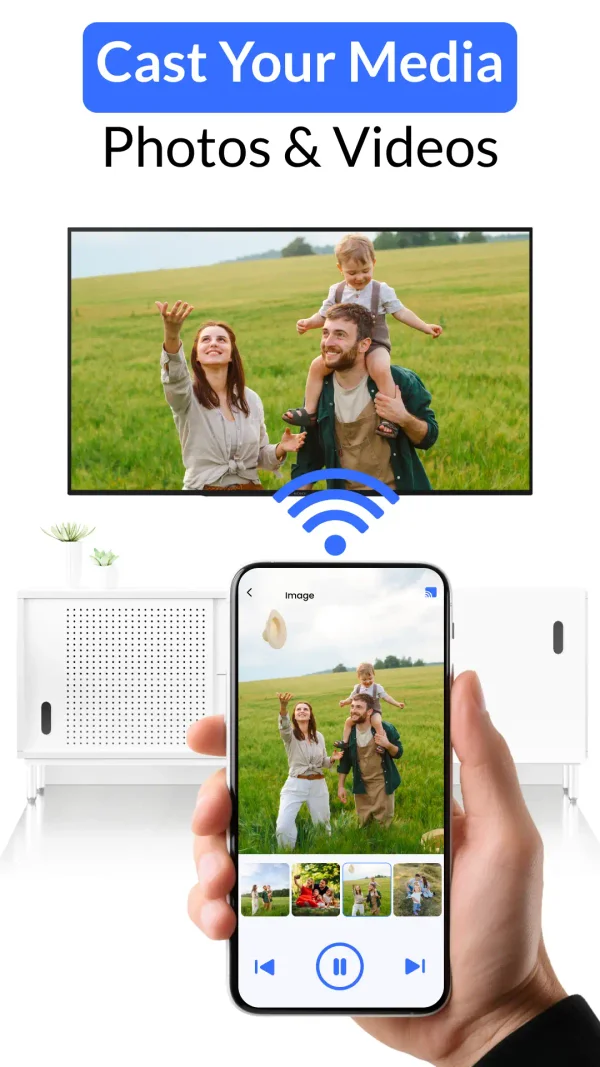
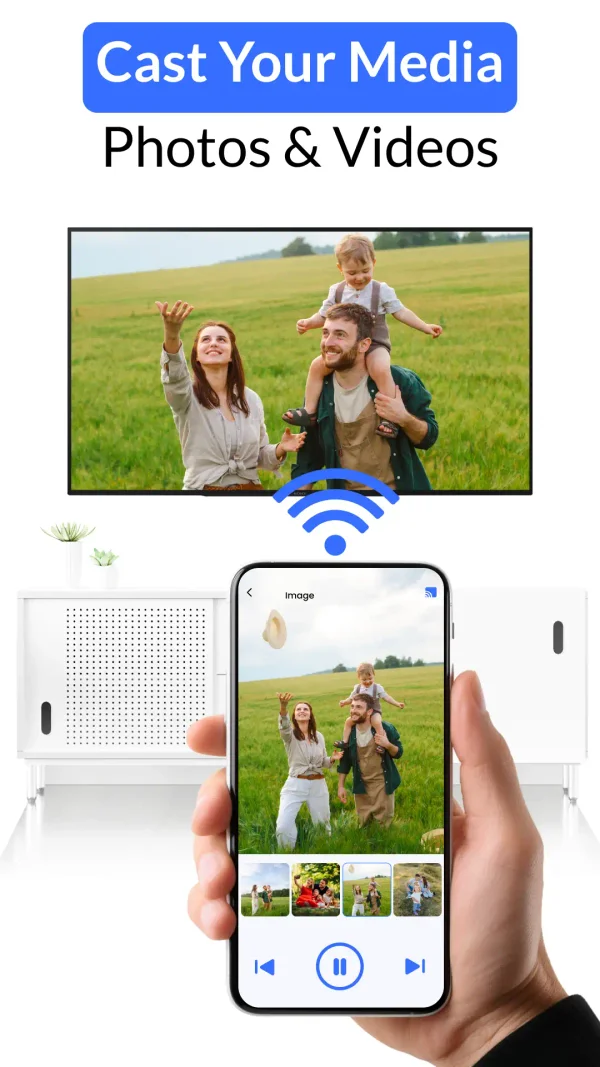
Screen Mirroring app allows you to mirror your phone to TV, and enjoy media on the big screen. With this simple cast to TV tool, you can stream photos, play videos, watch movies, or share your full mobile screen wirelessly.
This mirror app is designed for smooth and stable connections, so you can enjoy entertainment or presentations without cables. Whether you want to use a screen cast for movies, mirror games to TV, or share screen for work, this screen mirroring app makes it easy.
Key Features of Screen Mirroring
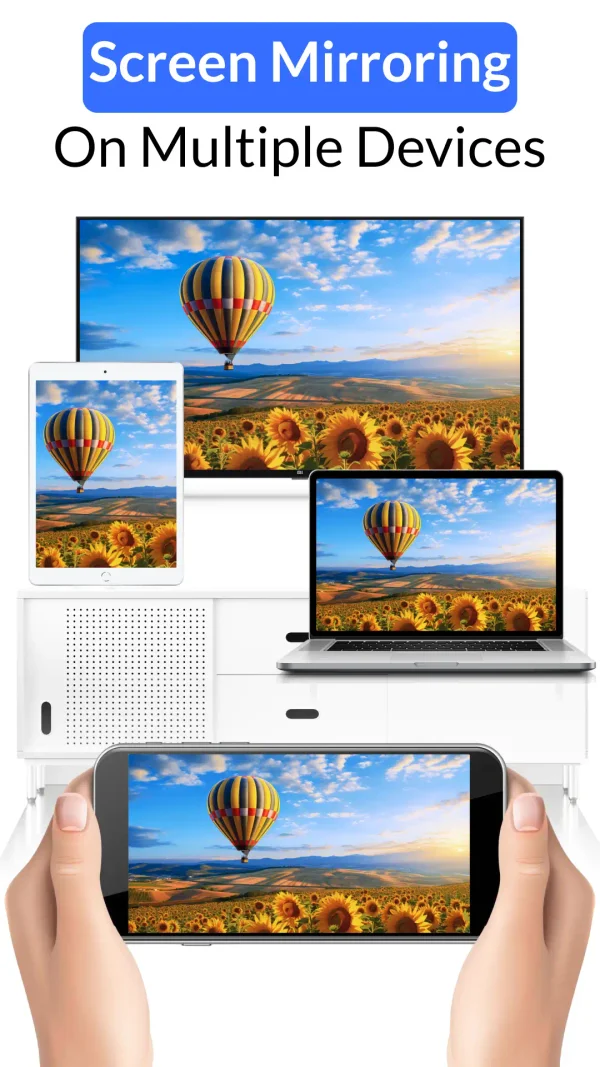
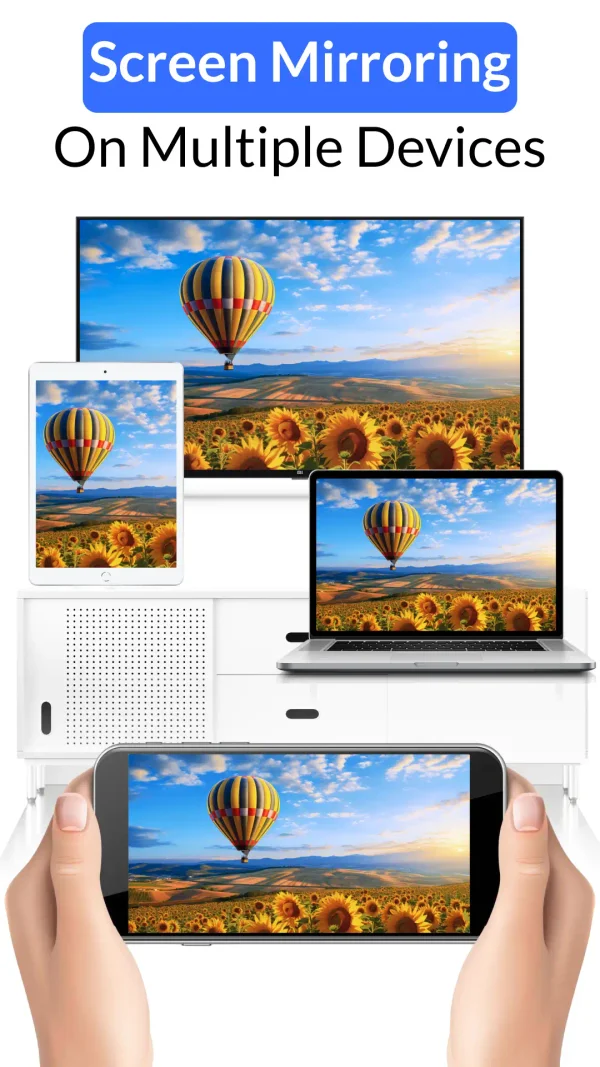
📺 Screen Mirroring to TV – Share your mobile display instantly.
🎥 Cast Videos & Photos – Play videos and images on a larger display.
🎶 Music Casting – Stream songs and audio wirelessly.
📡 Wireless Screen Cast – No cables required, connect through Wi-Fi.
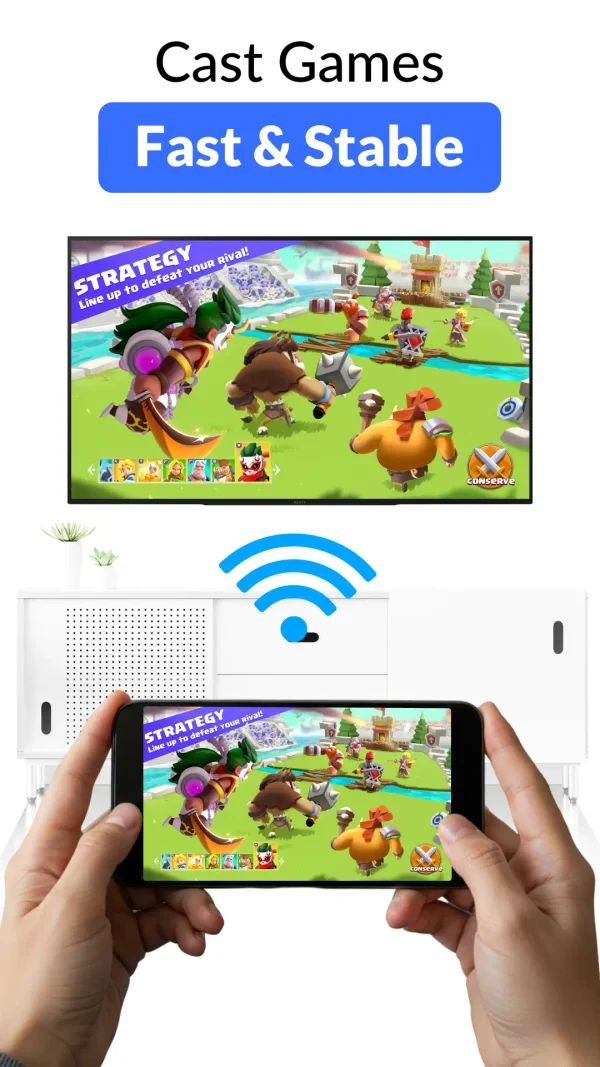
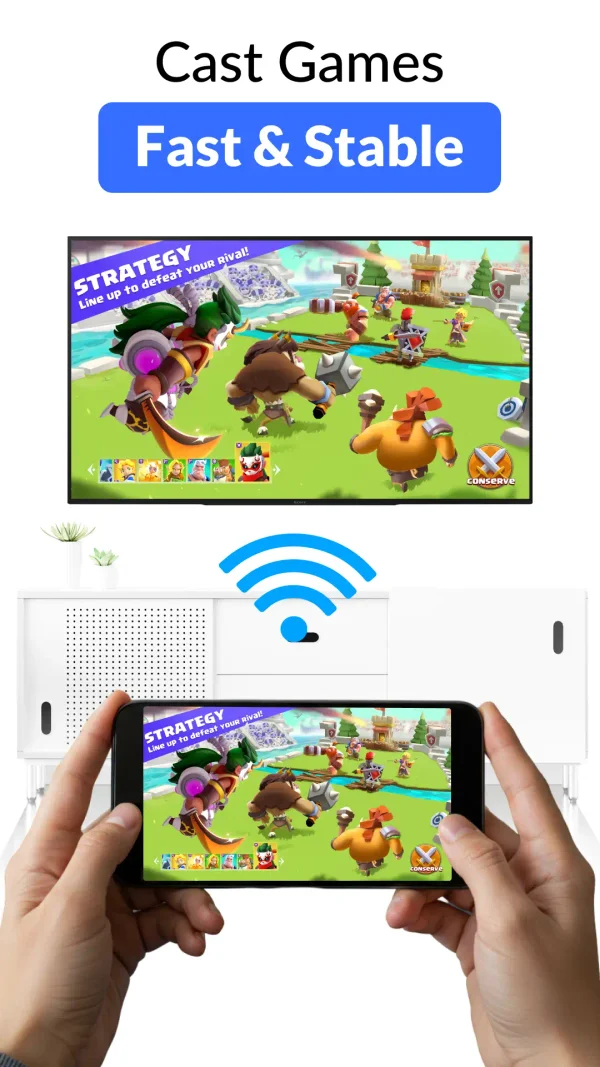
🎮 Phone to TV Gaming – Mirror games and enjoy a wide-screen view.
🖥️ Share Screen with TV – Use it for work, study, or presentations.
🔗 Smooth & Stable – Clear mirroring with reliable performance.
Why Use This Screen Mirroring App?
✔️ Easy setup and quick connection.
✔️ Screen mirroring for videos, photos, games, and apps.
✔️ Cast to TV without cables or extra hardware.
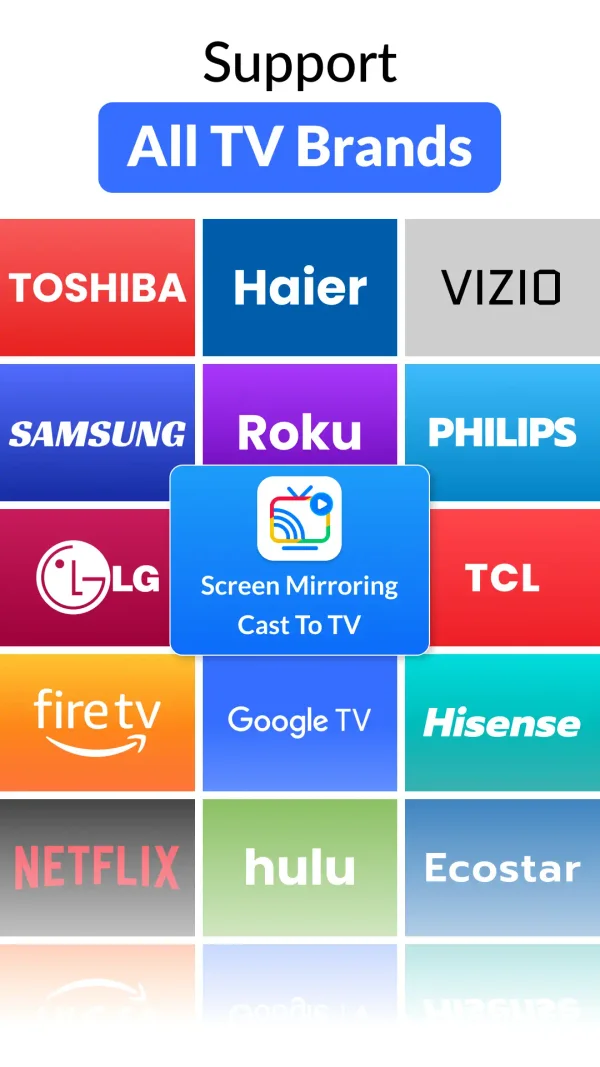
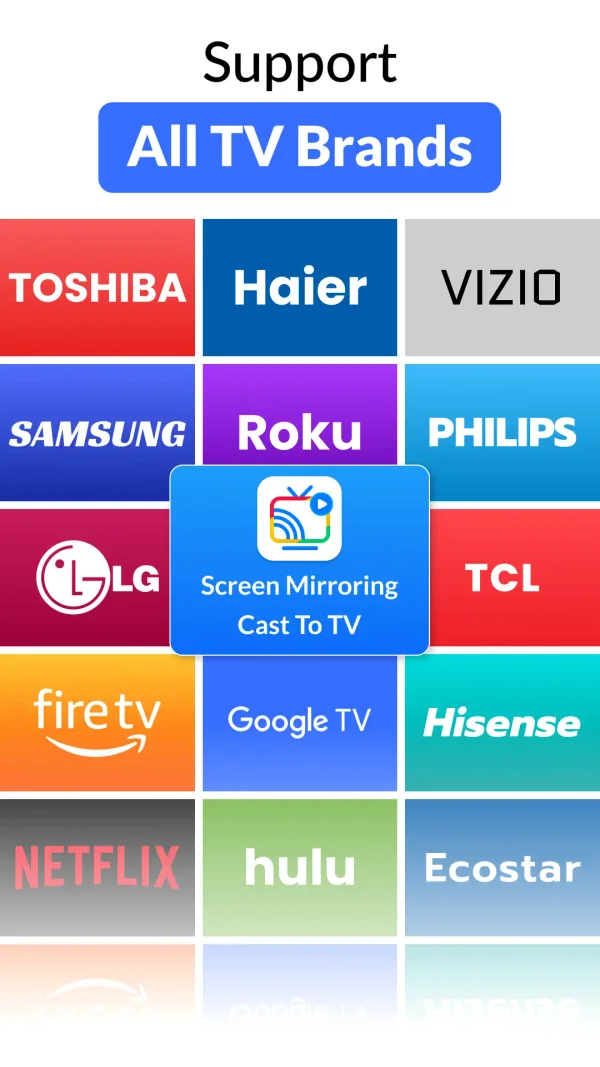
✔️ Supports multiple TV types with wireless screen sharing.
This app works as a complete solution for screen cast and screen sharing. Use it to mirror phone to TV, enjoy movies on a big screen, or display your mobile content during meetings. With smooth wireless screen mirroring, and easy phone-to-TV casting, you can turn any TV into a bigger version of your mobile device.
Data safety
What GT_ WatchFaces declares on Google Play about the data this app collects and shares.
- No data shared with third partiesLearn more about how developers declare sharing
- No data collectedLearn more about how developers declare collection
- Data is encrypted in transit
- You can request that data be deleted
Developer contact
- Websitegreatteamapps.blogspot.com
- Emailgreatteamappsstudio@gmail.com
- Privacy policysites.google.com
- AddressCommercial Plaza Office No. 1, 1st Floor Khasra No. 3999-1662, Morgah Mor Rawalpindi, 46000 Pakistan
Information
- Offered by
- GT_ WatchFaces
- Category
- Productivity
- Version
- 1.0.45
- Updated
- Aug 6, 2026
- Released
- Dec 21, 2024
- Requires
- Android 7.0 or later
- Age rating
- Everyone
- Price
- Free
- In-app purchases
- $4.49 - $24.99 per item
- Package name
- screenmirroring.casttotv.chromecast.phonemirror