Screen Mirroring - Cast To TV
GT_ WatchFaces広告を含む · アプリ内課金
- 3 歳以上対象年齢
- 仕事効率化カテゴリ
- 2026/8/6更新日
- 無料価格
screenmirroring.casttotv.chromecast.phonemirrorのGoogle Play公式ページにリンクしています。最終確認:2026/11/27。
スクリーンショット
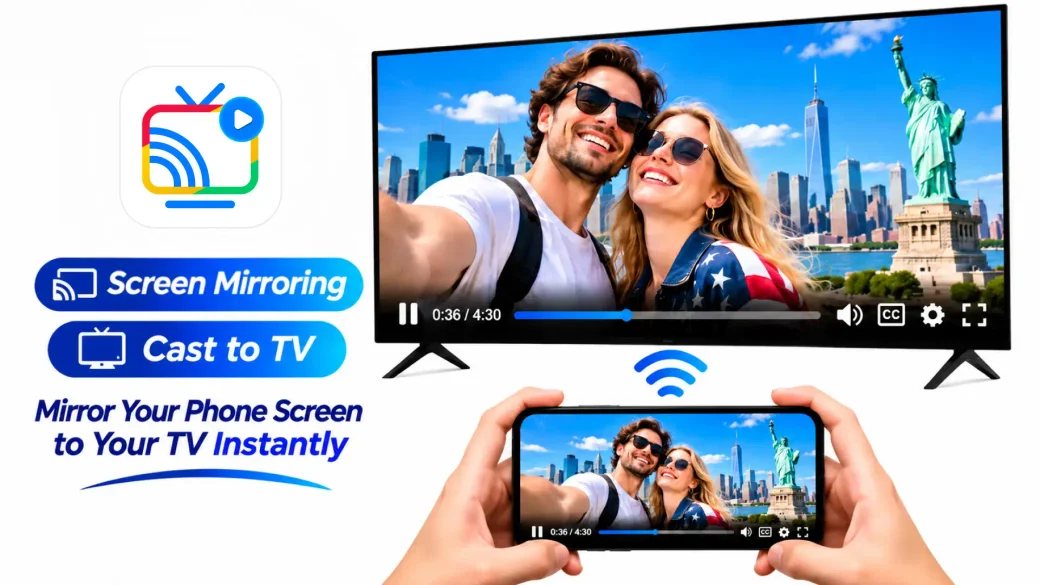
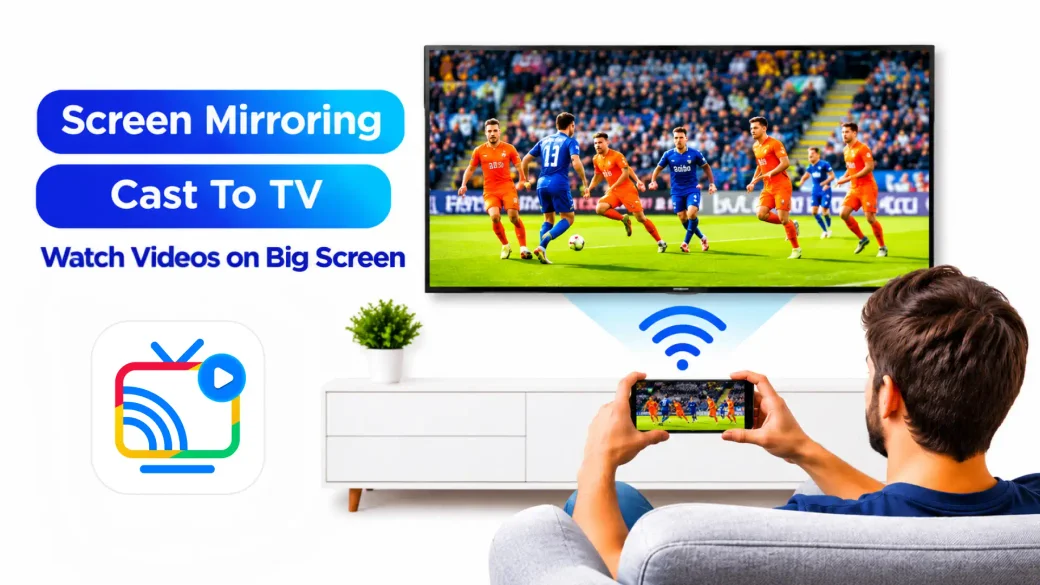
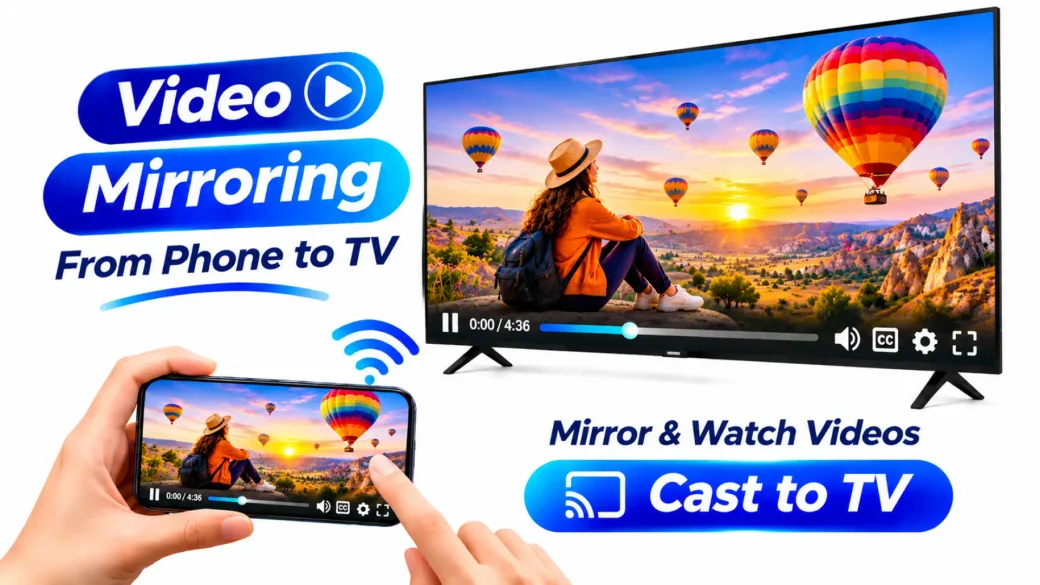

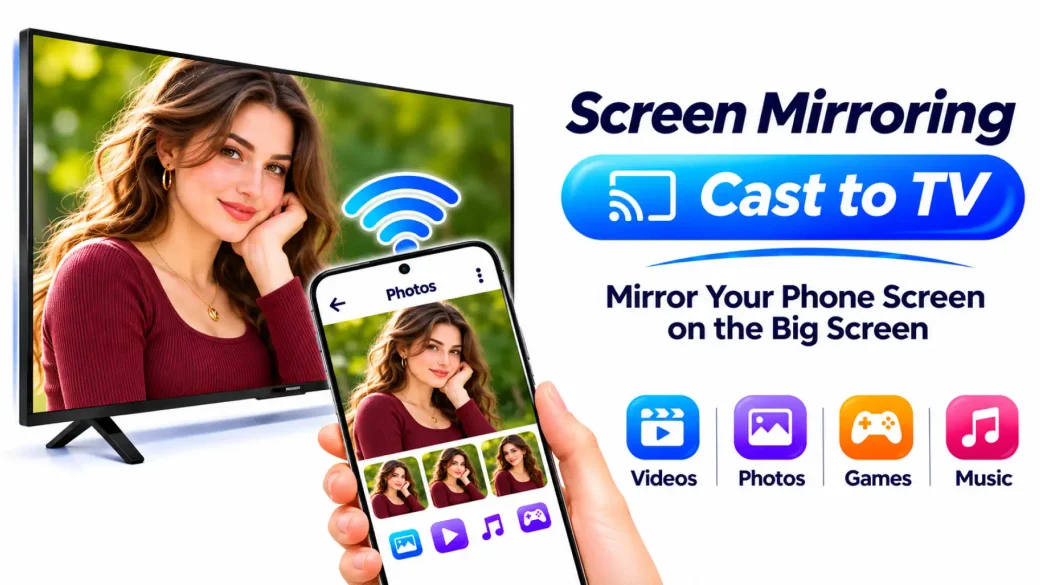
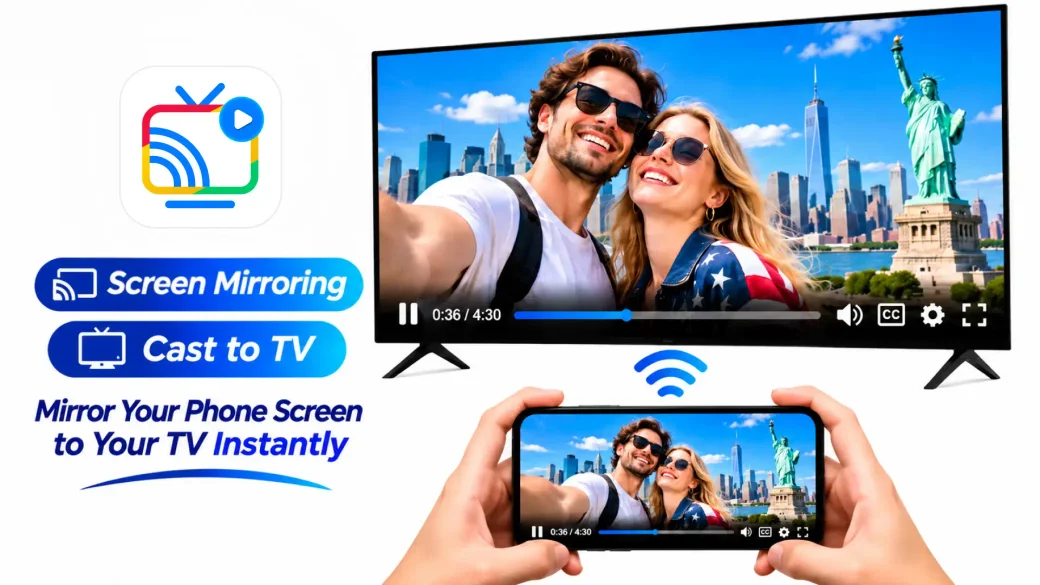
このアプリについて
Googleによる英語 (アメリカ合衆国)からの自動翻訳です。
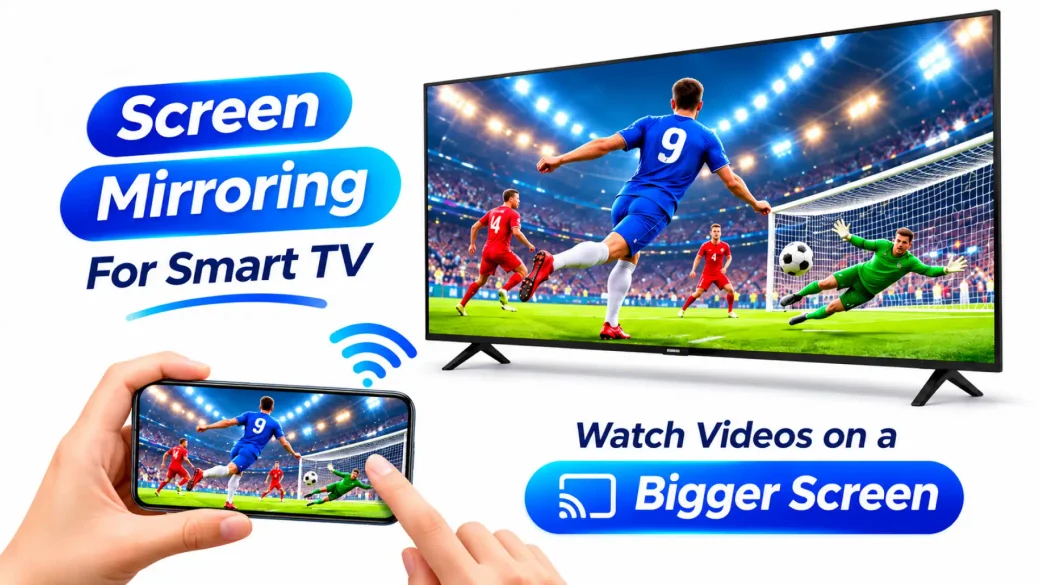
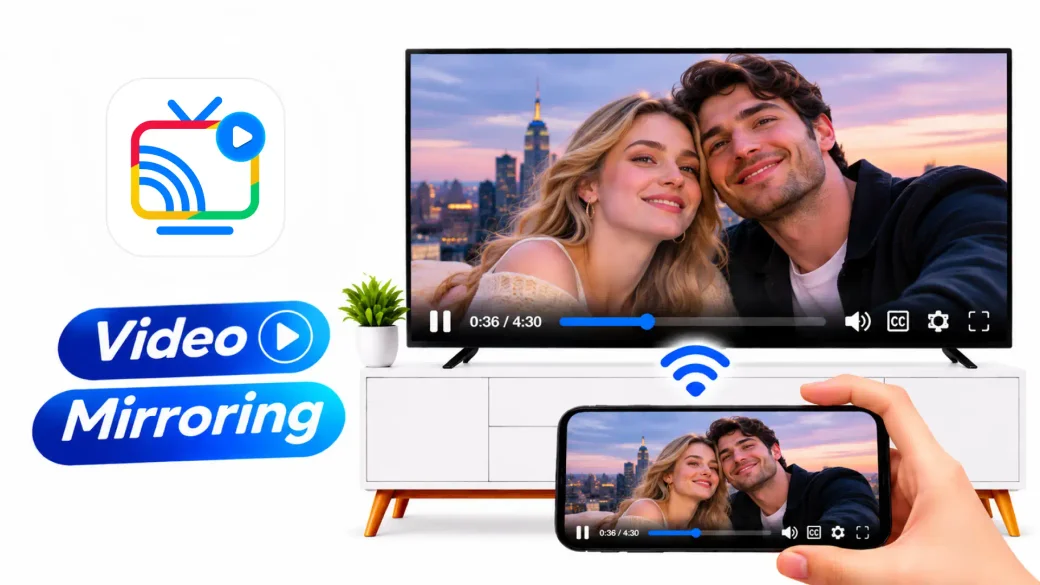
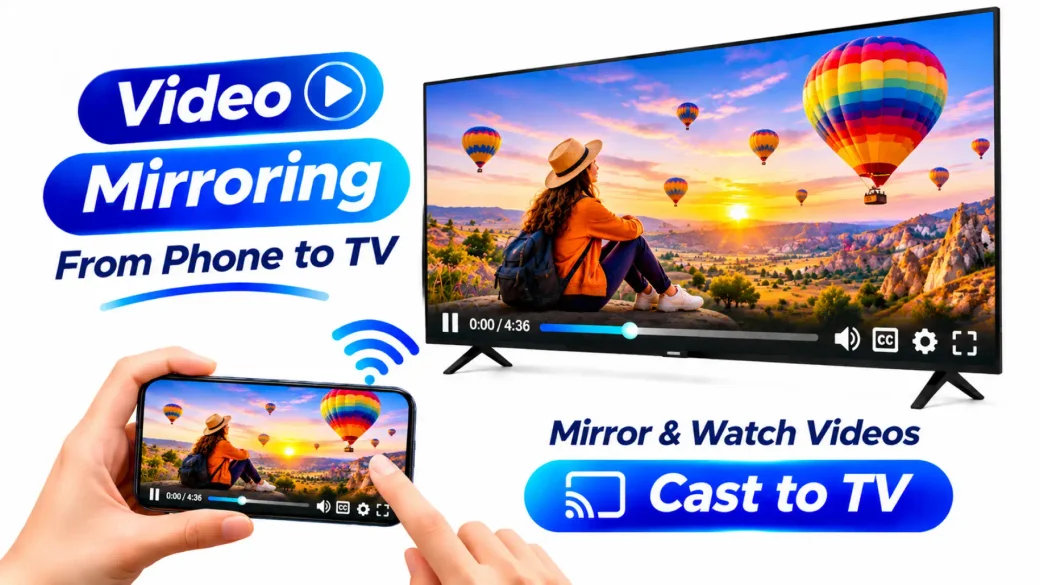
スマートフォンの画面をテレビにミラーリング。ゲーム、ビデオ、写真をHD画質でケーブルなしでキャスト。
スクリーンミラーリングアプリを使えば、スマートフォンの画面をテレビにミラーリングして、大画面でメディアを楽しむことができます。このシンプルなテレビキャストツールを使えば、写真のストリーミング、動画の再生、映画の鑑賞、スマートフォンの画面全体をワイヤレスで共有できます。
このミラーリングアプリは、スムーズで安定した接続を実現するように設計されているため、ケーブルを使わずにエンターテイメントやプレゼンテーションを楽しむことができます。映画のスクリーンキャスト、ゲームのミラーリング、仕事での画面共有など、どんな用途でもこのスクリーンミラーリングアプリを使えば簡単に実現できます。
スクリーンミラーリングの主な機能
📺 テレビへのスクリーンミラーリング – スマートフォンの画面を瞬時に共有できます。
🎥 動画と写真のキャスト – 動画や画像を大画面で再生できます。
🎶 音楽のキャスト – 音楽やオーディオをワイヤレスでストリーミングできます。
📡 ワイヤレススクリーンキャスト – ケーブル不要、Wi-Fiで接続できます。
🎮 スマートフォンからテレビへのゲーム – ゲームをミラーリングして、大画面で楽しめます。
🖥️ テレビ画面共有 – 仕事、勉強、プレゼンテーションに活用できます。
🔗 スムーズで安定した動作 – クリアなミラーリングと安定したパフォーマンス。
この画面ミラーリングアプリを使う理由
✔️ 簡単なセットアップと素早い接続。
✔️ 動画、写真、ゲーム、アプリの画面ミラーリングに対応。
✔️ ケーブルや追加機器なしでテレビにキャスト。
✔️ ワイヤレス画面共有で様々なテレビに対応。
このアプリは、画面キャストと画面共有のための総合的なソリューションです。スマートフォンをテレビにミラーリングしたり、大画面で映画を楽しんだり、会議中にモバイルコンテンツを表示したりできます。スムーズなワイヤレス画面ミラーリングと簡単なスマートフォンからテレビへのキャストで、どんなテレビもモバイルデバイスの大きな画面に変えることができます。
原文を表示
Screen Mirroring app allows you to mirror your phone to TV, and enjoy media on the big screen. With this simple cast to TV tool, you can stream photos, play videos, watch movies, or share your full mobile screen wirelessly.
This mirror app is designed for smooth and stable connections, so you can enjoy entertainment or presentations without cables. Whether you want to use a screen cast for movies, mirror games to TV, or share screen for work, this screen mirroring app makes it easy.
Key Features of Screen Mirroring
📺 Screen Mirroring to TV – Share your mobile display instantly.
🎥 Cast Videos & Photos – Play videos and images on a larger display.
🎶 Music Casting – Stream songs and audio wirelessly.
📡 Wireless Screen Cast – No cables required, connect through Wi-Fi.
🎮 Phone to TV Gaming – Mirror games and enjoy a wide-screen view.
🖥️ Share Screen with TV – Use it for work, study, or presentations.
🔗 Smooth & Stable – Clear mirroring with reliable performance.
Why Use This Screen Mirroring App?
✔️ Easy setup and quick connection.
✔️ Screen mirroring for videos, photos, games, and apps.
✔️ Cast to TV without cables or extra hardware.
✔️ Supports multiple TV types with wireless screen sharing.
This app works as a complete solution for screen cast and screen sharing. Use it to mirror phone to TV, enjoy movies on a big screen, or display your mobile content during meetings. With smooth wireless screen mirroring, and easy phone-to-TV casting, you can turn any TV into a bigger version of your mobile device.
データ セーフティ
このアプリが収集・共有するデータについて、GT_ WatchFacesがGoogle Playで申告している内容です。
- 第三者と共有されるデータはありません詳しくは、デベロッパーが共有を申告する方法についての説明をご覧ください
- データは収集されません詳しくは、デベロッパーが収集を申告する方法についての説明をご覧ください
- データは送信中に暗号化されます
- データを削除するようリクエストできます
開発元の連絡先
- ウェブサイトgreatteamapps.blogspot.com
- メールgreatteamappsstudio@gmail.com
- プライバシーポリシーsites.google.com
- 住所Commercial Plaza Office No. 1, 1st Floor Khasra No. 3999-1662, Morgah Mor Rawalpindi, 46000 Pakistan
情報
- 提供元
- GT_ WatchFaces
- カテゴリ
- 仕事効率化
- バージョン
- 1.0.45
- 更新日
- 2026/8/6
- リリース
- 2024/12/21
- 必要条件
- Android 7.0以降
- 対象年齢
- 3 歳以上
- 価格
- 無料
- アプリ内課金
- ¥520~¥3,900/アイテム
- パッケージ名
- screenmirroring.casttotv.chromecast.phonemirror
類似のアプリ
-
 MyHyundai with Bluelink
仕事効率化
-
 Unimeal: 断食とダイエット
健康&フィットネス
-
 VicoHome: Smart Home Camera
動画プレーヤー&エディタ
-
 II inHealth: Wellbeing
健康&フィットネス
-
 Samsung TV Plus - TV & Movies
エンタメ
-
 FitShow: Treadmill Workout
健康&フィットネス
-
 eWeLink - Smart Home
ライフスタイル
-
 Jillian Michaels | Fitness App
健康&フィットネス
-
 Hubspace
住まい&インテリア
-
 BeFunky による写真エディタ
写真
-
 Shiny: トレカ管理&TCGコレクター
ツール
-
 FITEQ
スポーツ