SHIELD TV - Alexa Skill
NVIDIA- EveryoneAge rating
- ToolsCategory
- May 13, 2024Updated
- FreePrice
Links to the official Google Play listing of com.nvidia.shield.ask. Last checked on Nov 20, 2026.

Screenshots
About this app
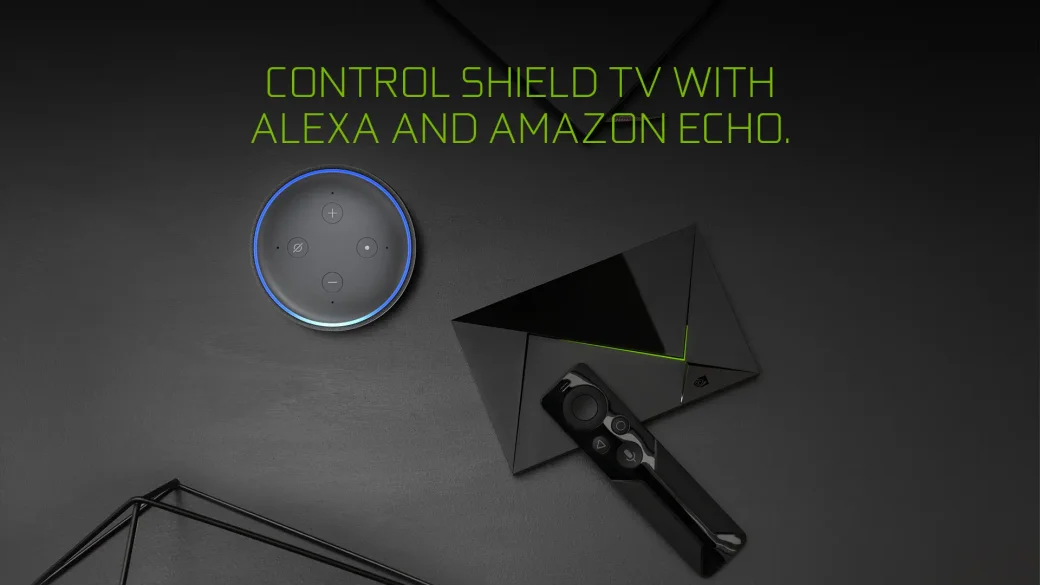
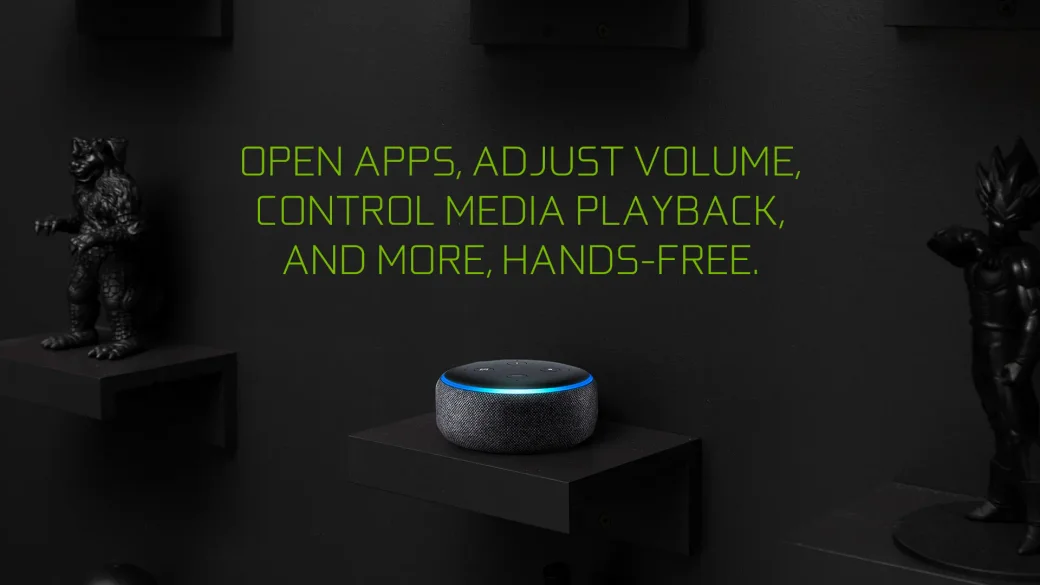
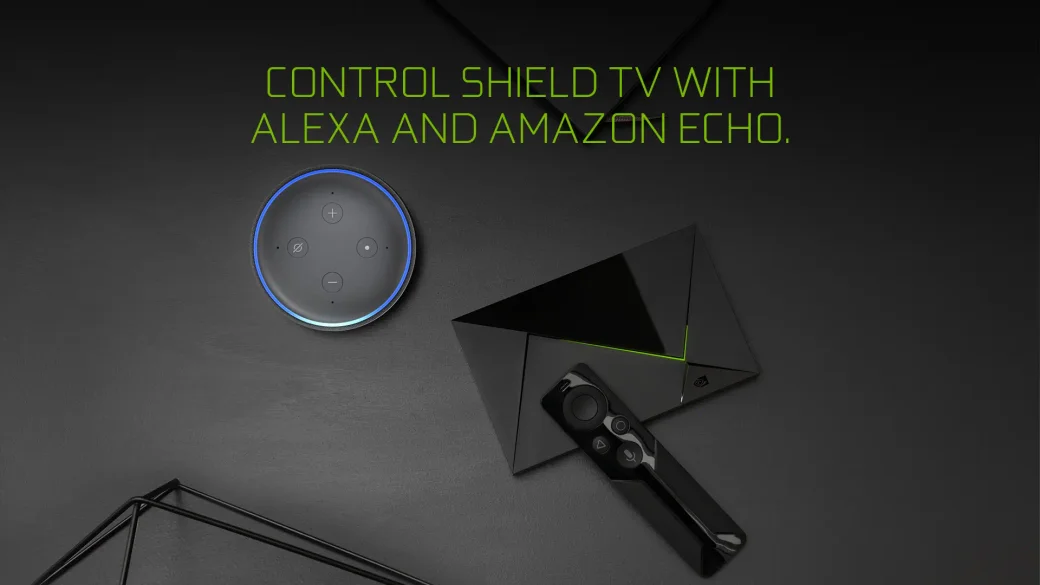
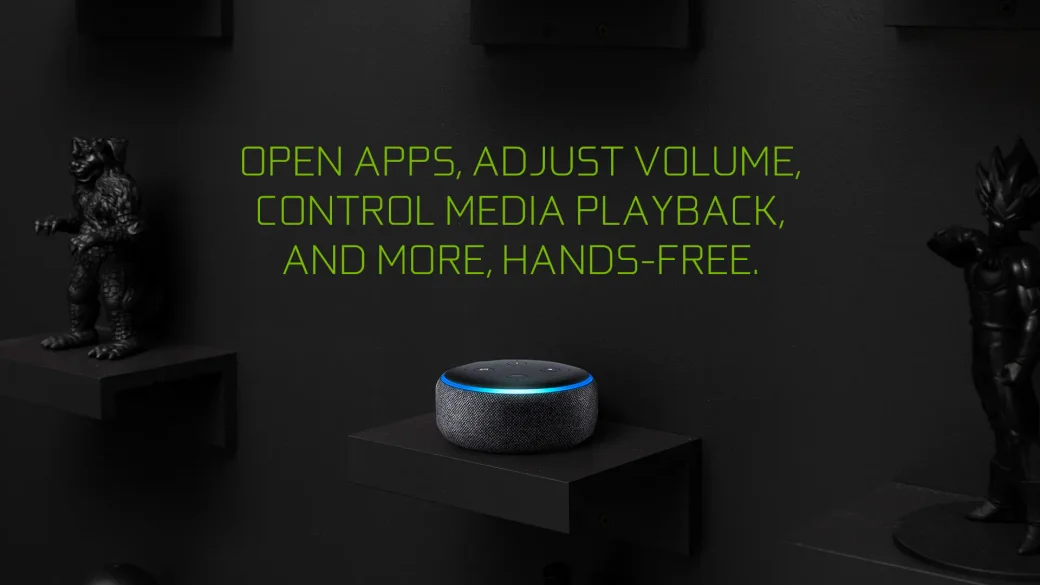
Control SHIELD TV with an Amazon Echo device.
Control SHIELD TV with an Amazon Echo device.
GETTING STARTED
1. Add a SHIELD account on your SHIELD TV (Settings > Accounts > Add Account > SHIELD). Your SHIELD account uses the same credentials as your NVIDIA account.
2. Open the Alexa app on your mobile device and enable the “NVIDIA SHIELD TV” skill.
Note: As part of the skill enablement, you will be asked to link your skill with your NVIDIA account. Make sure to use the same account from Step 1.
When talking to Alexa, refer to your SHIELD TV by the device name. The default device name is “SHIELD”. You can view or change the device name on your SHIELD TV by going to Settings > About > Device name.
Data safety
What NVIDIA declares on Google Play about the data this app collects and shares.
- No data shared with third partiesLearn more about how developers declare sharing
- No data collectedLearn more about how developers declare collection
- Committed to follow the Play Families Policy
What’s new
Version 1.0.2021062599 · May 13, 2024
Updated the metadata of the app.
Developer contact
- Websitenvidia.com
- Emailshield-app-support@nvidia.com
- Privacy policynvidia.com
- Address2788 San Tomas Expy Santa Clara, CA 95051-0952 United States
Information
- Offered by
- NVIDIA
- Category
- Tools
- Version
- 1.0.2021062599
- Updated
- May 13, 2024
- Released
- Oct 28, 2018
- Requires
- Android 8.0 or later
- Age rating
- Everyone
- Price
- Free
- Package name
- com.nvidia.shield.ask
Similar apps
-
 Ever Accountable – Quit Porn
Productivity
-
 nzb360 - Media Server Manager
Tools
-
 Emporia Energy
Lifestyle
-
 Sine Pro
Business
-
 Aaptiv: Fitness for Everyone
Health & Fitness
-
 Hipcamp: Camping & Glamping
Travel & Local
-
 Onyx Mixed Martial Arts
Health & Fitness
-
 Malwarebytes - Mobile Security
Tools
-
 Zoho Sheet: Spreadsheet App
Productivity