Simple File Manager
Simple Mobile ToolContains ads · In-app purchases
- EveryoneAge rating
- ToolsCategory
- Oct 22, 2026Updated
- FreePrice
Links to the official Google Play listing of com.simplemobiletools.filemanager. Last checked on Nov 20, 2026.
Screenshots
About this app
Handy file explorer for easily searching or organizing your files and folders
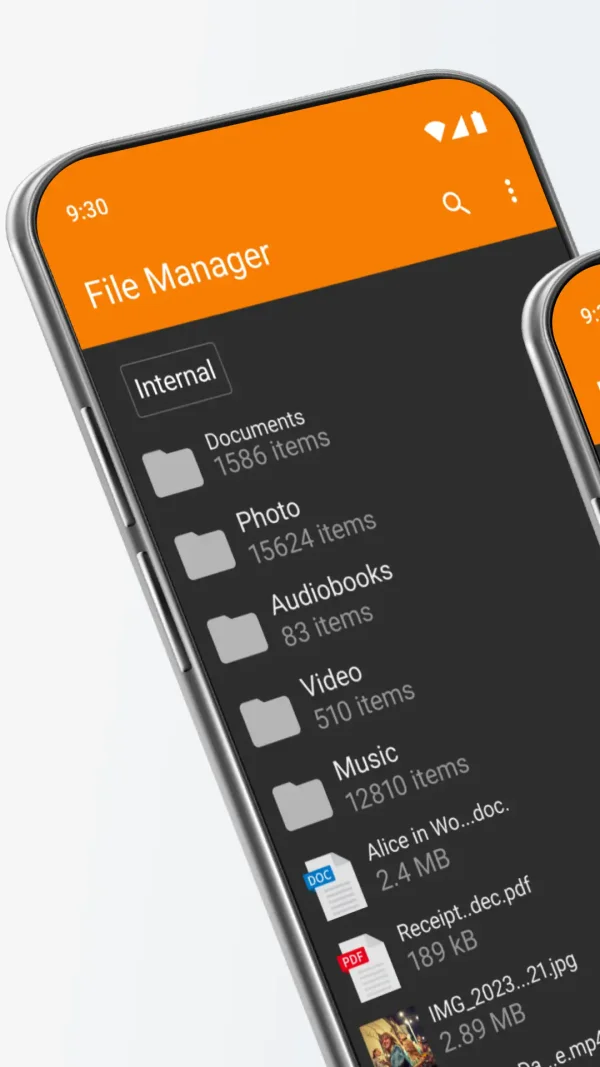
Simple File Manager is a super quick & professional file and folder manager for Android devices. Use Simple File Manager to easily compress, transfer & convert media files with a few clicks. It has all of the major file manager & folder management features, including customizing the home folder and selecting favorite folders for quick access.
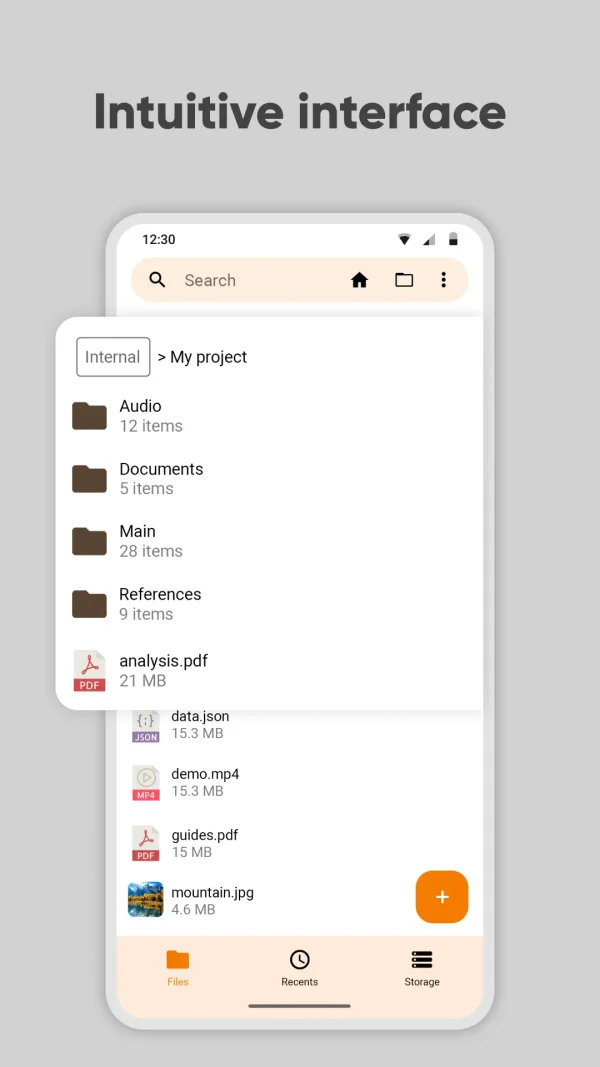
The file manager provides a whole pack of file manager features, including search, navigation, copy & paste, cut, delete, rename, decompress, transfer, download, organize & so on. Add, remove, or edit files, folders & apps according to your personal preferences.
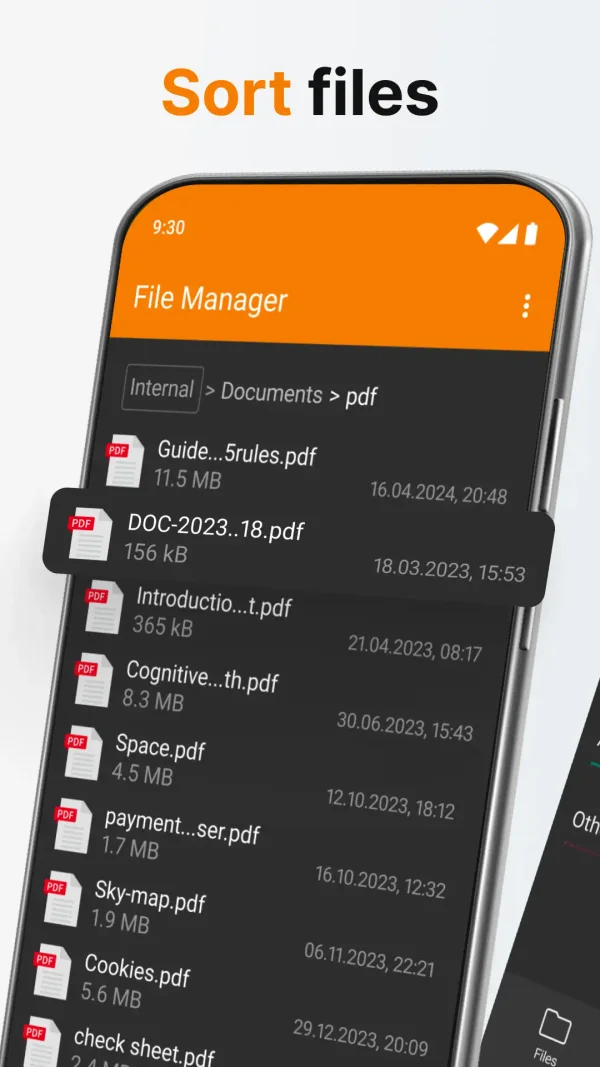
With this easy data organizer, you can organize and sort your mobile by various metrics and toggle between ascending and descending or using a folder specific sorting. To get a file or folder path quickly, you can easily select it by long-pressing and copying it into the clipboard.
✅ File and Folder Management: Efficiently manage files and folders on your Android device.
✅ Media File Operations: Easily compress, transfer, and convert media files with just a few clicks.
✅ Comprehensive File Manager: Includes all major file management features like search, navigation, copy & paste, cut, delete, rename, decompress, transfer, download, and organization.
✅ File Editing: Add, remove, or edit files, folders, and apps based on your preferences.
✅ Sorting Options: Organize and sort your mobile files using various metrics, with the ability to toggle between ascending and descending order.
✅ File Properties: Check file or folder properties, including size, date of the last modification, and EXIF values for photos.
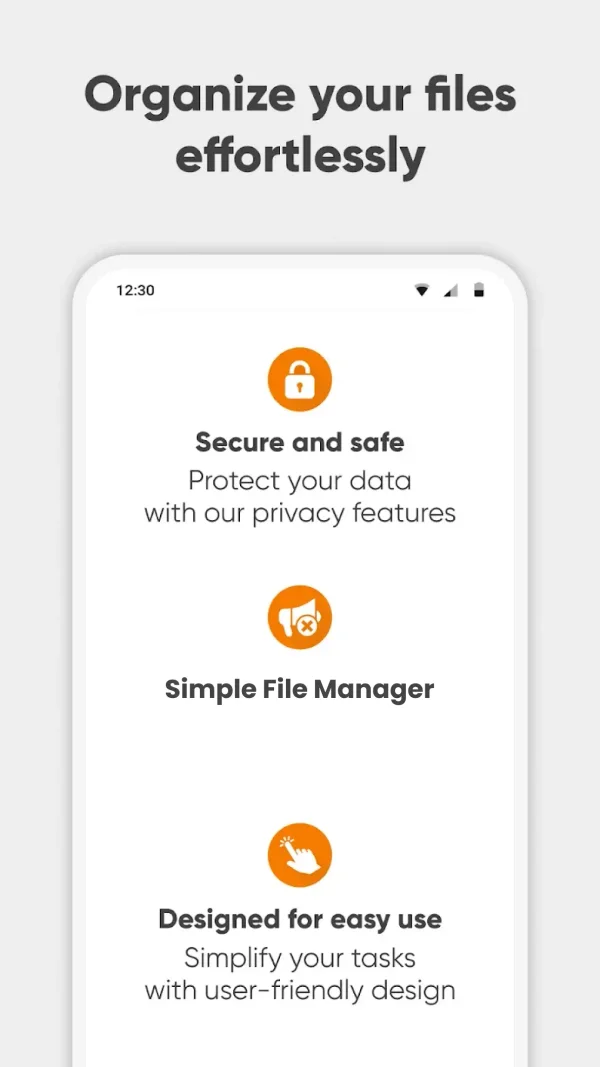
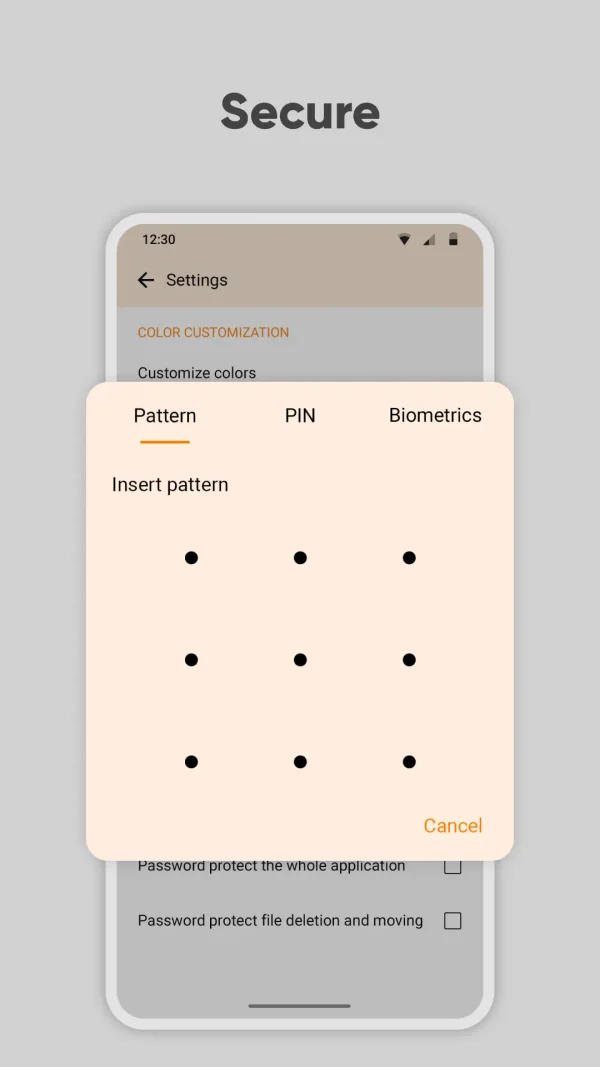
✅ Security Features: Secure your files and folders with password protection, including hidden items. Choose from pattern, pin, or biometric lock options for added privacy.
✅ Storage Cleanup: Save internal storage space by compressing files and folders.
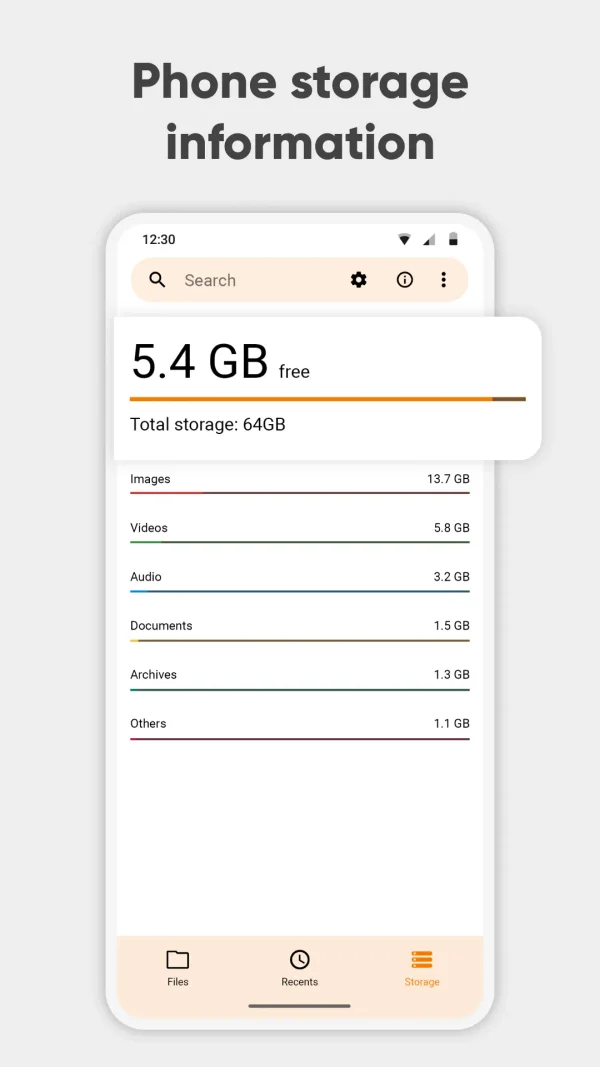
Storage Analysis: Get an overview of storage usage, identify files taking up the most space, and perform cleanup operations.
Simple File Manager makes organizing your mobile files, folders, and apps easy to save you both time & energy. With just a few clicks, you can also check file or folder properties, which show various fields like the size, date of the last modification, or EXIF values like the creation date, camera model at photos, etc.
This file organizer is absolutely secure, containing multiple powerful security-related functions, like password-protecting hidden items and deleting or opening the whole app. You can choose between using a pattern, pin, or a biometric lock to keep your data private. The fingerprint permission is needed to lock either hidden item visibility, delete files, or lock the whole app. Simple File Manager works without internet access, further guaranteeing your ultimate privacy.
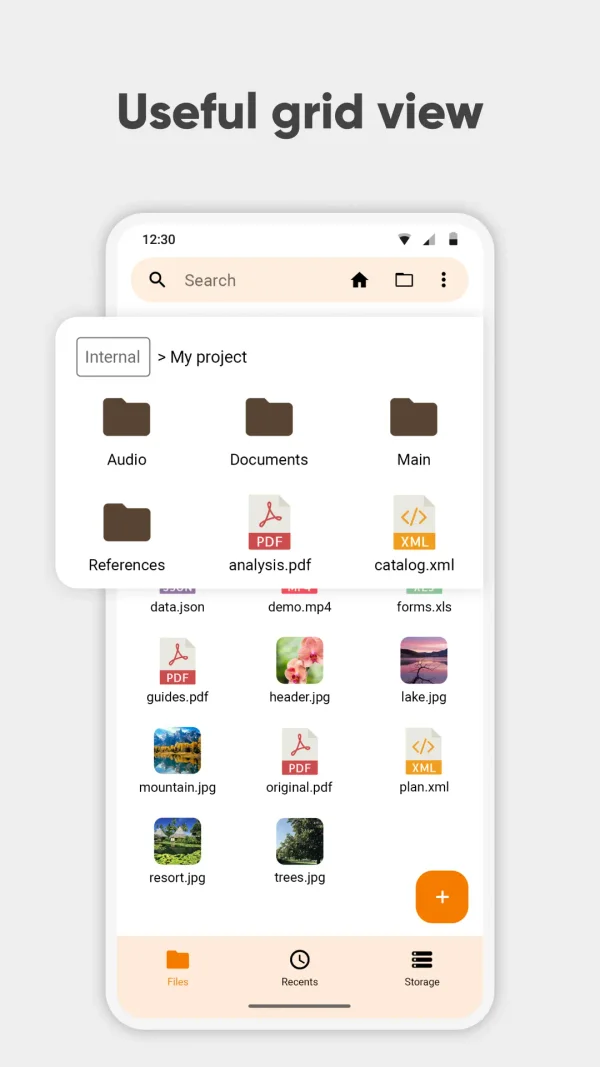
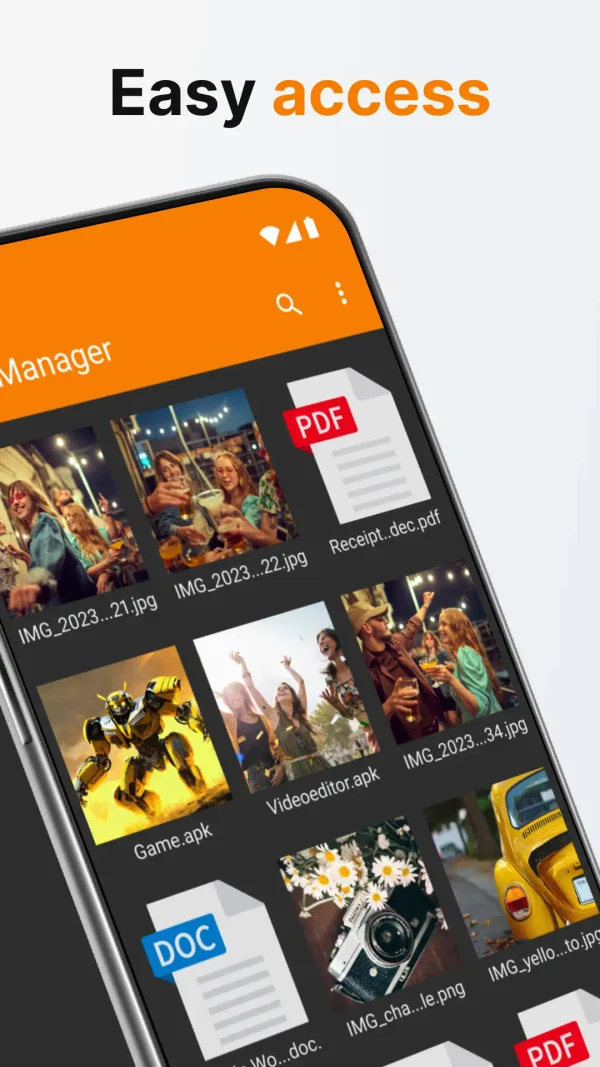
The File Manager can also clean up space and save your internal storage by compressing files & folders. This modern media file organizer supports fast browsing of root files, SD cards, and USB devices. File Manager also recognizes multiple file formats, including music, videos, images & documents.
Use Simple File Manager to quickly create handy desktop shortcuts for accessing your favorite items. It contains a light file editor that you can use to print documents, edit them, or read easily using Zoom gestures whenever needed.
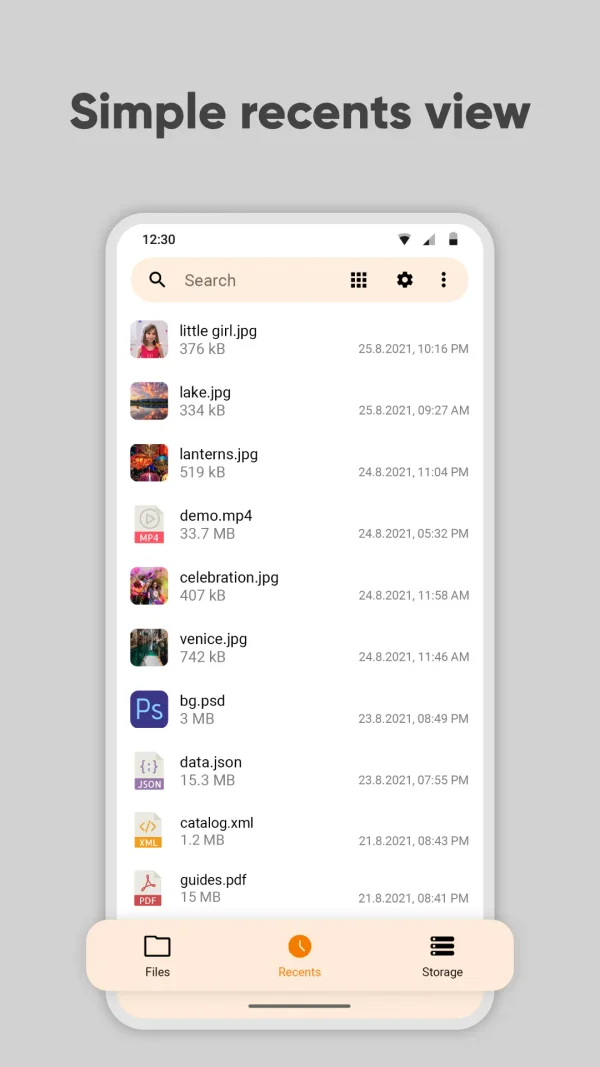
Despite being called Simple File Manager, it will help you manage & customize your files, folders & apps with just a few clicks. You can easily see your recent files and do a storage analysis, too.
Simple yet Powerful File Manager! 💯
The file manager provides a whole pack of file manager features, including search, navigation, copy & paste, cut, delete, rename, decompress, transfer, download, organize & so on. Add, remove, or edit files, folders & apps according to your personal preferences.
With this easy data organizer, you can organize and sort your mobile by various metrics and toggle between ascending and descending or using a folder specific sorting. To get a file or folder path quickly, you can easily select it by long-pressing and copying it into the clipboard.
Fantastic Features 🌟🌟🌟🌟🌟
✅ File and Folder Management: Efficiently manage files and folders on your Android device.
✅ Media File Operations: Easily compress, transfer, and convert media files with just a few clicks.
✅ Comprehensive File Manager: Includes all major file management features like search, navigation, copy & paste, cut, delete, rename, decompress, transfer, download, and organization.
✅ File Editing: Add, remove, or edit files, folders, and apps based on your preferences.
✅ Sorting Options: Organize and sort your mobile files using various metrics, with the ability to toggle between ascending and descending order.
✅ File Properties: Check file or folder properties, including size, date of the last modification, and EXIF values for photos.
✅ Security Features: Secure your files and folders with password protection, including hidden items. Choose from pattern, pin, or biometric lock options for added privacy.
✅ Storage Cleanup: Save internal storage space by compressing files and folders.
Storage Analysis: Get an overview of storage usage, identify files taking up the most space, and perform cleanup operations.
Simple File Manager makes organizing your mobile files, folders, and apps easy to save you both time & energy. With just a few clicks, you can also check file or folder properties, which show various fields like the size, date of the last modification, or EXIF values like the creation date, camera model at photos, etc.
This file organizer is absolutely secure, containing multiple powerful security-related functions, like password-protecting hidden items and deleting or opening the whole app. You can choose between using a pattern, pin, or a biometric lock to keep your data private. The fingerprint permission is needed to lock either hidden item visibility, delete files, or lock the whole app. Simple File Manager works without internet access, further guaranteeing your ultimate privacy.
⭐ This fantastic file organizer is for all your needs!
The File Manager can also clean up space and save your internal storage by compressing files & folders. This modern media file organizer supports fast browsing of root files, SD cards, and USB devices. File Manager also recognizes multiple file formats, including music, videos, images & documents.
Use Simple File Manager to quickly create handy desktop shortcuts for accessing your favorite items. It contains a light file editor that you can use to print documents, edit them, or read easily using Zoom gestures whenever needed.
Despite being called Simple File Manager, it will help you manage & customize your files, folders & apps with just a few clicks. You can easily see your recent files and do a storage analysis, too.
Data safety
What Simple Mobile Tool declares on Google Play about the data this app collects and shares.
- This app may share these data types with third partiesApp info and performance and Device or other IDs
- This app may collect these data typesApp info and performance and Device or other IDs
- Data is encrypted in transit
- Data can’t be deleted
What’s new
Version 5.4.2.1 · Oct 22, 2026
Added a 14 days free trial period
Increased minimal required Android OS version to 6
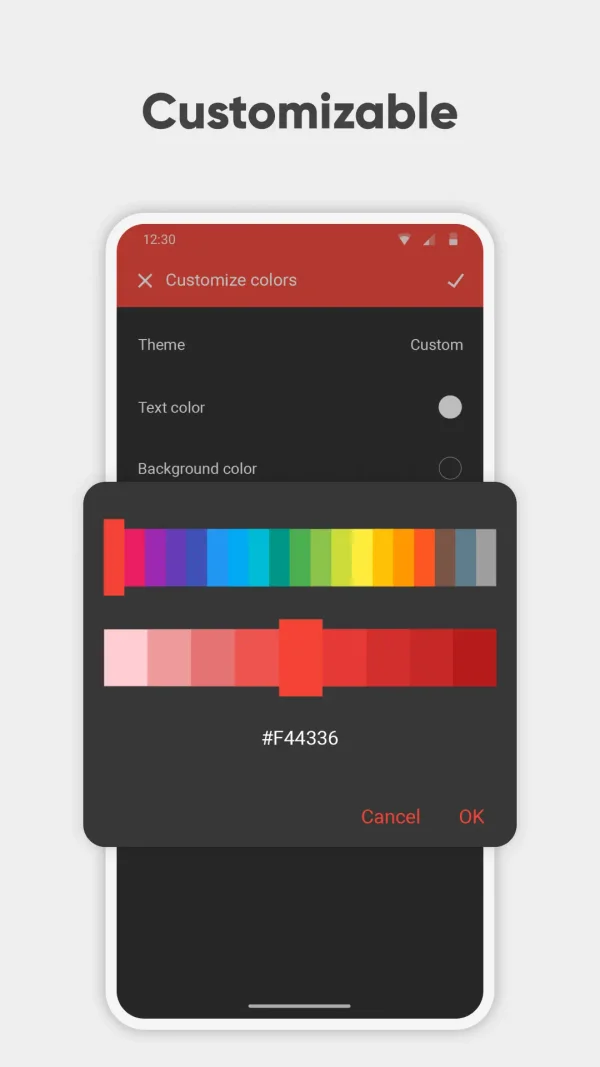
Allow changing the app colors
Added Recents and Storage Analysis tabs
Added many settings and improvements from the Pro version
Added many stability, performance and UX improvements
Developer contact
- Websitesimplemobiletools.com
- Emailsupport.simplefilemanager@simplemobiletools.com
- Privacy policysimplemobiletools.com
- Address16 Spinoza TEL AVIV-JAFFA, 6438422 Israel
Information
- Offered by
- Simple Mobile Tool
- Category
- Tools
- Version
- 5.4.2.1
- Updated
- Oct 22, 2026
- Released
- Aug 2, 2016
- Requires
- Android 6.0 or later
- Age rating
- Everyone
- Price
- Free
- In-app purchases
- $0.99 - $99.99 per item
- Package name
- com.simplemobiletools.filemanager
Similar apps
-
 File Manager
Productivity
-
 ZX File Manager
Tools
-
 Nested Folder Notes - Folino
Productivity
-
 ASTRO File Manager & Cleaner
Tools
-
 File Manager
Tools
-
 SupaTask - Daily Task Planner
Productivity
-
 Nelko
Tools
-
 RS File Manager: File Explorer
Productivity
-
 Storage Analyzer: Disk Cleaner
Productivity
-
 FX File Explorer
Business
-
 Inkpad Notepad & To do list
Productivity
-
 Simple Alarm Clock
Tools