File Manager
File Manager PlusContains ads · In-app purchases
- EveryoneAge rating
- ProductivityCategory
- Oct 27, 2026Updated
- FreePrice
Links to the official Google Play listing of com.alphainventor.filemanager. Last checked on Nov 20, 2026.
Screenshots


About this app
Fast, easy-to-use and full-featured file manager app with cloud integration.
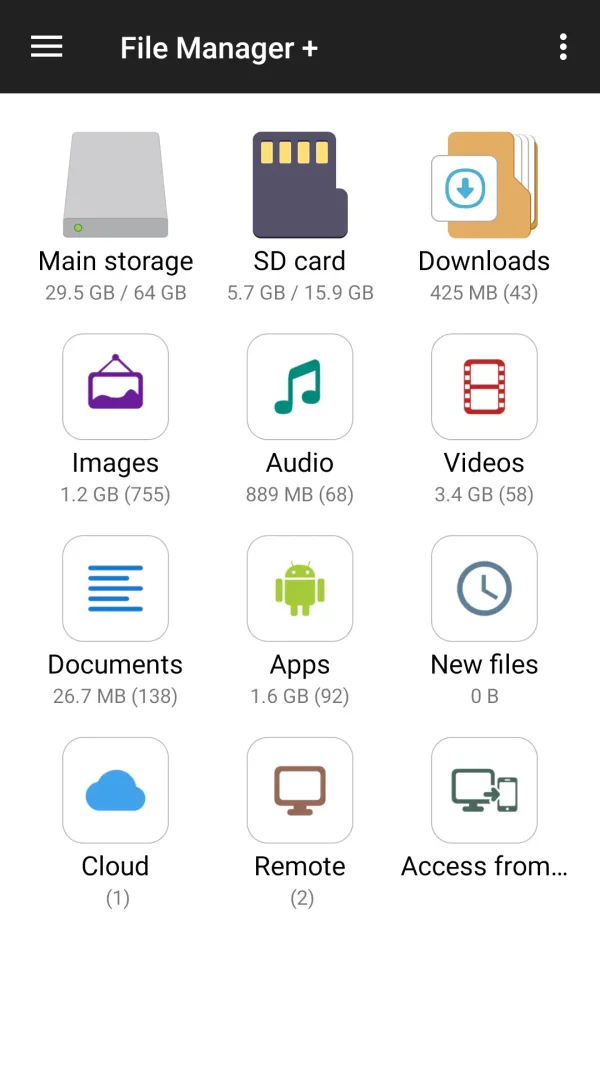
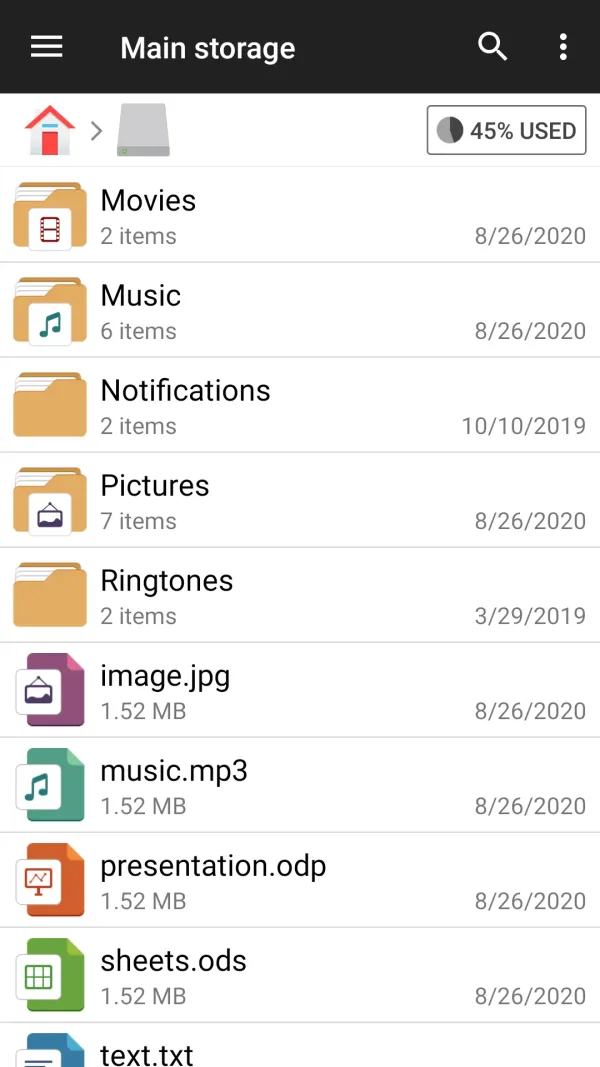
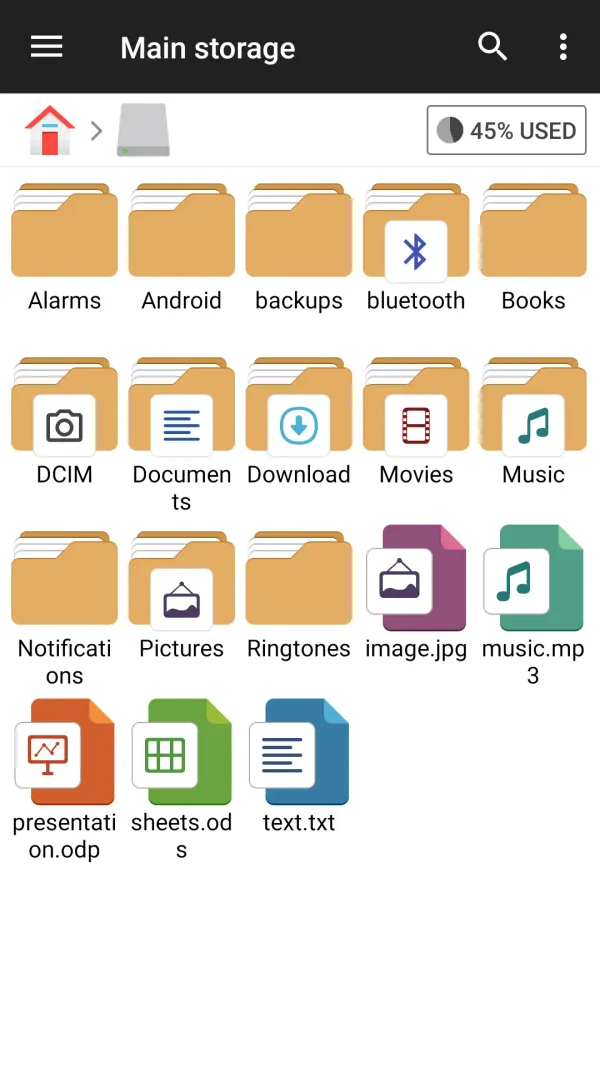
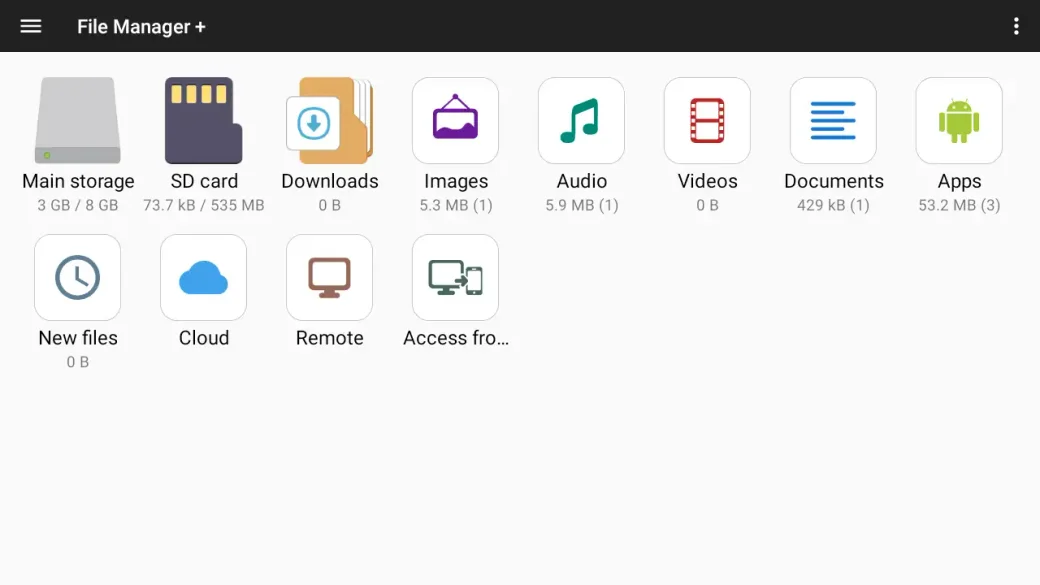
File Manager + is easy and powerful file explorer for Android devices. It’s free, fast and full-featured. Because of its simple UI, it’s extremely easy to use. With File Manager +, you can easily manage your files and folders on your device, NAS(Network-attached storage), and cloud storages. What’s more, you can find how many files & apps you have on your device at a glance immediately after opening File manager +.
It supports every file management actions (open, search, navigate directory, copy and paste, cut, delete, rename, compress, decompress, transfer, download, bookmark, and organize). File Manager Plus supports media files and major file formats including apk.
Major locations and functions of File Manager Plus are as following:
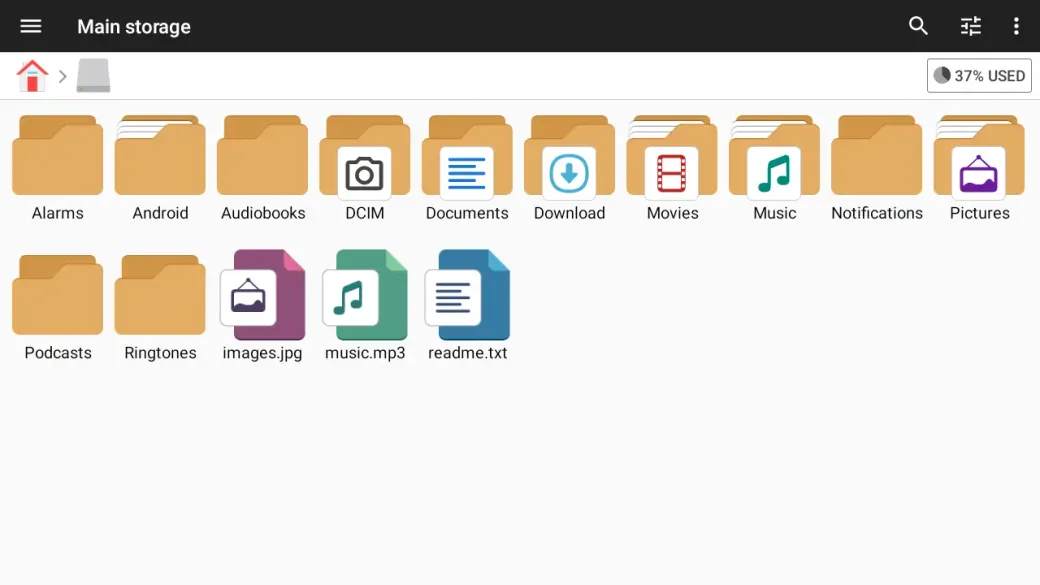
• Main Storage / SD card / USB OTG : You can manage all files and folders on both your internal storage and external storage.
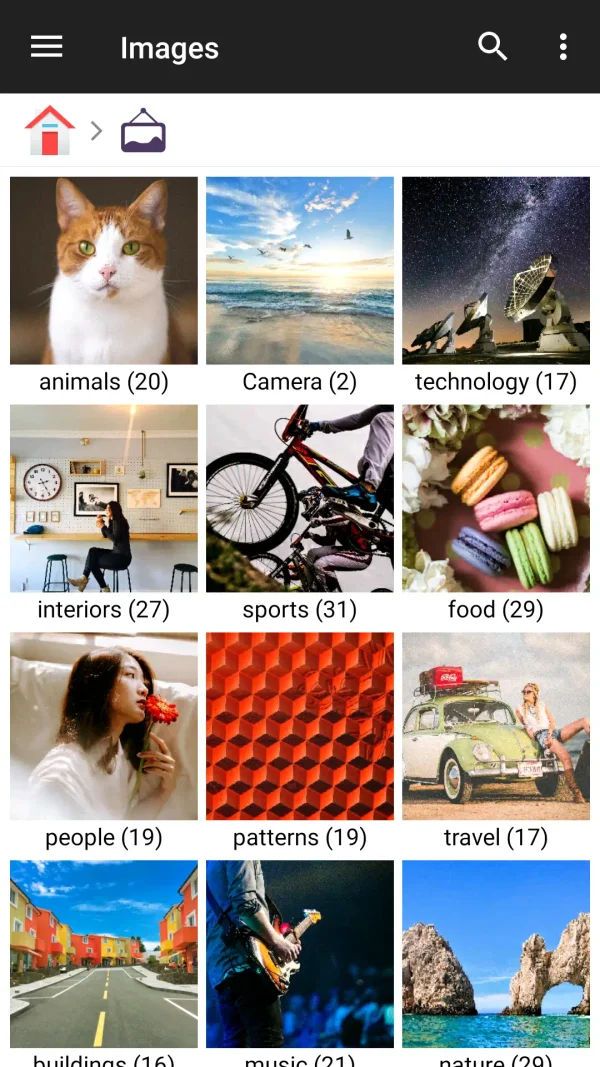
• Downloads / Images / Audio / Videos / Documents / New files : Your files and folders are automatically sorted by their file types and characteristics so that you can easily find exactly the file you are looking for.
• Apps : You can see and manage all applications installed on your local device.
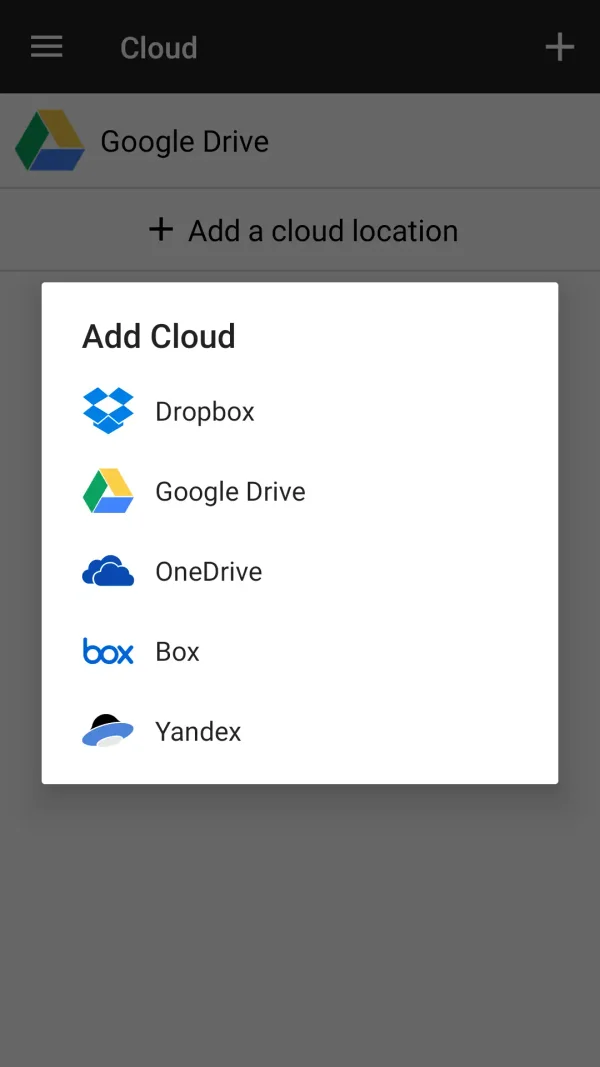
• Cloud / Remote : You can access your cloud storage and also remote/shared storage like NAS and FTP server. (Cloud storage: Google Drive™ OneDrive, Dropbox, Box, and Yandex)
• Access from PC : You can access your android device storage from PC to manage files on your local android device using FTP(File Transfer Protocol).
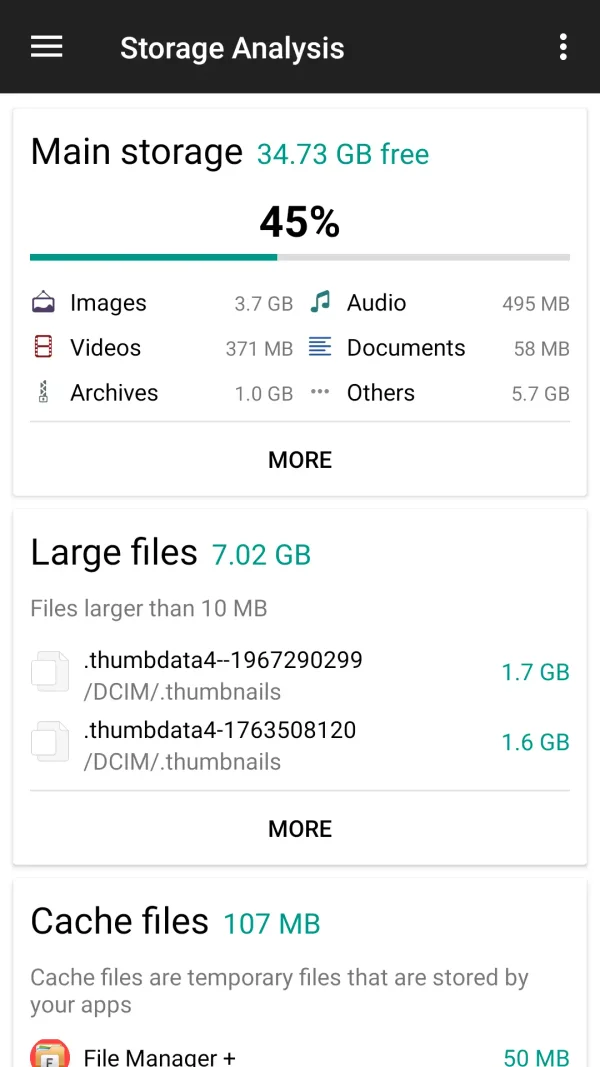
• Storage analysis : You can analyze local storages to clean up useless files. You can find out which files take up the most space.
• Internal image viewer / Internal music player/ Internal text editor : You can choose to use built-in utilities for faster and better performance.
• Archive management : You can compress and decompress archive files.
- Supported compression archives : zip
- Supported decompression archives : zip, gz, xz, tar
Data safety
What File Manager Plus declares on Google Play about the data this app collects and shares.
- This app may share these data types with third partiesDevice or other IDs
- This app may collect these data typesApp activity, App info and performance, and Device or other IDs
- Data is encrypted in transit
- Data can’t be deleted
What’s new
Oct 27, 2026
- Bug fixes and performance improvements.
3.8.4
- File selection in the image viewer
- Split ZIP extraction
- Resume playback for long videos
3.7.3
- pCloud support added
- Music player engine changed (switchable in Settings)
- Date format setting added
3.6.8
- 'Copy again' and 'Return to source folder' are available after pasting.
- Added a toggle for video player gestures.
3.6.5
- Temporarily highlight new files with a dot after file operations
3.5.0
- Slideshow
Developer contact
- Websitealphainventor.com
- Emailapp.support@alphainventor.com
- Privacy policyalphainventor.com
- Address강남구 테헤란로 625, 17층 RA1741호(삼성동, 덕명빌딩) 강남구, 서울특별시 06173 South Korea
Information
- Offered by
- File Manager Plus
- Category
- Productivity
- Updated
- Oct 27, 2026
- Released
- Oct 19, 2015
- Age rating
- Everyone
- Price
- Free
- In-app purchases
- $0.99 - $11.99 per item
- Package name
- com.alphainventor.filemanager