Site24x7
Zoho Corporation- EveryoneAge rating
- ToolsCategory
- Nov 12, 2026Updated
- FreePrice
Links to the official Google Play listing of com.adventnet.webmon.android. Last checked on Nov 21, 2026.

Screenshots


About this app
AI-powered monitoring for modern IT
About the Site24x7 Android app
ManageEngine Site24x7 is an AI-powered observability platform for DevOps and IT operations. The cloud-based platform’s broad capabilities help troubleshoot application performance and investigate incidents related to websites, servers, networks, and cloud resources in real time. Users can track real-time metrics for over 600 technologies using visual charts and dashboards while on the go, all from a single console.
How the Site24x7 Android app can help
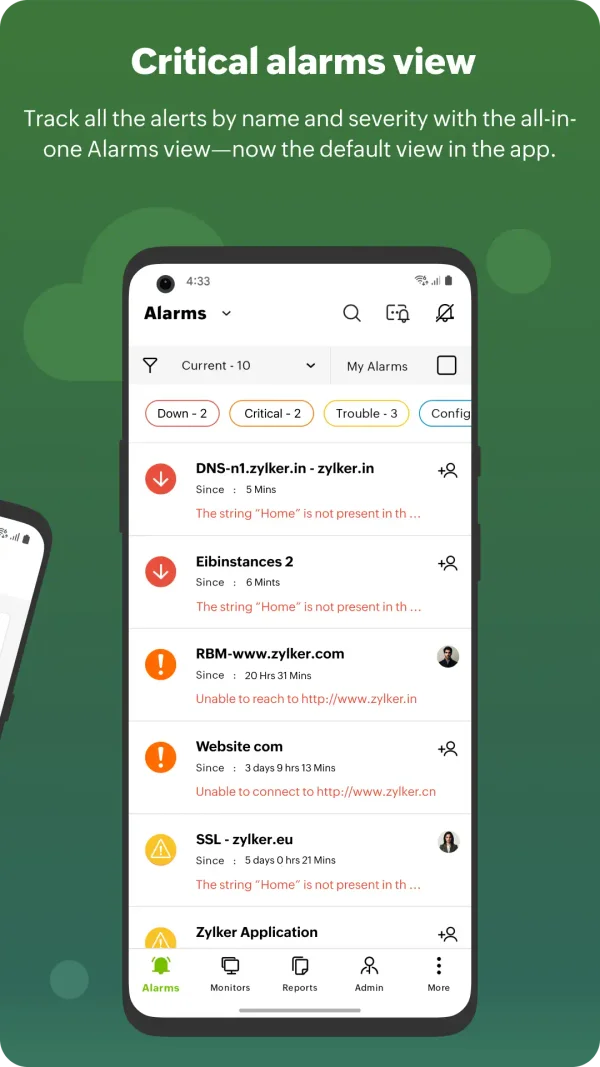
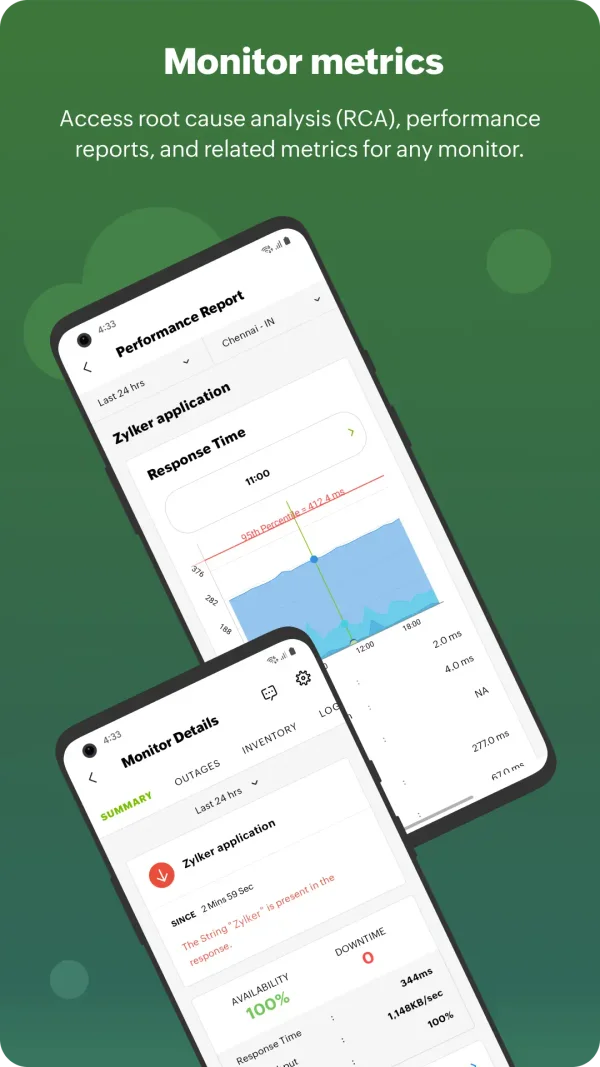
Based on your user profile, you can receive instant notifications, add comments, analyze the root causes of incidents, track the KPIs of monitored resources, mark known alerts as maintenance, and authenticate remedial actions—all through the mobile app. The Site24x7 Android app provides availability and performance reports for all monitored resources, along with root cause analysis (RCA), service level agreement (SLA), and downtime reports.
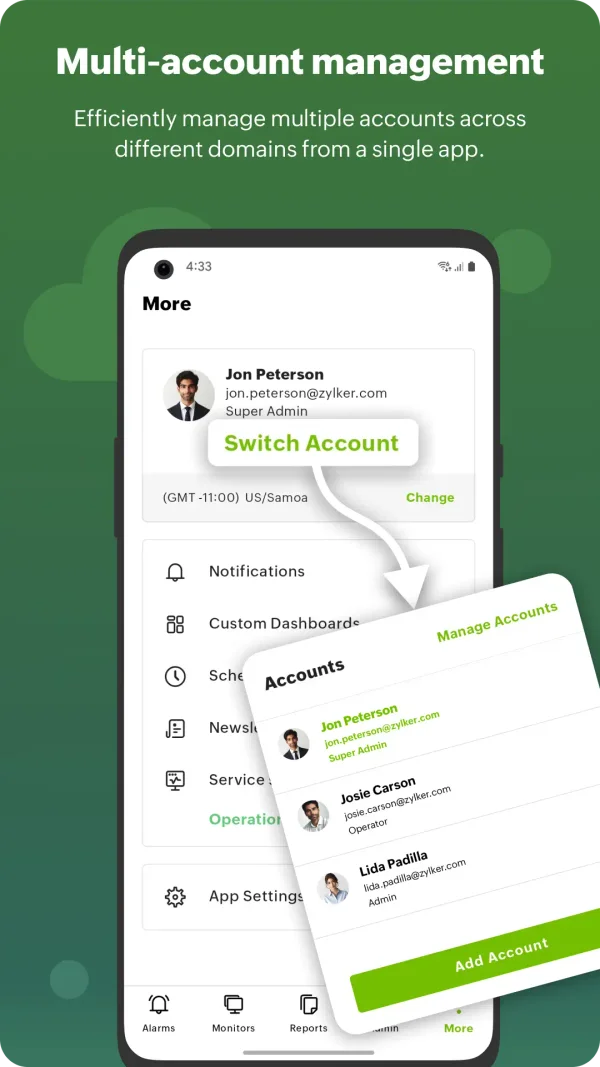
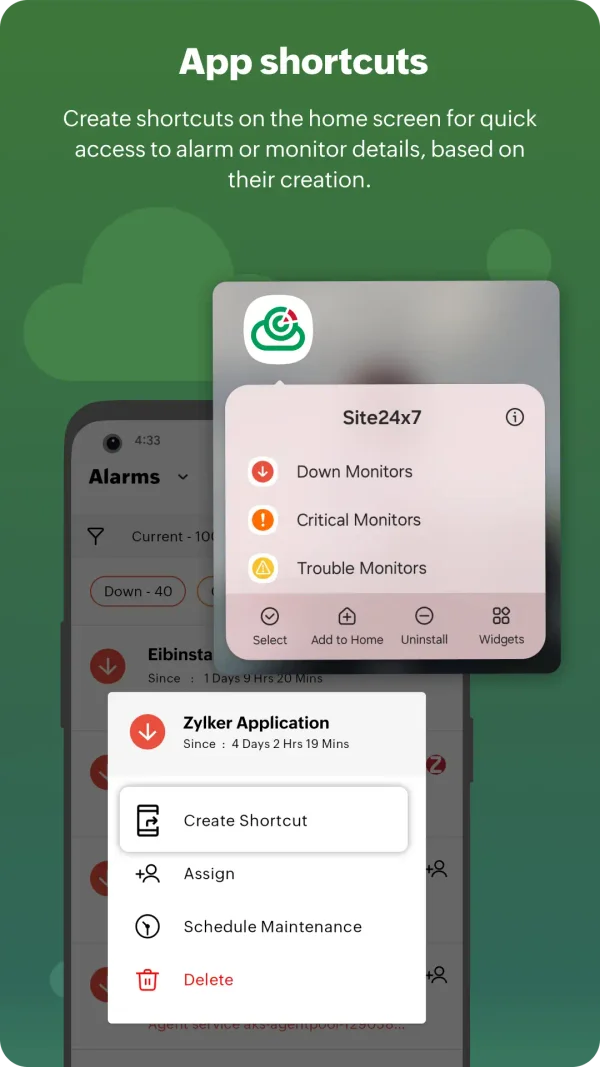
Get outage histories and performance reports for your monitors. Manage multiple accounts across domains and track your system health using widgets like Alarms and Status. Alarm shortcuts help you access the alarm directly from the screen. Quickly assign technicians for faster resolution and create shortcuts to monitor multiple alarms with ease.
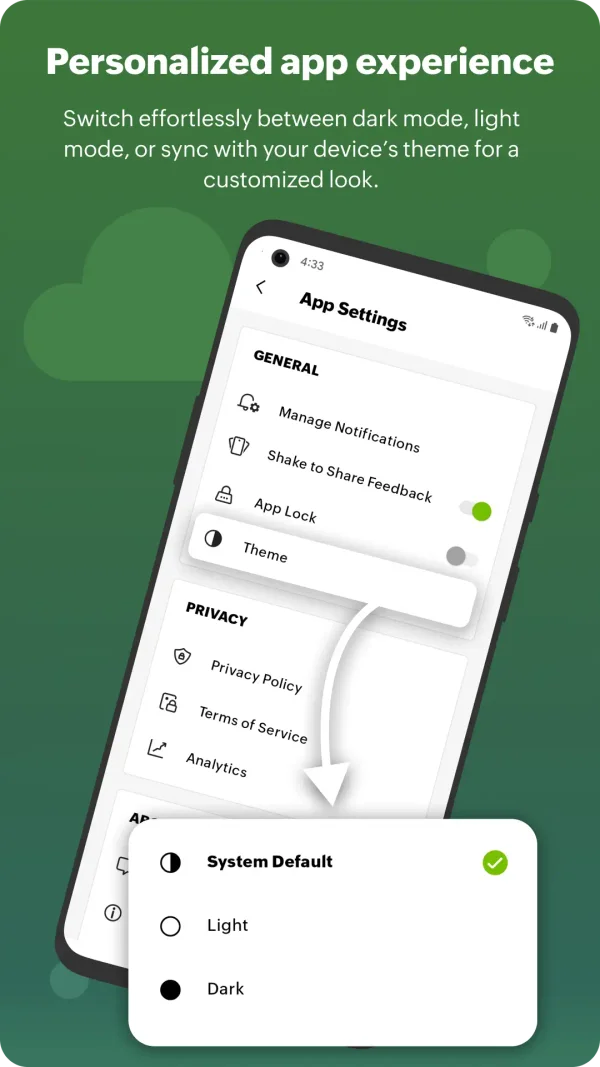
The app supports both light and dark themes for a personalized experience.
Use the Site24x7 Android app to:
Troubleshoot issues instantly
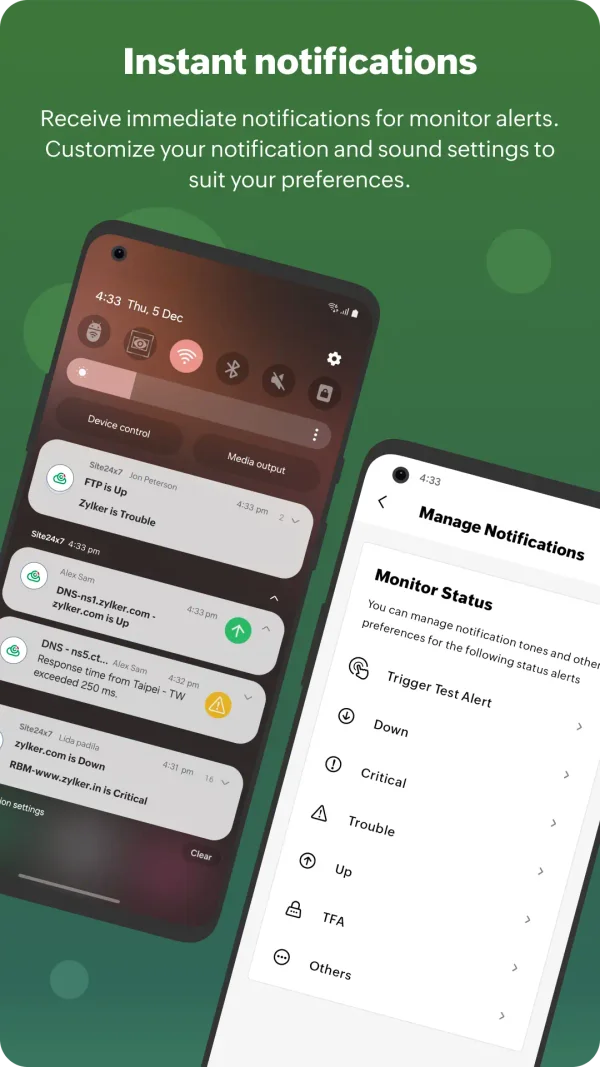
* Get instant notifications for performance issues and resolve them with IT automation. Customize status notifications and instantly test alerts using the Test Alert feature.
* View monitor statuses (Up, Down, Trouble, or Critical) and RCA reports for downtime.
* Get outage and performance reports for monitors with detailed breakdowns.
* Detect anomalies in IT performance with the Anomaly dashboard.
* Access the MSP and Business Unit dashboards for customer-specific availability insights.
* Manage SLAs efficiently with scheduled maintenance and SLA tracking.
* Add monitors and perform administrative actions from the Admin tab.
* Get a visual overview of all monitors with status widgets that allow quick access to alarms, technician assignments, and detailed monitor information, supporting 1x1 widgets, alarm features, and statistics-based widgets.
Monitor & manage with ease
* Log in with multiple accounts to manage all data centers (DCs) effortlessly.
* Monitor domains and track your server performance using over 80 metrics.
* Set time zones for seamless monitoring and location-based availability views.
* Collaborate on updates to monitor statuses with incident chat
* Data center-based availability tracking for individual accounts.
Personalize your experience
* Enjoy a fresh interface with light and dark themes.
About Site24x7
Site24x7 provides AI-powered full-stack monitoring specifically designed for DevOps and IT operations. It collects telemetry data from various sources, including servers, containers, networks, cloud environments, databases, and applications, to offer comprehensive observability. Additionally, Site24x7 tracks end-user experiences through both synthetic and real user monitoring capabilities. These features enable DevOps and IT teams to troubleshoot and resolve application downtime, performance issues, and infrastructure challenges, ultimately helping them manage the digital user experience more effectively.
Site24x7 offers a wide range of all-in-one performance monitoring features for your technology stacks, including:
* Website monitoring
* Server monitoring
* Application performance monitoring
* Network monitoring
* Azure and GCP monitoring
* Hybrid, private, and public cloud monitoring
* Container monitoring
For any help, please get in touch with support@site24x7.com
Data safety
What Zoho Corporation declares on Google Play about the data this app collects and shares.
- No data shared with third partiesLearn more about how developers declare sharing
- No data collectedLearn more about how developers declare collection
- Data isn’t encrypted
- You can request that data be deleted
What’s new
Version 5.1.1 · Nov 12, 2026
• Never miss an alarm. Get live notifications and assign a technician or add comments right from the alert.
• Your monitors, at a glance. Resizable widgets and quick actions put status on your home screen.
• Meet the all-new Ask Zia. Go full-screen, explore prompts, and pick up past chats.
• Enjoy a cleaner, refreshed design that’s easier to navigate.
Developer contact
- Websitesite24x7.com
- Emailsite24x7@zohomobile.com
- Privacy policysite24x7.com
- Address4141 Hacienda Dr Pleasanton, CA 94588-8566 United States
Information
- Offered by
- Zoho Corporation
- Category
- Tools
- Version
- 5.1.1
- Updated
- Nov 12, 2026
- Released
- Mar 28, 2012
- Requires
- Android 7.0 or later
- Age rating
- Everyone
- Price
- Free
- Package name
- com.adventnet.webmon.android