Skin Editor 3D for Minecraft
CroneContains ads · In-app purchases
- EveryoneAge rating
- ToolsCategory
- Nov 25, 2026Updated
- FreePrice
Links to the official Google Play listing of com.crone.skineditorforminecraftpe. Last checked on Nov 26, 2026.

Screenshots


About this app
Create skins and install them in the game or on server.
We present the 3D Skin Editor for Minecraft
Skin Editor is work with original Minecraft skins with a base resolution of 64x64 pixels.
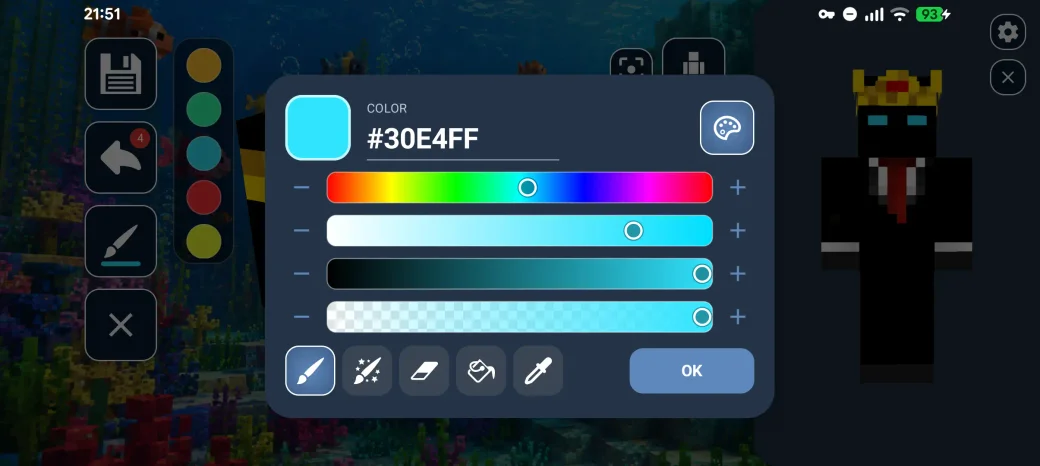
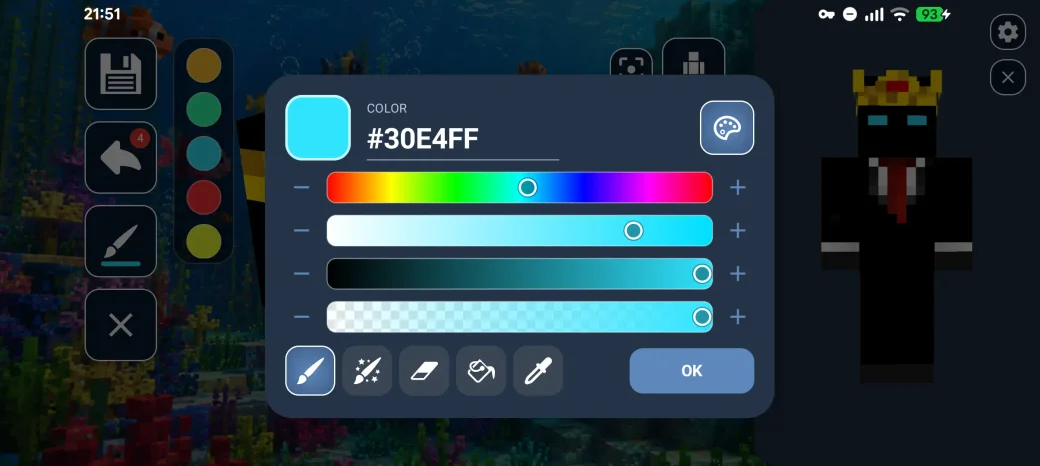
This editor has an RGB color palette with the ability to save a separate palette and sort colors.
Standard kits:
-pipette
-bucket
-brush
-eraser
-gradient (you can draw with colors from the palette)
Many mods support transparency of skins. The palette has an alpha channel (transparency).
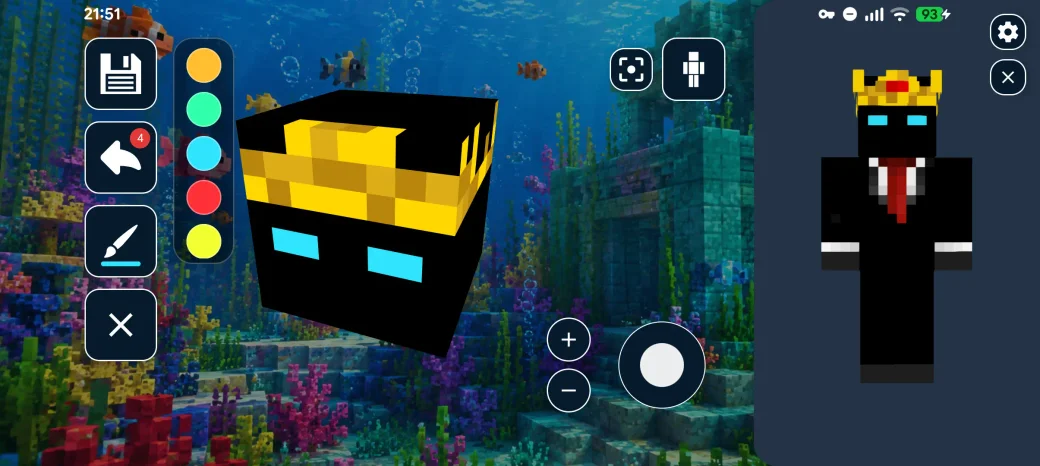
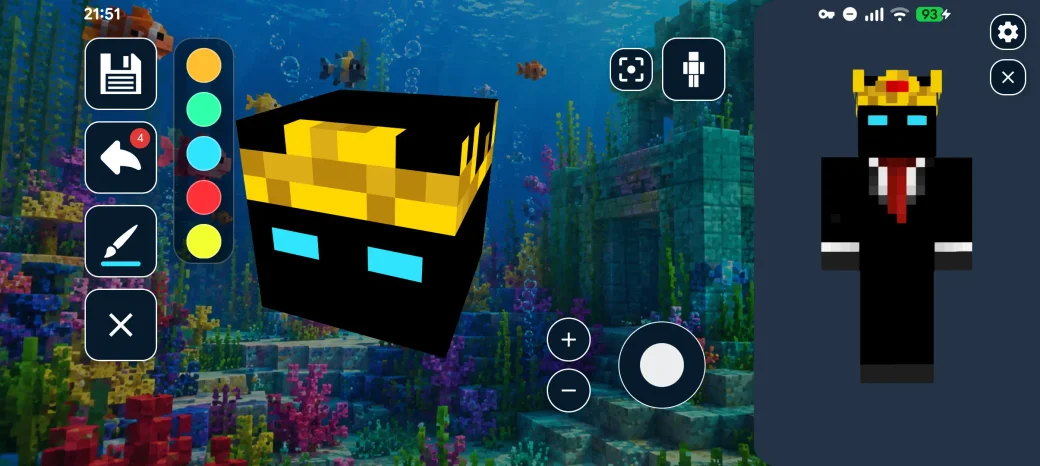
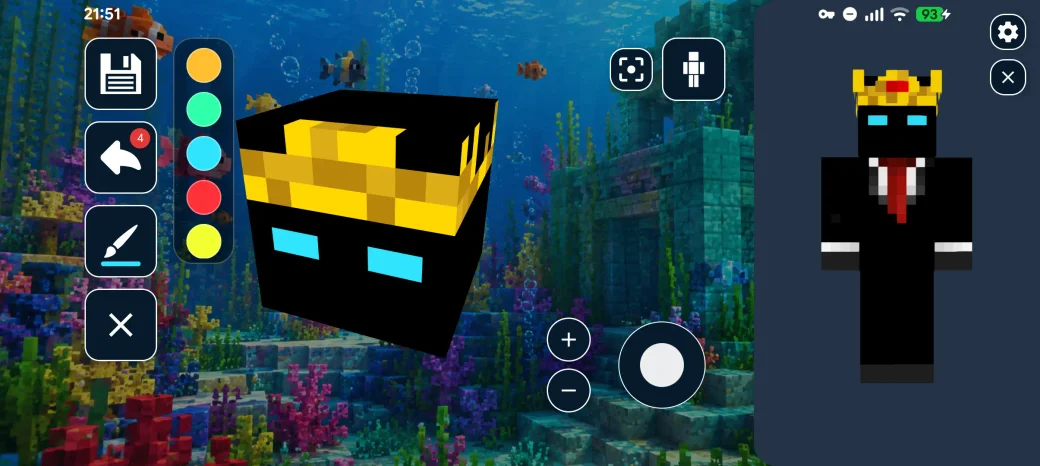
Editing occurs by body parts, with the ability to select them. For convenience, arms or legs can be edited in mirror mode.
To see the full edited skin open the right side where you can set the background color, and set walk mode of the skin.
If you accidentally make a mistake and click on the wrong pixel, then the system of returning to the previous action will help you.
You can also change the editing background in the settings on the main screen or change the editing orientation, for example, from horizontal to vertical or disable the joystick so you can rotate part of the skin with your fingers.
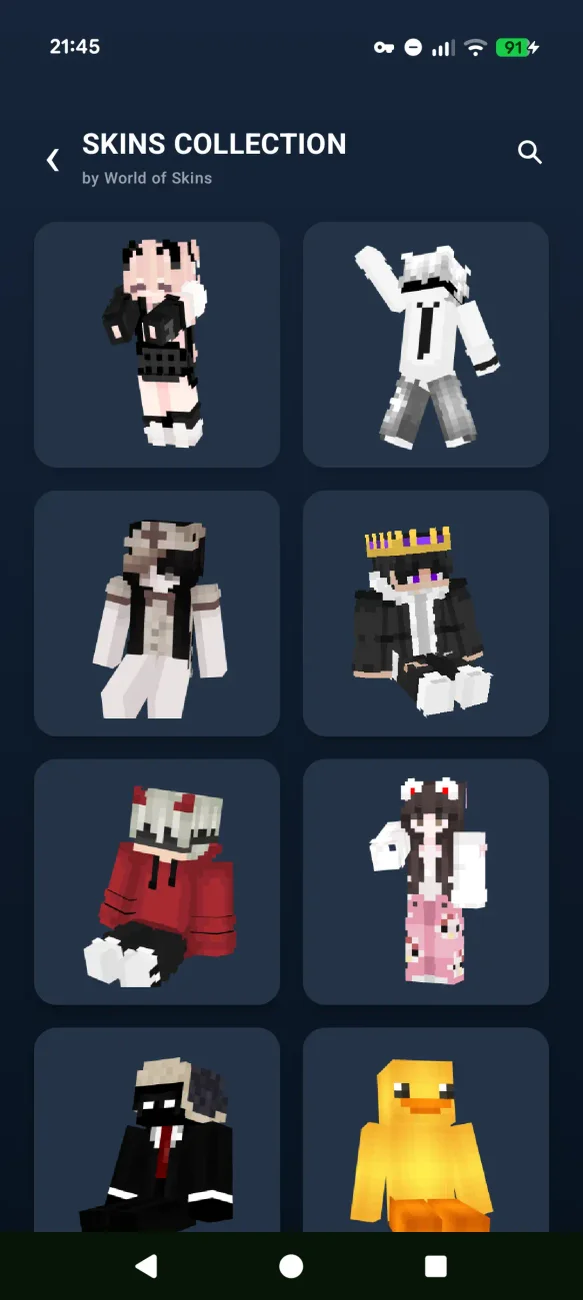
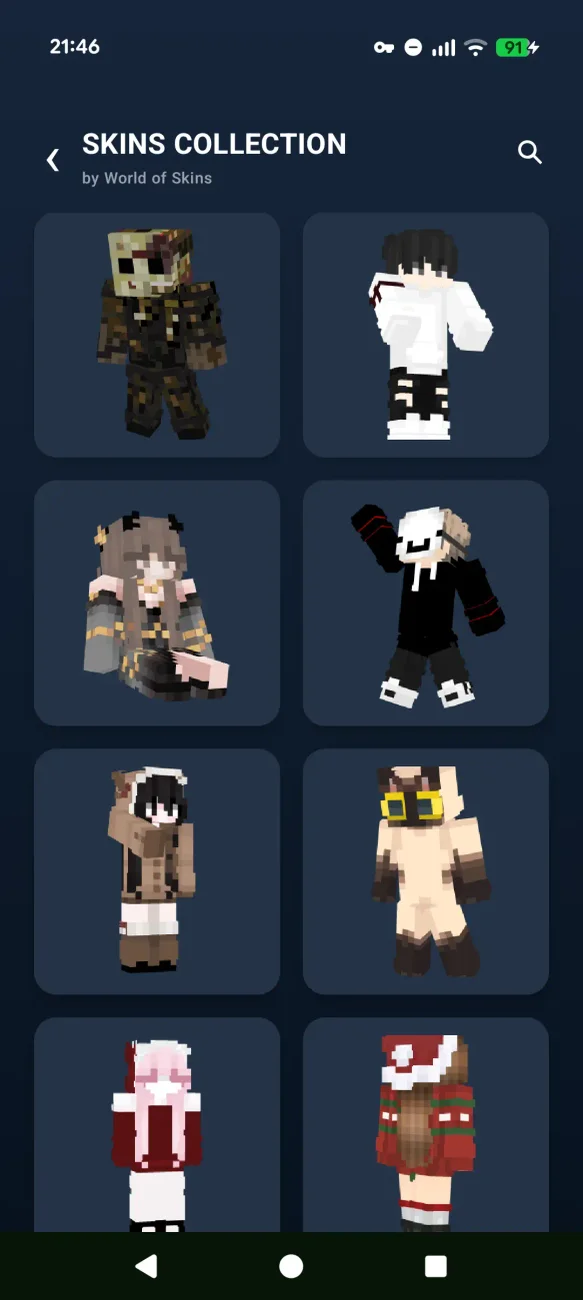
The application has a Skins Collection section, which contains skins from the World of Skins application, more than 200,000 skins on any topic with the ability to search. Once you find the skin there, you can edit it.
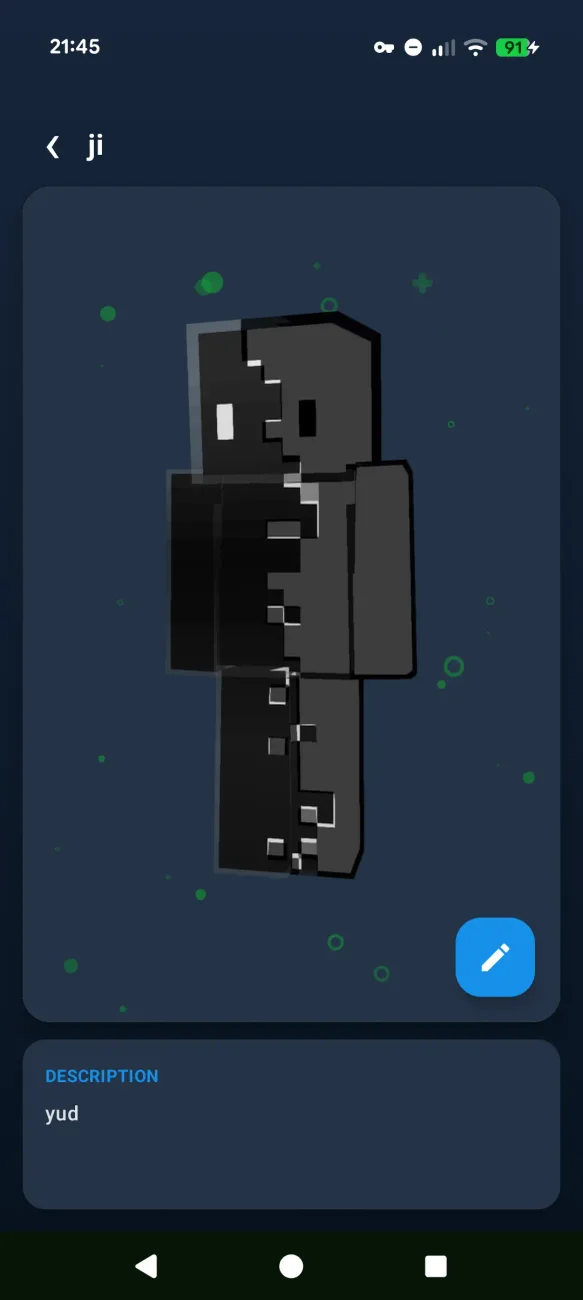
There is also a My Skins section, it contains your saved skins from the editor, where you can view them in more detail, change the type Alex or Steve abd install them in the game.
The application has autosave, it automatically saves your skin so that your editing progress is not lost. If you accidentally close the application, your progress will also be saved, but without the color picker
In addition the editor supports two layers of skins which allows you to add the details of the relief of your skin.
DISCLAIMER:
This is an unofficial application for Minecraft. This application is not affiliated in any way with Mojang AB. The Minecraft Name, the Minecraft Brand and the Minecraft Assets are all property of Mojang AB or their respectful owner. All rights reserved. In accordance with
https://www.minecraft.net/en-us/usage-guidelines
Data safety
What Crone declares on Google Play about the data this app collects and shares.
- No data shared with third partiesLearn more about how developers declare sharing
- This app may collect these data typesLocation and App info and performance
- Data is encrypted in transit
- Data can’t be deleted
Developer contact
- Websiteworldofskins.org
- Emaildarkandlanka@gmail.com
- Privacy policyworldofskins.org
- AddressБаныкина 21 Тольятти Самарская область Russia 445021
Information
- Offered by
- Crone
- Category
- Tools
- Version
- 6.2.5
- Updated
- Nov 25, 2026
- Released
- Aug 5, 2016
- Requires
- Android 7.0 or later
- Age rating
- Everyone
- Price
- Free
- In-app purchases
- $1.99 per item
- Package name
- com.crone.skineditorforminecraftpe
Similar apps
-
 AR Paint and Sketch
Art & Design
-
 Musixmatch Dynamic Lyrics
Music & Audio
-
 GOGH: Animated Drawings
Art & Design
-
 Minecraft Education
Education
-
 Nomad Sculpt
Art & Design
-
 Letterly: Speech to Clear Text
Productivity
-
 Desmos Graphing Calculator
Education
-
 Screen Recorder
Video Players & Editors
-
 Calculator
Tools
-
 My Little Pony: Story Creator
Education
-
 Mind Map Maker - Mindomo
Productivity
-
 Pony Style Box
Entertainment