Sleep Timer for Android TV
GrubelIn-app purchases
- EveryoneAge rating
- ToolsCategory
- Nov 9, 2026Updated
- FreePrice
Links to the official Google Play listing of com.grubel.sleeptimerforandroidtv. Last checked on Nov 21, 2026.
Screenshots

About this app
Sleep timer for Android TV. Set and forget - your TV turns off automatically.
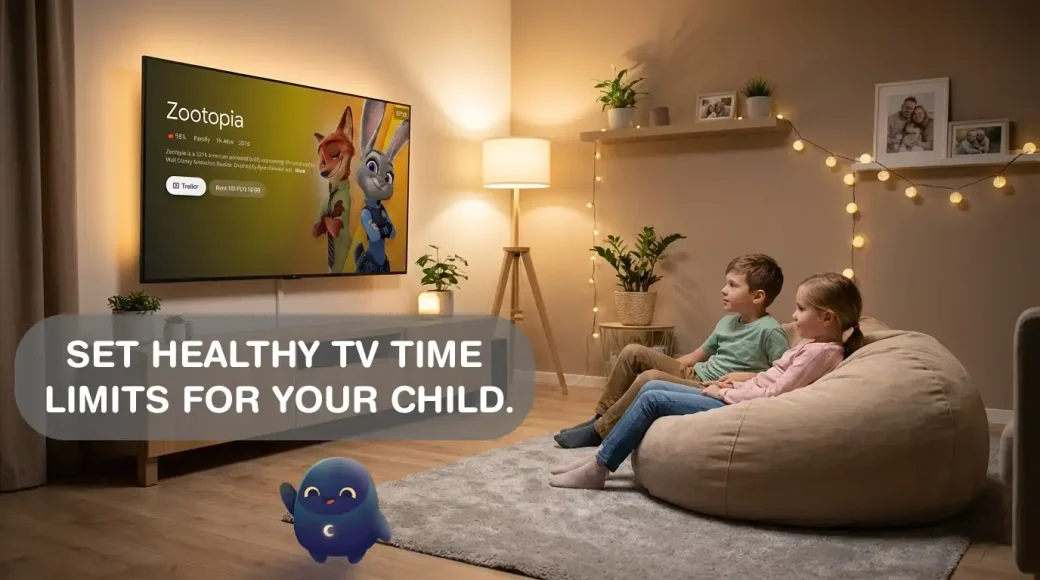
Automatically turn off your TV, phone, or tablet with Sleep Timer, designed for parents managing kids screen time and bedtime routines.
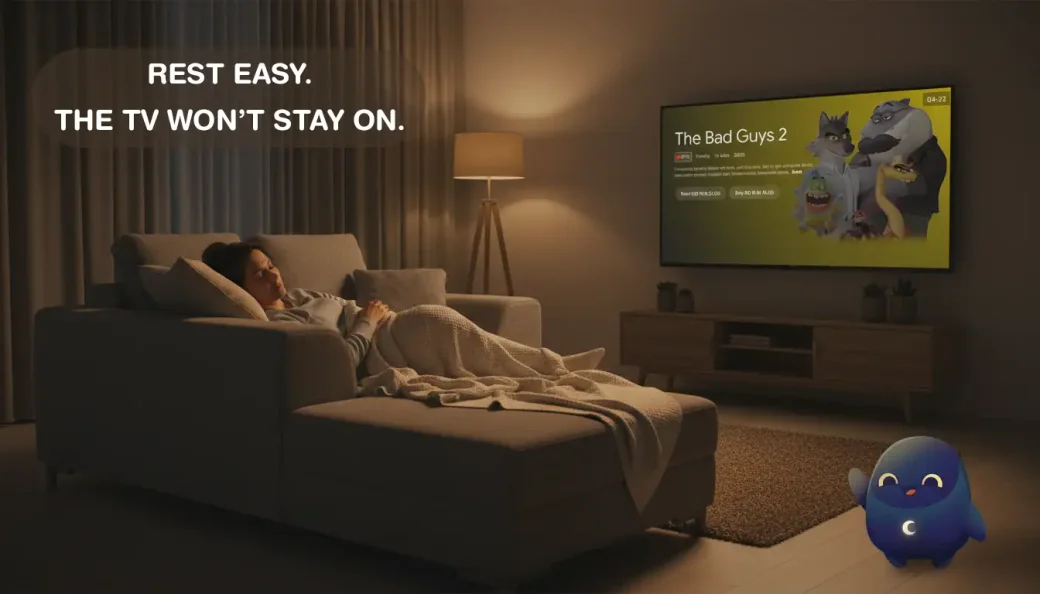
Fall asleep watching YouTube, Netflix, or any app without worrying about leaving your device running. Sleep Timer puts your TV into standby mode or locks your phone screen automatically after a set time. It helps save energy, reduce screen time, and protect OLED displays from burn in.
Built for bedtime viewing, screen time control, and simple automation across Android TV and mobile devices.
─────────────────────────────────────
🚀 FREE — NO ADS, EVER
─────────────────────────────────────
• Quick preset timers (15 / 30 / 60 min)
• One tap start
• Always visible countdown overlay
• Remote friendly for Android TV
• Clean experience with no ads or interruptions
─────────────────────────────────────
💎 PRO FEATURES
─────────────────────────────────────
⏯️ Pause & Resume
Pause and continue any running timer.
🎛️ Custom Timer
Set any duration from 10 seconds up to 24 hours.
🕐 Turn Off At
Schedule shutdown at an exact day and time
📱 App Launch Automation
Start a timer automatically when a selected app is opened. Example: open Minecraft and a 1 hour timer starts instantly, ideal for managing kids screen time without manual setup. Assign different timers to different apps like YouTube, Netflix, or games.
🔧 Custom Presets
Replace default timer buttons with your own preferred durations.
⏩ Quick Adjust
Add or subtract time during an active timer.
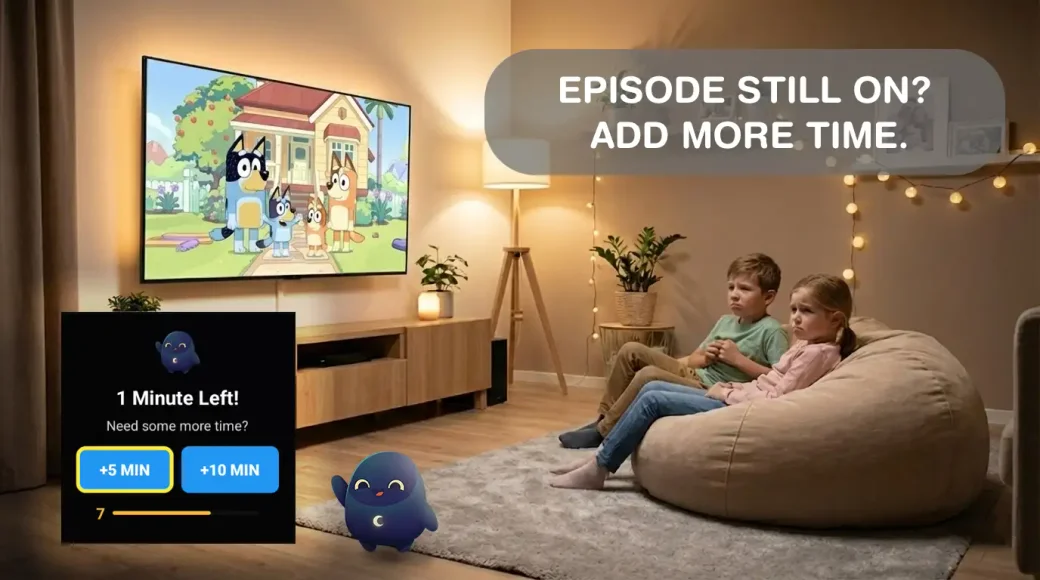
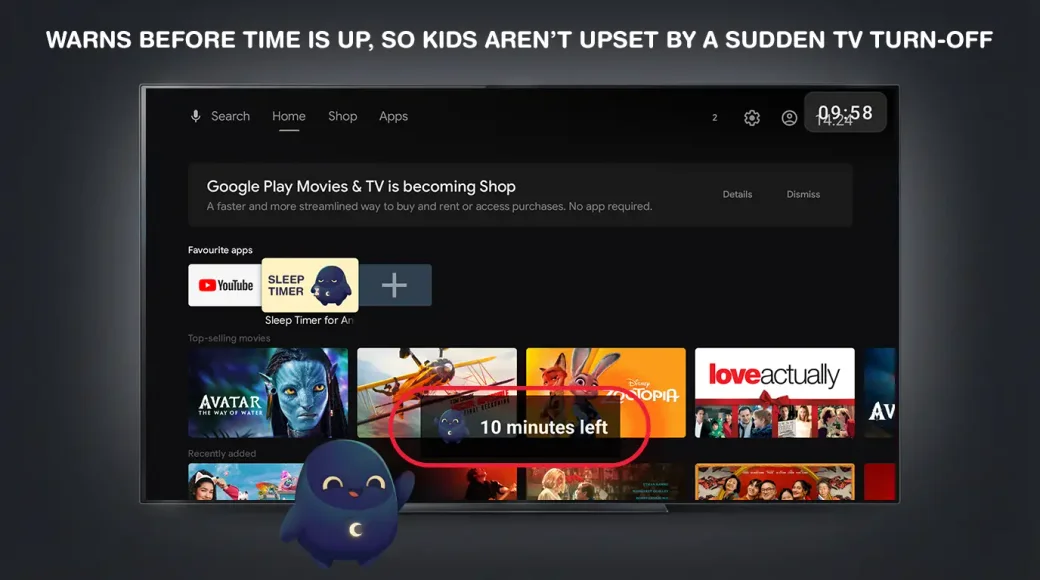
➕ Smart Extend Prompt
Get a quick option to extend your session when time is almost up.
⚡ Auto Start
Automatically launch your last used timer when opening the app.
🔔 Reminder Alerts
Gentle notifications before the timer ends.
🔊 Multiple Sound Options
Choose from several alert and chime sounds.
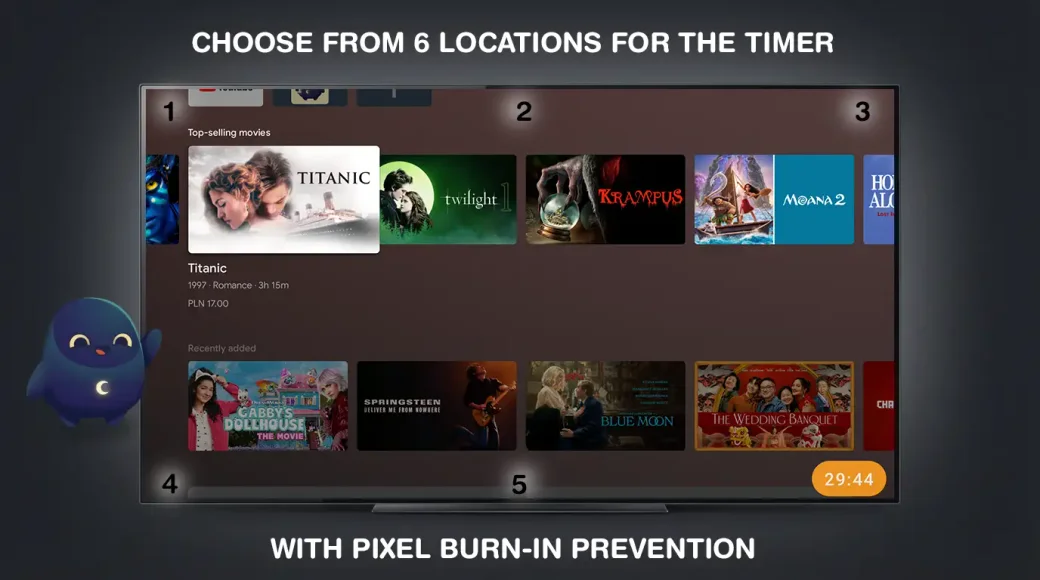
🛡️ OLED Protection
Pixel shifting helps reduce burn in risk on OLED displays.
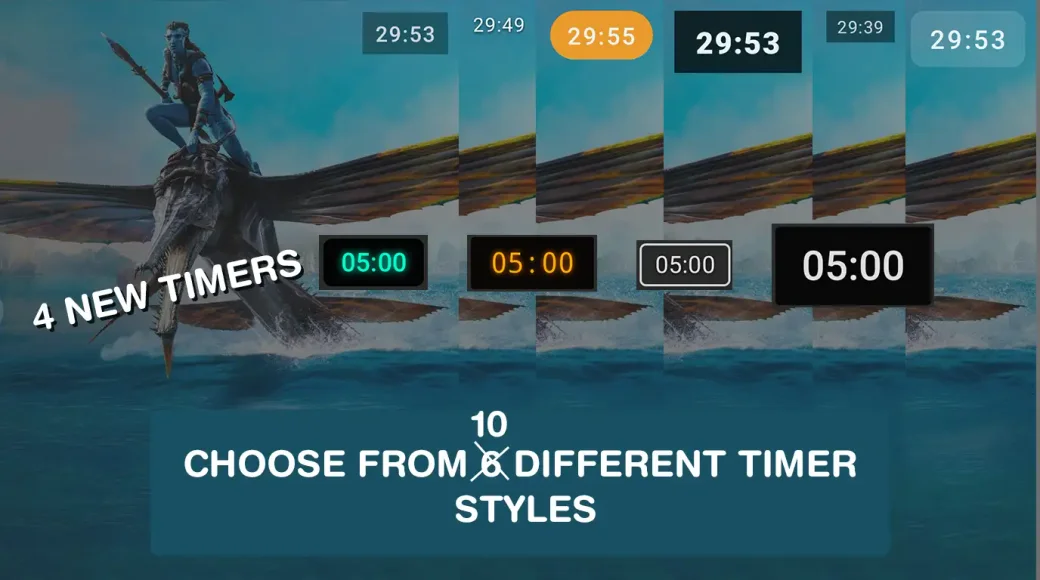
🎨 Custom Overlay Control
Adjust timer style, position, visibility.
─────────────────────────────────────
🌟 WHY IT HELPS
─────────────────────────────────────
⚡ Save Energy
Prevent TVs and screens from running all night.
👶 Screen Time Control
Set automatic limits for kids without constant supervision.
📺 Built for Android TV
Designed for remote control and large screen use.
📱 Works on Android TV, Google TV, Android phones, and tablets.
🛡️ OLED Safe Design
Helps reduce static image wear on modern displays.
🤖 Smart Automation
Timers can start automatically based on app usage.
─────────────────────────────────────
✅ COMPATIBILITY
─────────────────────────────────────
Works on Android TV, Google TV, NVIDIA Shield TV, Chromecast with Google TV, Xiaomi TV devices, and most Android TV powered smart TVs.
Also compatible with Android phones and tablets.
─────────────────────────────────────
⚙️ ACCESSIBILITY PERMISSION
─────────────────────────────────────
To automatically shut down or put your device to sleep, this app uses the Accessibility Service. It sends a "Home" or "Power" command when the timer ends. No data is collected.
Data safety
What Grubel declares on Google Play about the data this app collects and shares.
- No data shared with third partiesLearn more about how developers declare sharing
- No data collectedLearn more about how developers declare collection
- Committed to follow the Play Families Policy
What’s new
Version 1.9.47 · Nov 9, 2026
Easily stop today's scheduled "Turn off at" timer without disabling your recurring schedule. The app now automatically moves on to your next scheduled timer!
Developer contact
- Emailgrubel.watchfaces@gmail.com
- Privacy policysites.google.com
- AddressJuliana Tuwima 20/8a 90-002 Łódź Poland
Information
- Offered by
- Grubel
- Category
- Tools
- Version
- 1.9.47
- Updated
- Nov 9, 2026
- Released
- Jan 6, 2026
- Requires
- Android 9 or later
- Age rating
- Everyone
- Price
- Free
- In-app purchases
- $3.79 - $4.99 per item
- Package name
- com.grubel.sleeptimerforandroidtv
Similar apps
-
 Amelia - Kids Story Book Learn
Education
-
 Viome
Health & Fitness
-
 Orion Notes: Handwrite & PDFs
Productivity
-
 Walkbox Self-Guided Tours
Travel & Local
-
 BIGBOX - Fun English Learning
Education
-
 Braive
Health & Fitness
-
 Ivy Wallet: money manager
Finance
-
 CalendarTask
Tools
-
 Timesheet - Work Time Tracker
Productivity
-
 Sleep Number
Health & Fitness
-
 Zoho Projects
Productivity
-
 Twilight Pro Unlock
Health & Fitness