Orion Notes: Handwrite & PDFs
ORION STUDIO PTE. LTDIn-app purchases
- EveryoneAge rating
- ProductivityCategory
- Nov 17, 2026Updated
- FreePrice
Links to the official Google Play listing of com.orion.notes.us. Last checked on Nov 21, 2026.

Screenshots


About this app
From Notein: handwritten notes, PDF annotation & AI study tools.
Handwriting notes, PDF annotation, and an AI study assistant — built for Android tablets and styluses. Highlighted at Google I/O 2025.
Orion Notes is the note-taking app for students, teachers, and professionals who think with a pen: take handwritten notes, mark up lecture slides and textbooks, record the lecture, then let AI turn it all into summaries, quizzes, and graded practice.
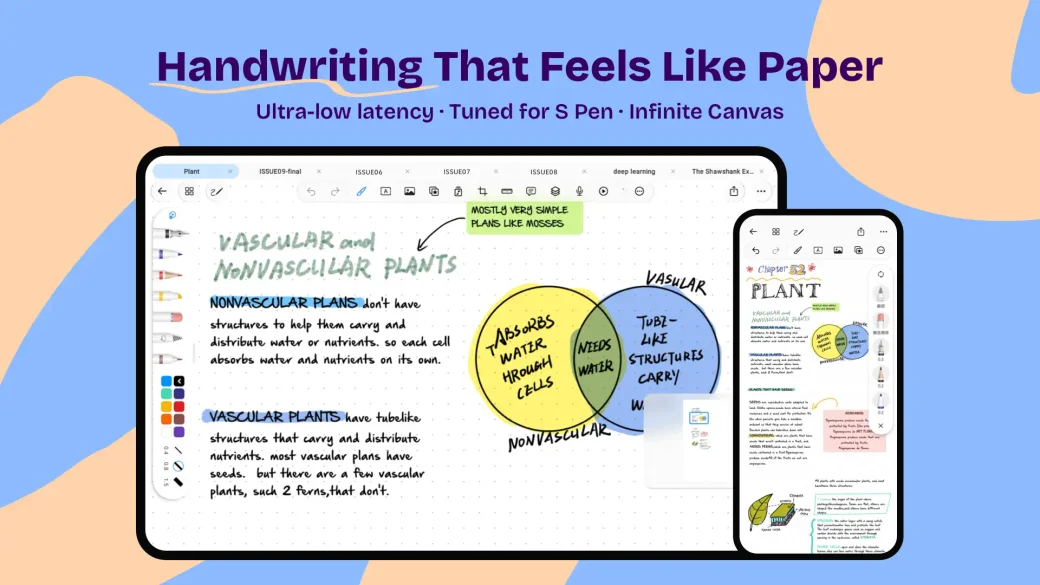
🖊️ Handwriting That Feels Like Paper
Ultra-low latency ink with pressure sensitivity, tuned for S Pen and other active styluses. Fountain pen, ballpoint, pencil, highlighter, calligraphy pen, tape, laser, and 22 auto-recognized shapes. Ruler, layers, and 20 favorite pen presets.
🔍 Search Your Handwriting
Find any word in your handwritten notes, PDFs, text boxes, and tables. Recognition runs on your device — free, private, no upload.
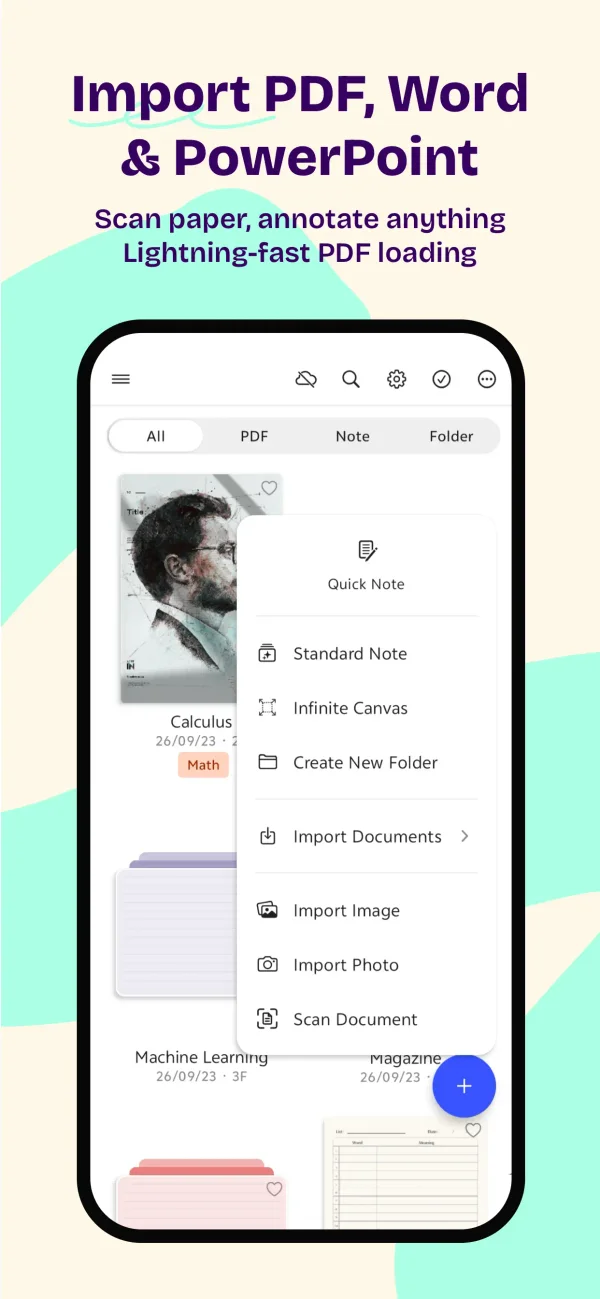
📄 Import & Annotate PDFs, Word & PowerPoint
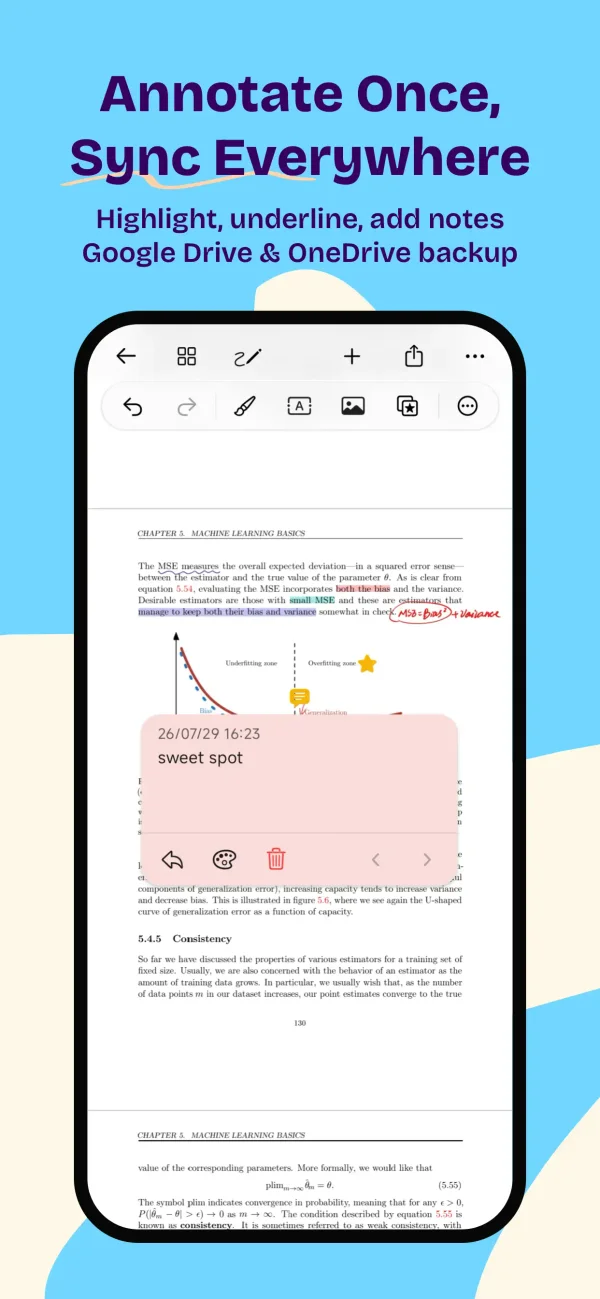
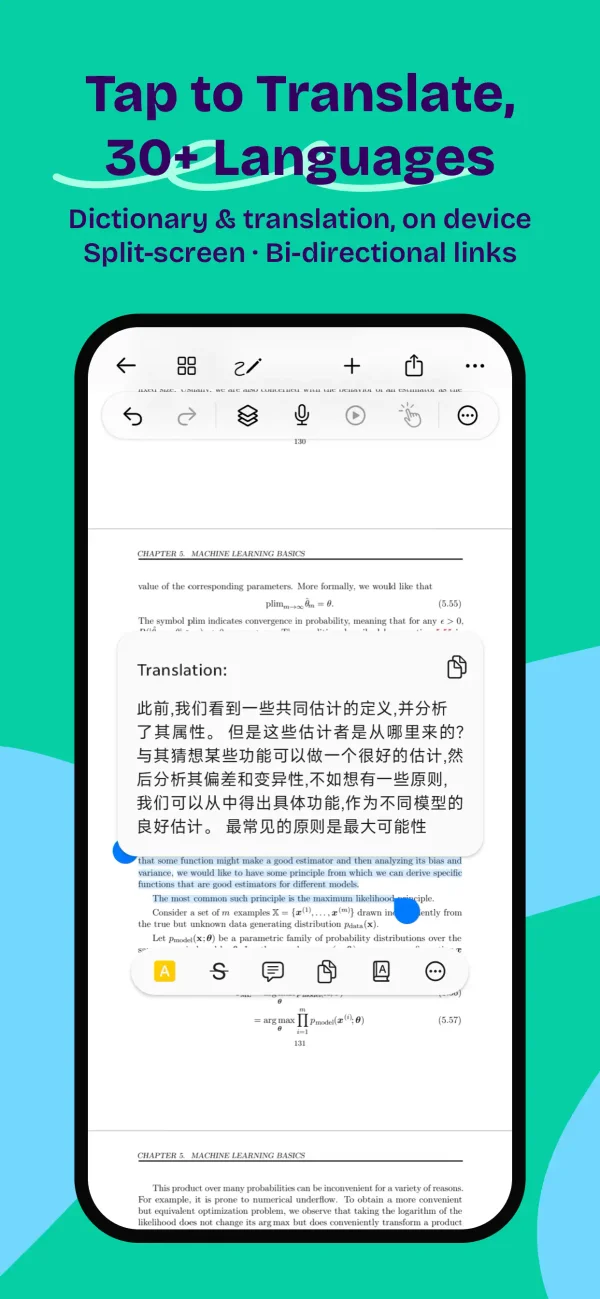
Import PDFs, Word, and PowerPoint files, images, or scan paper documents with your camera. Highlight, underline, strike through, add notes, and draw right on the page. Add pages from other PDFs, rotate, reorder, and split into new notebooks. Tap any word for an instant dictionary, or translate selected text in 30+ languages — on device.
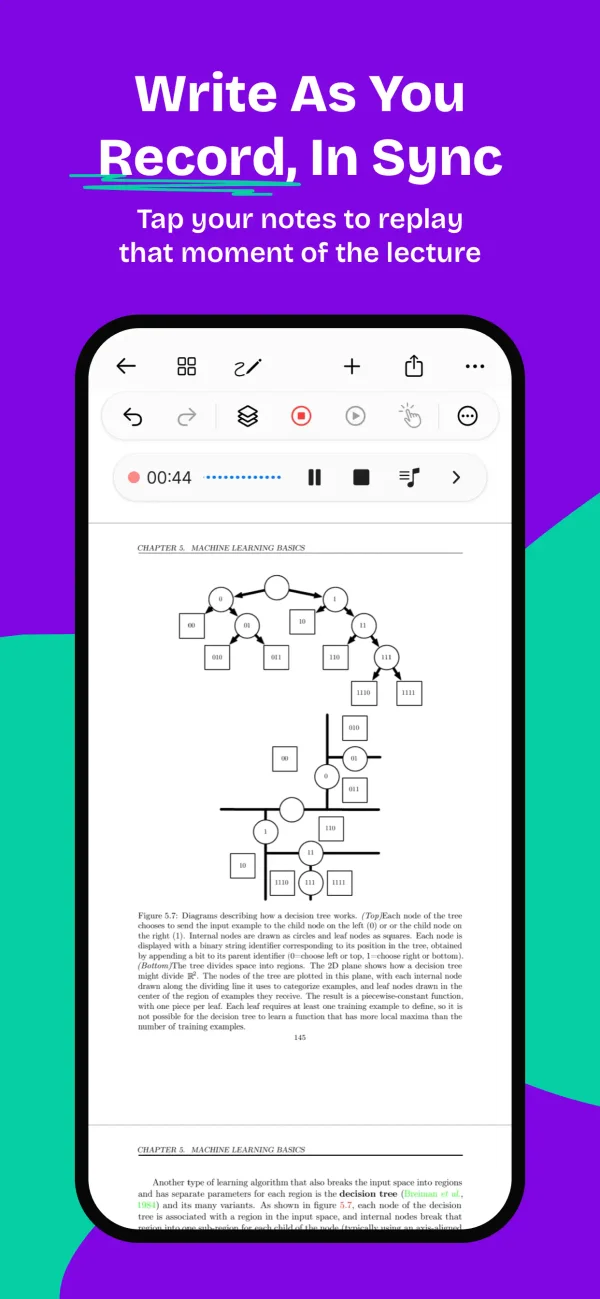
🎙️ Record Lectures, Synced to Your Notes
Record while you write. Tap any handwriting to jump to that moment in the recording. Adjust playback speed, skip 15 seconds, or loop a segment for review.
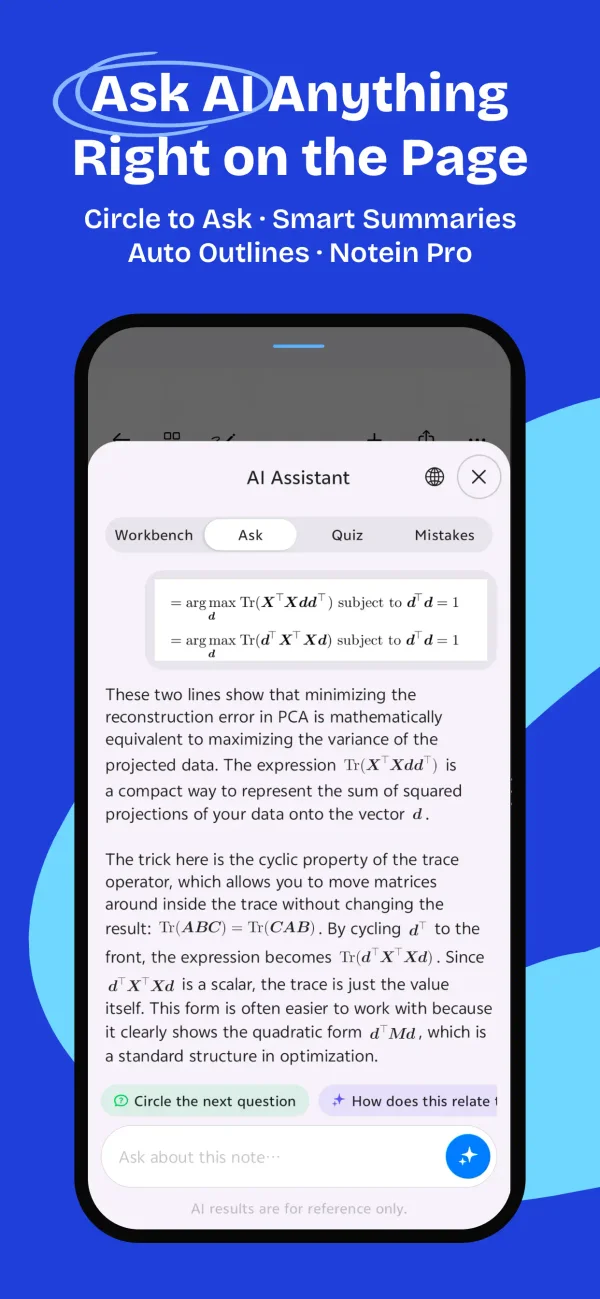
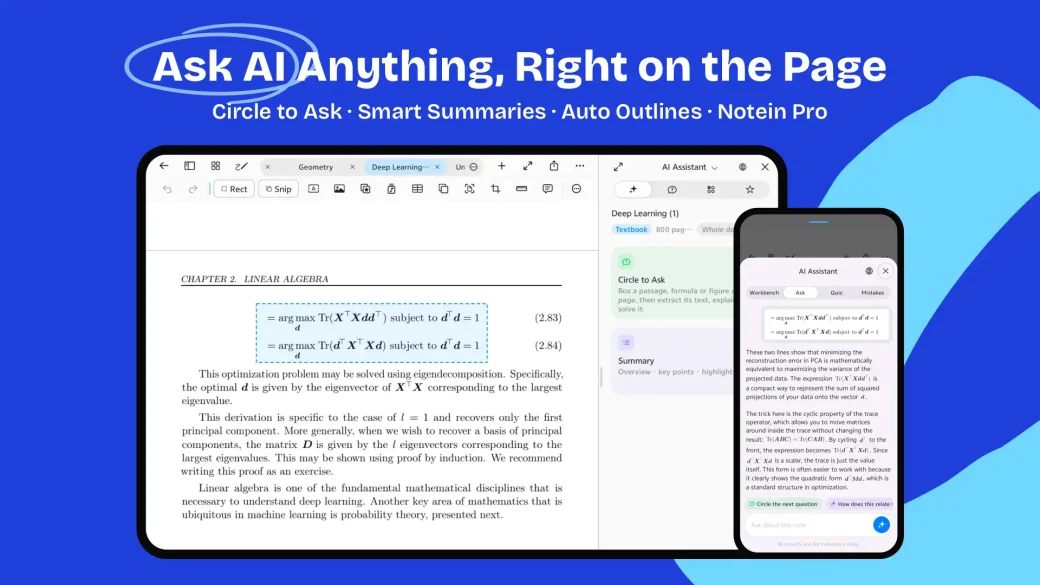
🤖 AI Study Assistant (Orion Notes Pro)
AI features are available in supported regions.
Summaries:
Key points, highlights, and terms — each linked to the page it came from.
Auto Outlines:
Turn any document into a structured, page-linked outline.
Circle to Ask:
Draw around anything on the page and ask AI to explain it, extract the text, or solve it.
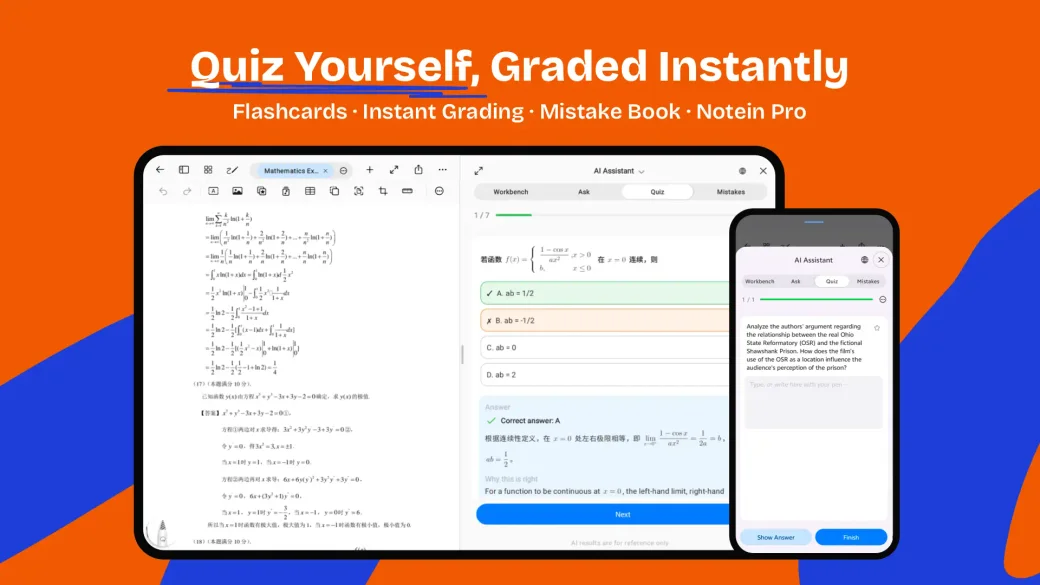
Quizzes:
Generate multiple-choice, fill-in-the-blank, and short-answer questions from any chapter. Answer by hand or keyboard and get instant checking with explanations.
Grading:
Have a completed exam graded question by question, with handwriting transcription and worked answers.
Mistake Book:
Wrong answers are collected automatically and cleared once you master them.
Handwriting to Text:
Lasso any handwriting and convert it to editable text. Answers in your language: choose from 16 output languages.
🧠 Organize Your Way
Notebooks, nested folders with color and photo covers, labels, favorites, and pinning. Link pages with hyperlinks, connect two notebooks with bidirectional links, and build study guides or a personal knowledge base. Add editable tables for comparing topics or collecting mistakes. Write on classic paper sizes or an infinite canvas.
📐 Templates & Paper
Cornell notes, vocabulary books, mistake collections, memory-curve review, daily/weekly/monthly planners, meeting notes, music sheets, and more. Save your own templates, import custom fonts, and choose from 50+ covers and sticker packs.
⏱️ Stay Focused
A built-in countdown, stopwatch, and Pomodoro timer on the editing page — for timed practice and revision sessions.
☁️ Sync, Back Up & Lock
Sync across devices with Google Drive or OneDrive, with automatic cloud backup and version restore. Keep a local backup anytime. Lock private notebooks with your fingerprint.
📱 Made for Android
Split-screen and multi-window, tabs for switching between notebooks, and a customizable toolbar. On Android 14+, set Orion Notes as your default notes app and start a note straight from the lock screen or your stylus button. Export as PDF or JPEG, or share the native file to another device.
Free to start, with optional paid upgrades. See the app for current plans and included features.
Don't just take notes. Create, explore, and think freely with tools designed for your Android tablet and stylus. Download Orion Notes today and bring your ideas to life.
Data safety
What ORION STUDIO PTE. LTD declares on Google Play about the data this app collects and shares.
- No data shared with third partiesLearn more about how developers declare sharing
- This app may collect these data typesPersonal info, App activity and 2 others
- Data is encrypted in transit
- You can request that data be deleted
What’s new
Version v2.1.57.0 · Nov 17, 2026
New
• Merge notebooks into a new one; originals stay unchanged.
Improved
• Faster pen/eraser switching; less width-panel flicker.
• Smoother zoom, shape guides and PDF link loading.
• Sign-in help to restore another account’s purchases.
• Page overview keeps searches.
Fixed
• Incomplete cross-page PDF/image exports.
• Inertial scrolling in text mode.
• Pen-end eraser not working.
• Screenshot offsets and obscured buttons on some systems or in split screen.
• Other fixes.
Developer contact
- Emailsupport@notein.cn
- Privacy policynotein.ai
- Address60 PAYA LEBAR ROAD #08-11 PAYA LEBAR SQUARE Singapore 409051
Information
- Offered by
- ORION STUDIO PTE. LTD
- Category
- Productivity
- Version
- v2.1.57.0
- Updated
- Nov 17, 2026
- Released
- Jul 22, 2025
- Requires
- Android 8.0 or later
- Age rating
- Everyone
- Price
- Free
- In-app purchases
- $2.99 - $17.99 per item
- Package name
- com.orion.notes.us
Similar apps
-
 CalendarTask
Tools
-
 Notepad Notes
Productivity
-
 touchnotes: Notes & PDF
Productivity
-
 Zoho Sheet: Spreadsheet App
Productivity
-
 Habit Tracker, Routine Planner
Productivity
-
 HiNotes by HiDock
Productivity
-
 DrawNote: Drawing Notepad Memo
Productivity
-
 UpNote - notes, diary, journal
Productivity
-
 LiveIt Journal, Planner, Notes
Productivity
-
 Fabric: your second brain
Productivity
-
 Zoho Projects
Productivity
-
 JotterPad - Writer, Screenplay
Productivity