Smart Kitchen Dock
Home Connect GmbH- EveryoneAge rating
- House & HomeCategory
- Jul 29, 2025Updated
- FreePrice
Links to the official Google Play listing of com.bshg.smartkitchendock. Last checked on Nov 23, 2026.
Smart Kitchen Dock may not be available on Google Play right now
The store listing could not be reached the last time we checked. The link still leads to the official Google Play page.
Screenshots
About this app
Unlock your kitchen's full potential with the Smart Kitchen Dock.
Connect your Smart Kitchen Dock to discover the full potential of your connected kitchen.
You will need a Smart Kitchen Dock device, a Home Connect account and an Amazon Alexa account to use this app. Follow the onscreen guide, which will guide you through the setup of your device.
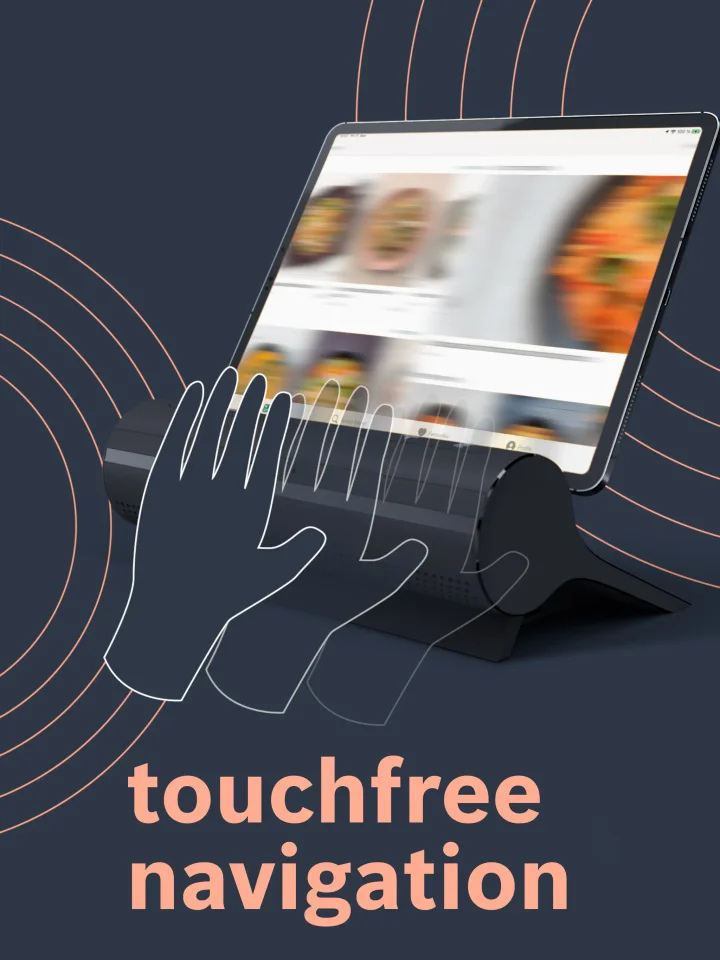
The app will also introduce to you all of the exciting and essential functions:
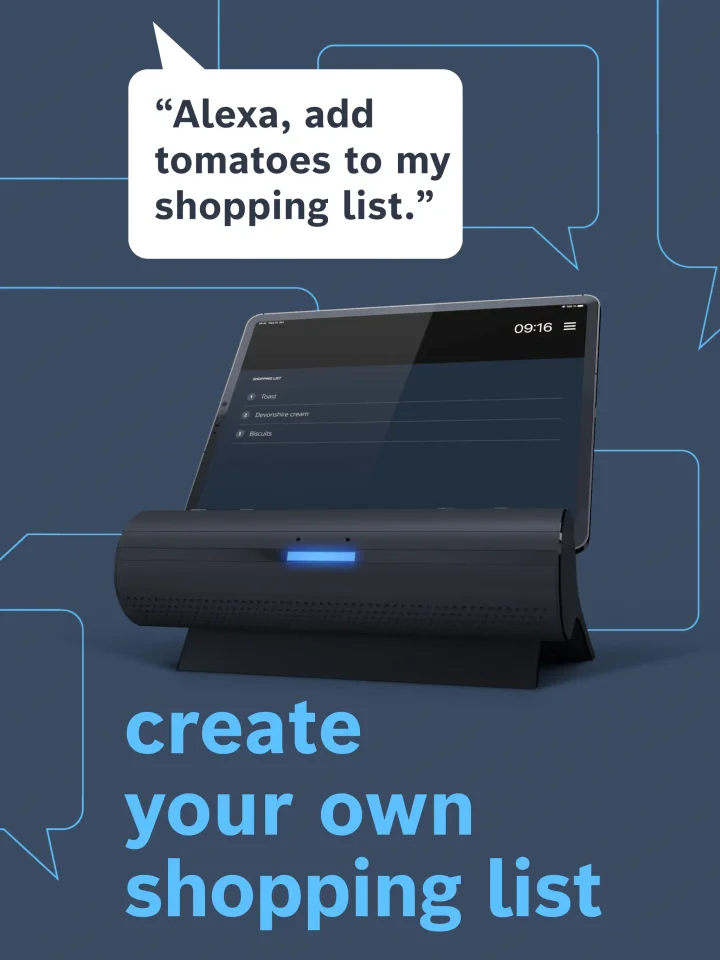
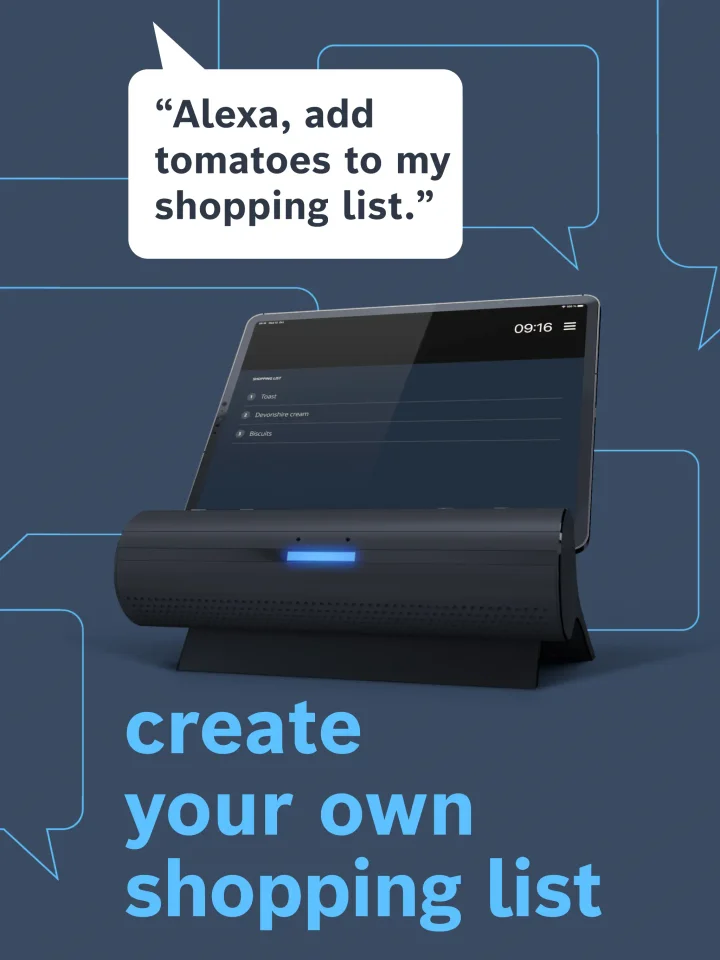
- Intelligent kitchen management: manage the household and cook your favourite recipe, all at the same time
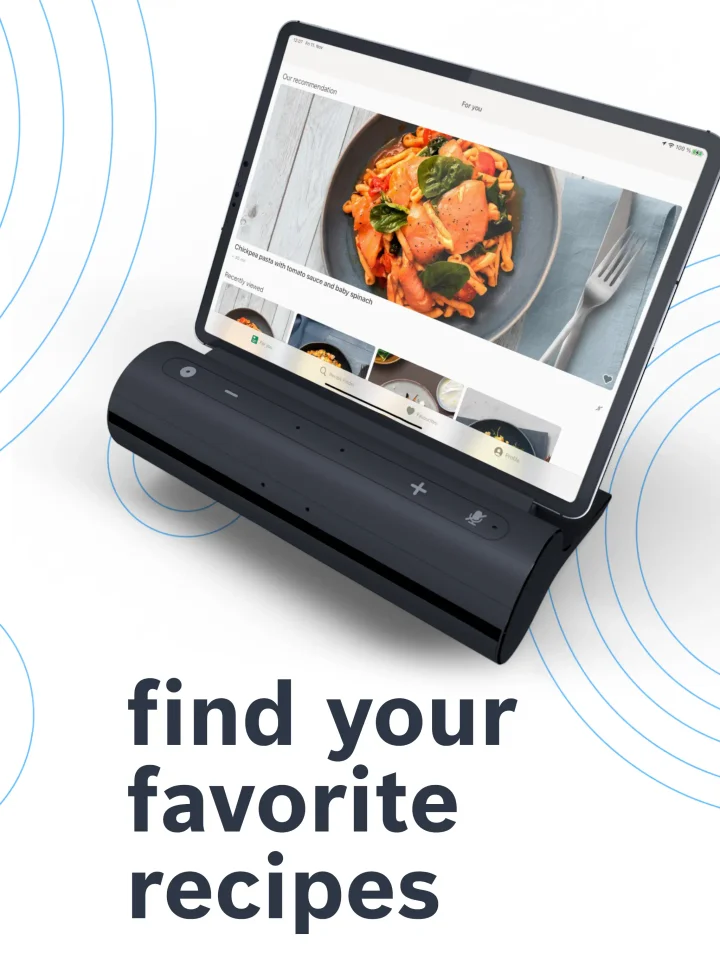
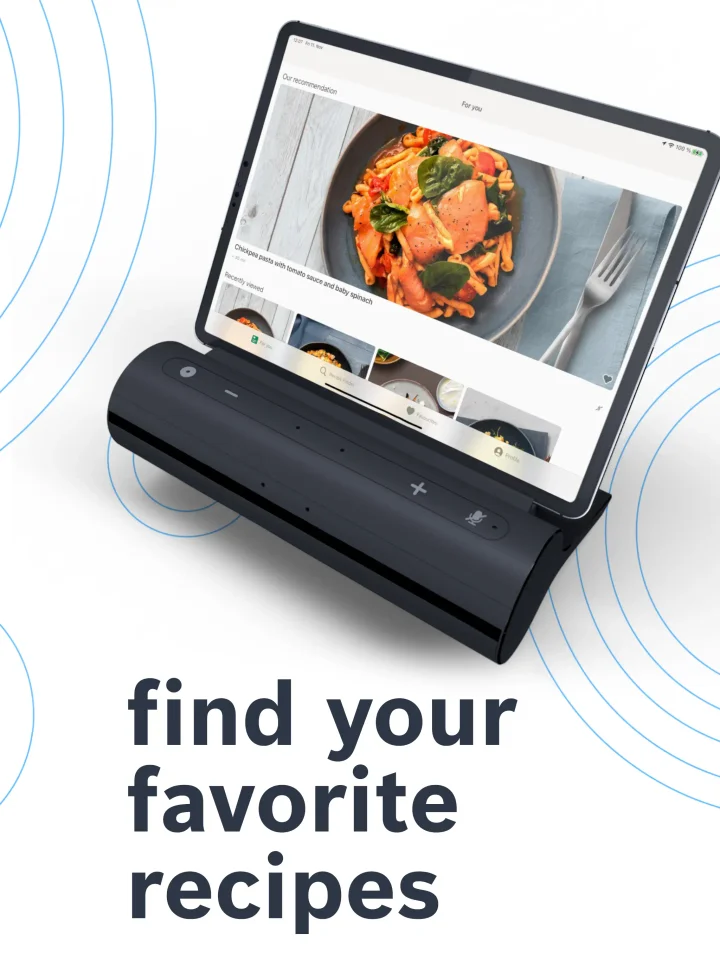
- Innovative recipe apps (download separately)
- Pick and enjoy great-tasting recipes created by highly experienced chefs
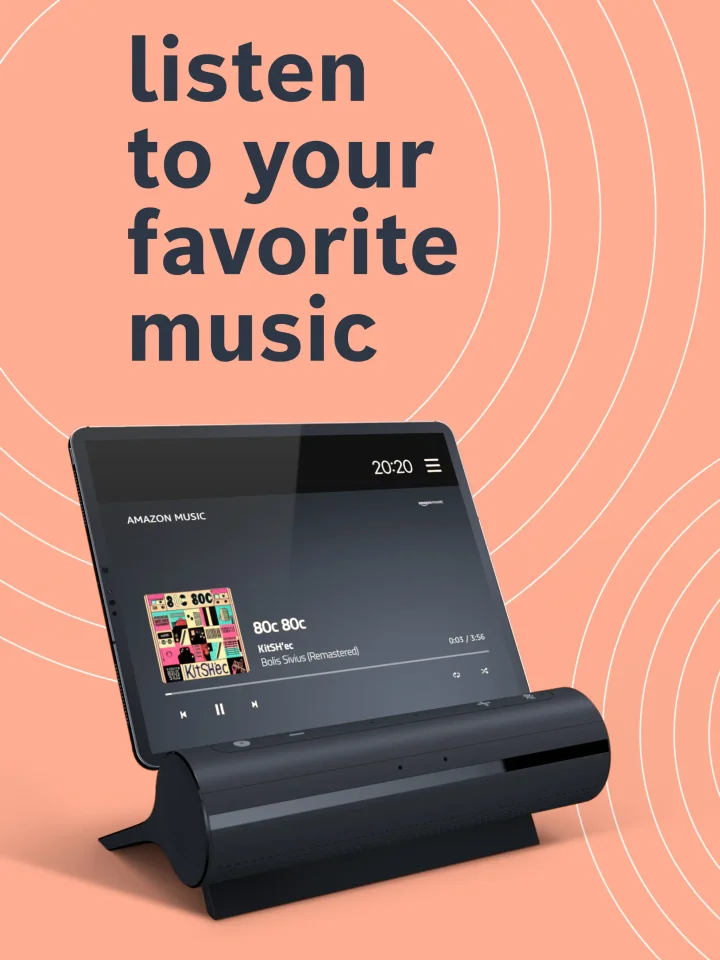
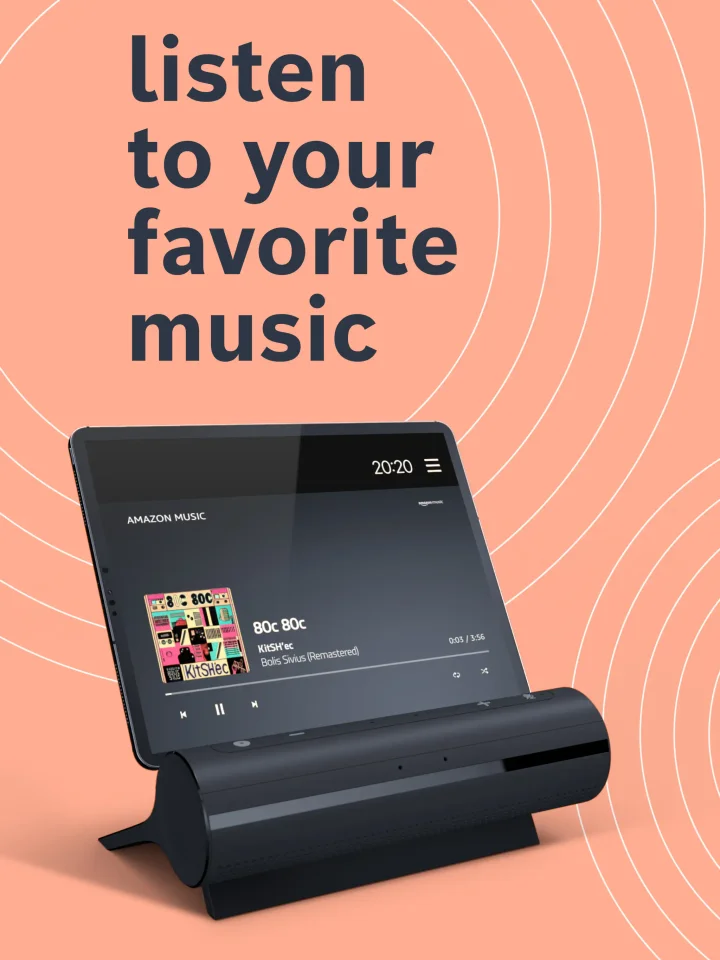
- Music and Entertainment
- Listen to your favourite music while spending time in the kitchen
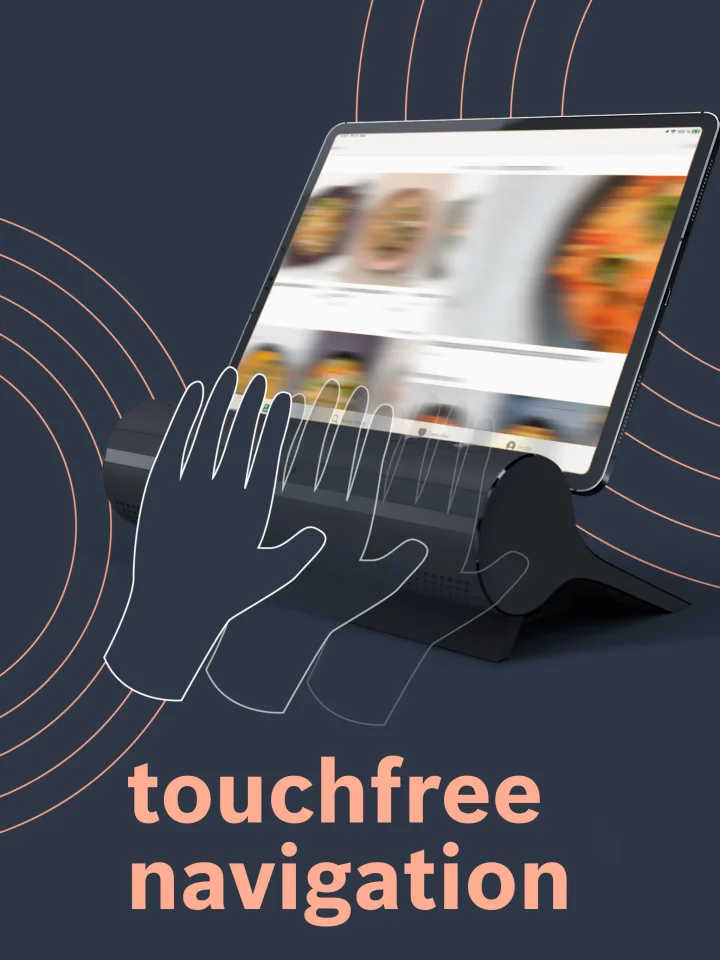
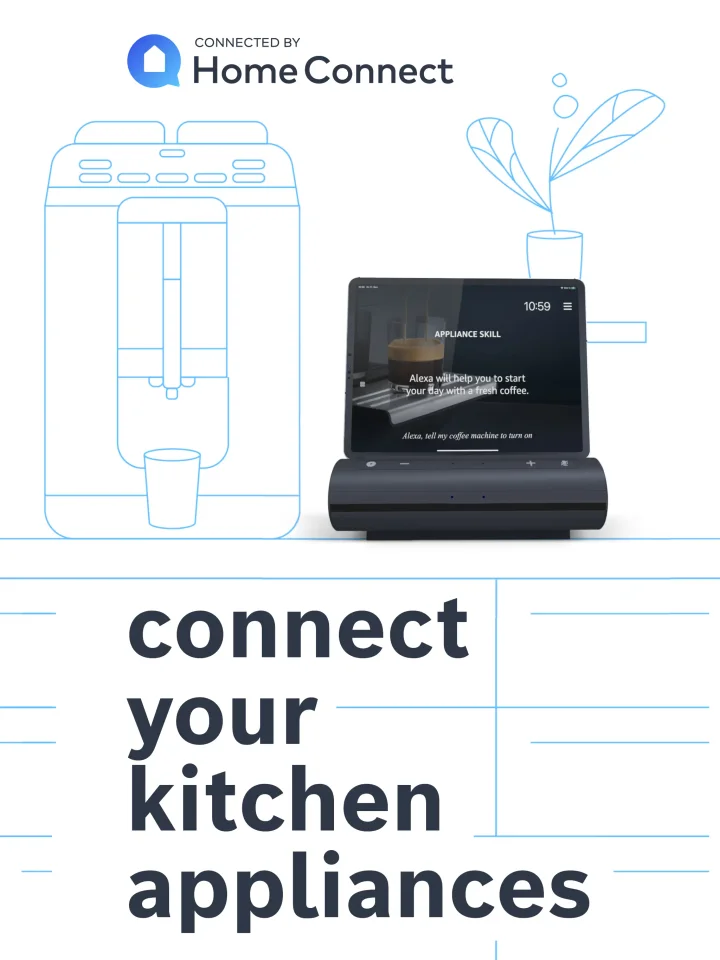
- Control your connected home appliances and use digital services through one central hub
- Tips and tricks
- Discover the full potential of the Smart Kitchen Dock and your connected home appliances.
- Privacy Protection: Keep control of your privacy
How it works:
1) Download the Smart Kitchen Dock app from the app store and install the app on your tablet or smartphone.
2) Pair your tablet or smartphone with the Smart Kitchen Dock.
3) Connect the Smart Kitchen Dock to your local Wi-Fi network.
4) If you already have a Home Connect account, follow the Smart Kitchen Dock app instructions to sign in to your Home Connect account. To create an account, download the Home Connect app from the relevant app store. Next, open the Home Connect app and register a Home Connect account with your name and e-mail address. You will then receive a confirmation link in an e-mail. Open the link to complete your registration. Then return to the Smart Kitchen Dock app and sign in to your Home Connect account.
5) If you already have an Amazon Alexa account, follow the Smart Kitchen Dock app instructions to sign in to your Alexa account. If you want to create an account, download the Amazon Alexa app from the app store and follow the instructions in the app.
6) Follow the Smart Kitchen Dock app instructions.
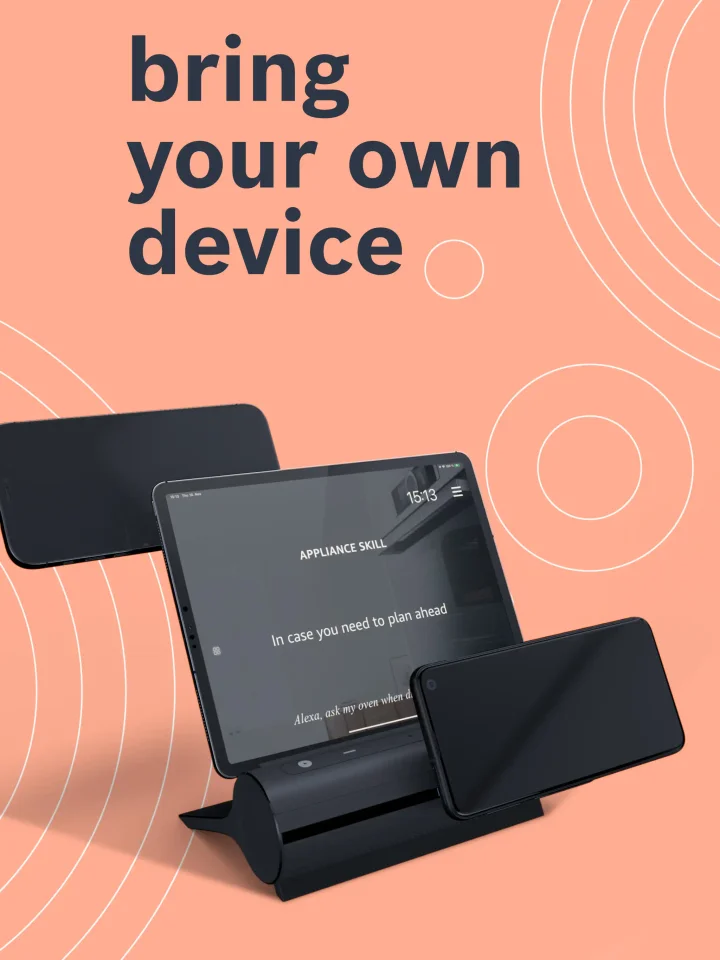
The Smart Kitchen Dock is compatible with tablets / smartphones running on Android 11 or higher.
Data safety
What Home Connect GmbH declares on Google Play about the data this app collects and shares.
- This app may share these data types with third partiesLocation and Personal info
- This app may collect these data typesPersonal info and Device or other IDs
- Data is encrypted in transit
- You can request that data be deleted
What’s new
Version 3.4.1.1875 · Jul 29, 2025
Smart Kitchen Dock can now bridge more of your Home Connect Bosch, Siemens, or Neff household appliances to a Matter Fabric. Now, you can control your Home Connect laundry washer, laundry dryer, dishwasher, oven, hood, fridge/freezer, and cooktop (only monitoring and fan control) with Matter (depending on the capabilities of your Matter controller).
We are constantly improving the Smart Kitchen Dock. We recommend that you always install the latest software.
Developer contact
- EmailSmartDock-Support@bshg.com
- Privacy policysmartkitchendock.home-connect.com
- AddressCarl-Wery-Str. 34 81739 München Germany
Information
- Offered by
- Home Connect GmbH
- Category
- House & Home
- Version
- 3.4.1.1875
- Updated
- Jul 29, 2025
- Requires
- Android 10 or later
- Age rating
- Everyone
- Price
- Free
- Package name
- com.bshg.smartkitchendock
Similar apps
-
 JobNimbus: All-In-One Roof App
Productivity
-
 ecobee
House & Home
-
 EcoNet
House & Home
-
 Infobric Field
Business
-
 MyHyundai with Bluelink
Productivity
-
 ConstructionOnline
Tools
-
 NOVASOL: Vacation Rentals
Travel & Local
-
 tendercare
Health & Fitness
-
 Gridio - smart charge your EV
Auto & Vehicles
-
 Valamar
Travel & Local
-
 MotorTrend
Entertainment
-
 YourCoach - Health Coaches
Health & Fitness