Smart Kitchen Dock
Home Connect GmbH- Rating 3+Batasan usia
- Rumah & GriyaKategori
- 29/7/2025Diperbarui
- GratisHarga
Tertaut ke halaman resmi com.bshg.smartkitchendock di Google Play. Terakhir diperiksa pada 23/11/2026.
Smart Kitchen Dock mungkin sedang tidak tersedia di Google Play
Halaman di toko tidak dapat dijangkau saat terakhir kami periksa. Tautan tetap mengarah ke halaman resmi Google Play.
Tangkapan layar
Tentang aplikasi ini
Terjemahan otomatis oleh Google. Bahasa asli: Inggris (Inggris Raya).
Buka potensi penuh dapur Anda dengan Smart Kitchen Dock.
Hubungkan Dock Smart Kitchen Anda untuk menemukan potensi penuh dari dapur Anda yang terhubung.
Anda memerlukan perangkat Smart Kitchen Dock, akun Home Connect, dan akun Amazon Alexa untuk menggunakan aplikasi ini. Ikuti panduan di layar, yang akan memandu Anda melalui penyiapan perangkat Anda.
Aplikasi ini juga akan memperkenalkan kepada Anda semua fungsi yang menarik dan penting:
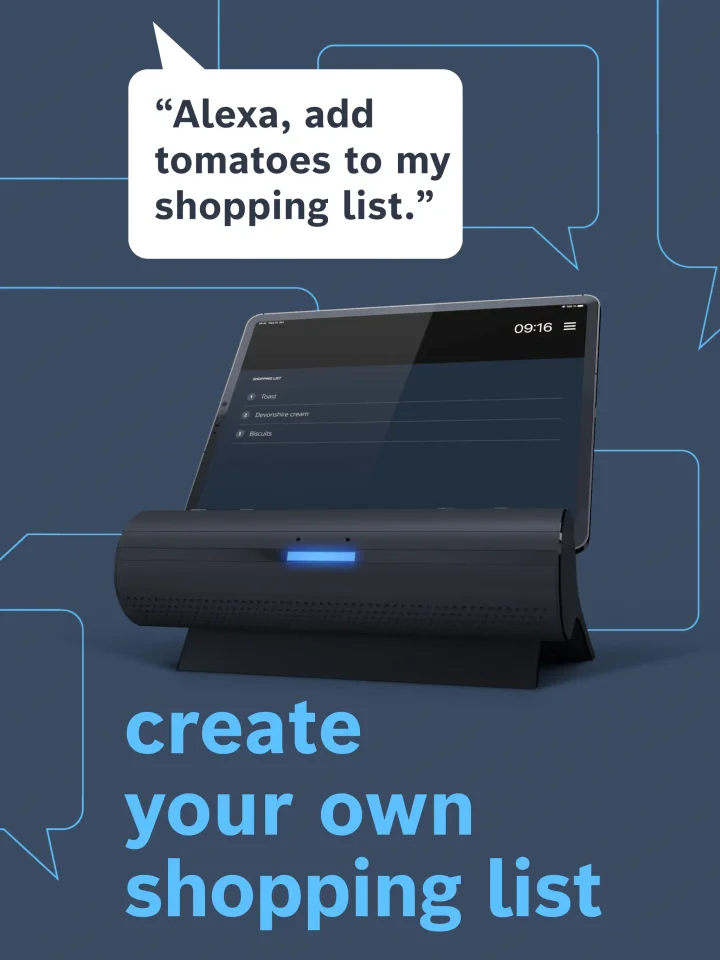
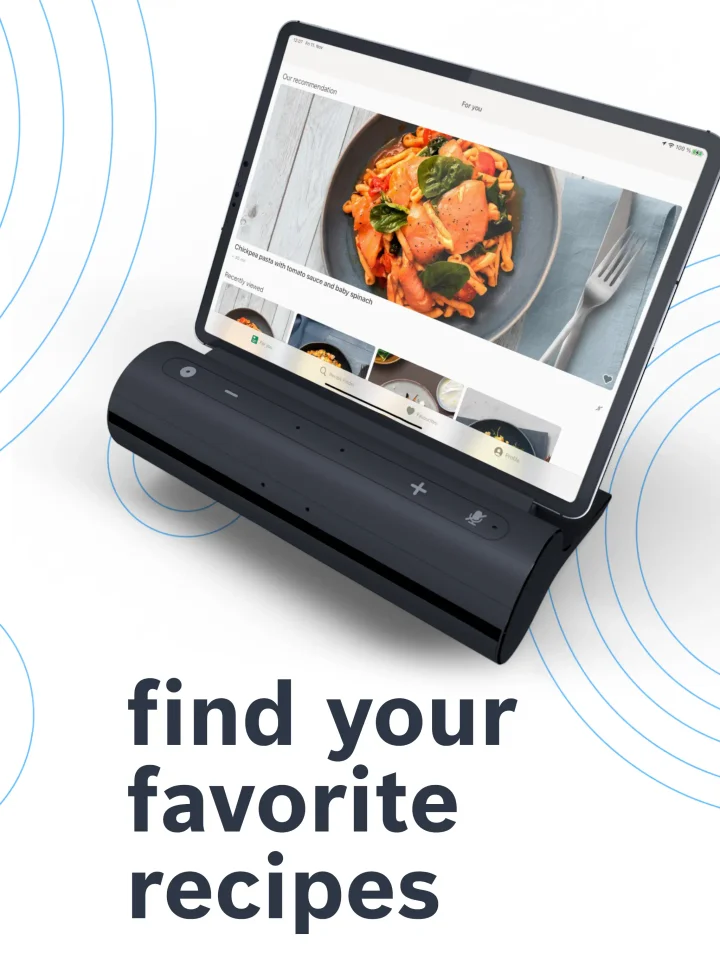
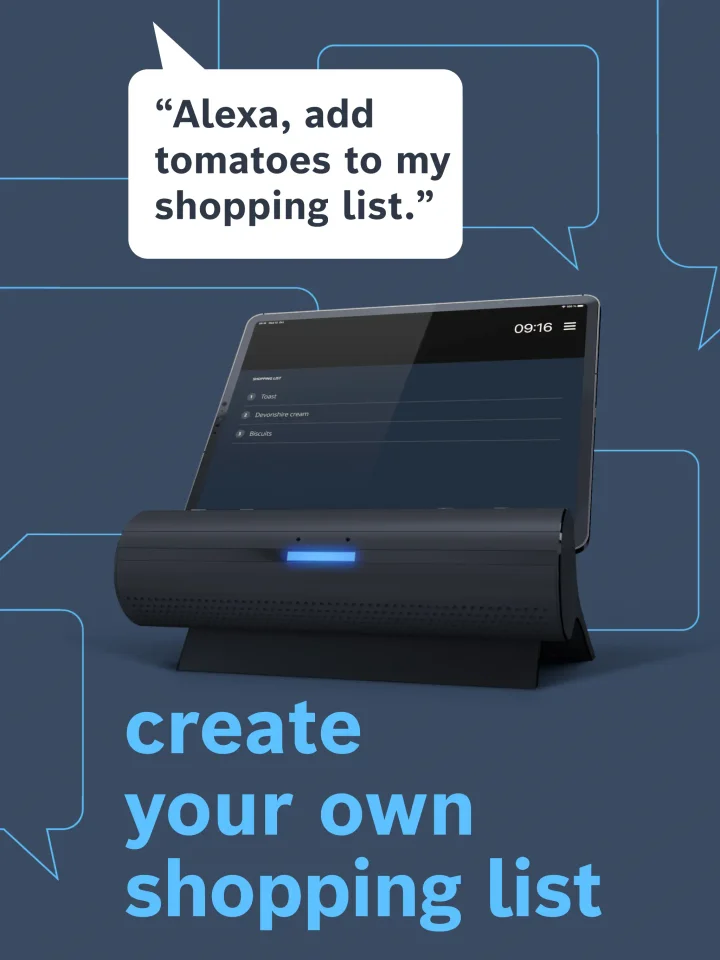
- Manajemen dapur yang cerdas: kelola rumah tangga dan masak resep favorit Anda, semuanya pada waktu yang bersamaan
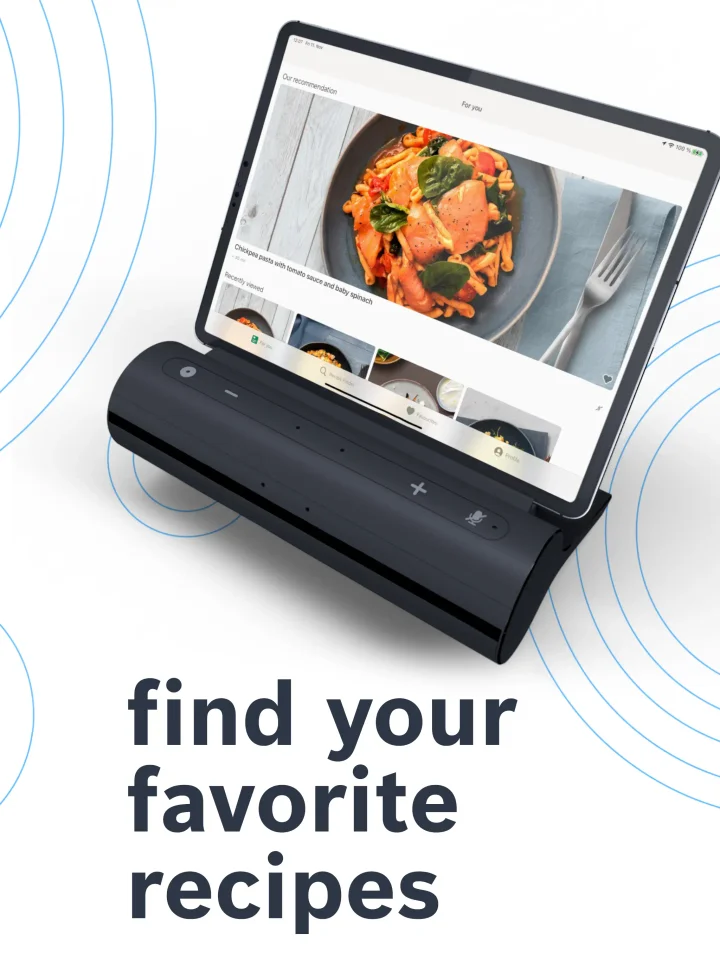
- Aplikasi resep inovatif (unduh secara terpisah)
- Pilih dan nikmati resep lezat yang dibuat oleh koki yang sangat berpengalaman
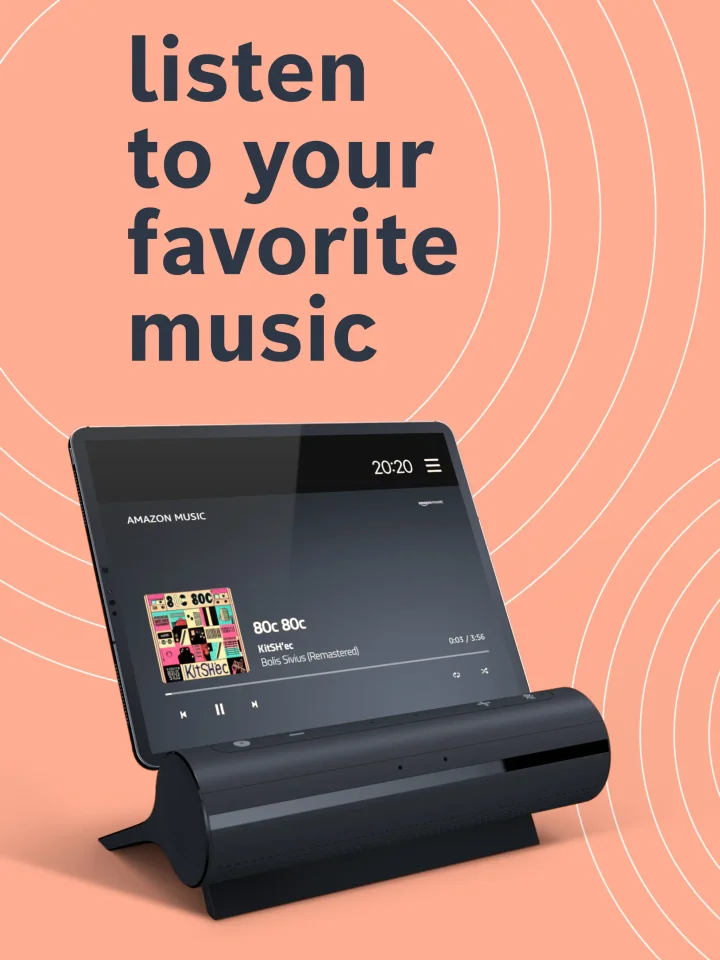
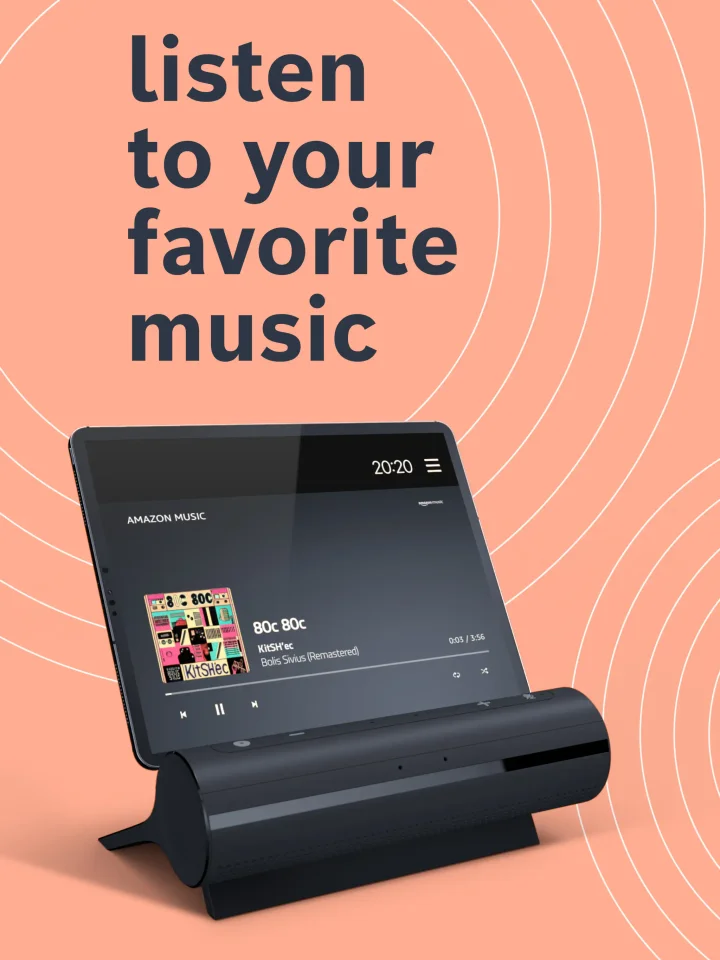
- Musik dan Hiburan
- Dengarkan musik favorit Anda sambil menghabiskan waktu di dapur
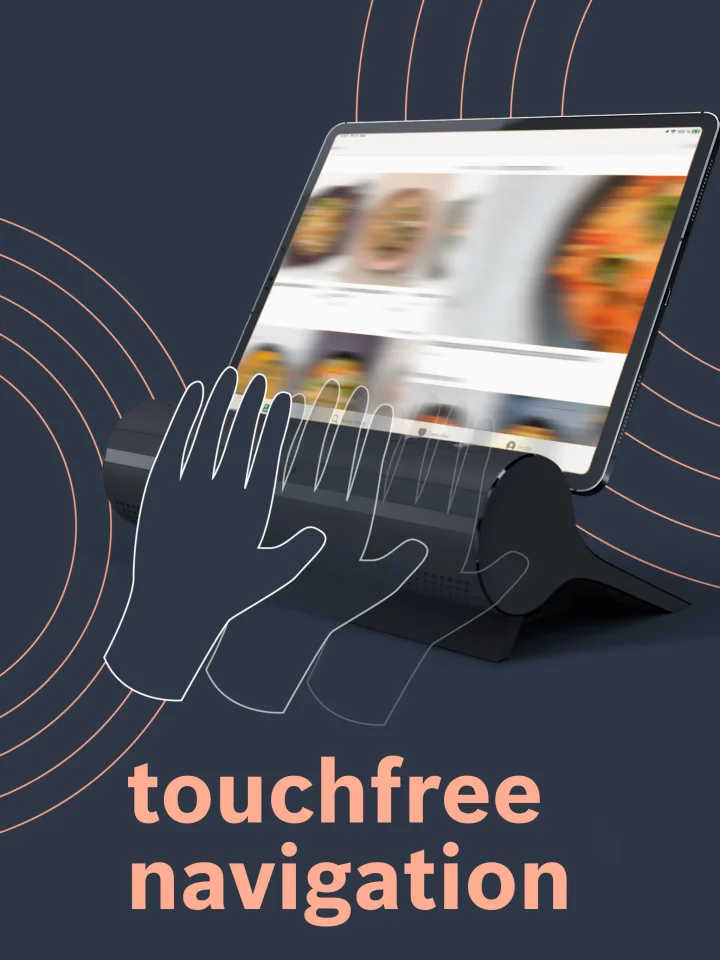
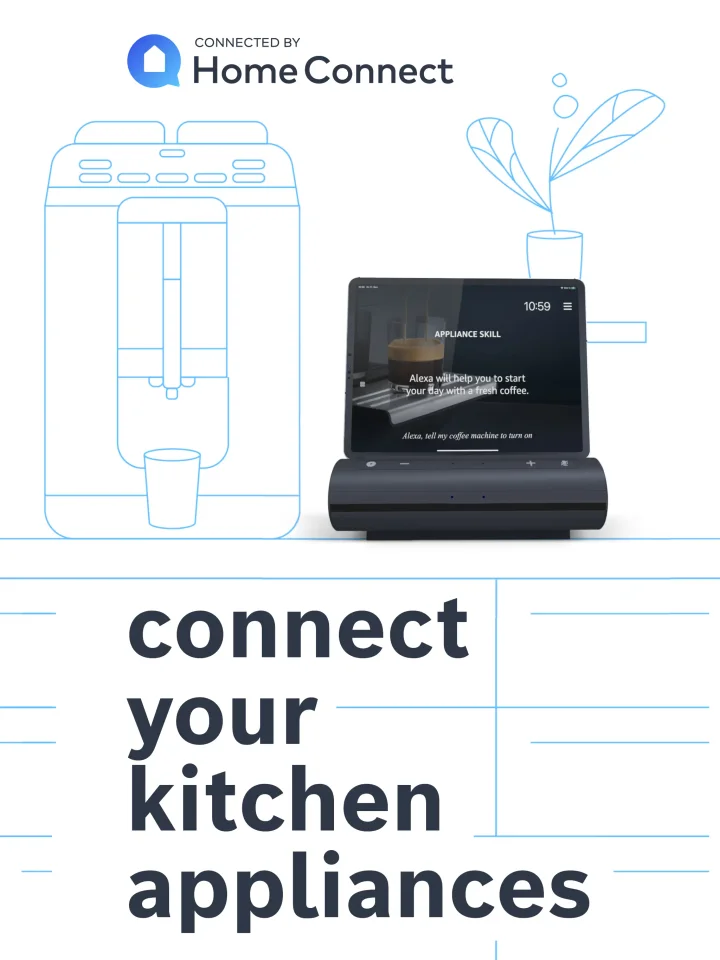
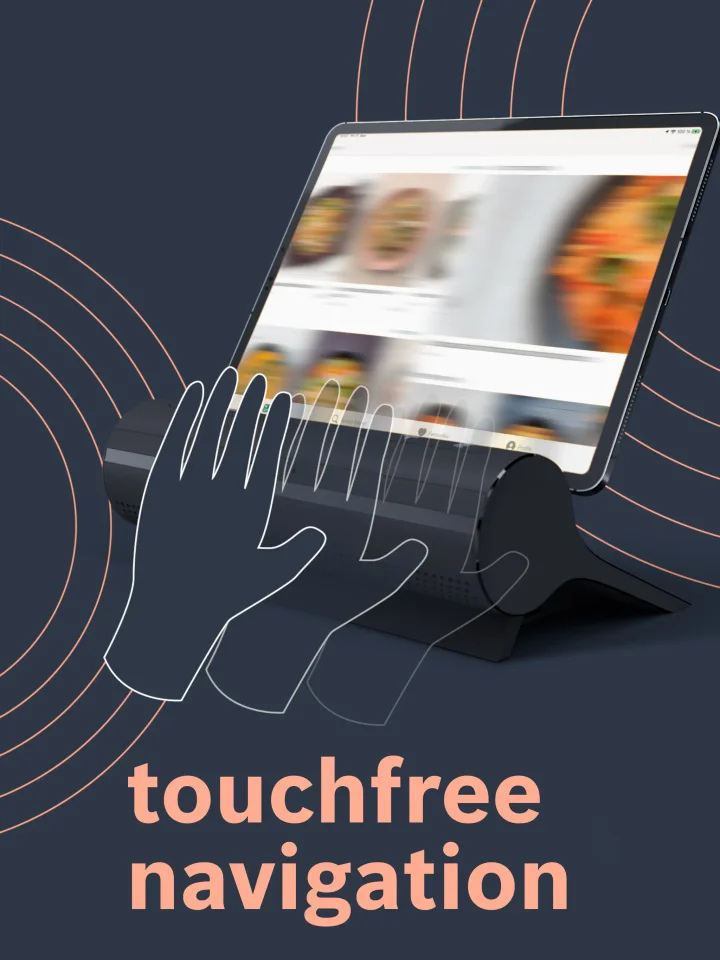
- Kontrol peralatan rumah Anda yang terhubung dan gunakan layanan digital melalui satu hub pusat
- Tip dan trik
- Temukan potensi penuh dari Smart Kitchen Dock dan peralatan rumah tangga Anda yang terhubung.
- Perlindungan Privasi: Kendalikan privasi Anda
Bagaimana itu bekerja:
1) Unduh aplikasi Smart Kitchen Dock dari app store dan instal aplikasi di tablet atau smartphone Anda.
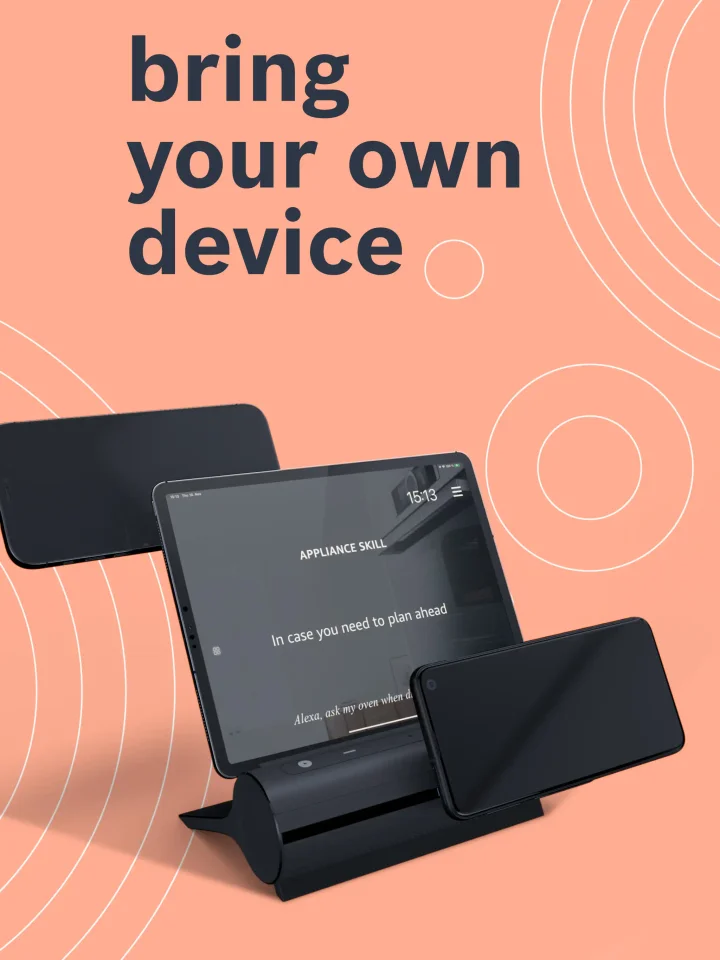
2) Pasangkan tablet atau smartphone Anda dengan Smart Kitchen Dock.
3) Hubungkan Dock Smart Kitchen ke jaringan Wi-Fi lokal Anda.
4) Jika Anda sudah memiliki akun Home Connect, ikuti petunjuk aplikasi Smart Kitchen Dock untuk masuk ke akun Home Connect Anda. Untuk membuat akun, unduh aplikasi Home Connect dari app store yang relevan. Selanjutnya, buka aplikasi Home Connect dan daftarkan akun Home Connect dengan nama dan alamat email Anda. Anda kemudian akan menerima tautan konfirmasi dalam email. Buka tautan untuk menyelesaikan pendaftaran Anda. Kemudian kembali ke aplikasi Smart Kitchen Dock dan masuk ke akun Home Connect Anda.
5) Jika Anda sudah memiliki akun Amazon Alexa, ikuti petunjuk aplikasi Smart Kitchen Dock untuk masuk ke akun Alexa Anda. Jika Anda ingin membuat akun, unduh aplikasi Amazon Alexa dari app store dan ikuti petunjuk di aplikasi.
6) Ikuti petunjuk aplikasi Smart Kitchen Dock.
Smart Kitchen Dock kompatibel dengan tablet / smartphone yang menjalankan Android 11 atau lebih tinggi.
Tampilkan teks asli
Connect your Smart Kitchen Dock to discover the full potential of your connected kitchen.
You will need a Smart Kitchen Dock device, a Home Connect account and an Amazon Alexa account to use this app. Follow the onscreen guide, which will guide you through the setup of your device.
The app will also introduce to you all of the exciting and essential functions:
- Intelligent kitchen management: manage the household and cook your favourite recipe, all at the same time
- Innovative recipe apps (download separately)
- Pick and enjoy great-tasting recipes created by highly experienced chefs
- Music and Entertainment
- Listen to your favourite music while spending time in the kitchen
- Control your connected home appliances and use digital services through one central hub
- Tips and tricks
- Discover the full potential of the Smart Kitchen Dock and your connected home appliances.
- Privacy Protection: Keep control of your privacy
How it works:
1) Download the Smart Kitchen Dock app from the app store and install the app on your tablet or smartphone.
2) Pair your tablet or smartphone with the Smart Kitchen Dock.
3) Connect the Smart Kitchen Dock to your local Wi-Fi network.
4) If you already have a Home Connect account, follow the Smart Kitchen Dock app instructions to sign in to your Home Connect account. To create an account, download the Home Connect app from the relevant app store. Next, open the Home Connect app and register a Home Connect account with your name and e-mail address. You will then receive a confirmation link in an e-mail. Open the link to complete your registration. Then return to the Smart Kitchen Dock app and sign in to your Home Connect account.
5) If you already have an Amazon Alexa account, follow the Smart Kitchen Dock app instructions to sign in to your Alexa account. If you want to create an account, download the Amazon Alexa app from the app store and follow the instructions in the app.
6) Follow the Smart Kitchen Dock app instructions.
The Smart Kitchen Dock is compatible with tablets / smartphones running on Android 11 or higher.
Keamanan data
Yang dinyatakan Home Connect GmbH di Google Play tentang data yang dikumpulkan dan dibagikan aplikasi ini.
- Aplikasi ini dapat membagikan jenis data ini kepada pihak ketigaLokasi dan Info pribadi
- Aplikasi ini dapat mengumpulkan jenis data berikutInfo pribadi dan Perangkat atau ID lainnya
- Data dienkripsi saat dalam pengiriman
- Anda dapat meminta agar data dihapus
Yang baru
Versi 3.4.1.1875 · 29/7/2025
Smart Kitchen Dock can now bridge more of your Home Connect Bosch, Siemens, or Neff household appliances to a Matter Fabric. Now, you can control your Home Connect laundry washer, laundry dryer, dishwasher, oven, hood, fridge/freezer, and cooktop (only monitoring and fan control) with Matter (depending on the capabilities of your Matter controller).
We are constantly improving the Smart Kitchen Dock. We recommend that you always install the latest software.
Kontak pengembang
- EmailSmartDock-Support@bshg.com
- Kebijakan Privasismartkitchendock.home-connect.com
- AlamatCarl-Wery-Str. 34 81739 München Germany
Informasi
- Ditawarkan oleh
- Home Connect GmbH
- Kategori
- Rumah & Griya
- Versi
- 3.4.1.1875
- Diperbarui
- 29/7/2025
- Memerlukan
- Android 10 atau yang lebih baru
- Batasan usia
- Rating 3+
- Harga
- Gratis
- Nama paket
- com.bshg.smartkitchendock
Aplikasi serupa
-
 JobNimbus: All-In-One Roof App
Produktivitas
-
 ecobee
Rumah & Griya
-
 EcoNet
Rumah & Griya
-
 Infobric Field
Bisnis
-
 MyHyundai with Bluelink
Produktivitas
-
 ConstructionOnline
Alat
-
 NOVASOL: Vacation Rentals
Wisata
-
 tendercare
Kesehatan & Kebugaran
-
 Gridio - smart charge your EV
Otomotif
-
 Valamar
Wisata
-
 MotorTrend
Hiburan
-
 YourCoach - Health Coaches
Kesehatan & Kebugaran