SMS Backup & Restore
FirehawkContains ads · In-app purchases
- EveryoneAge rating
- ToolsCategory
- Oct 12, 2026Updated
- FreePrice
Links to the official Google Play listing of all.backup.restore. Last checked on Nov 28, 2026.
Screenshots

About this app
The fastest secure data backup and restore tool on Android!
What is SMS Backup & Restore?
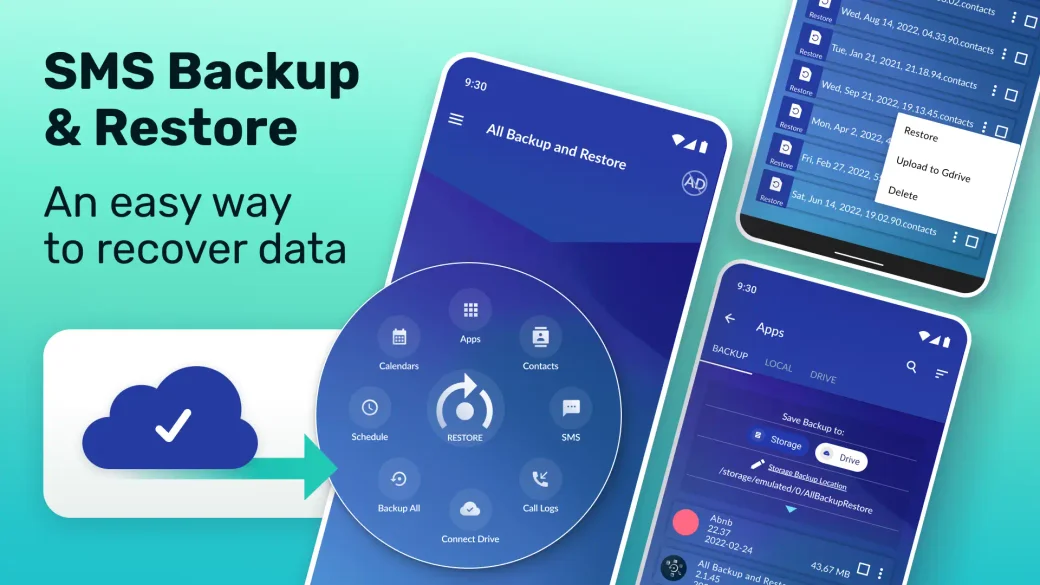
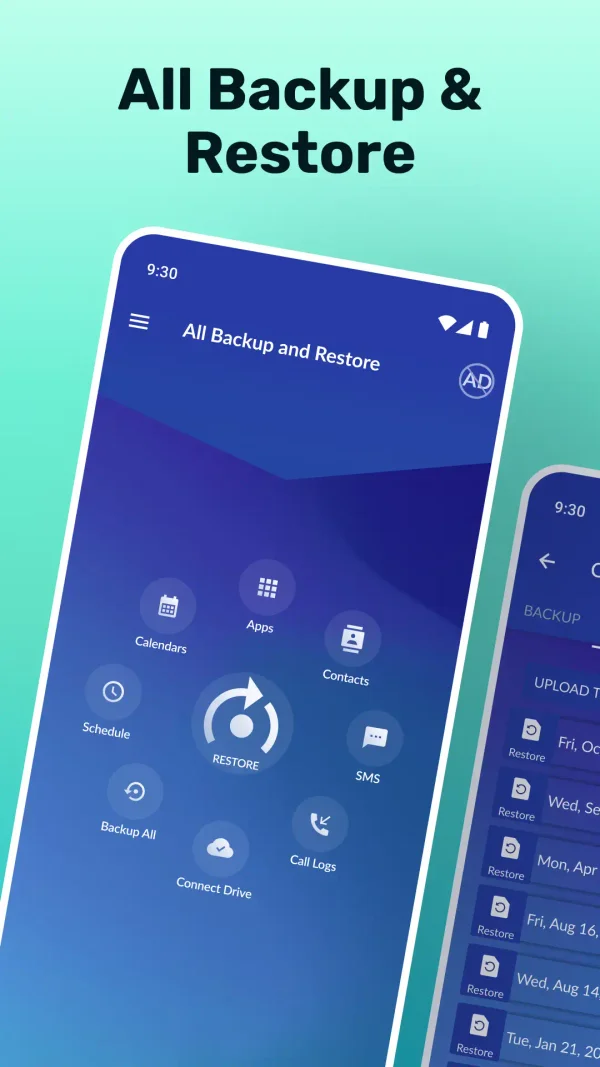
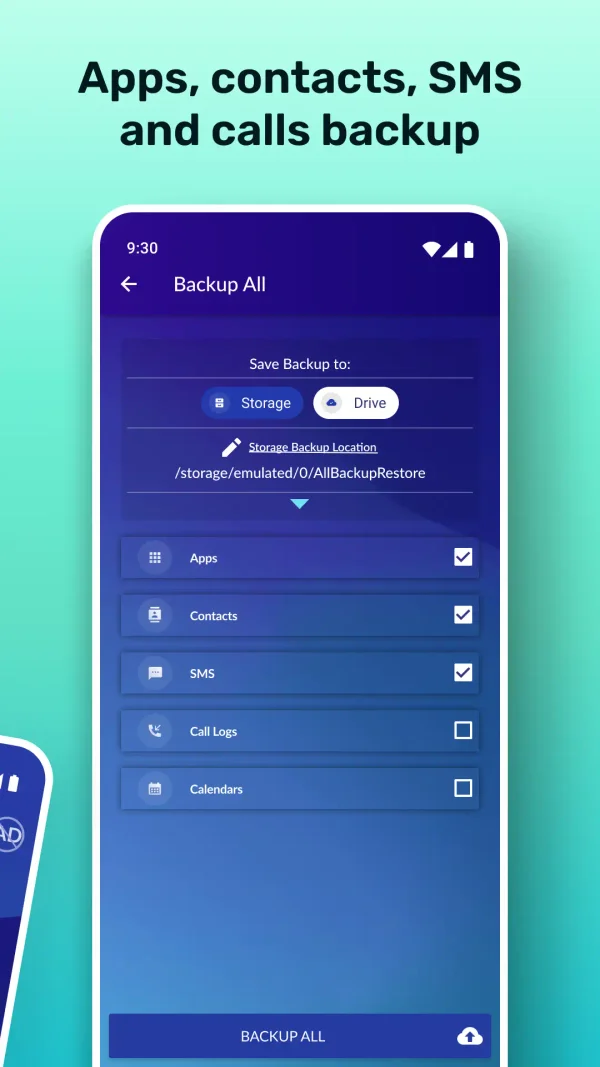
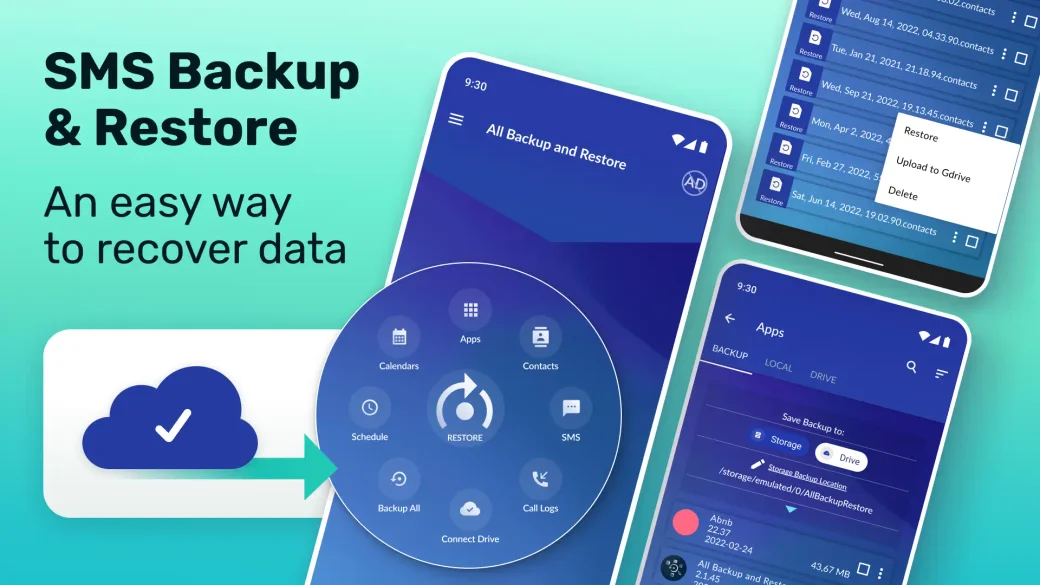
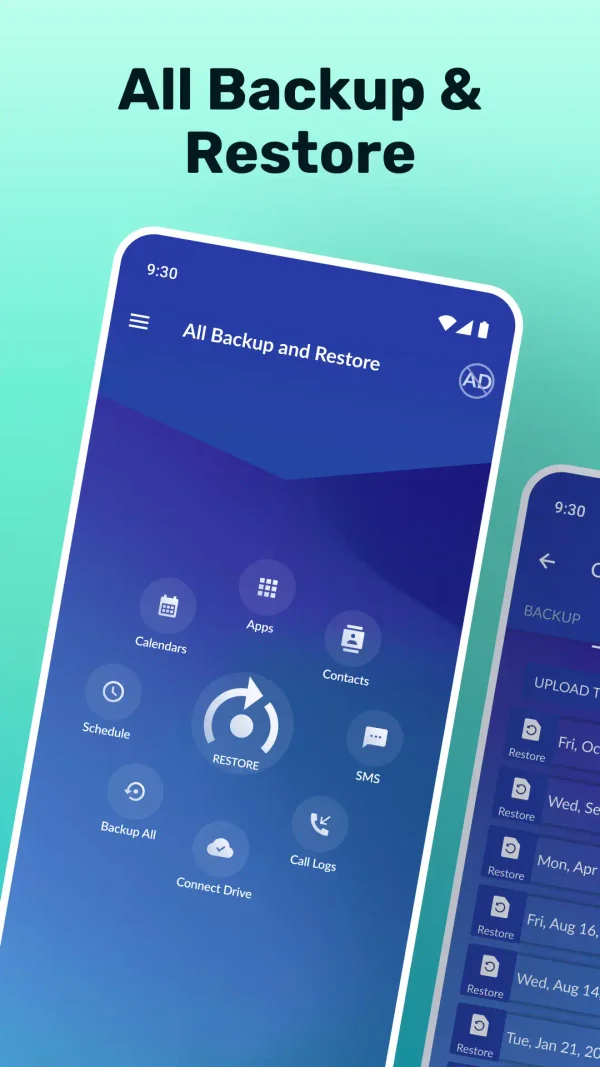
This Android backup and restore app helps you copy selected phone data before a reset or device change. Choose text messages, contacts, call logs, calendars, or apps, then save the backup to device storage or Google Drive.
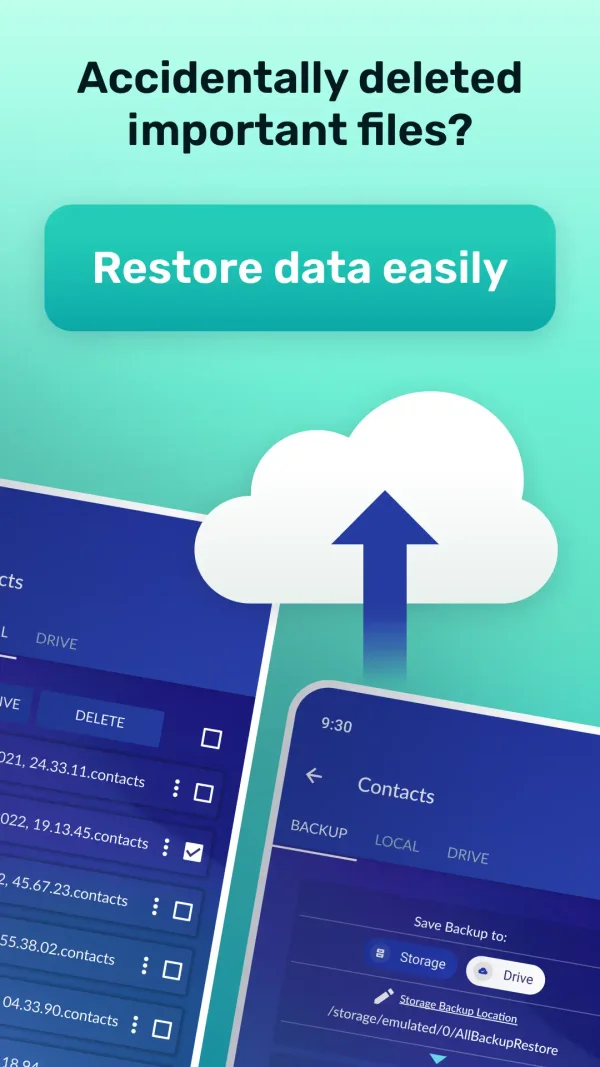
⚠️ Important: The SMS Backup & Restore app must be installed, and a backup must be created before contacts are deleted. It can restore only contacts previously backed up with the app.
The app restores content from backups you created; it is not a tool for finding messages or other data that were deleted before a backup existed.
Who is SMS Backup & Restore for?
It is for Android users preparing for a factory reset, moving text messages and contacts to a new phone, or keeping call logs and calendar entries in a separate backup.
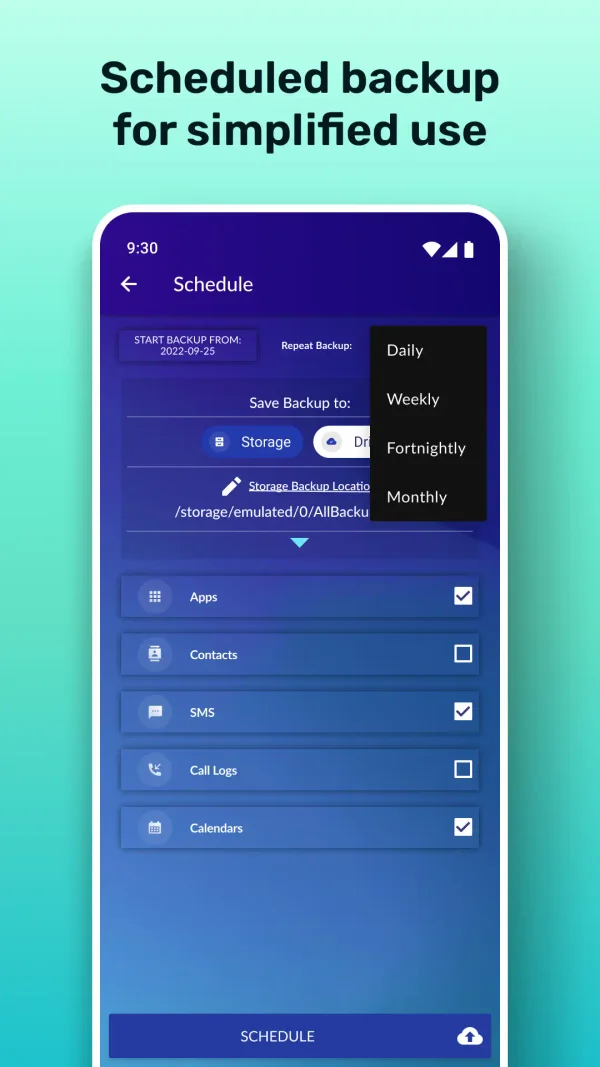
For a recurring routine, schedule backups daily, weekly, every two weeks, or monthly instead of starting each one manually.
What does SMS Backup & Restore do?
• Back up SMS and text messages for later restoration.
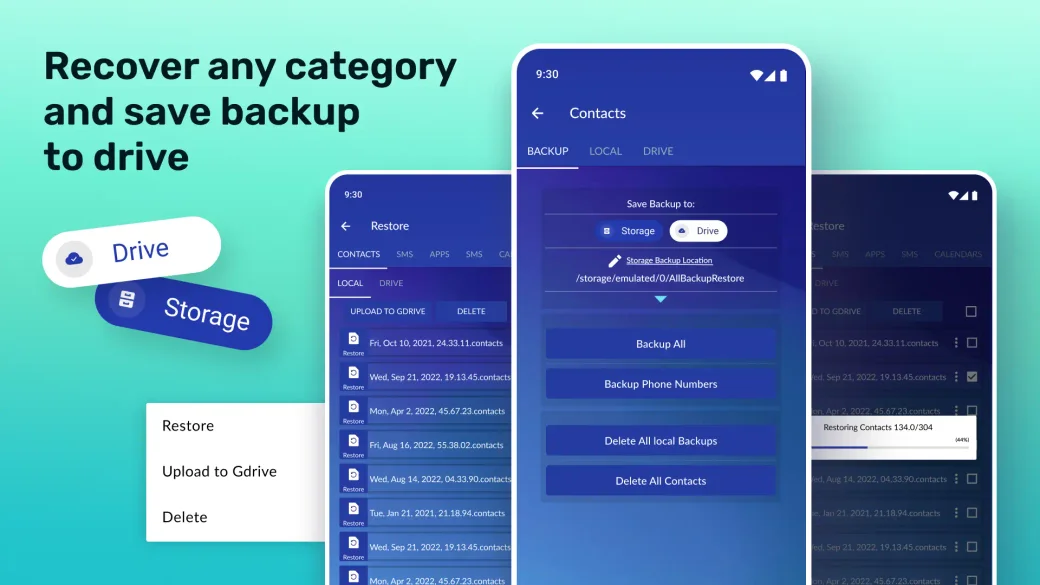
• Create a contacts backup and restore saved contacts when needed.
• Back up call logs to keep a copy of your call history.
• Save calendar data and restore supported calendar entries.
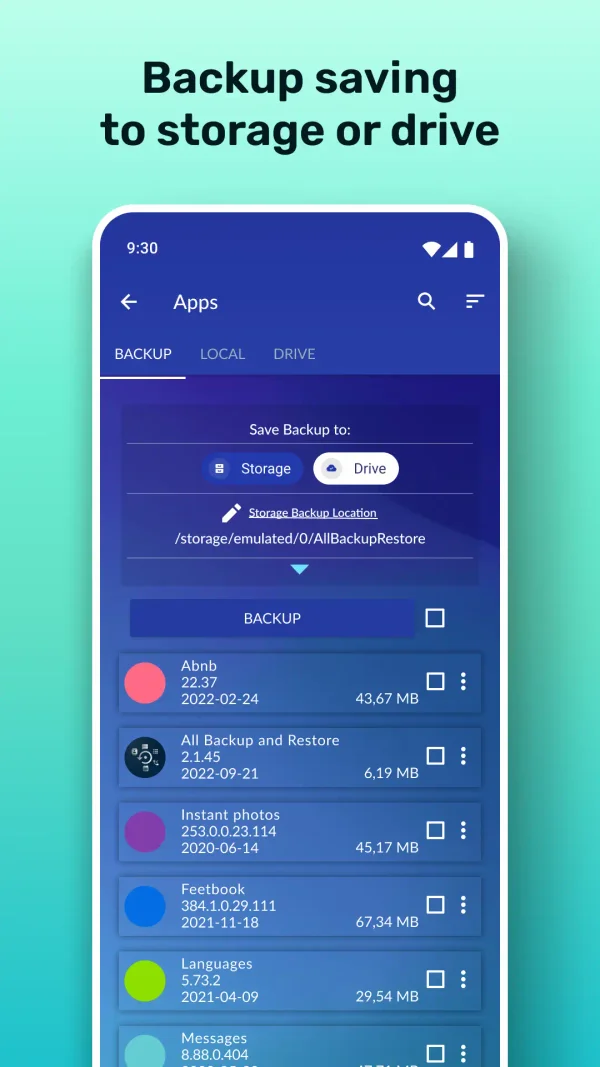
• Back up apps and reinstall them from a saved copy.
• Choose device storage or Google Drive as the backup destination.
• Schedule automatic backups for a regular backup routine.
• Restore on the same phone or another Android device.
• Transfer supported content between devices over Wi-Fi.
Choose one category for a focused backup or include several supported data types before a reset.
How does SMS Backup & Restore work?
Select the data categories, choose a storage destination, and start the backup. Keep the backup files until you have confirmed that the data you need can be restored.
Before a factory reset, save to Google Drive or copy the local “AllBackupRestore” folder somewhere safe. A backup left only on storage erased by the reset will not be available afterward.
To restore, choose a saved backup and the content you want to return. If messages do not appear in your usual messaging app, restart the device. On a new phone, make the backup accessible there or use Wi-Fi migration.
Android background restrictions, battery optimization, task killers, or memory cleaners may interrupt scheduled backups. Allow background operation or add the app to the relevant allowlist when your device provides that setting.
Compatibility and requirements
Availability depends on the selected content, Android permissions, device software, and access to the storage destination. Google Drive backup requires a connection and access to the Drive account used.
App backup supports reinstalling saved apps; it does not guarantee that every app’s private data, account session, settings, or paid content will also return. Some apps may require a new download or sign-in.
Restoration requires a usable backup. Before erasing a device, check the destination and confirm that the expected files are present. Results can vary with device settings, Android restrictions, storage, and file condition.
The app contains ads and offers in-app purchases. Some options may differ between free and Premium access.
Privacy
App information and performance data, along with device or other identifiers, may be collected and shared with third parties. Data sent by the app is encrypted in transit, and the current data-safety information marks data deletion as unavailable.
SMS Backup & Restore brings message, contact, call-log, calendar, app, scheduled, and device-migration tools into one Android backup workflow for preparing a reset or moving supported data to another phone.
Permissions required:
- Storage, Sms, Contacts, Calendar, Phone, and Call Logs permissions are needed to back up and restore selected data.
- Disabled battery optimization helps display alerts and run scheduled backups reliably.
Data safety
What Firehawk declares on Google Play about the data this app collects and shares.
- This app may share these data types with third partiesApp info and performance and Device or other IDs
- This app may collect these data typesApp info and performance and Device or other IDs
- Data is encrypted in transit
- You can request that data be deleted
Developer contact
- Websitefirehawk.ai
- Emailsupport.allbackupandrestore@firehawk.ai
- Privacy policyfirehawk.ai
- Address18/7 Yechezkel TEL AVIV-JAFFA, 6259524 Israel
Information
- Offered by
- Firehawk
- Category
- Tools
- Version
- 2.3.7
- Updated
- Oct 12, 2026
- Released
- Feb 19, 2022
- Requires
- Android 8.0 or later
- Age rating
- Everyone
- Price
- Free
- In-app purchases
- $0.99 - $99.99 per item
- Package name
- all.backup.restore
Similar apps
-
 Messages - SMS Texting App
Communication
-
 DirectChat - Without Save
Social
-
 Google Messages
Communication
-
 Smart Calculator: Photo Math
Tools
-
 Modes And Routines
Productivity
-
 Messages, Messenger SMS & CHAT
Communication
-
 Anti Spyware - Spy Detector
Tools
-
 Voxer Walkie Talkie Messenger
Communication
-
 UltData: Photo & File Recovery
Tools
-
 Textra SMS
Communication
-
 2nd Line - Second Phone Number
Communication
-
 Deleted Photo & Video Recovery
Tools