Snapseed
Google LLC- EveryoneAge rating
- PhotographyCategory
- Nov 16, 2026Updated
- FreePrice
Links to the official Google Play listing of com.niksoftware.snapseed. Last checked on Nov 18, 2026.

Screenshots
About this app
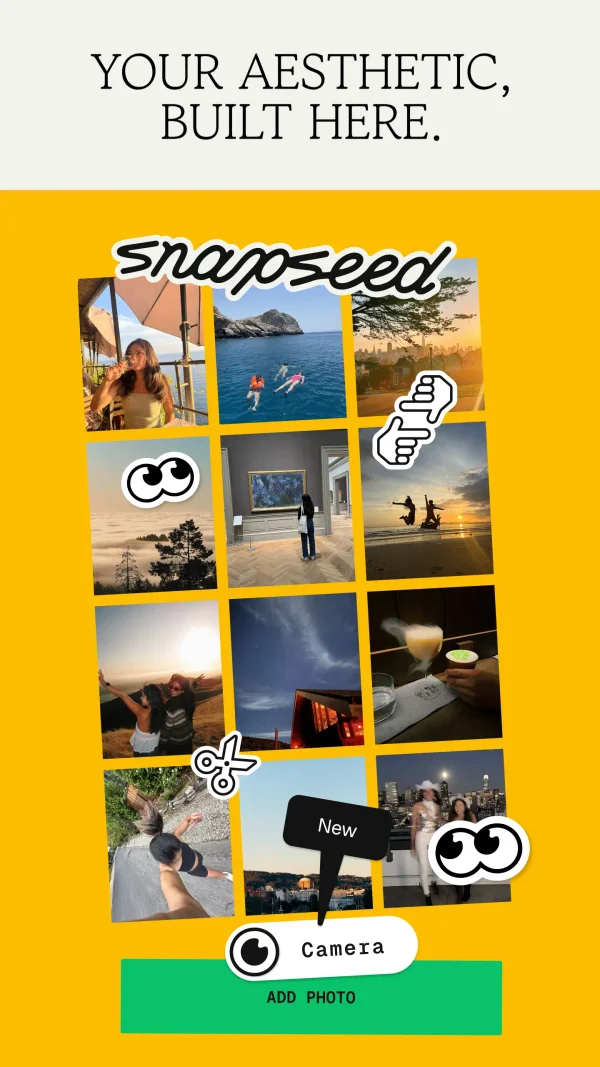
The complete, professional photo editor built by Google.
Snapseed is a complete and professional photo editor developed by Google. Pro-level tools, authentic film simulations, smart masking and more — all with no strings attached.
== KEY FEATURES ==
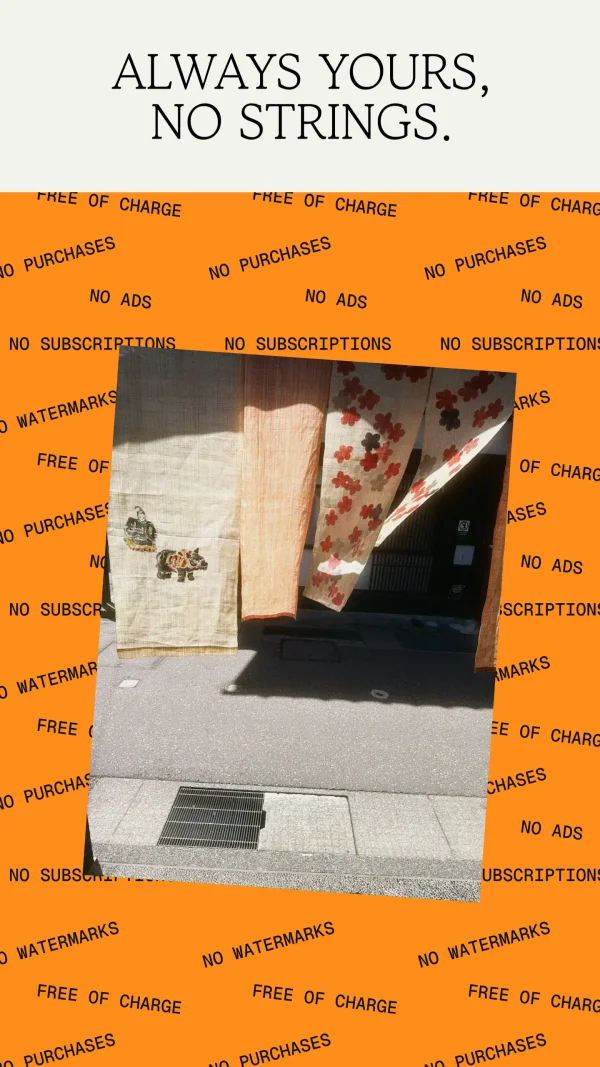
• No strings attached: Get 30+ pro tools and filters – no subscriptions, purchases, ads or watermarks
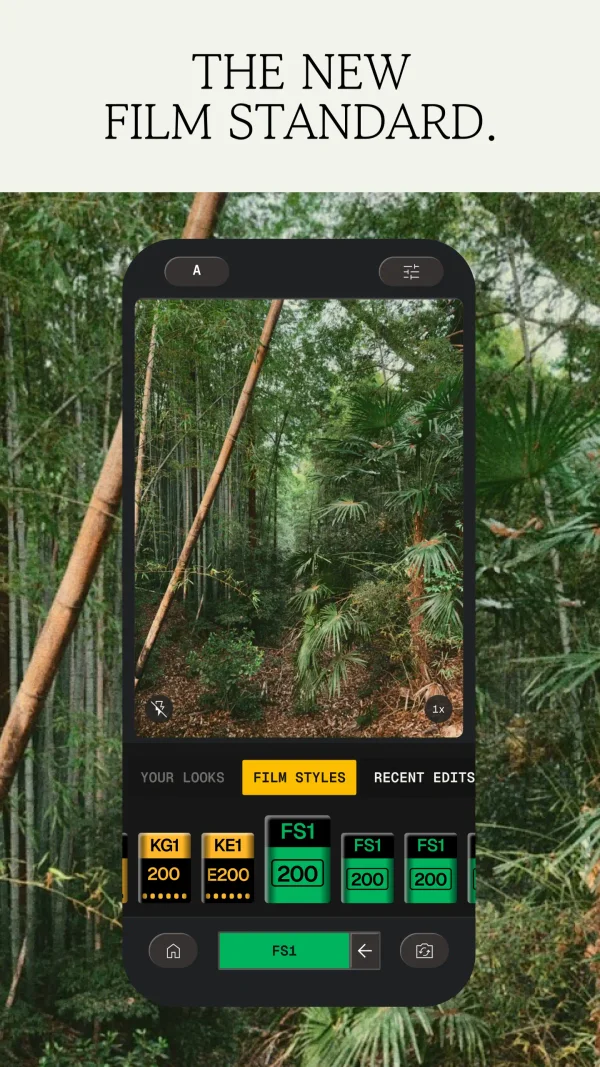
• Vintage styles: Realistic film filters, plus halation, bloom and grain tools
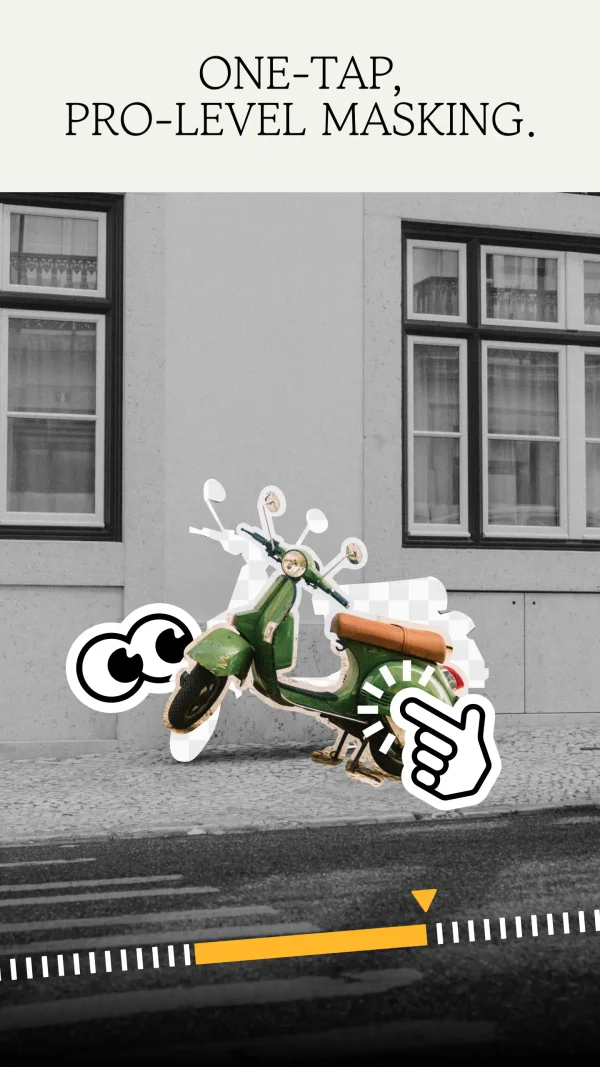
• Smart masking: Instantly and intelligently isolate subjects or backgrounds with a single tap for fast, targeted edits
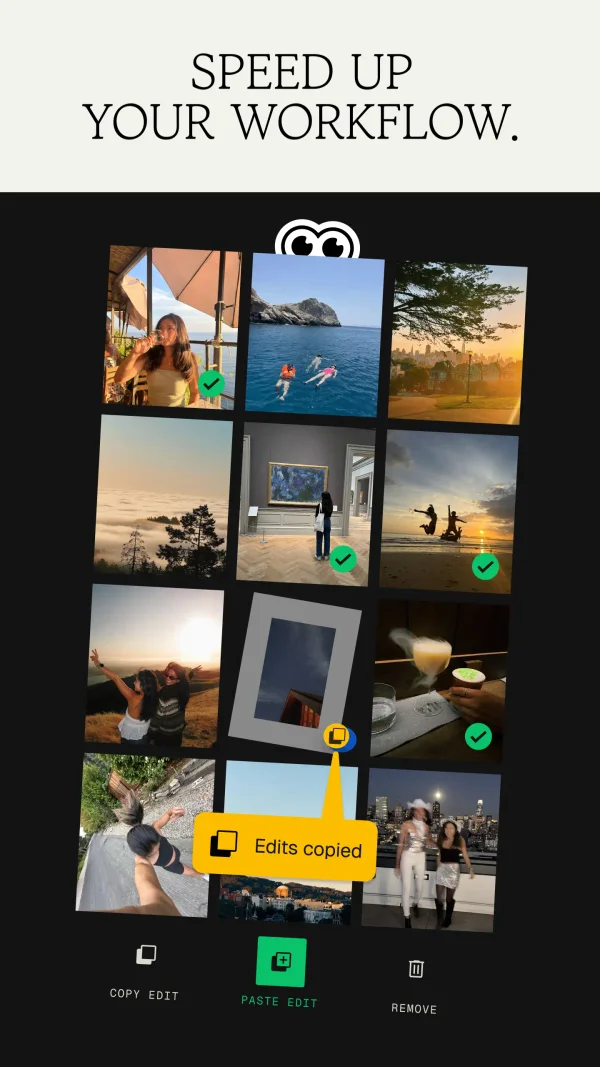
• Batch editing: Quickly apply your favourite looks and edits to multiple photos
• Snapseed camera: Capture using custom styles or film looks. Save time with real-time effects that can be edited or reset later
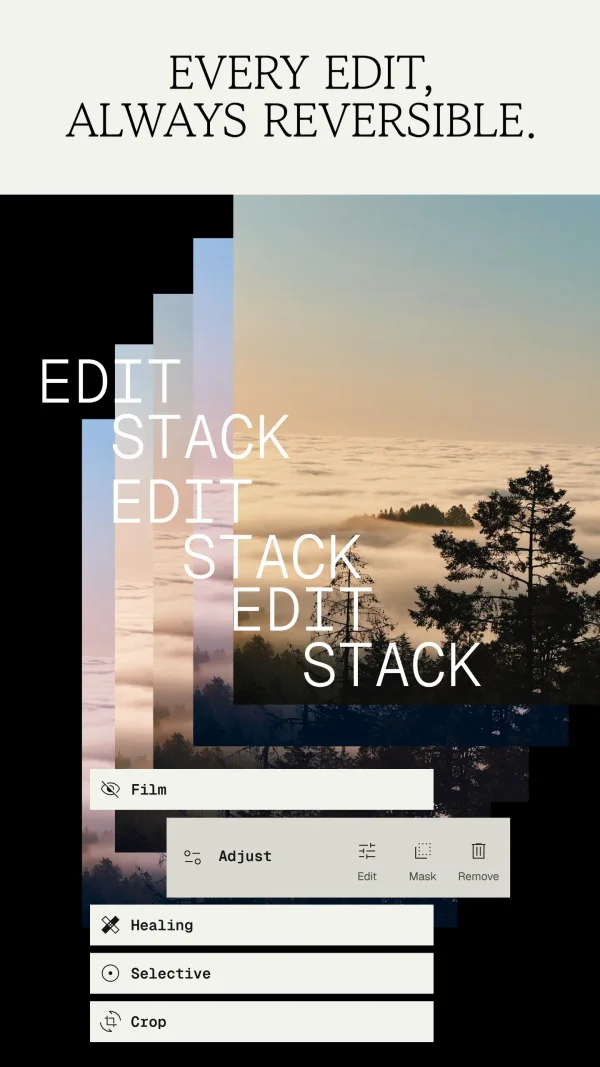
• Non-destructive editing: Easily undo changes or revert to your original photo at any time
• RAW support: Open and edit JPG and RAW files with precise control
• Community Looks: Explore featured edits from photographers in the Discover tab and make them your own
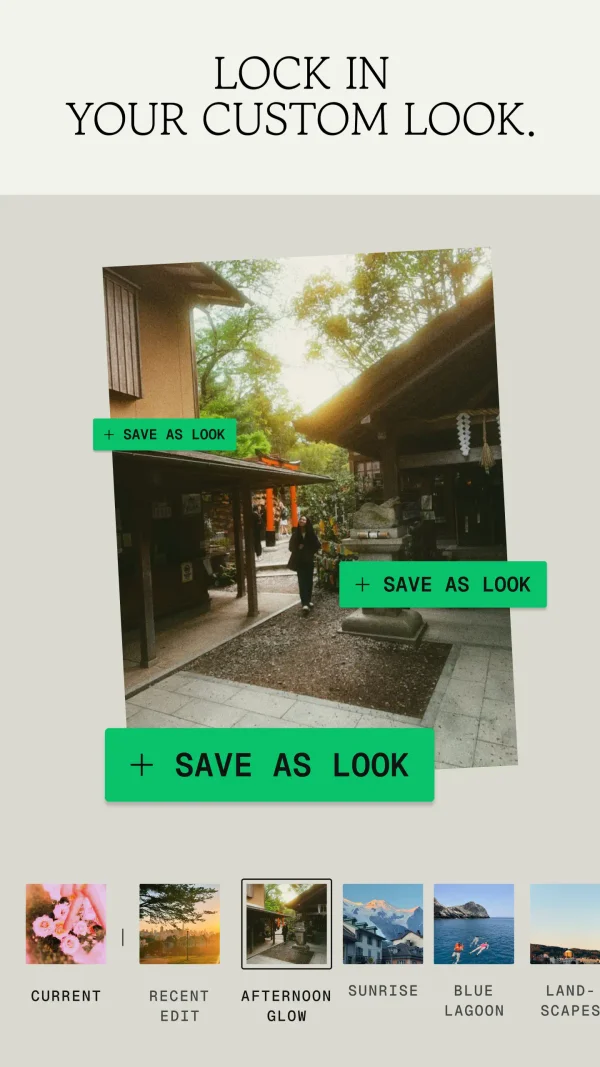
• Custom presets and LUTs: Import XMP presets, 3D LUTs (CUBE, PNG), QR Looks or ZIP packs to build your style library
== PRO TOOLS AND FILTERS ==
• Adjust – adjust exposure and colour automatically or manually with fine, precise control
• Selective – precisely adjust brightness, contrast or saturation in specific areas without affecting the rest of your photo
• Healing – remove the uninvited neighbour from a group picture
• Film – get beautiful looks with our completely updated, realistic film simulations of historic film stocks
• Motion blur – add a sense of speed with realistic directional motion trails across the scene, background or moving subjects
• LUT – apply imported 3D lookup tables (CUBE, PNG) for instant colour grading with adjustable strength
• Halation – add an authentic highlight glow to replicate classic analogue lens effects
• Bloom – create a soft, dreamy optical diffusion to light sources for a cinematic finish
• RAW develop – open and tweak some RAW file types
• Double Exposure – combine two photos using blend modes inspired by film and digital processing
• Portrait – modern tools to quickly enhance lighting, adjust poses and refine facial features
• Details – magically brings out surface structures in images
• Crop and rotate – crop to standard sizes, rotate by 90° or straighten a skewed horizon
• Perspective – fix skewed lines and perfect the geometry of horizons or buildings
• White balance – adjust the colours so that the image looks more natural
• Brush – selectively retouch exposure, saturation, brightness or warmth
• Vignette – darken image corners for a classic photographic effect
• Curves – have precise control over the brightness levels in your photos
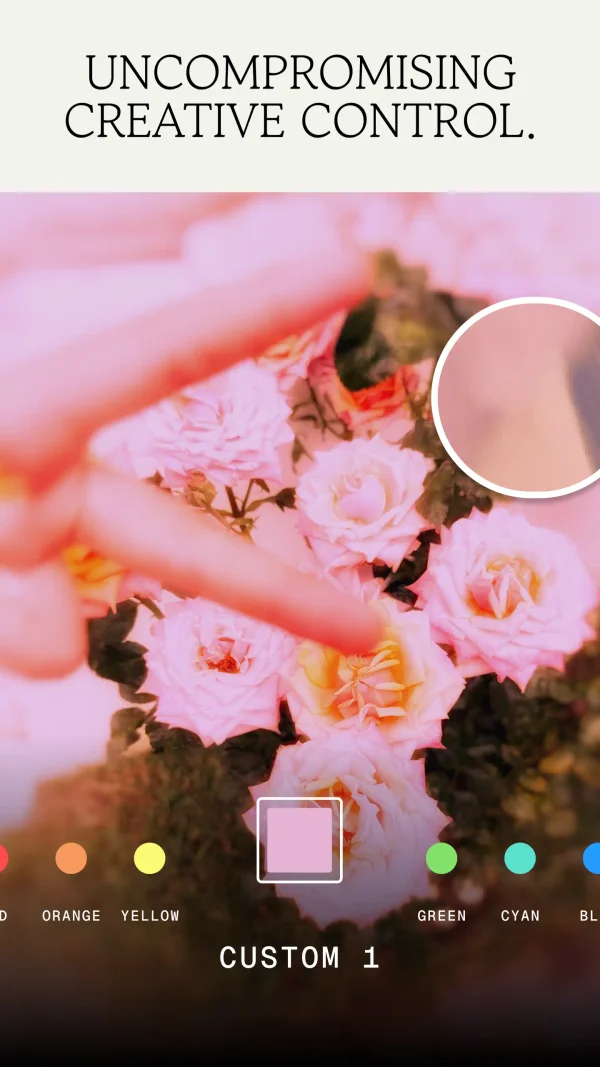
• Colour HSL – precisely adjust hue, saturation and luminance of any colour
• Colour grade – style photos cinematically with independent colour wheels and luminance controls for shadows, midtones and highlights
• Dehaze – instantly clear haze, fog or glare for better contrast and detail
• Lens Blur – add a beautiful depth and object-aware bokeh to images (background softening)
• Black and white – classic black and white look straight out of the darkroom
• and more!
Data safety
What Google LLC declares on Google Play about the data this app collects and shares.
- No data shared with third partiesLearn more about how developers declare sharing
- This app may collect these data typesLocation, App activity and 2 others
- Data is encrypted in transit
- Data can’t be deleted
- Independent security review
What’s new
Nov 16, 2026
• Motion blur: Add dynamic motion trails to the scene, background or subject.
• Depth Lens Blur: Soften backgrounds naturally with a realistic depth bokeh.
• Colour grade: Style photos cinematically with tonal colour wheels.
• Presets and LUTs: Import and share custom presets and 3D LUTs.
• Discover #SnapseedLook: Browse and try looks from fellow photographers.
We hope you enjoy it!
Developer contact
- Websitesupport.google.com
- Emailapps-help@google.com
- Privacy policygoogle.com
- Address1600 Amphitheatre Pkwy Mountain View, CA 94043 United States
Information
- Offered by
- Google LLC
- Category
- Photography
- Updated
- Nov 16, 2026
- Released
- Dec 6, 2012
- Age rating
- Everyone
- Price
- Free
- Package name
- com.niksoftware.snapseed
Similar apps
-
 Sketchbook
Art & Design
-
 Lightroom Photo Editor & Video
Photography
-
 Picsart AI Photo Editor, Video
Photography
-
 Photoshop Express Photo Editor
Photography
-
 CapCut - Video Editor
Video Players & Editors
-
 Fotor - AI Agent Photo Editor
Photography
-
 Polarr: Photo Filters & Editor
Photography
-
 Pixlr AI Photo & Video Editor
Photography
-
 Photoroom: AI Photo & Video
Photography
-
 Pic Retouch - Remove Objects
Photography
-
 Magic Eraser - Remove Objects
Photography
-
 Google Gemini
Productivity