Tap Scroll - Perfect Scroll
Do It MyselfContains ads
- EveryoneAge rating
- ToolsCategory
- Oct 31, 2023Updated
- FreePrice
Links to the official Google Play listing of com.scroll.scrolltop.backtotop. Last checked on Nov 21, 2026.
Screenshots
About this app
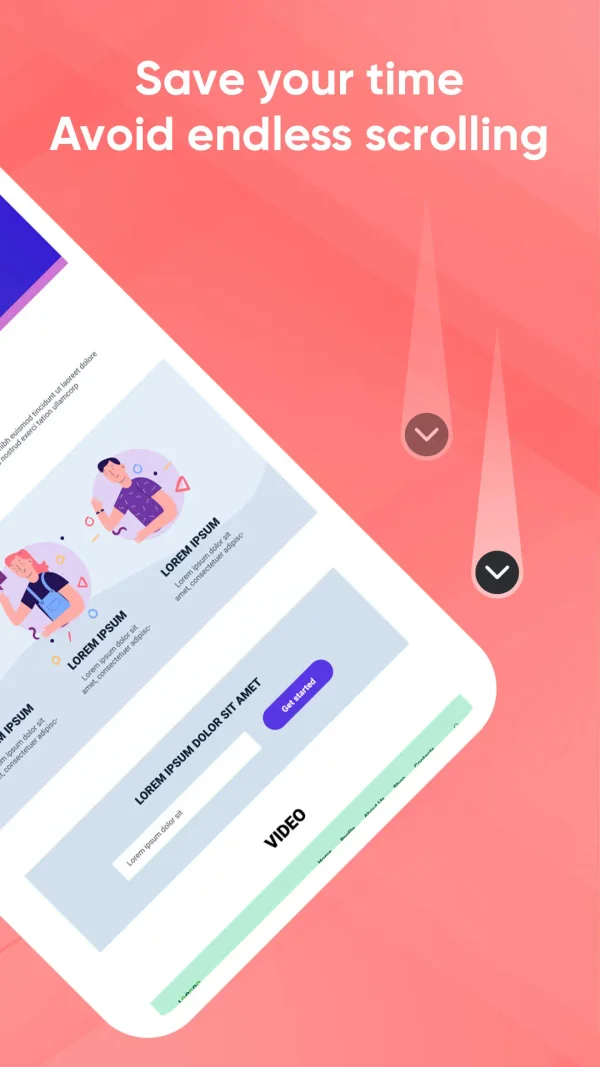
Bye bye endless scrolling: Tap on status bar to scroll up quickly
Tired of frantically swiping up to get back to upper of the page?
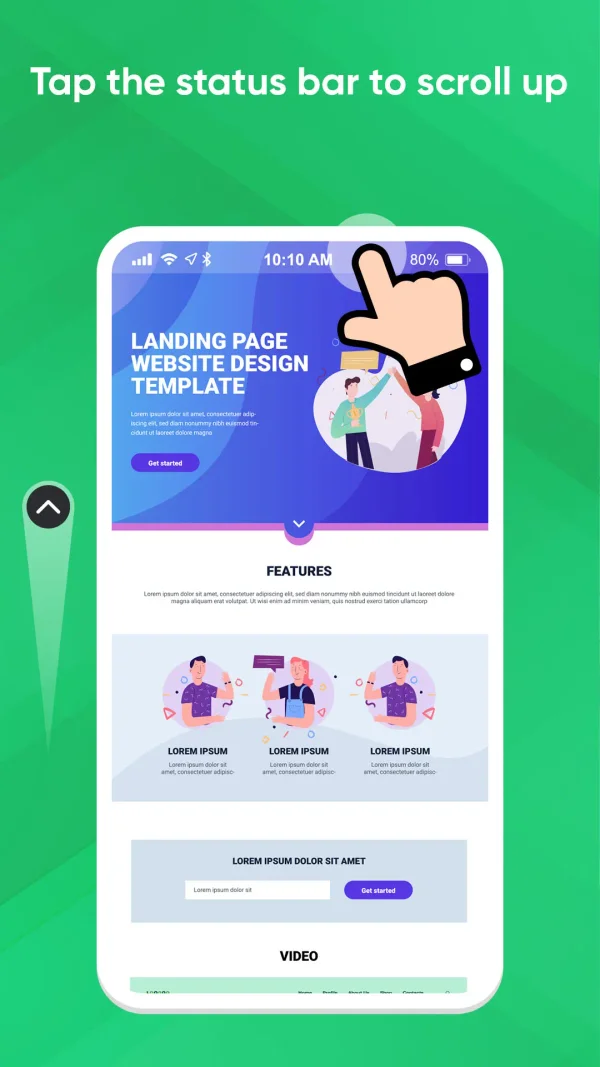
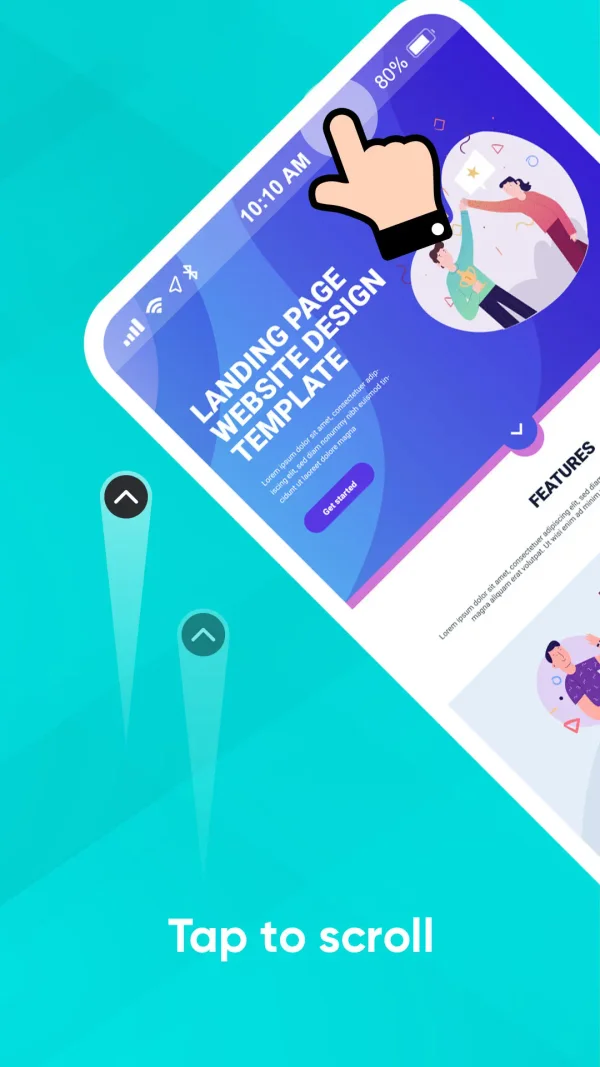
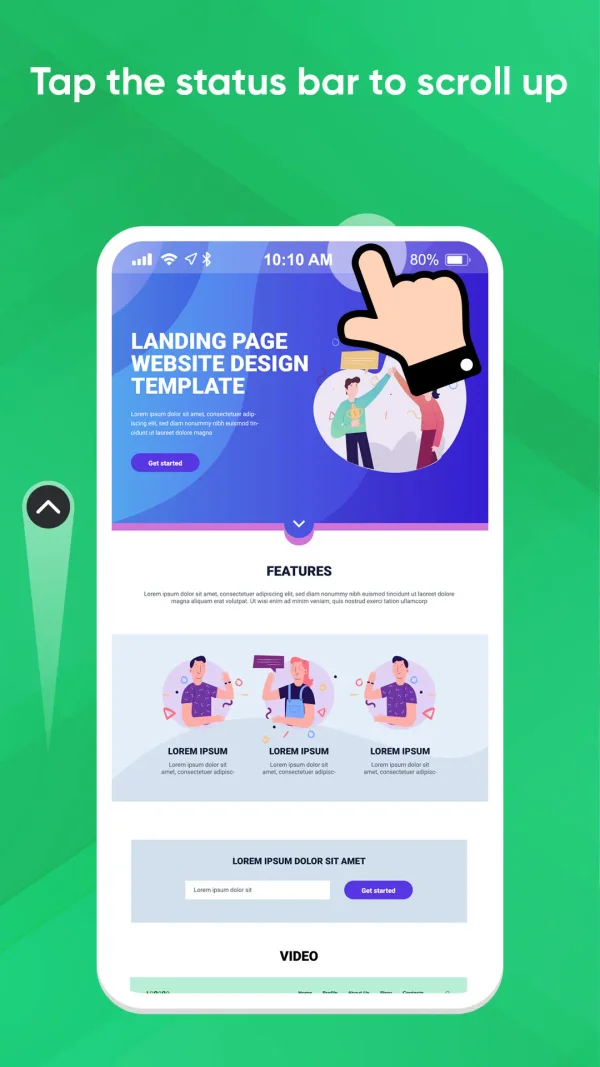
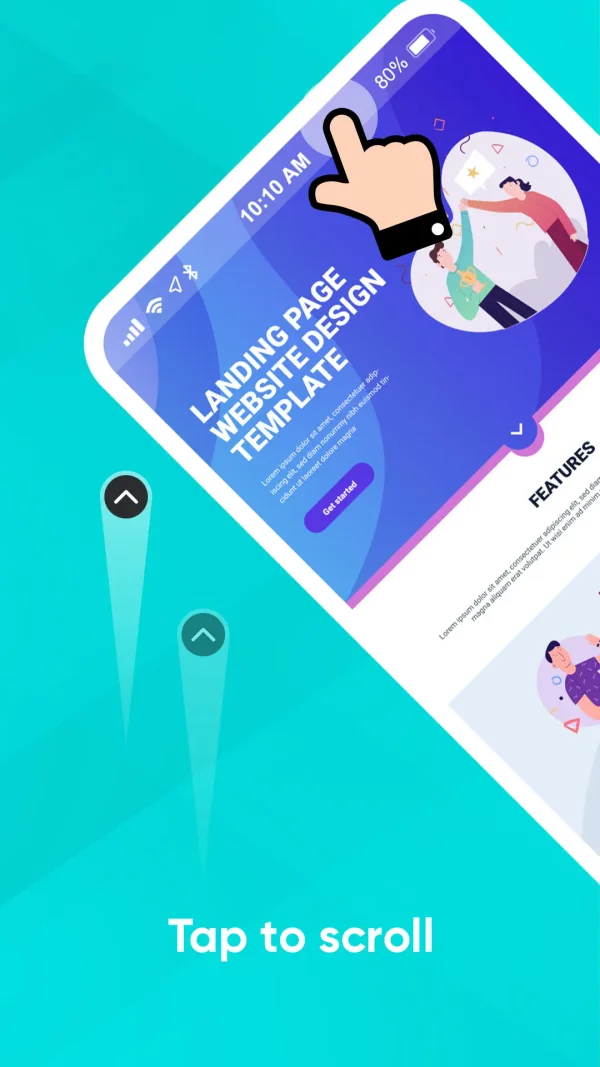
TapScroll makes it easy to scroll to upper of the page, with just one simple tap: a quick tap at the status bar (upper of the screen)
To try this, open an app with a scrolling page, such as a web page, Mail list, or a long document, and swipe as you normally would to scroll down a bit. When you want to go back to upper, tap once at upper of the screen (tap the status bar), and TapScroll will quickly bring you to upper of the page.
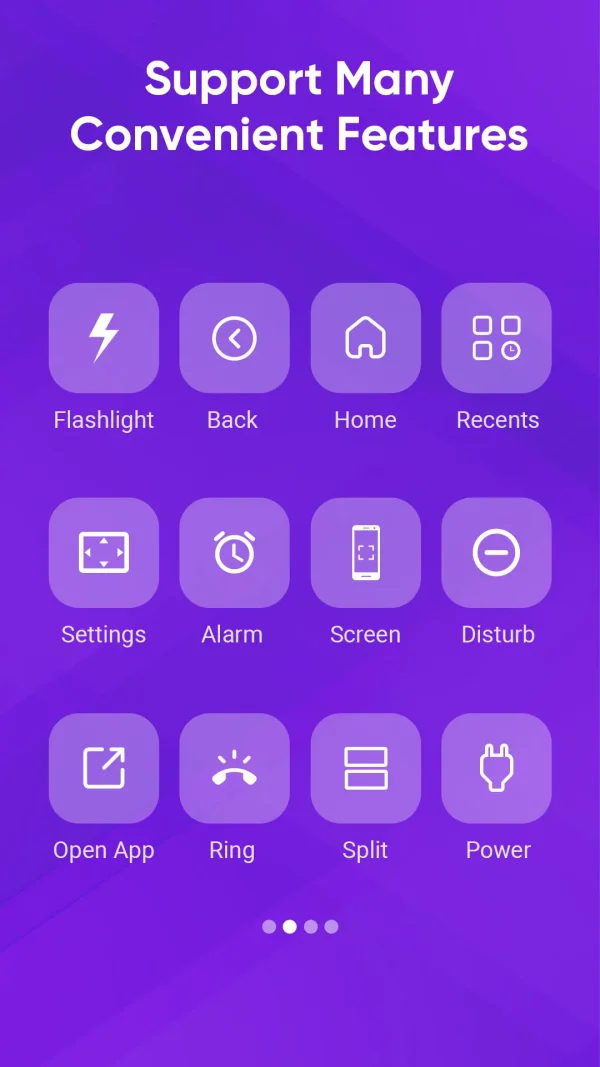
TapScroll also supports many other gesture operations such as:
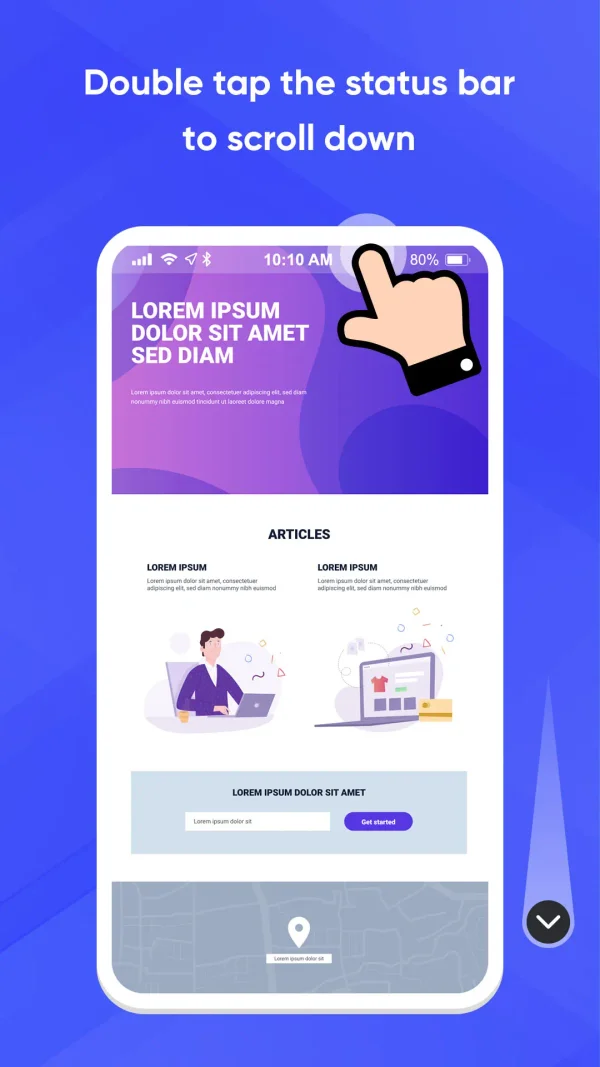
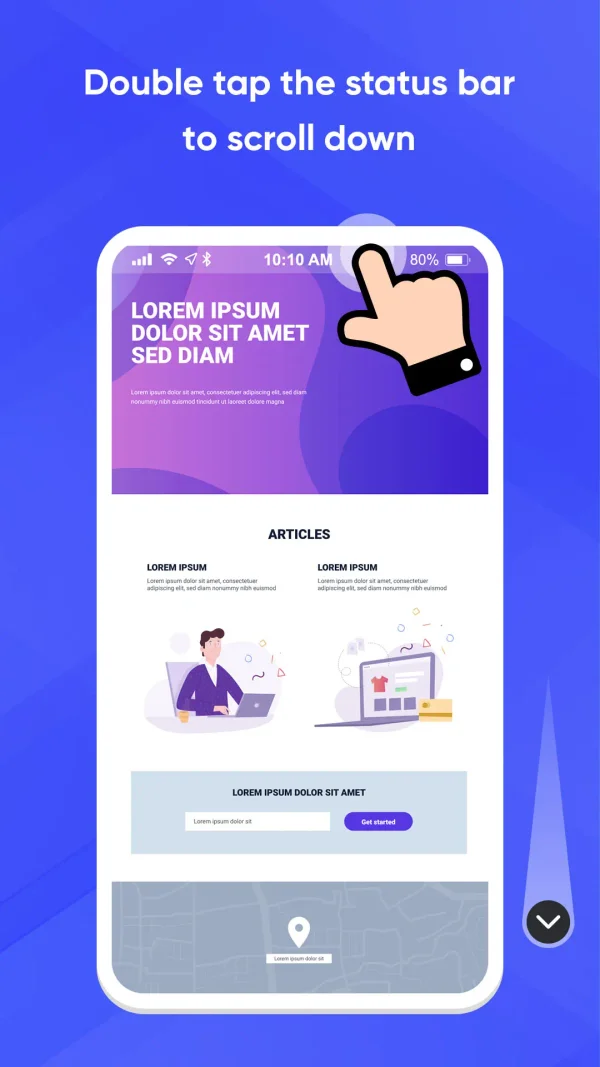
- Double Tap: at upper of the screen (Double Tap on the status bar) to scroll to the bottom of the page
- Long press, swipe left, swipe right: with actions such as: show power off dialog, back, return to Home, Recents, toggle flash, expand notification, expand quick setting
Use TapScroll and you'll Stop having to frantically swipe up to get back to a website's navigation menu or view your latest emails. If you keep this function in mind and use it often, or a habit, it will save you a lot of time, not having to repeat scrolling up and down continuously.
Note:
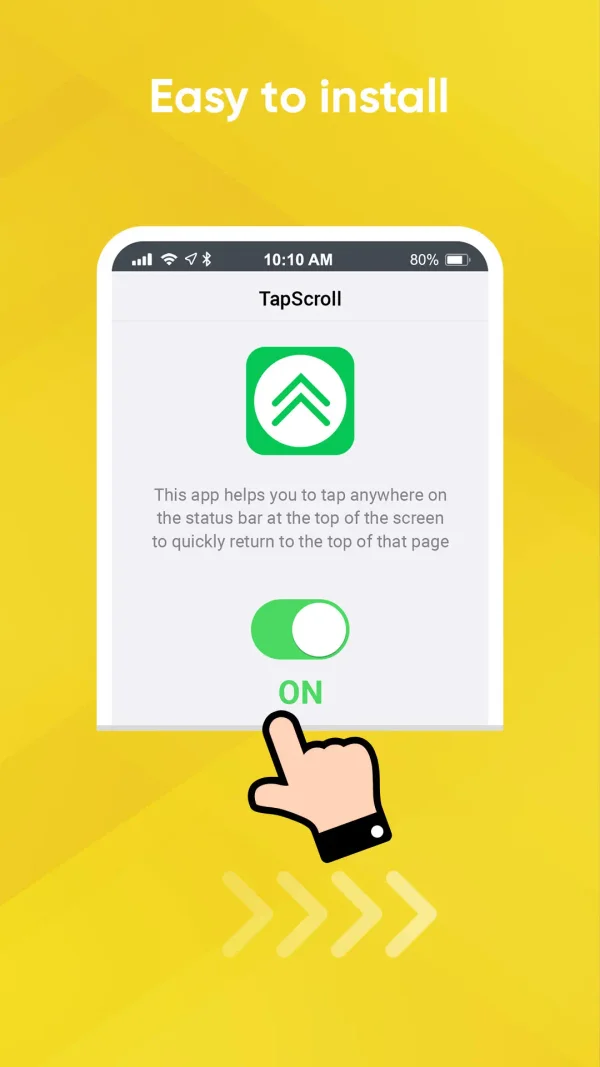
- This application requires Accessibility Service to support click on the status bar to scroll the page or quickly enable other options.
We always make the app better every day. Please share with your friends to support us. Thank you!
Data safety
What Do It Myself declares on Google Play about the data this app collects and shares.
- This app may share these data types with third partiesLocation, App activity and 2 others
- This app may collect these data typesLocation, App activity and 2 others
- Data is encrypted in transit
- Data can’t be deleted
What’s new
Version 1.1.3 · Oct 31, 2023
Fix bugs
Developer contact
- Websiteapptoolforphone.com
- Emailsonbui.bichdao2650@gmail.com
- Privacy policysites.google.com
- AddressĐông Hồ Bích Đào, Thành phố Ninh Bình, Ninh Bình Ninh Bình 430000 Vietnam
Information
- Offered by
- Do It Myself
- Category
- Tools
- Version
- 1.1.3
- Updated
- Oct 31, 2023
- Released
- Jun 30, 2022
- Requires
- Android 7.0 or later
- Age rating
- Everyone
- Price
- Free
- Package name
- com.scroll.scrolltop.backtotop