Tap Scroll - Perfect Scroll
Do It Myself広告を含む
- 3 歳以上対象年齢
- ツールカテゴリ
- 2023/10/31更新日
- 無料価格
com.scroll.scrolltop.backtotopのGoogle Play公式ページにリンクしています。最終確認:2026/11/21。

スクリーンショット
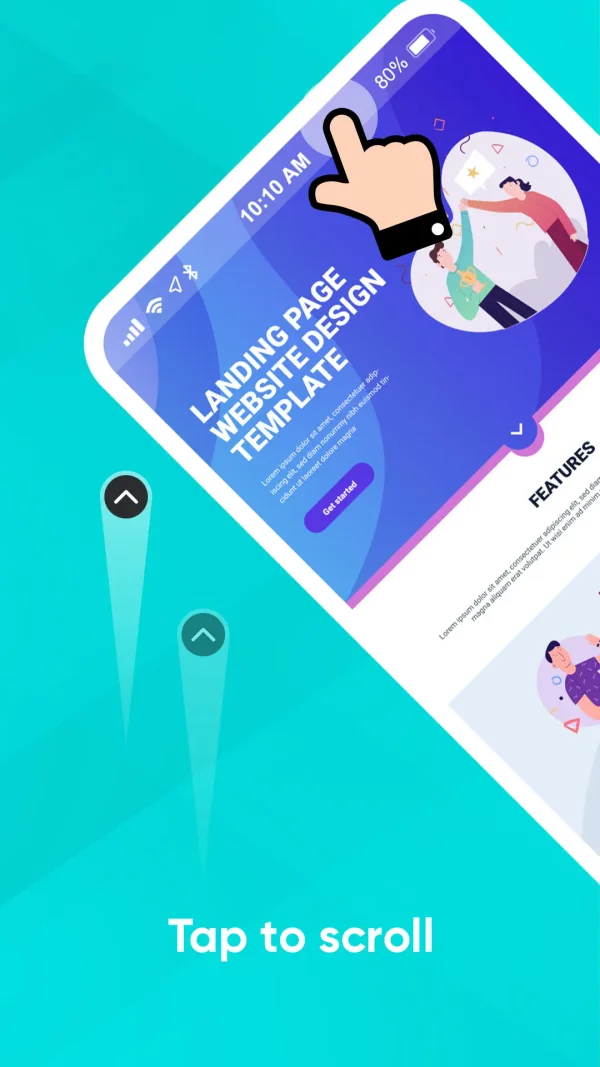
このアプリについて
Googleによる英語 (アメリカ合衆国)からの自動翻訳です。
さようならエンドレススクロール:ステータスバーをタップしてすばやく上にスクロールします
ページの上部に戻るために必死に上にスワイプするのにうんざりしていませんか?
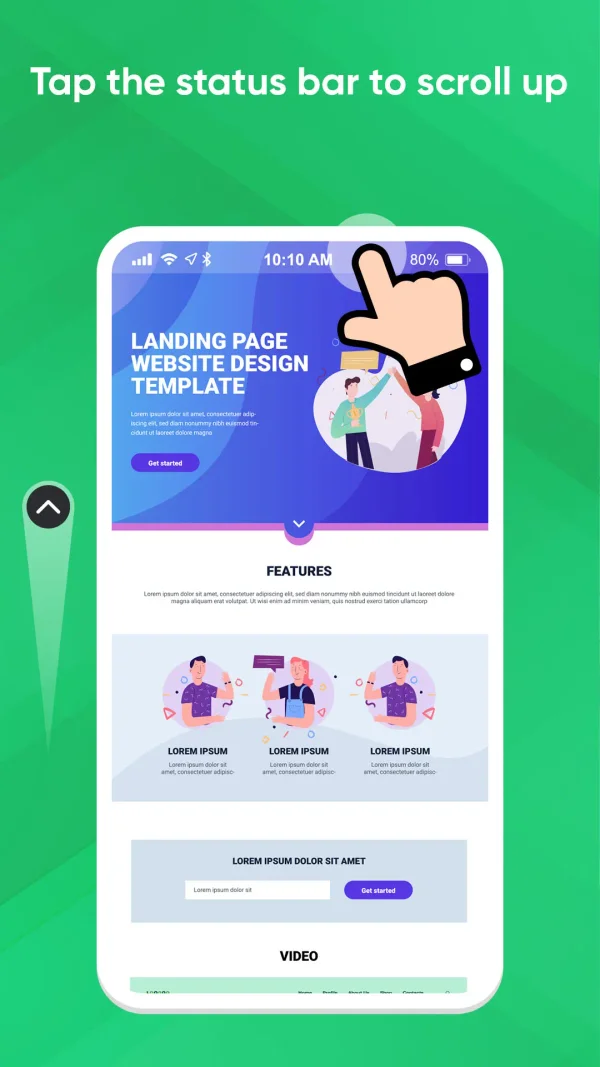
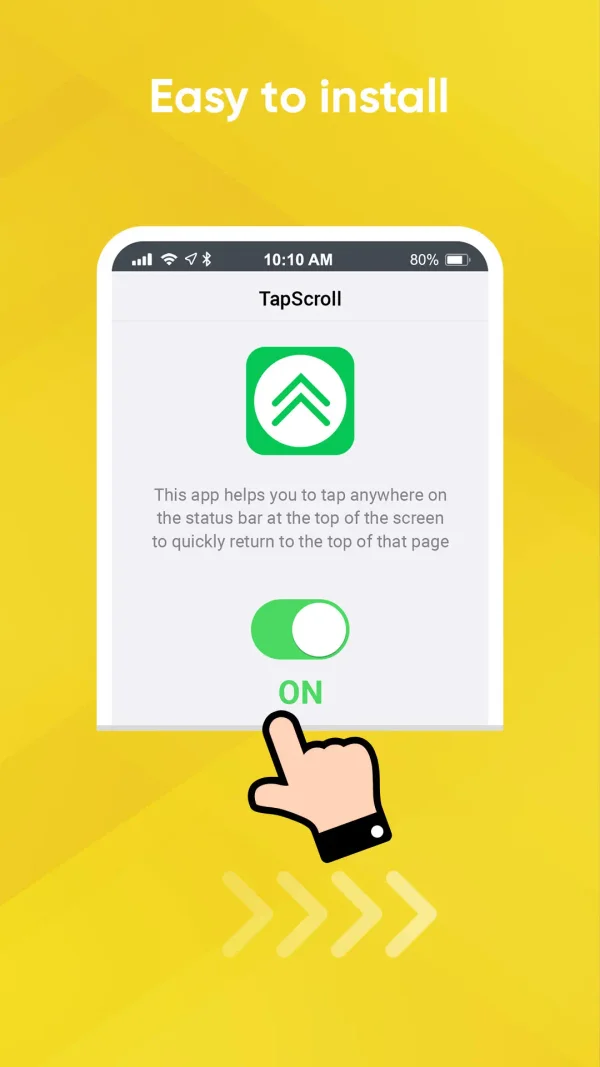
TapScroll を使用すると、ステータス バー (画面上部) を軽くタップするだけで、ページの上部まで簡単にスクロールできます。
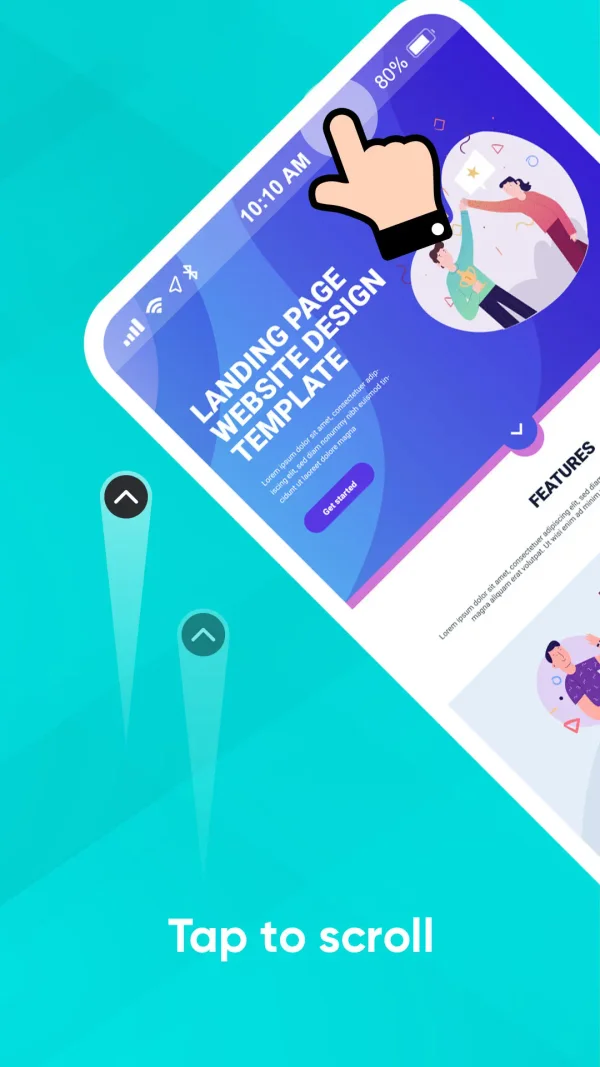
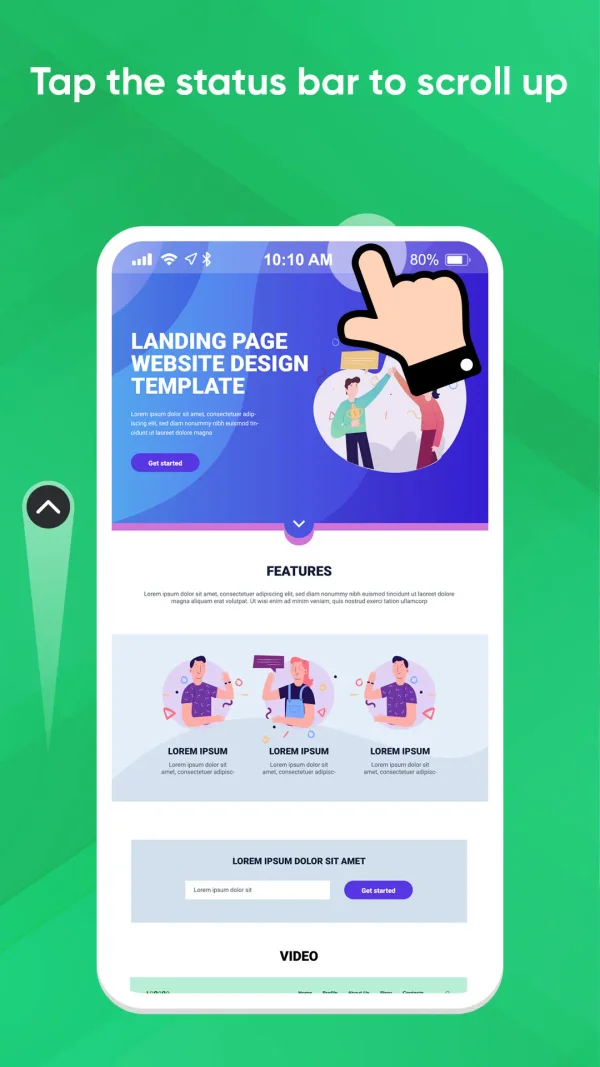
これを試すには、Web ページ、メール リスト、長いドキュメントなど、スクロール ページのあるアプリを開き、通常と同じようにスワイプして少し下にスクロールします。 上部に戻りたい場合は、画面上部を 1 回タップ (ステータス バーをタップ) すると、タップスクロールですぐにページの上部に移動します。
TapScroll は、次のような他の多くのジェスチャ操作もサポートしています。
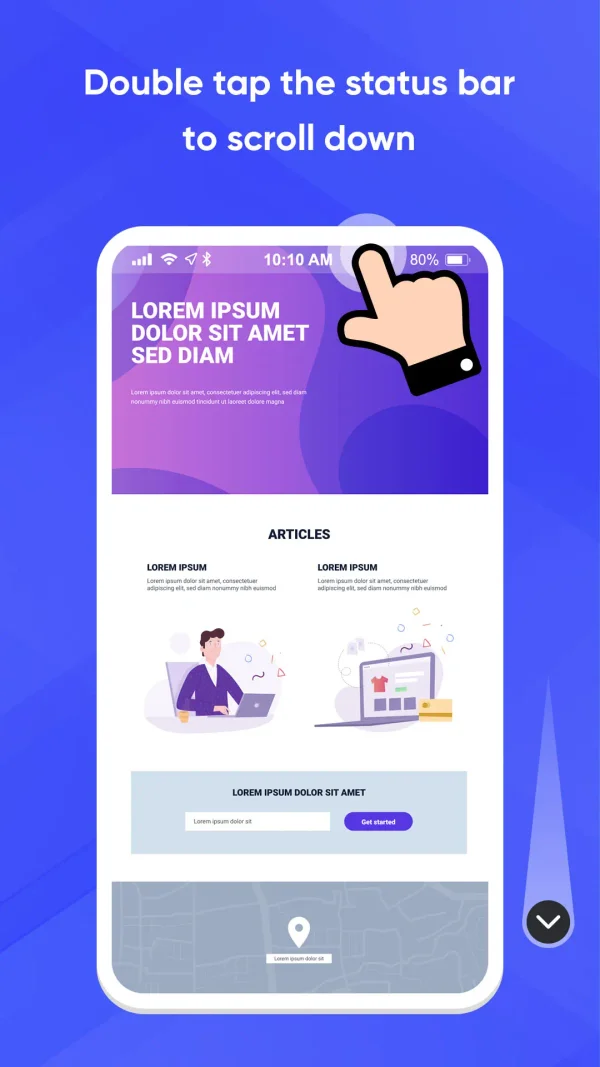
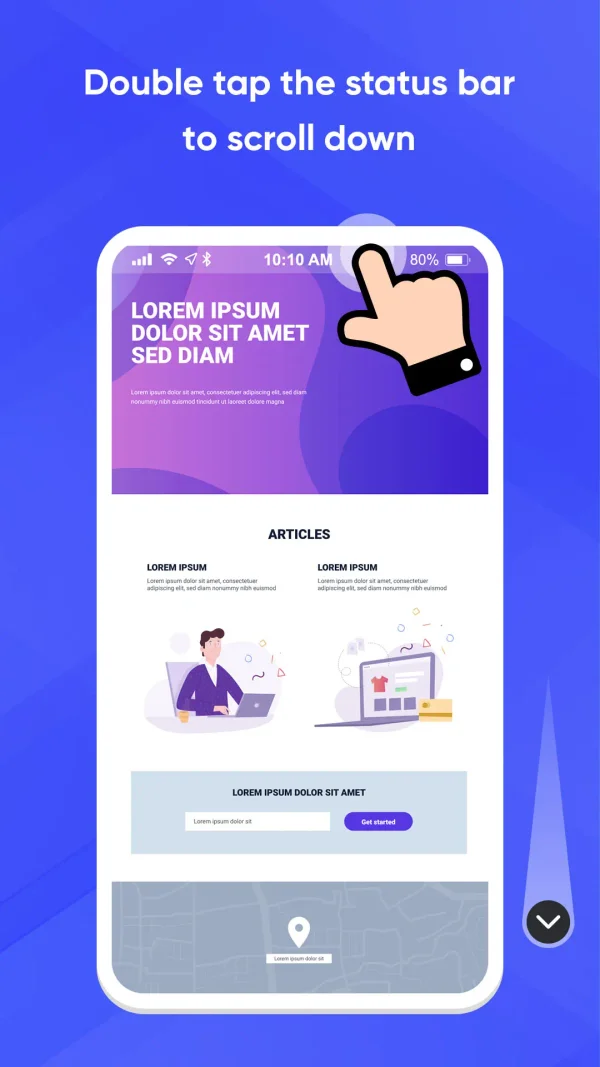
- ダブルタップ: 画面上部 (ステータスバーをダブルタップ) でページの一番下までスクロールします
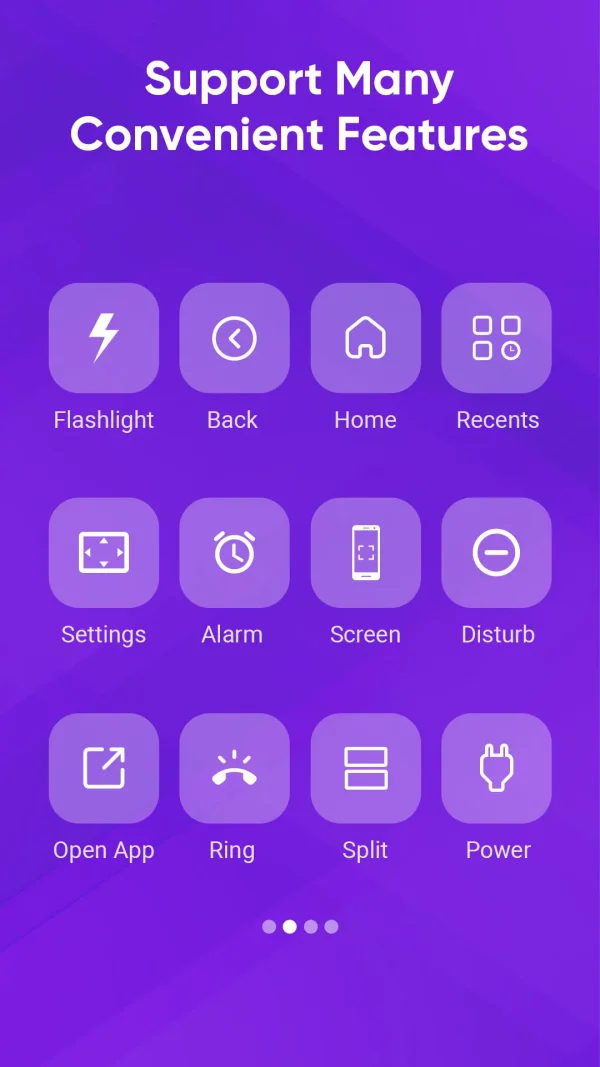
- 長押し、左にスワイプ、右にスワイプ: 電源オフ ダイアログの表示、戻る、ホームに戻る、最近、フラッシュの切り替え、通知の展開、クイック設定の展開などのアクションを実行します。
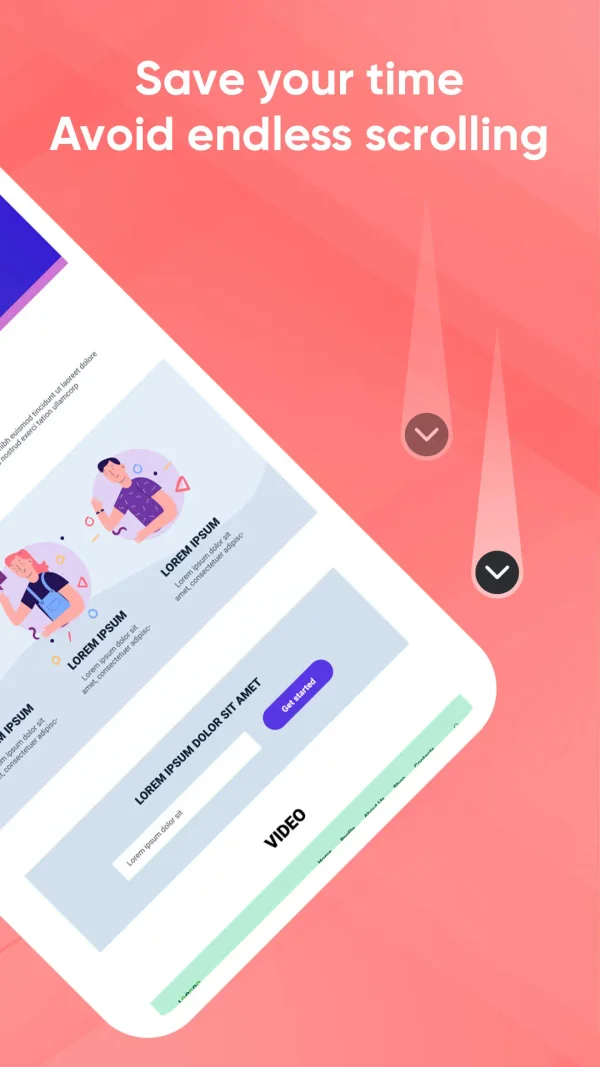
TapScroll を使用すると、Web サイトのナビゲーション メニューに戻ったり、最新のメールを表示したりするために、必死に上にスワイプする必要がなくなります。この機能を念頭に置いて頻繁に使用したり習慣にすると、連続的に上下にスクロールする必要がなくなり、時間を大幅に節約できます。
ノート:
- このアプリケーションでは、ステータス バーをクリックしてページをスクロールしたり、他のオプションをすぐに有効にしたりできるように、アクセシビリティ サービスが必要です。
私たちは常にアプリを日々改善しています。お友達とシェアして私たちをサポートしてください。ありがとう!
原文を表示
Tired of frantically swiping up to get back to upper of the page?
TapScroll makes it easy to scroll to upper of the page, with just one simple tap: a quick tap at the status bar (upper of the screen)
To try this, open an app with a scrolling page, such as a web page, Mail list, or a long document, and swipe as you normally would to scroll down a bit. When you want to go back to upper, tap once at upper of the screen (tap the status bar), and TapScroll will quickly bring you to upper of the page.
TapScroll also supports many other gesture operations such as:
- Double Tap: at upper of the screen (Double Tap on the status bar) to scroll to the bottom of the page
- Long press, swipe left, swipe right: with actions such as: show power off dialog, back, return to Home, Recents, toggle flash, expand notification, expand quick setting
Use TapScroll and you'll Stop having to frantically swipe up to get back to a website's navigation menu or view your latest emails. If you keep this function in mind and use it often, or a habit, it will save you a lot of time, not having to repeat scrolling up and down continuously.
Note:
- This application requires Accessibility Service to support click on the status bar to scroll the page or quickly enable other options.
We always make the app better every day. Please share with your friends to support us. Thank you!
データ セーフティ
このアプリが収集・共有するデータについて、Do It MyselfがGoogle Playで申告している内容です。
- このアプリはサードパーティと以下の種類のデータを共有することがあります位置情報、アプリのアクティビティ、他 2 件
- このアプリは以下の種類のデータを収集することがあります位置情報、アプリのアクティビティ、他 2 件
- データは送信中に暗号化されます
- データを削除できません
新機能
バージョン 1.1.3 · 2023/10/31
Fix bugs
開発元の連絡先
- ウェブサイトapptoolforphone.com
- メールsonbui.bichdao2650@gmail.com
- プライバシーポリシーsites.google.com
- 住所Đông Hồ Bích Đào, Thành phố Ninh Bình, Ninh Bình Ninh Bình 430000 Vietnam
情報
- 提供元
- Do It Myself
- カテゴリ
- ツール
- バージョン
- 1.1.3
- 更新日
- 2023/10/31
- リリース
- 2022/6/30
- 必要条件
- Android 7.0以降
- 対象年齢
- 3 歳以上
- 価格
- 無料
- パッケージ名
- com.scroll.scrolltop.backtotop