Tasks: To Do List & Reminders
Pocket Brilliance LimitedIn-app purchases
- EveryoneAge rating
- ProductivityCategory
- Nov 24, 2026Updated
- FreePrice
Links to the official Google Play listing of com.tasks.android. Last checked on Nov 25, 2026.
Screenshots

About this app
Simple to do list, reminders and task manager app to increase your productivity
Tasks is a beautifully simple, ad-free, and privacy-focused to do list, planner, and reminders app designed to organize your busy life effortlessly and increase your productivity. Stay on top of your daily tasks, plan projects, set reminders, and schedule events—all in one easy-to-use app.
✔ To Do List & Task Manager – Create, organize, and prioritize your tasks and increase your productivity
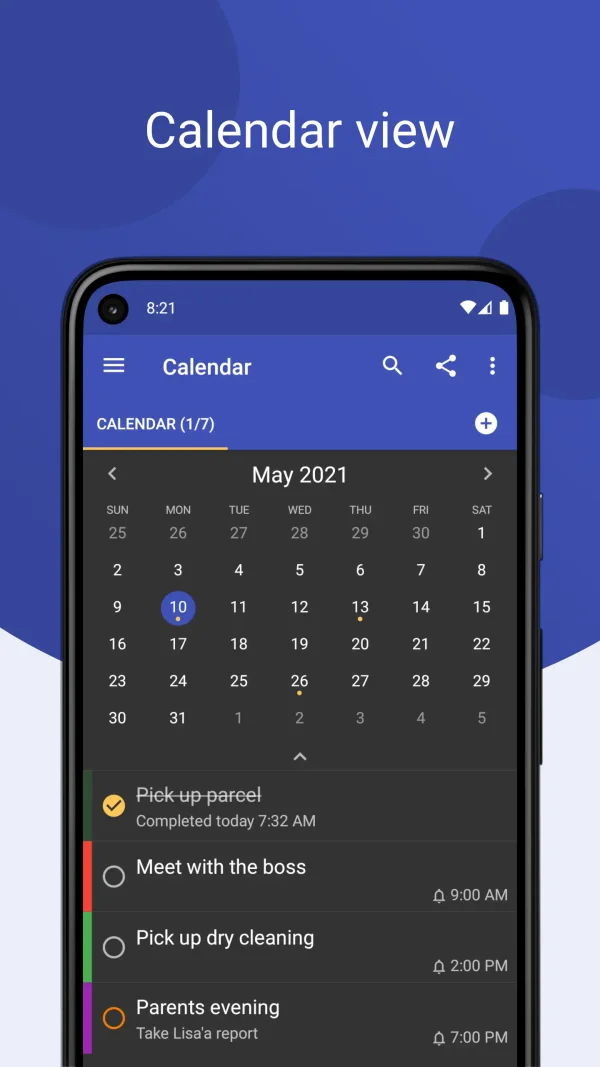
✔ Daily Planner & Calendar – Plan your day, week, and month with ease
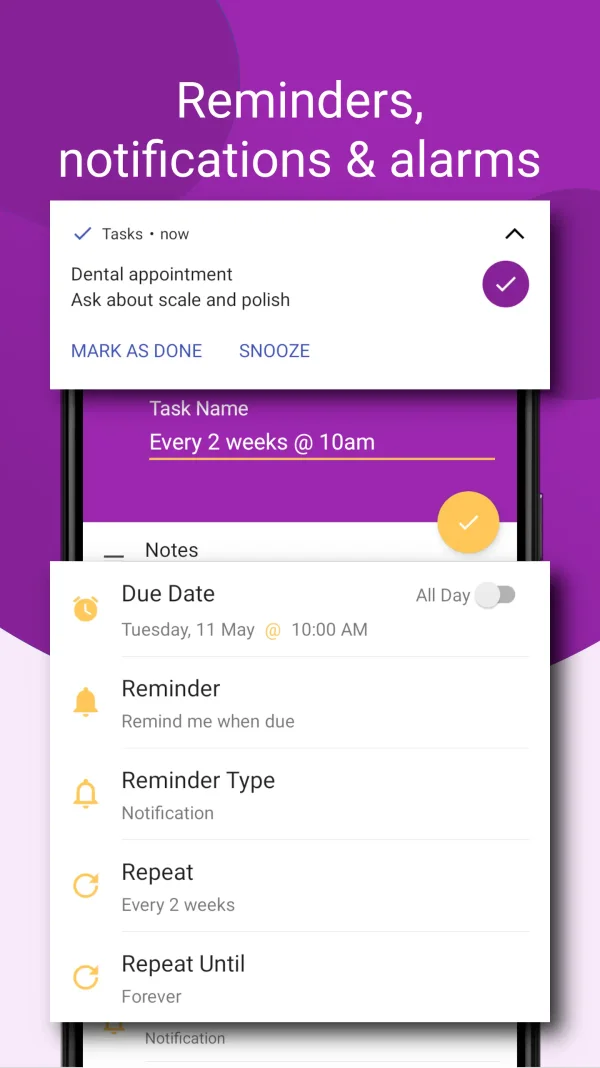
✔ Smart Reminders – Set due dates and get timely notifications and alarms
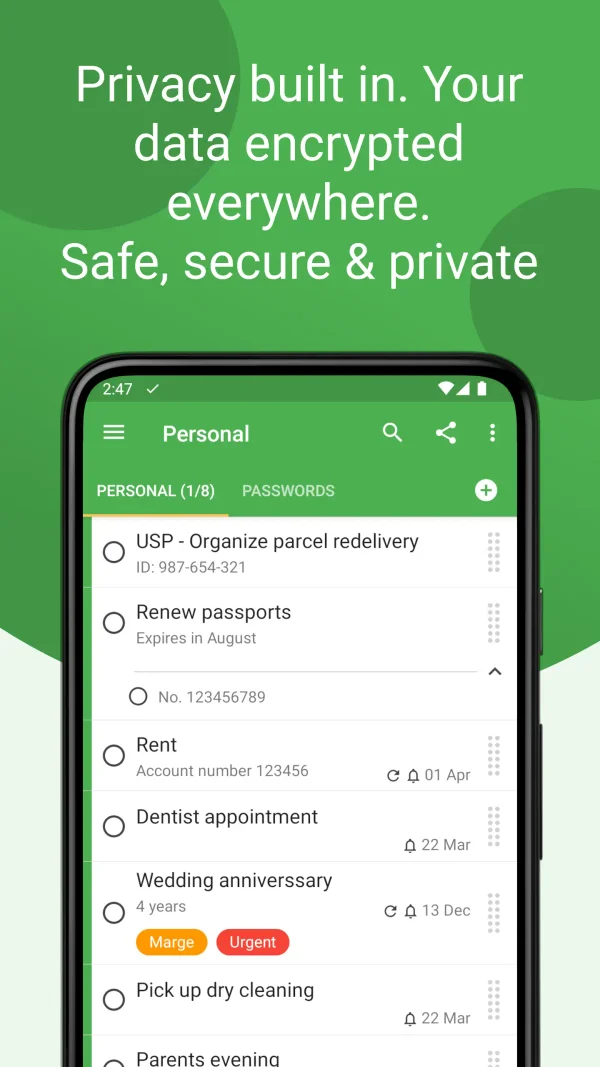
✔ Privacy First – Your data belongs to you, no ads or trackers. Privacy as it should be!
✔ Easy Task Entry – Quick add tasks via shortcuts, persistent notification, or share from other apps. Making task entry simple and efficient.
If you ever need any help with Tasks features simply tap the Help button or check out the YouTube videos or just send am email. Support is always available.
🔒 100% Private & Secure
With Tasks, your data stays yours. It is encrypted:
✔ On your device – Secure local storage
✔ During transfer – Encrypted communication
✔ In the cloud – If synced, your data remains private (Premium only)
📝 Simple Yet Powerful To Do List
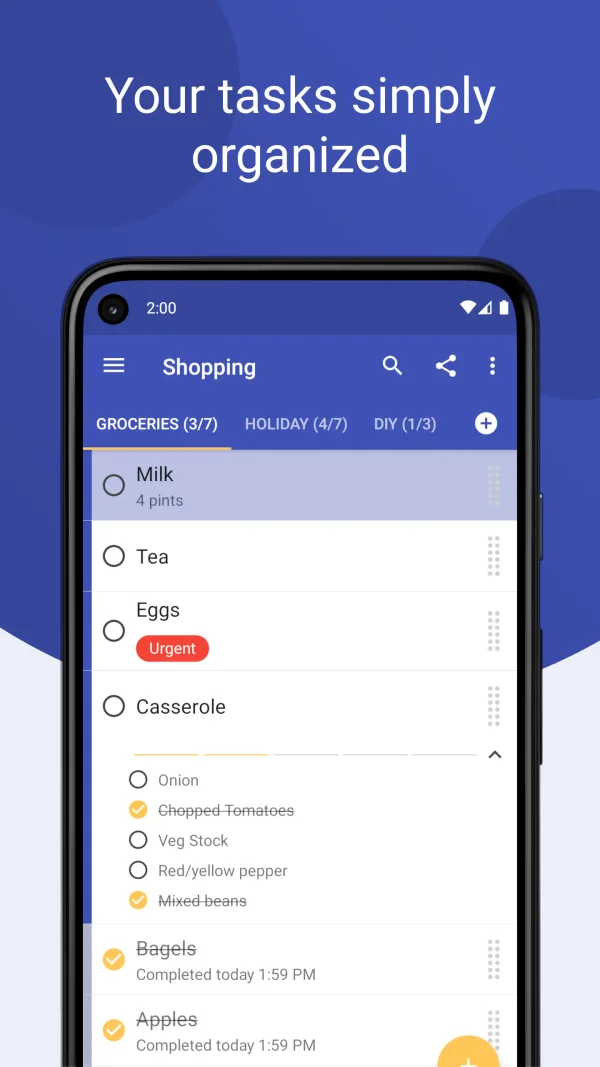
Tasks keeps things intuitive and clutter-free. Whether you need a grocery list, project planner, or daily task manager, Tasks is built for you and with additional features like filtered lists, tags and the calendar view you can view and sort your tasks your way.
✔ Create & Manage Lists – Color-code your lists and reorder with drag & drop
✔ Swipe to Delete – Fast, gesture-based controls
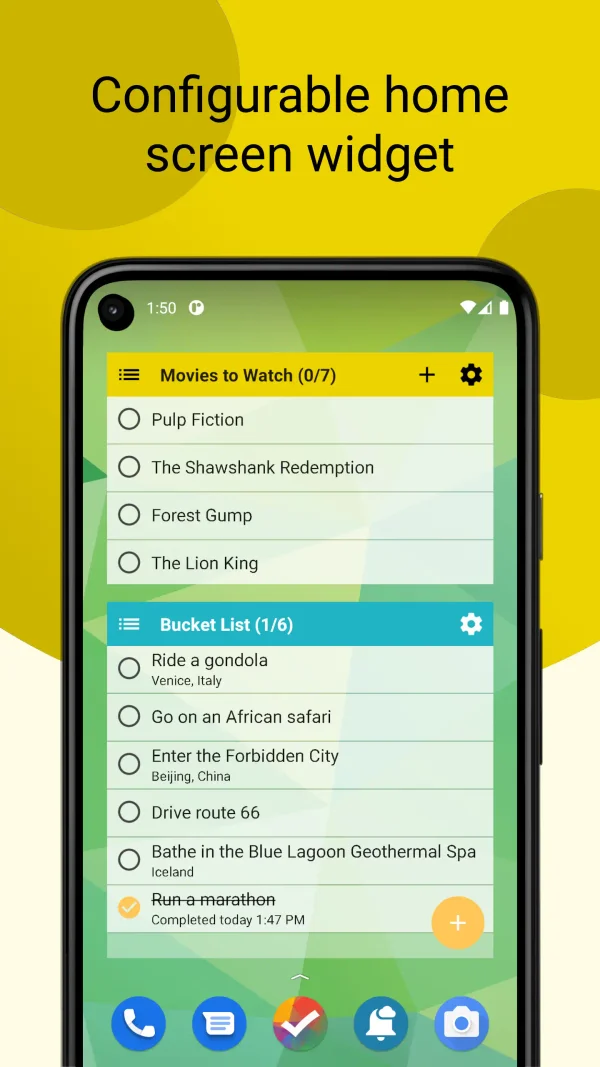
✔ Widgets – Stay productive from your home screen without opening the app
📅 Never Miss a Task with Smart Reminders
Set due dates and receive actionable notifications and alarms. Mark tasks as done or snooze them without opening the app. Quick, simple and easy to use.
🌟 Unlock Premium Features:
🚀 Web Access – Manage your tasks, notes & calendar from any device.
☁ Cloud Backup – Keep your to do lists safe & recoverable anytime.
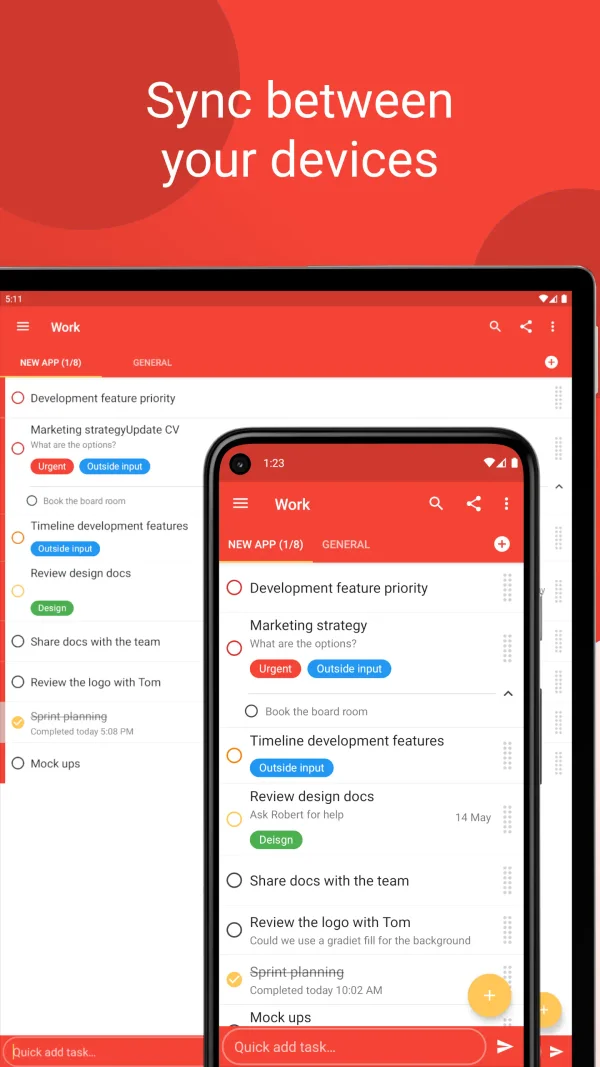
🔄 Device Sync – Access your reminders & notes across all devices.
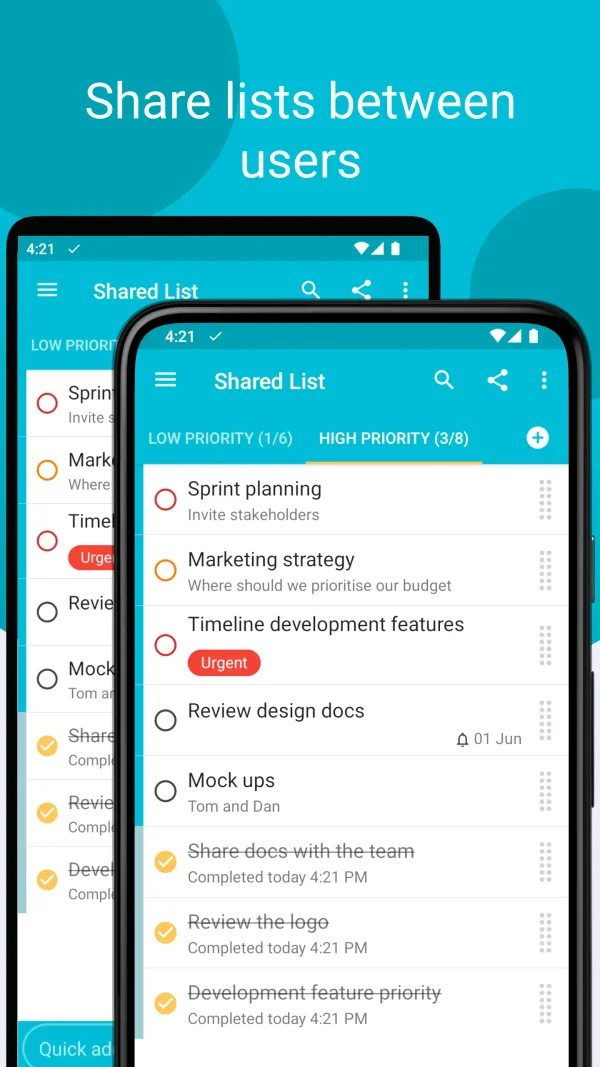
📂 Shared lists – Collaborate with others and share lists securely between accounts.
📢 Shape the Future of Tasks!
This app is in active development—your feedback shapes future updates. Have a feature request? Send us an email.
✅ Get started today—download Tasks now and simplify your life!
Data safety
What Pocket Brilliance Limited declares on Google Play about the data this app collects and shares.
- No data shared with third partiesLearn more about how developers declare sharing
- This app may collect these data typesPersonal info and App info and performance
- Data is encrypted in transit
- You can request that data be deleted
What’s new
Version 3.45.2 · Nov 24, 2026
Additions from the community
⭐️ NEW setting split quick add
⭐️ NEW setting split sub task title
⭐️ NEW multi select highlight
⭐️ NEW multi select tag
⭐️ UPDATE widget tags capsule shape
⭐️ UPDATE sync improvements for attachments
⭐️ UPDATE improve cursor color for all background colors
Developer contact
- Websitemytasksapp.com
- Emailtasks.list.app@gmail.com
- Privacy policymytasksapp.com
- Address3, PADDOCK GARDENS BRAMLEY TADLEY RG26 5TG United Kingdom
Information
- Offered by
- Google Commerce Ltd
- Category
- Productivity
- Version
- 3.45.2
- Updated
- Nov 24, 2026
- Released
- Nov 20, 2016
- Requires
- Android 8.0 or later
- Age rating
- Everyone
- Price
- Free
- In-app purchases
- $0.99 - $79.99 per item
- Package name
- com.tasks.android
Similar apps
-
 Week Planner - Diary, Calendar
Productivity
-
 To-do list - tasks planner
Lifestyle
-
 Daily Planner, To Do List
Productivity
-
 Tasks.org: to-do list & tasks
Productivity
-
 SupaTask - Daily Task Planner
Productivity
-
 Todoery: To Do List & Planner
Productivity
-
 Any.do - To do list & Calendar
Productivity
-
 To-Do List & Daily Planner
Productivity
-
 HabitNow Daily Routine Planner
Productivity
-
 Simple Calendar - easy planner
Productivity
-
 Structured - Daily Planner
Productivity
-
 To Do List with Reminder
Productivity