Text Reader: Text to Speech
Perfect toolsContains ads · In-app purchases
- EveryoneAge rating
- ToolsCategory
- Oct 16, 2026Updated
- FreePrice
Links to the official Google Play listing of com.ReadTheTextForMe. Last checked on Nov 20, 2026.

Screenshots




About this app
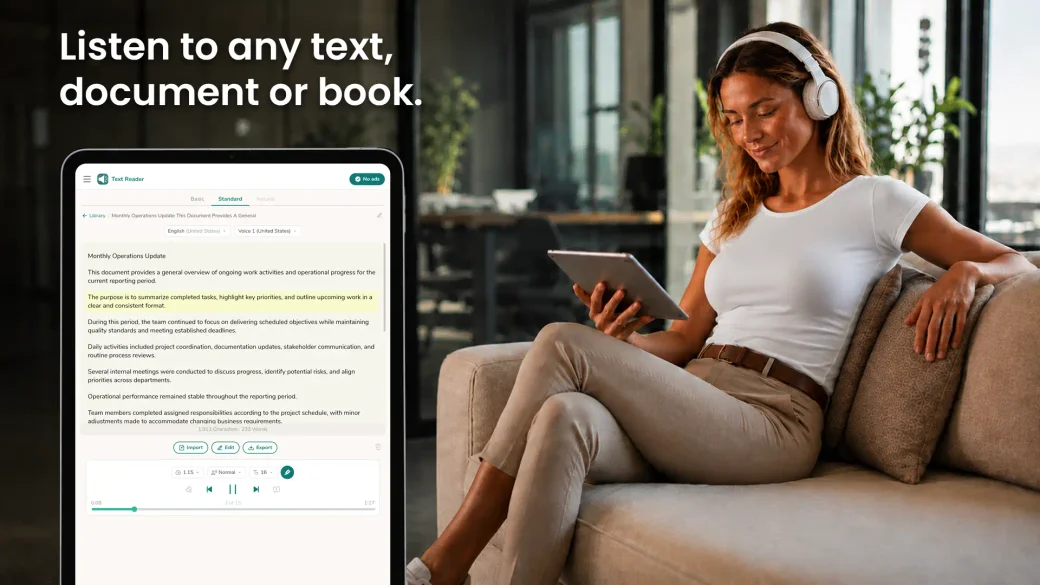
Listen to any text, PDF, ebook, document, or article with text to speech.
Text Reader is a text to speech app that reads your articles, documents, ebooks, and messages out loud, word for word, in 70+ languages - so you can listen instead of read.
Why listen instead of read
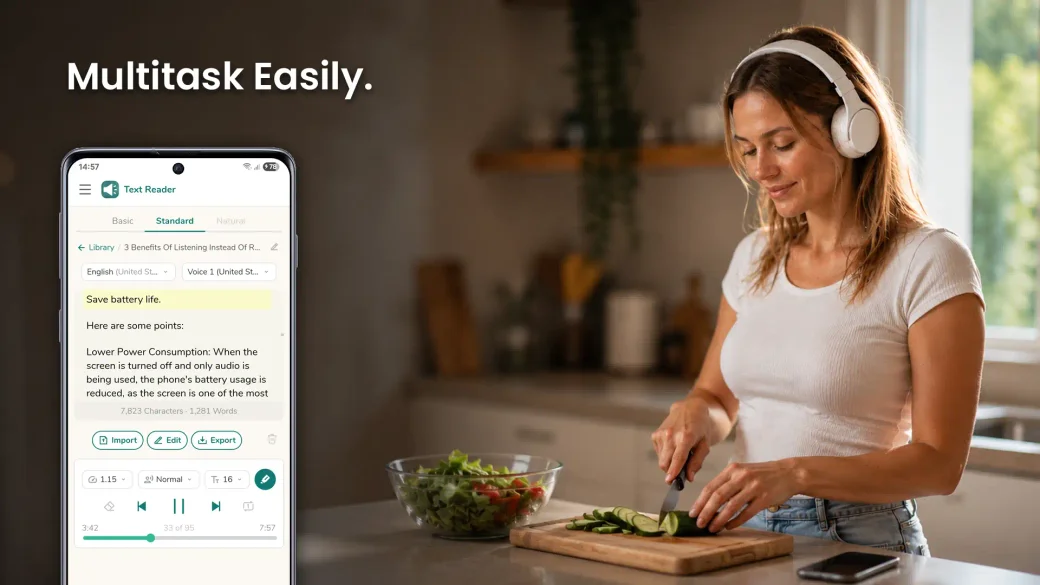
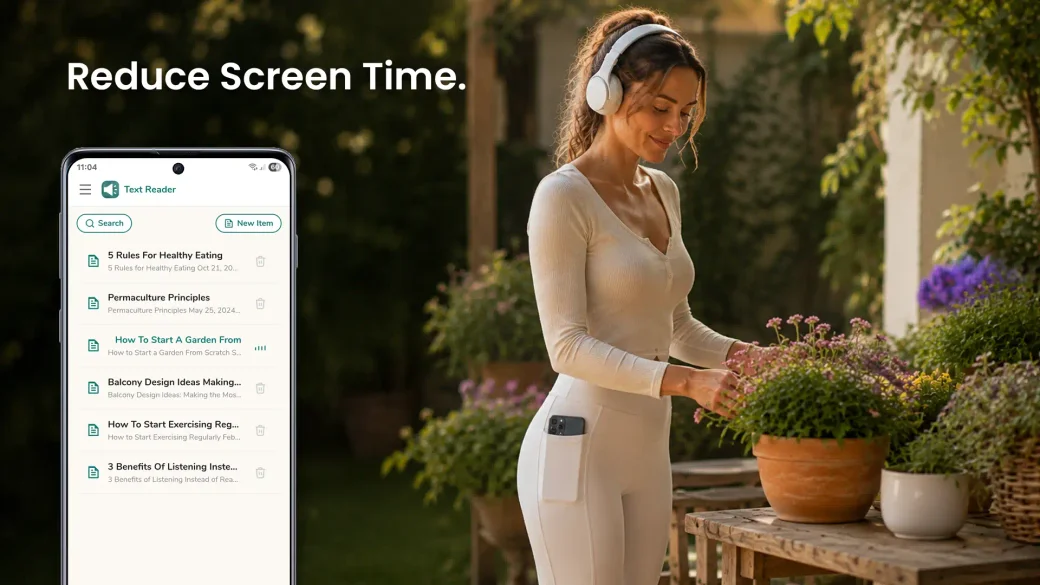
- Rest your eyes and reduce screen time.
- Save battery by listening with the screen off.
- Learn and stay productive while commuting, exercising, cooking, or working with your hands.
Listening
- Listen with the screen locked - control playback from the lock screen, notification, and Bluetooth.
- Adjustable speed - from slow up to 3x for skimming or careful listening.
- Male and female voices, with pitch control to raise or lower the voice.
- Follow-along highlighting - see each word as it is spoken.
- Repeat mode - loop the current text to listen again.
- Resume where you left off - the app remembers your place.
Your texts
- Import PDF, Word, EPUB, and text files, or share text from any app to start listening instantly.
- Open with Text Reader - tap a document in any app and have it read to you right away.
- Save a library of texts and search it anytime, even offline.
- Clean Symbols - skip stray characters like asterisks so they are not spoken.
- Handles long texts - uninterrupted playback for articles, chapters, and reports.
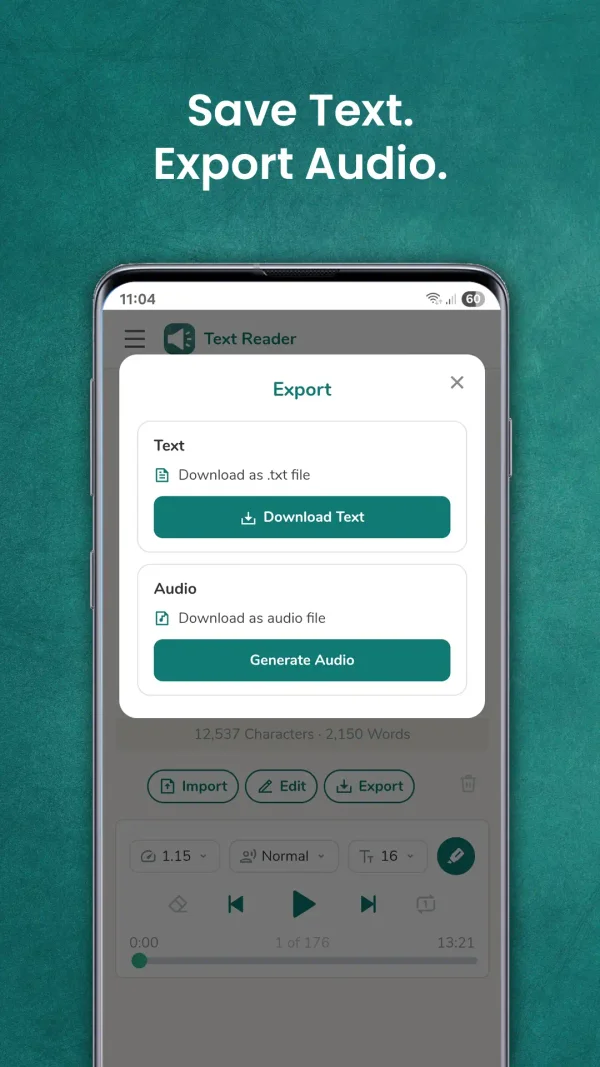
- Generate audio from text - save it as an audio file and listen in any music app.
- Export to PDF or a text file - keep a copy of your text on your device.
More
- Dark mode that follows your device theme.
- Right-to-left support for Hebrew, Arabic, and more.
- Works on phones and tablets - smooth performance across devices.
Whether you want to read books and novels on the road, catch up on articles, or get through work documents hands-free, Text Reader reads every word so you never miss a thing.
Data safety
What Perfect tools declares on Google Play about the data this app collects and shares.
- This app may share these data types with third partiesLocation, App activity and 2 others
- No data collectedLearn more about how developers declare collection
- Data is encrypted in transit
- Data can’t be deleted
What’s new
Version 1.0.49 · Oct 16, 2026
You can now turn sentence highlighting and auto-scroll on or off separately, with two new toggle buttons below the text.
Developer contact
- Websiteperfecttools-7d1e6.web.app
- Emailtechexsupp@gmail.com
- Privacy policyperfecttools-7d1e6.web.app
- Address22/3 Eshkol Levy, Entrance B RAANANA, 4370328 Israel
Information
- Offered by
- Perfect tools
- Category
- Tools
- Version
- 1.0.49
- Updated
- Oct 16, 2026
- Released
- Dec 28, 2014
- Requires
- Android 7.0 or later
- Age rating
- Everyone
- Price
- Free
- In-app purchases
- $1.99 - $19.99 per item
- Package name
- com.ReadTheTextForMe
Similar apps
-
 Transcribe Speech to Text – AI
Productivity
-
 Talking Translator - Languages
Tools
-
 Live Transcribe & notification
Communication
-
 Language Learning | Jumpspeak
Education
-
 write lyrics & save your ideas
Music & Audio
-
 Plaud: AI Work Companion
Tools
-
 Donna AI Song & Music Maker
Music & Audio
-
 Lite Writer: Writing/Note/Memo
Productivity
-
 Fabric: your second brain
Productivity
-
 Easy Voice Recorder
Productivity
-
 Talk & Translate AI Translator
Books & Reference
-
 Transkriptor - Speech to Text
Productivity