Lite Writer: Writing/Note/Memo
OneLiteCoreContains ads · In-app purchases
- EveryoneAge rating
- ProductivityCategory
- Nov 20, 2026Updated
- FreePrice
Links to the official Google Play listing of core.writer. Last checked on Nov 27, 2026.

Screenshots

About this app
Lightweight and powerful, for writers, novelists and all inspirational minds
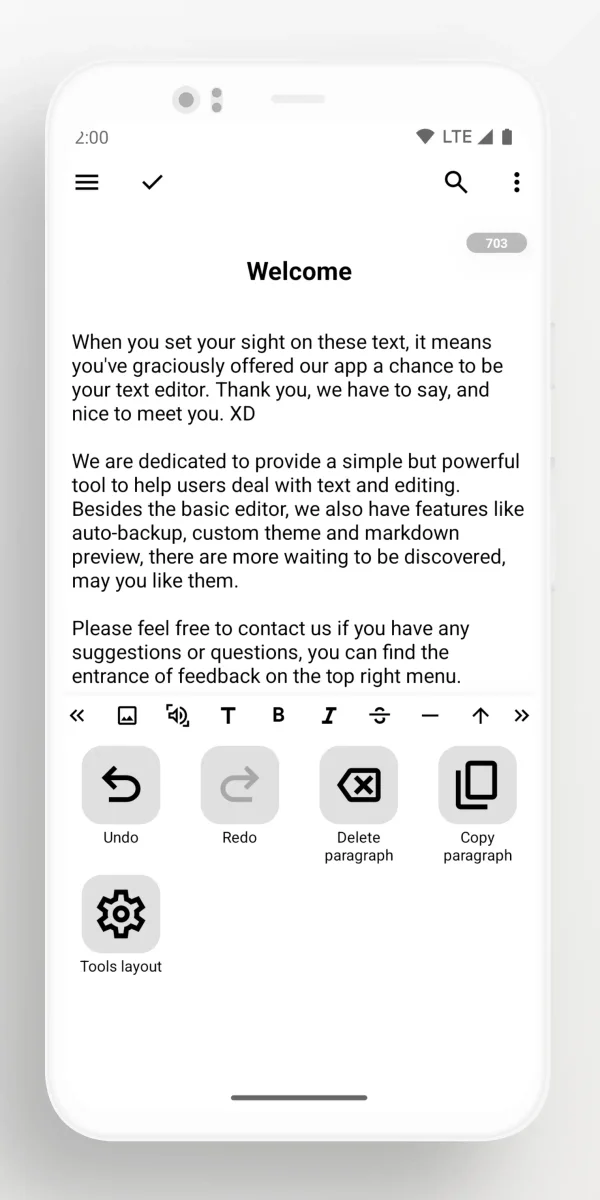
Designed with passion and dedication, Lite Writer is ready to be your best assistant in your creation process of writing your new books and fictions. Either you are a professional writer or a budding novelist or just someone who need a note app to make some notes, Lite Writer is for you!
--- POWERFUL FEATURES ---
Lite Writer offers many essential features to help you write:
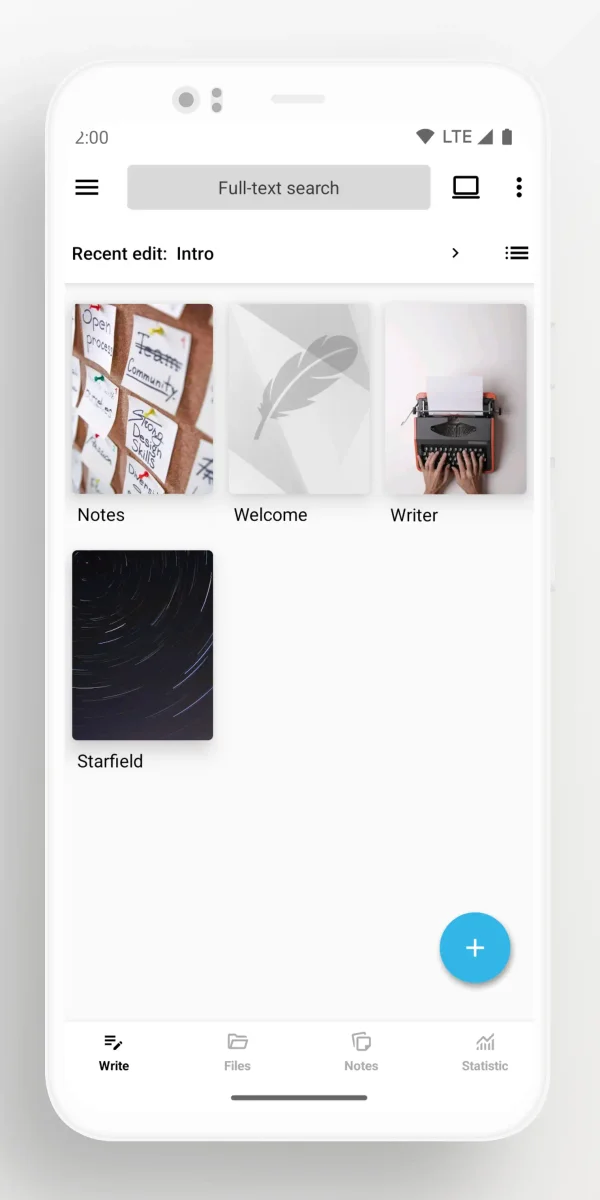
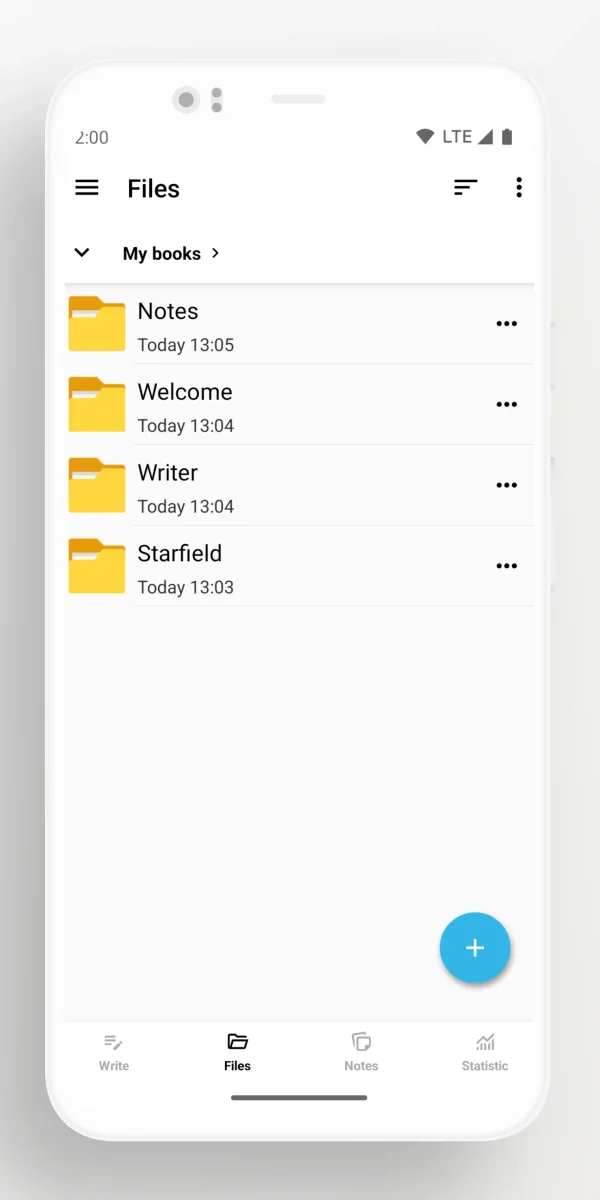
📚 File Management and Bookshelf:
- Organize your creation in a folder-file structure
- Personalize book covers
- Streamlined bulk operations
- Intelligent chapter number recognition and sorting
- Mapping your home folder onto your PC and edit them with PC writer software
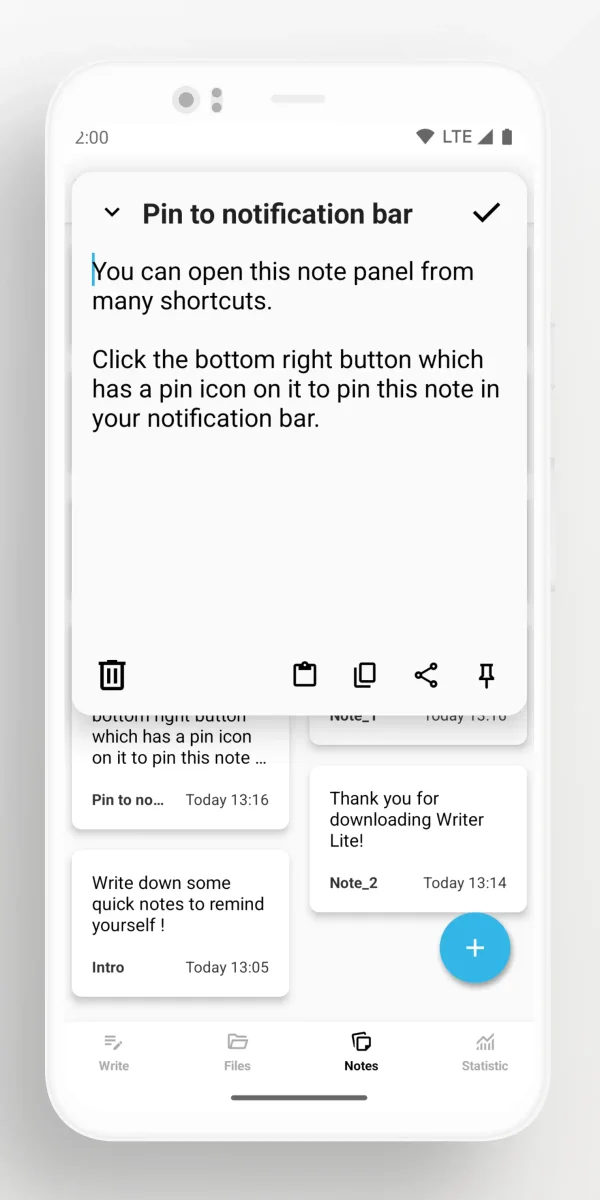
📝 Instant Note for Instant Inspirations:
- Open a quick note panel from shortcuts
- Pin a note in your notification bar to remind you
- Organize your note files in an easier way
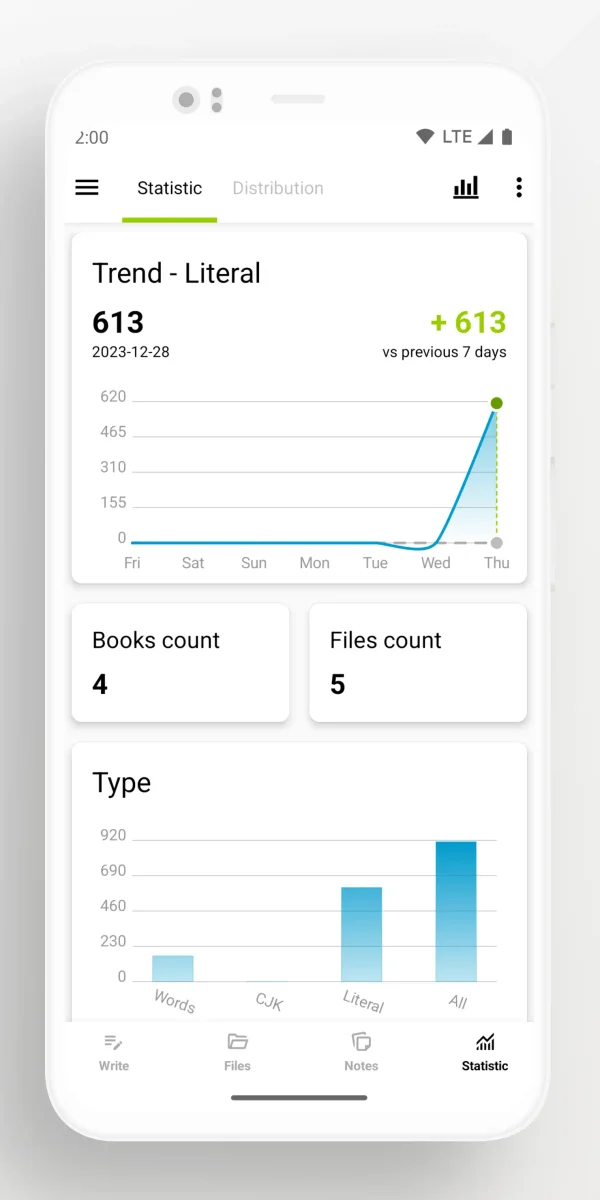
📈 Effortless Word and Character Tracking:
- Monitor character and word count at a glance
- Track word trends over 7 days.
- Floating widget for quick counts
- Full support for CJK characters
🎨 Customization and Inspiring Themes:
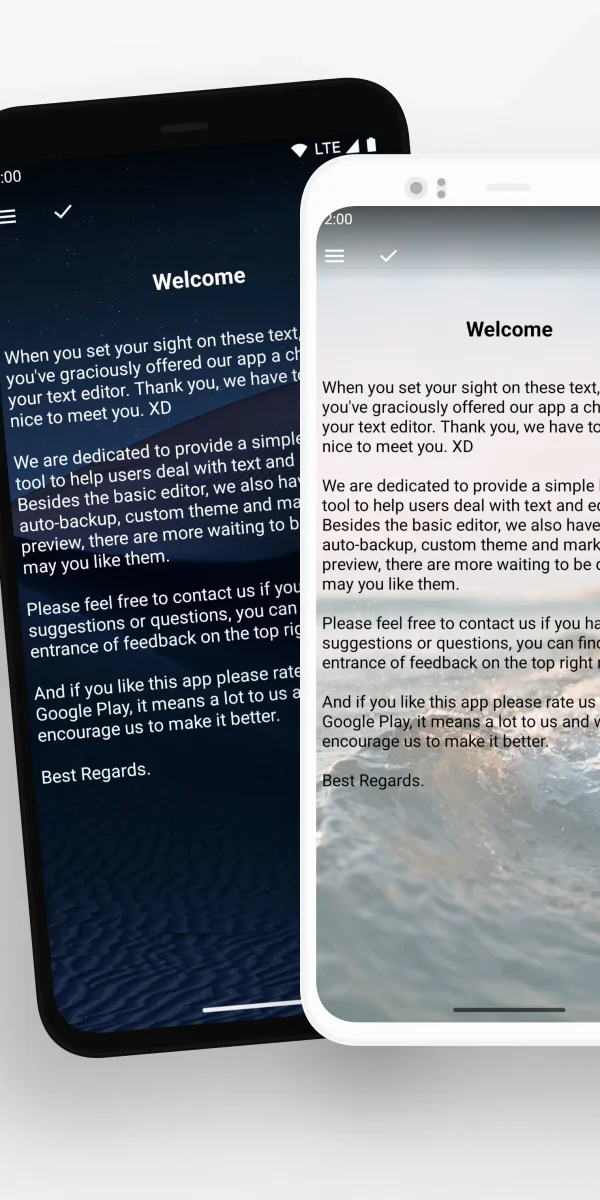
- Pure white or black themes
- Night-friendly dark mode
- Vibrant array of free themes
- Import your own wallpapers
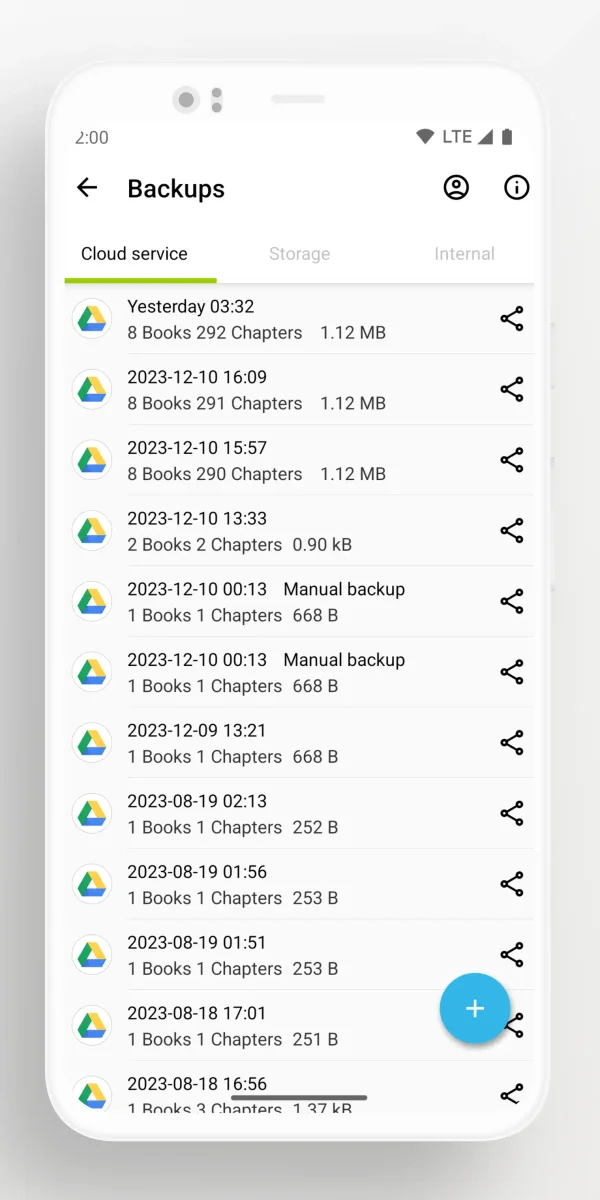
💾 Reliable Backup System:
- Auto-backup on Google Drive and WebDav
- Use custom folder to keep local backup files
- Retrieve data from history records and recycle bin
- Seamlessly export all data with a single click
🔐 Security and Privacy:
- Secure your app with fingerprint or a pattern lock
- Automatic locking when idle
- Blur app screenshots in recent tasks
Data safety
What OneLiteCore declares on Google Play about the data this app collects and shares.
- This app may share these data types with third partiesLocation, Personal info and 4 others
- This app may collect these data typesLocation, Personal info and 4 others
- Data is encrypted in transit
- Data can’t be deleted
What’s new
Version 1.110.3 · Nov 20, 2026
- Set the "Pure White" theme the app default theme
- Add "Samba" file protocol backup service support
- Add "Dropbox" backup service support
- Improve stability
Developer contact
- Websitegithub.com
- Emailone.lite.core@gmail.com
- Privacy policyonelitecore.github.io
- Address市桥街道东堤大街4号401房 番禺区, 广州市, 广东省 China 511400
Information
- Offered by
- OneLiteCore
- Category
- Productivity
- Version
- 1.110.3
- Updated
- Nov 20, 2026
- Released
- Mar 17, 2018
- Requires
- Android 7.0 or later
- Age rating
- Everyone
- Price
- Free
- In-app purchases
- $0.99 - $23.99 per item
- Package name
- core.writer
Similar apps
-
 Notes : Color Folders & To-dos
Productivity
-
 Nested Folder Notes - Folino
Productivity
-
 Pure Writer - Writing & Notes
Lifestyle
-
 YesWriter - Writing, Notes
Productivity
-
 UpNote - notes, diary, journal
Productivity
-
 Writer Journal - Text,Note
Productivity
-
 SCRIBZEE®
Productivity
-
 Jnotes: Note-Taking, AI, PDF
Productivity
-
 Fabric: your second brain
Productivity
-
 Notesnook Secure Private Notes
Productivity
-
 DrawNote: Drawing Notepad Memo
Productivity
-
 MultiNotes - Reminder Notes
Tools