Themepack - App Icons, Widgets
YoloTechContains ads · In-app purchases
- TeenAge rating
- PersonalizationCategory
- Nov 25, 2026Updated
- FreePrice
Links to the official Google Play listing of com.iconchanger.widget.theme.shortcut. Last checked on Nov 25, 2026.
Screenshots

About this app
Get custom wallpapers, aesthetic themes &widgets for your home screen.
Themepack - App Icons, Widgets is an app for Android devices that enables the freedom to change home screen themes, with 10000+ functional widgets, icons, and wallpapers, as well as personalized widgets and icons customization options. 🎨 Looking to be the designer of your home screen, or have a theme pack that reflects your style? (。•̀ᴗ-)✧ Themepack - App Icons, Widgets enhances the functionality of customizing the device's home screen, making it the perfect choice for you!
Stylish & Custom Widgets
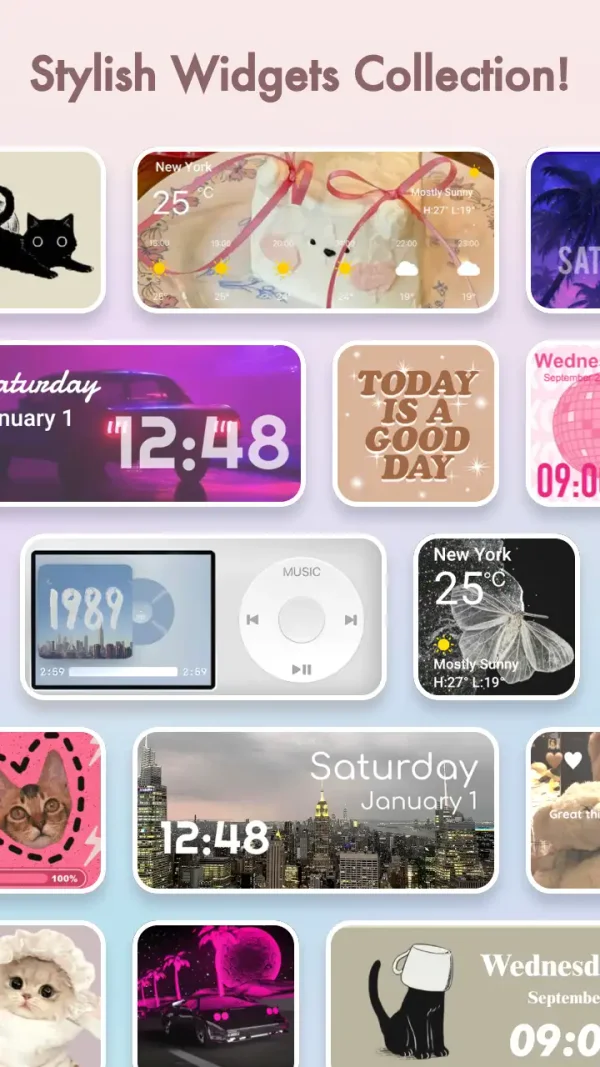
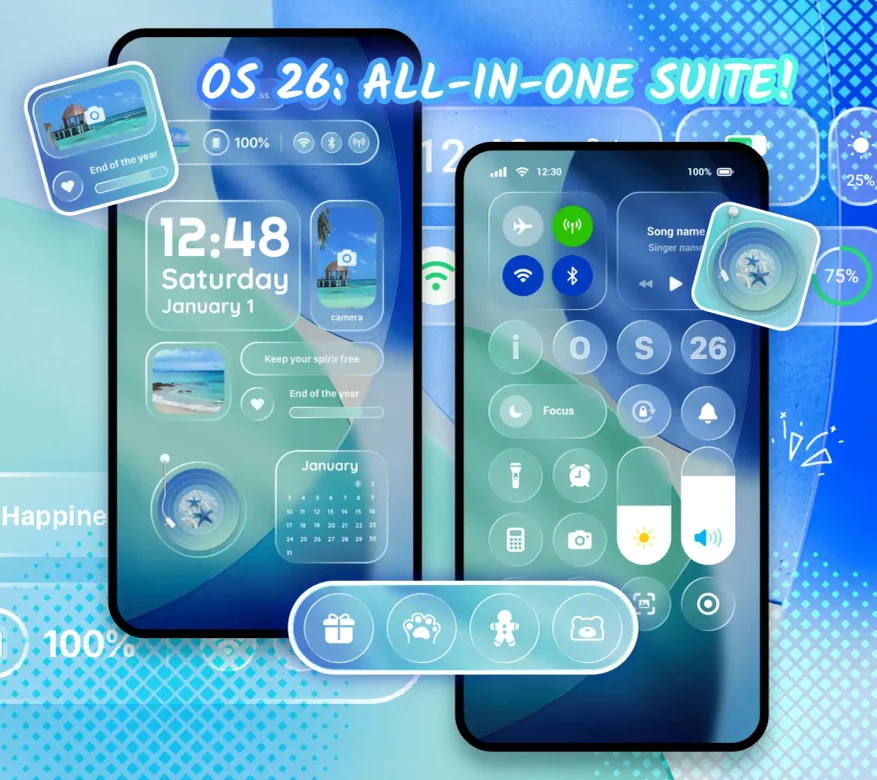
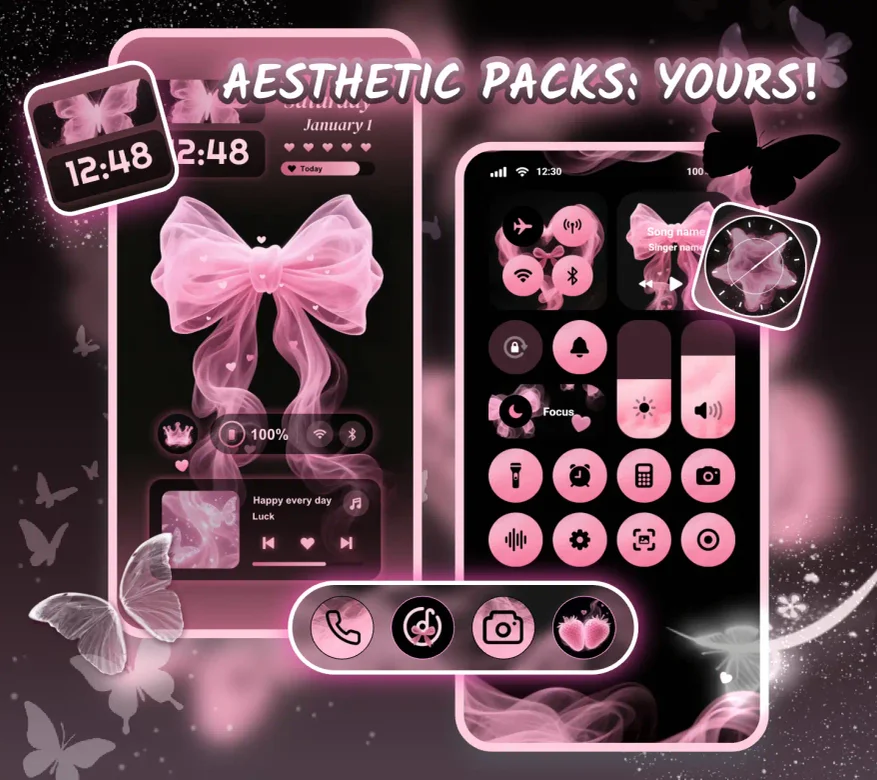
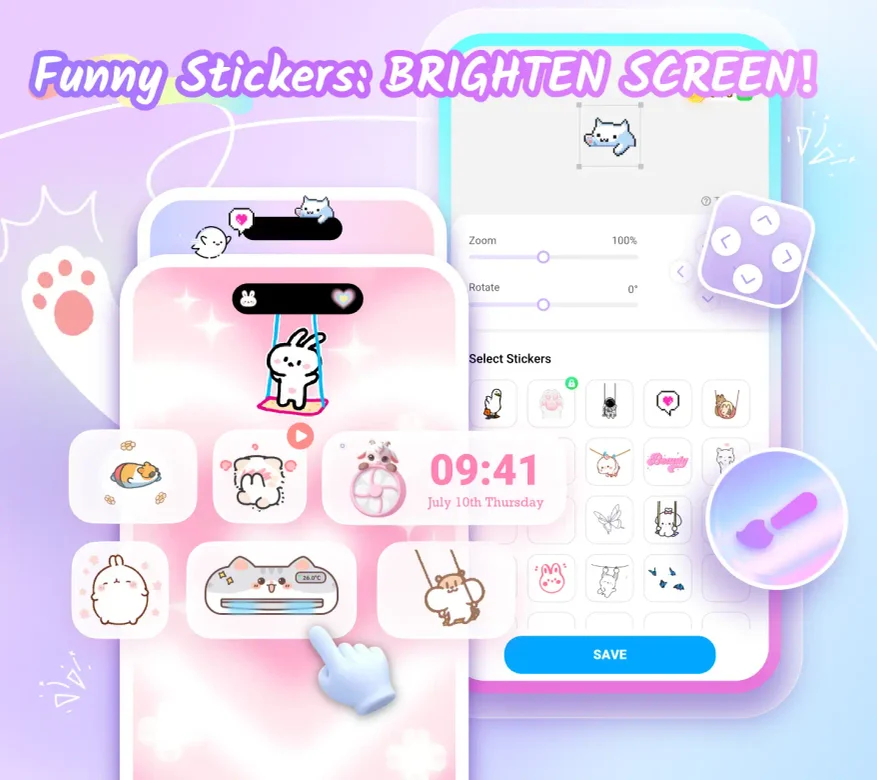
A variety of widgets, including battery widgets 🔋displaying device power information, dynamic image effect widgets ๑乛◡乛๑, calendar 📅, clock ⏰, weather 🌞, and control panel 💻 widgets. These effects will change the traditional screen appearance, providing you with a surprise! Additionally, you can open your gallery, select images, and customize your widgets, showcasing your creativity!
DIY Icons
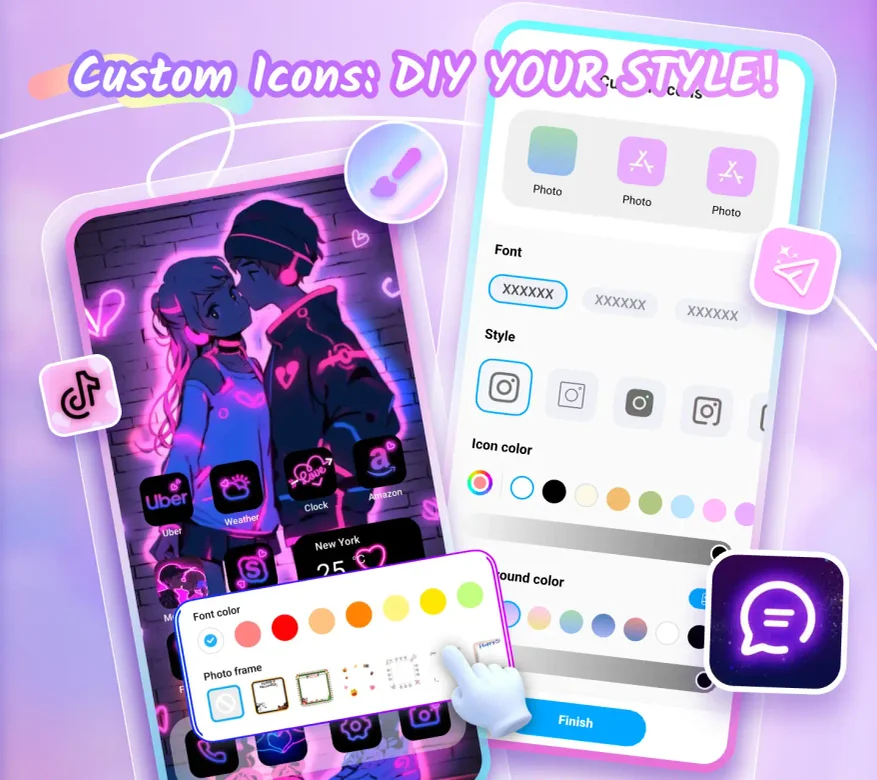
Moreover, you can also customize icons in Themepack - App Icons, Widgets, which offers a variety of choices for icon styles, fonts, colors, transparency levels, background colors, and more! It enables you to create distinctive icons and rename them using cool fonts to match your desired device applications, achieving DIY freedom!
Visual Aesthetics
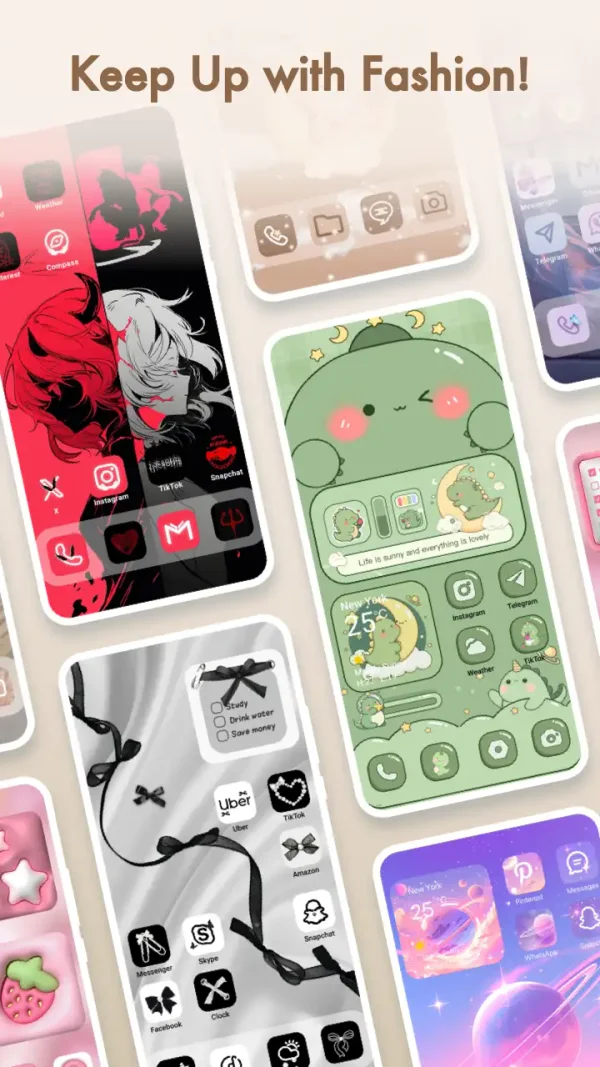
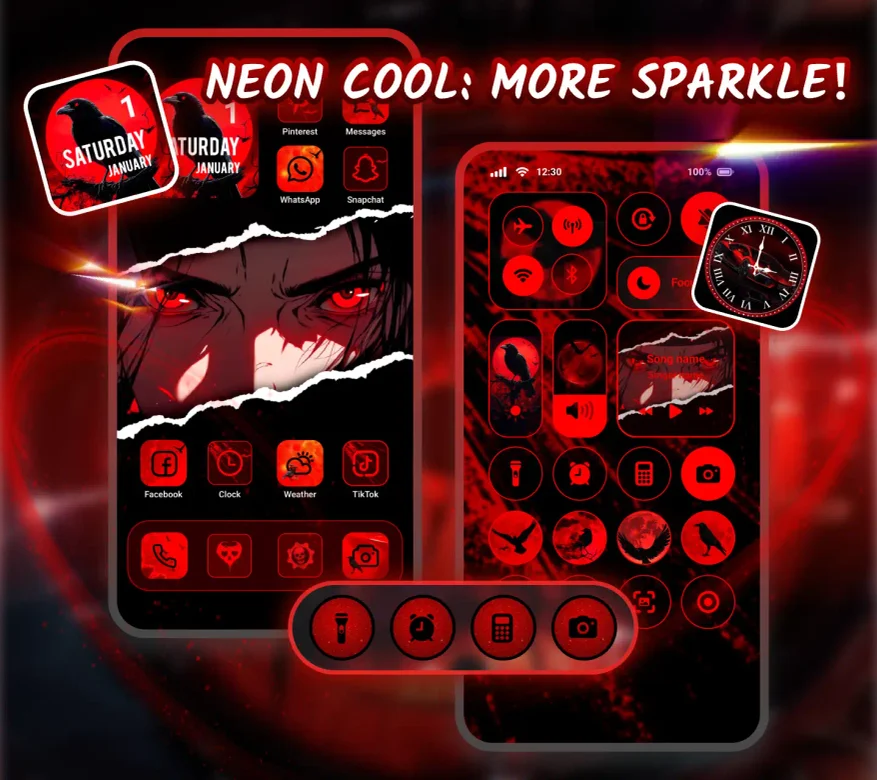
In Themepack - App Icons, Widgets, you will find aesthetic backgrounds, K-pop wallpapers, anime, neon, sports, and festival themes to help you customize your home screen with one-click additions, saving you time and effort! This is the unique advantage of Themepack - App Icons, Widgets!
🌈Why Use Themepack - App Icons, Widgets ✨
🔥 Various widget functions and rich themes!
🔥 Exquisite icon packs!
🔥 Personalization customized for you!
🔥 Awesome designed wallpapers!
🔥 Easy one-click replacement!
🔥 Super fast update speed!
Need to familiarize yourself with how to use it? Step-by-step guide!
🤖How to Use Themepack - App Icons, Widgets
1. Search for Themepack - App Icons, Widgets, and download it
2. Open Themepack - App Icons, Widgets
3. Choose the icon packs, themes, widgets, and DIY widgets that you like
4. Replace your choice with one click!
More advantages! Carefully unique design!
All app icons, themes, widgets, and wallpapers of Themepack - App Icons and widgets are created by top designers! Each widget has a unique meaning, maybe a circle, maybe a rectangle, enough for you to customize!
⭕️ NOTE ABOUT APPLICATION ACCESS
To display the control center view on your Android screen, Themepack - App Icons, Widgets requires Accessibility Service permissions. This access enables system modification capabilities for features like do-not-disturb mode, audio recording/screen capture, and music/volume controls. Themepack does not disclose any user information in connection with ACCESSIBLE SERVICES, and the application in connection with this access stores no user data.
Contact us
Themepack - App Icons, Widgets to help and guide you! If there is any operational problem, you can send it to us, we will follow up and solve it in time.
Email address: xmind0303@gmail.com
Data safety
What YoloTech declares on Google Play about the data this app collects and shares.
- This app may share these data types with third partiesLocation, Personal info and 4 others
- No data collectedLearn more about how developers declare collection
- Data is encrypted in transit
- You can request that data be deleted
What’s new
Version 1.0.0.4399 · Nov 25, 2026
🎉New version for you to get a better experience !🎉
>>Improved:
1. Update more exquisite new themes, icon packs and widgets.
2. Stability optimization and bug fixes.
Developer contact
- Websiteicon-changer-studio.web.app
- Emailxmind0303@gmail.com
- Privacy policythemer-iconwidgets.com
- Address中国 北京市东城区 东城区东四北大街107号27幢三层316室 邮政编码: 100013
Information
- Offered by
- YoloTech
- Category
- Personalization
- Version
- 1.0.0.4399
- Updated
- Nov 25, 2026
- Released
- Mar 10, 2022
- Requires
- Android 7.0 or later
- Age rating
- Teen
- Price
- Free
- In-app purchases
- $0.99 - $39.99 per item
- Package name
- com.iconchanger.widget.theme.shortcut
Similar apps
-
 Aesthetic Wallpapers & Icons
Art & Design
-
 Facemoji AI Emoji Keyboard
Personalization
-
 Color Widgets, Theme: iWidgets
Lifestyle
-
 Magic Wallpaper: Magic Fluid
Tools
-
 Fonts Art: Cute Keyboard Font
Personalization
-
 Keyboard Maker: Keyboard Theme
Personalization
-
 Facemoji Emoji Keyboard Pro
Tools
-
 Pinterest
Lifestyle
-
 Fonts Keyboard Themes & Emoji
Personalization
-
 Battery Charging Animation App
Personalization
-
 3D Live Wallpapers 4D video 4K
Personalization
-
 Love Photo Keyboard Theme 2023
Personalization