Tickdrop | Notification to-do
SgnoogleIn-app purchases
- EveryoneAge rating
- ProductivityCategory
- Nov 22, 2026Updated
- FreePrice
Links to the official Google Play listing of com.sgnoogle.tickdrop. Last checked on Nov 23, 2026.

Screenshots
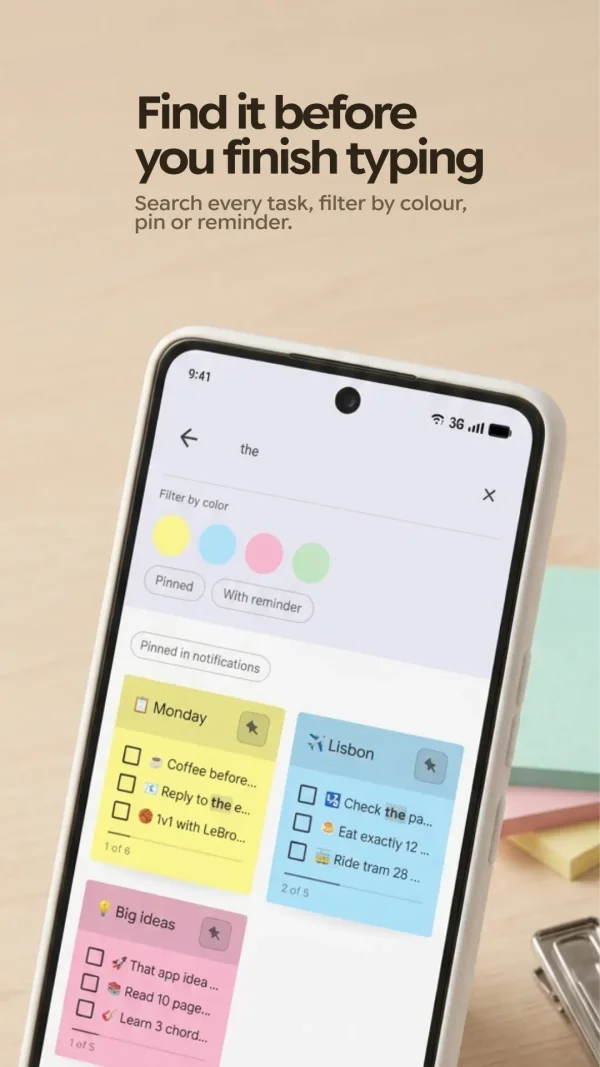
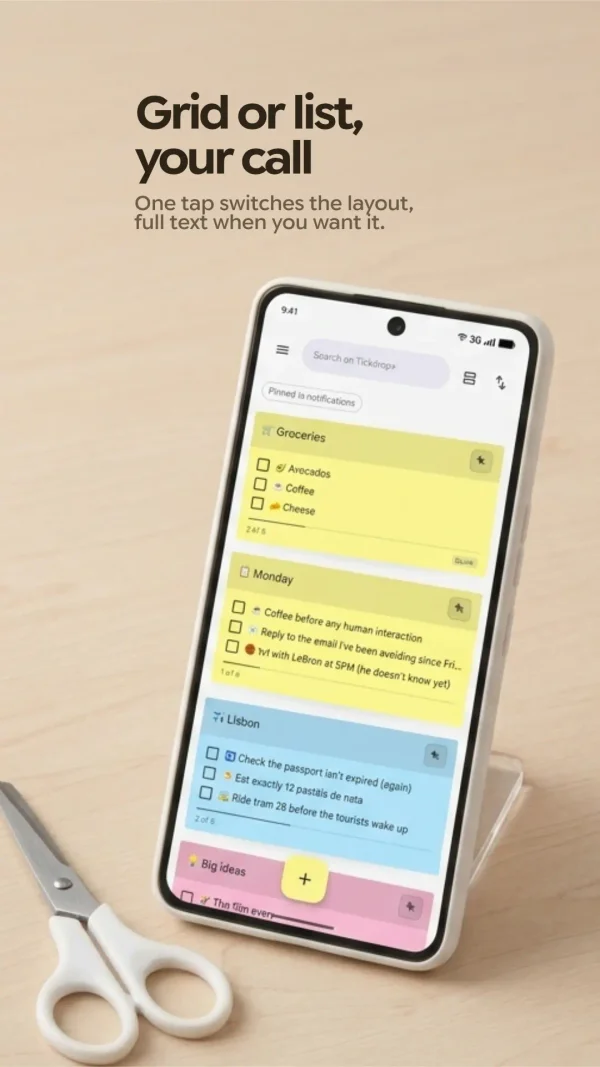
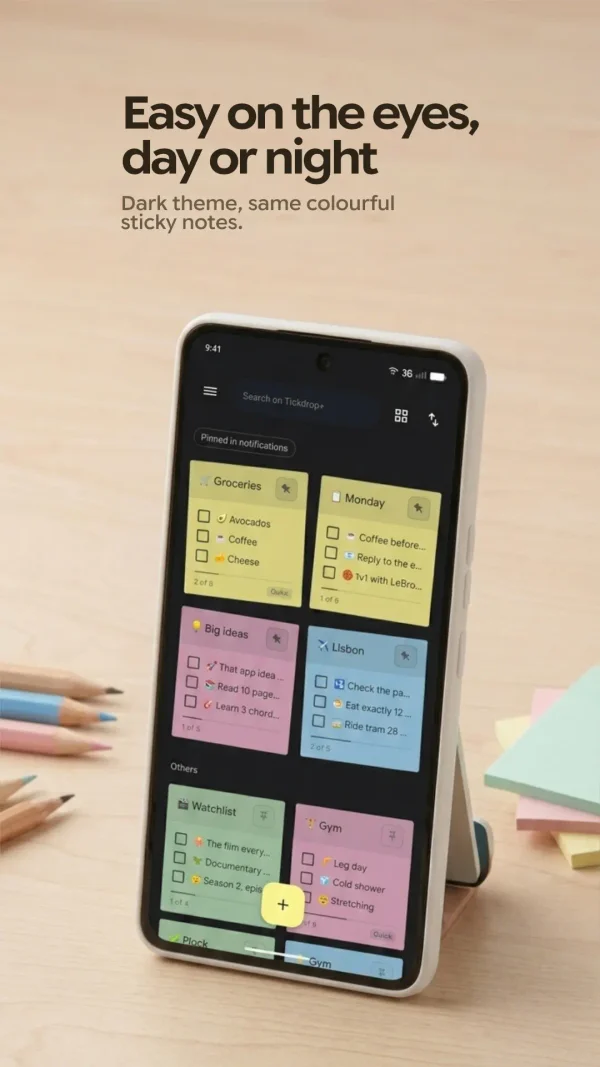
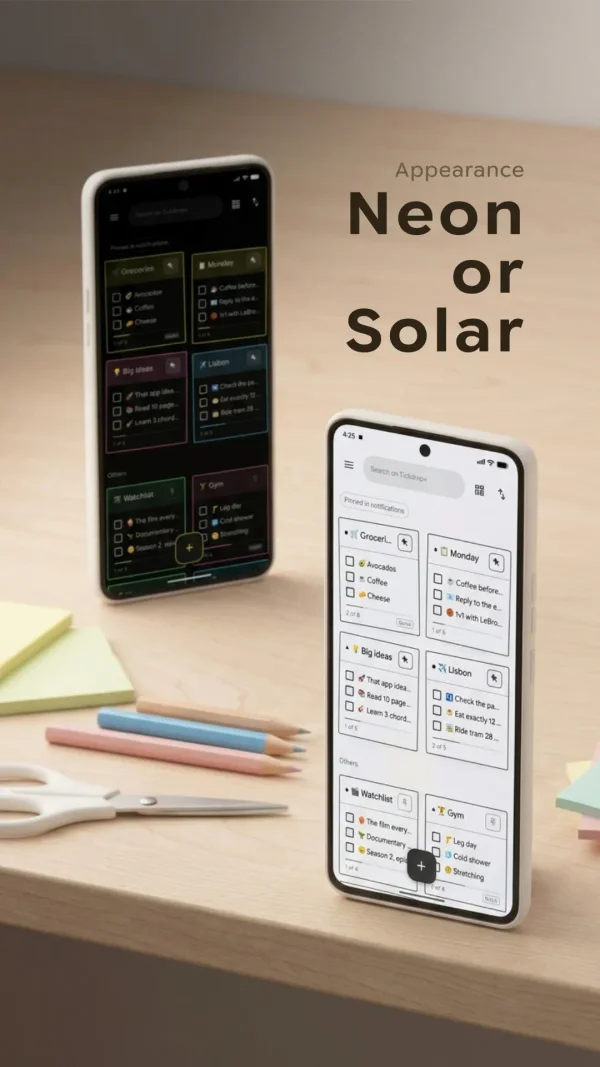
About this app
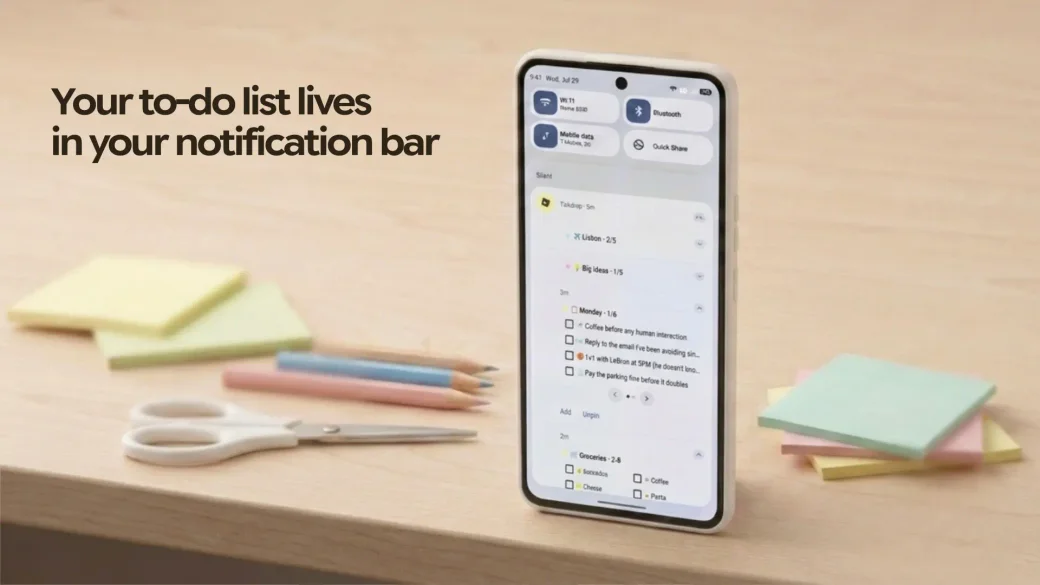
Pin your to-do list to notifications. Check tasks without opening the app.
Your to-do list, always one swipe away.
Tickdrop pins your tasks directly to your notification shade. No app to open, no distractions: just swipe down, check off, and move on with your day.
How it works
1. Create a list
2. Tap the pin icon
3. Your tasks appear as a persistent notification.
4. Check items off right from the notification bar.
It's that simple.
Features
• Check off tasks directly from notifications
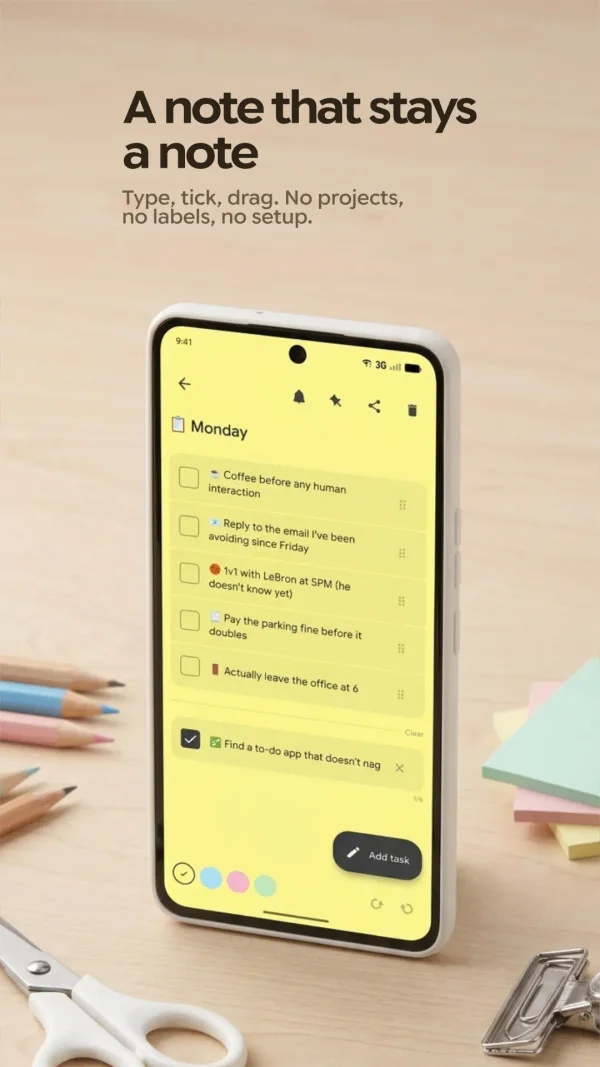
• Standard lists for detailed tasks (up to 80 characters)
• Quick lists with 2-column layout for short items
• Dot pagination to browse longer lists
• Completed tasks move to the bottom automatically
• Light and dark theme support
Privacy first
No ads. No tracking. No account required. Your data stays on your device, always.
Free vs Tickdrop+
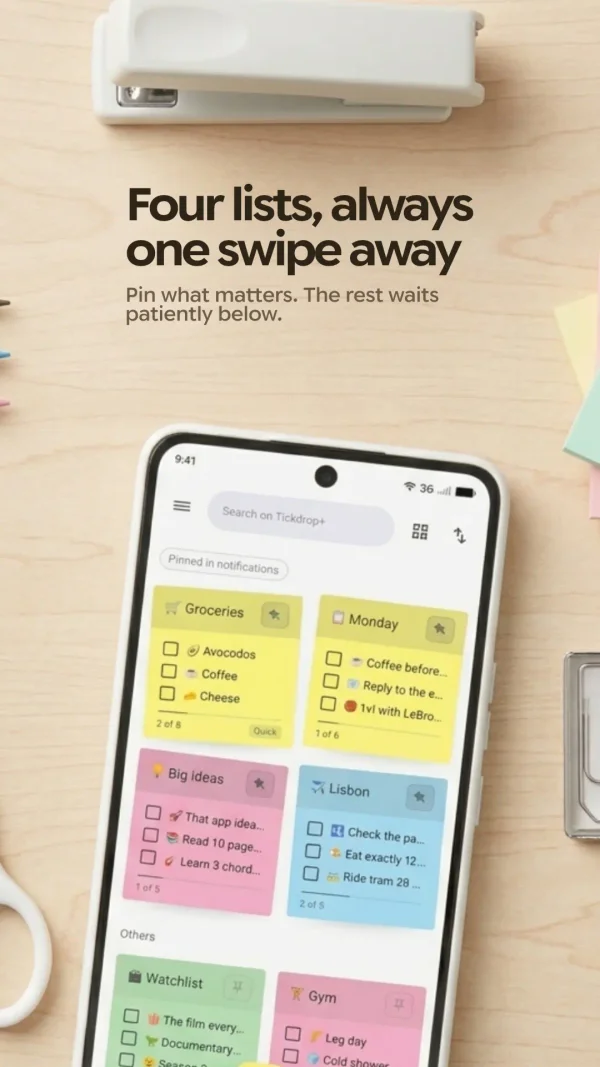
• Free: 1 pinned list, 7 tasks, classic yellow
• Tickdrop+ (one-time purchase): 4 pinned lists, up to 21 tasks, extra colors
Stop juggling apps. Start getting things done right from your notification shade.
Data safety
What Sgnoogle declares on Google Play about the data this app collects and shares.
- No data shared with third partiesLearn more about how developers declare sharing
- No data collectedLearn more about how developers declare collection
What’s new
Version 1.9.9 · Nov 22, 2026
Reordering tasks is easier: press and hold anywhere on a task to move it, not just on the handle. It works in Standard and Quick notes
• Dragging starts much faster, with just a brief press
• Quick taps, swipes and scrolling still work as before
• Quick notes: cards moved between columns, or dropped back in place, now settle smoothly without jumping
Developer contact
- Websitesgnoogle.github.io
- Emailfrancesco.sgnaolin+tickdrop@gmail.com
- Privacy policysites.google.com
- AddressVia Walter Tobagi, 3 29029 Rivergaro Italy
Information
- Offered by
- Sgnoogle
- Category
- Productivity
- Version
- 1.9.9
- Updated
- Nov 22, 2026
- Released
- Feb 8, 2026
- Requires
- Android 8.0 or later
- Age rating
- Everyone
- Price
- Free
- In-app purchases
- $3.69 per item
- Package name
- com.sgnoogle.tickdrop
Similar apps
-
 Daypad - Simple Time Tracker
Productivity
-
 ATracker - Task Time Tracker
Productivity
-
 Notesnook Secure Private Notes
Productivity
-
 Octopus: Planner, Goal Tracker
Productivity
-
 Orion Notes: Handwrite & PDFs
Productivity
-
 Timesheet - Work Time Tracker
Productivity
-
 Mood Journal - MoodPath
Health & Fitness
-
 WaterDo:To Do List & Schedule
Productivity
-
 Avocation Goal & Habit Tracker
Lifestyle
-
 Nipto: Split Household Chores
House & Home
-
 Daybloom: AI Self-Care Journal
Lifestyle
-
 Kaizen: Focus & Study Timer
Productivity