TP-Link Tether
TP-LINK SYSTEMS INC.In-app purchases
- EveryoneAge rating
- ToolsCategory
- Nov 16, 2026Updated
- FreePrice
Links to the official Google Play listing of com.tplink.tether. Last checked on Nov 18, 2026.
Screenshots
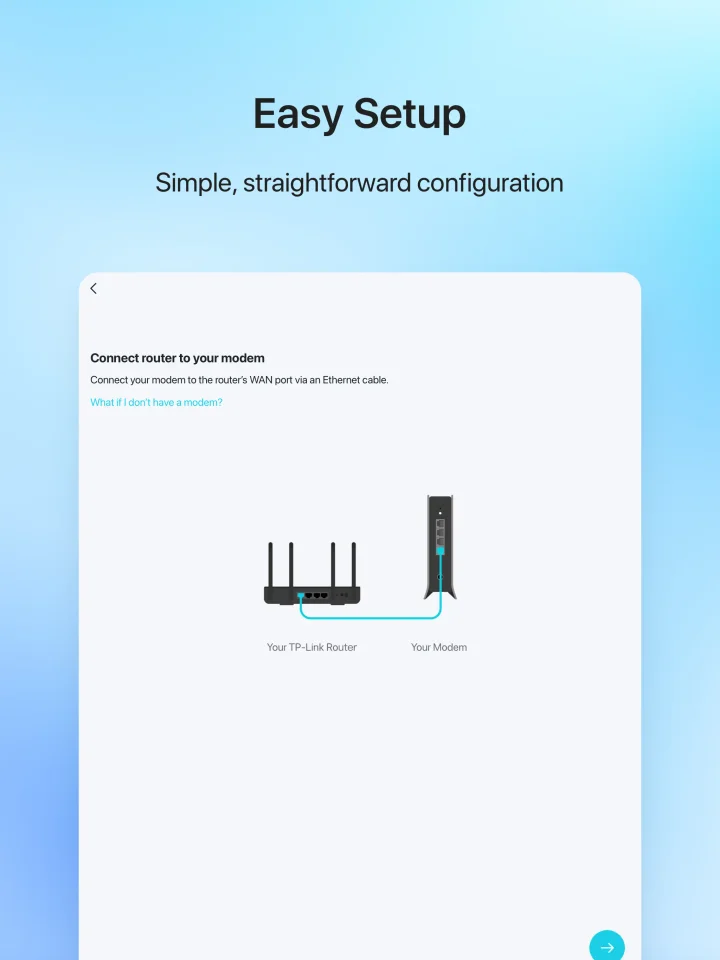
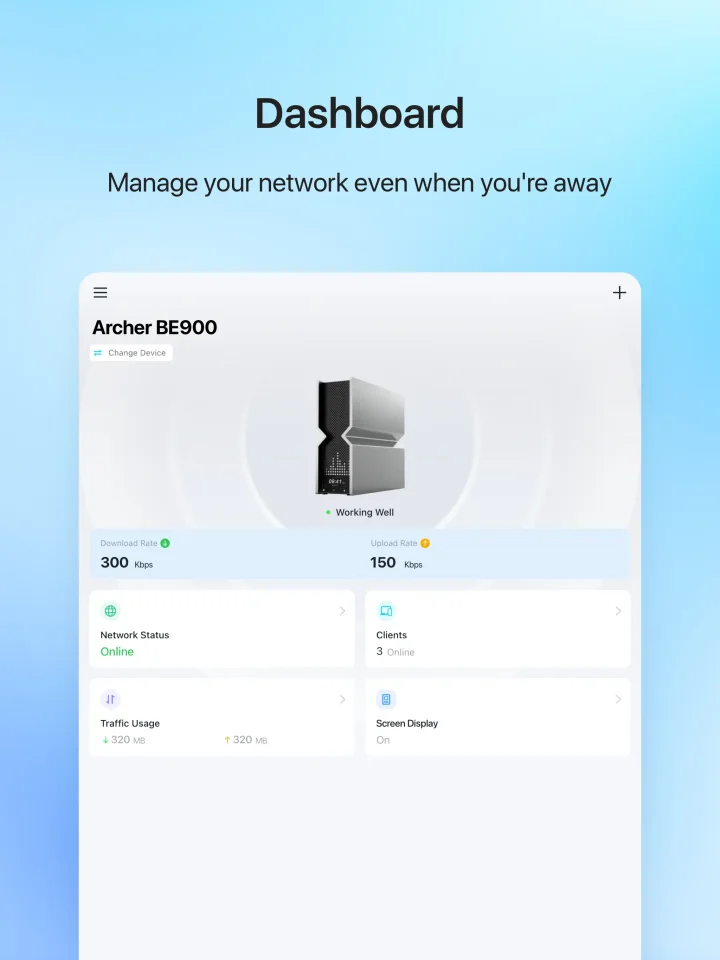
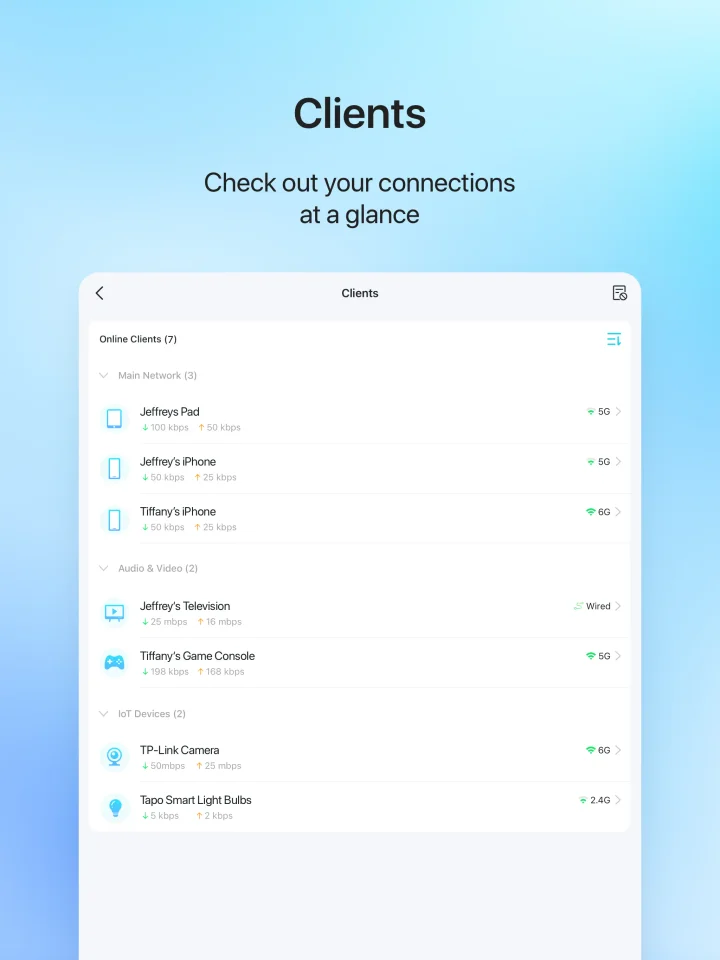
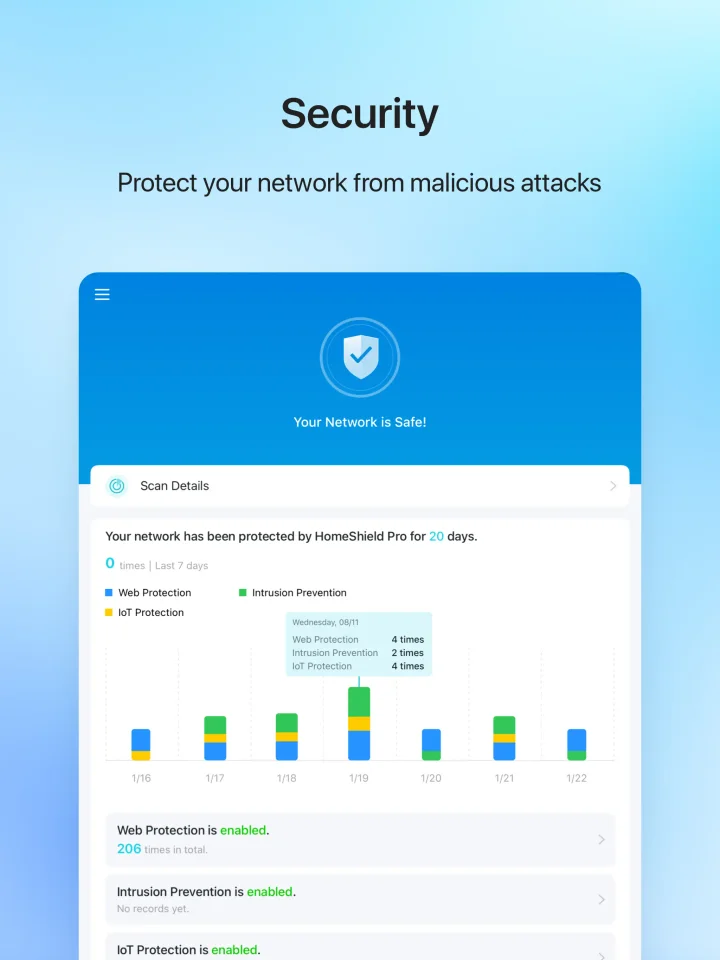
About this app
TP-Link Tether provides the easiest way to access and manage your devices.
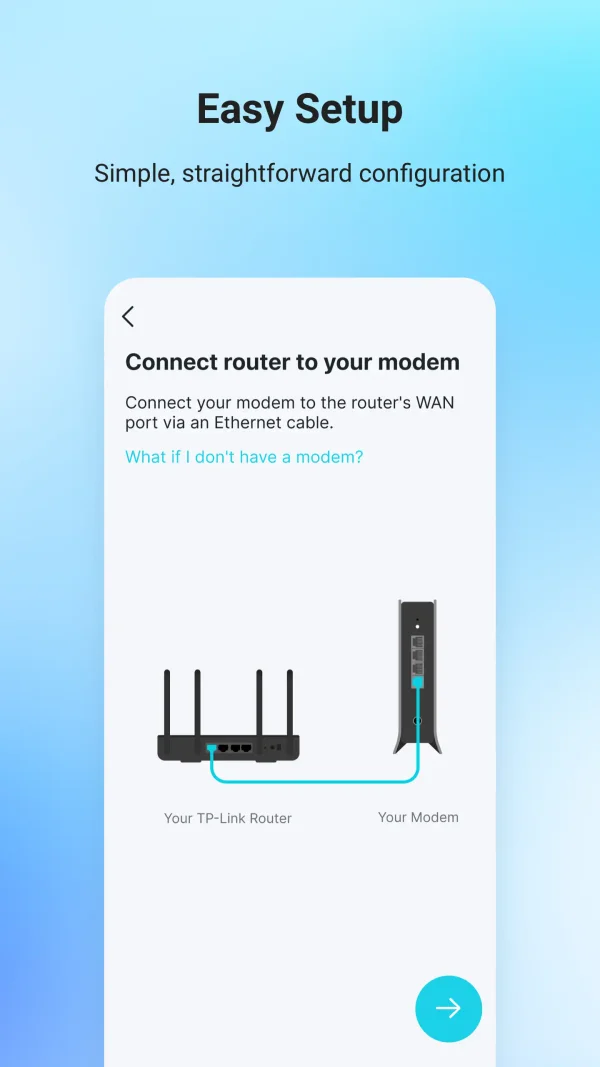
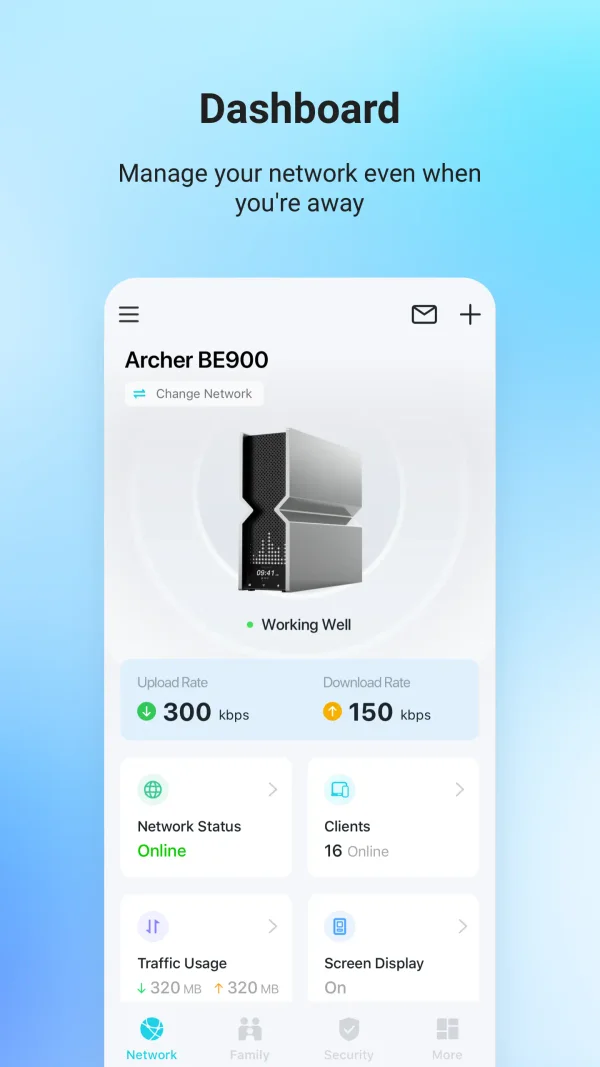
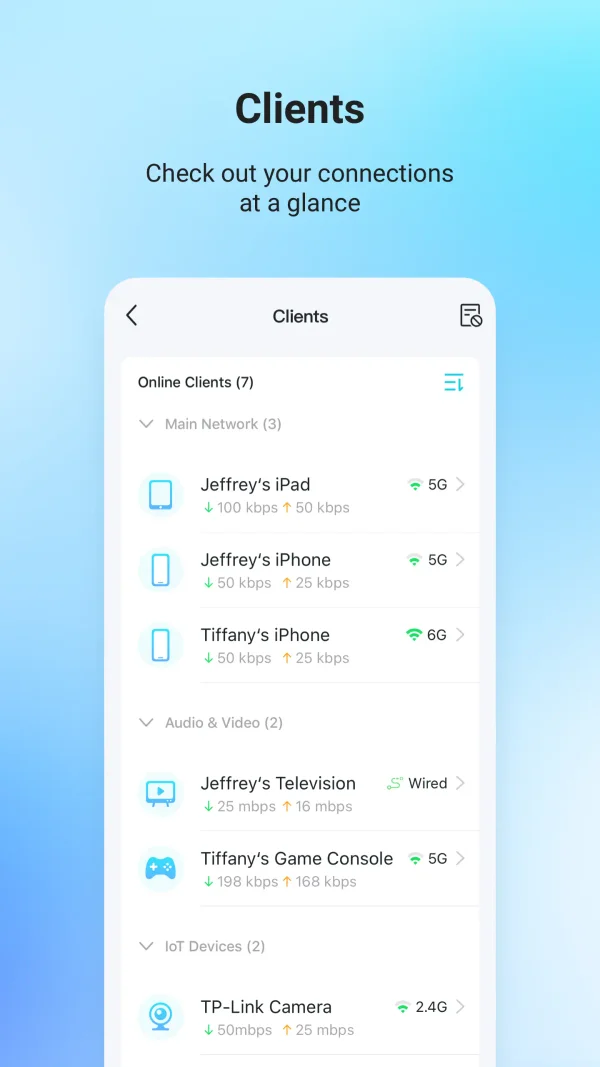
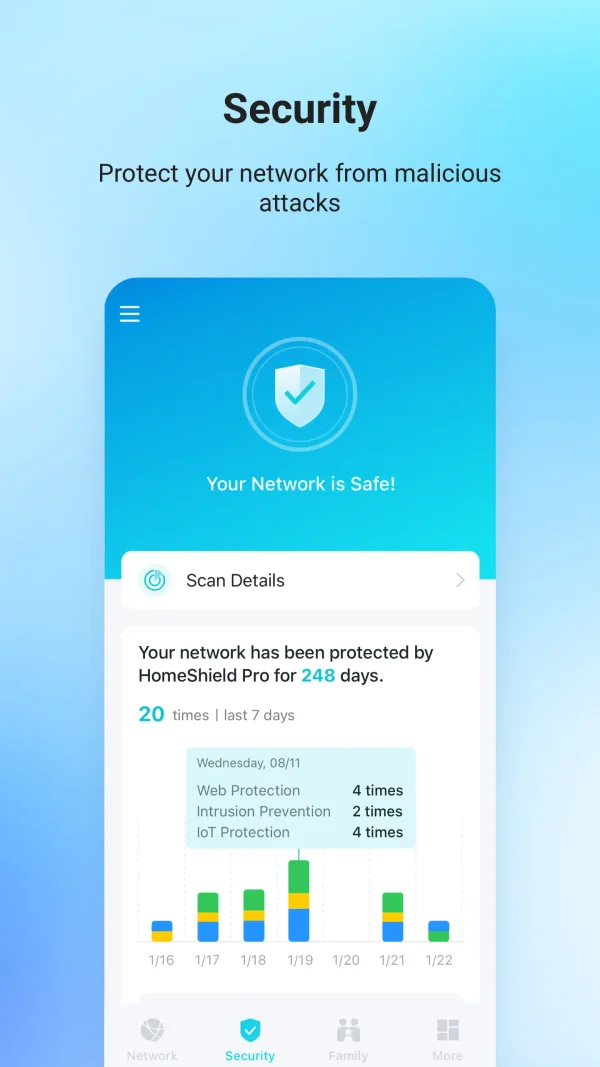
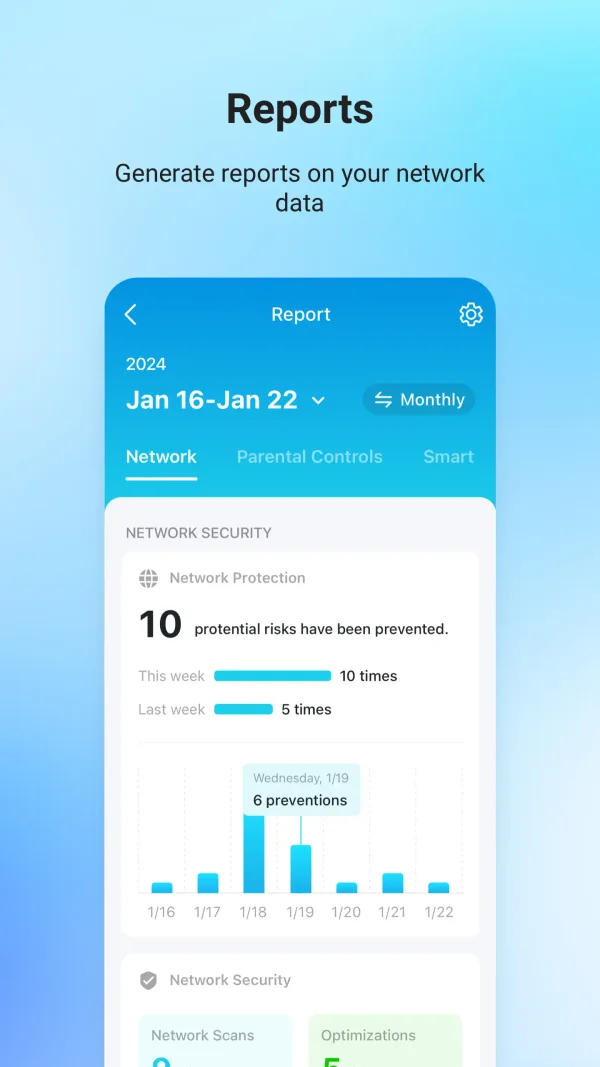
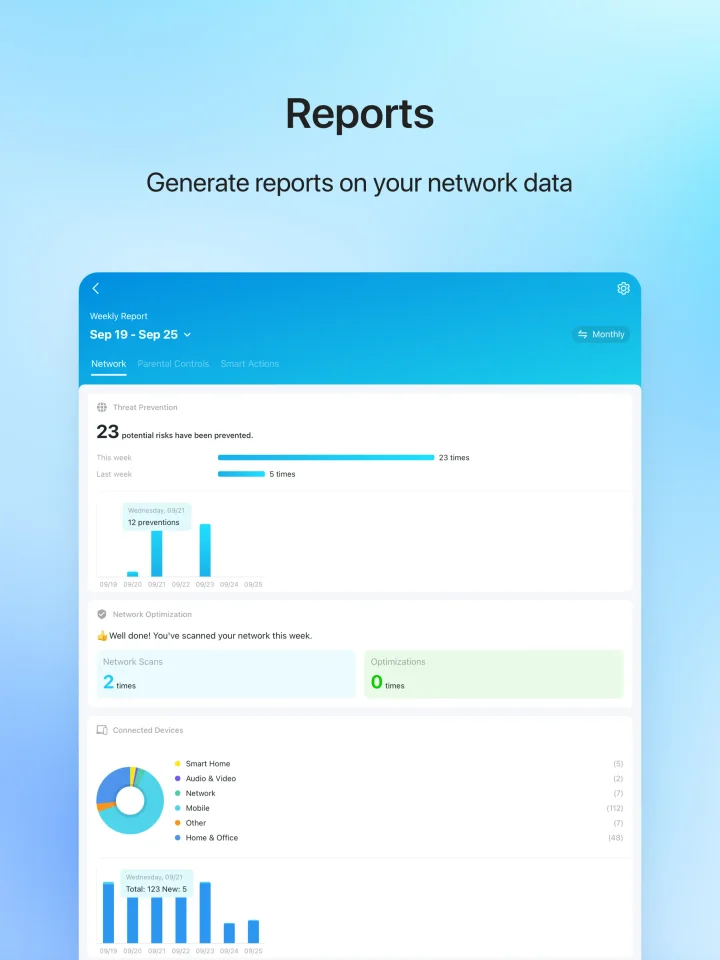
TP-Link Tether provides the easiest way to access and manage your TP-Link Router/ xDSL Router/ Range Extender with your mobile devices. From quick setup to parental controls, Tether provides a simple, intuitive user interface to see your device status, online client devices and their privileges.
- Setup SSID, password and Internet or VDSL/ADSL settings of your devices
- Block unauthorized users who are accessing your devices
- Manage permissions of client devices
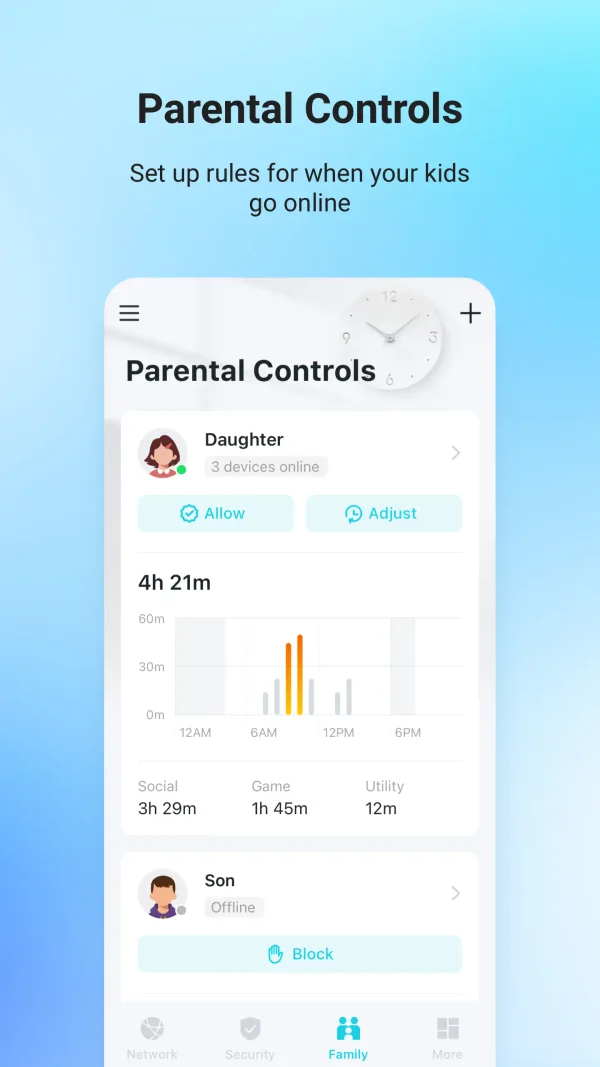
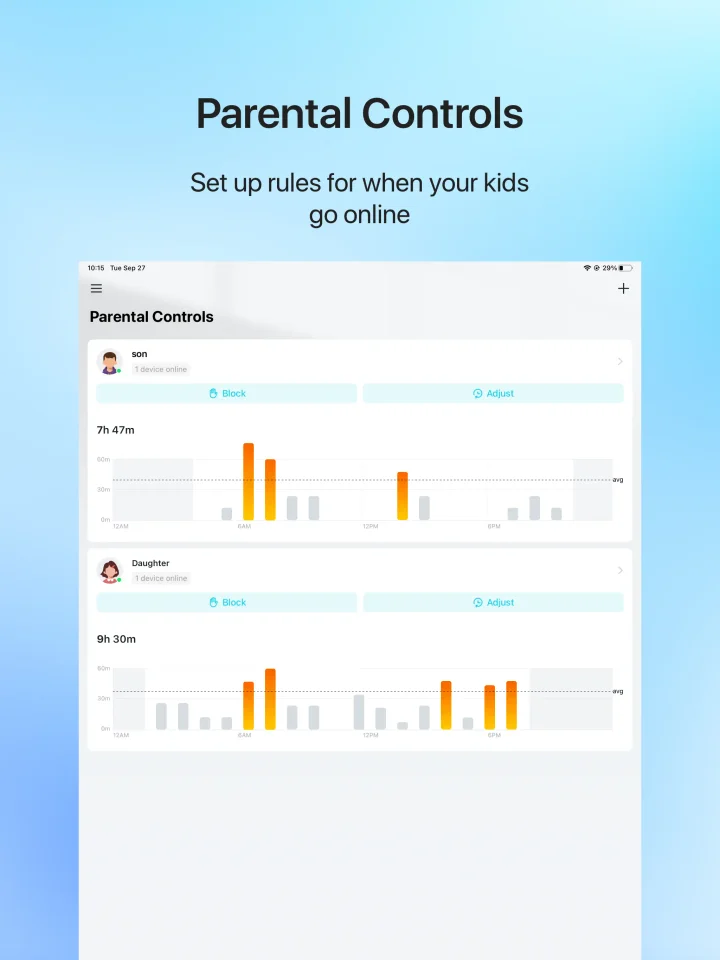
- Parental control function with schedule and URL-based Internet access management
- Find the best location to place your range extender
- Automatically turn off the LEDs at specific time
- Manage most of TP-Link devices simultaneously
Compatible Routers
https://www.tp-link.com/tether/product-list/
*To learn how to find the hardware version of your device, go to http://www.tp-link.com/faq-46.html
More devices supported by Tether are coming soon!
Important Notes
● Upgrade firmware is required. Go to the download page to choose the correct version and download the latest firmware: http://www.tp-link.com/support.html
● TP-Link Tether does not work when connected to guest network
● For any issue, please contact http://www.tp-link.com/support.html
Data safety
What TP-LINK SYSTEMS INC. declares on Google Play about the data this app collects and shares.
- No data shared with third partiesLearn more about how developers declare sharing
- This app may collect these data typesPersonal info, Photos and videos and 3 others
- Data is encrypted in transit
- You can request that data be deleted
What’s new
Version 4.16.27 · Nov 16, 2026
Fixed some bugs and improved the stability.
Developer contact
- Websitetp-link.com
- Emailfeedback.app@tp-link.com
- Privacy policyprivacy.tp-link.com
- Address10 Mauchly Irvine, CA 92618-2306 United States
Information
- Offered by
- TP-LINK SYSTEMS INC.
- Category
- Tools
- Version
- 4.16.27
- Updated
- Nov 16, 2026
- Released
- Jul 24, 2013
- Requires
- Android 7.0 or later
- Age rating
- Everyone
- Price
- Free
- In-app purchases
- $2.99 - $159.99 per item
- Package name
- com.tplink.tether