TV Box Remote Control App
DOSA AppsContains ads · In-app purchases
- EveryoneAge rating
- ToolsCategory
- Oct 27, 2026Updated
- FreePrice
Links to the official Google Play listing of com.toolslab.remotefiretv. Last checked on Nov 24, 2026.
Screenshots





About this app
Control Your TV Box From Your Phone With TV Box Remote Control App!
TV Remote Control From Your Phone!
Turn your Android phone into a convenient remote for your compatible TV. Whether you need quick navigation or easy access to playback controls, this app gives you useful tools to make your entertainment experience easier. Connect to a supported TV box and enjoy everyday controls from the palm of your hand.📄 TV Remote App Key Features:📄
🎯 Navigate menus and control playback directly from your phone;
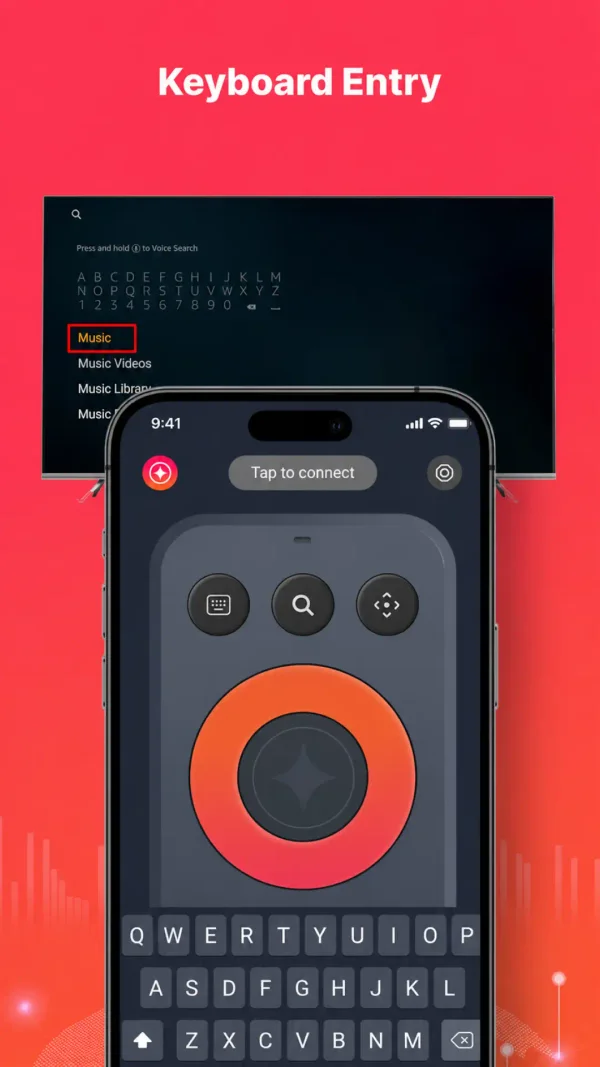
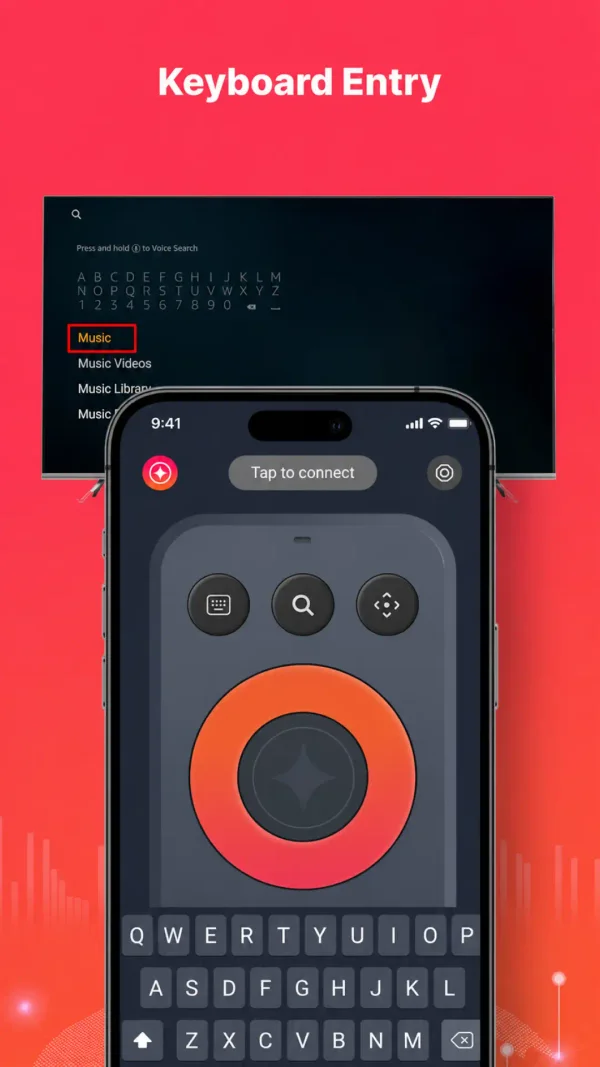
🎯 Built-in keyboard for quick text input and searches;
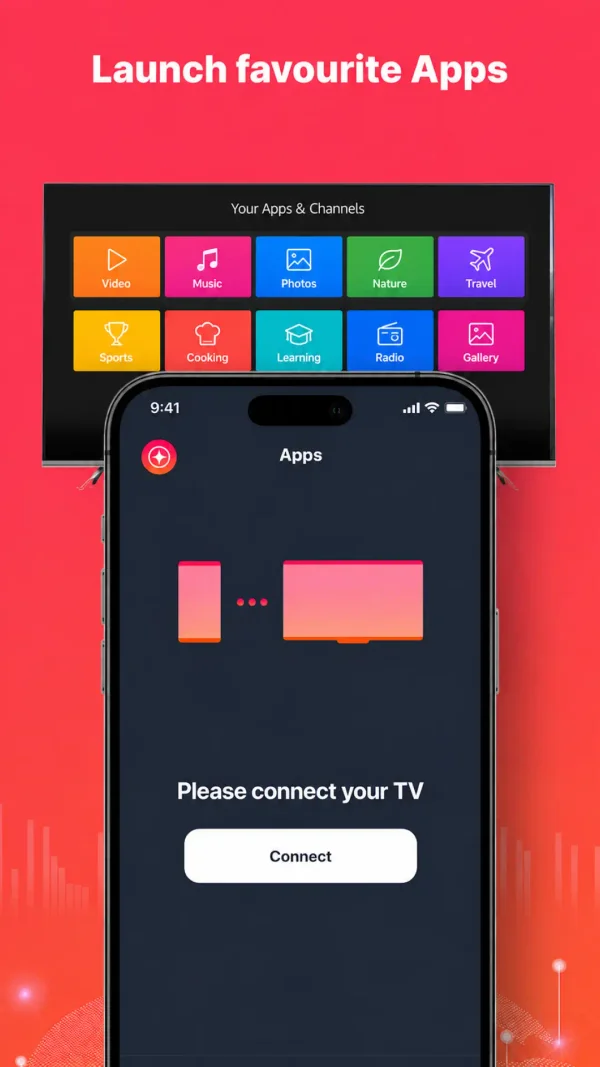
🎯 Instant access to favorite channels and apps;
🎯 Mirror your phone screen to a compatible TV Box Remote Control App;
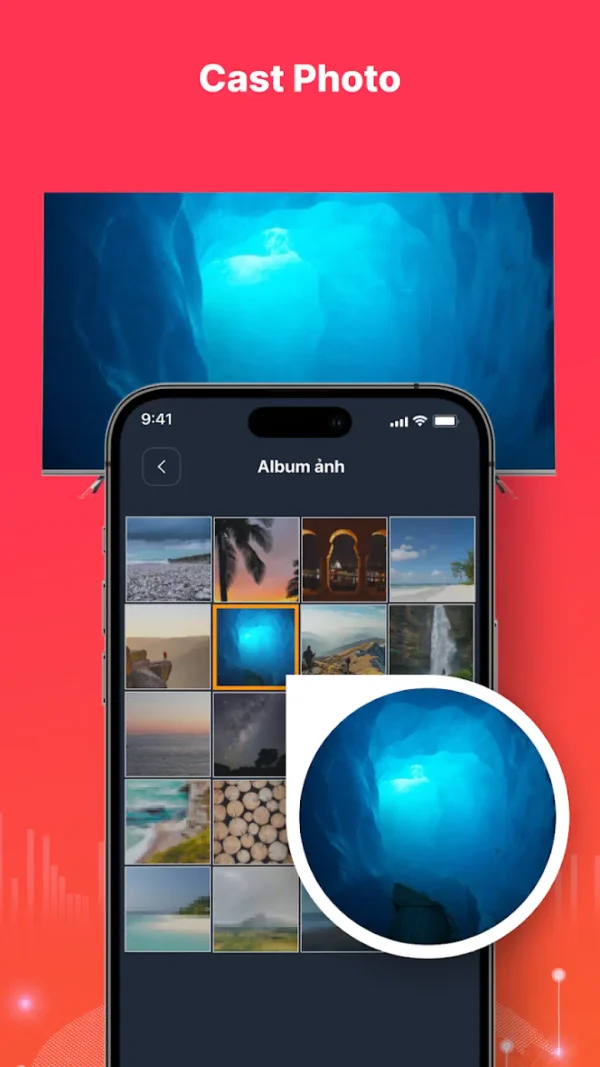
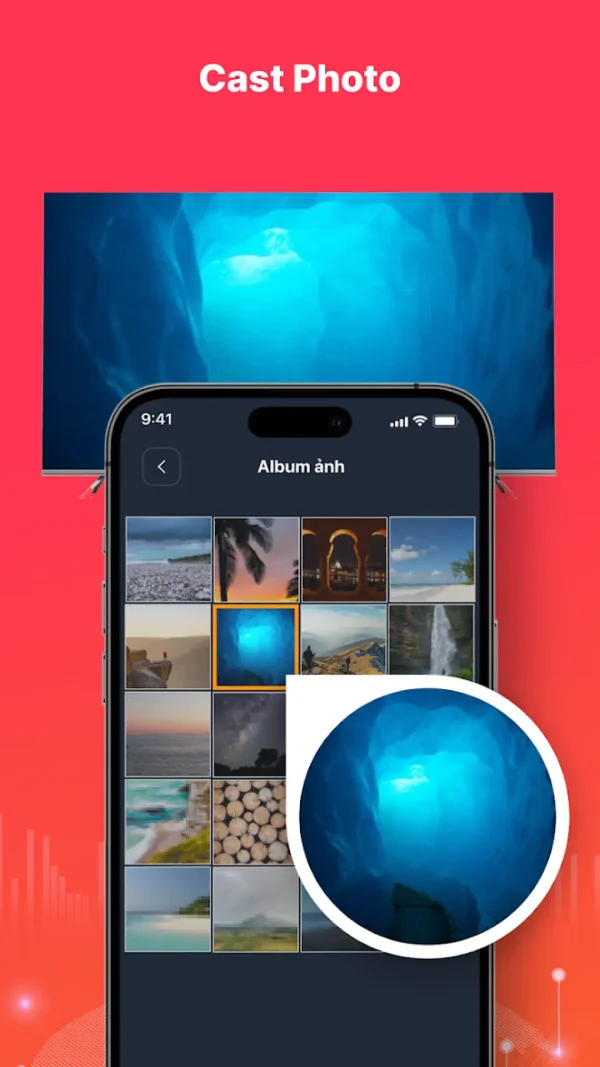
🎯 Cast local photos and videos directly to your connected device;
🎯 Power your device on or off with one tap, where supported;
🎯 Adjust volume quickly and easily on supported devices;
🎯 Save time with the auto-connect option;
Effortless Setup and Connection!
Getting started with your TV remote app is simple. Ensure your Android phone and streaming device are on the same Wi-Fi network, enable ADB debugging if required by your device, and follow the connection steps. The TV Stick Remote Controller can automatically detect compatible devices, helping you connect and start navigating from your phone.Screen Mirroring Made Simple:📺
Enjoy high-quality mirroring from your phone through a compatible TV Stick Remote Controller. Once connected, you can share videos, apps, and presentations on your TV screen. Bring your content to a larger display for entertainment, sharing ideas, or showing a presentation, all through your phone's screen mirroring controls.
Full Control at Your Fingertips:🎮
Whether you're casually browsing or exploring more features on your TV Box Remote Control App, you can navigate menus, control playback, and type text using the built-in keyboard. The remote control layout makes each available function easy to access, so you can move between your favorite content and everyday controls without hassle.
Convenient Control for Compatible Devices:📦
Keep everyday controls close at hand with a TV Box Remote Control App designed for compatible streaming devices. Available features, including power, volume, mirroring, and casting, depend on the connected device and its supported functions. Once connected, the app brings supported controls together in one place for everyday entertainment.
Take Control of Your Entertainment Today!
Enjoy the convenience of a TV remote app that fits your daily routine. From browsing content on your TV Stick Remote Controller to managing playback, useful controls are always within reach. Set up your connection, explore screen mirroring, and enjoy easy navigation from your phone.Disclaimer:
All product names, logos, brands, trademarks and registered trademarks, which are not owned by us, are property of their respective owners.
All company, product and service names used in this app are for identification purposes only. Use of these names, trademarks and brands does not imply endorsement.
This app is owned by us. We are not affiliated, associated, authorized, endorsed by, or in any way officially connected with any 3rd party apps or companies.
Data safety
What DOSA Apps declares on Google Play about the data this app collects and shares.
- This app may share these data types with third partiesDevice or other IDs
- No data collectedLearn more about how developers declare collection
- Data is encrypted in transit
- Data can’t be deleted
Developer contact
- Websitedosaapps.com
- Emailsupport.remoteforfire@dosaapps.com
- Privacy policydosaapps.com
- Address26 Leshem MEVASSERET ZION, 9077520 Israel
Information
- Offered by
- DOSA Apps
- Category
- Tools
- Version
- 3.1.2
- Updated
- Oct 27, 2026
- Released
- Jun 27, 2024
- Requires
- Android 8.0 or later
- Age rating
- Everyone
- Price
- Free
- In-app purchases
- $0.99 - $99.99 per item
- Package name
- com.toolslab.remotefiretv
Similar apps
-
 Seeing AI
Productivity
-
 Hue Essentials
Lifestyle
-
 EdrawMax: AI Flowchart Diagram
Productivity
-
 GroupCal - Shared Calendar
Productivity
-
 Pzizz - Sleep, Nap, Focus
Health & Fitness
-
 Pocket Prep EMS 2027
Education
-
 ACNH Pocket Guide
Tools
-
 Ham Radio Prep
Education
-
 Universal Remote for Smart TV
Tools
-
 Universal Orlando Resort
Travel & Local
-
 CloudEdge
Lifestyle
-
 Pocket Prep Fitness 2027
Education