Video Player Subtitle Support
Galaxy studio appsContains ads · In-app purchases
- EveryoneAge rating
- Video Players & EditorsCategory
- Oct 30, 2026Updated
- FreePrice
Links to the official Google Play listing of com.video.butterflyplayer. Last checked on Nov 20, 2026.

Screenshots


About this app
Play videos with subtitles, streaming, closed captions, and playback controls.
What is Video Player Subtitle Support?
▶️ Watch videos on Android with subtitle support, adjustable playback and a library for files on your device or SD card. Open local recordings, movies or lessons, use embedded captions or external subtitle files, and choose viewing controls that suit the content.
This video player supports formats including MP4, MKV, AVI, MOV, FLV and 3GP, with HD, Full HD and 4K playback on compatible devices. Play downloaded files offline or use video streaming when connected to the internet.
Who is Video Player Subtitle Support for?
Use it when you want to watch a video with an accompanying SRT file, follow a lesson at a different speed or find recordings across your video folders. Subtitle styling helps you choose text that is comfortable to read against the picture.
Keep local videos available for a trip, browse your personal recordings or cast supported content to a larger screen with Chromecast. The playback and subtitle tools let you adjust how you watch without changing the original video's content.
What does Video Player Subtitle Support do?
• Subtitle playback: use external SRT files or embedded subtitles, including English subtitles, Teletext and closed captions where available. Automatic detection finds subtitle files in storage and synchronizes them with the video.
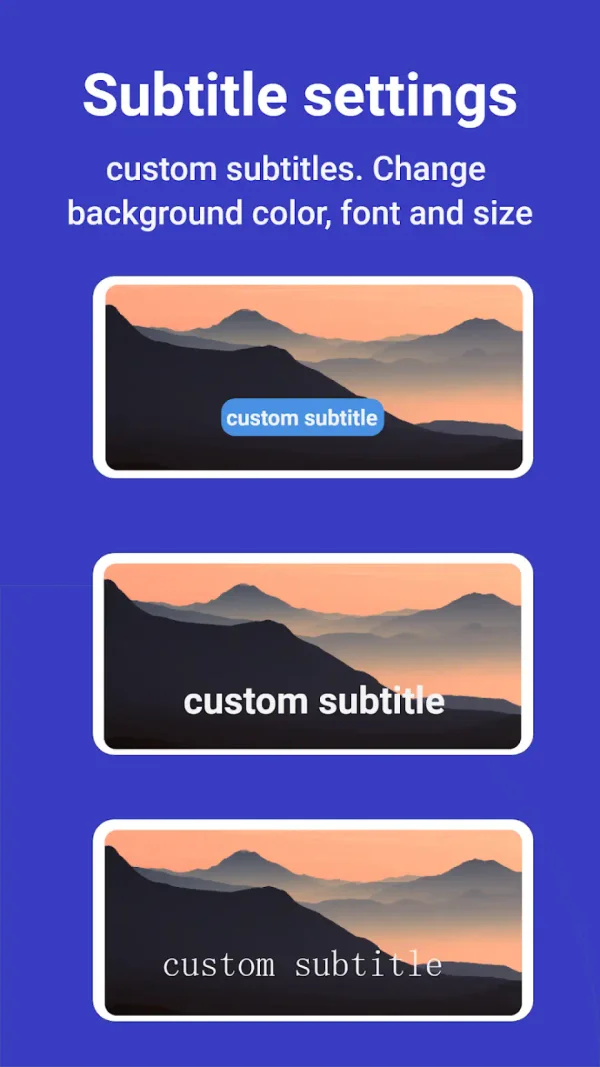
• Subtitle appearance: change the background color, font and text size to suit your viewing preference.
• Playback controls: set speed from 0.5x to 2x, rotate the screen and adjust the aspect ratio. Use slow motion for a closer look at a scene, including frame-by-frame viewing.
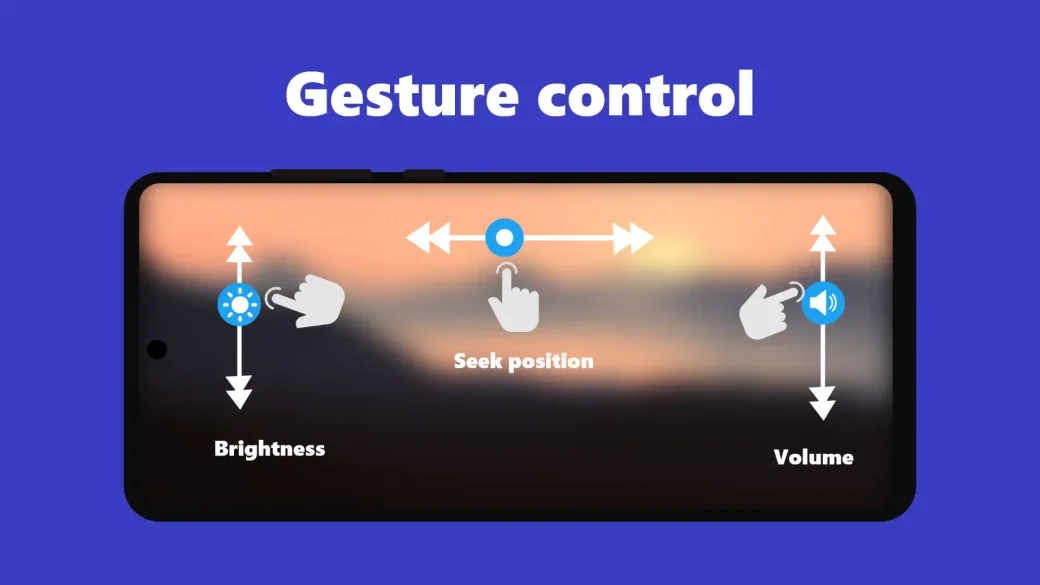
• Gesture controls: adjust brightness, volume and playback position while watching. Night mode provides another viewing option.
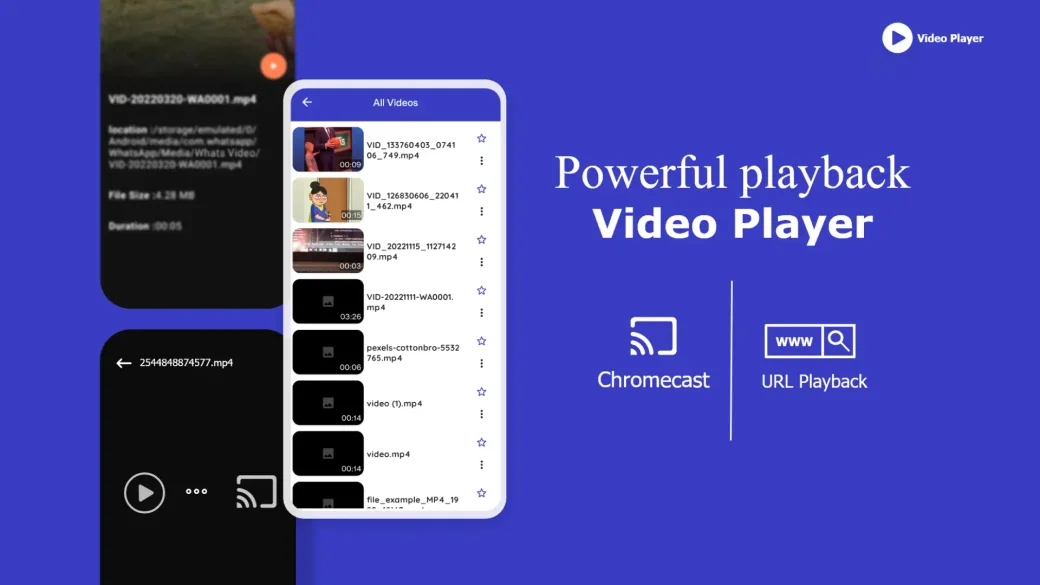
• Video library: automatically find and catalog videos on your device and SD card. Browse folders and thumbnail lists to locate a file.
• Hardware decoding: use HW+ hardware acceleration for supported playback on compatible devices.
• Chromecast support: send supported video content to a compatible receiver for big-screen viewing.
How does Video Player Subtitle Support work?
Give the app access to the video and subtitle files you want to use, then browse the library and open a video. Use an available embedded subtitle track or an external SRT file, and adjust subtitle appearance as needed.
Set playback speed, screen orientation and aspect ratio for the video. Use gestures to change brightness or volume and move through playback. For offline viewing, have your video and any external subtitle file saved on the device before you disconnect.
Compatibility and requirements
Playback depends on the file format, codec, resolution and device capabilities; 4K and hardware decoding require compatible hardware. Subtitles must be available in the video or in a supported subtitle file.
Streaming requires an internet connection. Chromecast casting requires a compatible receiver and your Android device on the same Wi-Fi network. Local offline playback does not require a streaming connection. The app contains ads and offers in-app purchases.
Video Player Subtitle Support combines local video browsing, captions and flexible viewing controls to help you watch your files in a way that suits the moment.
Data safety
What Galaxy studio apps declares on Google Play about the data this app collects and shares.
- This app may share these data types with third partiesDevice or other IDs
- No data collectedLearn more about how developers declare collection
- Data is encrypted in transit
- Data can’t be deleted
What’s new
Version 2.2.0 · Oct 30, 2026
🎊 Added in App Updates
🎊 Bugs fixes and performance improvements
💖Improve playback function
💖Changed player animations
💖Added night screen
💖Changed launcher app icon
💖Added brightness and volume controls
Developer contact
- Websitegalaxystudioapps.me
- Emailsupport.videosubtitle@galaxystudioapps.me
- Privacy policygalaxystudioapps.me
- Address8 The Grn Ste 4184 Dover, DE 19901-3618 United States
Information
- Offered by
- Galaxy studio apps
- Category
- Video Players & Editors
- Version
- 2.2.0
- Updated
- Oct 30, 2026
- Released
- Aug 18, 2020
- Requires
- Android 8.0 or later
- Age rating
- Everyone
- Price
- Free
- In-app purchases
- $0.49 - $99.99 per item
- Package name
- com.video.butterflyplayer
Similar apps
-
 Video Player All Format HD
Video Players & Editors
-
 Music Player
Music & Audio
-
 Video Player - Full HD Format
Video Players & Editors
-
 HD Video Player All Format
Video Players & Editors
-
 Music Player, MP3 Player
Music & Audio
-
 Video Player All Format
Video Players & Editors
-
 Offline Music Player App- Muso
Music & Audio
-
 Music Player & MP3 -Play Music
Music & Audio
-
 Video Player for Android
Video Players & Editors
-
 Photo Gallery - Album, Vault
Photography
-
 Pi Video Player - Media Player
Video Players & Editors
-
 Lark Video Player
Video Players & Editors