Visual Aid - Alignment Overlay
DOSA AppsContains ads · In-app purchases
- EveryoneAge rating
- ToolsCategory
- Nov 25, 2025Updated
- FreePrice
Links to the official Google Play listing of com.crosshair.crosshairgenerator.crosshairtool.improveshootingaccuracy.aimhelper.shootingassistant.aim. Last checked on Nov 27, 2026.

Screenshots
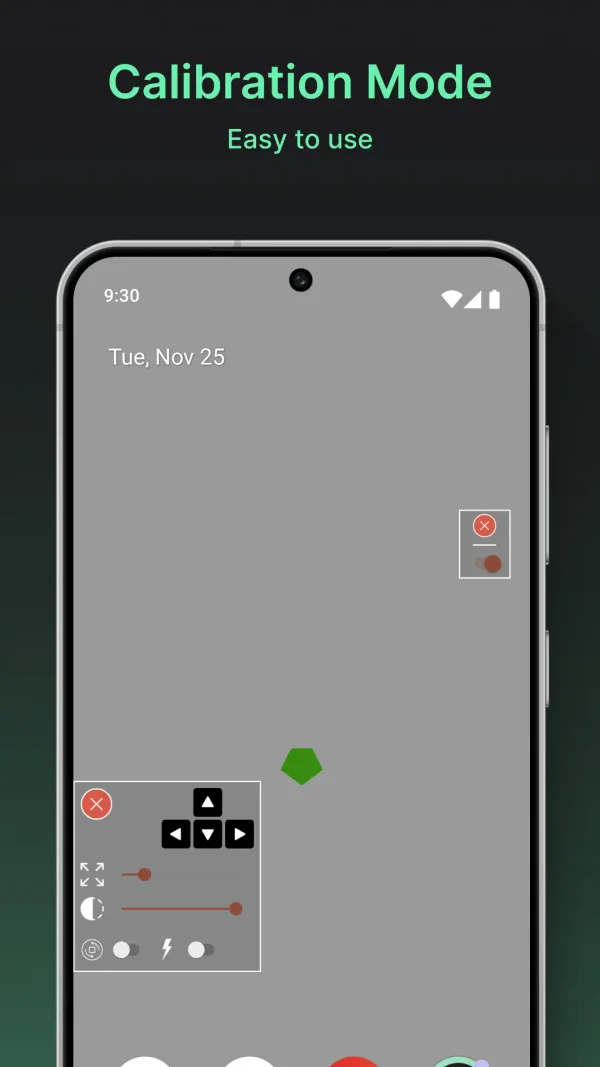
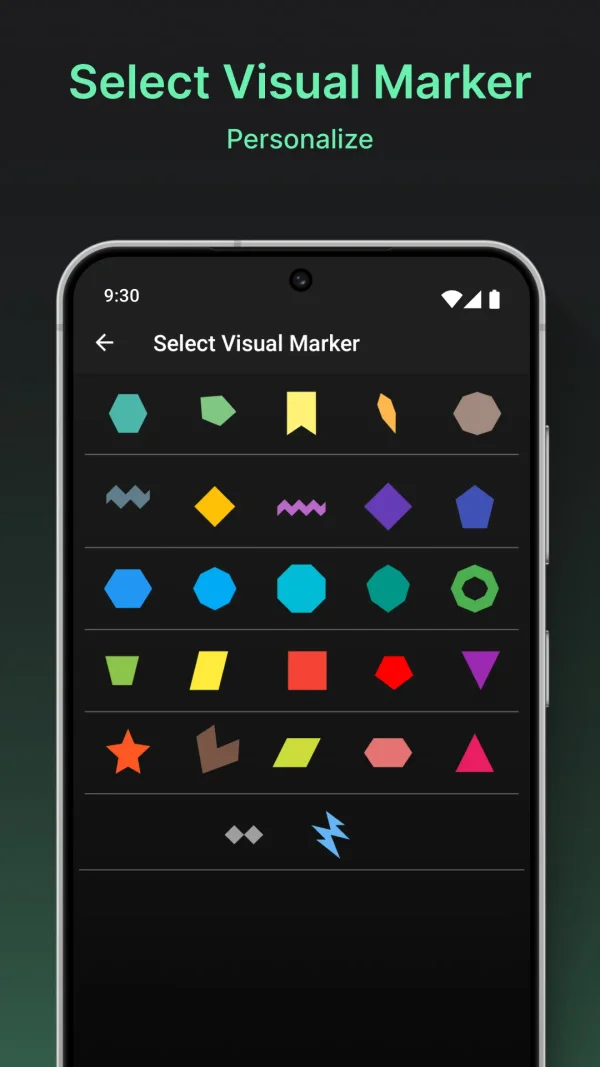
About this app
Try Visual Aid - Alignment Overlay now and use your screen your way.
Visual Aid - Alignment Overlay – Simple On-Screen Reference Tool
A lightweight way to add a visual guide on your screen
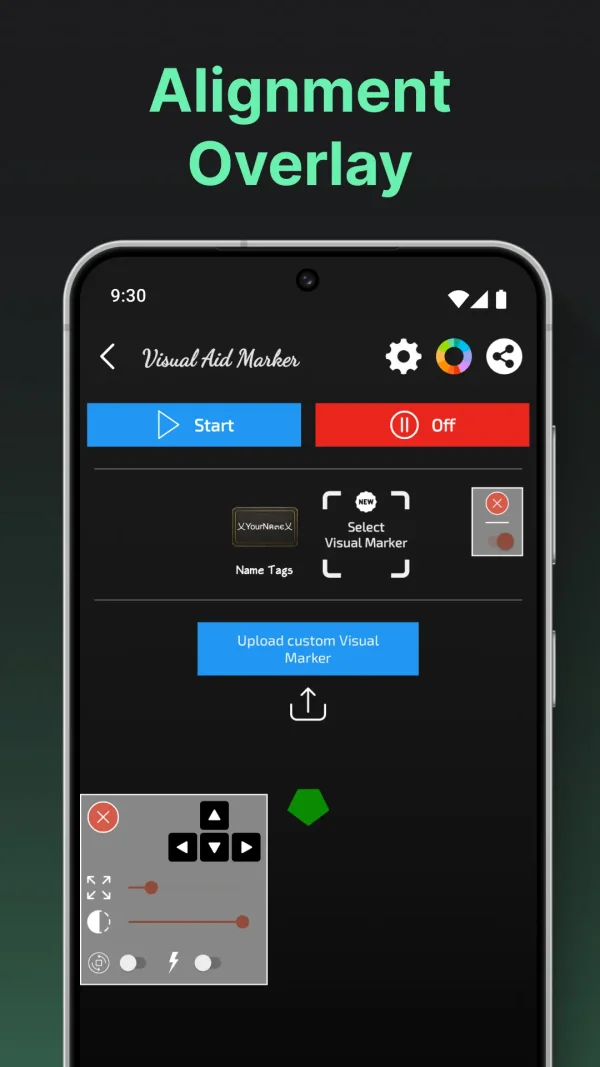
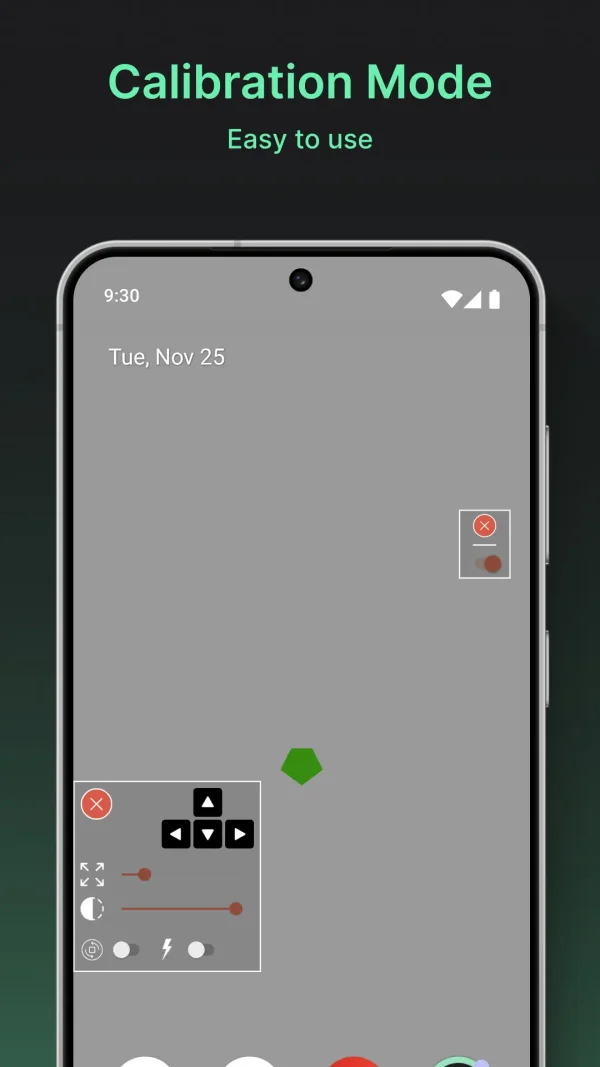
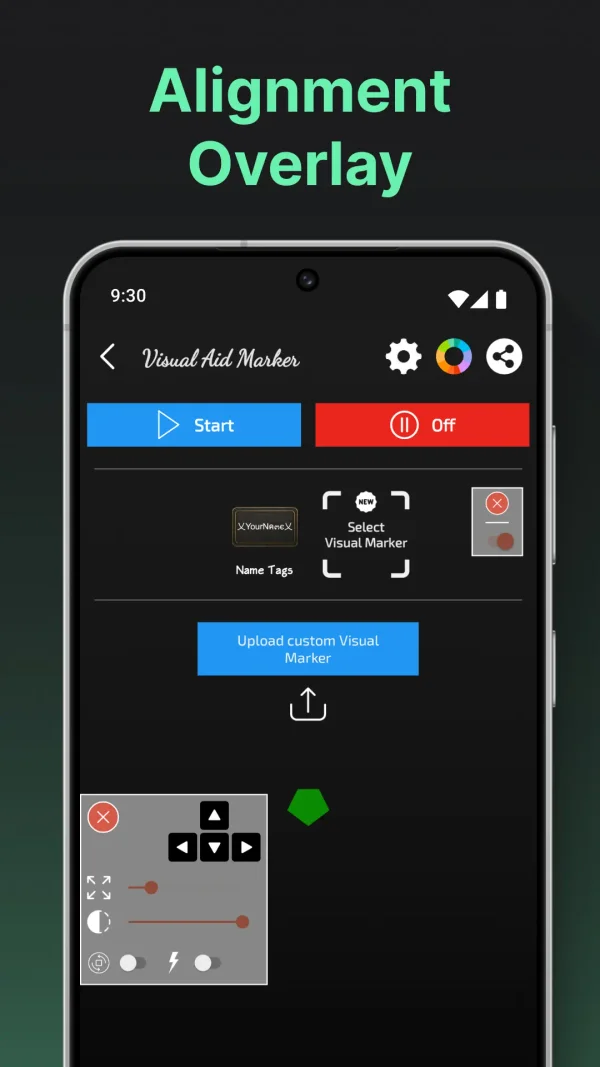
Visual Aid - Alignment Overlay provides a small on-screen reference overlay that you can place anywhere on your display. It’s meant to help with general screen alignment and visual consistency while you use your device.The overlay is optional, easy to turn on/off, and does not require root. It works as a simple visual aid that you control at all times.
⭐ Why Choose Visual Aid - Alignment Overlay?
✅ Safe Visual Overlay✅ Simple Reference Guide – Use a consistent visual marker to help with screen alignment for everyday tasks.
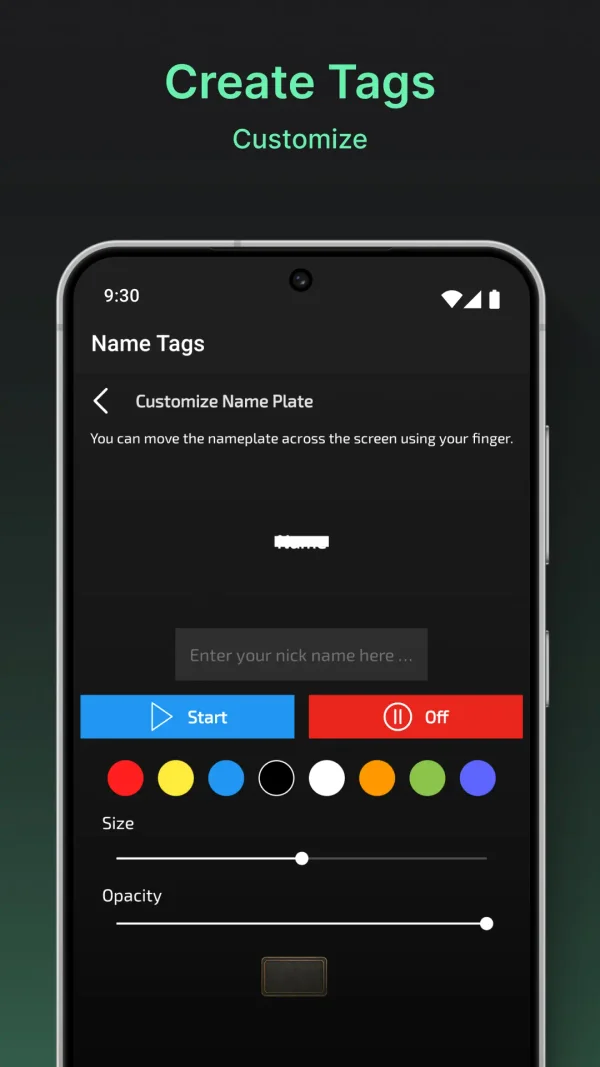
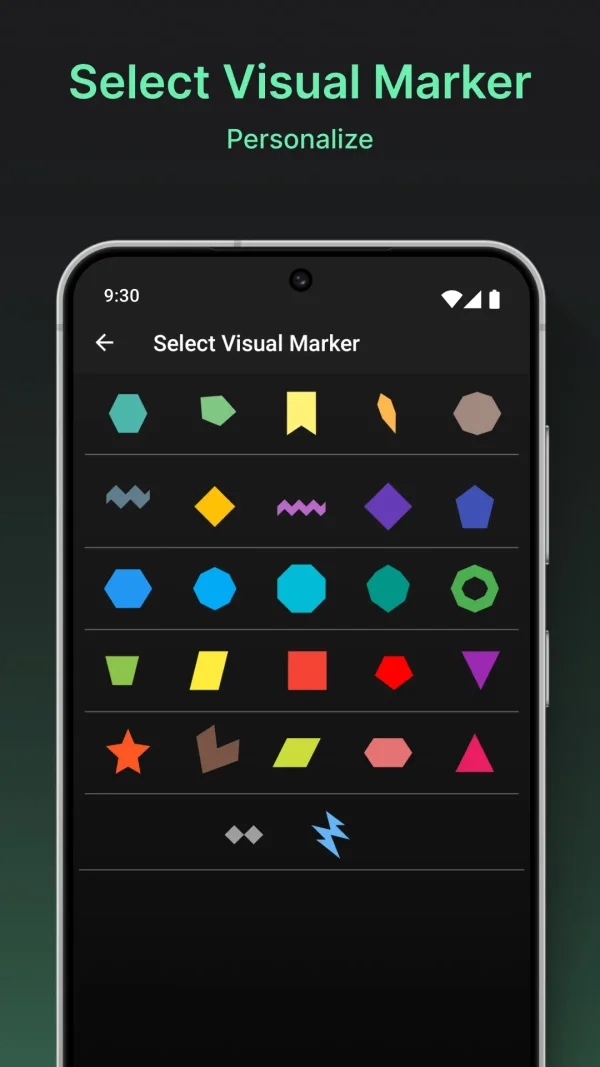
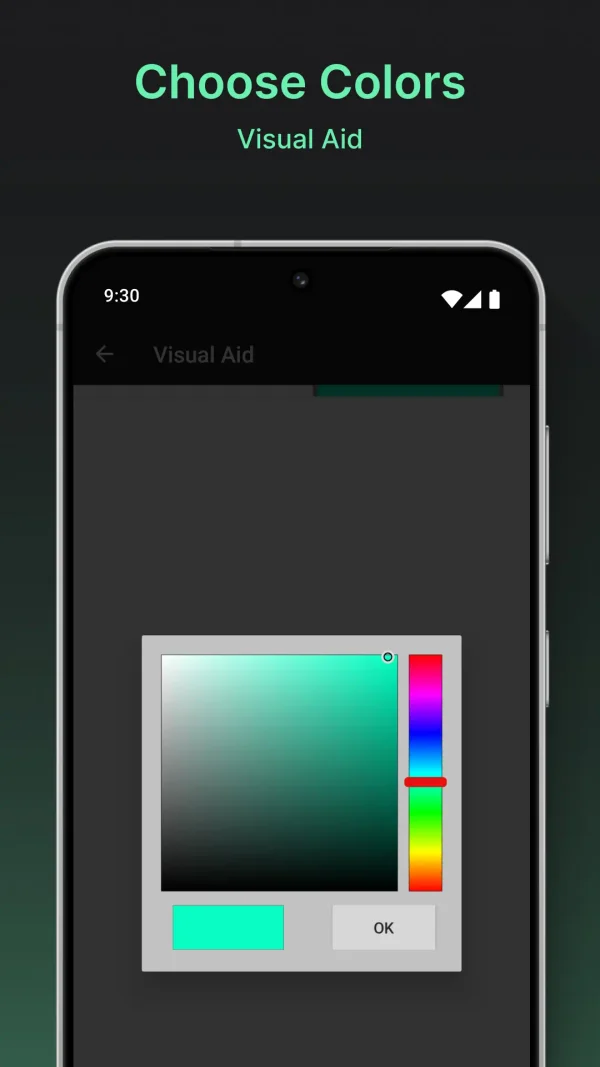
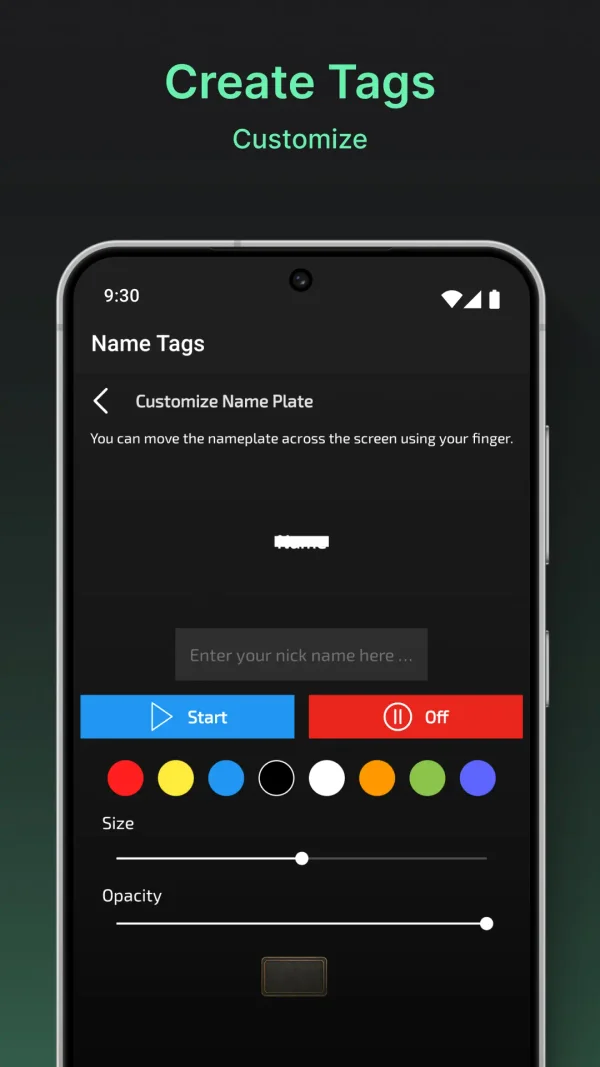
✅ Custom Overlay Design – Personalize the overlay’s size, shape, and color to fit your preference.
✅ Easy Control – Turn the overlay on or off anytime, and adjust placement as needed.
✅ Adjustable Appearance – Change thickness, opacity, and style for comfortable visibility.
✅ No Root Required – Works on most phones and tablets without changing system settings.
✅ Fast Setup – Straightforward interface lets you start in seconds.
🔧 Personalization at Your Fingertips
Choose a minimal look or a more visible guide — you decide. Visual Aid - Alignment Overlay lets you adjust the overlay to your needs: thickness, opacity, position, and alignment style. It’s designed to stay unobtrusive while still being useful.Designed for Simple, Everyday Use
This app is built to be lightweight and easy to use. There are no special tricks or “performance” promises — just a basic on-screen guide that can help you keep things visually aligned when you want it.🔍 Placement You Control
Set the overlay where it feels most helpful for you. Move it, resize it, or hide it anytime. The goal is to give you a steady visual reference without interrupting how you normally use your device.💡 Clear, Optional Visual Support
Visual Aid - Alignment Overlay is meant as a general visual helper. If you don’t need it, you can disable it instantly. If you do, it’s there as a simple guide to support your preferred screen layout.📲 Get Set Up in Seconds
No complicated setup. Download, open the app, choose your overlay style, and place it where you want. It’s compatible with different screen sizes and can be adjusted anytime.🔓 Try Visual Aid - Alignment Overlay Today
If you want an optional on-screen reference for display alignment and everyday screen use, Visual Aid - Alignment Overlay offers a simple way to do that — with clear controls and customizable visuals.Try Visual Aid - Alignment Overlay now and use your screen your way.
Data safety
What DOSA Apps declares on Google Play about the data this app collects and shares.
- This app may share these data types with third partiesDevice or other IDs
- No data collectedLearn more about how developers declare collection
- Data is encrypted in transit
- Data can’t be deleted
What’s new
Version 5.2.2 · Nov 25, 2025
New Crosshair Designs added
Premium Membership available now
Developer contact
- Websitedosaapps.com
- Emailsupport.customaiming@dosaapps.com
- Privacy policydosaapps.com
- Address26 Leshem MEVASSERET ZION, 9077520 Israel
Information
- Offered by
- DOSA Apps
- Category
- Tools
- Version
- 5.2.2
- Updated
- Nov 25, 2025
- Released
- Jan 27, 2019
- Requires
- Android 8.0 or later
- Age rating
- Everyone
- Price
- Free
- In-app purchases
- $0.99 - $99.99 per item
- Package name
- com.crosshair.crosshairgenerator.crosshairtool.improveshootingaccuracy.aimhelper.shootingassistant.aim
Similar apps
-
 TAP Kiln Control Mobile
Tools
-
 Cinmoore
Tools
-
 GGDROP – Top CS2 Items!
Entertainment
-
 IFSTA Instructor 9
Education
-
 Macrorify - Image Auto Clicker
Tools
-
 Tuiss SmartView
House & Home
-
 Glip Screen Recorder
Tools
-
 Screen Recorder - Record Video
Video Players & Editors
-
 Spatial Touch - Air Gestures
Tools
-
 CyberTrophy
Lifestyle
-
 nyxnyxnyx for DotA 2
Entertainment
-
 Nokia WiFi
Lifestyle