Spatial Touch - Air Gestures
Reehee Company, Inc.Contains ads · In-app purchases
- TeenAge rating
- ToolsCategory
- Nov 24, 2026Updated
- FreePrice
Links to the official Google Play listing of io.vtouch.spatial_touch. Last checked on Nov 24, 2026.

Screenshots







About this app
Hands busy? Control your phone with air gestures and automate repetitive tasks.
Over 20 million downloads worldwide!
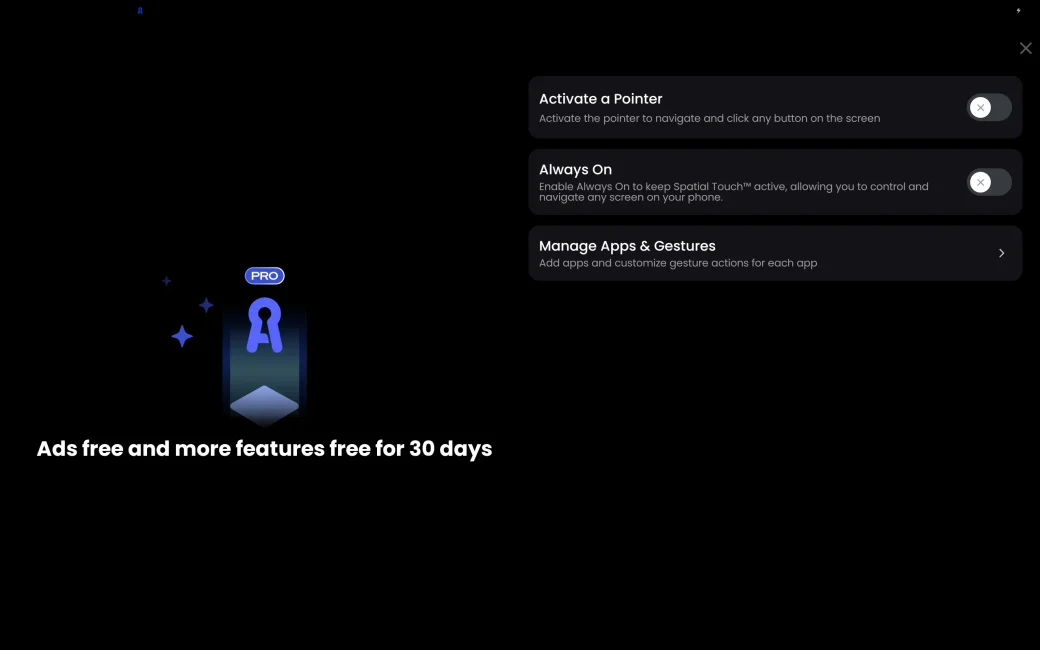
Spatial Touch makes it easy to control your phone without touching the screen. Use simple hand gestures to navigate apps, create custom actions for things you do often, and automate repetitive taps and swipes. You can also access your favorite actions through floating buttons and customizable on-screen controls.
WHAT YOU CAN DO
HANDS-FREE GESTURE CONTROL
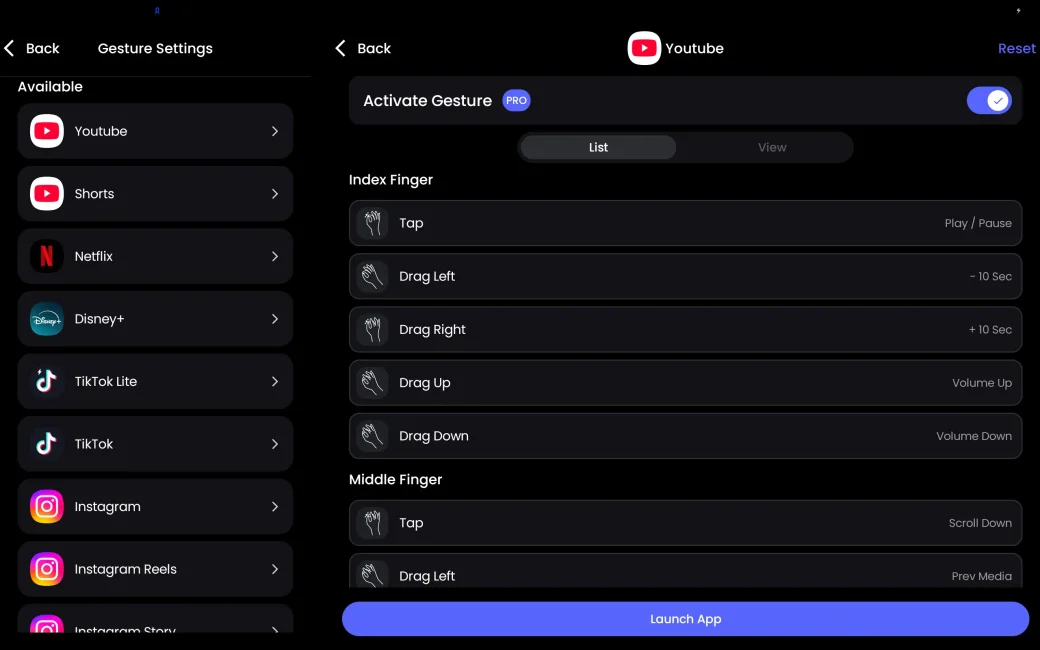
When touching your screen isn't easy, use hand gestures to scroll, tap, swipe, and navigate your phone. Enjoy hands-free control while watching videos, browsing social media, playing games, or using your favorite apps.
20 GESTURES & HAND SIGNS
Choose from 20 gestures and hand signs, and decide what each one does. Customize your controls to fit the way you use your phone.
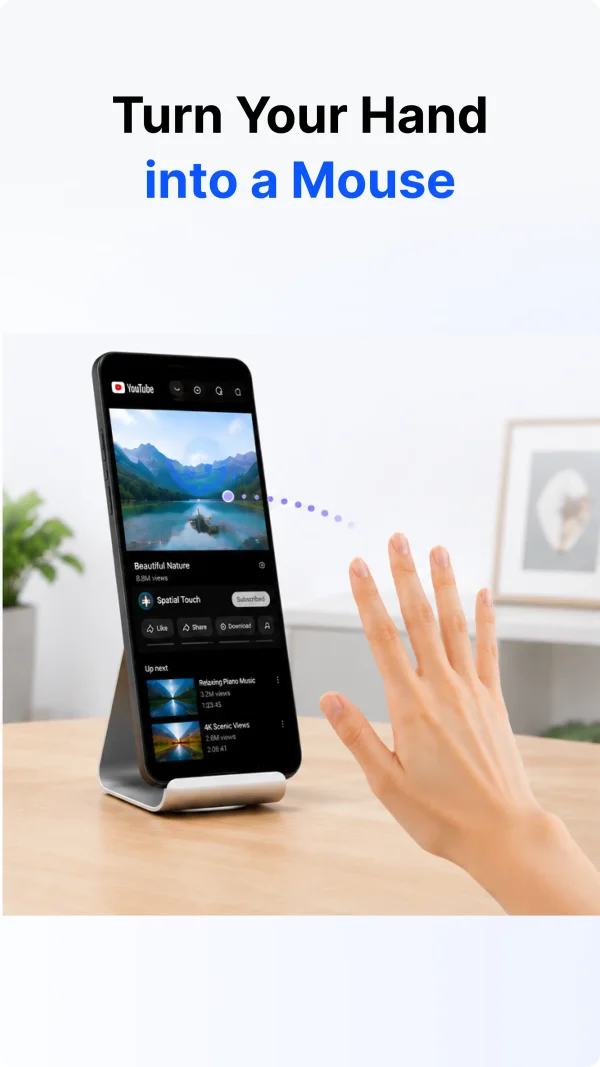
AIR MOUSE
Turn your hand into a mouse. Move the on-screen pointer and interact with your phone using hand gestures.
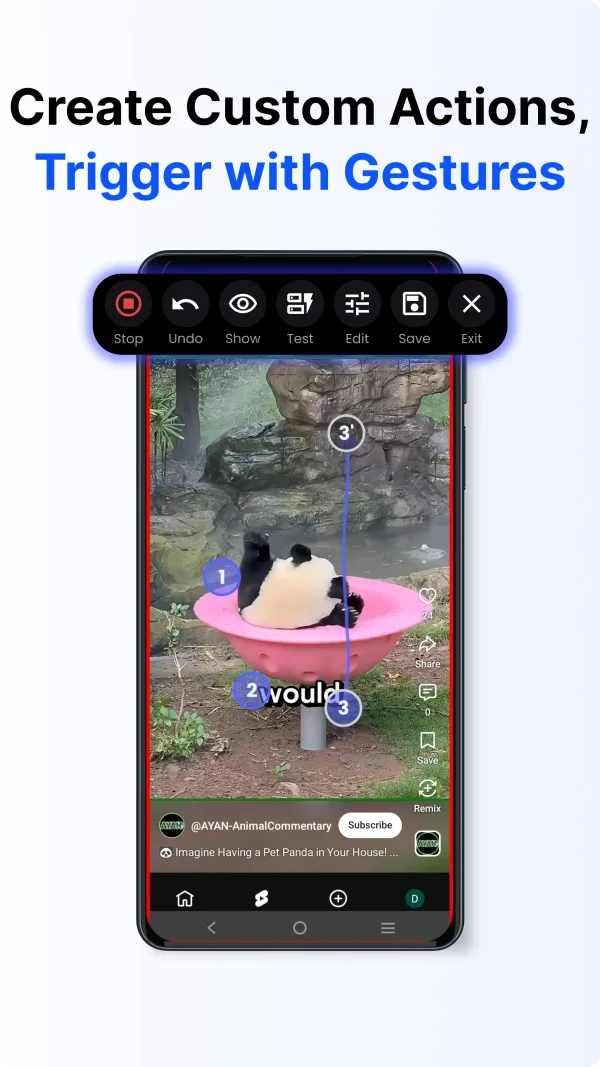
CREATE CUSTOM ACTIONS
Record taps, swipes, long presses, or a sequence of multiple steps. Save them as custom actions and run them with hand gestures or on-screen buttons.
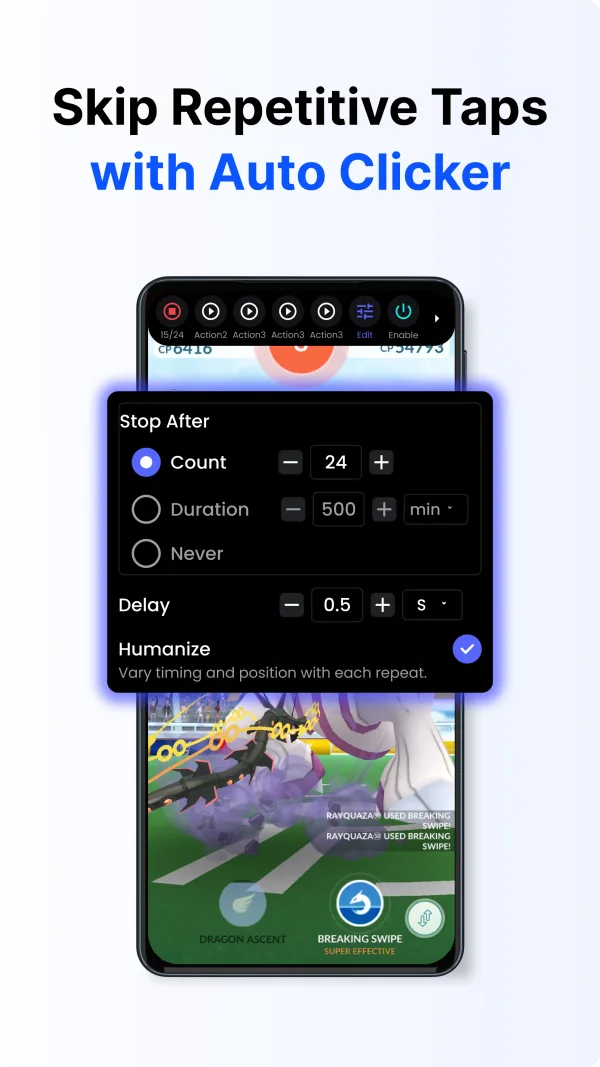
AUTO CLICKER & REPEAT ACTIONS
Let Auto Clicker handle repetitive taps, swipes, and other recorded actions. Set how many times an action repeats, choose a duration, or let it run continuously. You can also adjust the delay between repetitions.
MULTIPLE MACROS FOR EACH APP
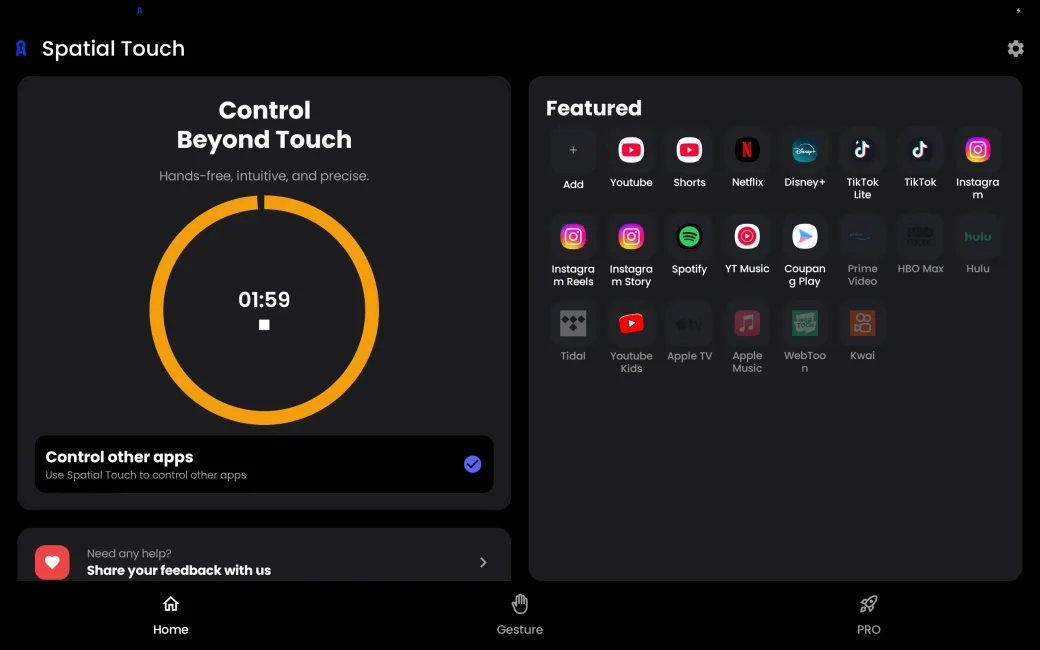
Create as many custom actions (macros) as you want for each app. Your macros are automatically ready whenever you open those apps, so there's no need to manually load presets or reposition touch points.
QUICK ACTIONS & FLOATING BUTTONS
Keep your most-used actions within easy reach. Add floating buttons to run them with a single tap, and choose which buttons appear in each app.
VIRTUAL REMOTE
Build a personalized on-screen remote for each app. Add buttons for playback, volume, scrolling, custom actions, or anything else you've set up. Arrange the controls to suit how you use each app, with your favorite functions just a tap away.
MADE FOR EVERYDAY MOMENTS
Watching videos in bed, cooking with wet hands, working out, or eating? Spatial Touch lets you stay in control without constantly reaching for your phone. Whether your hands are busy or you simply want a more convenient way to interact, hands-free gestures make everyday tasks easier.
ON-DEVICE AI & PRIVACY
Spatial Touch uses on-device AI to recognize your hand gestures directly on your phone. Camera images are processed locally, without being uploaded to external servers or stored by Spatial Touch.
PERMISSIONS
Camera (Required): Used to recognize hand gestures. The camera is activated only when gesture recognition is needed.
Notifications (Required): Used to display service status and notifications.
Accessibility (Optional): Uses the Accessibility Service API to perform screen interactions and control third-party apps through hand gestures and custom actions. Some features remain available without this permission.
NEED HELP?
Questions, feedback, or feature requests? Contact android@reehee.io.
Data safety
What Reehee Company, Inc. declares on Google Play about the data this app collects and shares.
- This app may share these data types with third partiesApp activity, App info and performance, and Device or other IDs
- This app may collect these data typesApp activity, App info and performance, and Device or other IDs
- Data is encrypted in transit
What’s new
Version 1.2.23 · Nov 24, 2026
Improved App Stability
Developer contact
- Websitereehee.io
- Emailandroid@reehee.io
- Privacy policyvtouch.io
- Address대한민국 서울특별시 마포구 마포구 양화로 136, 407호(서교동, 코너빌딩) 04038
Information
- Offered by
- Reehee Company, Inc.
- Category
- Tools
- Version
- 1.2.23
- Updated
- Nov 24, 2026
- Released
- Dec 27, 2023
- Requires
- Android 10 or later
- Age rating
- Teen
- Price
- Free
- In-app purchases
- $2.99 - $54.99 per item
- Package name
- io.vtouch.spatial_touch
Similar apps
-
 ASUS Router
Tools
-
 ScreenStream
Tools
-
 Starlink
Tools
-
 NetShare - no-root-tethering
Communication
-
 Shortcut Maker
Personalization
-
 Opensignal - 5G, 4G Speed Test
Tools
-
 MacroDroid - Device Automation
Tools
-
 Touch Screen Test
Tools
-
 Nest
Lifestyle
-
 Building Tools
Tools
-
 G-CPU:Monitor CPU, RAM, Widget
Tools
-
 Glip Screen Recorder
Tools