Max Volume Booster & Equalizer
ArtpoldevContains ads · In-app purchases
- EveryoneAge rating
- Music & AudioCategory
- Nov 23, 2026Updated
- FreePrice
Links to the official Google Play listing of extra.volume.booster. Last checked on Nov 26, 2026.
Screenshots

About this app
Boost volume up to 200% with a clean limiter, 10-band equalizer and bass
Make your phone louder without the crackle. MaxVolume boosts music, videos, podcasts and games up to 200%, and a built-in limiter keeps loud sound clean.
Volume booster
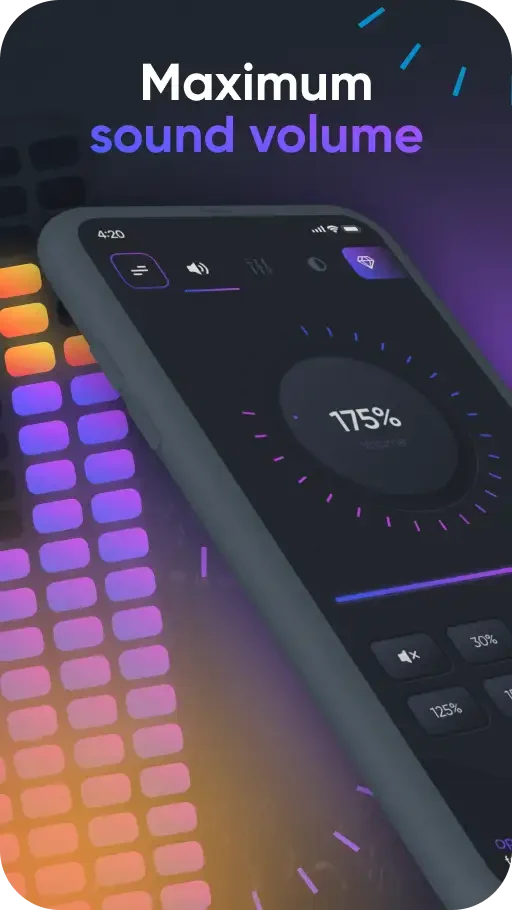
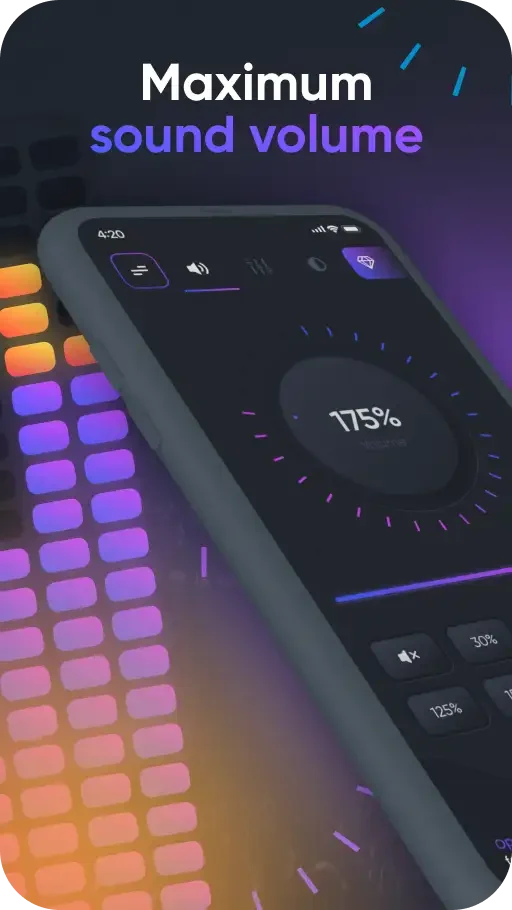
• Boost the volume up to 200% (+15 dB) on the phone speaker, headphones, Bluetooth speakers and in the car.
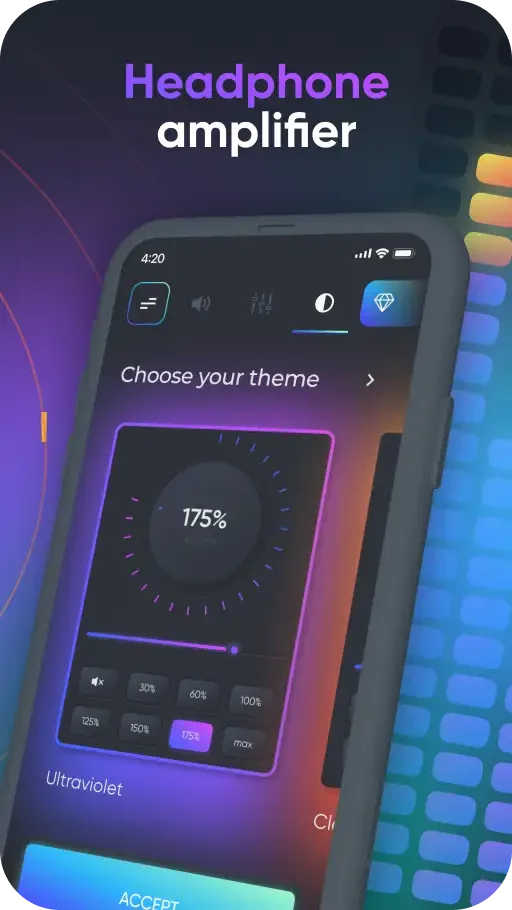
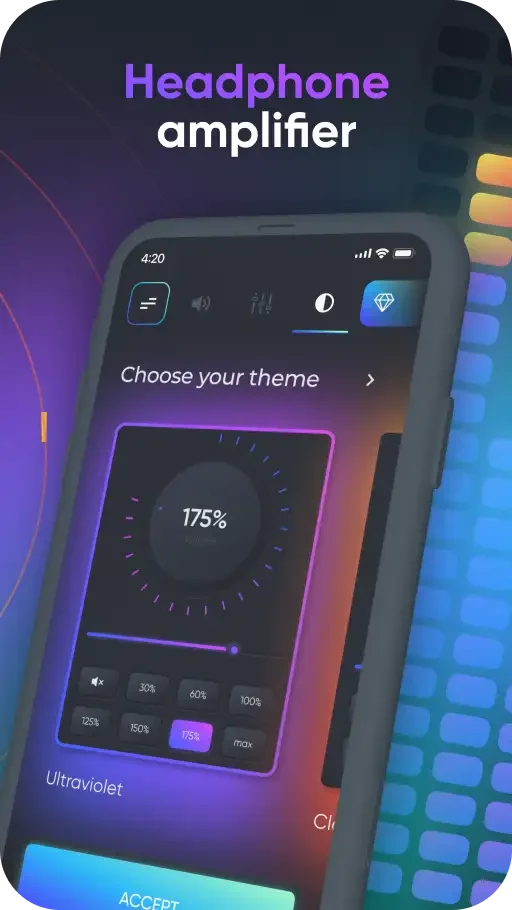
• Turn the ring with one finger, or tap a level: 125%, 150%, 175% or Max.
• The limiter keeps loud sound clean, without distortion.
• The boost keeps working in the background with the screen off and comes back after a restart. Change it right from the notification.
• Each device remembers its own level: your earbuds, the phone speaker and your car get the right volume as soon as they connect.
• Works on top of the apps you already use. No root needed.
Equalizer and bass
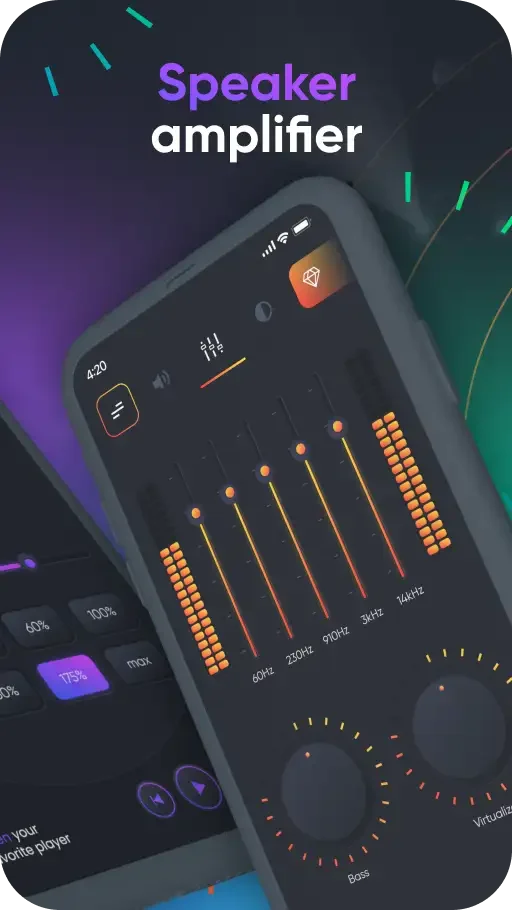
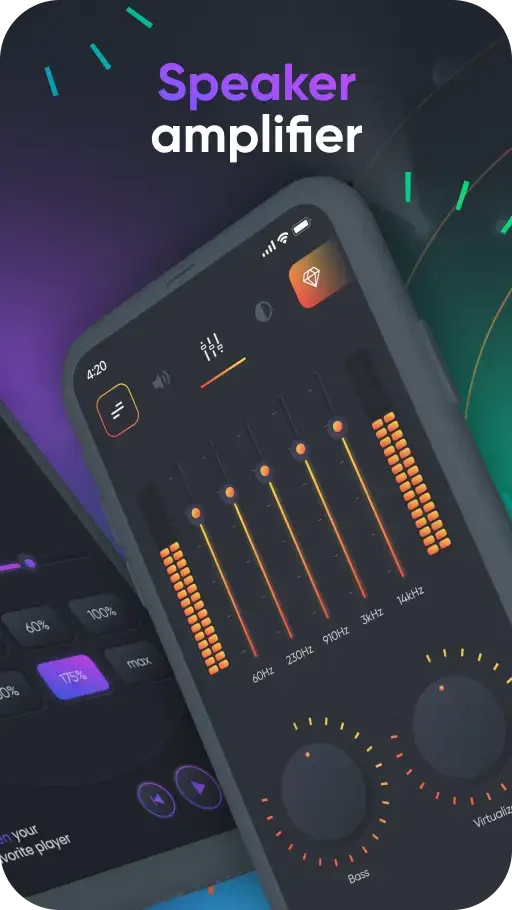
• A 10-band equalizer, from deep bass at 31 Hz to crisp highs at 16 kHz.
• Bass booster and surround sound for headphones.
• 14 sound scenes, from Bass, Car and Cinema to Podcast, Rock, Jazz and Night. Save your own as well.
Hearing
• Hearing check: in about a minute, with headphones, see how each ear hears low, middle and high tones.
• My hearing profile tunes the sound in each ear to your check.
• Sound amplifier: hear voices and sounds around you louder in your headphones, with background noise reduction and a conversation mode.
Tools
• Speaker cleaner: water or dust in the speaker? Push it out with sound and vibration, in Auto, Tone or Vibrate mode.
• A home-screen widget and a quick settings tile: boost without opening the app.
• Six themes: Aurora, Sunset, Ocean, Emerald, Ember and Frost.
Free, Premium and VIP
MaxVolume is free to use with ads, and its ads never play sound. Free covers the boost, the equalizer, the hearing check and the speaker cleaner. Watch a short ad to unlock Max for 30 minutes.
Premium removes the ads and unlocks Max boost, bass and surround, every sound scene and your own, device profiles, the widget, the tile and the themes. VIP adds My hearing profile and the sound amplifier.
Subscriptions renew automatically until you cancel them in Google Play.
Listen with care
Long listening at high volume can harm your hearing and your speakers. Start low and raise the boost step by step. The hearing check is not calibrated and is not a medical test.
Privacy Policy: https://artpoldev.com/privacy.html
Terms of Use: https://artpoldev.com/terms.html
Data safety
What Artpoldev declares on Google Play about the data this app collects and shares.
- This app may share these data types with third partiesLocation, App activity and 2 others
- This app may collect these data typesFinancial info, App activity and 2 others
- Data is encrypted in transit
- Data can’t be deleted
What’s new
Version 2.2 · Nov 23, 2026
Bug fixes and performance improvements.
Developer contact
- Emailsupport.maxvolume@artpoldev.com
- Privacy policypages.flycricket.io
- AddressUl. Młynarska 42-115 01-171 Warszawa Poland
Information
- Offered by
- Artpoldev
- Category
- Music & Audio
- Version
- 2.2
- Updated
- Nov 23, 2026
- Released
- Oct 3, 2022
- Requires
- Android 8.0 or later
- Age rating
- Everyone
- Price
- Free
- In-app purchases
- $7.99 - $19.99 per item
- Package name
- extra.volume.booster