Max Volume Booster & Equalizer
Artpoldev広告を含む · アプリ内課金
- 3 歳以上対象年齢
- 音楽&オーディオカテゴリ
- 2026/11/23更新日
- 無料価格
extra.volume.boosterのGoogle Play公式ページにリンクしています。最終確認:2026/11/26。
スクリーンショット
このアプリについて
Googleによる英語 (アメリカ合衆国)からの自動翻訳です。
クリーンなリミッター、10バンドイコライザー、ベース機能で音量を最大200%までブースト
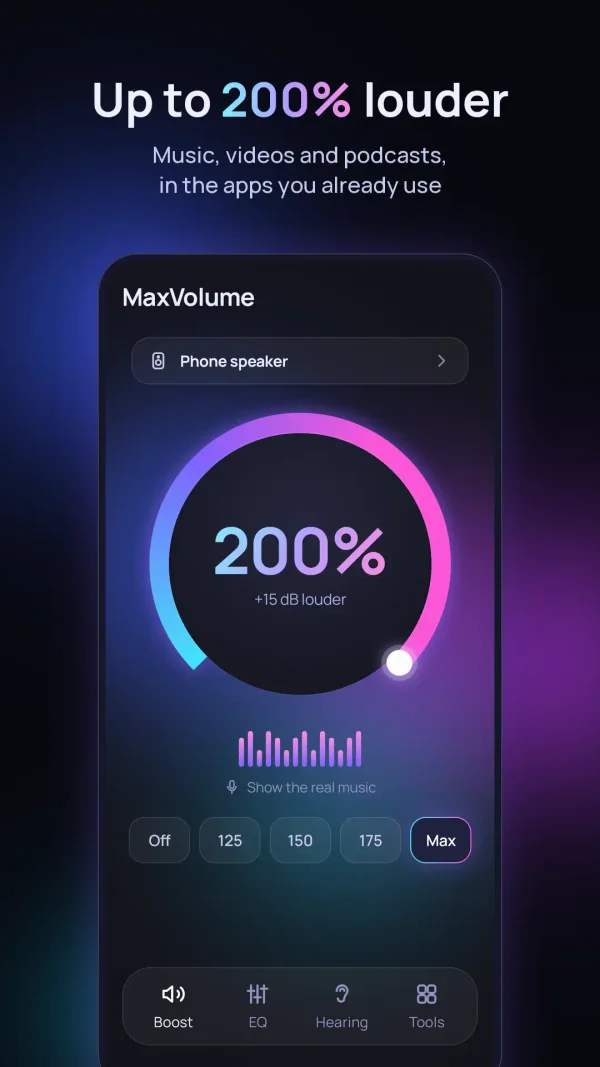
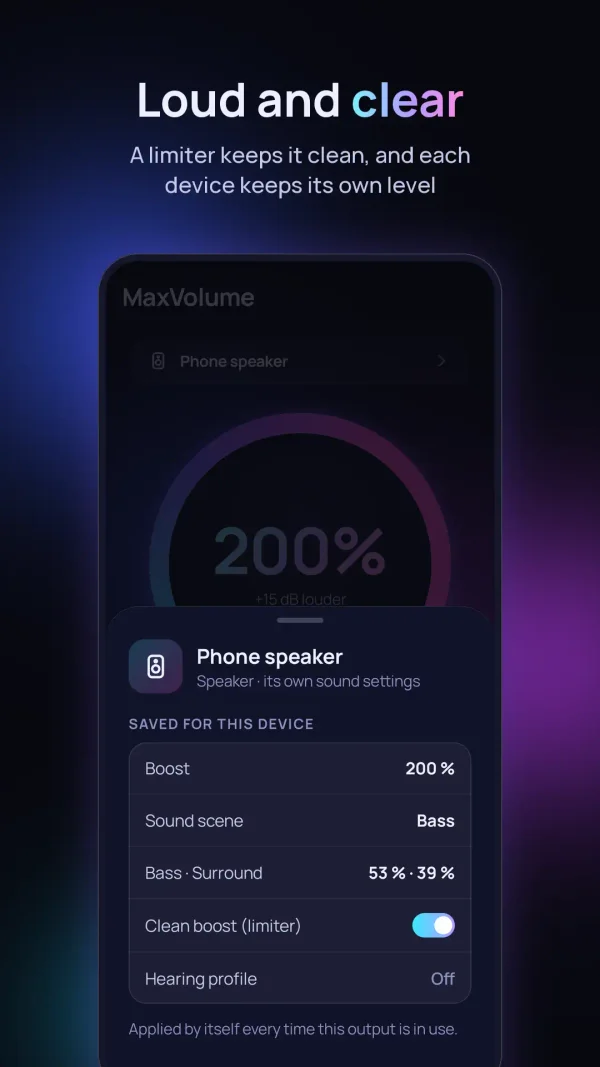
ノイズなしでスマホの音量を上げましょう。MaxVolumeは音楽、動画、ポッドキャスト、ゲームの音量を最大200%までブーストし、内蔵のリミッターでクリアなサウンドを維持します。
音量ブースター
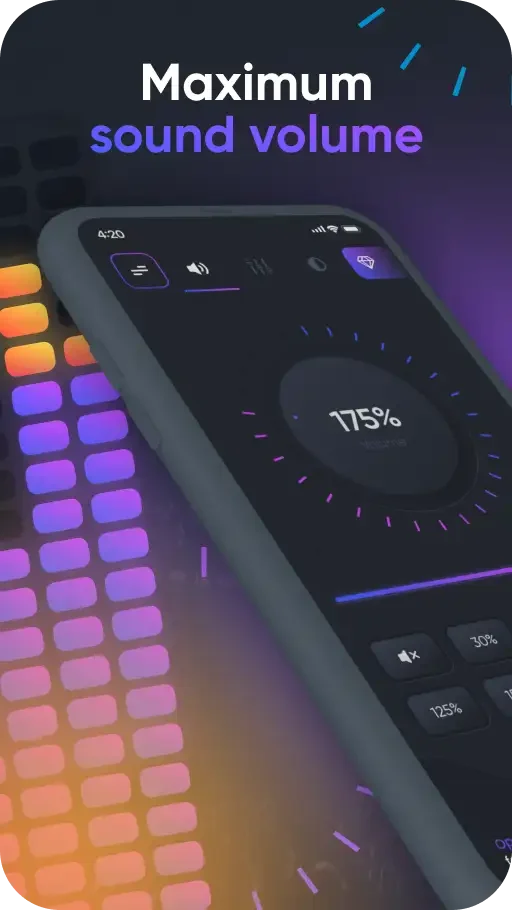
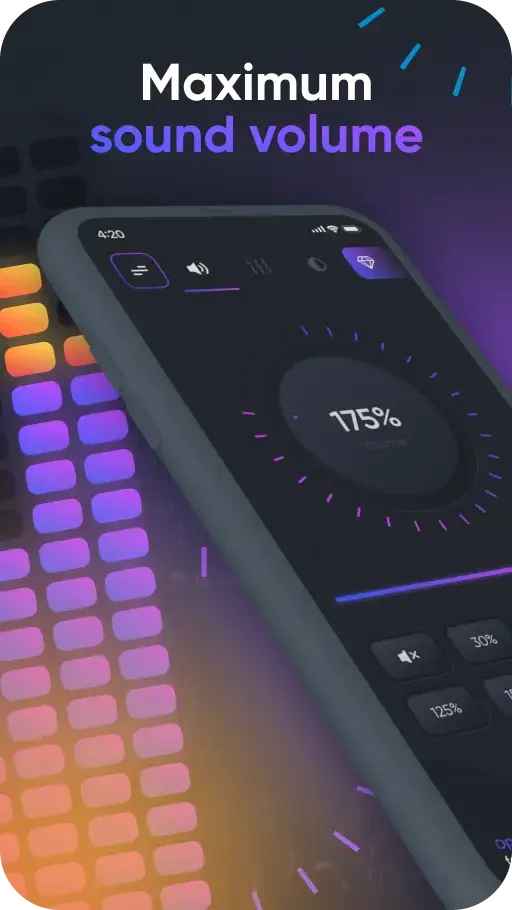
• スマホのスピーカー、ヘッドホン、Bluetoothスピーカー、車載スピーカーの音量を最大200%(+15dB)までブーストできます。
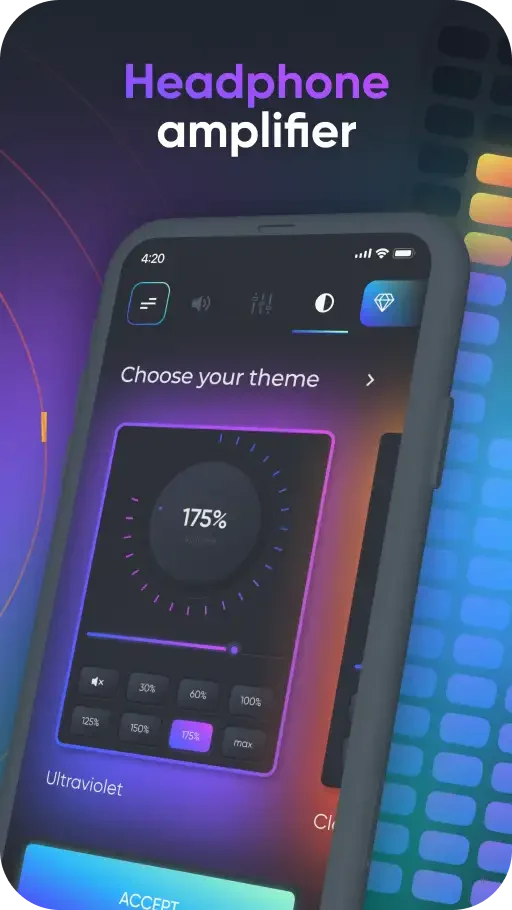
• リングを指1本で回すか、125%、150%、175%、または最大レベルをタップしてください。
• リミッターにより、歪みのないクリアなサウンドを維持します。
• 画面がオフの状態でもバックグラウンドでブーストが動作し、再起動後も自動的に再開します。通知から直接設定を変更できます。
• 各デバイスはそれぞれの音量レベルを記憶します。イヤホン、スマホのスピーカー、車載スピーカーは接続するとすぐに最適な音量で再生されます。
• 既存のアプリと連携して動作します。ルート化は不要です。
イコライザーと低音
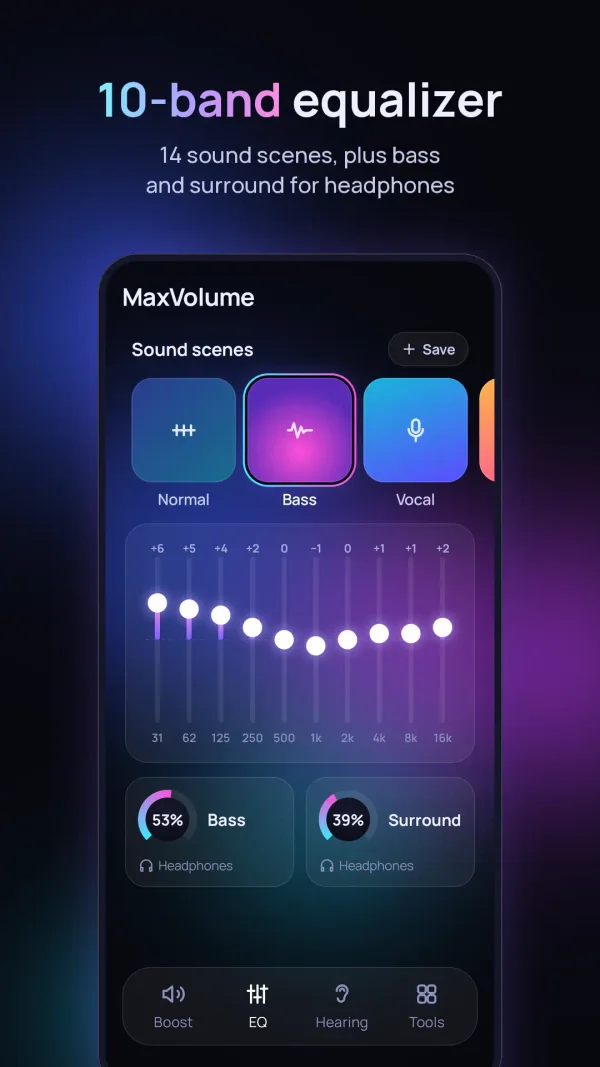
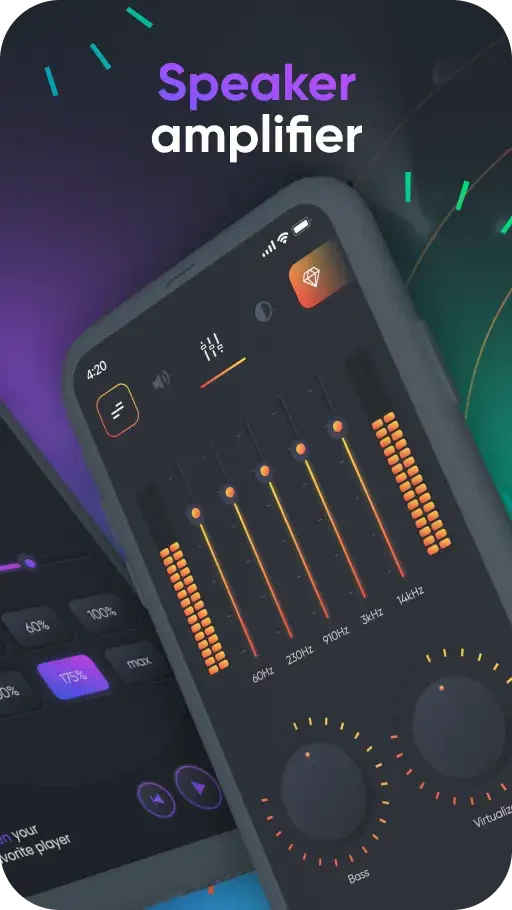
• 31Hzの重低音から16kHzのクリアな高音まで調整可能な10バンドイコライザー。
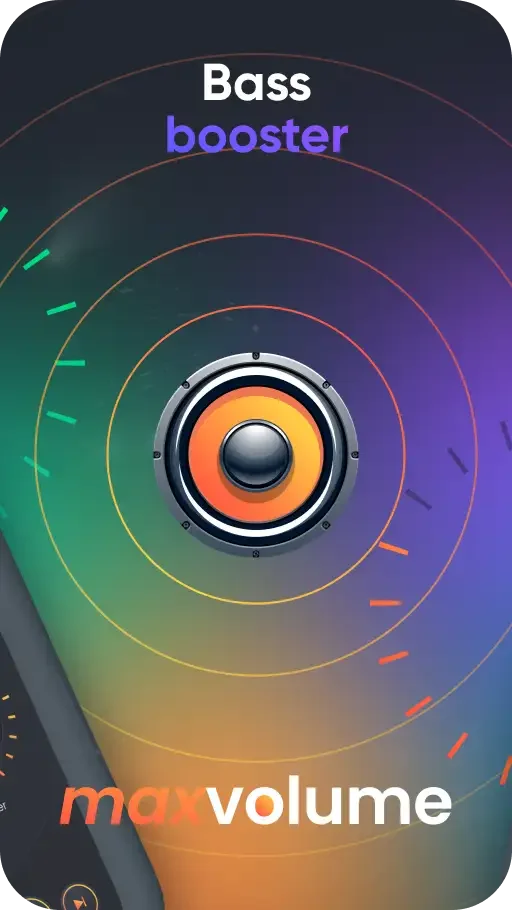
• ヘッドホン用の低音ブースターとサラウンドサウンド。
• ベース、車、映画館、ポッドキャスト、ロック、ジャズ、ナイトなど、14種類のサウンドシーン。独自のサウンドシーンも保存可能。
聴力チェック
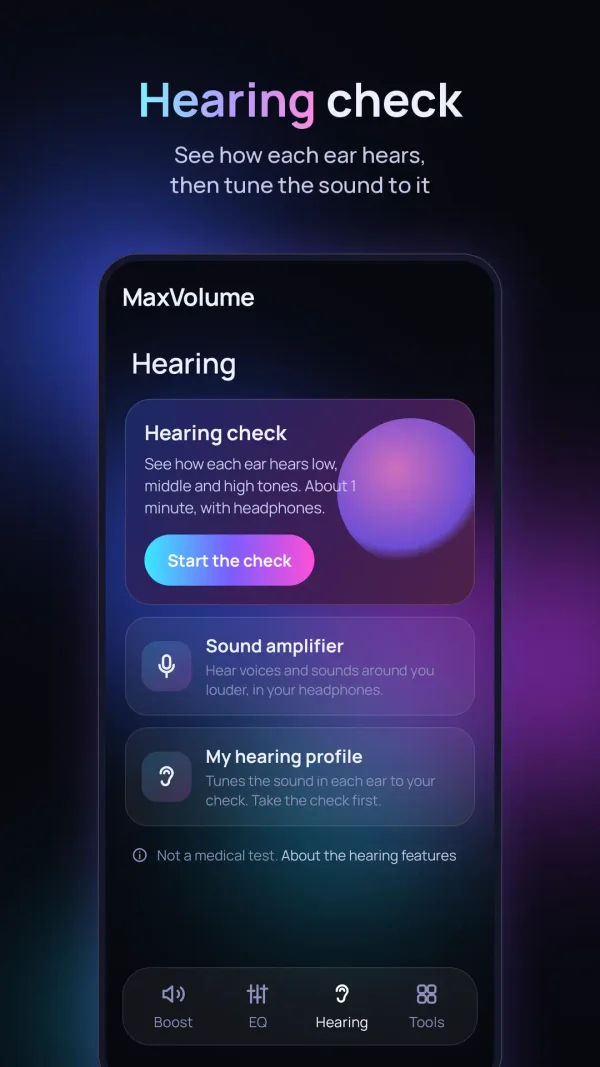
• 聴力チェック:ヘッドホンを装着して約1分で、左右の耳の低音、中音、高音の聞こえ方をチェックできます。
• 聴力プロファイル:チェック結果に基づいて、左右の耳のサウンドを最適化します。
• サウンドアンプ:周囲の雑音を低減し、会話モードも搭載。ヘッドホンで周囲の声や音をより大きく聞くことができます。
ツール
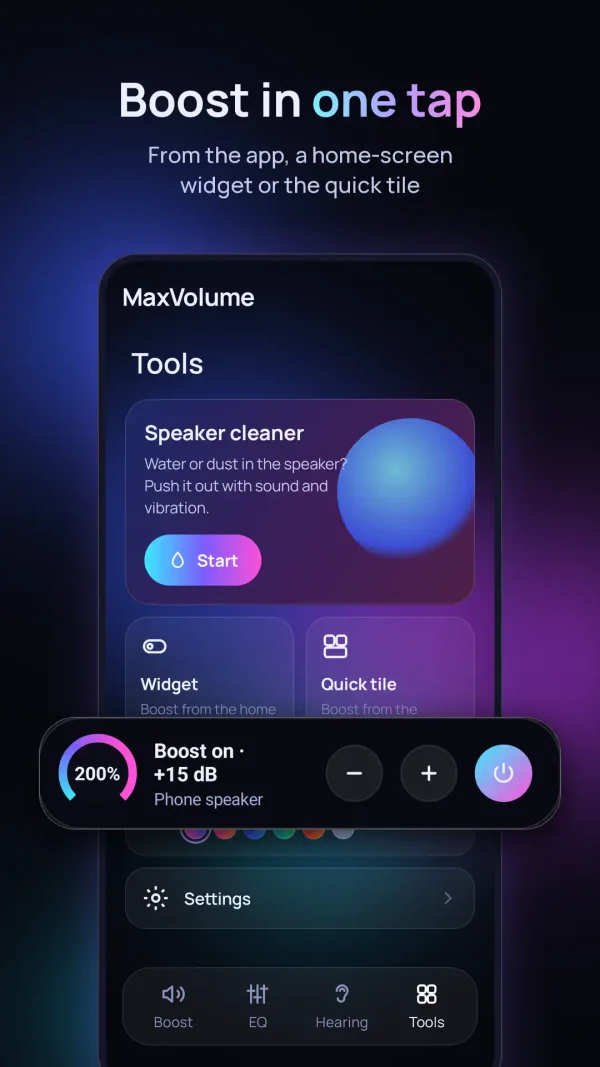
• スピーカークリーナー:スピーカーに水や埃が入りましたか?自動、トーン、バイブレーションモードで、音と振動で押し出します。
• ホーム画面ウィジェットとクイック設定タイル:アプリを開かずにブーストできます。
• 6つのテーマ:オーロラ、サンセット、オーシャン、エメラルド、エンバー、フロスト。
無料、プレミアム、VIP
MaxVolumeは広告付きで無料でご利用いただけます。広告は音声を再生しません。無料版では、ブースト、イコライザー、聴力チェック、スピーカークリーナーが利用できます。短い広告を視聴すると、MaxVolumeを30分間無料でご利用いただけます。
プレミアム版では、広告が削除され、Maxブースト、低音とサラウンド、すべてのサウンドシーンと独自のサウンドシーン、デバイスプロファイル、ウィジェット、タイル、テーマが利用可能になります。VIP版では、さらにマイ聴力プロファイルとサウンドアンプが追加されます。
サブスクリプションは、Google Playでキャンセルするまで自動的に更新されます。
ご注意ください
長時間大音量で音楽を聴くと、聴力やスピーカーに悪影響を与える可能性があります。最初は音量を小さくして、ブーストを段階的に上げてください。聴力チェックは校正されておらず、医療検査ではありません。
プライバシーポリシー:https://artpoldev.com/privacy.html
利用規約:https://artpoldev.com/terms.html
原文を表示
Make your phone louder without the crackle. MaxVolume boosts music, videos, podcasts and games up to 200%, and a built-in limiter keeps loud sound clean.
Volume booster
• Boost the volume up to 200% (+15 dB) on the phone speaker, headphones, Bluetooth speakers and in the car.
• Turn the ring with one finger, or tap a level: 125%, 150%, 175% or Max.
• The limiter keeps loud sound clean, without distortion.
• The boost keeps working in the background with the screen off and comes back after a restart. Change it right from the notification.
• Each device remembers its own level: your earbuds, the phone speaker and your car get the right volume as soon as they connect.
• Works on top of the apps you already use. No root needed.
Equalizer and bass
• A 10-band equalizer, from deep bass at 31 Hz to crisp highs at 16 kHz.
• Bass booster and surround sound for headphones.
• 14 sound scenes, from Bass, Car and Cinema to Podcast, Rock, Jazz and Night. Save your own as well.
Hearing
• Hearing check: in about a minute, with headphones, see how each ear hears low, middle and high tones.
• My hearing profile tunes the sound in each ear to your check.
• Sound amplifier: hear voices and sounds around you louder in your headphones, with background noise reduction and a conversation mode.
Tools
• Speaker cleaner: water or dust in the speaker? Push it out with sound and vibration, in Auto, Tone or Vibrate mode.
• A home-screen widget and a quick settings tile: boost without opening the app.
• Six themes: Aurora, Sunset, Ocean, Emerald, Ember and Frost.
Free, Premium and VIP
MaxVolume is free to use with ads, and its ads never play sound. Free covers the boost, the equalizer, the hearing check and the speaker cleaner. Watch a short ad to unlock Max for 30 minutes.
Premium removes the ads and unlocks Max boost, bass and surround, every sound scene and your own, device profiles, the widget, the tile and the themes. VIP adds My hearing profile and the sound amplifier.
Subscriptions renew automatically until you cancel them in Google Play.
Listen with care
Long listening at high volume can harm your hearing and your speakers. Start low and raise the boost step by step. The hearing check is not calibrated and is not a medical test.
Privacy Policy: https://artpoldev.com/privacy.html
Terms of Use: https://artpoldev.com/terms.html
データ セーフティ
このアプリが収集・共有するデータについて、ArtpoldevがGoogle Playで申告している内容です。
- このアプリはサードパーティと以下の種類のデータを共有することがあります位置情報、アプリのアクティビティ、他 2 件
- このアプリは以下の種類のデータを収集することがあります財務情報、アプリのアクティビティ、他 2 件
- データは送信中に暗号化されます
- データを削除できません
新機能
バージョン 2.2 · 2026/11/23
Bug fixes and performance improvements.
開発元の連絡先
- メールsupport.maxvolume@artpoldev.com
- プライバシーポリシーpages.flycricket.io
- 住所Ul. Młynarska 42-115 01-171 Warszawa Poland
情報
- 提供元
- Artpoldev
- カテゴリ
- 音楽&オーディオ
- バージョン
- 2.2
- 更新日
- 2026/11/23
- リリース
- 2022/10/3
- 必要条件
- Android 8.0以降
- 対象年齢
- 3 歳以上
- 価格
- 無料
- アプリ内課金
- ¥1,350~¥3,380/アイテム
- パッケージ名
- extra.volume.booster