Wildflower Steps Watch Face
Monkey's Dream- EveryoneAge rating
- PersonalizationCategory
- Oct 2, 2026Updated
- $1.49Price
Links to the official Google Play listing of com.watchfacestudio.wildflowerstepswatchface. Last checked on Nov 23, 2026.

Screenshots

About this app
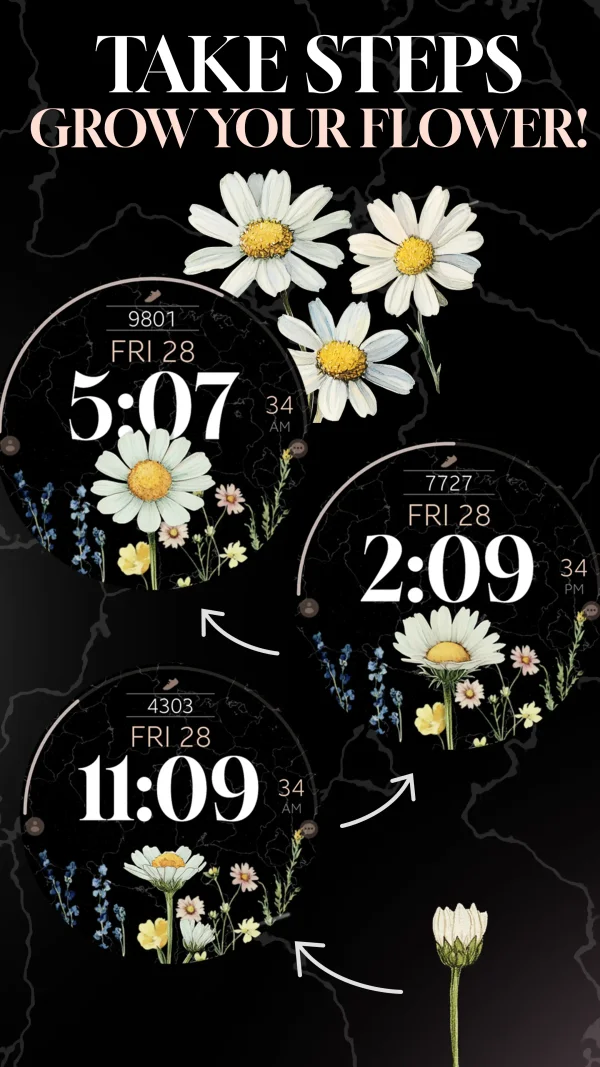
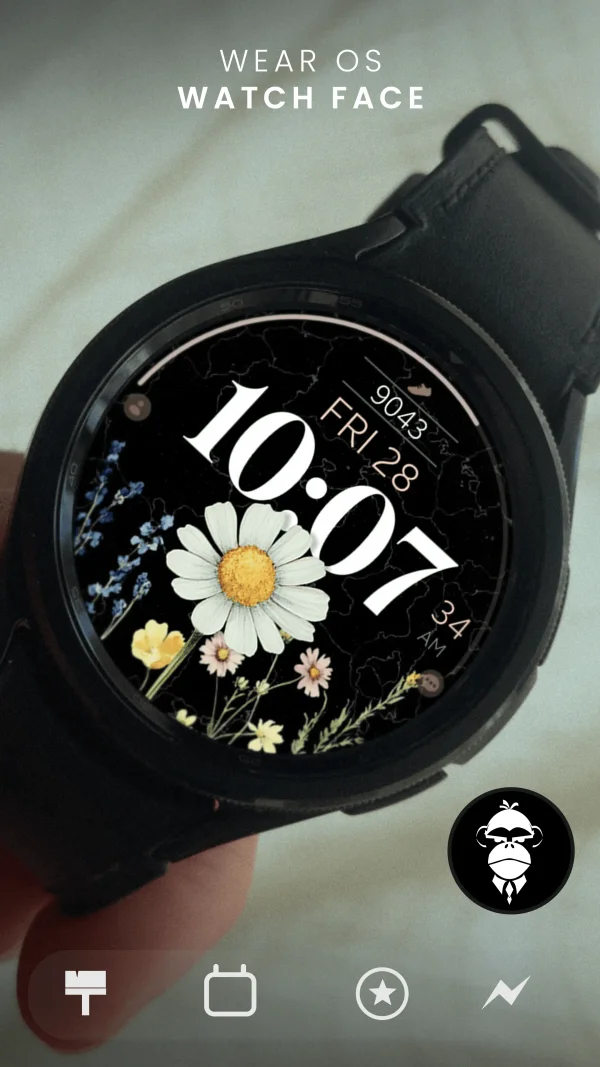
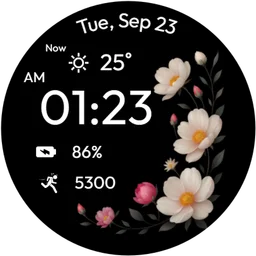
Wildflower digital watch face for Wear OS: Daisy grows with your daily steps.
Take steps, grow your wildflower!
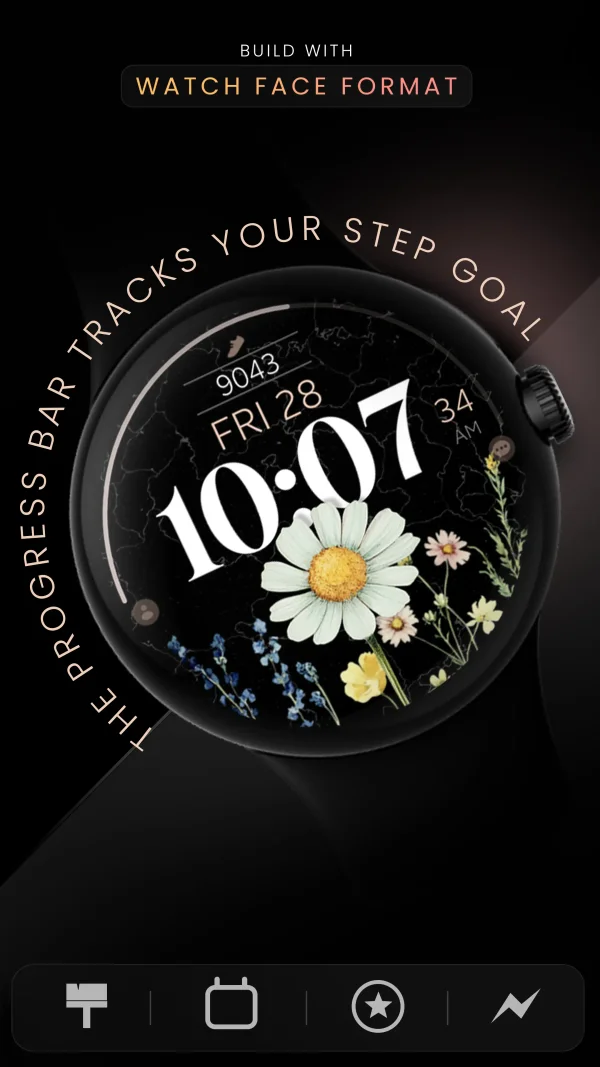
- Built with Watch Face Format
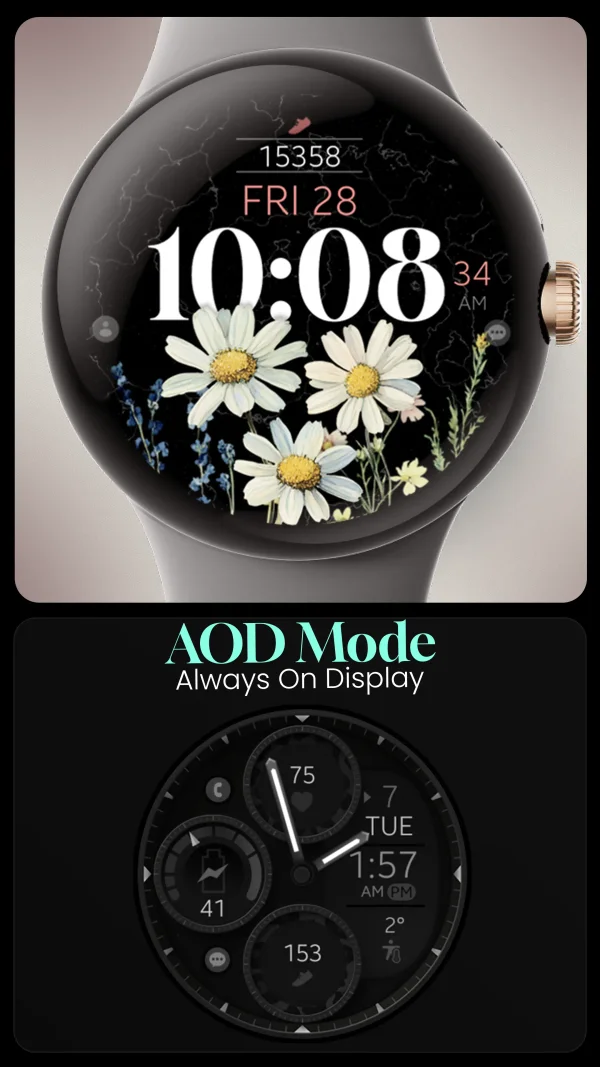
This modern digital watch face for Wear OS combines a daisy flower design with practical step tracking. The daisy blooms as you walk closer to your daily step goal, accompanied by a clear progress bar to keep you motivated.
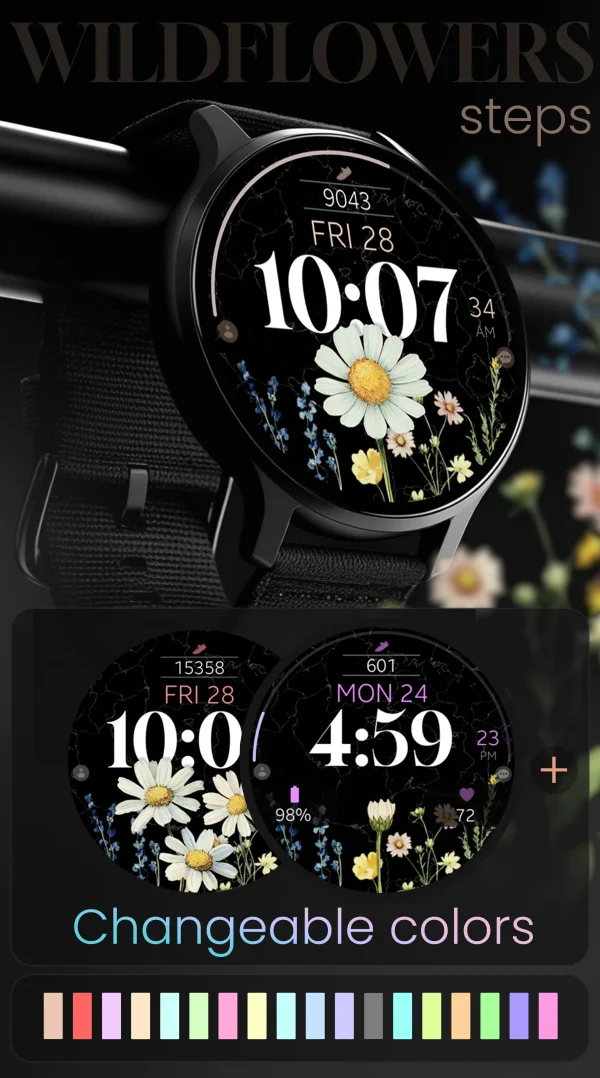
Featuring big numbers, customizable colors, a subtle background of wildflowers, and a clean floral style, it adds both elegance and motivation to your smartwatch.
Key Features:
- Day and date
- Changeable colors
- Time format 12/24h
- Progress bar: Step goal
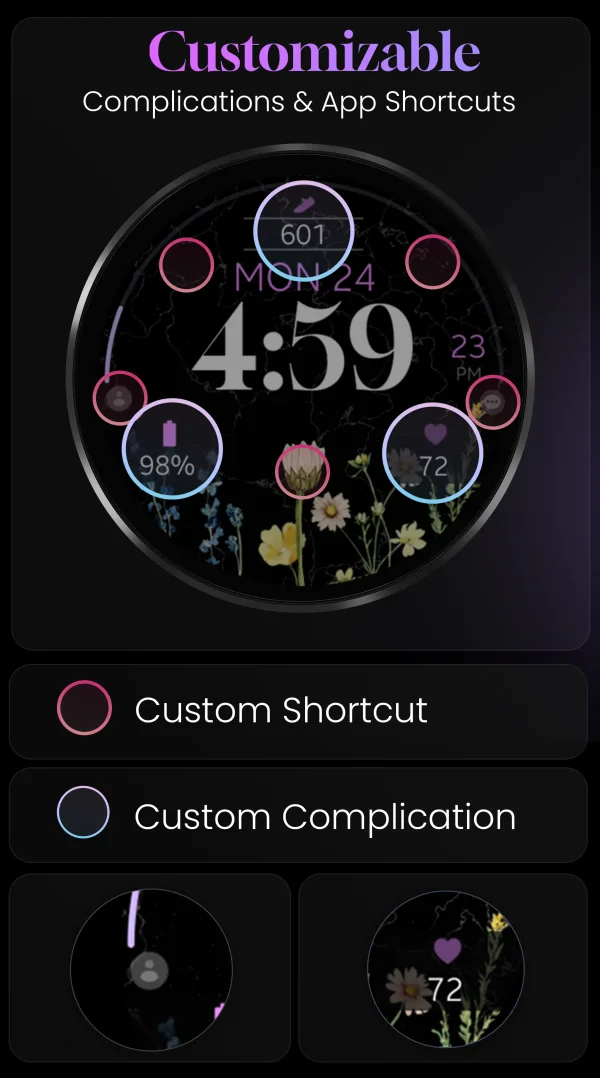
- x5 App custom shortcuts for quick access
- x3 Customizable complications
- AOD mode
Compatible with all Wear OS devices API 33+ including Google Pixel Watch, Samsung Galaxy Watch 7, 6, 5 and more.
Not Suitable for Rectangular Watches
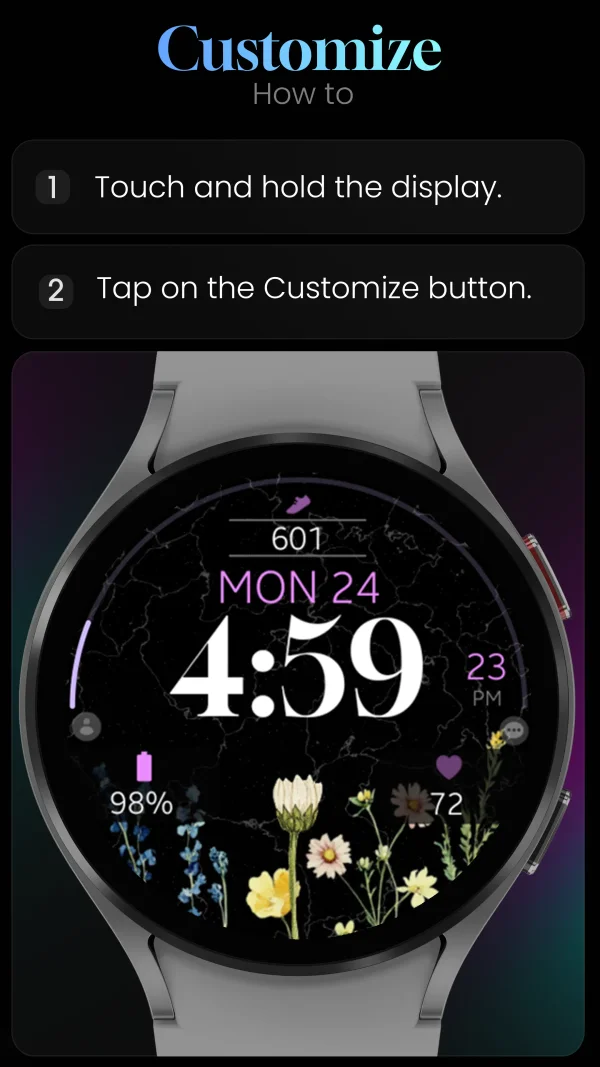
Customization
1. Tap and hold on your watch display.
2. Select "Customize".
Need Assistance?
- Installation Guide: https://www.monkeysdream.com/install-watch-face-wear-os
- Support: info@monkeysdream.com
Stay Connected:
- Website: https://www.monkeysdream.com
- Instagram: https://www.instagram.com/monkeysdreamofficial
- Newsletter: https://www.monkeysdream.com/newsletter
Data safety
What Monkey's Dream declares on Google Play about the data this app collects and shares.
- No data shared with third partiesLearn more about how developers declare sharing
- No data collectedLearn more about how developers declare collection
What’s new
Oct 2, 2026
- Various Bug Fixes and Improvements.
Developer contact
- Websitemonkeysdream.com
- Emailinfo@monkeysdream.com
- Privacy policymonkeysdream.com
- AddressNeuwieser Weg 7 56288 Kastellaun Germany
Information
- Offered by
- Monkey's Dream
- Category
- Personalization
- Updated
- Oct 2, 2026
- Released
- Mar 24, 2025
- Age rating
- Everyone
- Price
- $1.49
- Package name
- com.watchfacestudio.wildflowerstepswatchface
Similar apps
-
 TVV Spring 2 Watch Face
Personalization
-
 TVV Luxury Flowers Watch Face
Personalization
-
 Minimalist Blossom Daisy Watch
Personalization
-
 Flower Animated watch face
Personalization
-
 Realistic SpringTime Flowers
Personalization
-
 Cute Floral Aesthetic Watch
Personalization
-
 Cherry Blossom WatchFace
Personalization
-
 Colorful Bloom WatchFace
Personalization
-
 Spring Bloom Watch
Personalization
-
 Rose Flower
Personalization
-
 Simple Wildflowers Watch Face
Personalization
-
 Classic Floral WatchFace
Personalization