Wireless Display
FlavappContains ads
- EveryoneAge rating
- Libraries & DemoCategory
- Oct 16, 2026Updated
- FreePrice
Links to the official Google Play listing of com.WifiDisplay.TV. Last checked on Nov 27, 2026.
Screenshots
About this app
With the Wireless Display now is easier to Connect Phone To TV App.
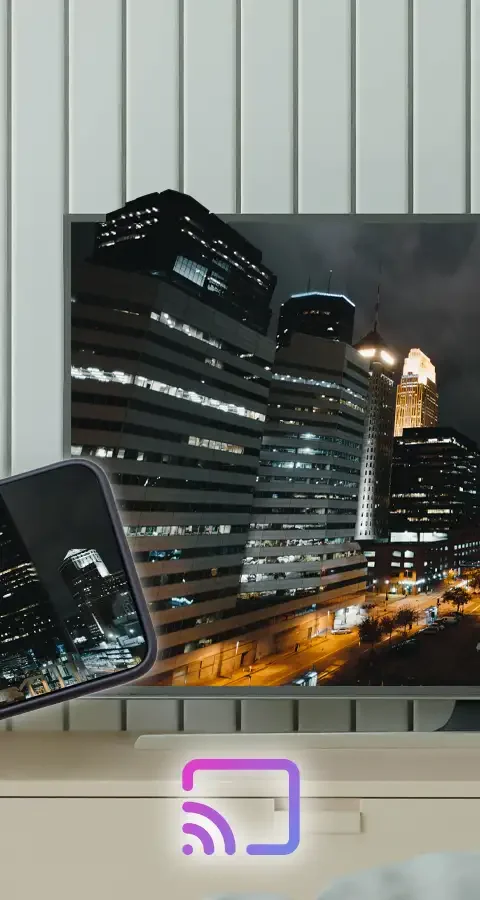
Little smartphone and tablet screens are good on the run, but when you’re in your family area then why not use your TV’s much larger screen instead? Sharing your phone screen With the Television now is easier with this Connect Phone To TV App.
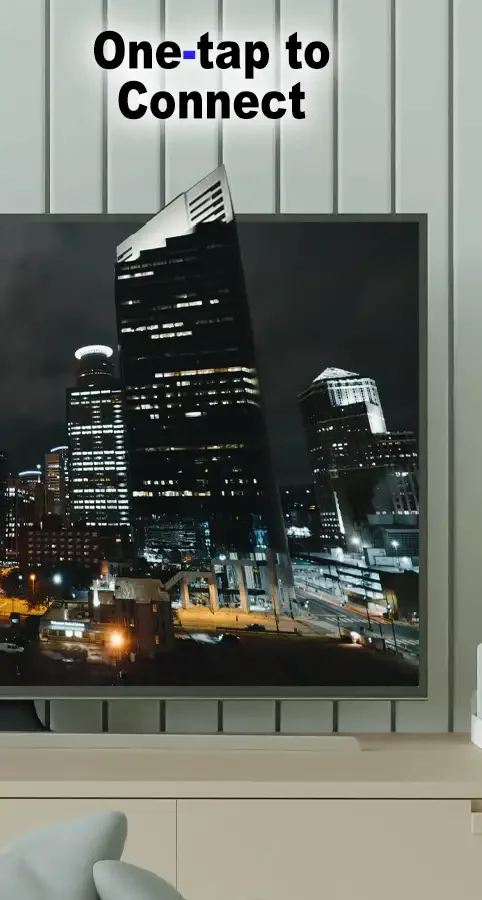
Easy to use, just choose your all-media and press to play, a step to play it on your TV!
Anytime and anywhere, from any device's Wireless Display enjoy
with your friends and family with Wireless Display on your wifi phone
stream, you can play your favorite photos, videos, and music any
the way you like, like all screen TV nearby. Moments with everyone to
see and hear
Features:
* Cast Android screen to TV screen (Smart TV must support Wireless Display / Miracast).
* Find devices support show screencast in the current wifi network.
* The custom curve of the phone corner and quick access to the application form notification bar.
- Simply open the application, and tap Start "WiFi Display" and then sync
your device to the desired display which you want to mirror your screen
- This app will help you scan and reflect your phone's screen or Android
tab on TV / Display (cast Mira enabled) or Wireless dongles or
adapters
Please follow the steps below to display your mobile screen on your TV:
* - Make sure your TV and your Phone are Connected to the same wifi network
* - Enable Miracast Display on your TV
* - Enable Wireless Display option on your phone
* - Click Select button and choose your TV
* - Enjoy!
Screen Mirroring is supported by all Android devices and Android Versions.
Data safety
What Flavapp declares on Google Play about the data this app collects and shares.
- This app may share these data types with third partiesLocation, App activity and 2 others
- This app may collect these data typesLocation, App activity and 2 others
- Data is encrypted in transit
- Data can’t be deleted
Developer contact
- Websiteflavapp.online
- Emailinfo@flavapp.online
- Privacy policyflavapp.online
- AddressN5 RUE 3 QU ANAS Safi 46000 Morocco
Information
- Offered by
- Flavapp
- Category
- Libraries & Demo
- Version
- 39.0.0
- Updated
- Oct 16, 2026
- Released
- Jun 24, 2020
- Requires
- Android 7.0 or later
- Age rating
- Everyone
- Price
- Free
- Package name
- com.WifiDisplay.TV
Similar apps
-
 Hexfit Go
Health & Fitness
-
 JYouPro - Fitness Tracker
Health & Fitness
-
 BLEUSALT
Shopping
-
 Specialized
Health & Fitness
-
 Supercars App
Sports
-
 NETGEAR Orbi – WiFi System App
Tools
-
 Airofit
Health & Fitness
-
 On Piste
Sports
-
 Jostle
Business
-
 SmartRace for Carrera Digital
Entertainment
-
 Sector Alarm
House & Home